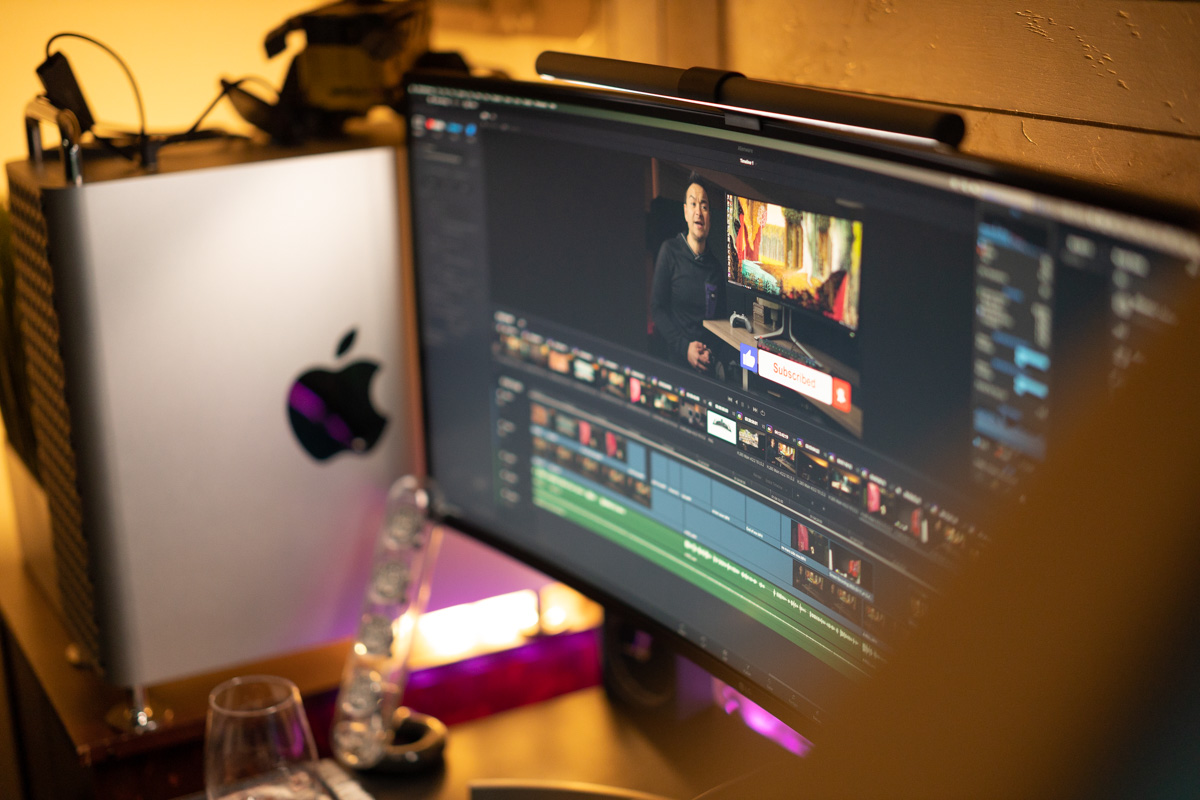
In my studio, I started to get eye strain after long hours of photo retouching and video production. My desk is black and I like keeping the lights way down, but I frequently knock over the stylus for my Wacom tablet, or even worse, my favorite beverage. I had seen these screen bars before but didn't think they were for me, fearing they would disrupt my color accuracy for my displays, or just be more annoying. I have to say, this accessory is a game-changer for me. The amount of light is adjustable, and you can change the color temperature very easily from the adjustable knob. You can also adjust the angle for how the LED light shines down on your desk; it never shines directly on your monitor, and you can angle it pretty far out onto your desk. It's been a huge shift in my productivity. I am able to work for longer without feeling my eyes hurt. I highly recommend checking out the Screenbar Plus from BenQ.
I use one with my Eizo CS2740 monitor, but the top of the monitor is a little bit too thick and the light bar therefore points a little bit too far back toward the screen. It worked very well on a thinner Dell monitor that I had before the Eizo.
The light is dimmable and seems to be flicker free when dimmed; certainly nothing obvious like you get with cheap LED dimmers.
BTW, you might find your colour perception is improved by switching off the blue and purple background lights. You probably would not be conscious of the effect it has.
Yea, actually those LED light strips in the back go through all the colors over a minute or so... it's not stuck on purple. I typically change it to a standard color for photo editing, but for the photo I changed it to RGB
I prefer to work in a neutral colored rooom with a decent amount of indirect lighting so that 100-110 nits looks right. Your room looks quite dark and uneven to me, so I can see that vertical might help if it has a high CRI and adjustable color temperature. If the color is not good then it could creat a conflict with the neutrals on the display.
In principle, the shade hood is important and beneficial. However, if the light you want to shade is too far behind you or too low then the hood will not work as intended. Also, the light bar allows you to switch off the room light so that a hood may not be required.
I absolutely love mine! That said, like a poster above, my monitor itself seems to sort of pivot the bar a bit too much towards the screen. The bar itself is great but the monitor stand is a bit wide in the center and thus the weighted "mount" cannot fully pull the bar itself to the correct angle. That said, I absolutely, without a doubt love this Screenbar!
Sometimes I use it while editing but where I truly find it a huge convenience is when I'm dealing with paperwork. This is extremely bright and throws light all amongst my desk as shown in the photo. This greatly reduces eye strain when dealing with papers. The glare, if any, is minimal.
And before anyone complains about the red light in the above photo and color accuracy, this is typically my "gaming setup" and I eliminate the colored light while editing.



 .
.