Mark Metternich
Offline
• • • • • •
Upload & Sell: On
|
My sister went to heaven 🙏🏼 about 20 minutes before I took this nearly 4-minute exposure, all alone, as the fog was rolling in and wonderful reddish light cut through the fall cypress tree swamp. The long exposure photo I was taking the very moment I got the text notice of her passing (NOT shown here) was so surreal, I knew something strange was going on, and I knew I would also dedicate that one to her as well (once I get the courage to process it, because I want it perfect, to do justice in dedication to her). So, here is 1 of eventually 2, I will produce for my sister Teresa.
I love you Teresa! ❤️ We all sorely miss you!
Make sure you tell them how much you love them! ❤️ 👍🏼 ✌🏼
———————————————————————————
*The second photo is my sister Teresa, who was one of my best friends and greatest inspirations/mentors in my life. She always pointed me to faith, and she lived her life solely for others, relentlessly serving her family, friends, neighbors, the downtrodden, the outcast, community, church, and so much more with a heart that is rarely seen in this world!
———————————————————————————
Technicals for the Techie Minded:
The image is a blend of two images shot back to back.
One taken at 240 seconds, f/64, 50 ISO (for long exposure effects as the fog rolled in and light cut through).
The second exposure was taken immediately next to still any potential foliage, taken at 2.0 seconds, f/8, ISO 50.
The Adobe Ultimate Quality 32-bit Raw Layer Workflow was used (as always) to push the higher quality, higher bit depth lossless workflow as far as possible.
After all possible adjustments were made to the long exposure file in Camera Raw, all the same settings were also applied to the shorter exposure.
Then the exposures were matched by adjusting the exposure slider on the shorter exposure to match the long exposure (using the Toggle Sample Overlay tool in Camera Raw (where is that in Lightroom?) to get the exact RGB values for an area in both images at the same time).
Once the exposures were matched, I brought into Photoshop the long exposure as a Raw "Smart Object."
Next, I changed the Photoshop Workspace to 32-bit.
Then I duplicated the Raw Layer and swapped out the top layer duplicate Raw Layer, by replacing its contents, allowing me to bring in the shorter exposure Raw Layer into the stack.
Putting a Black Mask (hide) on it and using the brush tool (soft) I simply dappled in a few areas here and there where foliage was obviously blurred.
I also went through all 10 Vintage, 10 Modern, and 8 Creative Adobe Profiles to see if any of them would improve the rendering. I pulled a very slight opacity (either locally or globally) from a few of them to improve the rendering.
After a few more correction/tweaks by duplicating a base Raw Layer, pulling it to the top of the stack, always making the adjustments in Camera Raw (not using Photoshop adjustments) and then masking in the correction (black mask, white soft brush) the image was done except a few clean up issues, and so forth.
I love how one can save the entire Raw Layer Stack (just like adjustment layers) in the 32-bit space!
Masks are better, graduation is better, you see no typical no noise build up, no slow degrading of the image, no posterization, a lack of artifacts...
More was done to nit pick and finish off the image (like a few slight independent color channel tweaks in Camera Raw Curves to remove slight color casts (locally or globally) very slight dodges, burns, sponge up in saturation, or sponge down in saturation...) but all adjustments were made using Raw Layers and Camera Raw.
There is more to the story, but for those who are interested, that is a bit of it...
All the best to you and your families! ❤️ 👍🏼 ✌🏼
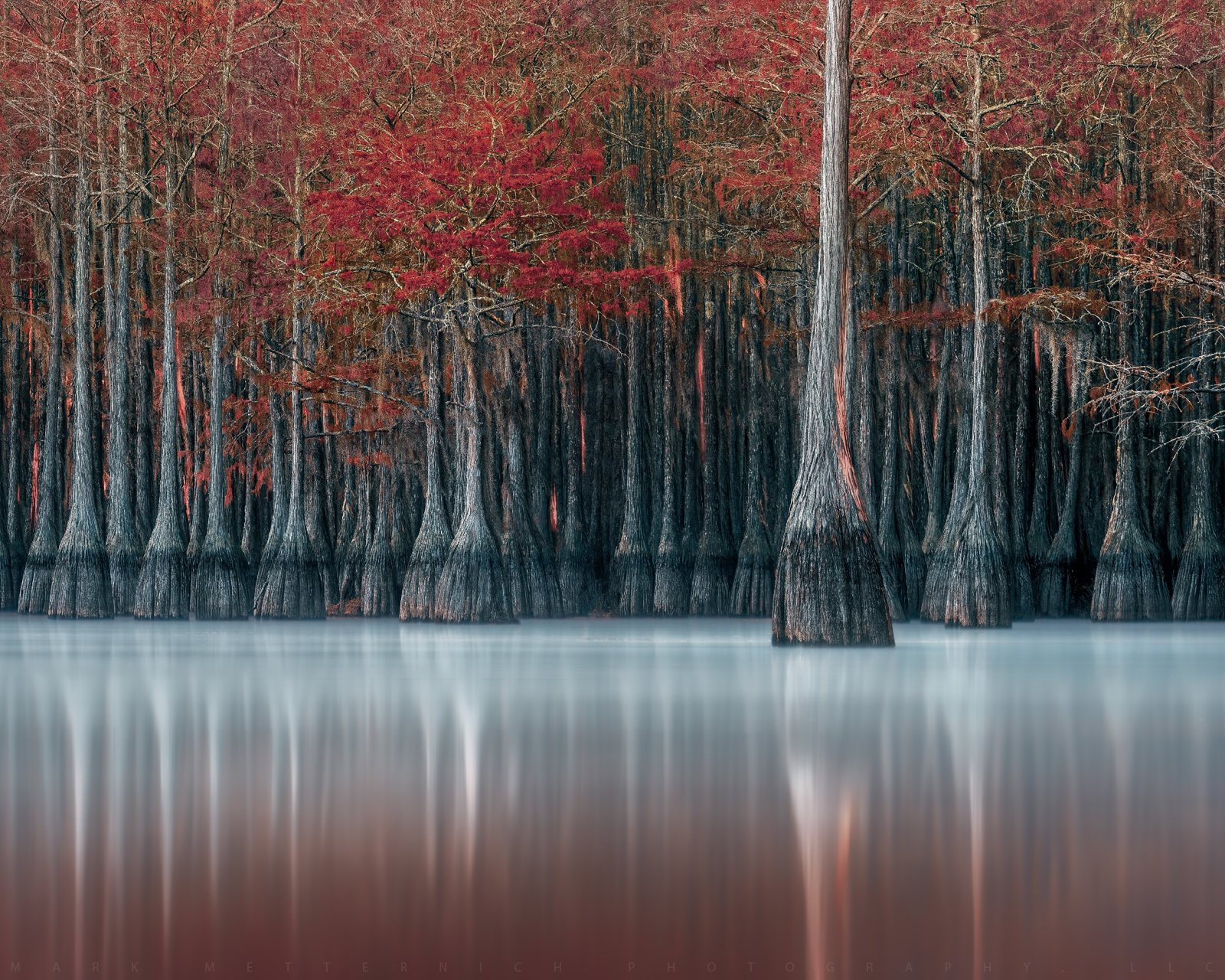
Teresa Tribute 1
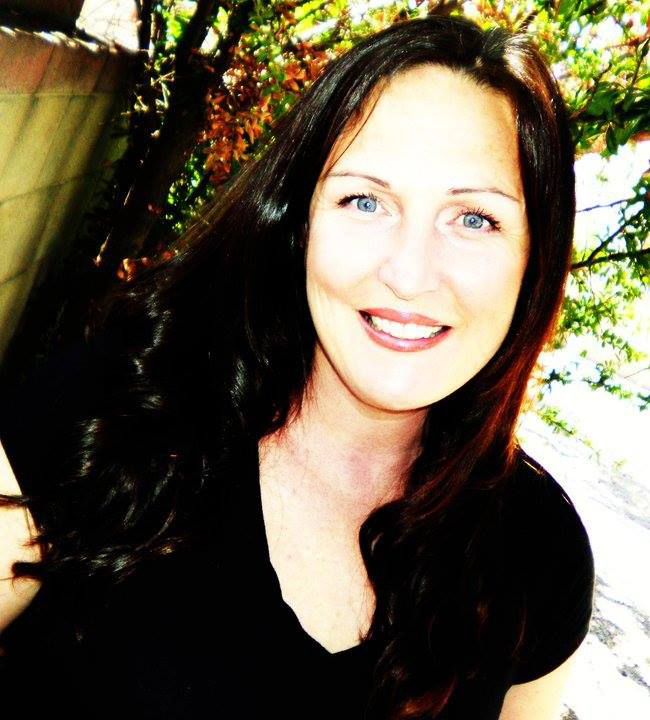
Teresa
Edited on Aug 10, 2021 at 12:04 PM · View previous versions
|


