tradeOfAllJack wrote:
...And same impression about the film simulations above - they show loss of detail in both highlights and shadows, which is an opposite to what the real film actually does. For that reason I much prefer RNI - they somehow recover more detail from the highlights, separate the colours nicely and overall look and feel more like real film to my eye.
Looking at the film simulations that interest me for my Leica M10, particularly for Portra 400 and 800, I don't see RNI recovering more detail in the highlights, nor having the highlight falloff of Portra: the RNI profiles merely squeeze down the dynamic range substantially, particularly at the highlights. That doesn't seem like a "more accurate" film simulation, nor aesthetically more pleasing: actually, I find that I can get where I want to be more easily if I start with the Portra simulations in VSCO 6 Push & Pull or the TAP Kodak package, rather than with RNI. I realize that a good many people like RNI the best, but that's not my experience.
I look forward to seeing how the Cobalt Kodak simulations look. In the meantime, I find myself sitting on the fence with regard to trying the DNG Basic pack first.
____________________ Frog Leaping photobook: https://www.frogleaping.org
Mitch Alland wrote:
Looking at the film simulations that interest me for my Leica M10, particularly for Portra 400 and 800, I don't see RNI recovering more detail in the highlights, nor having the highlight falloff of Portra: the RNI profiles merely squeeze down the dynamic range substantially, particularly at the highlights.
I also own the complete RNI film bundle and I agree with you.
You don't get more highlight detail from it. They just squeeze the histogram.
If that's the look one's after it's a super easy 5 second job using the tone curve: pull down the highlights in the top right corner (+ lift the darks in the bottom left corner if you want that faded look)
Ulysseita wrote:
We updated the Canon Contemporary pack!
I personally have the Canon "Vintage" set. I've owned those cameras for many years and it's cool to see the gorgeous colors from the Canon 5D, Canon 1D and 1DS on my Sony A7R IV raw files.
Feels like traveling back in time.
I am happy to see profiles being tweaked for other emulations based on user feedback. Congratulations to your team!
Fred Miranda wrote:
I personally have the Canon "Vintage" set. I've owned those cameras for many years and it's cool to see the gorgeous colors from the Canon 5D, Canon 1D and 1DS on my Sony A7R IV raw files.
Feels like traveling back in time.
I am happy to see profiles being tweaked for other emulations based on user feedback. Congratulations to your team!
The R5 profiles are much better than the ones you had for the R, good job on fixing that!
We were also briefly talking about the M9 DNG profile I mentioned.
For the M9 I can't show a direct comparison to the original M9 DNG file, but I can show 2 examples that show exactly which range of colors look a bit off to me. I never saw such color shift in the original M9 files.
Cobalt Neutral:
Cobalt M9 DNG:
The fence and orange wall get this ugly greenish tint.
Here's a street example that has similar colors:
Cobalt neutral:
Cobalt M9 DNG:
See how these similar colors again shift towards this yellowish/greenish tint too much.
(Both examples where white balanced after changing the profile so that's not it.)
Whenever I use this profile on photos that don't have colors in that range it looks fine.
I just share this so you know this might be something to look into.
Keep up the nice work.
about the M9, it's a long road...
I own a M9 and I see that in every picture but... if you want to make side by side comparison you can download it from here
some dng, put the "adobe standard", NOT THE DEFAULT ADOBE COLOR, the standard is the beloved profile by Leica users on DNG files since the release of the M9... and on a copy of the same file, put our M9 dng.
You will see the same colors.
And yes, compared to the standard Adobe colors from other newer camera (almost reddish in every part, this is the ADOBE COLOR LUT) seems to be GREEN.
Please check it, perhaps something has slipped through by our checks, and thanks for your review, very appreciated!
Thanks for the constructive conversation about this.
I can't do that exact comparison because I don't own the base profiles for the M9.
However, on that page there's one photo with similar colors I'm talking about:
This is the Adobe standard profile:
Notice how the wall doesn't shift to the green tint as much like in my examples.
When I select the Adobe Color profile I see a similar kind of (slight) shift in that color range:
So to my eyes your M9 DNG profile behaves more like the Adobe Color profile on those specific colors.
Thanks to you, I do love this kind of conversation!
Interesting...
In your example of that same photo the wall behind the bike also shifts towards green, but only very slightly (clearly not as much as on my Sony A9 files).
First is a crop of your Adobe standard example, second your Cobalt M9 DNG:
(open them in separate tabs and keep toggling between the 2, it makes is easier to see)
Your second example doesn't show the specific color range I'm talking about, so looks absolutely fine.
These Kodachrome emulations are awesome, I can‘t stop looking at it Still thinking to switch from C1 to LR just to get this Kodachrome style. Would like to keep C1 but then I need to buy the emulations for each camera I’ve got and will get in the future.
Will there be a Leica SL2-S Basic Pack? That's the camera I shoot with the most. I would like to try out these Cobalt Images profiles/plugins. To me, it makes sense to pickup the Basic Pack for the camera I use the most.
Alpha_Geist wrote:
Will there be a Leica SL2-S Basic Pack? That's the camera I shoot with the most. I would like to try out these Cobalt Images profiles/plugins. To me, it makes sense to pickup the Basic Pack for the camera I use the most.
Yes, the SL2s is in plan!
more samples :
Voigtlander 12mm 5.6 at f8 on Sony A7r3, Color: Cobalt Leica Monochrom CCD Red
Canon 200L at f4 on Sony A7r3, Color: Cobalt Fuji Film Velvia 50
Voigtlander 40 1.2 at 1.4 on Sony A7r3, Color: Cobalt Fuji Film Pro 160
I bought the base package to Capture One 21 and after that I found that additional packages work only in lightroom. Then I bought base package and Kodak Kodakrome to Ligthroom. My lightroom version is 6.14(the last standalone version) and it seems that emulation package can not be installed in that old LR, but base package was installed ok. Now I have Kodak emulation for nothing. What shall i do, return, sell somewhere ..
As stated on the website the support for modular packs starts from LR.7.3.
But you can also use camera raw for the same purpose.
For any inquiry please use the contact form on the website.
haapah wrote:
I bought the base package to Capture One 21 and after that I found that additional packages work only in lightroom. Then I bought base package and Kodak Kodakrome to Ligthroom. My lightroom version is 6.14(the last standalone version) and it seems that emulation package can not be installed in that old LR, but base package was installed ok. Now I have Kodak emulation for nothing. What shall i do, return, sell somewhere ..
Haven't had the chance to test yet the Digital Emulation Packs, but purchased the Adobe Basic Pack.
The "Cobalt Standard" profile is really nice, especially for skin tones , as it removes the yellow/greenish tint otherwise present with the "Adobe Color" profile, which used to be my default profile for anything except landscapes. Great job there !
For landscape photography, I tried the "Cobalt Repro" profile. What I like about it is the flatter feel, with smoother micro contrast compared to the "Adobe Landscape" profile. This results in a somewhat more finished picture. But you have to work harder and the processing steps are slightly different than what I'm used to (the exposure needs to be boosted a lot). Here's a totally unscientific comparison:
(It's easier to see the differences when you switch back and forth between two pictures, hopefully the above is still useful).
Overall a great product, although expensive, especially if you own several cameras that you'd like to match.

 Archive 2021 · Cobalt Profiles


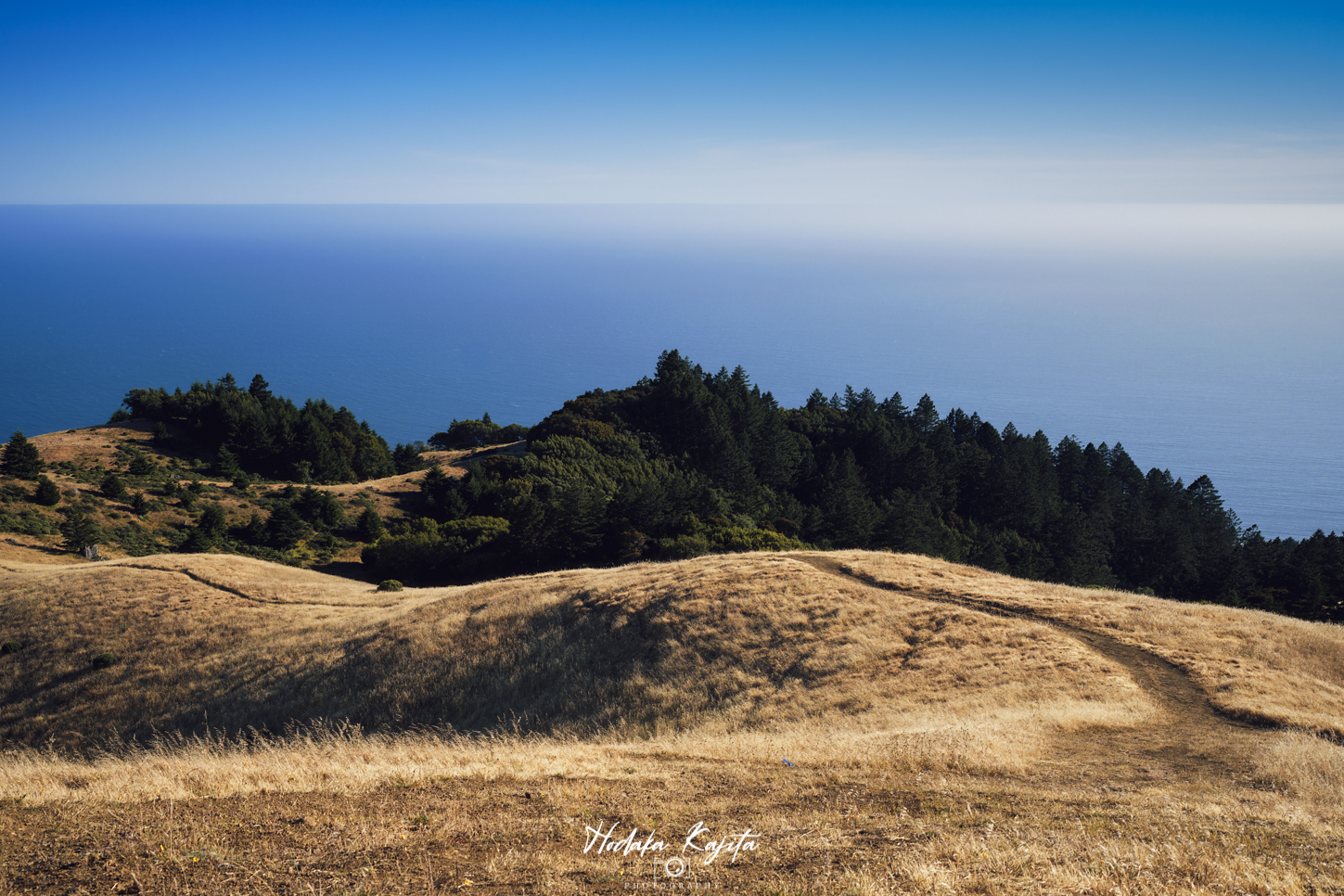
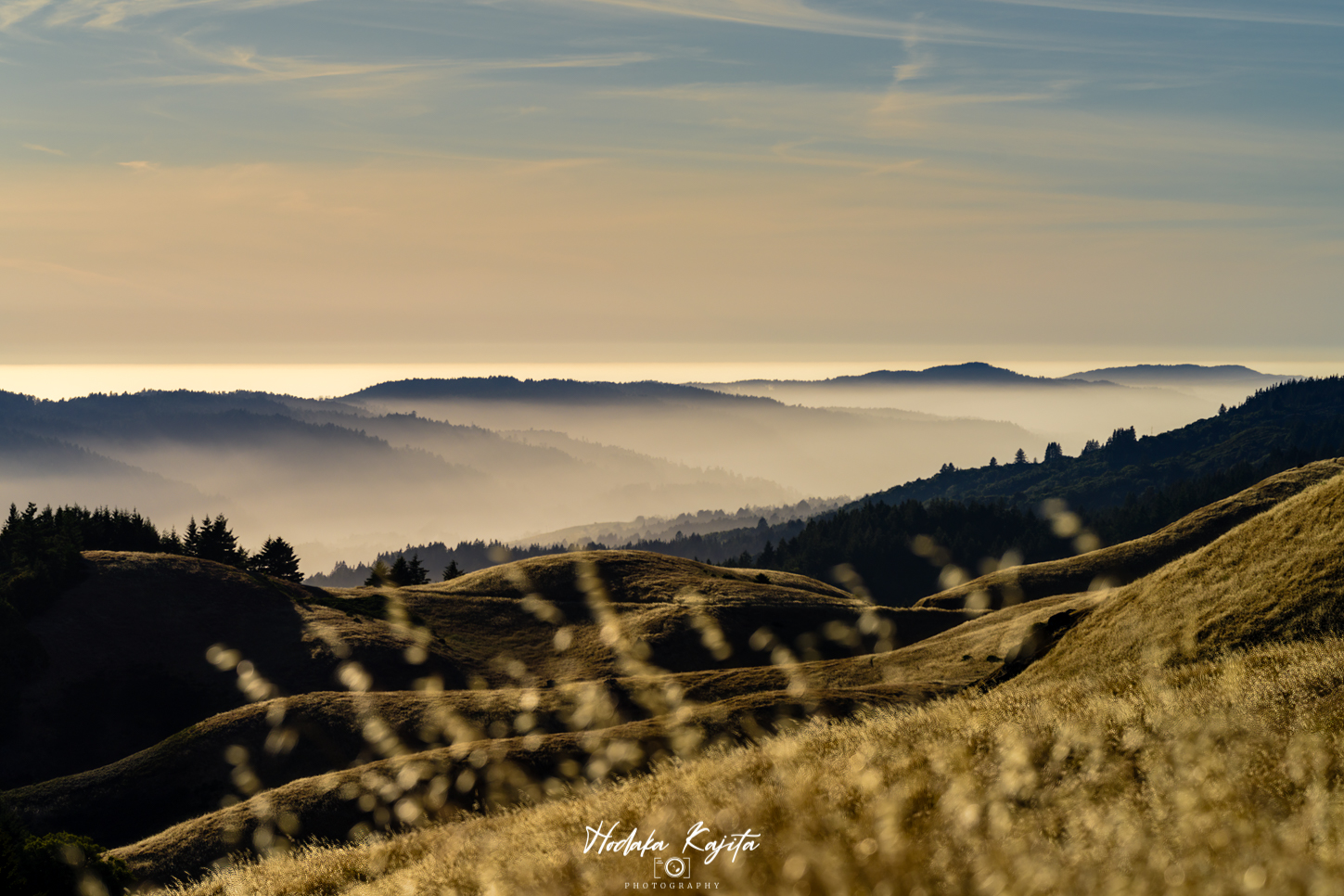

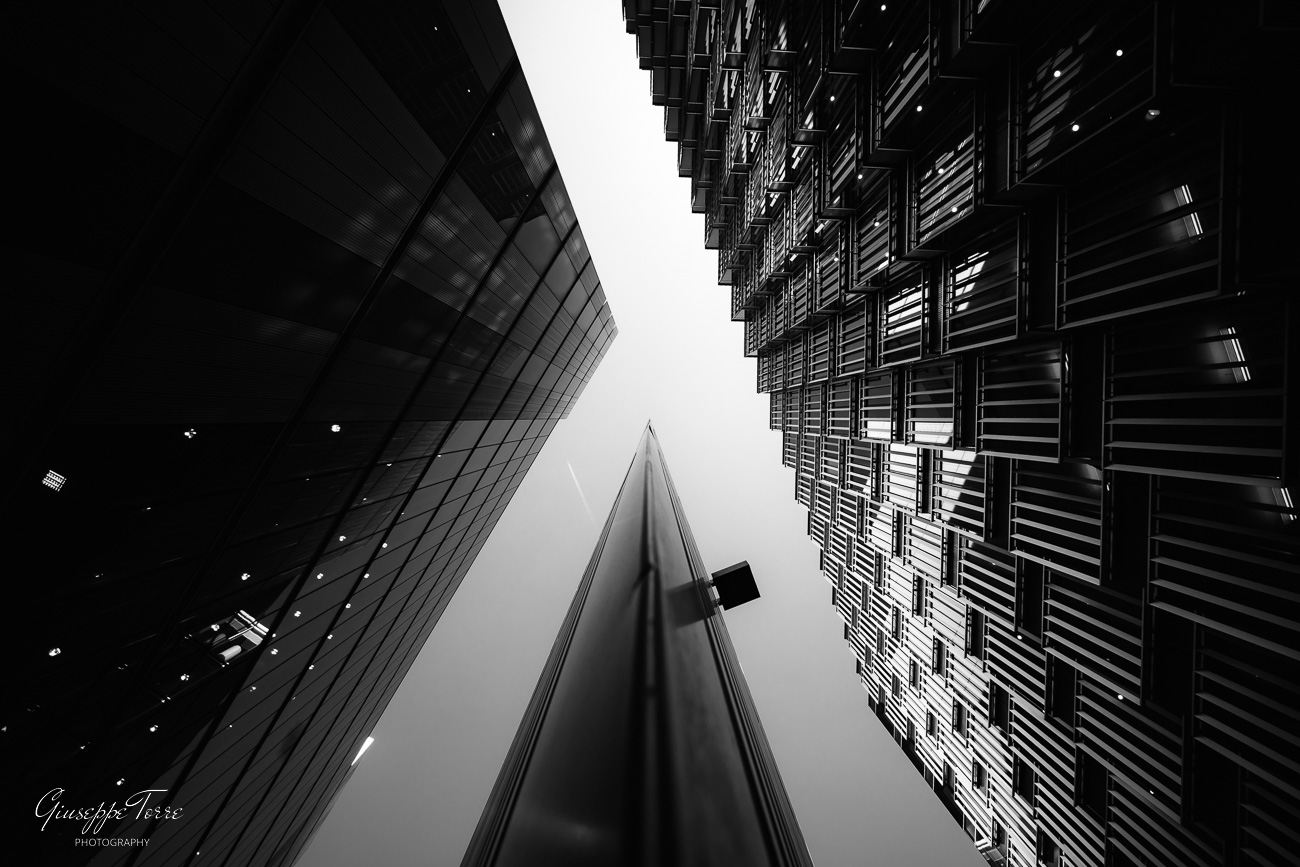
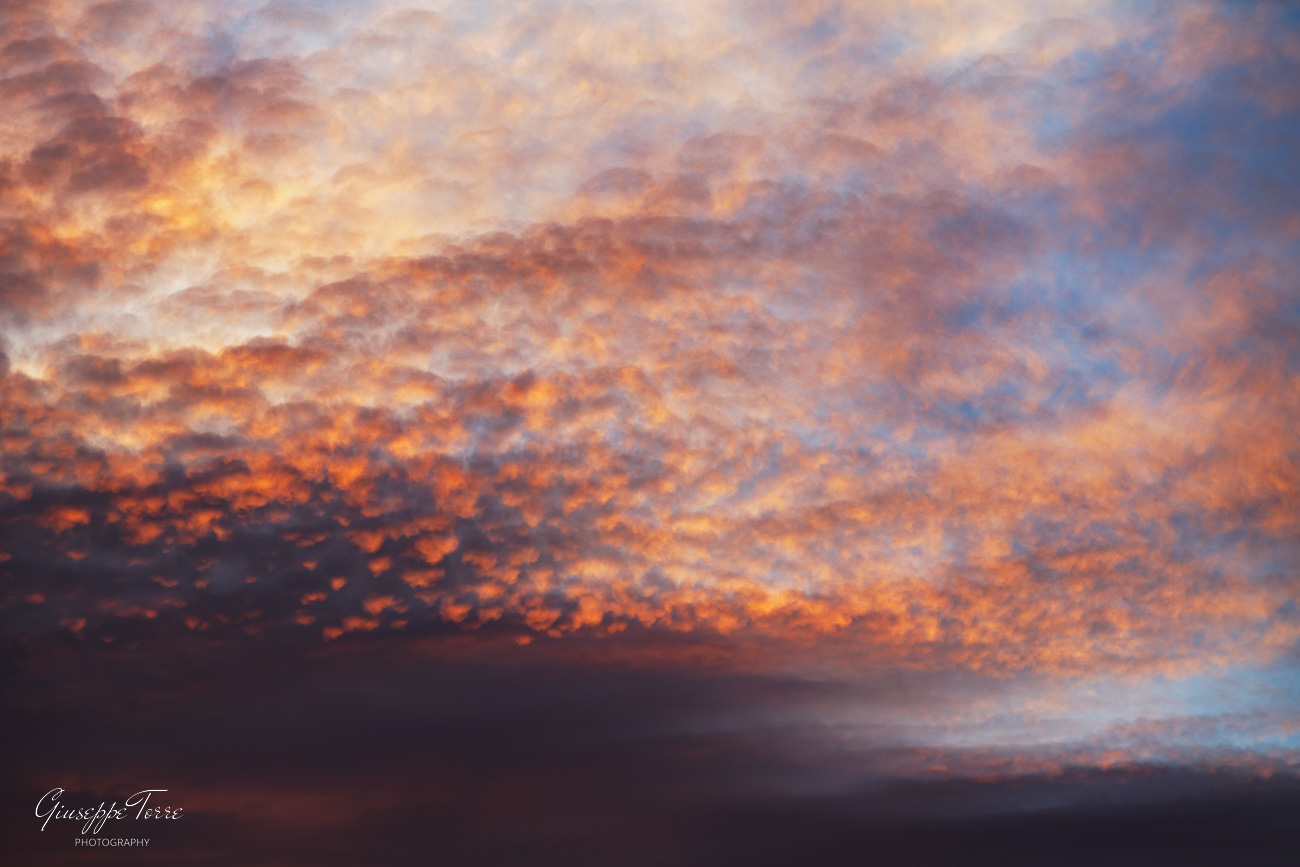
 , as it removes the yellow/greenish tint otherwise present with the "Adobe Color" profile, which used to be my default profile for anything except landscapes. Great job there !