MedicineMan404 wrote:
Pelican is all I can tell ya. I rented a lens from LensRental...it came in that case. I wrote and asked if I could purchase the
case and they said yes. This a few years ago.
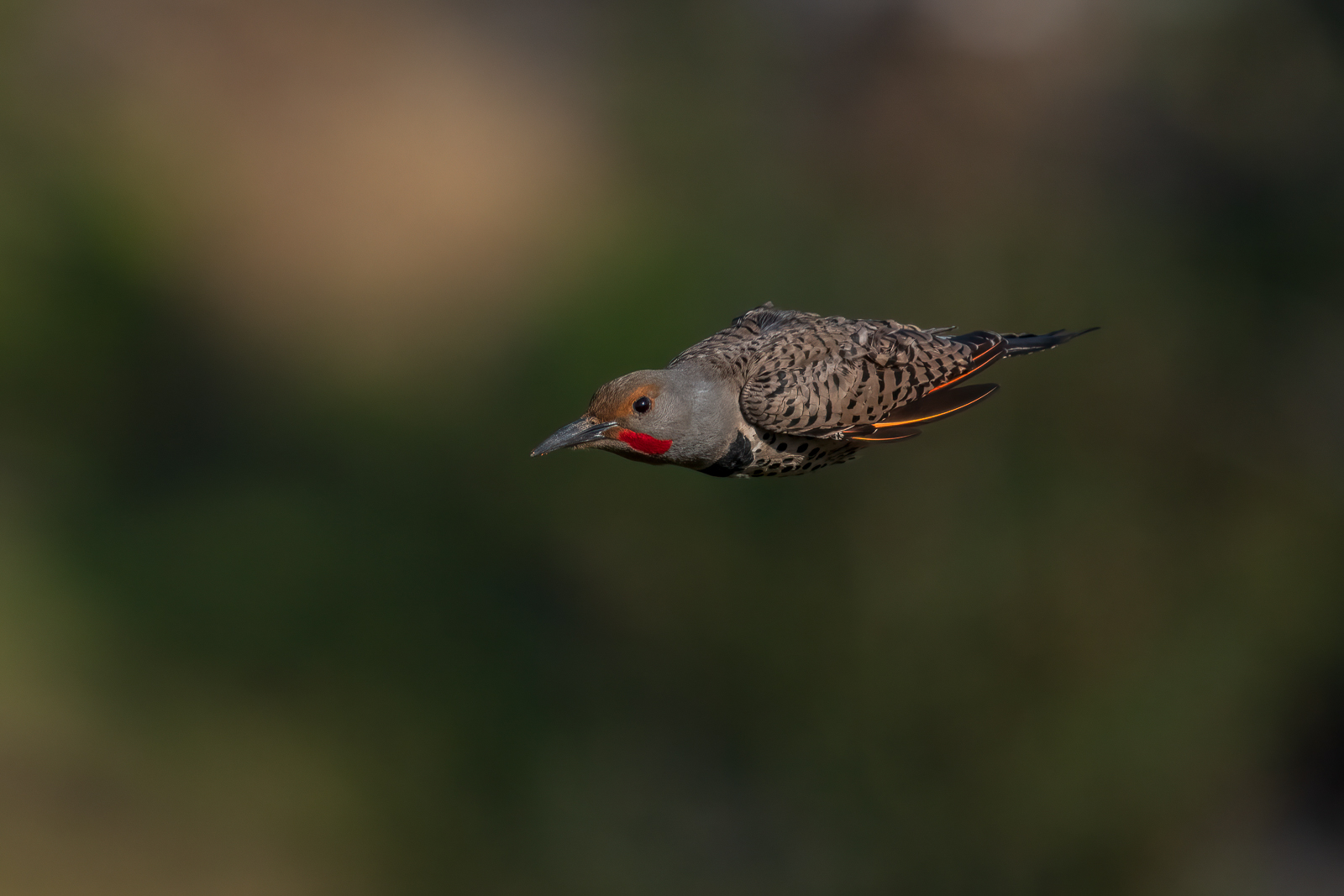
Almost never when sideways, but pretty reliably when head-on or 3/4 sideways. The eyes were always in focus regardless. I’ll have to keep testing, but the constant eagle and hawk overflights meant this little guy was super skittish.
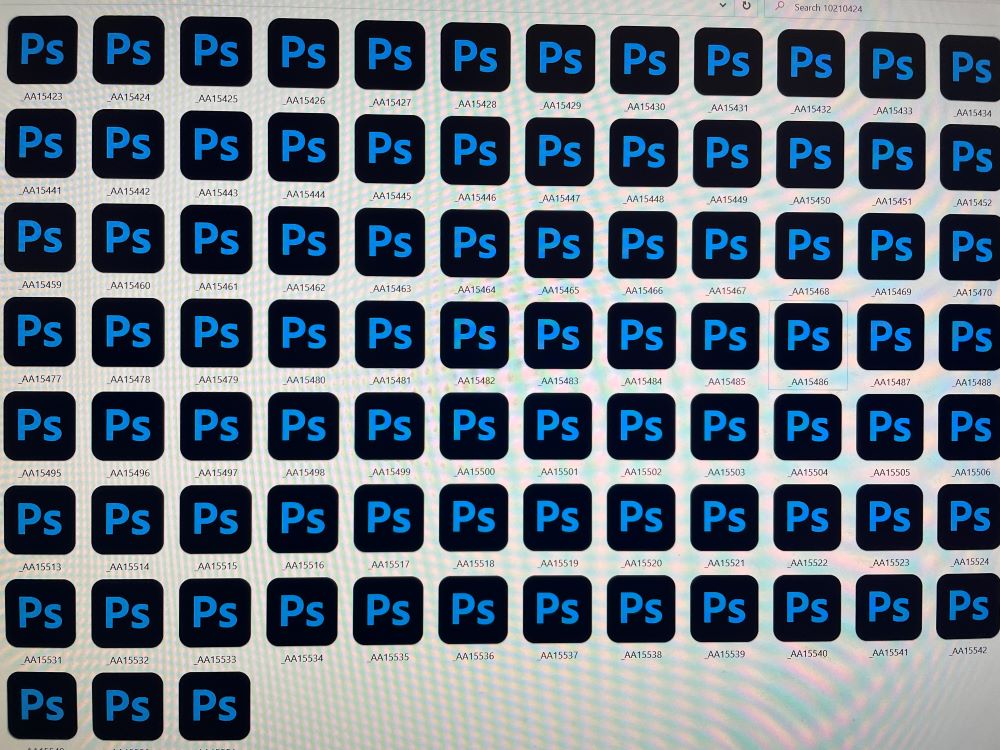
I have a dumb question for you tech experts. Usually when I copy raw files from the camera's SD card to a folder in my PC, I can see the pictures on my screen before importing them to Lightroom. But when I copied the raw files from the A1 to my PC for the first time, the pictures are not displayed, I right clicked one of the files to choose an app to open the file, I chose Photoshop. Now the files look like the picture below in the folder, in other words, I can't see the raw files' images in the folder.
Which app should I tell the PC to use to open the A1's raw files so I can see them in the folders?
choosing a default application that opens and edits the raw files shouldn't matter, because it's not used to view the thumbnails in windows explorer.
this is what used to work for viewing the thumbnails, but it's no longer supported:
"Sony RAW Driver is a program to display Sony RAW data* (ARW/SR2/SRF files) on Windows® 8.1 ⁄ Windows® 10.
By installing this program, you can display the RAW data on Explorer or Photo Gallery in Windows Vista® in the same way as JPEG files." http://support.d-imaging.sony.co.jp/www/download/vista_raw/index.html
LiveShots wrote:
Your PC does not have the latest updates to read Sony α1 raw files, especially if they are lossless. Not sure if the updates are available yet.
---------------------------------------------
smhoer wrote:
Raw Image Extension is free on the Microsoft Store.
---------------------------------------------
osv2 wrote:
choosing a default application that opens and edits the raw files shouldn't matter, because it's not used to view the thumbnails in windows explorer.
this is what used to work for viewing the thumbnails, but it's no longer supported:
"Sony RAW Driver is a program to display Sony RAW data* (ARW/SR2/SRF files) on Windows® 8.1 ⁄ Windows® 10.
By installing this program, you can display the RAW data on Explorer or Photo Gallery in Windows Vista® in the same way as JPEG files." http://support.d-imaging.sony.co.jp/www/download/vista_raw/index.html
Thank you, guy! Looks like Sony discontinues the Raw Driver in March 2020 and the Microsoft raw image extension doesn't include the A1 yet. Have to wait a bit I guess.