shutterbug40 wrote:
Yes I did....a ton. It was the only copy of that file, and at some point it had been reduced and then resized large again. It doesn't show up on a printed copy though, and that's what was turned in. Ya got me!
Thats good! Because I was thinking I hope thats not a lens I own etc. lol
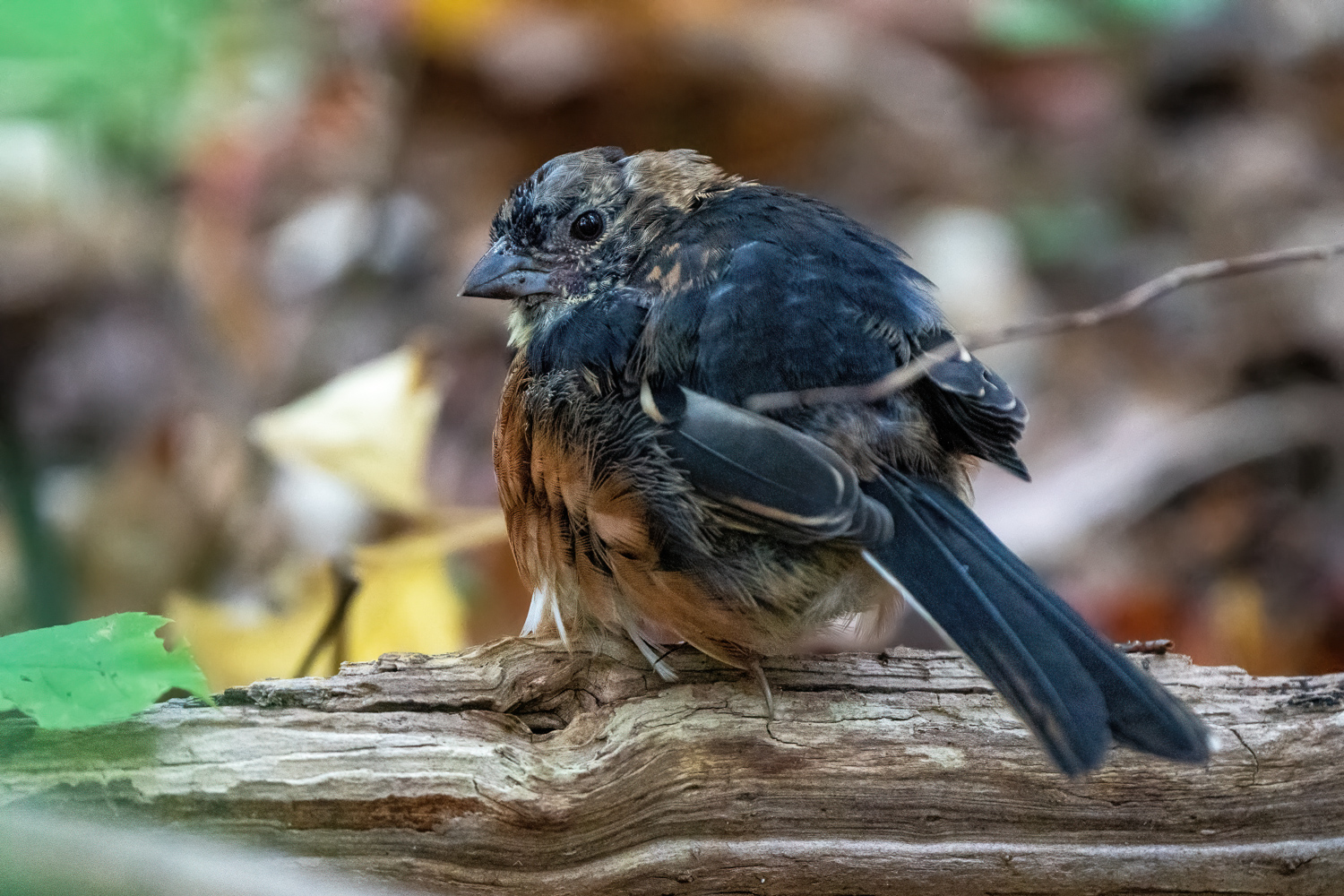
I have been experimenting with some new noise reduction software, both Topaz DeNoise AI and DxO PureRaw free trial versions. It didn't take long for me to be sold. This is not a perfect shot, but it was taken at ISO 12,800. I figured it was destined for the bin, but with a little more work, it could be useable. Thoughts?
DTPavlik wrote:
I have been experimenting with some new noise reduction software, both Topaz DeNoise AI and DxO PureRaw free trial versions. It didn't take long for me to be sold. This is not a perfect shot, but it was taken at ISO 12,800. I figured it was destined for the bin, but with a little more work, it could be useable. Thoughts?
Great fix at 12,800 ISO ......So, which one sold you, Topaz or DxO ?
roadapple wrote:
Great fix at 12,800 ISO ......So, which one sold you, Topaz or DxO ?
Honestly, both. I think DxO provides a great starting point (run RAW file through), then bring into LR/PS, edit, and finish with Topaz DeNoise AI. I also think the workflow will be different for each image depending on the file needs. I just started playing around with them, so still very new to me. But obviously they both have great potential.
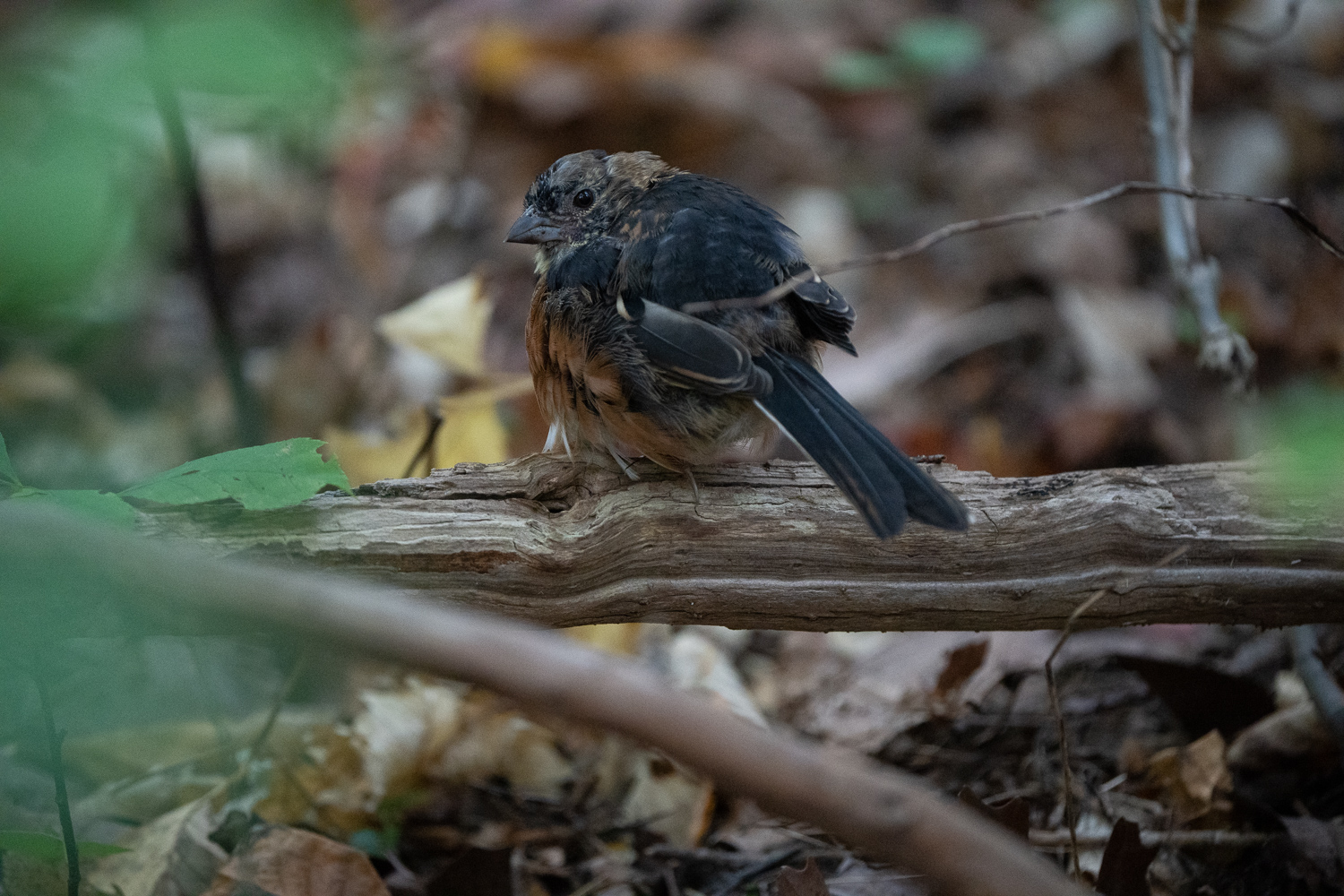
Stupid hgh ISO (and slow shutter speed) but I like seeing what I can salvage from situations like that. I added the original before any edits (just resized) for comparison.
It's a young Eastern Towhee foraging on the ground.
If you look closely you will see the Dxo prime denoise AI produces less artifacts (nearly none actually) vs. Topaz Denoise AI. I have both and use whichever fits my workload but usually end up preferring the Dxo results. YMMV
DTPavlik wrote:
Honestly, both. I think DxO provides a great starting point (run RAW file through), then bring into LR/PS, edit, and finish with Topaz DeNoise AI. I also think the workflow will be different for each image depending on the file needs. I just started playing around with them, so still very new to me. But obviously they both have great potential.
Maxxus46 wrote:
If you look closely you will see the Dxo prime denoise AI produces less artifacts (nearly none actually) vs. Topaz Denoise AI. I have both and use whichever fits my workload but usually end up preferring the Dxo results. YMMV
Thanks. Excellent points.
I have never used Topaz DeNoise AI.
I have my raw files in Capture One Sessions.
But do de-mosaicking, de-noising, sharpening with DxO PureRaw DeepPrime.
Then finish in CO the usual editing steps.
If DxO applies lens corrections, making sure CO doesn’t apply them again.
ON1 NoNoise AI 2021 also seems to work pretty much equally well.
DxO’s Nik Dfine2 not as well.
With Topaz Denoise, one way around artifacts is to use the mask feature. For example mask the background applying noise removal at a higher value vs. The bird/subject (just one example) then apply lower denoise value to the bird
k-h.a.w wrote:
Thanks. Excellent points.
I have never used Topaz DeNoise AI.
I have my raw files in Capture One Sessions.
But do de-mosaicking, de-noising, sharpening with DxO PureRaw DeepPrime.
Then finish in CO the usual editing steps.
If DxO applies lens corrections, making sure CO doesn’t apply them again.
ON1 NoNoise AI 2021 also seems to work pretty much equally well.
DxO’s Nik Dfine2 not as well.
Thank you Pius for the sublime images. Utterly incredible shots.
If you use tracking in the A1, may I ask which parameters work best for you?
Thanks in advance.
Maxxus46 wrote:
With Topaz Denoise, one way around artifacts is to use the mask feature. For example mask the background applying noise removal at a higher value vs. The bird/subject (just one example) then apply lower denoise value to the bird
Thank you, much appreciated.
That seems similar t placing more or less noise reduction in circular areas with Dfine2.
Of course that’s not the same as mapping.
Have you also compared ON1 to Topaz?
Thanks again, K-H.
k-h.a.w wrote:
Thank you Pius for the sublime images. Utterly incredible shots.
If you use tracking in the A1, may I ask which parameters work best for you?
Thanks in advance.
With kind regards, Karl-Heinz.
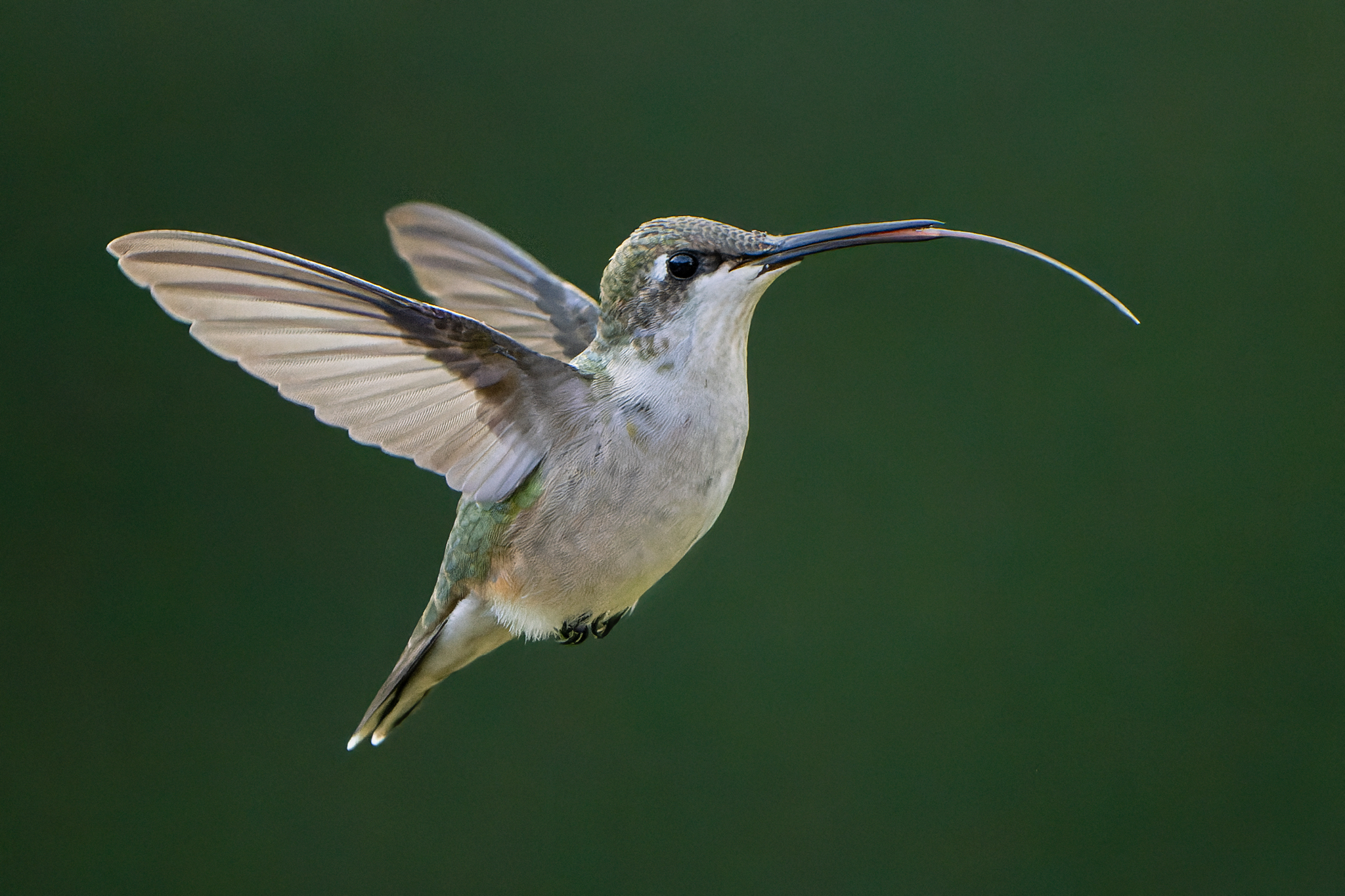
Thanks Karl, My goto settings for fast erratic birds in-flight with the a1 are [wide with tracking] - [AF Tracking Sensitivity: locked on = 1] [Priority Set in AF-C: = Release] and 30fps.