This topic is in the 2021 archive. You can read it and like its posts here. It is read only.
Archive 2021What do you see on the foliage in the background?
p.1 #1What do you see on the foliage in the background?
Inspired by the discussion about CA in the Sony 35GM thread, somewhere around here:
https://www.fredmiranda.com/forum/topic/1673762/36#15465869
I'd like to ask a question about the following 2 images, which are quite similar (both f8) but differ a bit in framing and focus point. I attach both as I wanted to include the possible effect of focus change.
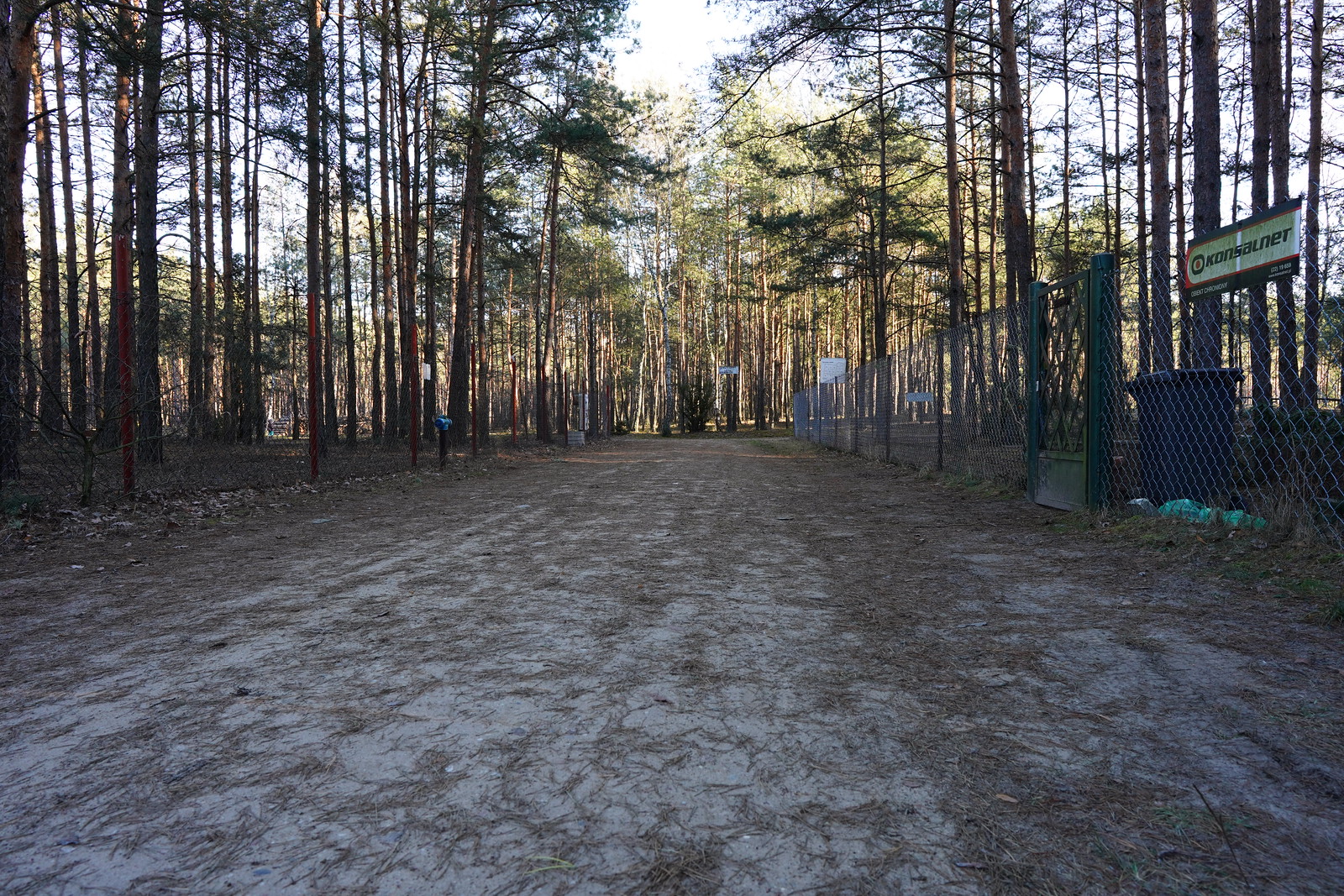 DSC05731 by Jan U, on Flickr
Pic. 1
 DSC05731_focus by Jan U, on Flickr
Pic. 1 focus point
 DSC05732 by Jan U, on Flickr
Pic. 2
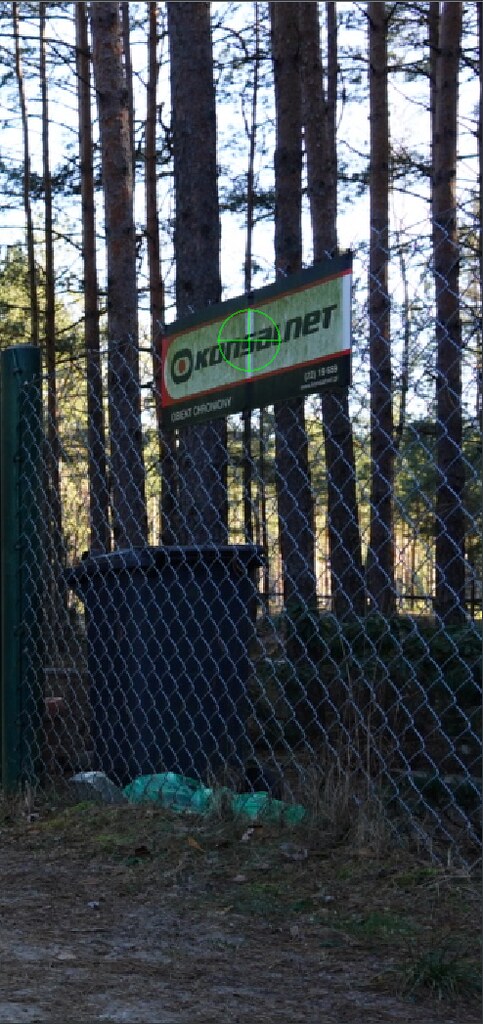 DSC05732_focus by Jan U, on Flickr
Pic. 2 focus point
These are jpegs, straight out of the camera with the following corrections enabled:
Vignetting Correction : Auto
Lateral Chromatic Aberration : Auto
Distortion Correction Setting : Off
They are not really exposed correctly, but maybe that's better as the overblown sky exaggerates the main subject:
the foliage (trees, branches, etc.) against the sky in the background.
I don't want to suggest the answer, so please tell me what you think in the poll and, even better, in the comments. This is something that has always been bugging me about the 24GM, so I'd greatly appreciate your input .
Thanks!
https://www.fredmiranda.com/forum/topic/1673762/36#15465869
I'd like to ask a question about the following 2 images, which are quite similar (both f8) but differ a bit in framing and focus point. I attach both as I wanted to include the possible effect of focus change.
DSC05731 by Jan U, on FlickrPic. 1
DSC05731_focus by Jan U, on FlickrPic. 1 focus point
DSC05732 by Jan U, on FlickrPic. 2
DSC05732_focus by Jan U, on FlickrPic. 2 focus point
These are jpegs, straight out of the camera with the following corrections enabled:
Vignetting Correction : Auto
Lateral Chromatic Aberration : Auto
Distortion Correction Setting : Off
They are not really exposed correctly, but maybe that's better as the overblown sky exaggerates the main subject:
the foliage (trees, branches, etc.) against the sky in the background.
I don't want to suggest the answer, so please tell me what you think in the poll and, even better, in the comments. This is something that has always been bugging me about the 24GM, so I'd greatly appreciate your input
.Thanks!
Jan 15, 2021 at 09:16 AM
p.1 #2What do you see on the foliage in the background?
The much maligned Sony FE 28/2 has a similar character.
Jan 15, 2021 at 09:21 AM
p.1 #3What do you see on the foliage in the background?
There may be the slightest of PF in that first one, in some of the canopy. But the majority is to me interplay between the defocused leaves and branches interacting with the sky behind it. It effectively darkens the sky and it stands out due to the brighter sky in the open areas. But towards the corners it looks a little magenta'ish, so it actually may be the same cause I note above.
-Tim
Jan 15, 2021 at 09:50 AM
p.1 #4What do you see on the foliage in the background?
Blown out highlights.
Jan 15, 2021 at 09:56 AM
p.1 #5What do you see on the foliage in the background?
DaveFP wrote:
Blown out highlights.
Yep, that's true... but if you follow the initial post, where I posted the first photo:
https://www.fredmiranda.com/forum/topic/1673762/36#15465869
->
 DSC05817 by Jan U, on Flickr
You can see it there too, but with no blown out sky this time...
Blown out highlights.
Yep, that's true... but if you follow the initial post, where I posted the first photo:
https://www.fredmiranda.com/forum/topic/1673762/36#15465869
->
DSC05817 by Jan U, on FlickrYou can see it there too, but with no blown out sky this time...
Jan 15, 2021 at 10:10 AM
p.1 #6What do you see on the foliage in the background?
tsdevine wrote:
There may be the slightest of PF in that first one, in some of the canopy. But the majority is to me interplay between the defocused leaves and branches interacting with the sky behind it. It effectively darkens the sky and it stands out due to the brighter sky in the open areas. But towards the corners it looks a little magenta'ish, so it actually may be the same cause I note above.
-Tim
Ach, one more thing I can add: these were shot with B+W UV filter on (I remember reading your posts about UV filter effect on CV 50 f2 corners ).
There may be the slightest of PF in that first one, in some of the canopy. But the majority is to me interplay between the defocused leaves and branches interacting with the sky behind it. It effectively darkens the sky and it stands out due to the brighter sky in the open areas. But towards the corners it looks a little magenta'ish, so it actually may be the same cause I note above.
-Tim
Ach, one more thing I can add: these were shot with B+W UV filter on (I remember reading your posts about UV filter effect on CV 50 f2 corners
).Jan 15, 2021 at 10:44 AM
p.1 #7What do you see on the foliage in the background?
That is due to a special screw up from Cosina (details in that thread when I finish my experiments).
j4nu wrote:
-TimAch, one more thing I can add: these were shot with B+W UV filter on (I remember reading your posts about UV filter effect on CV 50 f2 corners ).
j4nu wrote:
tsdevine wrote
There may be the slightest of PF in that first one, in some of the canopy. But the majority is to me interplay between the defocused leaves and branches interacting with the sky behind it. It effectively darkens the sky and it stands out due to the brighter sky in the open areas. But towards the corners it looks a little magenta'ish, so it actually may be the same cause I note above.-Tim
).Jan 15, 2021 at 11:00 AM
p.1 #8What do you see on the foliage in the background?
I'll have to test my GM 24 to see if I notice the magenta corner thing. I will say that I believe Zeiss UV filters have a harder cutoff (at a higher frequency?), so I'm sticking with them until someone shows that B+W (or others) have similar positive impact. Not saying they don't, but I don't have one to use in a comparison.
j4nu wrote:
tsdevine wrote
There may be the slightest of PF in that first one, in some of the canopy. But the majority is to me interplay between the defocused leaves and branches interacting with the sky behind it. It effectively darkens the sky and it stands out due to the brighter sky in the open areas. But towards the corners it looks a little magenta'ish, so it actually may be the same cause I note above.-Tim
).Jan 15, 2021 at 11:06 AM
p.1 #9What do you see on the foliage in the background?
I vote for color clipping due to blown out highlights.
Jan 15, 2021 at 11:47 AM
p.1 #10What do you see on the foliage in the background?
Sinasina wrote:
I vote for color clipping due to blown out highlights.
I was also going to say that, especially since it seems to happen mostly around saturated highlights and the posted images are in-camera JPEGs (using a less fancy raw conversion process) and it's not as "sharp" as lateral CA usually presents itself. F/11 should rule out longitudinal CA.
If anyone's interested why highlights can take on a color I found this [1] article super enlightening, section "4. Ensure Even Clipping of the White Balanced Data".
It would be interesting to see what would happen with an off-camera raw processor, I think you can disable CA correction and lens profiles in Rawtherapee and they have a few highlight reconstruction methods to try.
@j4nu, if you have a raw file I wouldn't mind downloading Rawtherapee and seeing what happens.
[1] https://www.strollswithmydog.com/raw-file-conversion-steps/
I vote for color clipping due to blown out highlights.
I was also going to say that, especially since it seems to happen mostly around saturated highlights and the posted images are in-camera JPEGs (using a less fancy raw conversion process) and it's not as "sharp" as lateral CA usually presents itself. F/11 should rule out longitudinal CA.
If anyone's interested why highlights can take on a color I found this [1] article super enlightening, section "4. Ensure Even Clipping of the White Balanced Data".
It would be interesting to see what would happen with an off-camera raw processor, I think you can disable CA correction and lens profiles in Rawtherapee and they have a few highlight reconstruction methods to try.
@j4nu, if you have a raw file I wouldn't mind downloading Rawtherapee and seeing what happens.
[1] https://www.strollswithmydog.com/raw-file-conversion-steps/
Jan 15, 2021 at 12:05 PM
p.1 #11What do you see on the foliage in the background?
This is like a rorschach test.
Jan 15, 2021 at 12:29 PM
p.1 #12What do you see on the foliage in the background?
Looks like LoCA. Magenta shift before the plane of focus and cyan after it. Nothing surprising about it.
Jan 15, 2021 at 12:54 PM
p.1 #13What do you see on the foliage in the background?
lora_to wrote:
I was also going to say that, especially since it seems to happen mostly around saturated highlights and the posted images are in-camera JPEGs (using a less fancy raw conversion process) and it's not as "sharp" as lateral CA usually presents itself. F/11 should rule out longitudinal CA.
If anyone's interested why highlights can take on a color I found this [1] article super enlightening, section "4. Ensure Even Clipping of the White Balanced Data".
It would be interesting to see what would happen with an off-camera raw processor, I think you can disable CA correction and lens profiles in Rawtherapee and...Show more →
Thanks and yes - I made some attempts in CaptureOne to fix this. I wasn't completely succesfull, but I managed to improve the situation a bit at least.
I've downloaded RawTherapee now, but I'm not familiar with this program so I'll have to take a longer look what at what can be done there (chromatic aberration tool helps a bit, defringe seems not to have any effect).
I agree that blown highlights contribute to the problem and subsequentially make it more difficult to fix. I also think it's a combination of issues, so one "slider" does not fix it completely. I can see that in C1, "Purple Fringing" slider eliminates some of the color and "Chromatic Aberration" check box also has an effect (though hard to tell for me how much it actually helps). The most effective way I found was using the color picker on the fringing color and driving the saturation down, but that seems to affect also other colors in the picture...
Sinasina wrote
I vote for color clipping due to blown out highlights.If anyone's interested why highlights can take on a color I found this [1] article super enlightening, section "4. Ensure Even Clipping of the White Balanced Data".
It would be interesting to see what would happen with an off-camera raw processor, I think you can disable CA correction and lens profiles in Rawtherapee and...Show more →
Thanks and yes - I made some attempts in CaptureOne to fix this. I wasn't completely succesfull, but I managed to improve the situation a bit at least.
I've downloaded RawTherapee now, but I'm not familiar with this program so I'll have to take a longer look what at what can be done there (chromatic aberration tool helps a bit, defringe seems not to have any effect).
I agree that blown highlights contribute to the problem and subsequentially make it more difficult to fix. I also think it's a combination of issues, so one "slider" does not fix it completely. I can see that in C1, "Purple Fringing" slider eliminates some of the color and "Chromatic Aberration" check box also has an effect (though hard to tell for me how much it actually helps). The most effective way I found was using the color picker on the fringing color and driving the saturation down, but that seems to affect also other colors in the picture...
Jan 16, 2021 at 03:58 AM
p.1 #14What do you see on the foliage in the background?
I haven't really used Rawtherapee either but I remember seeing this thread some time ago, it might be outdated but maybe it's useful:
https://discuss.pixls.us/t/dealing-with-clipped-highlights-an-example/2976
https://discuss.pixls.us/t/dealing-with-clipped-highlights-an-example/2976
Jan 16, 2021 at 03:16 PM