This topic is in the 2019 archive. You can read it and like its posts here. It is read only.
Archive 2019Sony 35mm 1.8, CV 40 1.2, Batis 18mm, Batis 85mm Big Bronco
p.3 #1Sony 35mm 1.8, CV 40 1.2, Batis 18mm, Batis 85mm Big Bronco
I have latest C1 . Used lens profile. I had shading off in camera . Let me shoot some tomorrow with hood off
Oct 05, 2019 at 06:49 PM
p.3 #2Sony 35mm 1.8, CV 40 1.2, Batis 18mm, Batis 85mm Big Bronco
GMPhotography wrote:
I have latest C1 . Used lens profile. I had shading off in camera . Let me shoot some tomorrow with hood off
Same settings here, all in camera corrections are turned off. Then it’s either the hood or a difference between how C1 treats A7R3 vs A7R4. Don’t worry there’s nothing wrong with your lens sample, I’ve seen those dark corners in some web reviews when the lens was hitting the market. There’s some simple explanation and fix, we’ll eventually find it.
I have latest C1 . Used lens profile. I had shading off in camera . Let me shoot some tomorrow with hood off
Same settings here, all in camera corrections are turned off. Then it’s either the hood or a difference between how C1 treats A7R3 vs A7R4. Don’t worry there’s nothing wrong with your lens sample, I’ve seen those dark corners in some web reviews when the lens was hitting the market. There’s some simple explanation and fix, we’ll eventually find it.
Oct 05, 2019 at 07:01 PM
p.3 #3Sony 35mm 1.8, CV 40 1.2, Batis 18mm, Batis 85mm Big Bronco
Yea I'll try without hood just to be sure
Oct 05, 2019 at 07:02 PM
p.3 #4Sony 35mm 1.8, CV 40 1.2, Batis 18mm, Batis 85mm Big Bronco
GMPhotography wrote:
Yea I'll try without hood just to be sure
P.S. I do have an UV filter on my lens, but that was not supposed to make things any better with vignetting, on the contrary?
Yea I'll try without hood just to be sure
P.S. I do have an UV filter on my lens, but that was not supposed to make things any better with vignetting, on the contrary?
Oct 05, 2019 at 07:11 PM
p.3 #5Sony 35mm 1.8, CV 40 1.2, Batis 18mm, Batis 85mm Big Bronco
GMPhotography wrote:
Yea I'll try without hood just to be sure
It's not the hood. It does have high vignetting. Even higher than the Loxia 35/2.
Yea I'll try without hood just to be sure
It's not the hood. It does have high vignetting. Even higher than the Loxia 35/2.
Oct 05, 2019 at 07:24 PM
p.3 #6Sony 35mm 1.8, CV 40 1.2, Batis 18mm, Batis 85mm Big Bronco
Fred Miranda wrote:
It's not the hood. It does have high vignetting. Even higher than the Loxia 35/2.
Yea it’s even more than the CV 40 . I post the 5.6 for both. Must be a design thing.
GMPhotography wrote
Yea I'll try without hood just to be sureYea it’s even more than the CV 40 . I post the 5.6 for both. Must be a design thing.
Oct 05, 2019 at 07:26 PM
p.3 #7Sony 35mm 1.8, CV 40 1.2, Batis 18mm, Batis 85mm Big Bronco
Let me fire back up computer soo if I can get normal looking
Oct 05, 2019 at 07:27 PM
p.3 #8Sony 35mm 1.8, CV 40 1.2, Batis 18mm, Batis 85mm Big Bronco
Fred Miranda wrote:
It's not the hood. It does have high vignetting. Even higher than the Loxia 35/2.
Yes it does, the question was why Capture 1 doesn't seem to correct it properly.... If the hood interferes, then C1's profile would not match the real situation.
I'll test this too tomorrow with the hood to see what gives.
GMPhotography wrote
Yea I'll try without hood just to be sureYes it does, the question was why Capture 1 doesn't seem to correct it properly.... If the hood interferes, then C1's profile would not match the real situation.
I'll test this too tomorrow with the hood to see what gives.
Oct 05, 2019 at 07:28 PM
p.3 #9Sony 35mm 1.8, CV 40 1.2, Batis 18mm, Batis 85mm Big Bronco
Okay another test i had actually for C1 but lets see First one is normal. Than second one a simple vignette adjustment to 1.30 on my Slider in C1
These are at 1.8 . Let me try 2.8 image as well
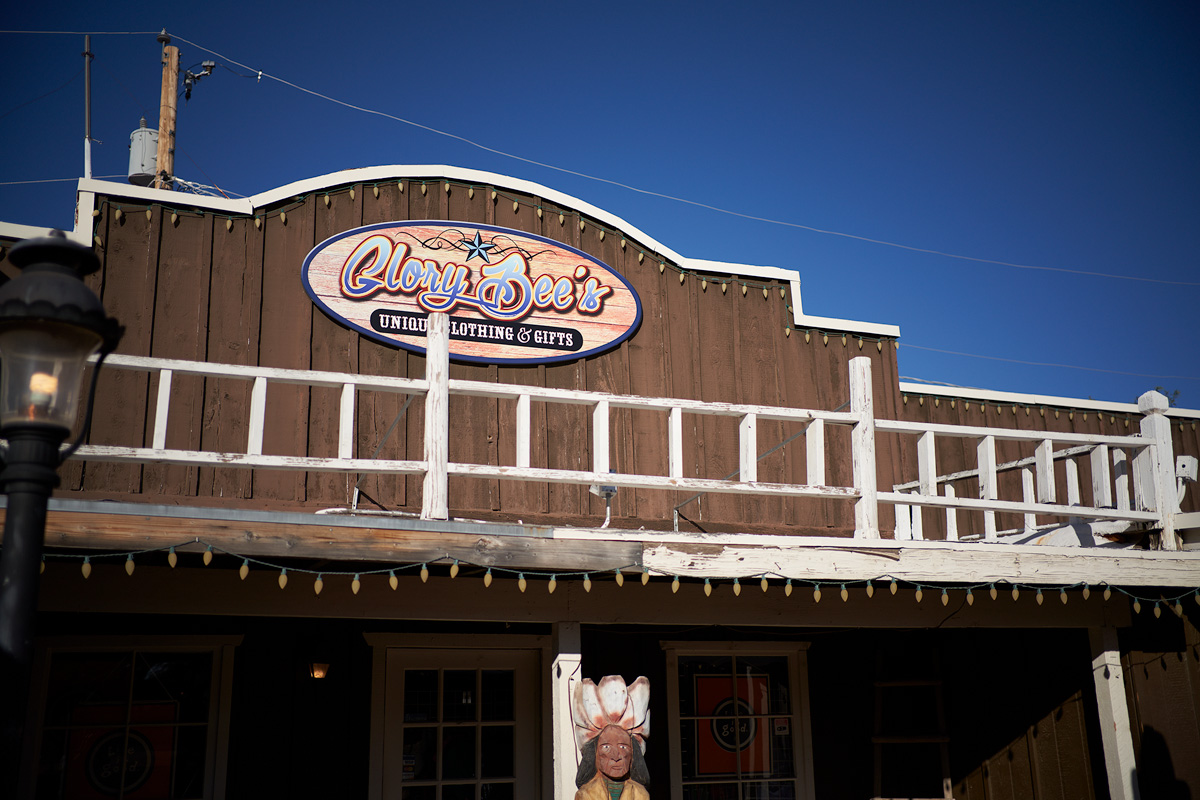

These are at 1.8 . Let me try 2.8 image as well
Oct 05, 2019 at 07:35 PM
p.3 #10Sony 35mm 1.8, CV 40 1.2, Batis 18mm, Batis 85mm Big Bronco
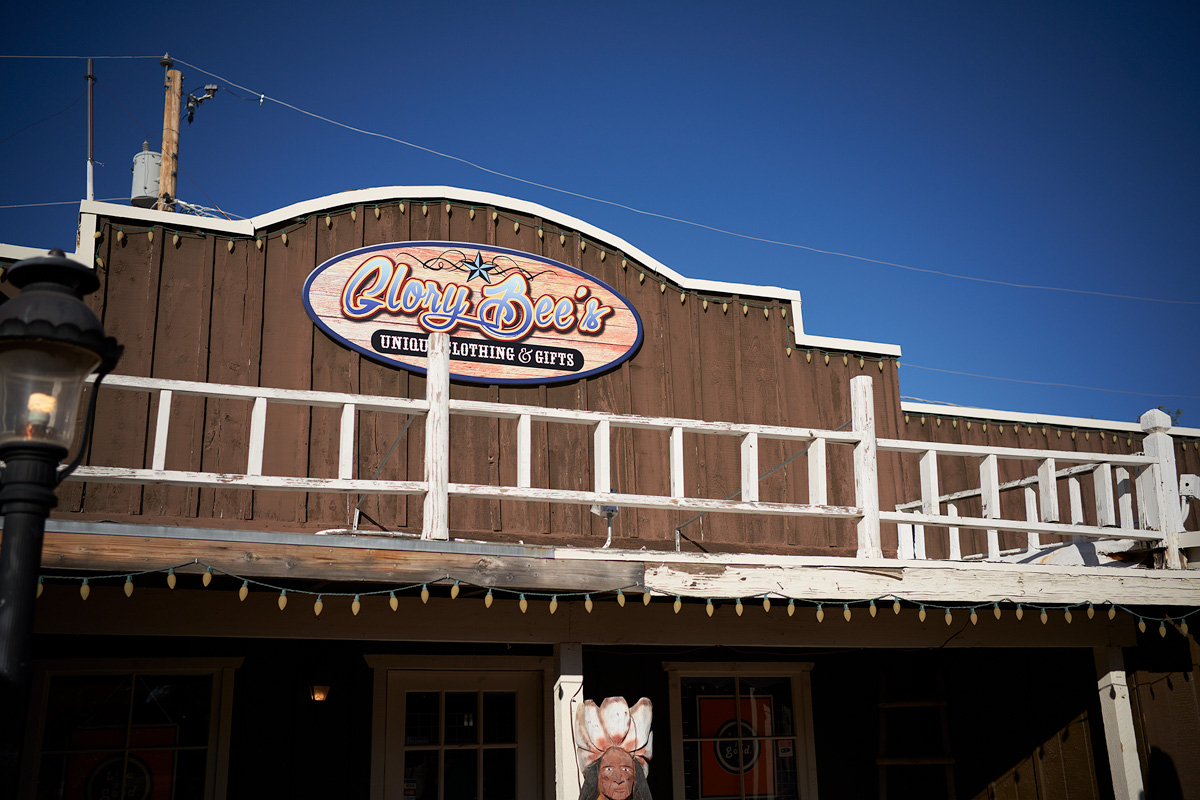
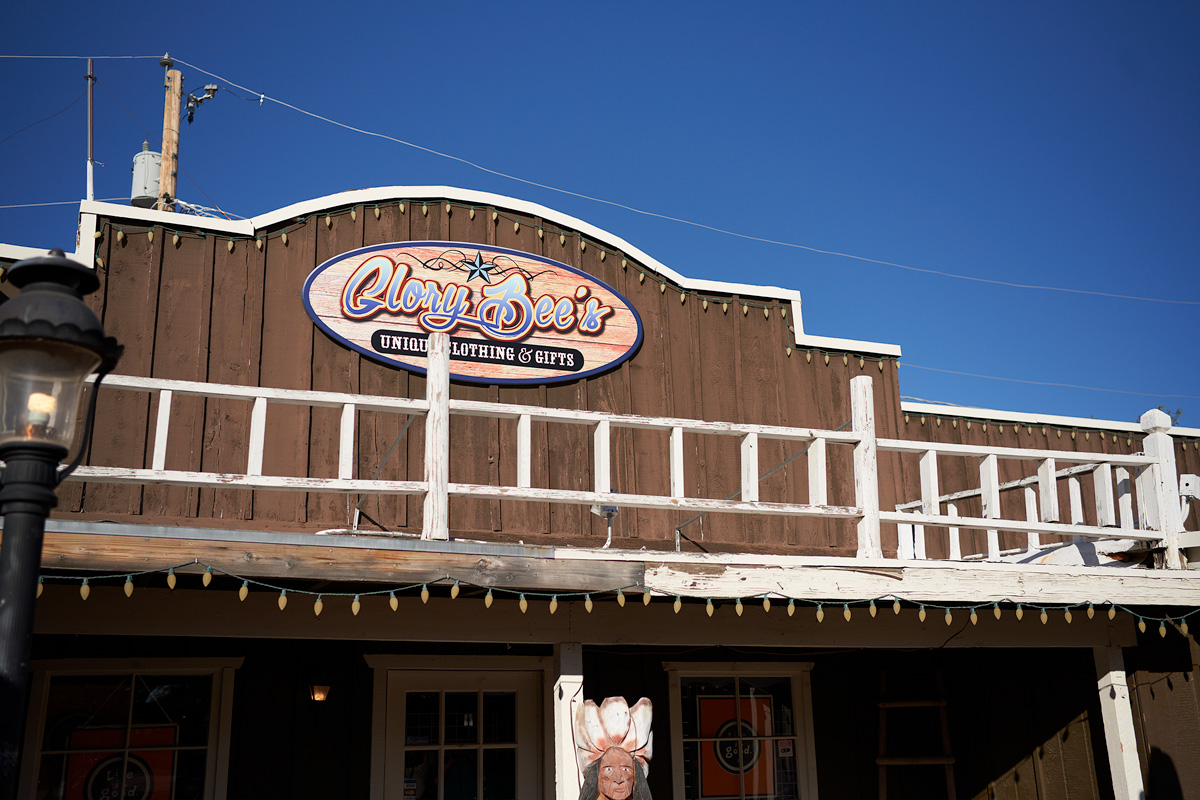
Okay 2.8 same settings as 1.8
Oct 05, 2019 at 07:39 PM
p.3 #11Sony 35mm 1.8, CV 40 1.2, Batis 18mm, Batis 85mm Big Bronco
I do like that a lot better
Oct 05, 2019 at 07:40 PM
p.3 #12Sony 35mm 1.8, CV 40 1.2, Batis 18mm, Batis 85mm Big Bronco
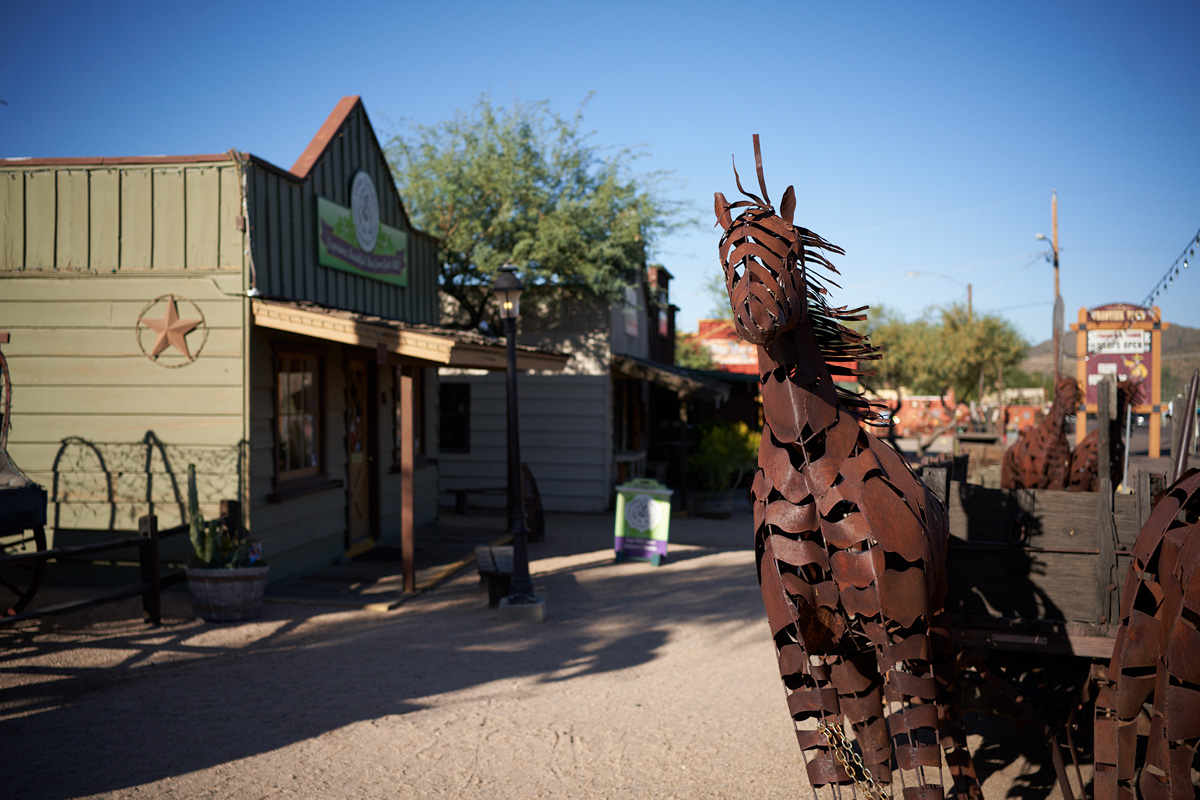
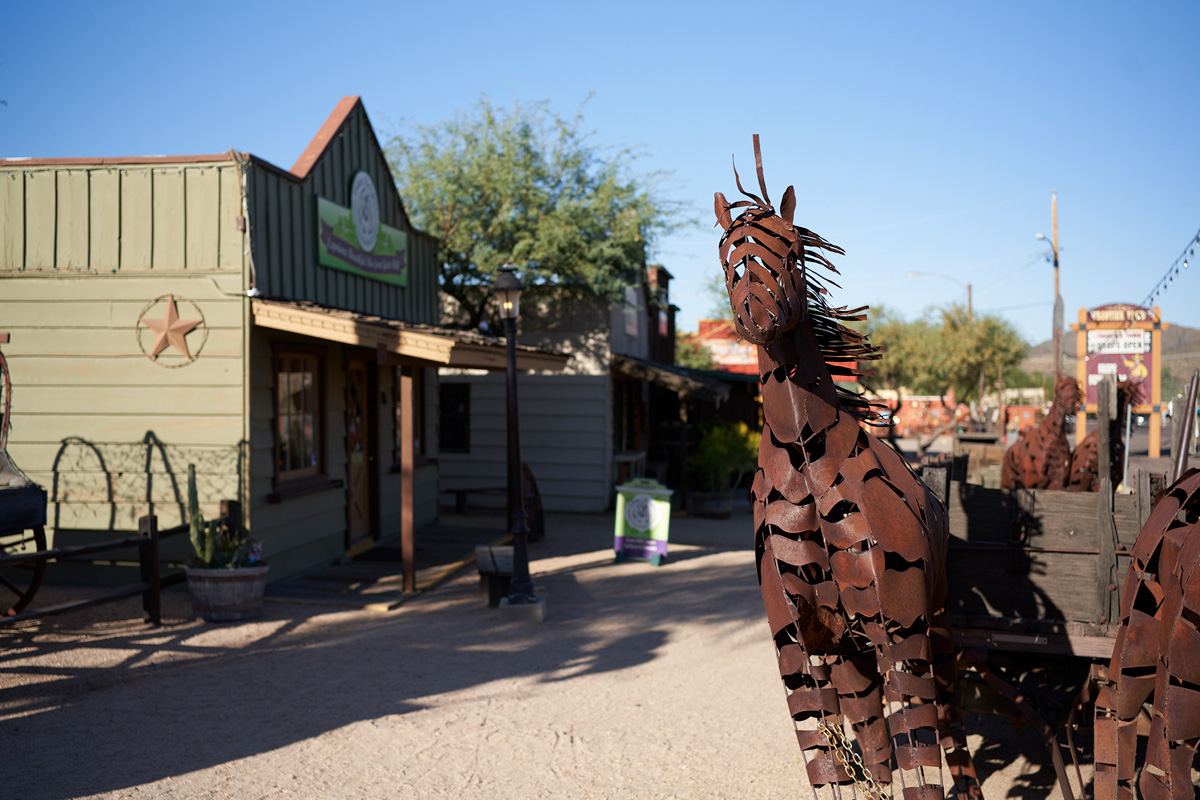
Another image. Maybe too much but same settings
Oct 05, 2019 at 07:42 PM
p.3 #13Sony 35mm 1.8, CV 40 1.2, Batis 18mm, Batis 85mm Big Bronco
Guy, which slider are you using, the "Light Falloff" in the Lens Correction group, or the "Vignetting" one in the Exposure tab? For me it's the first one that works nice.
Oct 05, 2019 at 07:45 PM
p.3 #14Sony 35mm 1.8, CV 40 1.2, Batis 18mm, Batis 85mm Big Bronco
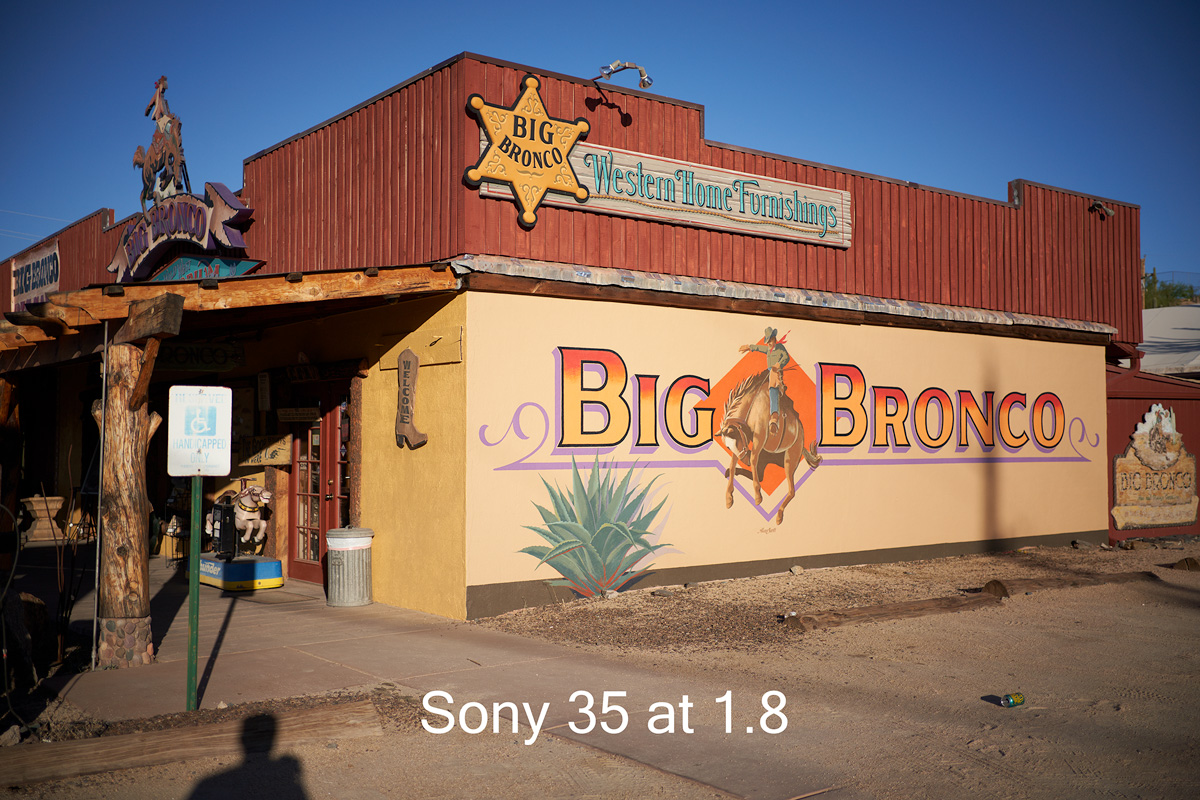
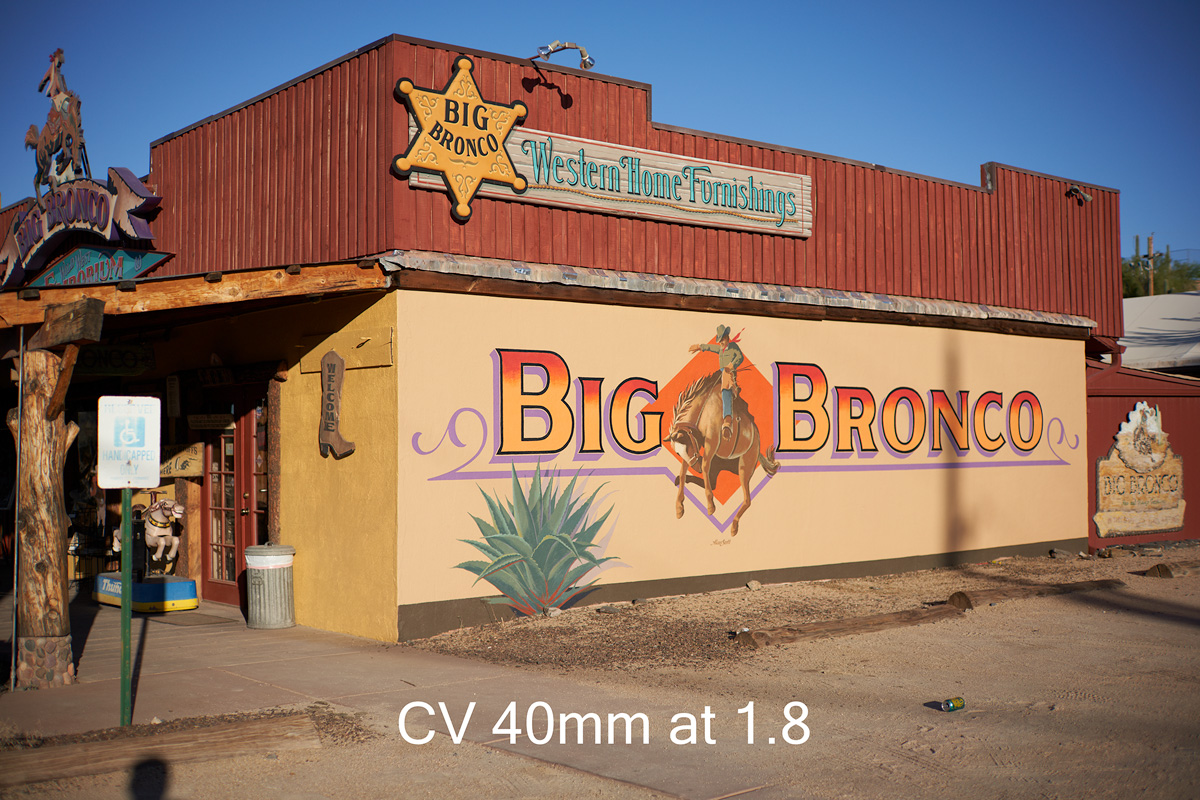
Here the CV 40 at 1.8 versus the Sony 35 1.8 at 1.8
Oct 05, 2019 at 07:48 PM
p.3 #15Sony 35mm 1.8, CV 40 1.2, Batis 18mm, Batis 85mm Big Bronco
vdo1 wrote:
Guy, which slider are you using, the "Light Falloff" in the Lens Correction group, or the "Vignetting" one in the Exposure tab? For me it's the first one that works nice.
Vignetting in exposure tab. Let me try lens falloff
The exposure tab vignette is in eliptical pattern
Guy, which slider are you using, the "Light Falloff" in the Lens Correction group, or the "Vignetting" one in the Exposure tab? For me it's the first one that works nice.
Vignetting in exposure tab. Let me try lens falloff
The exposure tab vignette is in eliptical pattern
Oct 05, 2019 at 07:50 PM
p.3 #16Sony 35mm 1.8, CV 40 1.2, Batis 18mm, Batis 85mm Big Bronco
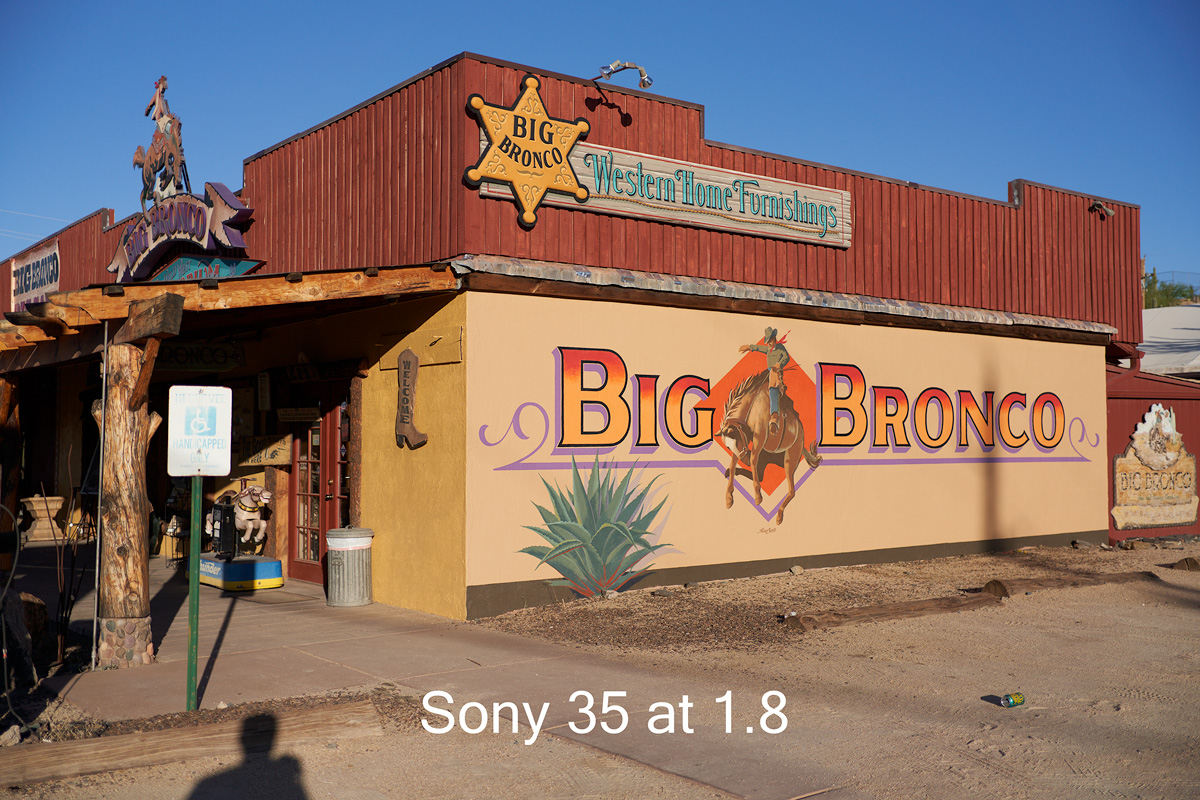
Okay I mixed it up . On Vignetting i went .73 to the plus side than in the Light falloff I went 76. Try that out than lower exposure a touch too
Edited on Oct 05, 2019 at 08:04 PM · View previous versions
Edited on Oct 05, 2019 at 08:04 PM · View previous versions
Oct 05, 2019 at 07:58 PM
p.3 #17Sony 35mm 1.8, CV 40 1.2, Batis 18mm, Batis 85mm Big Bronco
delete
Edited on Oct 05, 2019 at 08:05 PM · View previous versions
Edited on Oct 05, 2019 at 08:05 PM · View previous versions
Oct 05, 2019 at 07:59 PM
p.3 #18Sony 35mm 1.8, CV 40 1.2, Batis 18mm, Batis 85mm Big Bronco
delete
Edited on Oct 05, 2019 at 08:05 PM · View previous versions
Edited on Oct 05, 2019 at 08:05 PM · View previous versions
Oct 05, 2019 at 08:00 PM
p.3 #19Sony 35mm 1.8, CV 40 1.2, Batis 18mm, Batis 85mm Big Bronco
GMPhotography wrote:
Either way i think its looking a lot better. I could try mixing it
Yes I guess a combination could work. However at f/1.8 the lens vignetting is quite extreme anyway, I don't see plausible scenarios with having bright sky in the frame while having to shoot wide open like that (other than testing that is).
It should clean nicely once you get at f/4 or past it.
Either way i think its looking a lot better. I could try mixing it
Yes I guess a combination could work. However at f/1.8 the lens vignetting is quite extreme anyway, I don't see plausible scenarios with having bright sky in the frame while having to shoot wide open like that (other than testing that is).
It should clean nicely once you get at f/4 or past it.
Oct 05, 2019 at 08:03 PM
p.3 #20Sony 35mm 1.8, CV 40 1.2, Batis 18mm, Batis 85mm Big Bronco
Lets try 5.6 than .
Oct 05, 2019 at 08:05 PM