p.10 #5 · Portrait and People Image Thread using Sony
numbertwo wrote:
Ok, I'll also post the boyfriend of the girl xD
In this case the exif are intact hopefully. Wide open with the Samyang 85 1.4 as well.
p.10 #8 · Portrait and People Image Thread using Sony
ajamils wrote:
Why did you have to ruin it for most of us
Hahaha. They're such a nice couple, I can't decide which one I like the best of them lol.
BTW guys, how do you deal with skintones? I see here great pictures from all of you, some of them great pictures with nice colors (to my eye) and some others, with the ugly Lightroom-Sony typical bad skintones. I have my own presets and stuff to improve it but I'm open to learn about how you manage the colors...
p.10 #10 · Portrait and People Image Thread using Sony
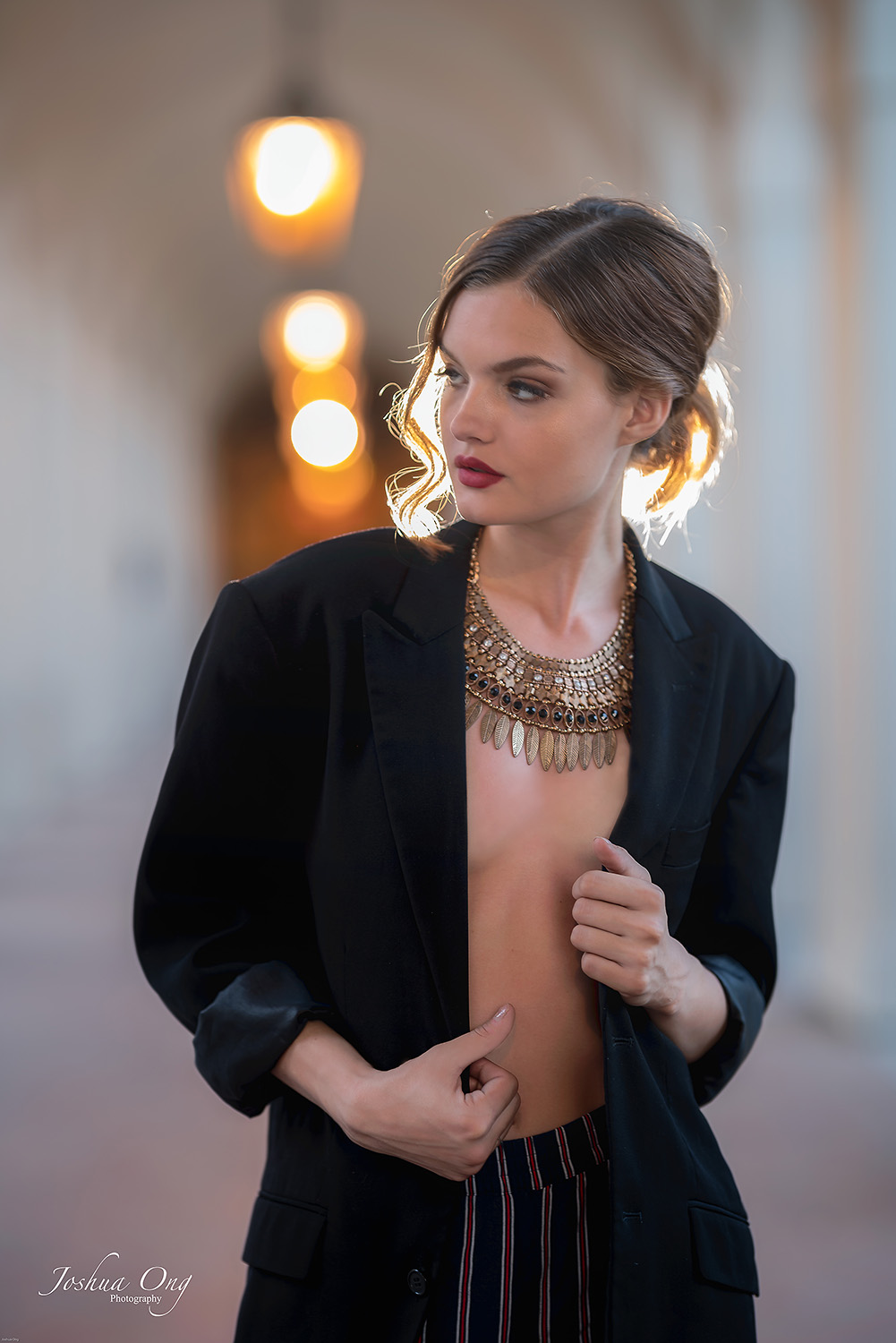
We are seeing a lot of excellent images . Finally, this thread seems to get some traction. Please, please feel free to post some more images.
numbertwo wrote:
Hahaha. They're such a nice couple, I can't decide which one I like the best of them lol.
BTW guys, how do you deal with skintones? I see here great pictures from all of you, some of them great pictures with nice colors (to my eye) and some others, with the ugly Lightroom-Sony typical bad skintones. I have my own presets and stuff to improve it but I'm open to learn about how you manage the colors...
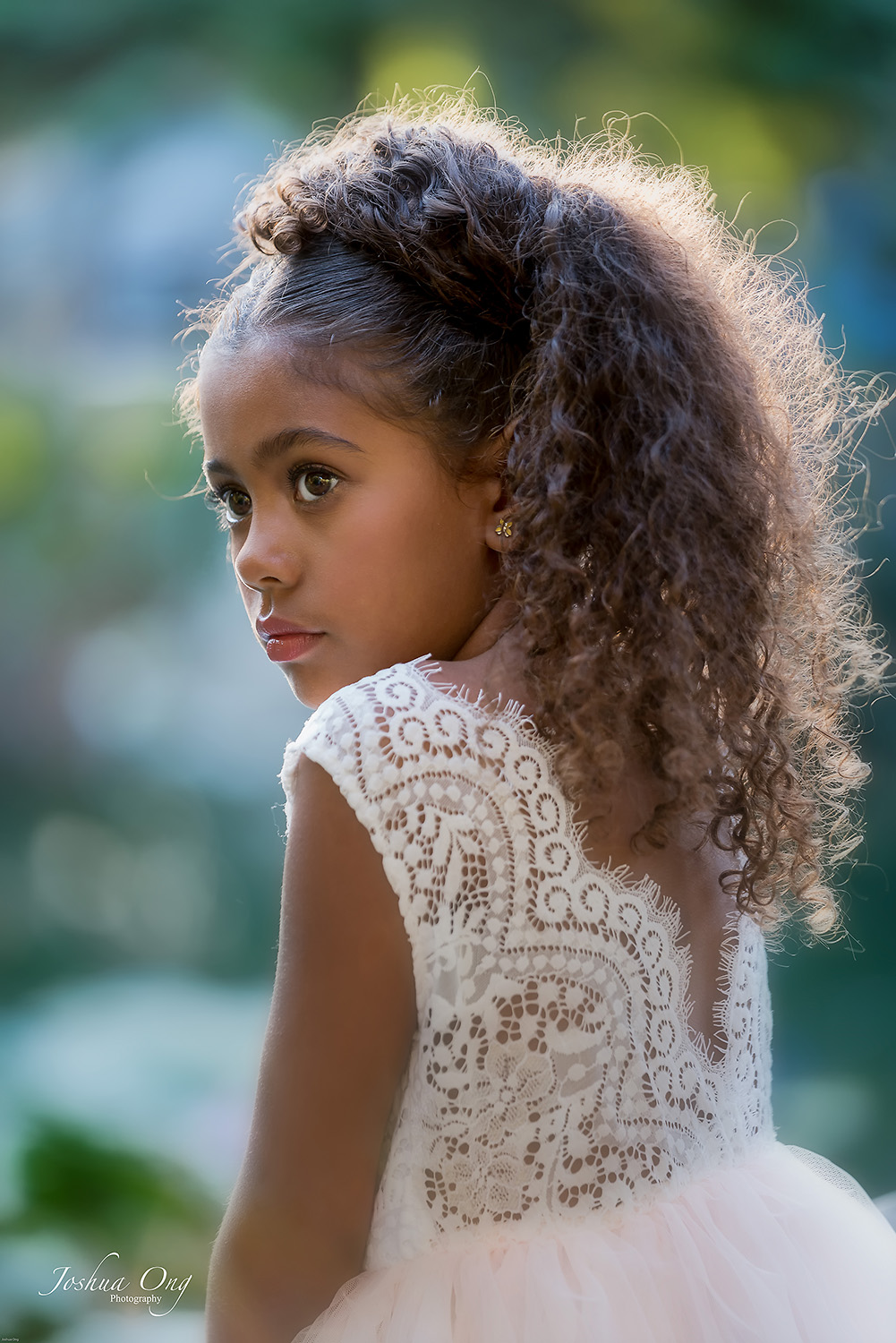
Juanma, really excellent images of both of them! The tough situation to render skin tones is if you are dealing with mixed lighting sources. Under those circumstances, applying presets may get you unpleasant color renditions. Frankly, I rely on my eyes to do the adjustment and in general, my settings do not deviate much from the original white balance; only slight tweaks, in other words.
_________________________________________
From last evening (cross posted in 2 threads) ....
p.10 #14 · Portrait and People Image Thread using Sony
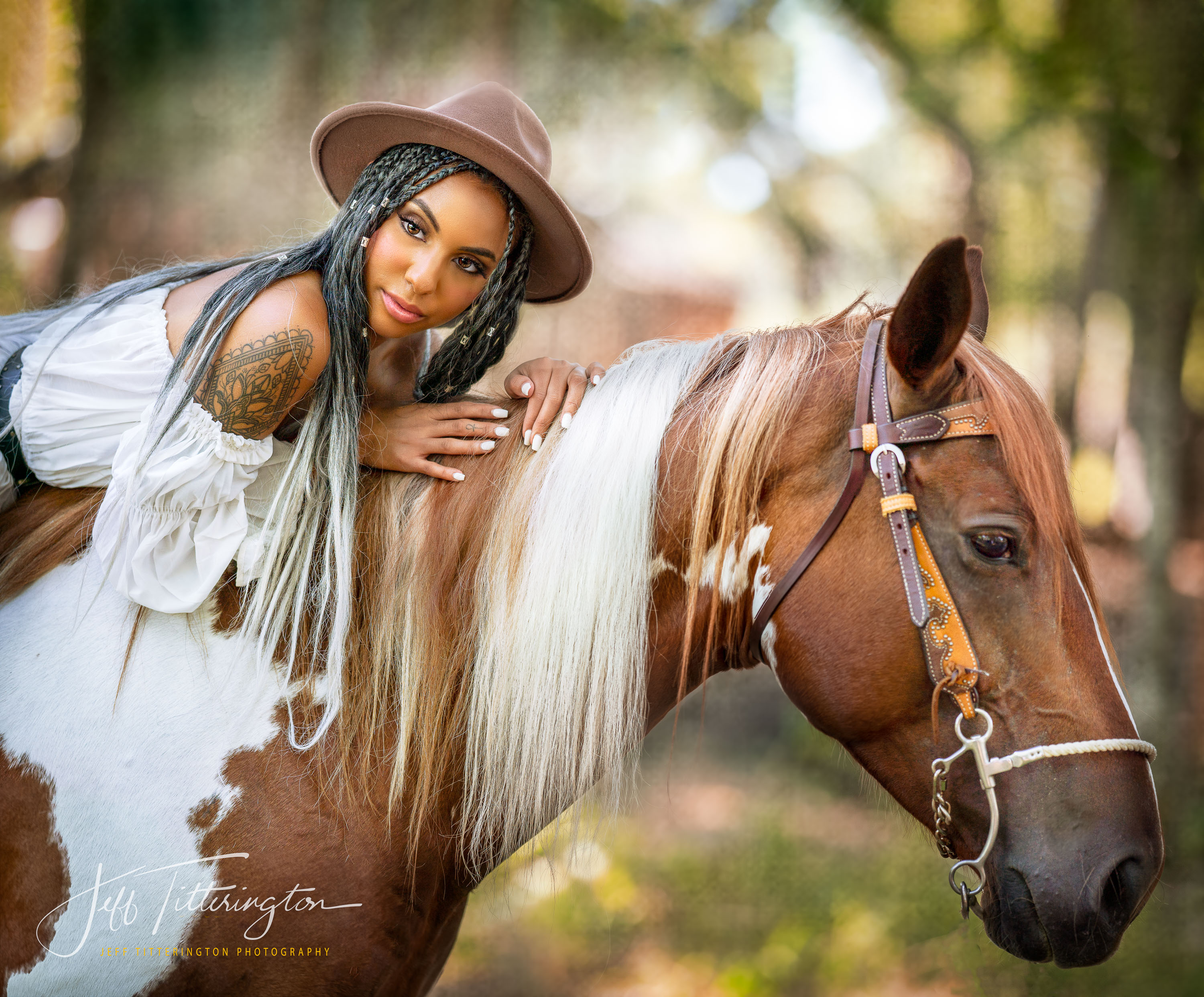
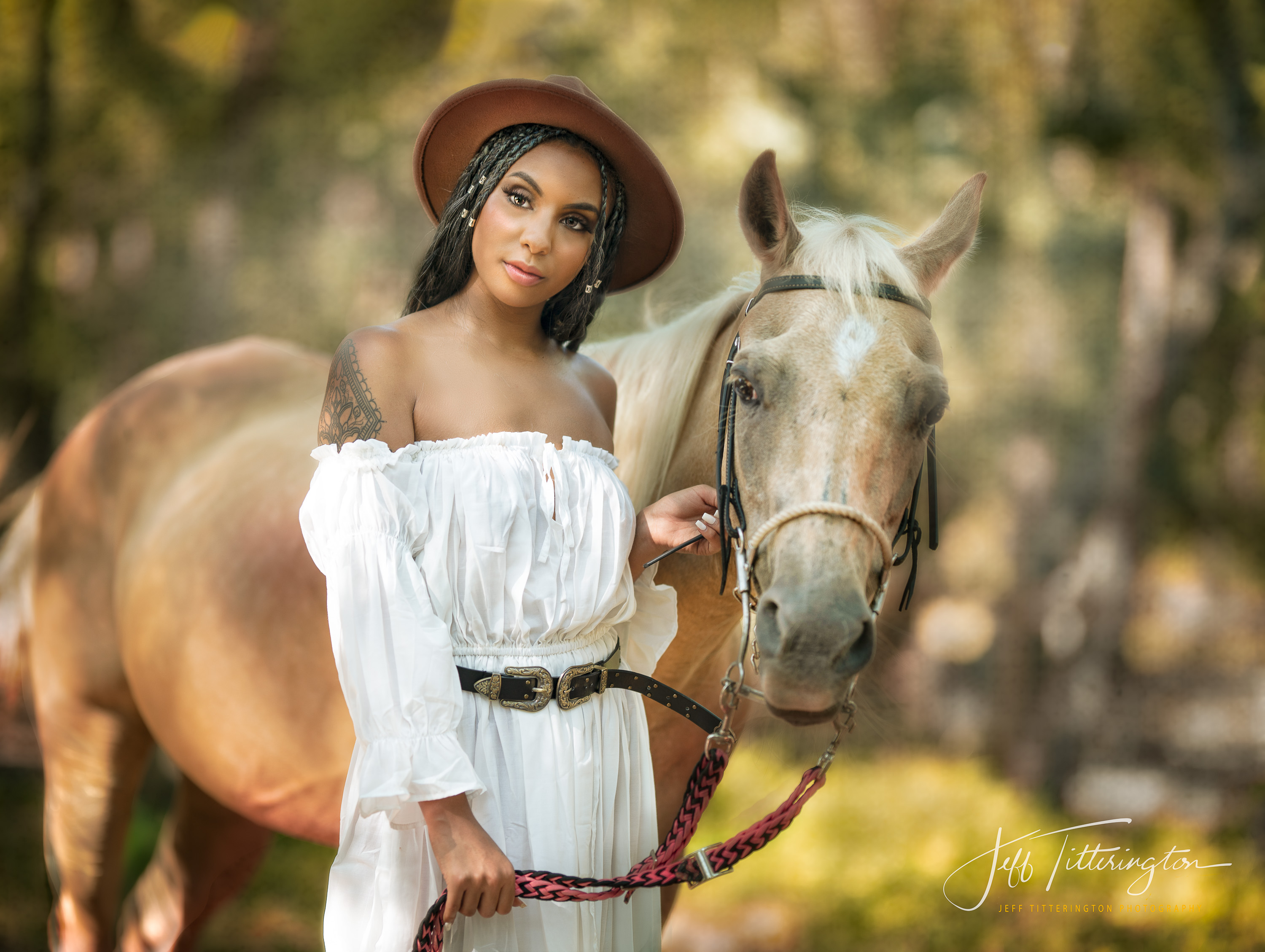
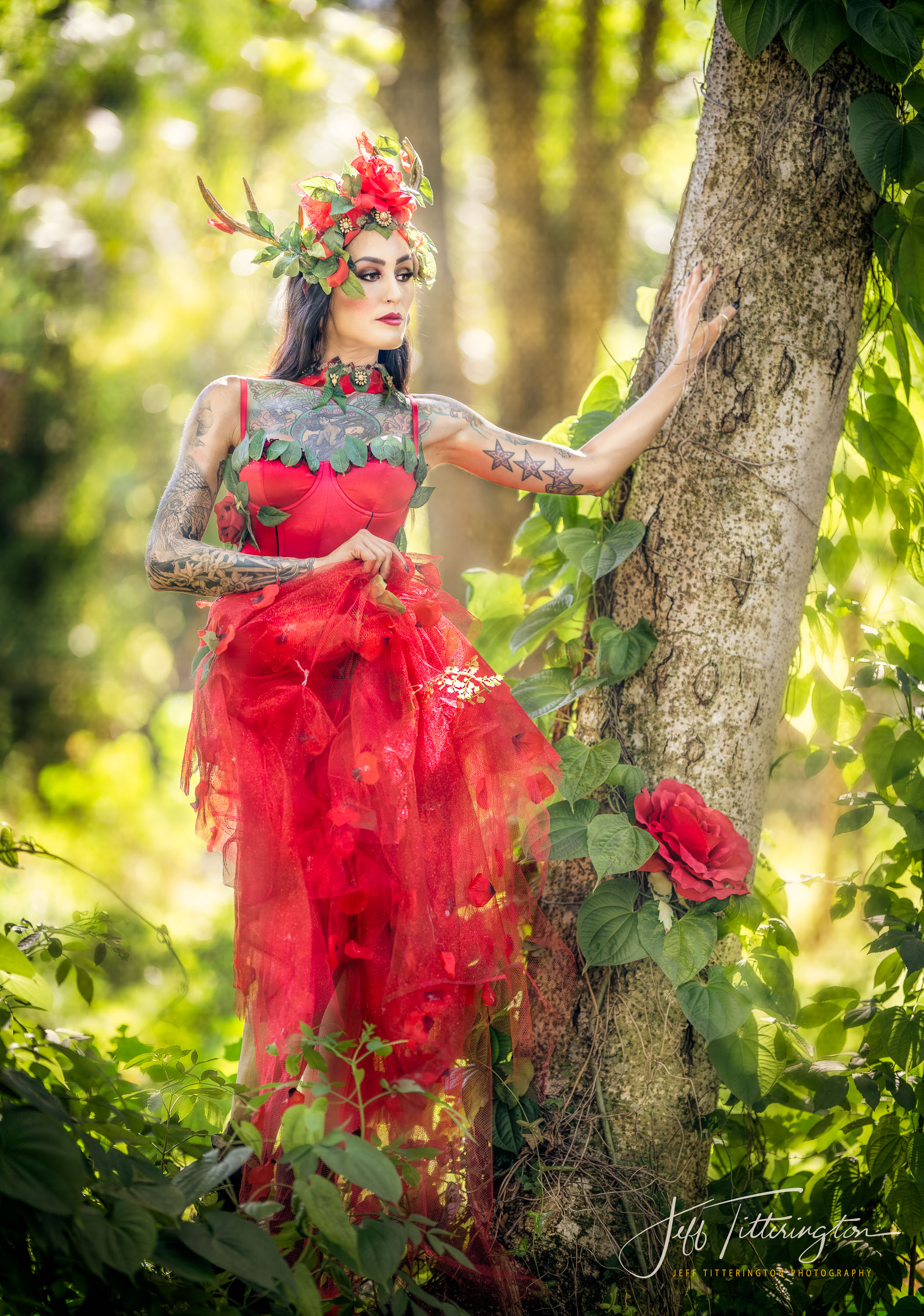
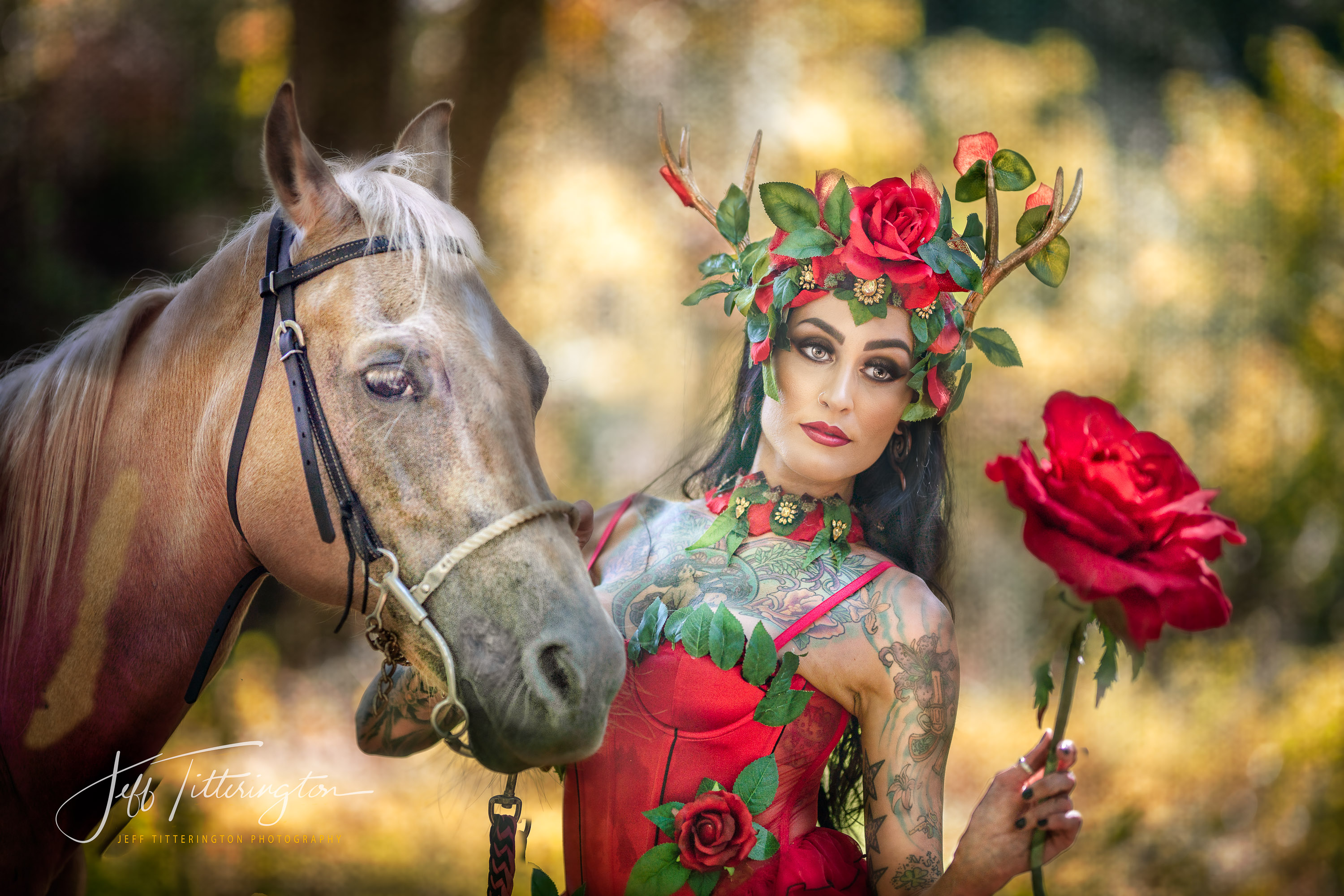
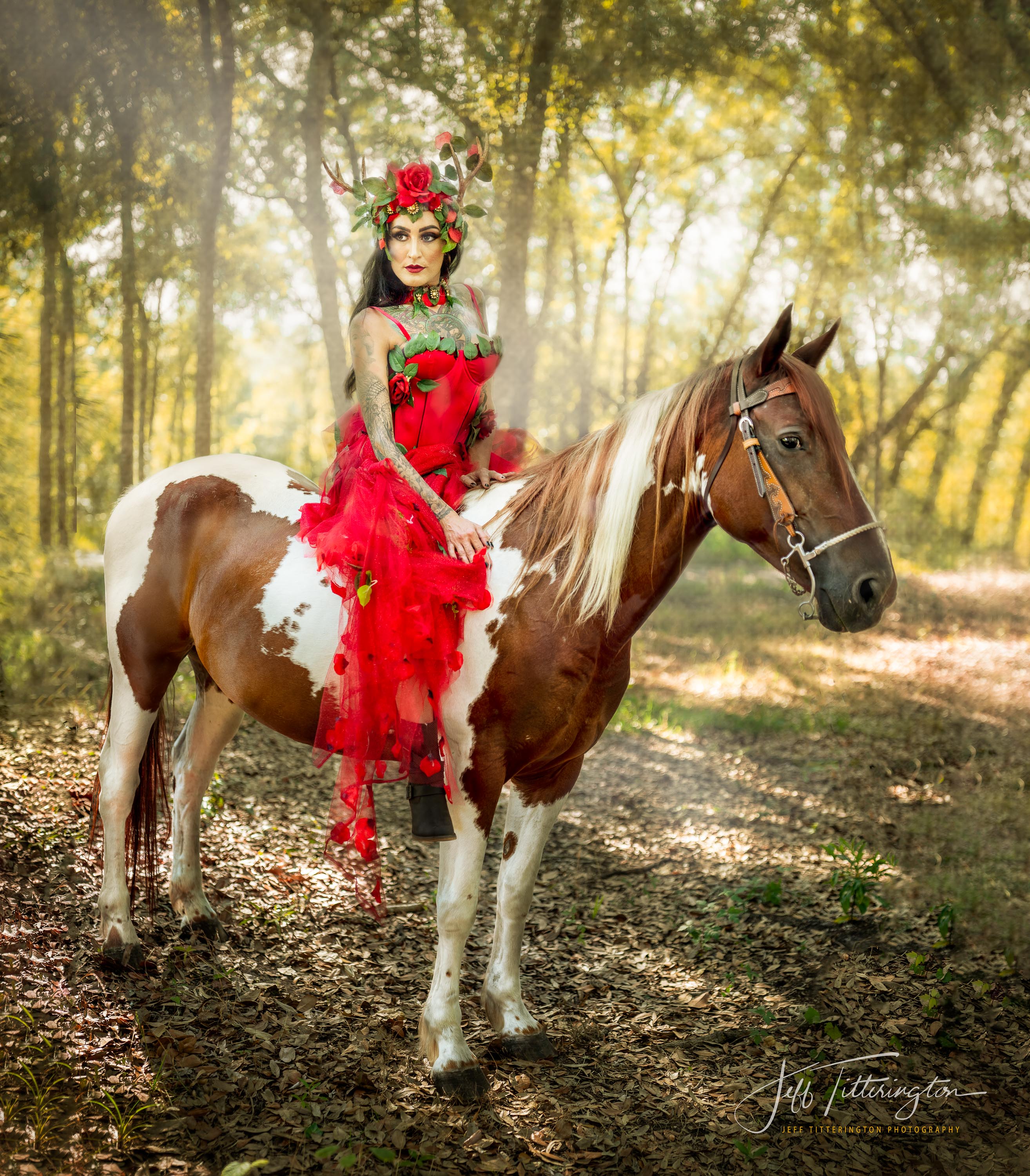
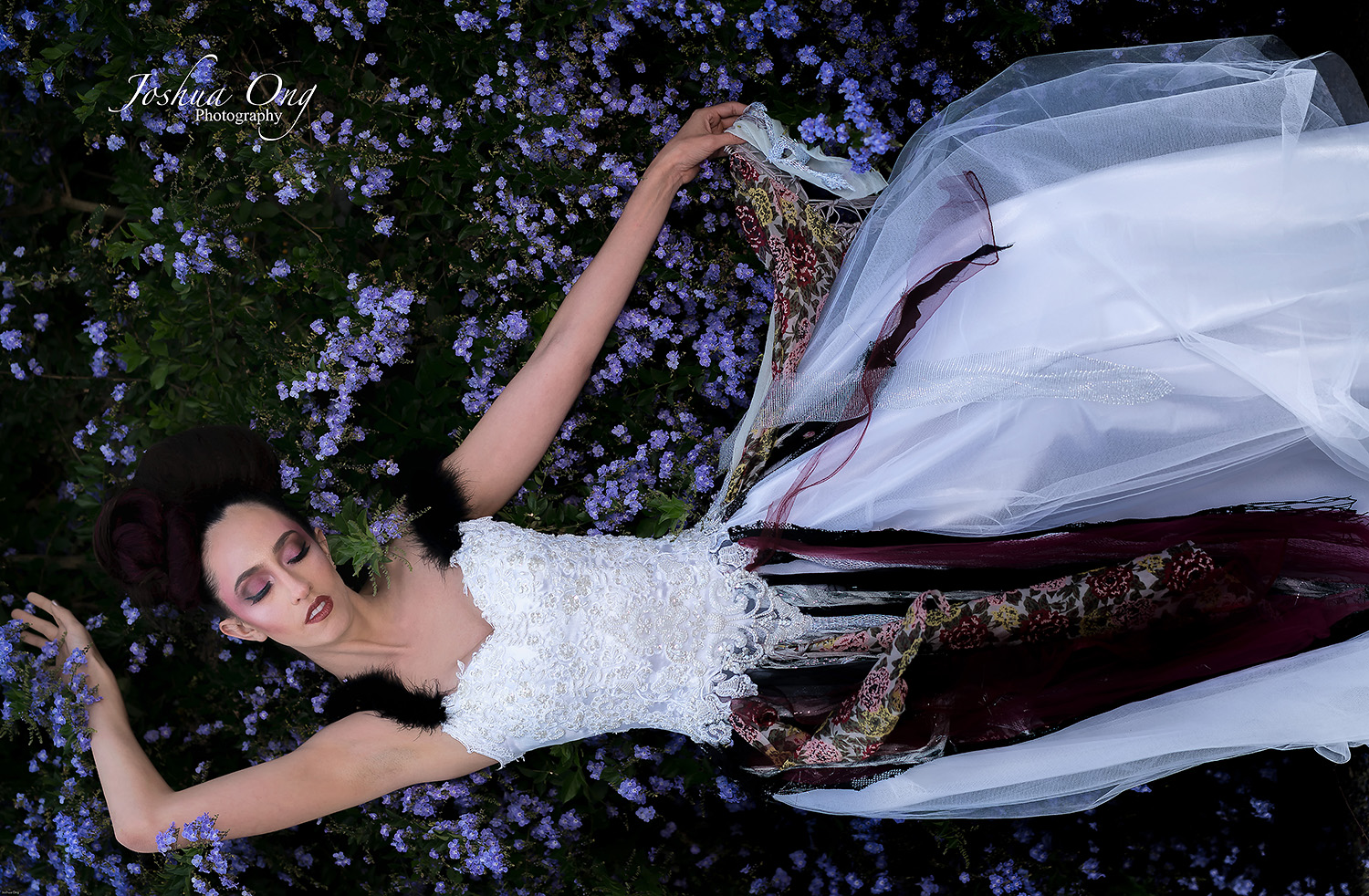
Shots below are with the GM135 (1st), 105mm ART (2nd, 3rd, 4th) and 40mm f1.4 ART (5th), all wide-open. I normally use strobes, but these were all taken with ambient light. Due to the bright sun in the background, I shot three bracketed shots at plus and minus 2 EV, with the exposure set to minus one EV. The idea was to keep the sunny backgrounds from being blown-out, so I needed at least a three EV difference from the face. I merged in Lightroom and did a few adjustments in CC2019. i was amazed at how well Lightroom handled the ghosting with the moving model and horses. Camera - A7RIII's.
p.10 #15 · Portrait and People Image Thread using Sony
InFocus2014 wrote:
Shots below are with the GM135 (1st), 105mm ART (2nd, 3rd, 4th) and 40mm f1.4 ART (5th), all wide-open. I normally use strobes, but these were all taken with ambient light. Due to the bright sun in the background, I shot three bracketed shots at plus and minus 2 EV, with the exposure set to minus one EV. The idea was to keep the sunny backgrounds from being blown-out, so I needed at least a three EV difference from the face. I merged in Lightroom and did a few adjustments in CC2019. i was amazed at how well Lightroom handled the ghosting with the moving model and horses. Camera - A7RIII's.
p.10 #16 · Portrait and People Image Thread using Sony
InFocus2014 wrote:
Shots below are with the GM135 (1st), 105mm ART (2nd, 3rd, 4th) and 40mm f1.4 ART (5th), all wide-open. I normally use strobes, but these were all taken with ambient light. Due to the bright sun in the background, I shot three bracketed shots at plus and minus 2 EV, with the exposure set to minus one EV. The idea was to keep the sunny backgrounds from being blown-out, so I needed at least a three EV difference from the face. I merged in Lightroom and did a few adjustments in CC2019. i was amazed at how well Lightroom handled the ghosting with the moving model and horses. Camera - A7RIII's.
p.10 #18 · Portrait and People Image Thread using Sony
You have an awesome level, the pics from InFocus 2014 are absolutely magnificent, I wish I had that knowledge, budged, equipment and places lol. But what I honestly don't like are the colors. I'm basically taking pictures of friends and stuff, I'm a hobbist and rarely have paid jobs, but I am specially focusing in colors lately, as it's so difficult to get them right with sony (skintones), and for me, the color is one of the most important things in a photo (except in B&W lol)
Here a couple more of my friend in the beach. Samyang 85 @1.4
p.10 #19 · Portrait and People Image Thread using Sony
numbertwo wrote:
Ok, I'll also post the boyfriend of the girl xD
In this case the exif are intact hopefully. Wide open with the Samyang 85 1.4 as well.
p.10 #20 · Portrait and People Image Thread using Sony
numbertwo wrote:
You have an awesome level, the pics from InFocus 2014 are absolutely magnificent, I wish I had that knowledge, budged, equipment and places lol. But what I honestly don't like are the colors. I'm basically taking pictures of friends and stuff, I'm a hobbist and rarely have paid jobs, but I am specially focusing in colors lately, as it's so difficult to get them right with sony (skintones), and for me, the color is one of the most important things in a photo (except in B&W lol)
Here a couple more of my friend in the beach. Samyang 85 @1.4
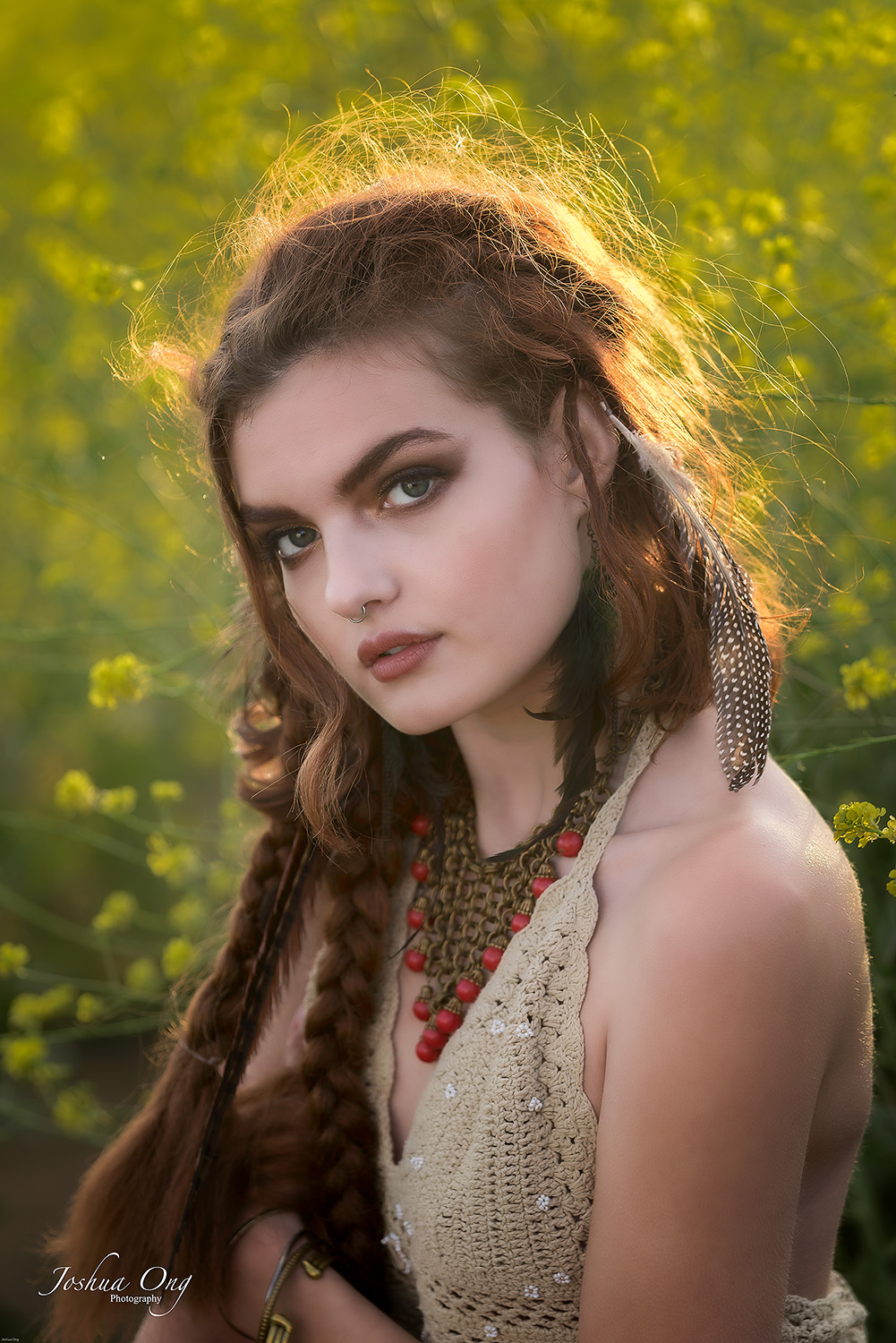
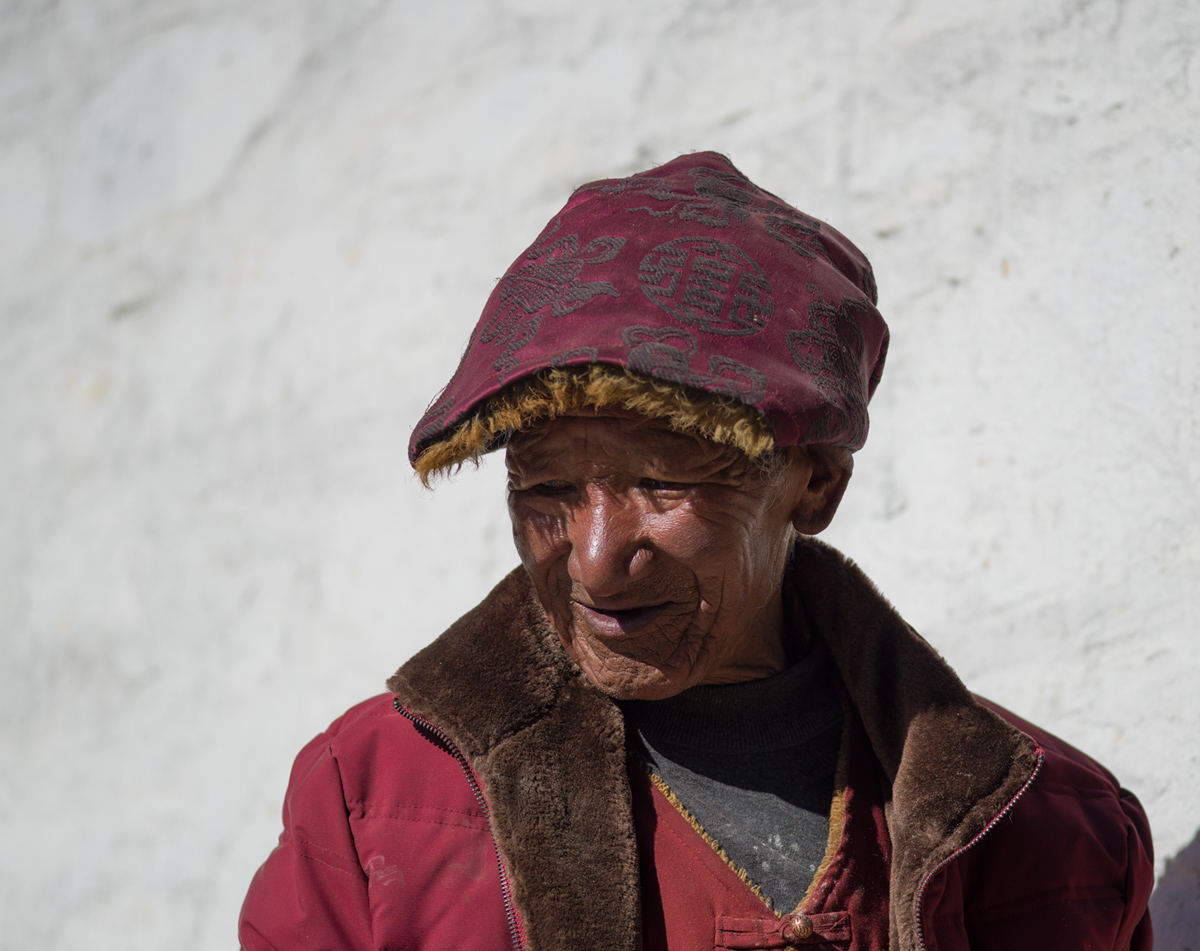
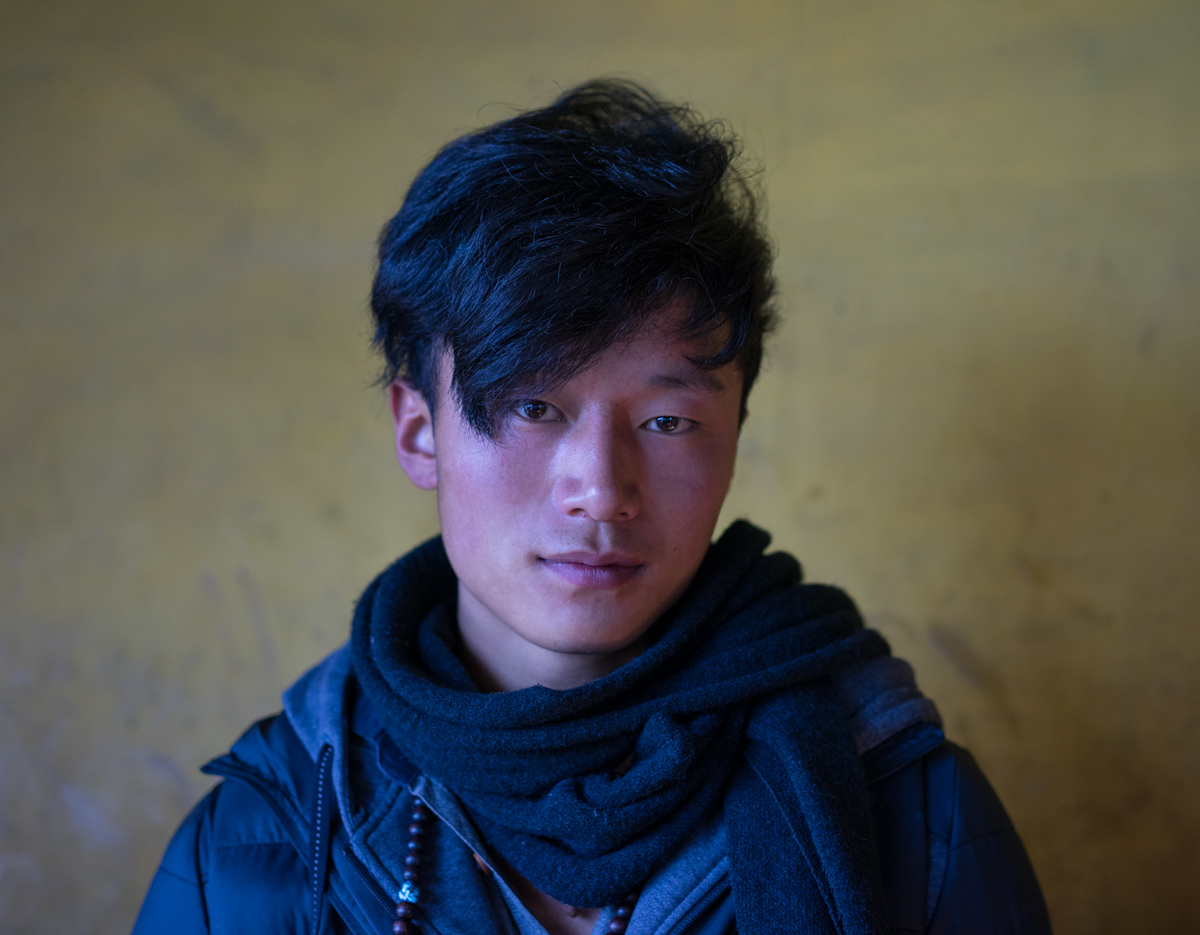
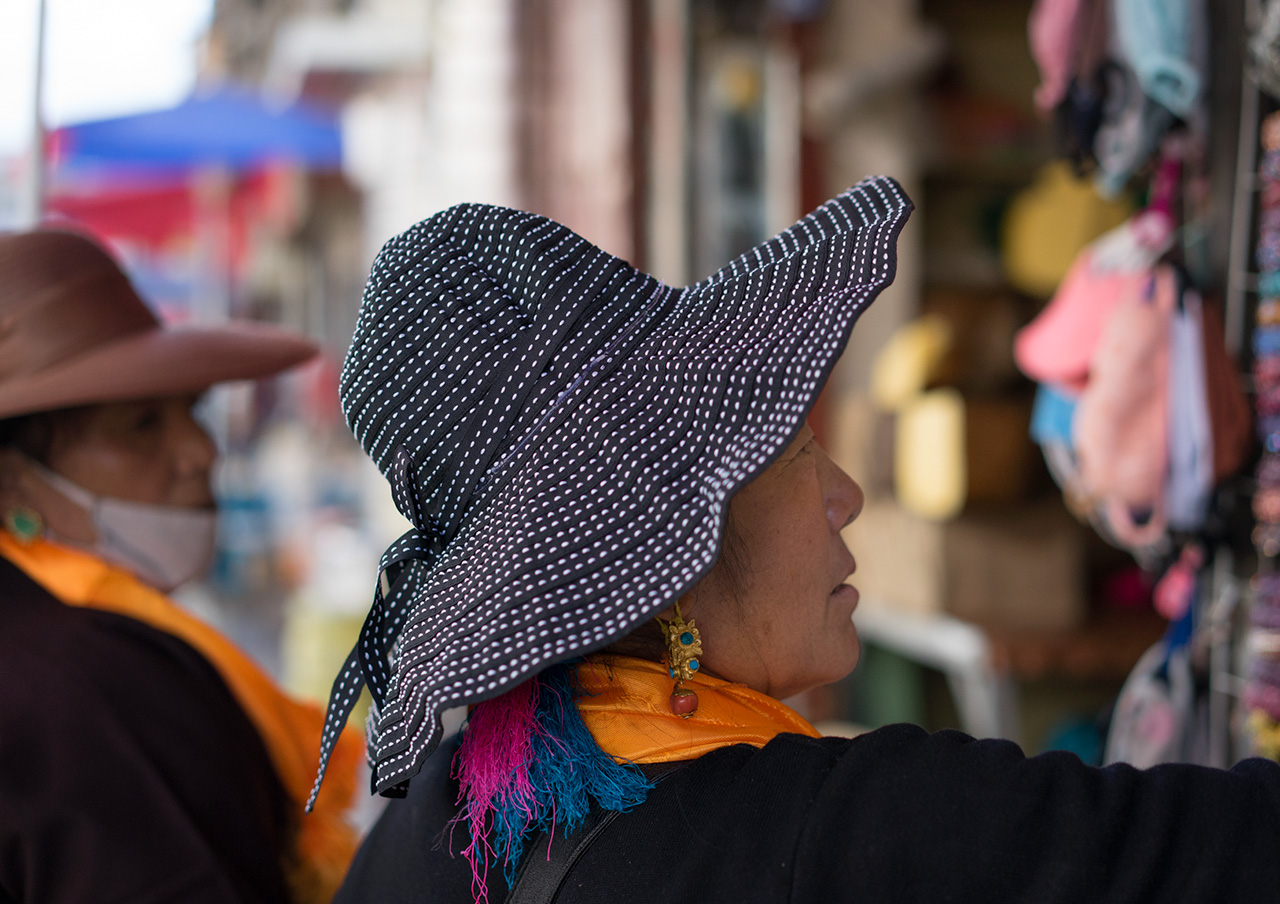
The color rendition of skin tones is highly subjective. And it is really tough to be consistent in our workflow. Plus, some editors would like to see certain skin tone that better fits a certain color scheme for magazines and books or in other ways of publishing. What one considers natural skin tones on the monitor may not necessarily the way the human skin renders and tend to be more vibrant/vivid on the monitor. I am not saying one way or the other regarding the colors on the images you referred to but for sure, there are different ways to display the human skin tone. Keep up the good work and please post more images!
______________________________________
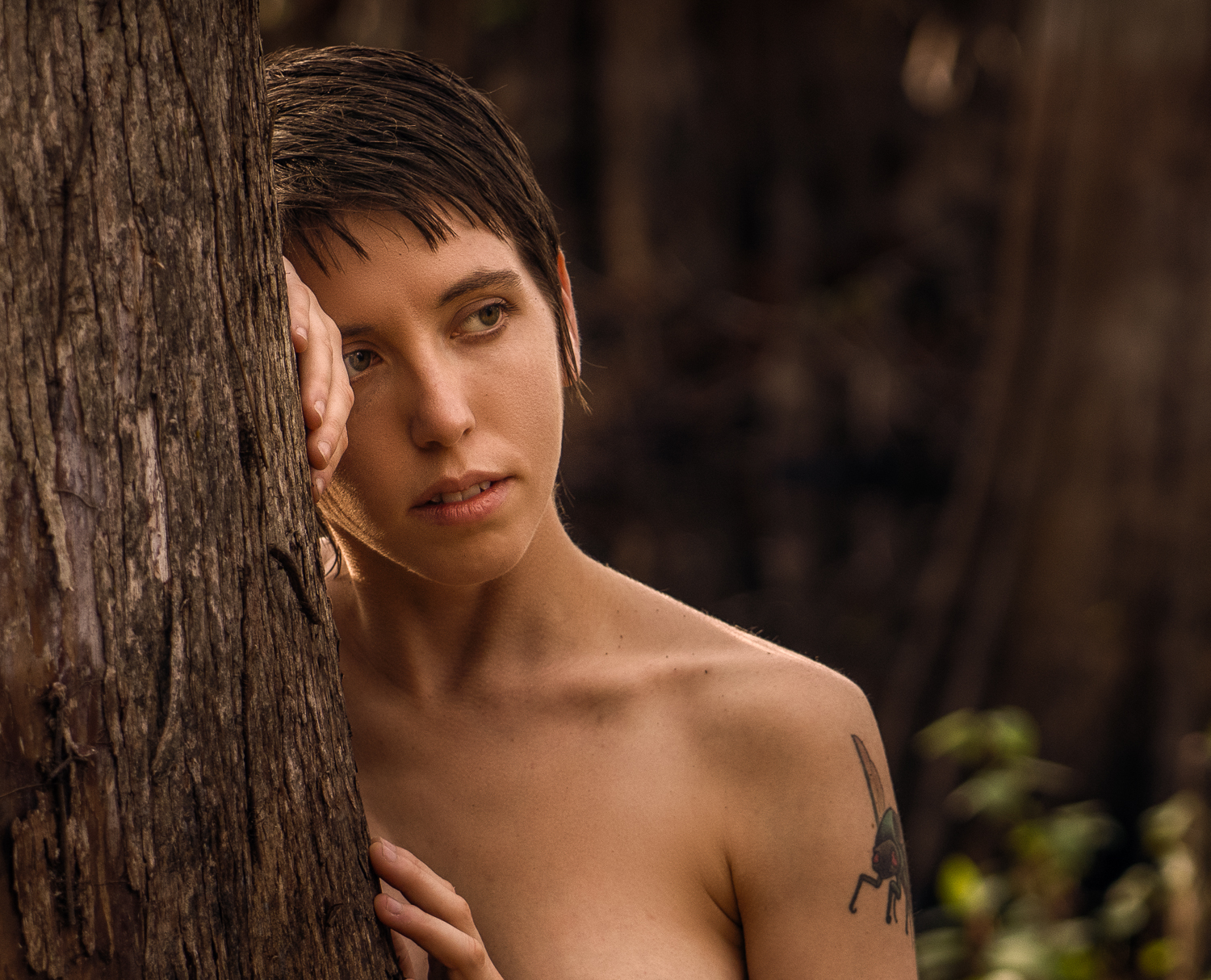
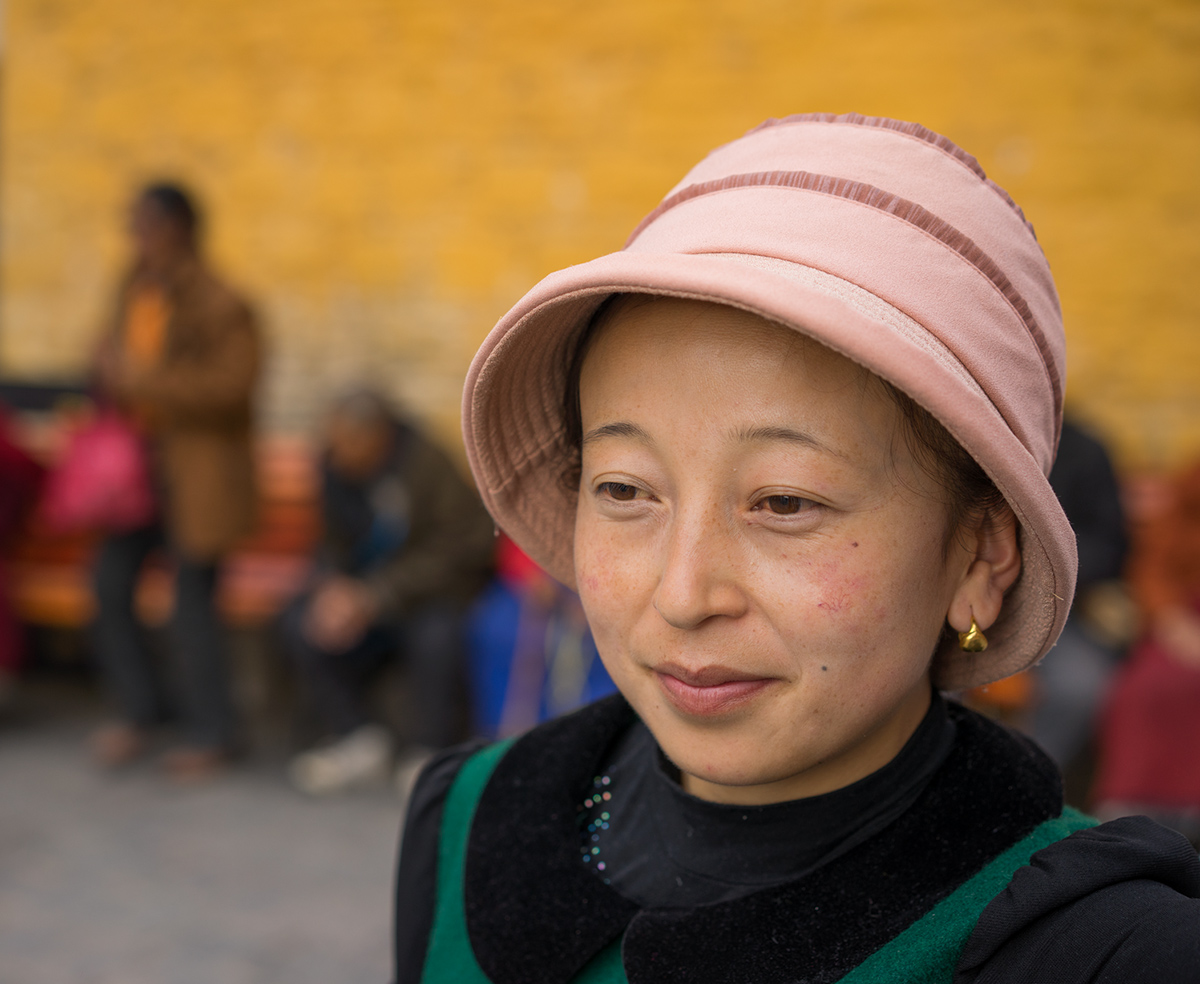
I am relying on just my eyes to render the skin tone here the best I could, and it may not necessarily the most accurate but as long as it is pleasing to my eyes...







 . Finally, this thread seems to get some traction. Please, please feel free to post some more images.