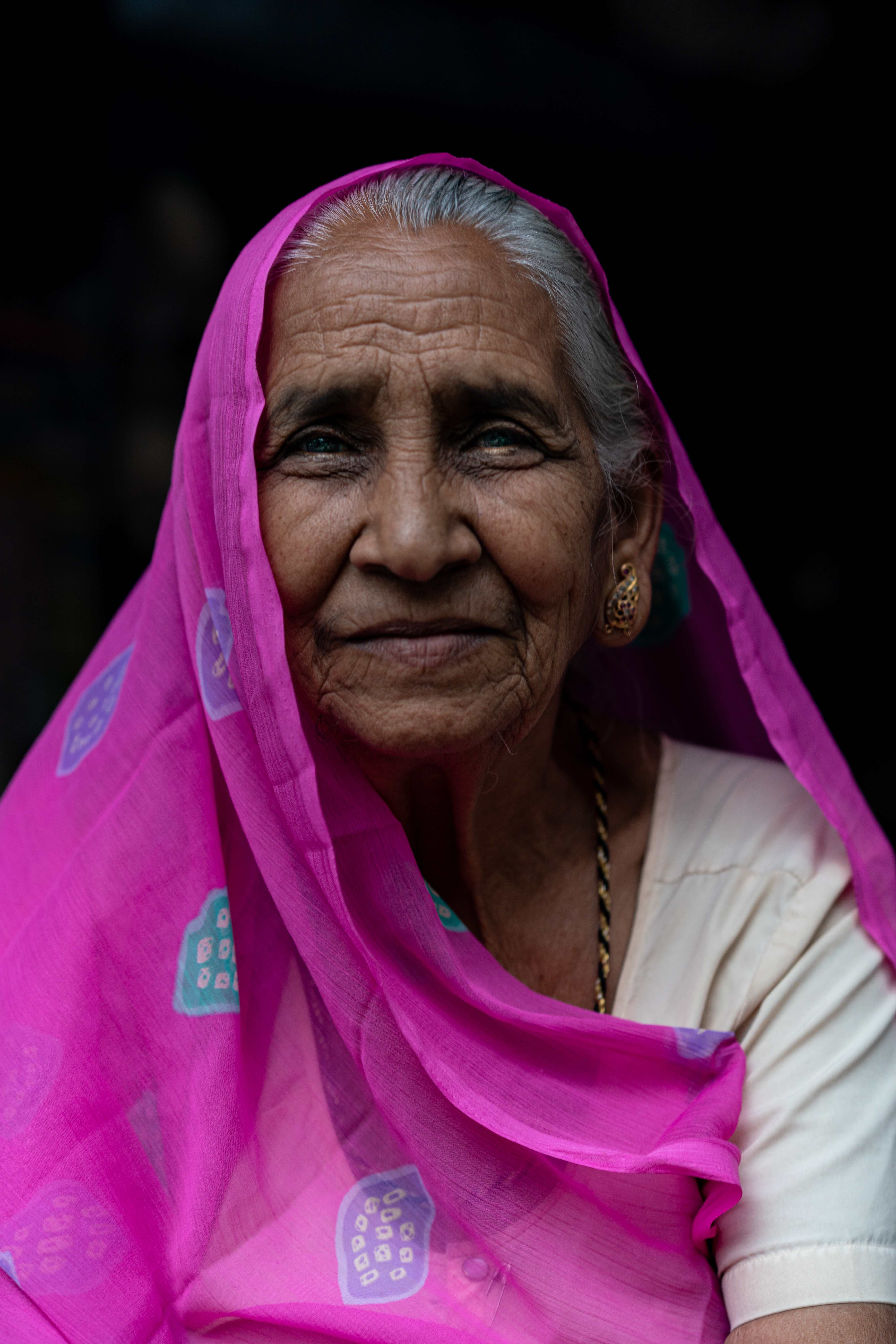
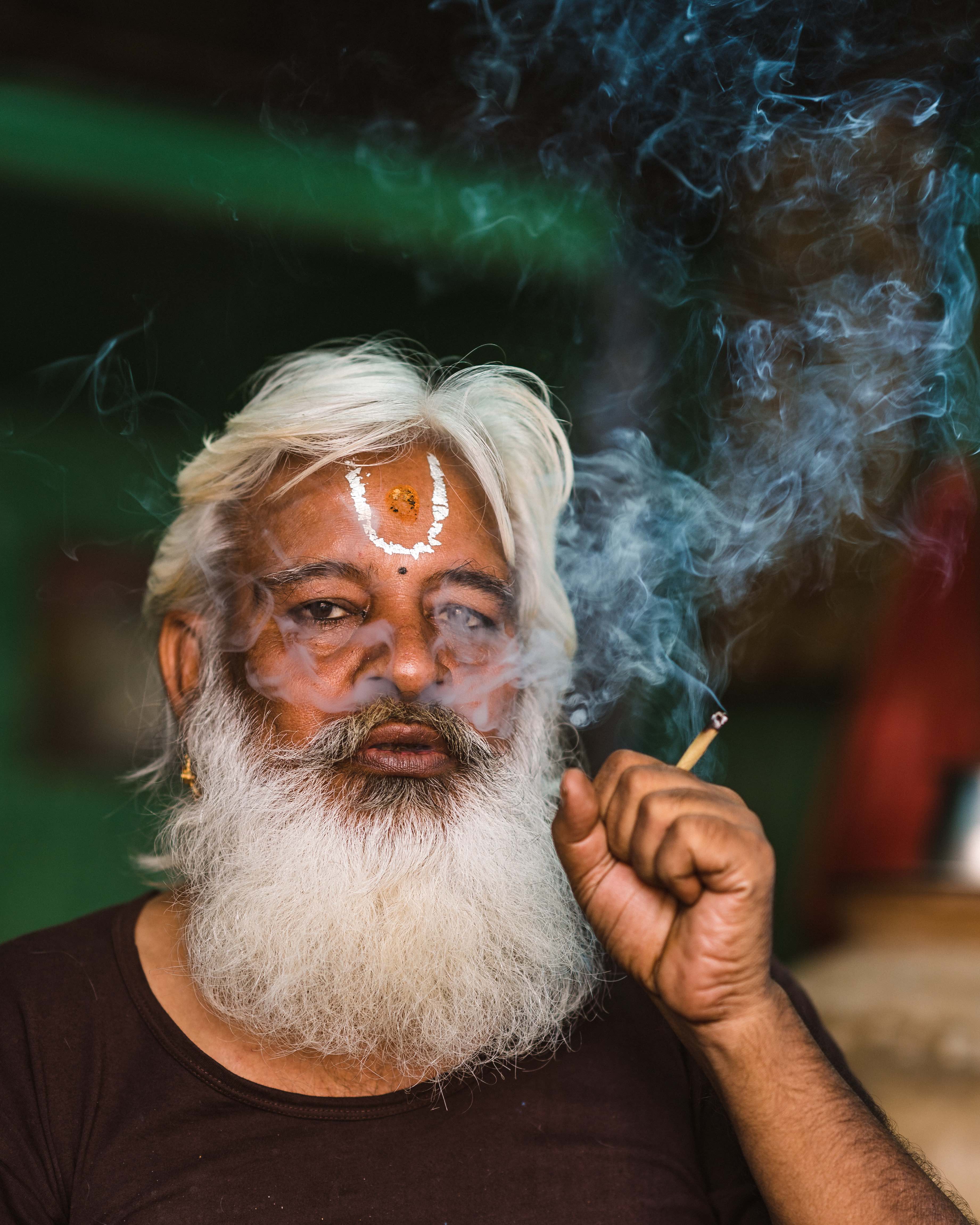
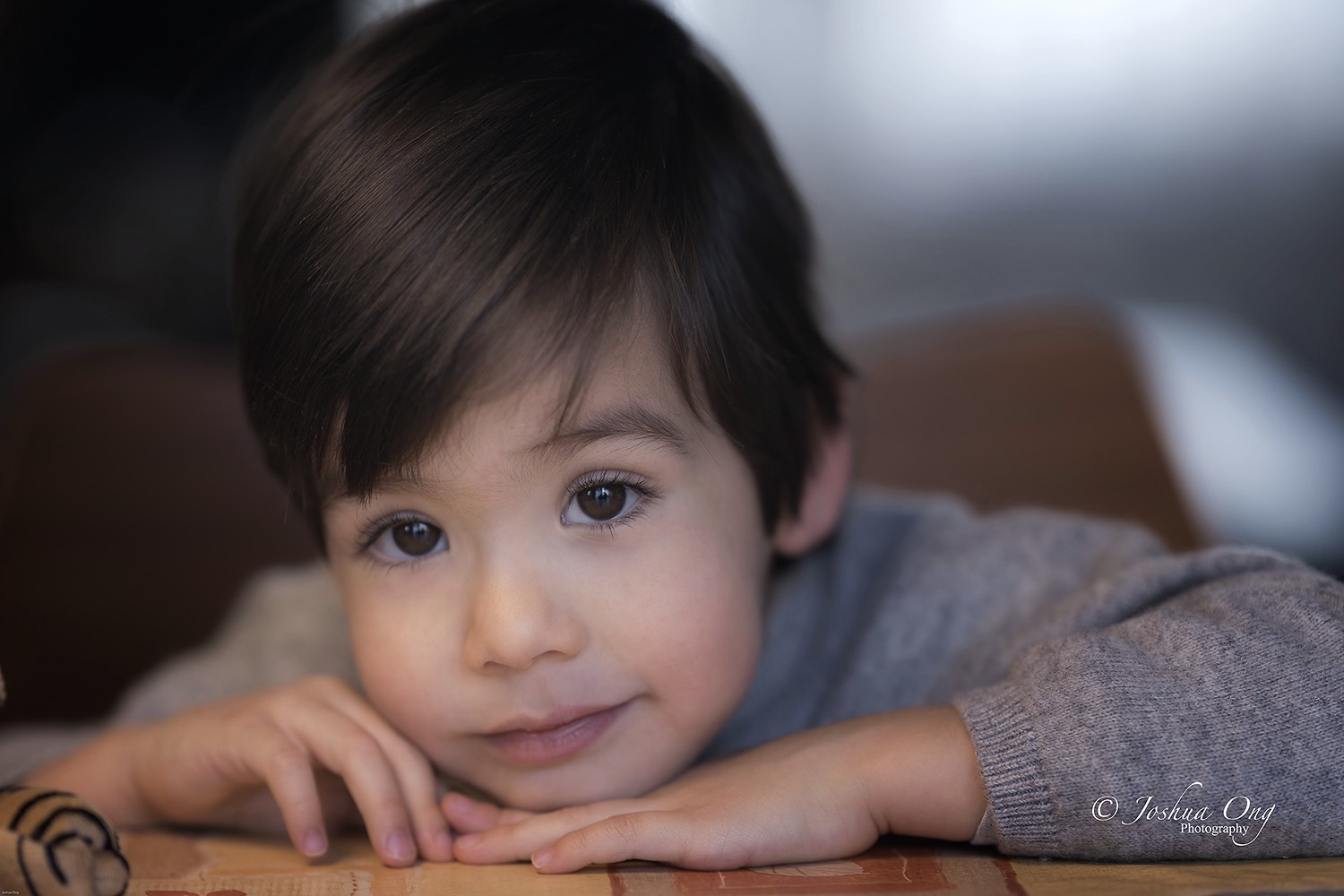
p.37 #2 · Portrait and People Image Thread using Sony
AGeoJO wrote:
Dan, thank you very much! if you are hanging out in the Sony Forum then you will see this thread. So, I got the feeling that you are considering a switch ? And you can post images here, too . Regardless, it was very nice of you to swing by.
_____________________________________
From a very recent shoot...
Thanks my friend! Switch?...I may do both and feel the Sony out as Kathy does. My 5DSr is fantastic in detail! The Sony a7rIV is better! I may play both fields for awhile!
Your portraits, as well as others here, are stunning both in technique and subjects!
Thanks my friend!
Dan
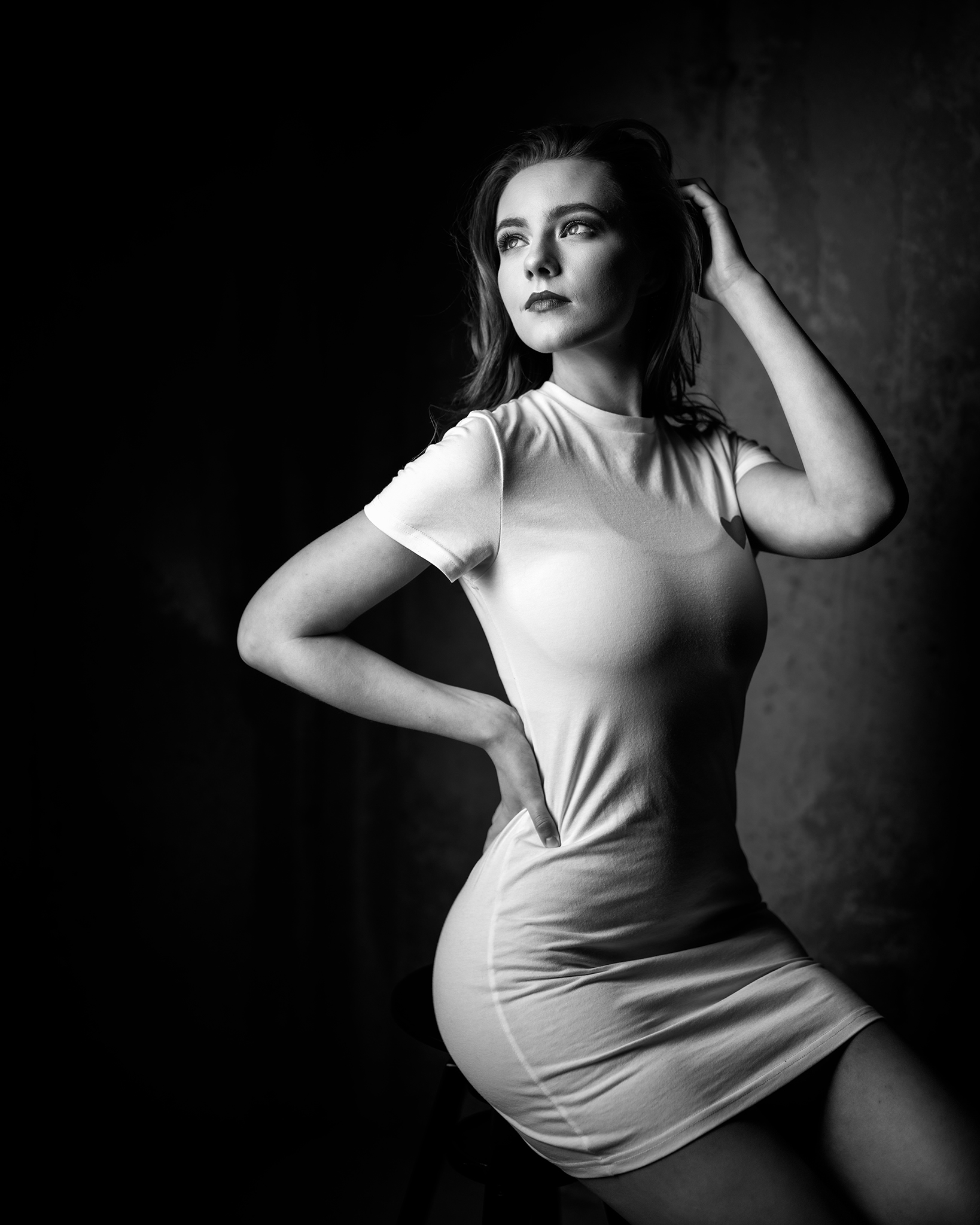
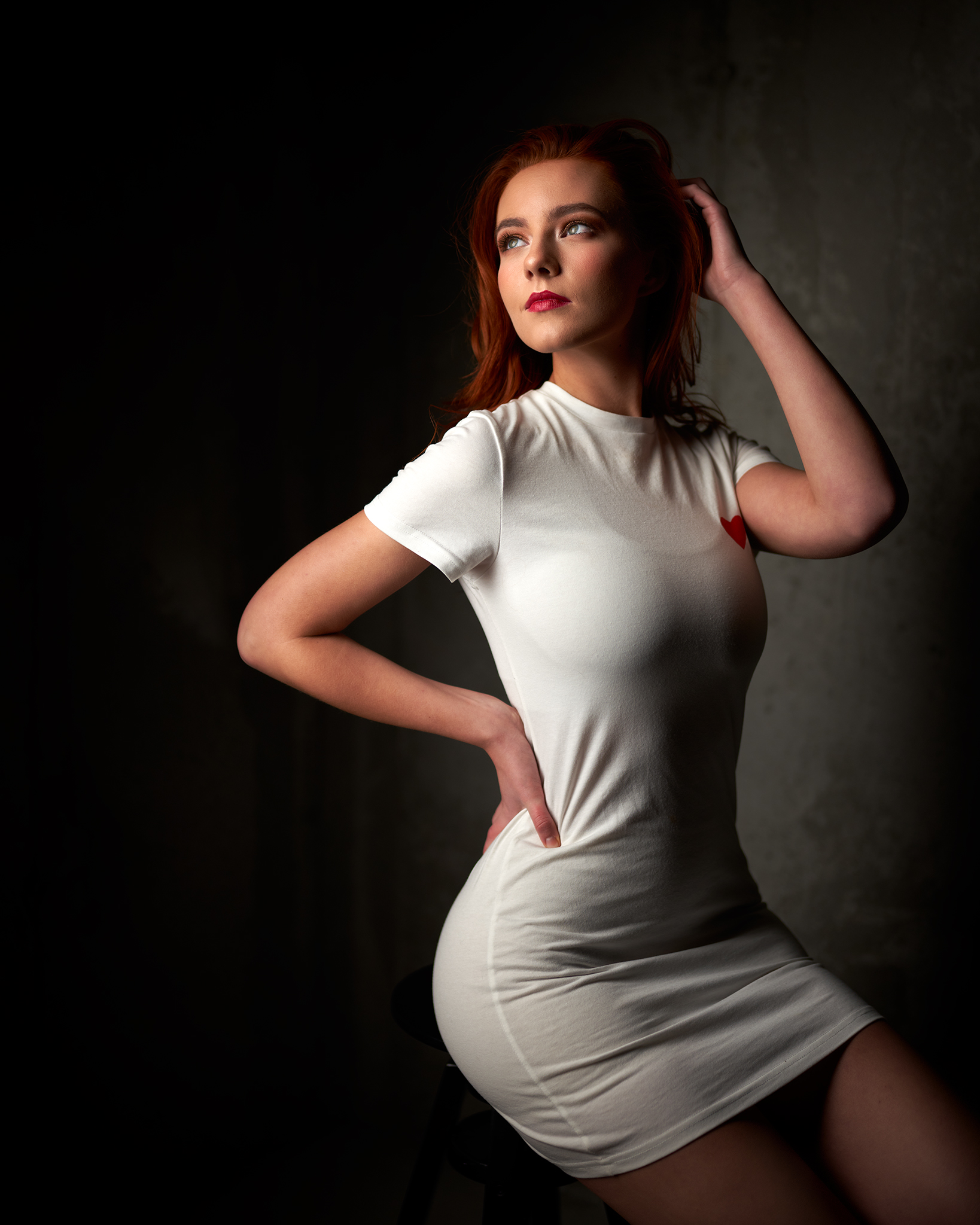
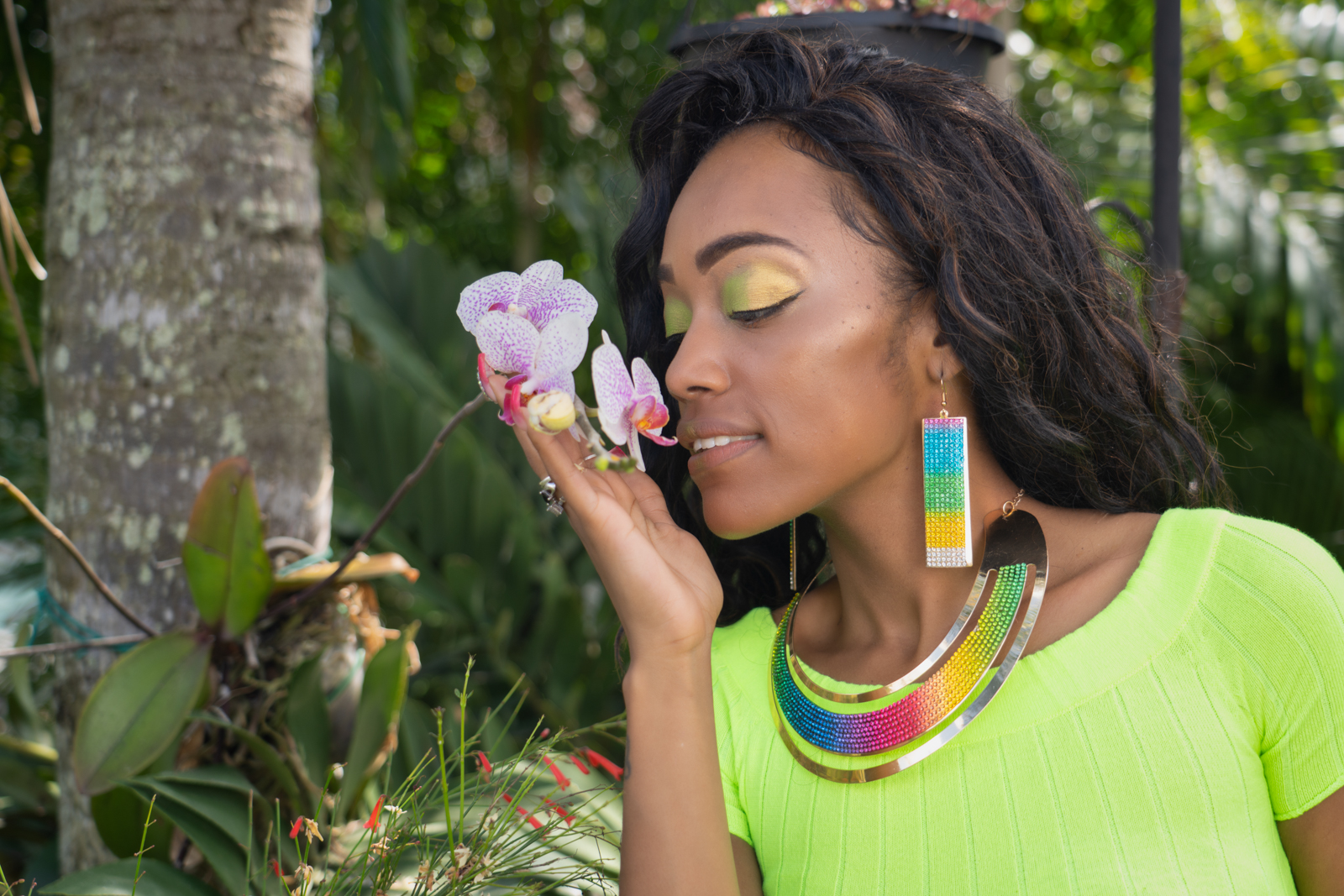
I tried something kind of whacky in the PP department on this one. I took a sample of the model’s skin tone with the PS eye dropper, loaded that into the Adobe Color Themes extension and set the color rule to complimentary. The extension spit out 5 different colors, some greens and some browns, which I loaded into my swatch panel. Then I created a gradient map adjustment layer, picked the darkest green as the far left color, a darker brown than the skin for the middle color, and the lightest green for the far right color. I set the blending mode to soft light and the fill to 75% (fill works differently than opacity for soft light) and opacity to 100%. Then I just masked it into the background with a soft brush at 100% opacity as well as the foreground but to a lesser extent at about 35% opacity. I did not paint it into the skin tones at all. I did some other more minor subtle things with the grade but that was the meat and potatoes of it. I think it’s kind of an interesting idea to use the model’s natural complexion to find complementary colors!
p.37 #7 · Portrait and People Image Thread using Sony
wittyphrase wrote:
I enjoyed the BTS on this on IG. What was with the space?
space? it's a communal room in the building I live in. There are several rooms I can use for free but with limitations, this room is $100/day for 24 hours, it was my first time renting it since I had multiple models. People oftentimes rent it for events like birthday parties or whatever
p.37 #17 · Portrait and People Image Thread using Sony
Hello all, I am not a portrait photographer (yet!) but have seen this thread many times and wondered if it might be a good place to seek out objective criticism on my 'first try' with models at a photo class. I know there is also the photo critique forum...just felt more comfortable posting here for the time being given the direct correlation with portraits. If it's not the right place for it, I will try there.
These are all with one light and a reflector. The first photo uses a bare flash and I did my best to tone it down. Not sure if there is any way do improve the specular highlights further. And I later realized the whites of the eyes are showing too much with the pose.
The second used ambient light. I still feel like perhaps the highlights are a bit much but the histogram didn't show it being blown out. As for the edit, I like it, but feels like maybe it is missing something.
Last one - I think this was maybe my favorite one of the day, though again, still not perfect even though I can't quite articulate why. Maybe not quite as nuanced as I would expect from seeing other portraits on here. Too bright? I have very little photoshop experience and want to explore that a little, especially the frequency separation bit. So this was all done in lightroom. I haven't even yet done any dodge and burn. Perhaps that would add some more dimensionality, particularly to this last one.
These were all shot with the A7III + Samyang 85/1.4. Thanks for any critique if you care to give it, and thanks for looking!
p.37 #18 · Portrait and People Image Thread using Sony
abadger wrote:
Hello all, I am not a portrait photographer (yet!) but have seen this thread many times and wondered if it might be a good place to seek out objective criticism on my 'first try' with models at a photo class. I know there is also the photo critique forum...just felt more comfortable posting here for the time being given the direct correlation with portraits. If it's not the right place for it, I will try there.
These are all with one light and a reflector. The first photo uses a bare flash and I did my best to tone it down. Not sure if there is any way do improve the specular highlights further. And I later realized the whites of the eyes are showing too much with the pose.
The second used ambient light. I still feel like perhaps the highlights are a bit much but the histogram didn't show it being blown out. As for the edit, I like it, but feels like maybe it is missing something.
Last one - I think this was maybe my favorite one of the day, though again, still not perfect even though I can't quite articulate why. Maybe not quite as nuanced as I would expect from seeing other portraits on here. Too bright? I have very little photoshop experience and want to explore that a little, especially the frequency separation bit. So this was all done in lightroom. I haven't even yet done any dodge and burn. Perhaps that would add some more dimensionality, particularly to this last one.
These were all shot with the A7III + Samyang 85/1.4. Thanks for any critique if you care to give it, and thanks for looking! ...Show more →
Hi Adam,
Although I have been taking portraits during film days but still I am not an expert. Plus, individual styles vary; what appears to be pleasing to some may appear too soft, too hard, etc. Furthermore, the end result will also depend on what look you are looking for or what you have in mind. With those conditions in mind, here are my takes on your images:
1. There is only so much you can do to minimize specular highlights during the picture taking part. Even if you use a light modifier that generates the softest lights, there are still there and they vary with the model's skin and complexion. I address this issue using Photoshop. Actually, it is fairly simple. I am using the clone tool to do so at opacity between 15-25%. You basically clone nearby skin and brush it over those specular highlights. Sometimes, one brush is enough but sometimes you have to do more than that. The more you do it the more you will get the feel on how this works. The main goal here is to suppress those highlights and not completely remove them. Keep also in mind that you can use this clone tool to also reduce skin imperfection. Something that female models like. Again, the keyword is reduction and not complete removal.
2. The amount of specular highlights is small that the histogram won't pick it up. Yes, the ambient light you used was softer already, but again, the model's skin tends to render those specular highlights. In the pro modeling business, it is the job of the make-up artist to apply powder or what not to suppress those highlights. Then your PP job is easier, sometime to a point that no PP would be needed. As a side note, the blouse the model was wearing is actually white, right? Somehow the fabric picked up blue cast (from a nearby window?). I would address that in Lightroom either using their brush tool set to reduce the saturation and to add yellow slider or to reduce the blue channel saturation in the HSL/Color.
3. The last one is indeed the best out of the 3. In general, male models can get away with less PP. I would reduce specular highlights on the nose and a little on the forehead and that's it.
I hope this helps somewhat and I hope that others chime in with their feedback. Keep up the good work, Adam and enjoy portrait photography! You develop your own style and that can change over time for the better.
p.37 #19 · Portrait and People Image Thread using Sony
AGeoJO wrote:
Hi Adam,
Although I have been taking portraits during film days but still I am not an expert. Plus, individual styles vary; what appears to be pleasing to some may appear too soft, too hard, etc. Furthermore, the end result will also depend on what look you are looking for or what you have in mind. With those conditions in mind, here are my takes on your images:
1. There is only so much you can do to minimize specular highlights during the picture taking part. Even if you use a light modifier that generates the softest lights, there are still there and they vary with the model's skin and complexion. I address this issue using Photoshop. Actually, it is fairly simple. I am using the clone tool to do so at opacity between 15-25%. You basically clone nearby skin and brush it over those specular highlights. Sometimes, one brush is enough but sometimes you have to do more than that. The more you do it the more you will get the feel on how this works. The main goal here is to suppress those highlights and not completely remove them. Keep also in mind that you can use this clone tool to also reduce skin imperfection. Something that female models like. Again, the keyword is reduction and not complete removal.
2. The amount of specular highlights is small that the histogram won't pick it up. Yes, the ambient light you used was softer already, but again, the model's skin tends to render those specular highlights. In the pro modeling business, it is the job of the make-up artist to apply powder or what not to suppress those highlights. Then your PP job is easier, sometime to a point that no PP would be needed. As a side note, the blouse the model was wearing is actually white, right? Somehow the fabric picked up blue cast (from a nearby window?). I would address that in Lightroom either using their brush tool set to reduce the saturation and to add yellow slider or to reduce the blue channel saturation in the HSL/Color.
3. The last one is indeed the best out of the 3. In general, male models can get away with less PP. I would reduce specular highlights on the nose and a little on the forehead and that's it.
I hope this helps somewhat and I hope that others chime in with their feedback. Keep up the good work, Adam and enjoy portrait photography! You develop your own style and that can change over time for the better.
I really so much appreciate the detailed feedback! I think I’m the 2nd shot I may have used a dehaze slider which I have found to sometimes turn whites to blue. And missed fixing that, so thank you for noticing.
I am familiar with the clone tool in Lightroom and I think you can modify opacity - same difference? (ok, I know, I should dive into PS too) I already used the tool a bit for skin imperfections, just those that may have been distracting. In any case, just starting down this road with a ways to go so, again, appreciate the time you took to reply as it is very helpful to hear from someone who does this on the regular.
p.37 #20 · Portrait and People Image Thread using Sony
AGeoJO wrote:
I am not sure how this thread will go but let's give it a try. A few people and portrait image threads couldn't get much traction as the specified lens seems to be too restricted. Images taken with any lens, including adapted lenses, can be posted in this thread as long as it is taken with a Sony camera, any Sony camera for that matter. Let the subject matter vary, too, as long as the main target is limited to people.
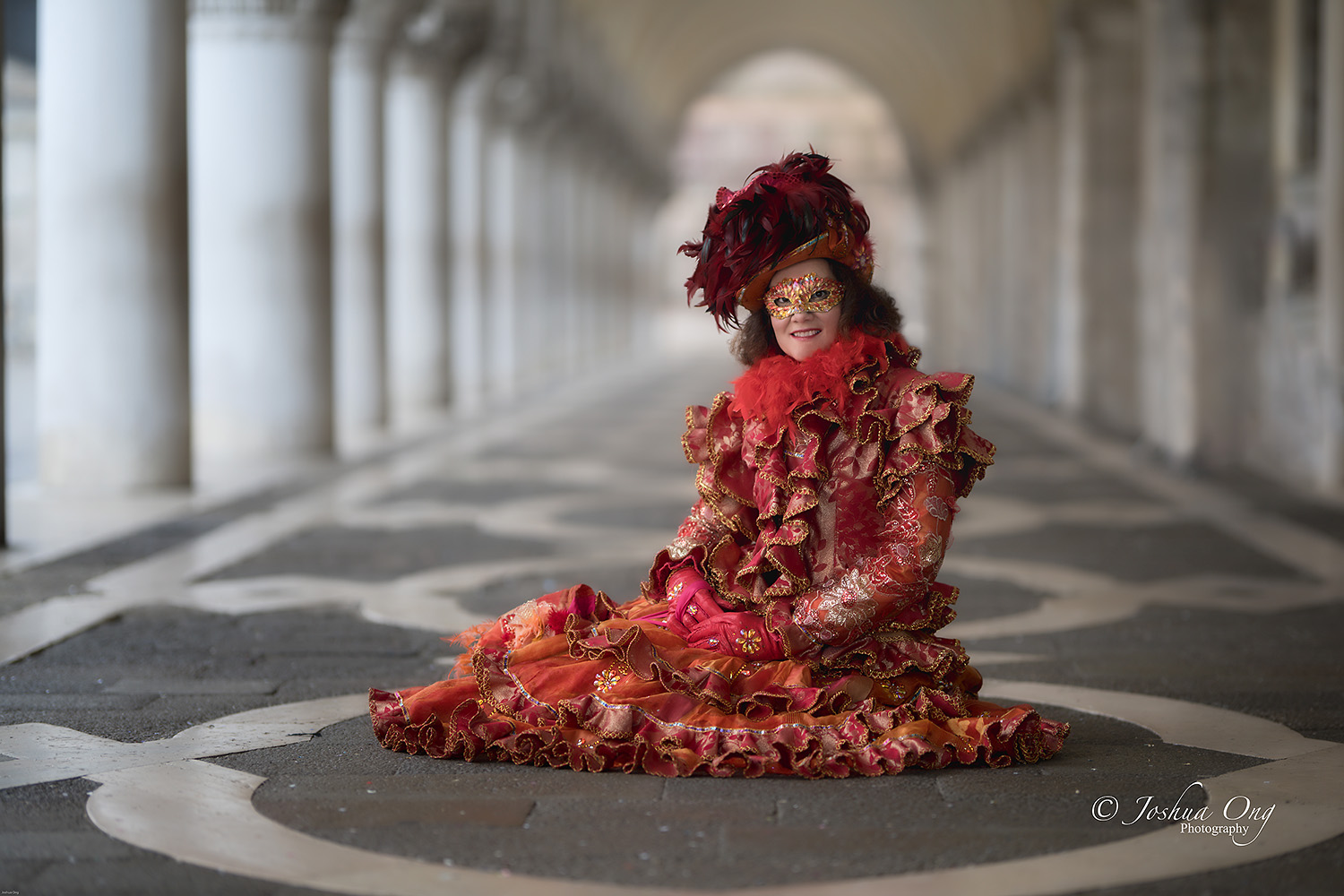
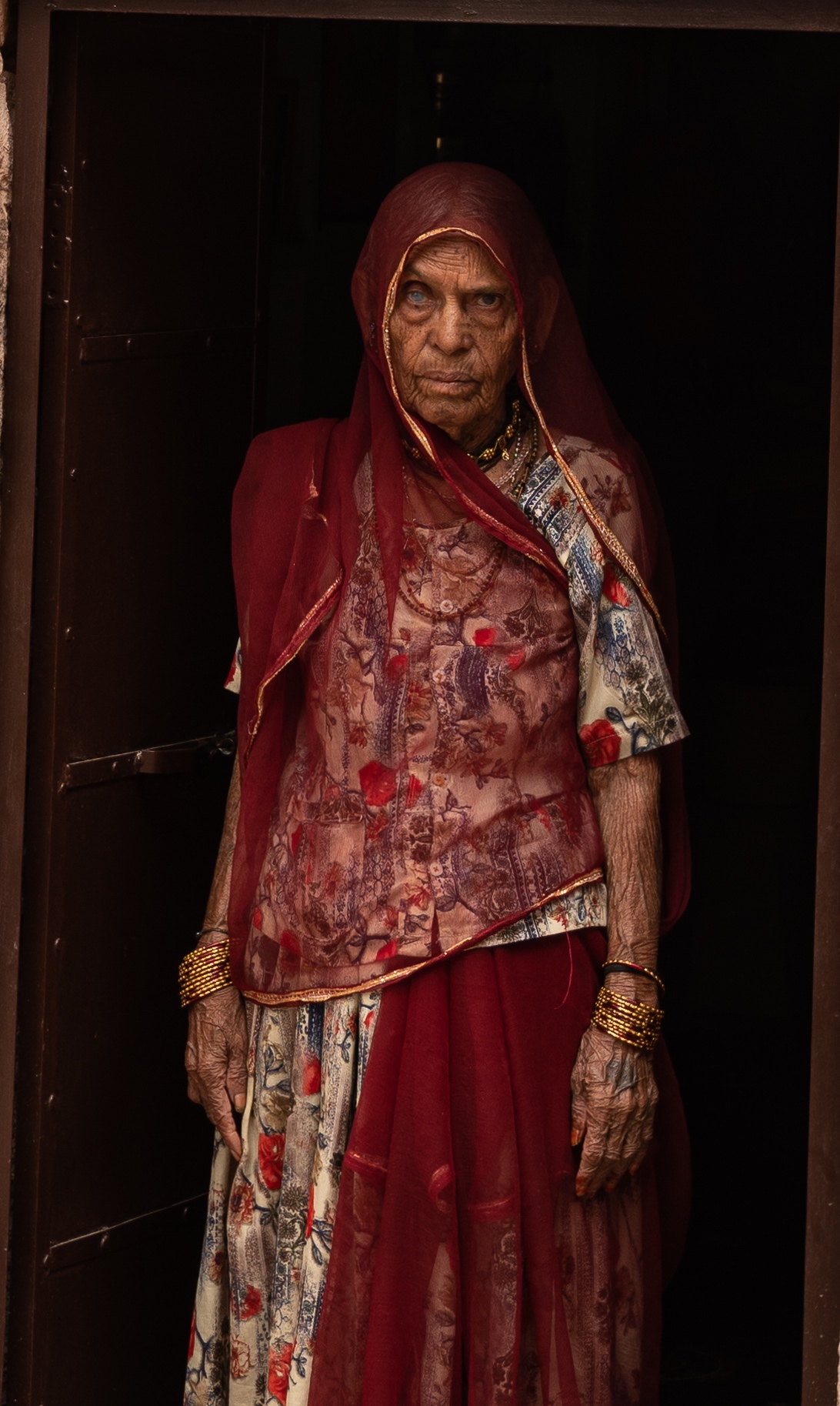
Please post your people/portrait images and you can cross post them in other or your favorite image threads, too. Here are a few images, some recent and some older, to get this thread going then. Thank you!...Show more →
Wow, Wow... These are just killer portraits, Joshua.



 ? And you can post images here, too
  . Regardless, it was very nice of you to swing by.