p.21 #1 · Portrait and People Image Thread using Sony
vdo1 wrote:
When the alternative is carrying multiple cameras, the 24-70 GM doesn’t look that gigantic anymore.... And then there is this magic “do it all” FL of 35mm where we have now some interesting choices.
True - but I’m still holding my breath for another 35mm option - the RX1R iii
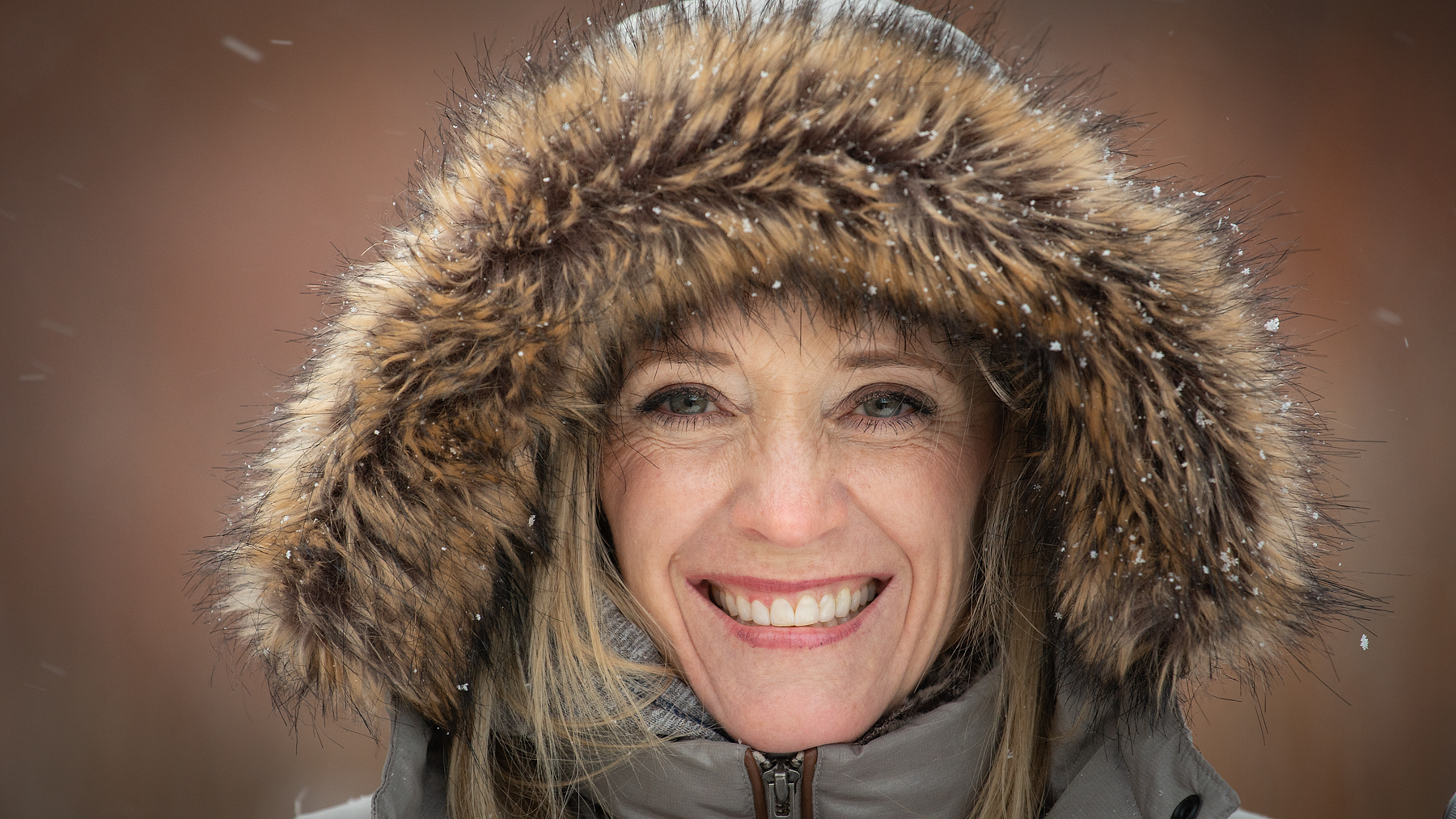
First shot with a Flashpoint XPlor600 Pro that I just picked up for a great deal used and a cheap 43” umbrella. I need to get a proper large softbox and a 1x3 strip. Open to suggestions!
Processed simply in LR. Adobe color with calibration red hue -7, red saturation +30, green hue +10, green saturation +25 and blue saturation +7. Recovered some highlights in the BG and brushed them back into the subject.
Frequency separation in Photoshop for skin texture and color. Dodge and Burn similar to the last image I posted here but I tried something a bit different this time. I used Lumenzia to select highlights and shadows and masked those into curves adjustment layers in soft light blending mode. I blurred the masks and then used hue saturation adjustment layers clipped to the curves to desaturate them by 30-70%. Then I grouped the adjustment layers by region, added negative masks to them, and then painted white where I wanted to introduce the effect. The advantage of doing this instead rasterizing the adjustments and using apply image to subtract is you wind up with a smaller file size.
Very simple grade. Increased reds in the shadows with a curve in color blend mode masked with a D2 lumenzia mask. Global color balance to add magenta to the mid tones and a bit of yellow to the highlights.
First shot with a Flashpoint XPlor600 Pro that I just picked up for a great deal used and a cheap 43” umbrella. I need to get a proper large softbox and a 1x3 strip. Open to suggestions!
Processed simply in LR. Adobe color with calibration red hue -7, red saturation +30, green hue +10, green saturation +25 and blue saturation +7. Recovered some highlights in the BG and brushed them back into the subject.
Frequency separation in Photoshop for skin texture and color. Dodge and Burn similar to the last image I posted here but I tried something a bit different this time. I used Lumenzia to select highlights and shadows and masked those into curves adjustment layers in soft light blending mode. I blurred the masks and then used hue saturation adjustment layers clipped to the curves to desaturate them by 30-70%. Then I grouped the adjustment layers by region, added negative masks to them, and then painted white where I wanted to introduce the effect. The advantage of doing this instead rasterizing the adjustments and using apply image to subtract is you wind up with a smaller file size.
Very simple grade. Increased reds in the shadows with a curve in color blend mode masked with a D2 lumenzia mask. Global color balance to add magenta to the mid tones and a bit of yellow to the highlights.
I like the picture, and thank you for the detailed PP explanation. It shows me, however, how little I know. Since 15 years I peep into Photoshop once in a while, and run away quickly. I tried video trainings, but I had no fun. How did you and others overcome the aversion / fear?
p.21 #6 · Portrait and People Image Thread using Sony
I learned most of my Photoshop skills in less than a year just by watching YouTube videos and experimenting. There are some great free YouTube channels out there. Piximperfect has tons of great Photoshop info!
BokehBeauty wrote:
I like the picture, and thank you for the detailed PP explanation. It shows me, however, how little I know. Since 15 years I peep into Photoshop once in a while, and run away quickly. I tried video trainings, but I had no fun. How did you and others overcome the aversion / fear?
p.21 #8 · Portrait and People Image Thread using Sony
@fuzzykeys Matt, I think it is a great idea to include the PP with images. Like I mentioned earlier, we are all here to learn from each other.
My PP typically consists 3 steps. Although it sounds tedious, it is actually not. The first step is some basic adjustments using LR. We are talking really simple edits basic edits, such as highlight, shadow, some contrast, exposure, etc. and done in just several seconds.
Then I edit that using PS as the second step. Here I minimize specular highlights, mostly on faces. I use the clone tool and copy adjacent skin areas and clone it over those glaring areas. The opacity ranges from 10-30%. Depending on the models, I may remove some blemishes but not always and not all. Then I run Color Efex Pro of Nik/Google and now DXO. I do have my own filters that put together as recipes, among others for portraits, which consists of the following filters: slight Glamor Glow, medium (negative) Tonal Contrast, (seldom used) Dynamic Skin Softener, slight Darken Lighten Center, slight Pro Contrast, etc.
After that, I save the file back on LR and as the 3rd and final step, I make color adjustment, crop, exposure, contrast, etc. I have a preset to soften the bokeh that I use from time to time. More so for wildlife rather than portraits as we can control the shooting circumstance in portraits better than in wildlife. These changes can easily be reversed and changed at this stage.
The second step is the most time consuming and the whole shebang can take between 5 minutes and 45 minutes per image.
p.21 #9 · Portrait and People Image Thread using Sony
A7III with the 35/1.8FE lens
Nothing pro, just took a walk after the rain today with this new acquisition (the lens) and thought I would share. Honestly after viewing so many of these portrait shots I am regretting not getting an 'R' version of this camera. The detail from those units just makes it for me for portraits. This one is no slouch, but it is not next level like the others.
p.21 #10 · Portrait and People Image Thread using Sony
Does this count as people photography?
A couple of days ago I went (again) to Disneyland Hong Kong, and the new "Let's get wicked" special Halloween show is just amazing. I still haven't had time to really start editing the pics (I have some other bunches of photos first from other events), but just posted this three in ig (ig size) and just wanted to share them here too.
p.21 #11 · Portrait and People Image Thread using Sony
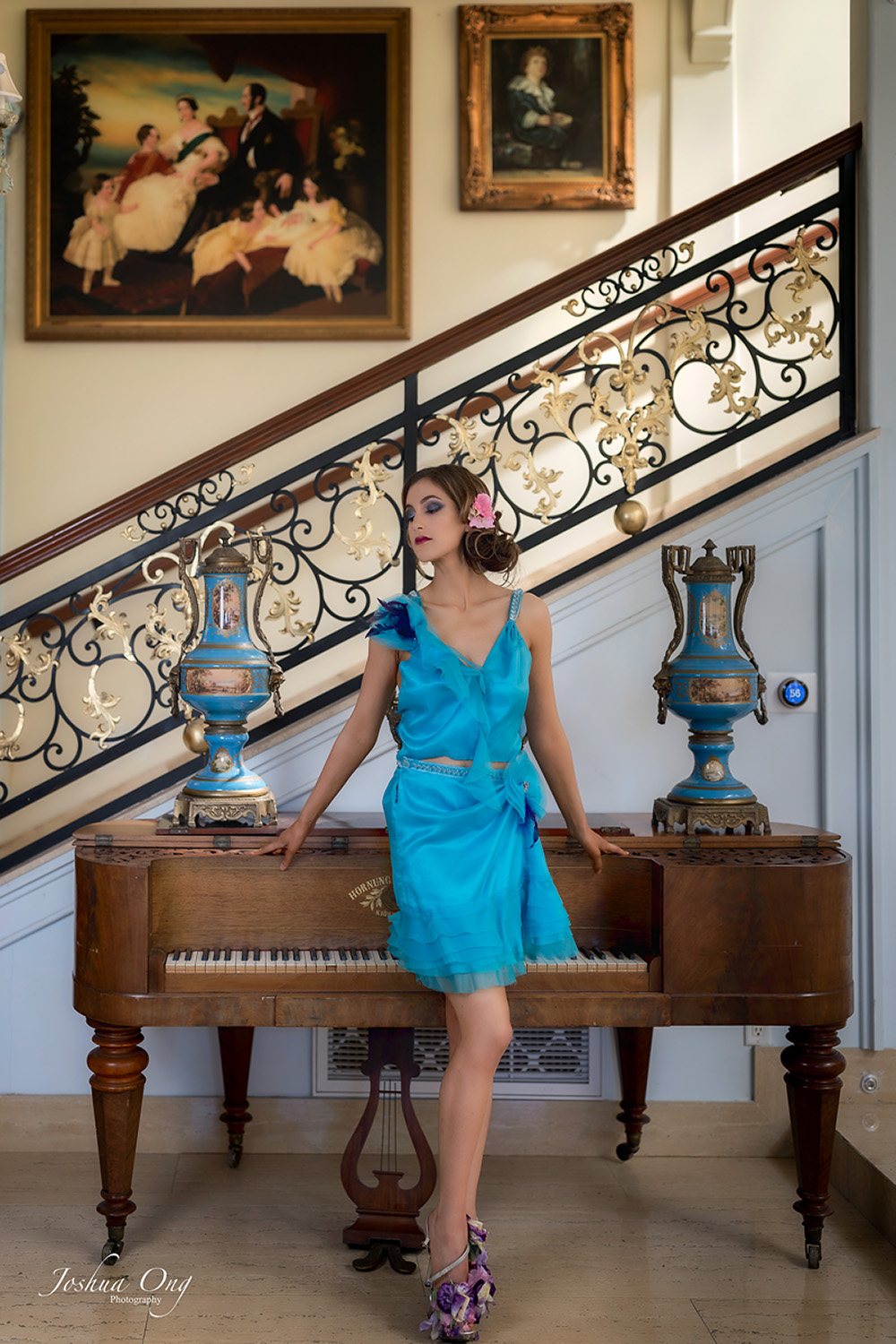
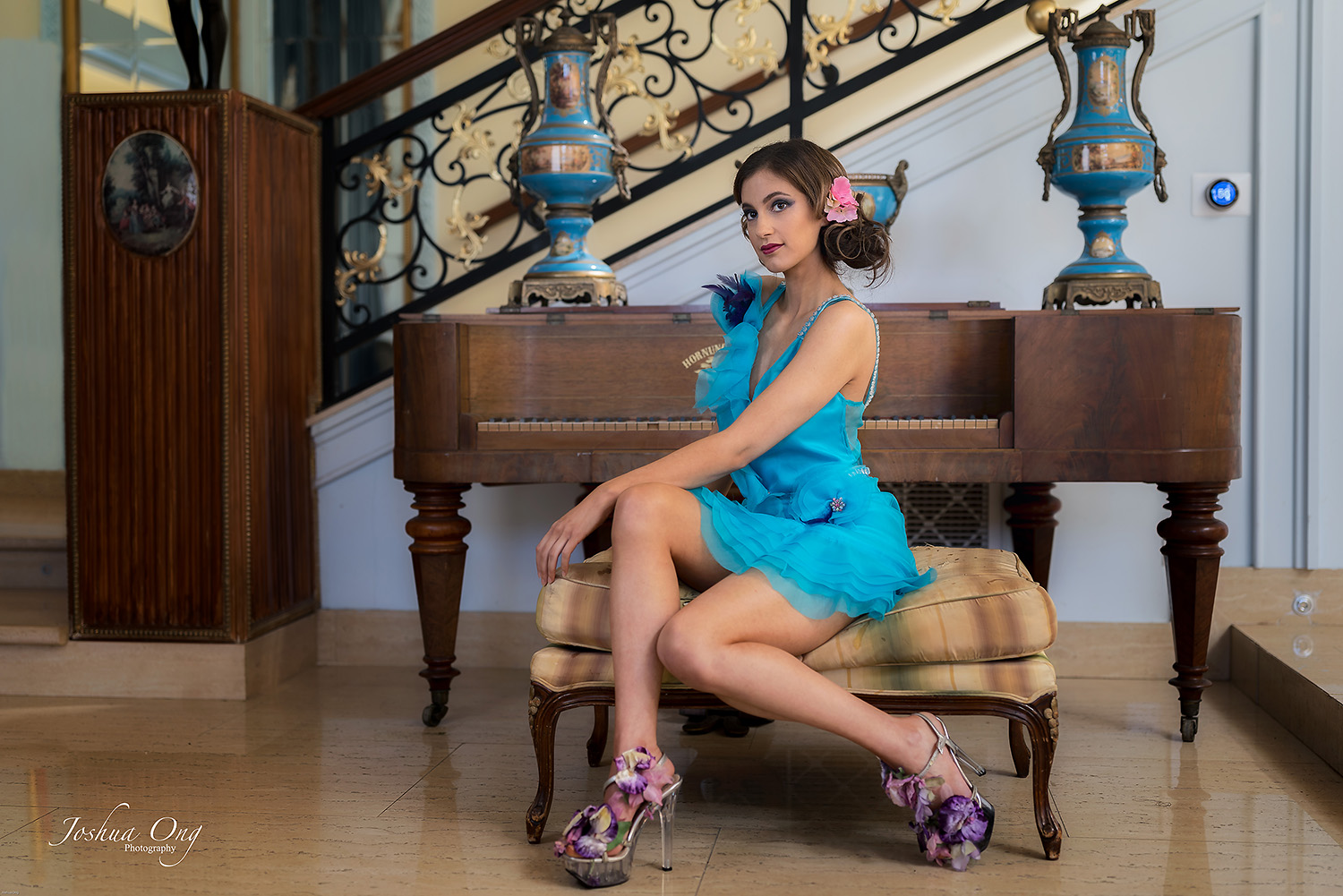
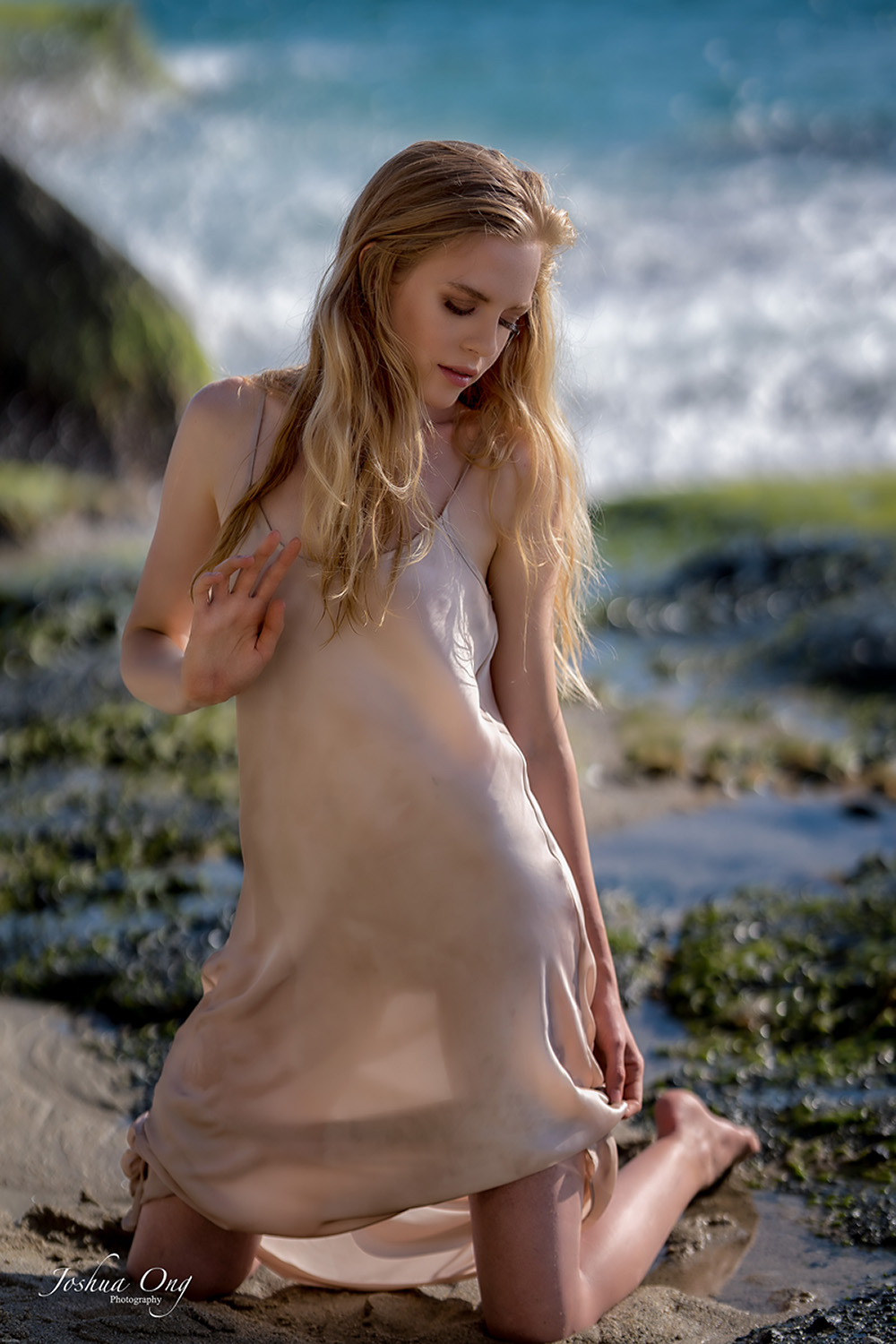
Just a clarification - what I meant with specular highlights in my PP workflow are highlights that make the face look "oily" and hot spots from uneven lighting. Just by reducing those highlights, the image looks somehow more refined to me. Keep in mind that I don't completely remove or dodge those highlights but I minimize them...
Here is another one from a session at the beach...
p.21 #12 · Portrait and People Image Thread using Sony
Beautiful work as per usual! I am lately of a similar mind to process minimally in raw and do my main grading after retouching. I have been meaning to check out DxO Color Efex, but I have experimented with subtle applications of the Glow filter in ON1 with promising results. I used it on the shot below.
If you guys have not had a chance to check out the Lumenzia luminosity masking extension for PS, it is well worth $40. I am finding it absolutely indispensable for everything from portraits to landscapes. I highly recommend it.
Shot with the Samyang 35mm 1.4 in an ice cold river in Big Sur. I actually have a before and after post production comparison of this shot on my instagram if anyone is interested.
Keep this thread goIng!
Cheers all,
Matt
AGeoJO wrote:
@fuzzykeys@ Matt, I think it is a great idea to include the PP with images. Like I mentioned earlier, we are all here to learn from each other.
My PP typically consists 3 steps. Although it sounds tedious, it is actually not. The first step is some basic adjustments using LR. We are talking really simple edits basic edits, such as highlight, shadow, some contrast, exposure, etc. and done in just several seconds.
Then I edit that using PS as the second step. Here I minimize specular highlights, mostly on faces. I use the clone tool and copy adjacent skin areas and clone it over those glaring areas. The opacity ranges from 10-30%. Depending on the models, I may remove some blemishes but not always and not all. Then I run Color Efex Pro of Nik/Google and now DXO. I do have my own filters that put together as recipes, among others for portraits, which consists of the following filters: slight Glamor Glow, medium (negative) Tonal Contrast, (seldom used) Dynamic Skin Softener, slight Darken Lighten Center, slight Pro Contrast, etc.
After that, I save the file back on LR and as the 3rd and final step, I make color adjustment, crop, exposure, contrast, etc. I have a preset to soften the bokeh that I use from time to time. More so for wildlife rather than portraits as we can control the shooting circumstance in portraits better than in wildlife. These changes can easily be reversed and changed at this stage.
The second step is the most time consuming and the whole shebang can take between 5 minutes and 45 minutes per image.
p.21 #13 · Portrait and People Image Thread using Sony
The before & after on instagram is very informative, thanks. The effect of dodge & burn is very impressive and tasteful.
Skin smoothing is for me, however, on most Instagram portraits too much.
p.21 #14 · Portrait and People Image Thread using Sony
fuzzykeys wrote:
Beautiful work as per usual! I am lately of a similar mind to process minimally in raw and do my main grading after retouching. I have been meaning to check out DxO Color Efex, but I have experimented with subtle applications of the Glow filter in ON1 with promising results. I used it on the shot below.
If you guys have not had a chance to check out the Lumenzia luminosity masking extension for PS, it is well worth $40. I am finding it absolutely indispensable for everything from portraits to landscapes. I highly recommend it.
Shot with the Samyang 35mm 1.4 in an ice cold river in Big Sur. I actually have a before and after post production comparison of this shot on my instagram if anyone is interested.
p.21 #15 · Portrait and People Image Thread using Sony
This is how I learned, too. But, the past year I've done a lot of high-volume volunteer work (family portraits for my son's school) and I kinda went away from working in PS, so I've forgotten a bunch. It's hard to retain this stuff if you're not constantly using it. I'll have to check our Lumenzia...I remember being tempted a few years ago. Seems like a pretty intuitive plug-in.
fuzzykeys wrote:
I learned most of my Photoshop skills in less than a year just by watching YouTube videos and experimenting. There are some great free YouTube channels out there. Piximperfect has tons of great Photoshop info!
p.21 #16 · Portrait and People Image Thread using Sony
Yeah I totally get that. I shot an event with my wife recently and there was absolutely no way we were going to do anything beyond what we could do in Lightroom for post. If you are shooting and delivering high volume, you definitely have to streamline things much more. @numbertwo, we used your profiles for some shots at the event! They worked very well for people with lighter skin in natural light in particular!
Hodie wrote:
This is how I learned, too. But, the past year I've done a lot of high-volume volunteer work (family portraits for my son's school) and I kinda went away from working in PS, so I've forgotten a bunch. It's hard to retain this stuff if you're not constantly using it. I'll have to check our Lumenzia...I remember being tempted a few years ago. Seems like a pretty intuitive plug-in.
p.21 #17 · Portrait and People Image Thread using Sony
@hodie@ and yeah check out Lumenzia. It is definitely very intuitive! IMO the real power comes with putting your luminosity masked layers into groups with their own masks so you can manually choose where to implement the adjustment that has already excluded other luminosities and colors. It can make tedious masking much faster in that way. For example, if you need to make a hair selection and there is a reasonable difference in luminosity or color between the hair and BG, you can just do a Lumenzia mask first, put that in a group with a negative mask and then paint sloppily in white on the group mask to get a very fast selection. I have been using it a lot for grading, combining multiple exposures, portrait editing, etc. I don’t want to get too OT here but it is really flexible and easy to use. PM me if you check it out and you have any questions.
p.21 #18 · Portrait and People Image Thread using Sony
fuzzykeys wrote:
Yeah I totally get that. I shot an event with my wife recently and there was absolutely no way we were going to do anything beyond what we could do in Lightroom for post. If you are shooting and delivering high volume, you definitely have to streamline things much more. @numbertwo@, we used your profiles for some shots at the event! They worked very well for people with lighter skin in natural light in particular!
Shhh! I decided to stop sharing them, because I made some new ones and it's a pita porting them to other cameras, explain how to use them, etc and then some users mark me as a troll just because I don't like how Sony files look in Lightroom...
I think it could be a nice idea to open a new thread where we shared raw files (portraits) and other users edited their own version of the pictures. Just to see how others handle skintones and white balance mainly.
That thing could really help us learn about what kind of edits people like the best, and how to achieve certain looks...
p.21 #19 · Portrait and People Image Thread using Sony
I am totally into it and would be happy to conduct a few experiments!
numbertwo wrote:
Shhh! I decided to stop sharing them, because I made some new ones and it's a pita porting them to other cameras, explain how to use them, etc and then some users mark me as a troll just because I don't like how Sony files look in Lightroom...
I think it could be a nice idea to open a new thread where we shared raw files (portraits) and other users edited their own version of the pictures. Just to see how others handle skintones and white balance mainly.
That thing could really help us learn about what kind of edits people like the best, and how to achieve certain looks......Show more →
p.21 #20 · Portrait and People Image Thread using Sony
Thanks for the info! I’ll definitely look into it more and may reach out with questions. Thanks!
fuzzykeys wrote:
@hodie@@ and yeah check out Lumenzia. It is definitely very intuitive! IMO the real power comes with putting your luminosity masked layers into groups with their own masks so you can manually choose where to implement the adjustment that has already excluded other luminosities and colors. It can make tedious masking much faster in that way. For example, if you need to make a hair selection and there is a reasonable difference in luminosity or color between the hair and BG, you can just do a Lumenzia mask first, put that in a group with a negative mask and then paint sloppily in white on the group mask to get a very fast selection. I have been using it a lot for grading, combining multiple exposures, portrait editing, etc. I don’t want to get too OT here but it is really flexible and easy to use. PM me if you check it out and you have any questions....Show more →