Your comparison has nothing to do with colour science. But I don't want to be off topic.
I'm just speaking of the first series (1-8) now:
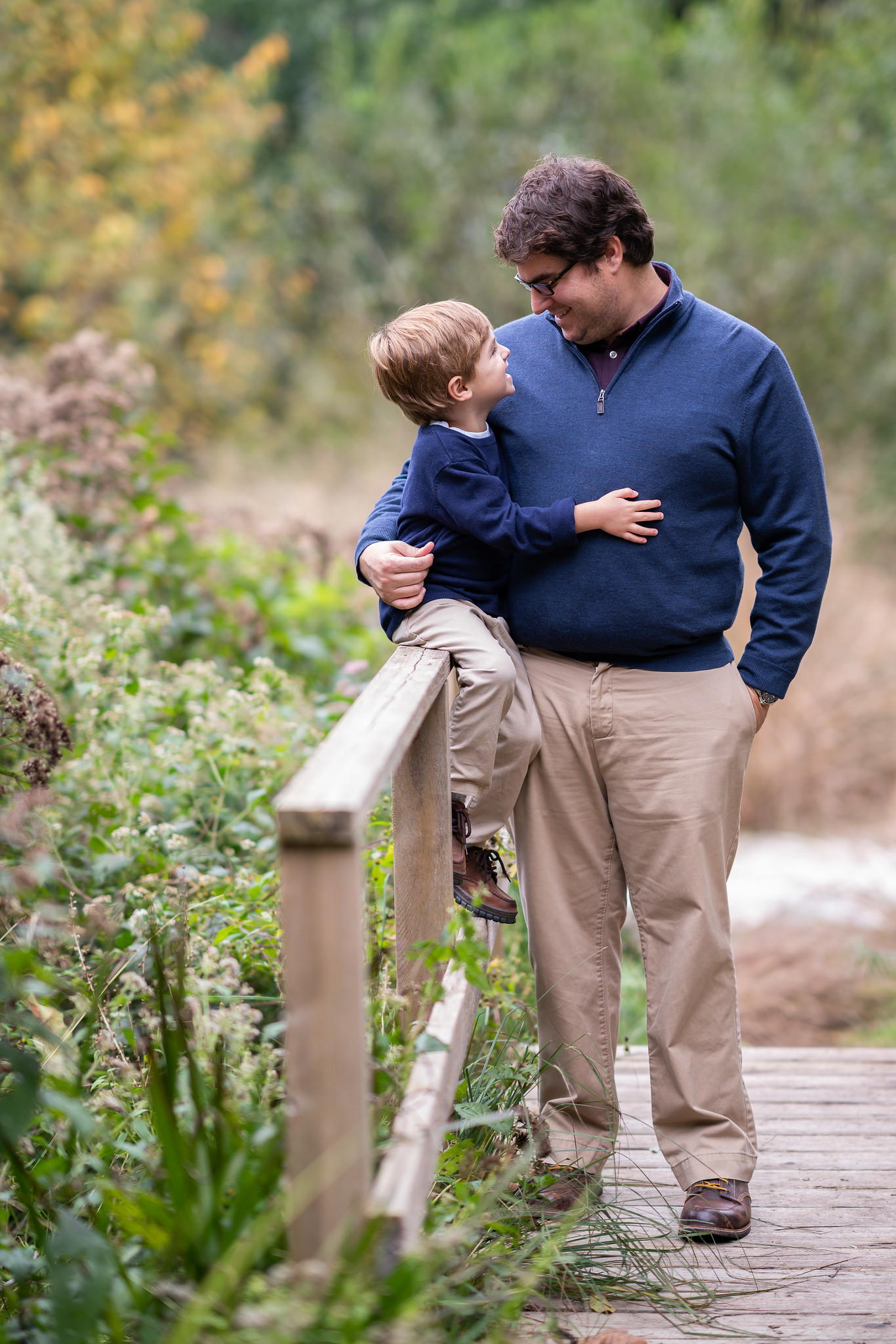
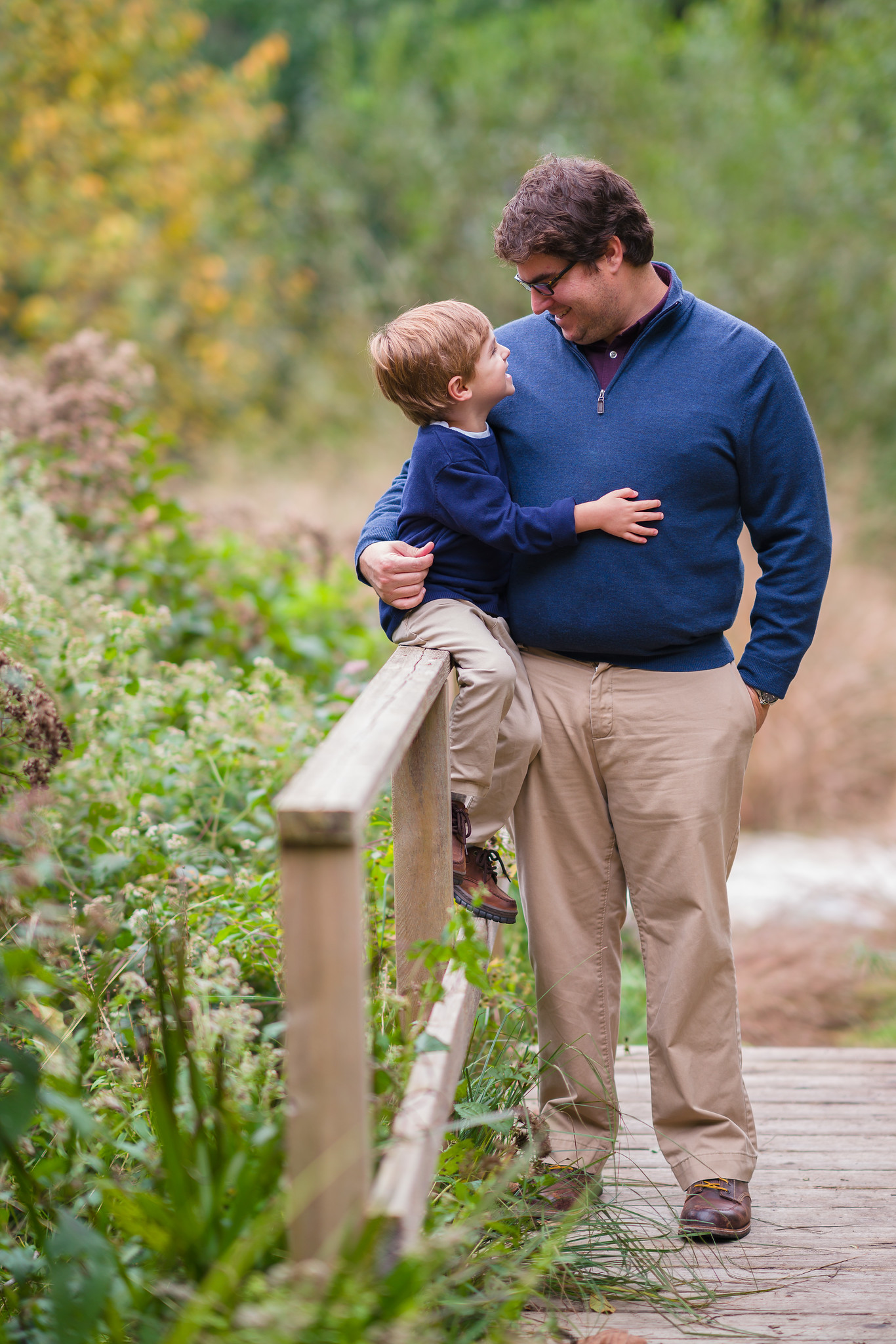
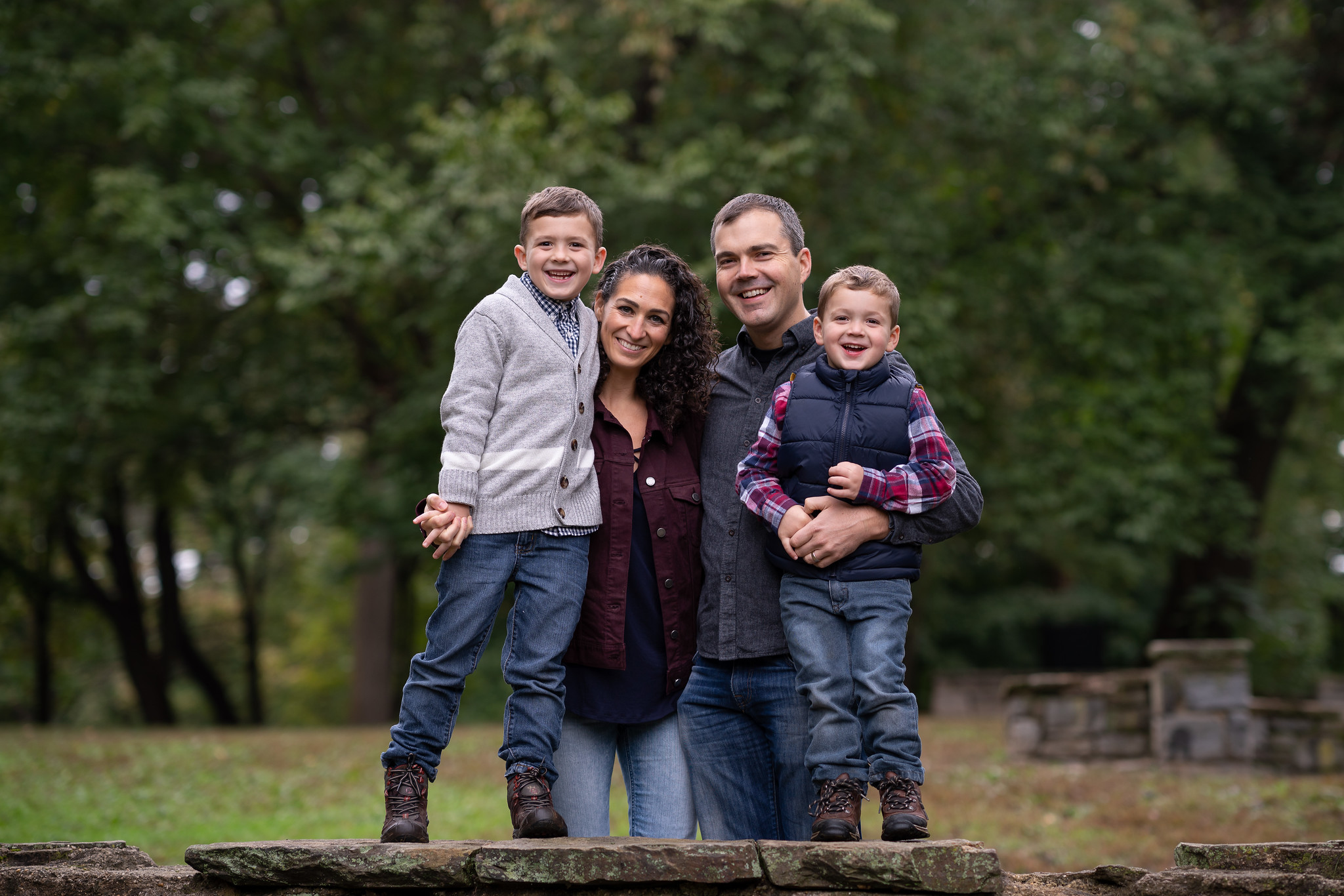
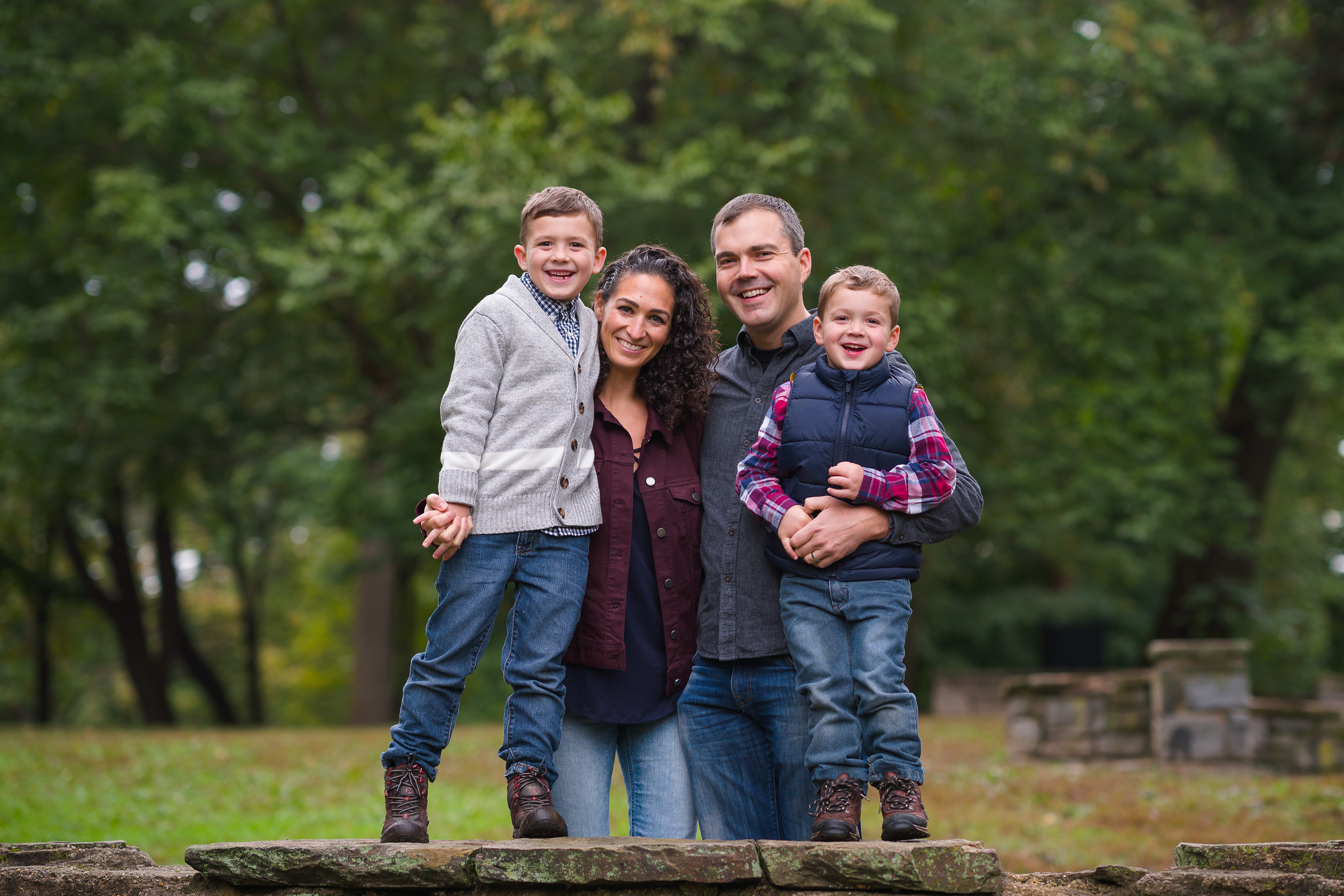
Depending on what I am looking the choice would be different. On some, the skin tones may look fine but either the green (grass/foliage), blue (clothes) or reds (lips) are way off.
If you compare the colours of the clothes within each series you can easily see they're not white balanced.
On top it looks like most pictures have areas with clipped (or close to clipped) colours (either red, green or blue has an 8-bit sRGB value of 255). This is because ACR-curve in LR brightens the midtones and highlights strongly and compress the highlights on top (to avoid clipping). This gives the pictures an appealing look but makes it difficult to handle colours there.
My findings to the different profiles:
The strong compression of the adobe standard is why pictures look hardly oversaturated at the beginning but also somehow lifeless.
Huelight, in general, does less compression but have quicker issues with an oversaturation of strong colours. Huelight portrait is more desaturated and moves the greens/reds toward the yellows.
Hueglight + has less desaturation and less hue-concentration around yellow but adds some contrast.
The second series may have some lens character in it because of the strong backlight. The third shows a big flare over 2/3 of the picture. It's better to use other pictures for a colour comparison.
I ported a camera standard dcp profile from canon (from the ones provided in Lightroom) and tried to match the colors to the gallery samples in the Canon eos R, comparing a jpg from the eos R to a raw taken with my a7r2 in that web. I matched colors, tone curve and I realized that the Canon has an special curve in the blue channel (looking at the grey patches in the color chart) and I tried to mimic it as well.
I'm super happy with the colors now.
sebbe wrote:
Your comparison has nothing to do with colour science. But I don't want to be off topic.
I'm just speaking of the first series (1-8) now:
Depending on what I am looking the choice would be different. On some, the skin tones may look fine but either the green (grass/foliage), blue (clothes) or reds (lips) are way off.
If you compare the colours of the clothes within each series you can easily see they're not white balanced.
On top it looks like most pictures have areas with clipped (or close to clipped) colours (either red, green or blue has an 8-bit sRGB value of 255). This is because ACR-curve in LR brightens the midtones and highlights strongly and compress the highlights on top (to avoid clipping). This gives the pictures an appealing look but makes it difficult to handle colours there.
My findings to the different profiles:
The strong compression of the adobe standard is why pictures look hardly oversaturated at the beginning but also somehow lifeless.
Huelight, in general, does less compression but have quicker issues with an oversaturation of strong colours. Huelight portrait is more desaturated and moves the greens/reds toward the yellows.
Hueglight + has less desaturation and less hue-concentration around yellow but adds some contrast.
The second series may have some lens character in it because of the strong backlight. The third shows a big flare over 2/3 of the picture. It's better to use other pictures for a colour comparison. ...Show more →
I agree, nothing about color science at all.
Most of what is done here is standard processing - trial and error (not meant in a negative way, this is a standard procedure when trying out different things in post).
If you developed a certain look with your work over the years, having created your own presets, a factor which needs to be considered and is making most of your standard adjustments moot, is, when different lenses are used, and that on different bodies (A9, A7riii, A7iii). When using the FE50/1.4 and FE35/1.4 as primary lenses, for example, using the 85GM leads distinctly different colors compared to the other lenses. After a wedding we need to put a lot of effort into trying to make all images to reproduce our distinctive look, which isn't easy using the 85GM. The Batis 85 produces a lot less work for us, for example. Most of our fellow wedding photographer hire 2nd shooters based on using the same body and lenses to reduce PP work.
An interesting comparison for sure. In my m43 days, I generally used Huelight profiles and found them to be preferable to Adobe profiles.
Having seen some fundamental differences laid out above, I'm now tempted to get Huelight's A7RIII profiles. The seem to me to be a better starting point than the stock Adobe offerings.
So thanks for posting this!
Update: I've now purchased and already received the Huelight A7RIII profiles from Colin.
I use LR in the Adobe Standard, then my "usual" settings with regard to contrast, color, sharpness, etc.
I treat color like I do exposure, making individual adjustments in conjunction with eye-dropper tool (which I find usually too "warm") along with WB sliders and HSL/Color palette for specific hues.
I don't think there is a magic PP bullet that gets rid of the hands-on judgements.
I hate to make requests in threads like this because I appreciate the hard work that goes into it, but if possible, I'd love to see for comparison sake the first set of photos from the start of the thread output with the Adobe Color profile, without the FM adjustments.
Your comparison has nothing to do with colour science. But I don't want to be off topic.
I'm sure that this OP coined term was never meant to imply that science was used. Did you read his explanation of the term? It's tongue-in-cheek,but it certainly sounds snazzy
Depending on what I am looking the choice would be different. On some, the skin tones may look fine but either the green (grass/foliage), blue (clothes) or reds (lips) are way off.
By my eye its nearly the opposite. The skin tones in several of the series have a cool, greenish cast. The reds, greens, and blues differ in temperature and saturation from series to series, but most are acceptable in terms of temp.
If you compare the colours of the clothes within each series you can easily see they're not white balanced.
I don't agree. I assume that your monitor is calibrated?
Note that I never said that you were wrong. The problem with being dogmatic regarding color profiles is that there is a huge dollop of subjectivity in the interpretation and choice of colors. We all see colors in slightly different ways.
I can see differences in colors but it is not day/night difference and none seems to work on all. I presume the conclusion would be that any profile is good enough but to get the best results you have to play with every single image. There is no shortcut, magic settings which applies to all different skin tones.
sebbe wrote:
Your comparison has nothing to do with colour science. But I don't want to be off topic.
smpetty wrote:
I'm sure that this OP coined term was never meant to imply that science was used. Did you read his explanation of the term? It's tongue-in-cheek,but it certainly sounds snazzy
I was referring to the title which says "color science examples". Even if he explains his term "FM color science" this is misleading. But as I said, I don't want to stop the on topic discussion here.
sebbe wrote:
Depending on what I am looking the choice would be different. On some, the skin tones may look fine but either the green (grass/foliage), blue (clothes) or reds (lips) are way off.
smpetty wrote:
By my eye its nearly the opposite. The skin tones in several of the series have a cool, greenish cast. The reds, greens, and blues differ in temperature and saturation from series to series, but most are acceptable in terms of temp.
As I said in another bullet point: they are not correctly white balanced. And if I look on 2, 5-7 these are not in my acceptable terms.
I did the separation of skin tones to the others because it looks like OP is primarily looking at the skin and ignore the rest in his comparison.
sebbe wrote:
If you compare the colours of the clothes within each series you can easily see they're not white balanced.
smpetty wrote:
I don't agree. I assume that your monitor is calibrated?
It is. compare the sweater of the man (pic 3 and 5) and the youngest (2 and 4). also the collar of the jacket of second youngest (1 and 3).
smpetty wrote:
Note that I never said that you were wrong. The problem with being dogmatic regarding color profiles is that there is a huge dollop of subjectivity in the interpretation and choice of colors. We all see colors in slightly different ways.
Scott
Well, I'm not dogmatic. I was just pointing at the mistakes for a proper comparison. Not to say "haha, I know more" but to give him hints to do it better next time. Or as OP can update any message, I hope he will at least color balance them all correctly...
sebbe wrote:
I was referring to the title which says "color science examples". Even if he explains his term "FM color science" this is misleading. But as I said, I don't want to stop the on topic discussion here.
As I said in another bullet point: they are not correctly white balanced. And if I look on 2, 5-7 these are not in my acceptable terms.
I did the separation of skin tones to the others because it looks like OP is primarily looking at the skin and ignore the rest in his comparison.
It is. compare the sweater of the man (pic 3 and 5) and the youngest (2 and 4). also the collar of the jacket of second youngest (1 and 3).
Well, I'm not dogmatic. I was just pointing at the mistakes for a proper comparison. Not to say "haha, I know more" but to give him hints to do it better next time. Or as OP can update any message, I hope he will at least color balance them all correctly...