rek101 wrote:
It happened with the sony R1. It happened with the 40mm pancake. Every so often, something compact shows up...it just isn't much of a priority. But I agree, the sensor does play a role....but clearly it can be done if someone decides it's worth doing.
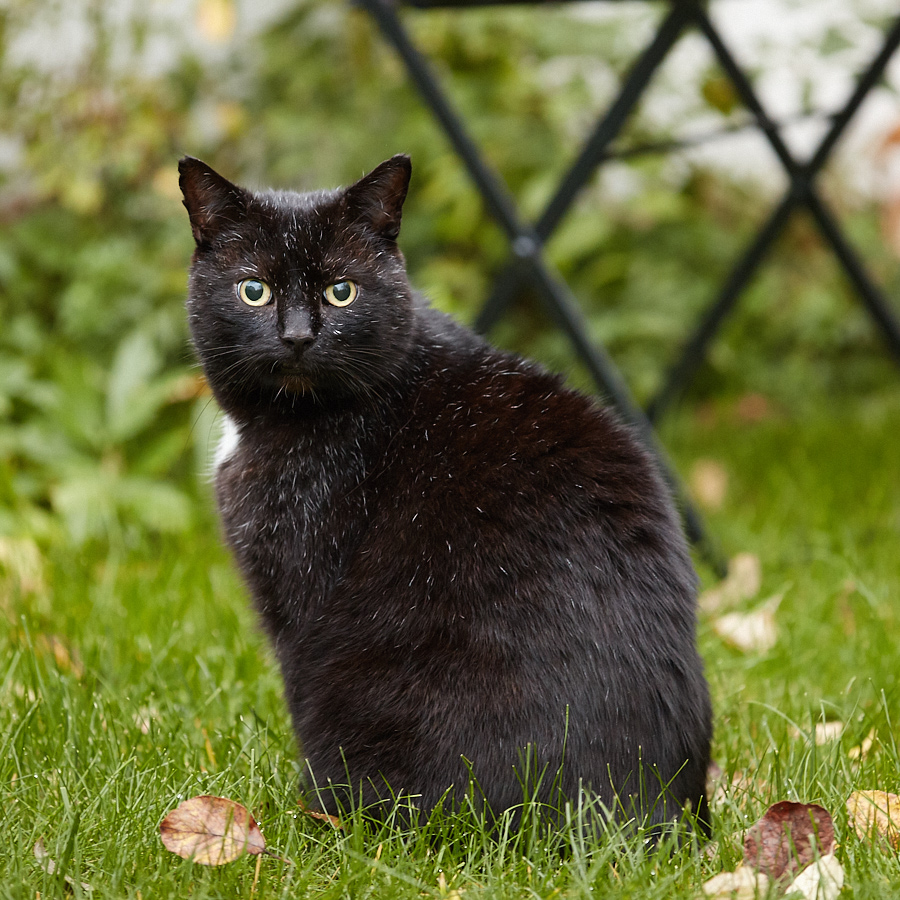
Half the problem with these big heavy pig lenses is our doing as we pixel peep into the deep corners of a 50mpix image to ensure every last one of those pixels are pin sharp...then go out and take photos of our cat.
Give me 95% image quality of these pigs at 50% of their weight and I'm a happy camper because I know for a fact you will never notice any differences in printed photographs made from either lens.
Our constant obsession with perfection coupled with the power of reviews on the net would butcher and new lens which does not approach perfection.
chez wrote:
...Our constant obsession with perfection coupled with the power of reviews on the net would butcher and new lens which does not approach perfection.
Then, that would be a poor review. I have lenses that are sharp from edge to edge (some are quite small), and lenses that have weak edges and corners, by design. Pick the appropriate lens for the job.
jcolwell wrote:
Then, that would be a poor review. I have lenses that are sharp from edge to edge (some are quite small), and lenses that have weak edges and corners, by design. Pick the appropriate lens for the job.
I agree. But I think what he is implying is that nuance has largely been lost in the online echo chamber. Any product with less than perfect specs or performance can become swamped by negative commentary, often by people that have never actually used said product (see this thread, for example), or by fans of other brands stirring up trouble. People do love to pile on.
I’m having many of the same issues. My experience this weekend is that it often freezes for 5 or six seconds. I can’t move the focus point and it’s a little frustrating.
When it does focus and I used it in a dark restaurant the photos are great and low light focus is better than my 5D Mk IV. But the lag or freeze is really frustrating.
jcolwell wrote:
Then, that would be a poor review. I have lenses that are sharp from edge to edge (some are quite small), and lenses that have weak edges and corners, by design. Pick the appropriate lens for the job.
I've seen enough not so perfect lenses get crucified by the reviewers and in turn by the general membership here to know exactly how things work. We analyze the hell out of lenses these days, the CA, Bokeh, corner sharpness etc...and if any of these attributes is lacking...major uproar.
Come on guys, The "R" is marketed as a mid range camera, NOT a pro camera and Canon admits that it is not intended as such and the Pro version will follow in 2019.
It is what is, and seems to work very well as a still, causal video camera allowing the use of existing EF lens.
rek101 wrote:
, and giant lenses that obviate the whole point of a smaller, mirrorless platform.
charlyw wrote:
„smaller“ never will happen unless you are willing to give up sensor size! If you move the optics closer to the sensor you only exchange the problem of the large registration distance for the problem of the angle of incidence of the light...
rek101 wrote:
It happened with the sony R1. It happened with the 40mm pancake. Every so often, something compact shows up...it just isn't much of a priority. But I agree, the sensor does play a role....but clearly it can be done if someone decides it's worth doing.
chez wrote:
Half the problem with these big heavy pig lenses is our doing as we pixel peep into the deep corners of a 50mpix image to ensure every last one of those pixels are pin sharp...then go out and take photos of our cat.
Give me 95% image quality of these pigs at 50% of their weight and I'm a happy camper because I know for a fact you will never notice any differences in printed photographs made from either lens.
Our constant obsession with perfection coupled with the power of reviews on the net would butcher and new lens which does not approach perfection. ...Show more →
Are you not impressed by the new 600/4 IS III's weight? 50% weight of any other 600/4 would have to be a DO/PF lens.
chez wrote:
...Our constant obsession with perfection coupled with the power of reviews on the net would butcher and new lens which does not approach perfection.
jcolwell wrote:
Then, that would be a poor review. I have lenses that are sharp from edge to edge (some are quite small), and lenses that have weak edges and corners, by design. Pick the appropriate lens for the job.
garyvot wrote:
I agree. But I think what he is implying is that nuance has largely been lost in the online echo chamber. Any product with less than perfect specs or performance can become swamped by negative commentary, often by people that have never actually used said product (see this thread, for example), or by fans of other brands stirring up trouble. People do love to pile on.
Sure. It's important to have realistic expectations when reading information online. All sources.
chez wrote:
Give me 95% image quality of these pigs at 50% of their weight and I'm a happy camper because I know for a fact you will never notice any differences in printed photographs made from either lens.
I keep on hearing this, but how do you define 95% image quality?
A couple of examples:
The EF 50 mm f/1.2 L has only 60% as high MTF as the RF 50 mm f/1.2 L over the entire frame, wide open.
The Milvus 35 mm f/2 has 75% as high MTF as the Milvus 35 mm f/1.4, at aperture f/4, over the entire frame. However, if we recalculate that to resolving power at an arbitrary contrast, say 50% MTF, the numbers get dramatic. 80% vs 60% MTF at 40 lp/mm recalculates to 100 lp/mm vs 50 lp/mm at 50% MTF. In terms of resolving megapixles, the pig can be said to have 4 times higher image quality than the half pig, if you have a sensor able to outresolve the lenses.
alundeb wrote:
I keep on hearing this, but how do you define 95% image quality?
A couple of examples:
The EF 50 mm f/1.2 L has only 60% as high MTF as the RF 50 mm f/1.2 L over the entire frame, wide open.
The Milvus 35 mm f/2 has 75% as high MTF as the Milvus 35 mm f/1.4, at aperture f/4, over the entire frame. However, if we recalculate that to resolving power at an arbitrary contrast, say 50% MTF, the numbers get dramatic. 80% vs 60% MTF at 40 lp/mm recalculates to 100 lp/mm vs 50 lp/mm at 50% MTF. In terms of resolving megapixles, the pig can be said to have 4 times higher image quality than the half pig, if you have a sensor able to outresolve the lenses.
chez wrote:
I judge quality by the print, not by any charts or graphs...or even pixels. The print is my final result and only there does the quality matter to me.
Then it would be more appropriate to say that for the prints I make, a 100% increase in lens image quality is not visible in the print. (Which really often is the case).
I tried a Nikon Z7 at the store yesterday and if I understand the blackout issue, I think it too has the same behaviour. If you set it to multiple frame continuous drive, it quickly refreshes the viewfinder after each frame, but once you let off the button, it blacks out.
The salesperson thought maybe it was because we didn't have a card in it, but it seemed like it was clearing out a buffer regardless.
I tried successive shots with my R and my EF 24-70mm L II today. There is as expected a 1-2 sec lag when image review is turned on. With image review off, and no major AF distance change, the lag is reduced to about 1/2 a second. I snapped 10 shots in 5 seconds, pressing the shutter button as fast as my slow finger could go.
I expected my 5D MK IV to be much faster, but with the same lens and setting / target and distance, it took 10 shots in ~7 seconds. I thought the settings were the same, but something might have been different, It wasn't a careful test.
In any event, it is certainly comparable if not faster.
Any product with less than perfect specs or performance can become swamped by negative commentary, often by people that have never actually used said product (see this thread, for example), or by fans of other brands stirring up trouble. People do love to pile on.
#irony ;-)
Lots of us have been pointing out that the obsession with supposedly Perfect Stuff (the Very Best Lens, the Very Best Sensor, the Very Best Format, etc.) is far off the mark on multiple counts.
1. No equipment is perfect. Every piece of gear has pluses and minuses. Every piece of gear could be improved.
2. Photographers have a wide range of needs. One person's perfect, narrow DOF, low light lens is another person's god-awful expensive monster. Someone's little manual-focus prime is someone else's wrong tool for the job. One person deplores a lens with noticeable corner softness and vignetting, while someone else loves its functionality and "character."
3. Great photography is produced using nearly every one of those imperfect tools.
Every brand produces excellent gear of many types. Particularly if you judge photographs by the quality of the final work — double-especially if that work is a print — this is patently obvious.
I welcome those who are newly acknowledging this reality, even when their apparent change of heart comes as a great surprise. ;-)
JaimitoFrog wrote:
For ai servo and continuous shooting there is a setting that will enable high speed display.
Page 149 of the manual has details.
Shooting Menu, Tab 6: High speed display: ON (note that the camera must be set to high speed frame rate to enable this option)
And what does that setting do exactly? Does it get rid of the slideshow/delay effect and all of a sudden render a clean read in real time off the sensor? Because if it doesn't then it is just another useless setting....
arbitrage wrote:
And what does that setting do exactly? Does it get rid of the slideshow/delay effect and all of a sudden render a clean read in real time off the sensor? Because if it doesn't then it is just another useless setting....
I agree, I think this is the elephant in the room that people aren't talking about with mirrorless cameras. The blackout then stutter issue is huge for me as it's hard to track and focus on a moving subject....even if it's something simple like a bride walking down the aisle.
Same issue I have with the A73, it's a little better on the A7R3 as the EVF has a faster refresh (60fps versus 120fps). But honestly I would rather have the mirror slap blackout.
-- I tried shooting lock on AF instead of single shot...but then you have to trust the camera to focus on the right spot.
-- I rented a Fuji XT-3 to try and it's much more responsive in this aspect. It's more like the mirror blackout from a DSLR.
-- the no blackout of the A9 is great but I use a ton of flash...so that doesn't help.