This topic is in the 2017 archive. You can read it and like its posts here. It is read only.
Archive 2017Official Nikon D850 image & resource hub thread ...
p.6 #1Official Nikon D850 image & resource hub thread ( images picture )
Here's my issue: I don't want D850 resolution because we capture, store, and process over 100,000 images a year and dealing with the D810 has been challenging enough.
I do HOWEVER want all the other features & benefits Of the 850
So my options are:
Stick with the 810
Get the 850 and switch to smart previews ?
Get the 850 & shoot mRaw
I'm worried that medium raw with an 850 will produce inferior images because mRaw will sacrifice DR & detail.
I'd love to hear some thoughts!!!
Edited on Sep 10, 2017 at 01:22 AM · View previous versions
I do HOWEVER want all the other features & benefits Of the 850
So my options are:
Stick with the 810
Get the 850 and switch to smart previews
?Get the 850 & shoot mRaw
I'm worried that medium raw with an 850 will produce inferior images because mRaw will sacrifice DR & detail.
I'd love to hear some thoughts!!!
Edited on Sep 10, 2017 at 01:22 AM · View previous versions
Sep 10, 2017 at 12:59 AM
p.6 #2Official Nikon D850 image & resource hub thread ( images picture )
mysh wrote:
You have to set the clock in camera and time zone for that feature to work.
That fixed it. Thank you!
XPO239 wrote
Can anyone help me figure out why my Interval Timer Shooter is blanked out? https://scontent.fsnc1-2.fna.fbcdn.net/v/t1.0-9/21557825_10105969289837143_2633310258660524790_n.jpg?oh=2588bf6b9a5d98913e1457e9aa1e4ac7&oe=5A48DF48That fixed it. Thank you!
Sep 10, 2017 at 01:16 AM
p.6 #3Official Nikon D850 image & resource hub thread ( images picture )
Looks like they are using the D5/D500 JPEG engine which is easily the best out there. Not too surprising but good news nonetheless.
Sep 10, 2017 at 01:26 AM
p.6 #4Official Nikon D850 image & resource hub thread ( images picture )
A few more dog shots from the new camera.
Nikon D850, Nikon 70-200mm f2.8E FL VR
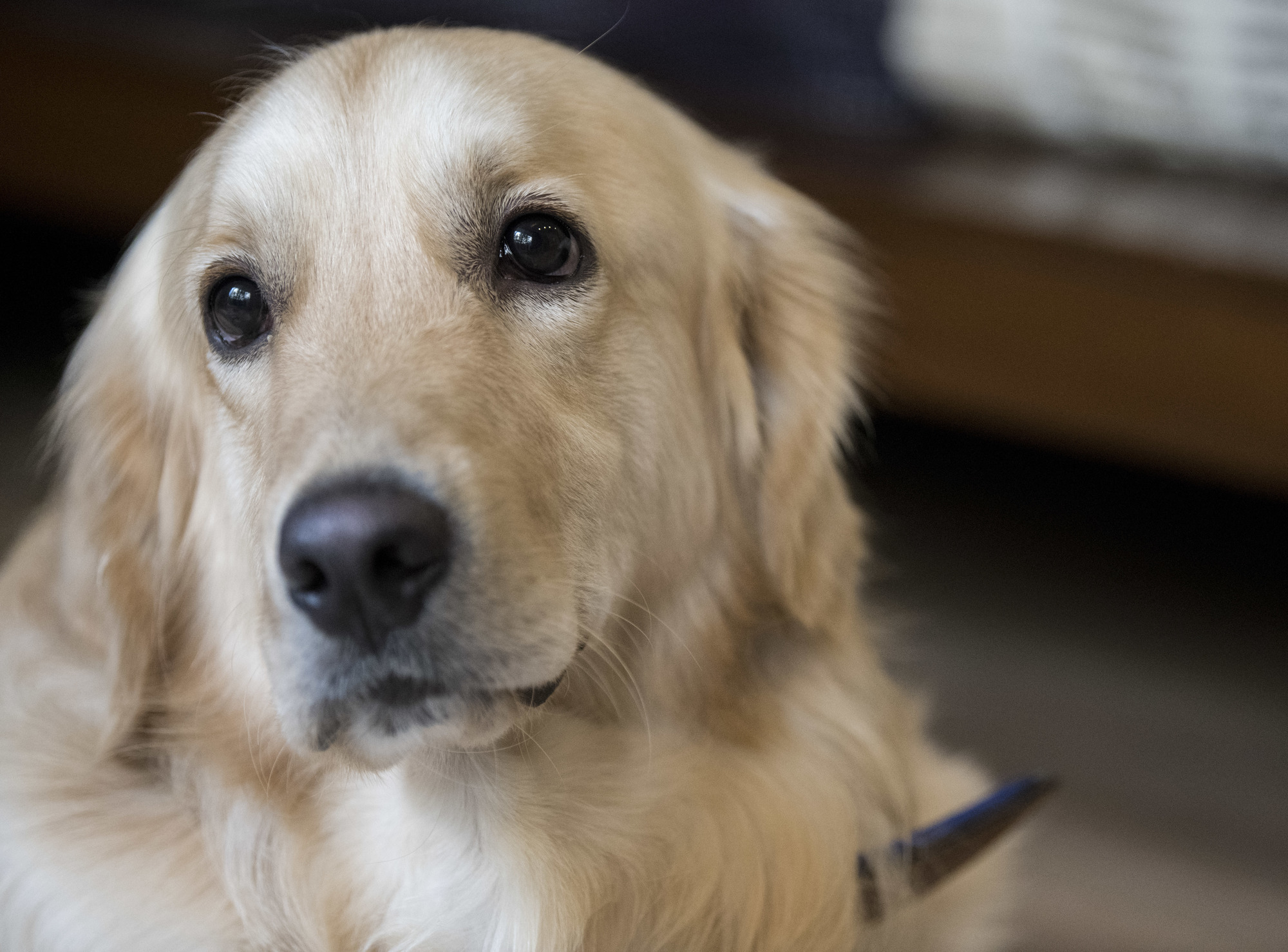
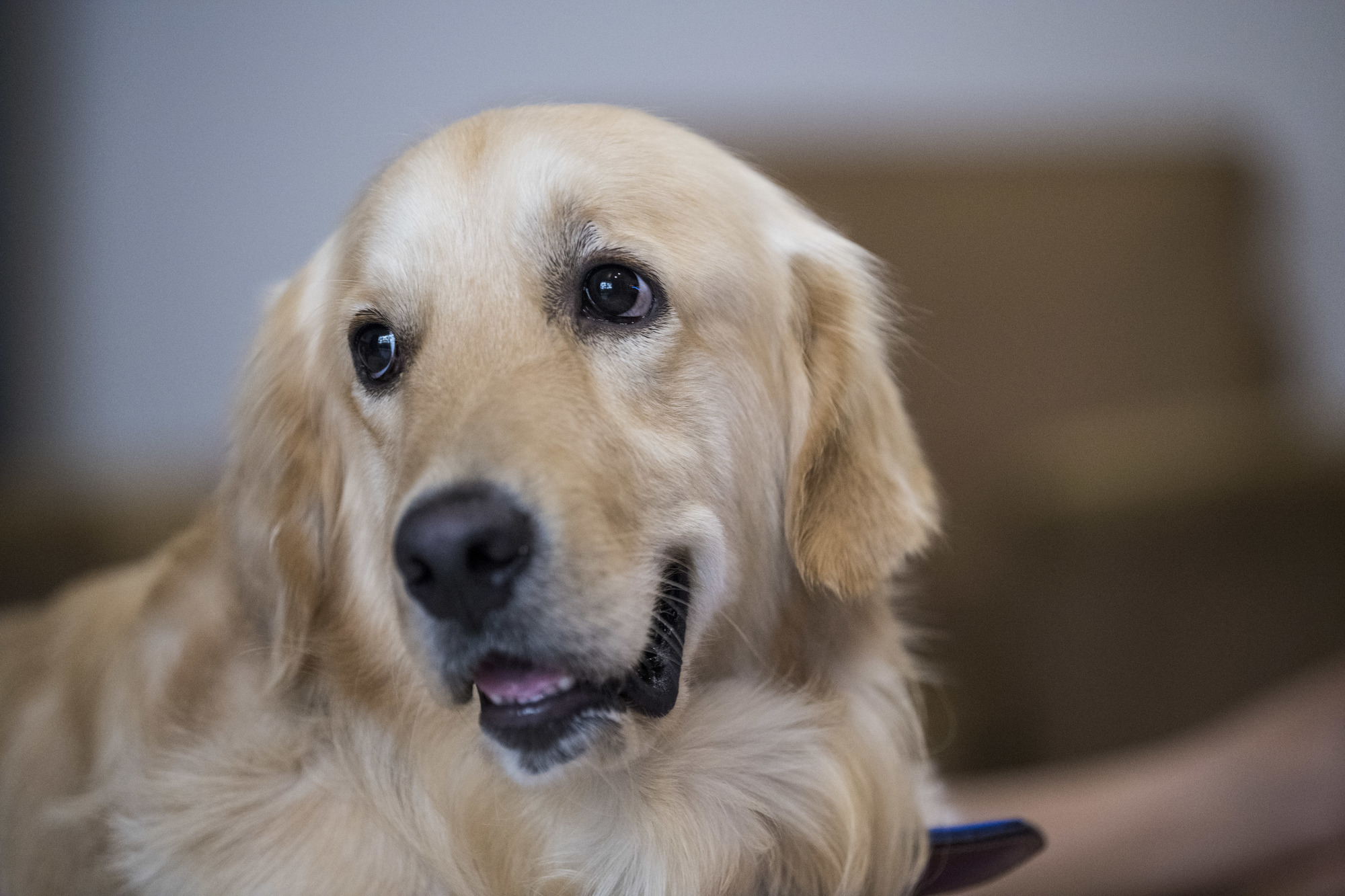
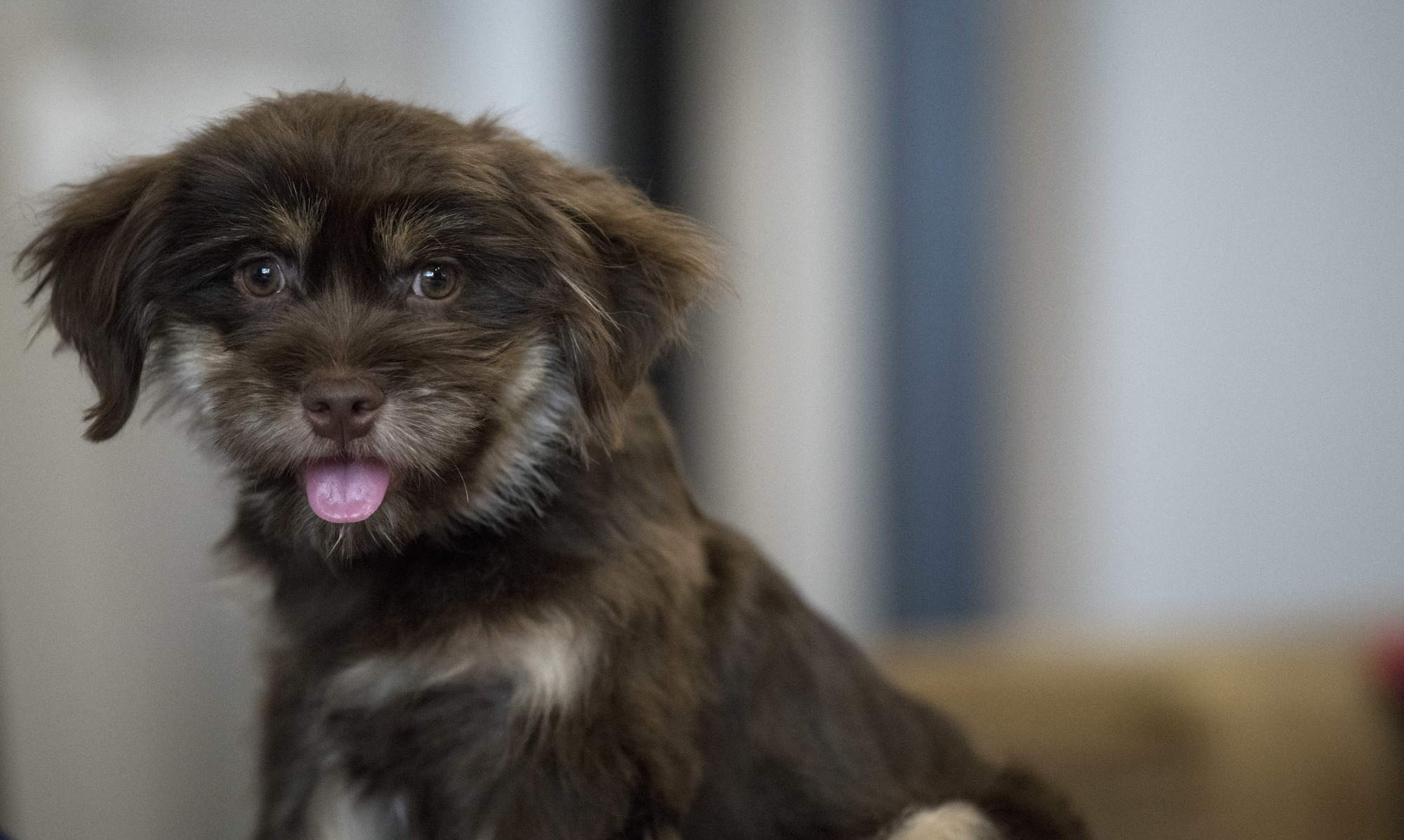
Nikon D850, Nikon 70-200mm f2.8E FL VR
Sep 10, 2017 at 03:26 AM
p.6 #5Official Nikon D850 image & resource hub thread ( images picture )
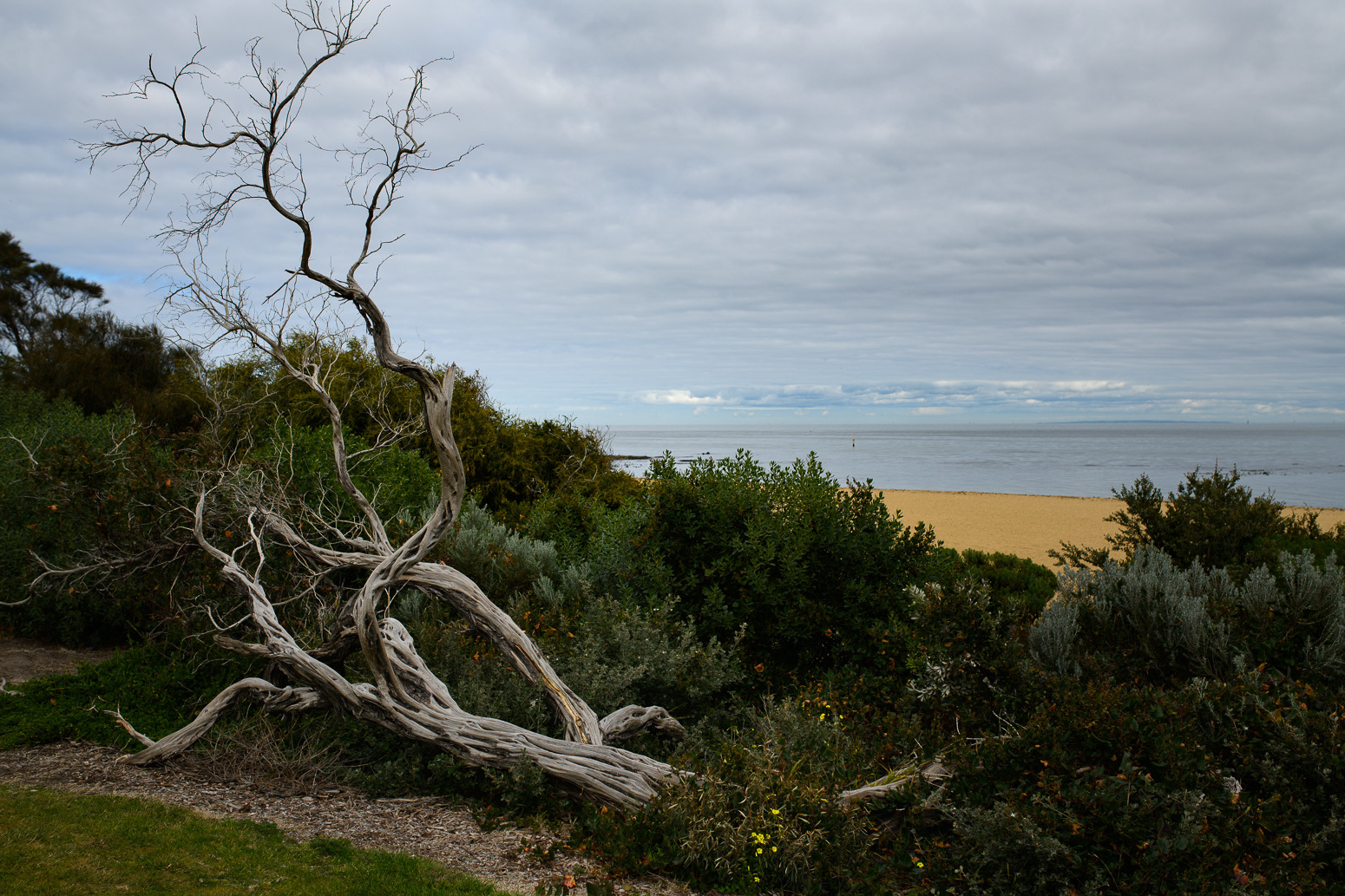
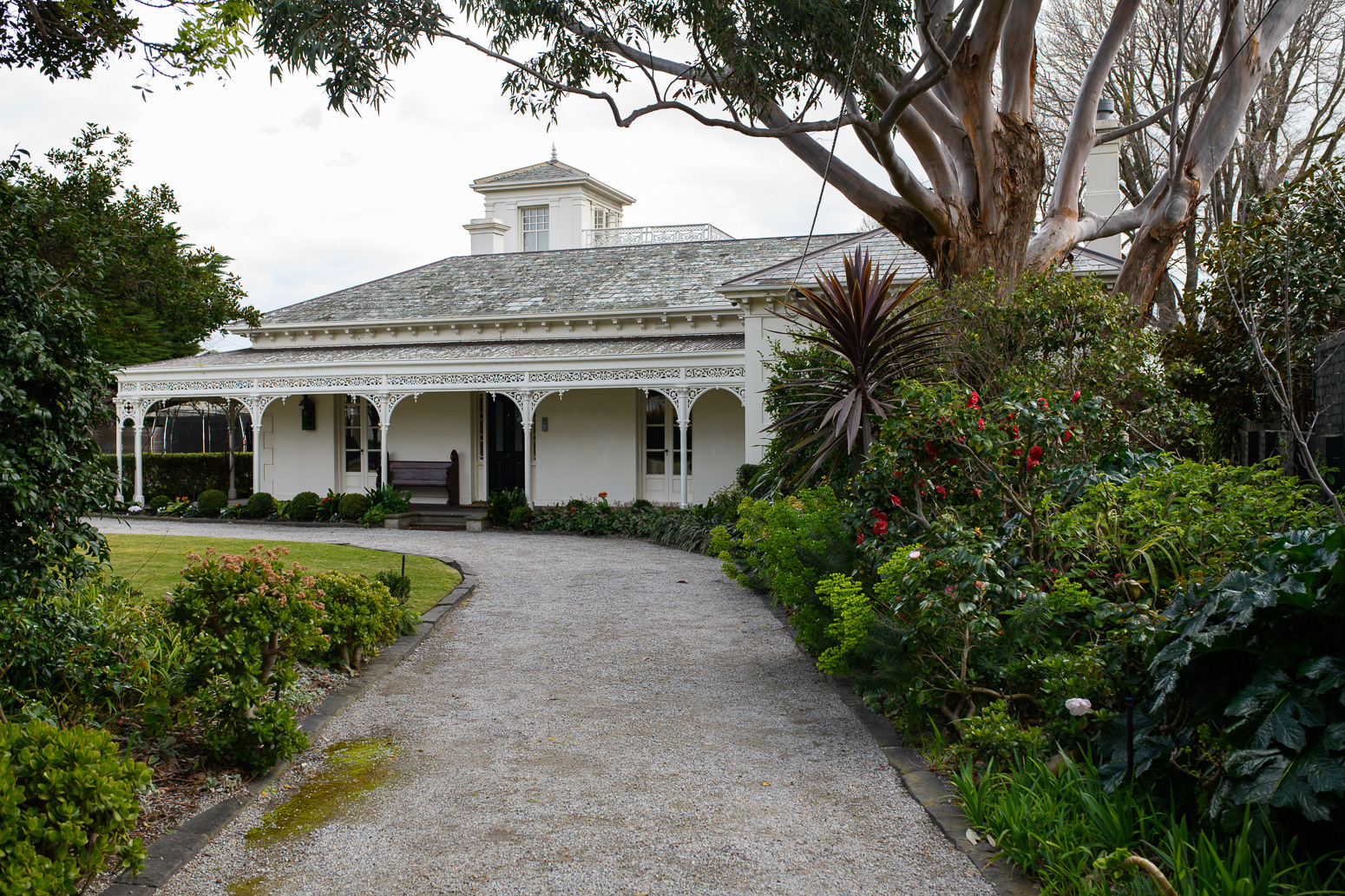
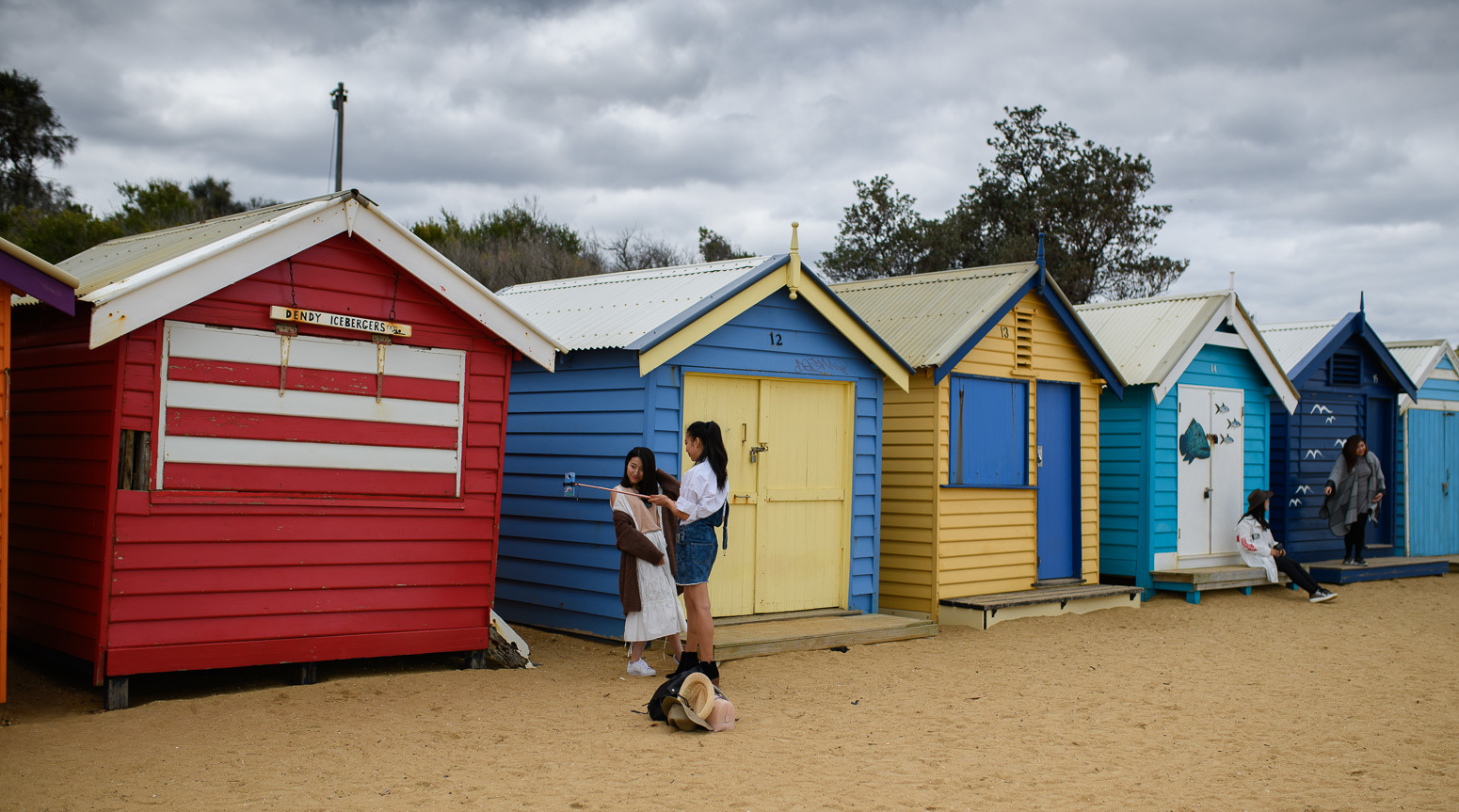
Spent a weekend in Melbourne for my grandson's baptism. I am absolutely loving the D850 on many levels. It is just fun to use in spite of the size and weight  I will follow up with more details later.
Shots with the D850 and 35 Art
I will follow up with more details later.Shots with the D850 and 35 Art
 |
||
 |
||
|
|
||
 |
||
|
|
||
 |
||
|
Sep 10, 2017 at 03:57 AM
p.6 #6Official Nikon D850 image & resource hub thread ( images picture )
 6 by Suteetat S, on Flickr
With TC20e iii. No cropping.
Went back this afternoon after eyeballing fine tune adjustment to +10. A bit better now. Unfortunately, this afternoon was heavily overcast and it started to rain quite a bit so I did not try anything much considering Nikon TC is not weather sealed anyhow. Iso 1600, 1/30s, F8 with TC20e iii.
I talked to my local dealer who is Nikon beta tester. Hopefully he will pass the message along regarding auto fine tune and TC20e iii. He asked me to bring in my gears and he will calibrate it for me. If weather and time permit, I will try the owl shot again since his shop is actually not far from the park where this owlet is. I adjusted WB, hilight/shadow, white/black and clarity a bit but did not add any sharpening or noise reduction to NEF file.
Sep 10, 2017 at 04:22 AM
p.6 #7Official Nikon D850 image & resource hub thread ( images picture )
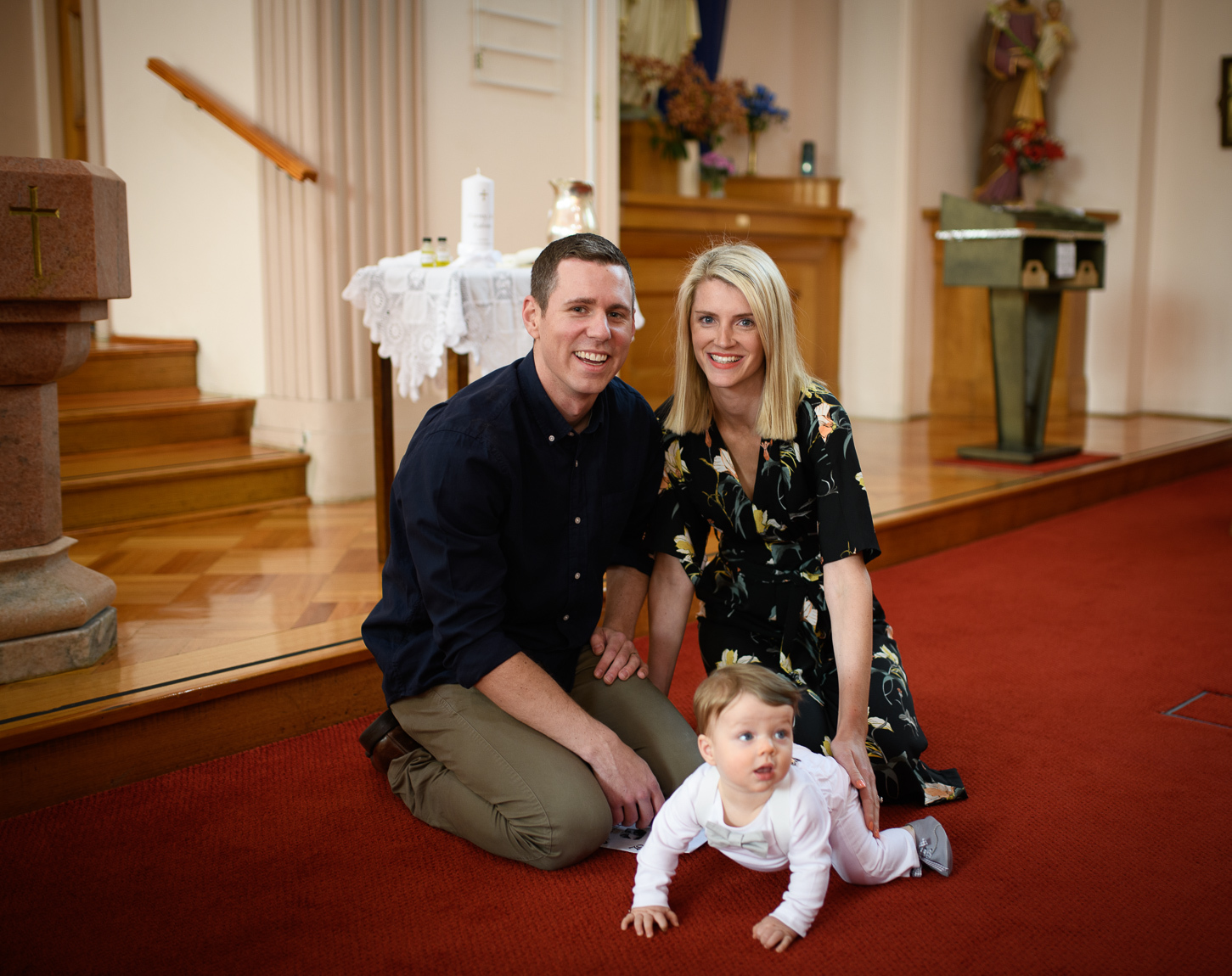
A shot of my son and his beautiful wife at my grandson's baptism in Melbourne.
35 Art
35 Art
|
||
 |
||
|
Sep 10, 2017 at 04:38 AM
p.6 #8Official Nikon D850 image & resource hub thread ( images picture )
Beautiful family. Loving the D850 colors.
Harsha
Harsha
Sep 10, 2017 at 05:59 AM
p.6 #9Official Nikon D850 image & resource hub thread ( images picture )
Got to agree; the colors from the D850 looks pretty darn good to my eye! 
Not sure how well that will translate to raw files in Capture One Pro or Lightroom yet, but I wouldn't be ashamed to share jpeg straight oou of the camera based on the images in this thread. Well done, Nikon!
Not sure how well that will translate to raw files in Capture One Pro or Lightroom yet, but I wouldn't be ashamed to share jpeg straight oou of the camera based on the images in this thread. Well done, Nikon!
Sep 10, 2017 at 06:09 AM
p.6 #10Official Nikon D850 image & resource hub thread ( images picture )
charles.K wrote:
A shot of my son and his beautiful wife at my grandson's baptism in Melbourne.
35 Art
Congrats, Charles. Nice family, they must make you proud.
A shot of my son and his beautiful wife at my grandson's baptism in Melbourne.
35 Art
Congrats, Charles. Nice family, they must make you proud.
Sep 10, 2017 at 06:14 AM
p.6 #11Official Nikon D850 image & resource hub thread ( images picture )
Stoffer wrote:
35 ArtCongrats, Charles. Nice family, they must make you proud.
Thank you Nils The photos were from NEF raws via PS.
charles.K wrote
A shot of my son and his beautiful wife at my grandson's baptism in Melbourne.35 Art
Thank you Nils
The photos were from NEF raws via PS.Sep 10, 2017 at 06:41 AM
p.6 #12Official Nikon D850 image & resource hub thread ( images picture )
harshaj1 wrote:
Beautiful family. Loving the D850 colors.
Harsha
Thank you
Beautiful family. Loving the D850 colors.
Harsha
Thank you
Sep 10, 2017 at 06:45 AM
p.6 #13Official Nikon D850 image & resource hub thread ( images picture )
If people want to edit the raw files within lightroom, you can use the RAW to DNG converter from adobe. Works great to convert them right on the memory card and then you can import into lightroom the same as you would a raw file and then edit your heart out.
Just thought I'd share in case some people were still waiting for lightroom support and shooting jpeg out of camera.
http://supportdownloads.adobe.com/detail.jsp?ftpID=6214
Edited on Sep 10, 2017 at 08:11 AM · View previous versions
Just thought I'd share in case some people were still waiting for lightroom support and shooting jpeg out of camera.
http://supportdownloads.adobe.com/detail.jsp?ftpID=6214
Edited on Sep 10, 2017 at 08:11 AM · View previous versions
Sep 10, 2017 at 06:56 AM
p.6 #14Official Nikon D850 image & resource hub thread ( images picture )
I may look up how that's done. Never used anything like that, I'm a LR exclusive guy. Thank you.
Hardcore wrote:
If people want to edit the raw files within lightroom, you can use the RAW to DNG converter from adobe. Works great to convert them right on the memory card and then you can import into lightroom the same as you would a raw file and then edit your heart out.
Just thought I'd share in case some people were still waiting for lightroom support and shooting jpeg out of camera.
Hardcore wrote:
If people want to edit the raw files within lightroom, you can use the RAW to DNG converter from adobe. Works great to convert them right on the memory card and then you can import into lightroom the same as you would a raw file and then edit your heart out.
Just thought I'd share in case some people were still waiting for lightroom support and shooting jpeg out of camera.
Sep 10, 2017 at 08:06 AM
p.6 #15Official Nikon D850 image & resource hub thread ( images picture )
Dj R wrote:
I may look up how that's done. Never used anything like that, I'm a LR exclusive guy. Thank you.
Just thought I'd share in case some people were still waiting for lightroom support and shooting jpeg out of camera.
Ya, so am I. Added the link above to the converter.
I may look up how that's done. Never used anything like that, I'm a LR exclusive guy. Thank you.
Hardcore wrote
If people want to edit the raw files within lightroom, you can use the RAW to DNG converter from adobe. Works great to convert them right on the memory card and then you can import into lightroom the same as you would a raw file and then edit your heart out.Just thought I'd share in case some people were still waiting for lightroom support and shooting jpeg out of camera.
Ya, so am I. Added the link above to the converter.
Sep 10, 2017 at 08:11 AM
p.6 #16Official Nikon D850 image & resource hub thread ( images picture )
Hardcore wrote:
If people want to edit the raw files within lightroom, you can use the RAW to DNG converter from adobe. Works great to convert them right on the memory card and then you can import into lightroom the same as you would a raw file and then edit your heart out.
Just thought I'd share in case some people were still waiting for lightroom support and shooting jpeg out of camera.
http://supportdownloads.adobe.com/detail.jsp?ftpID=6214
Thanks Corey. I will have to try this out
This is the link for Windows
http://supportdownloads.adobe.com/detail.jsp?ftpID=6216
If people want to edit the raw files within lightroom, you can use the RAW to DNG converter from adobe. Works great to convert them right on the memory card and then you can import into lightroom the same as you would a raw file and then edit your heart out.
Just thought I'd share in case some people were still waiting for lightroom support and shooting jpeg out of camera.
http://supportdownloads.adobe.com/detail.jsp?ftpID=6214
Thanks Corey. I will have to try this out
This is the link for Windows
http://supportdownloads.adobe.com/detail.jsp?ftpID=6216
Sep 10, 2017 at 08:18 AM
p.6 #17Official Nikon D850 image & resource hub thread ( images picture )
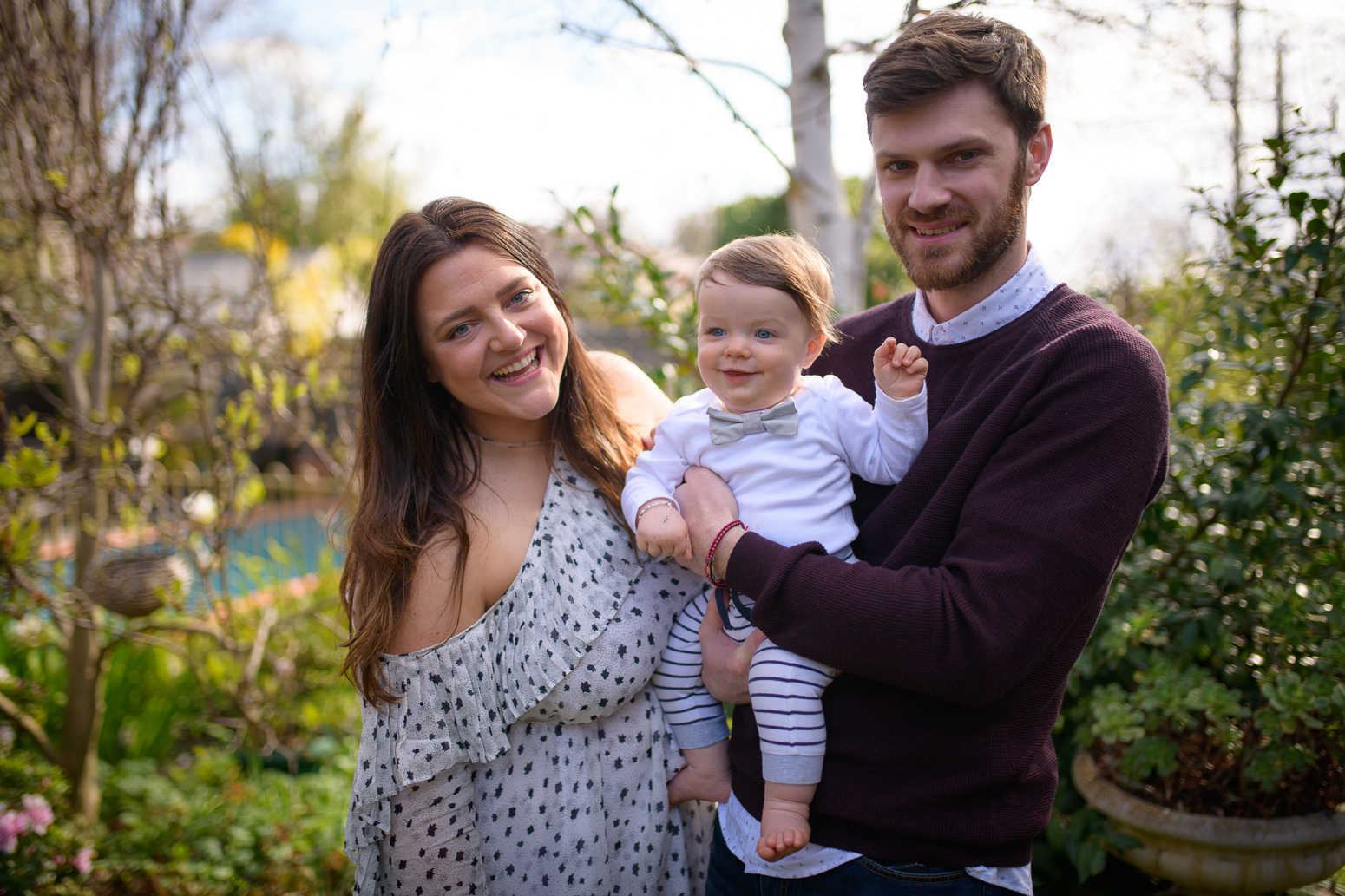
Another shot. This time of the god parents
35 Art
35 Art
|
||
 |
||
|
Sep 10, 2017 at 08:46 AM
p.6 #18Official Nikon D850 image & resource hub thread ( images picture )
Couple of shots with my new D850!
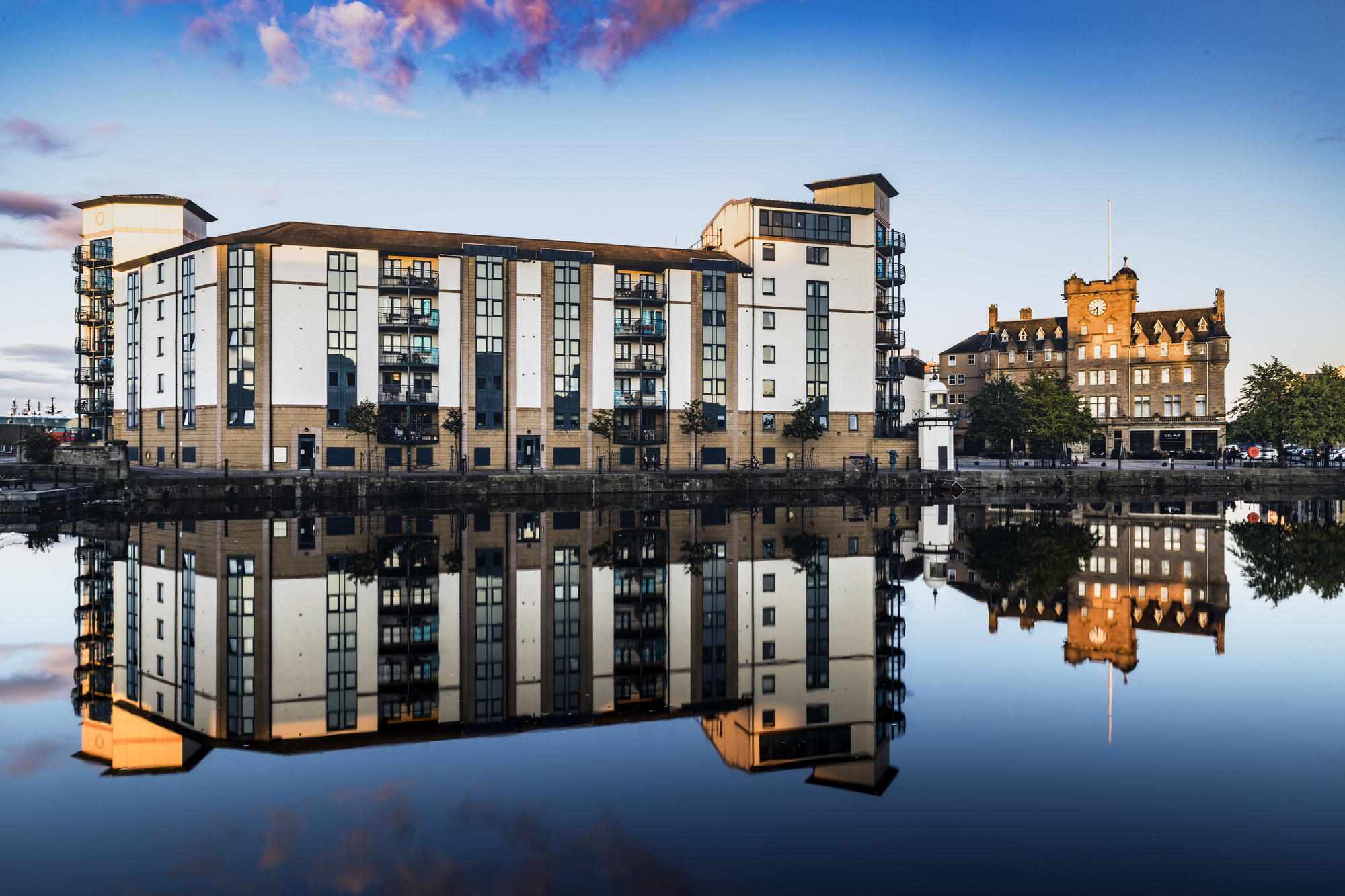
Reflections on The Shore, Edinburgh
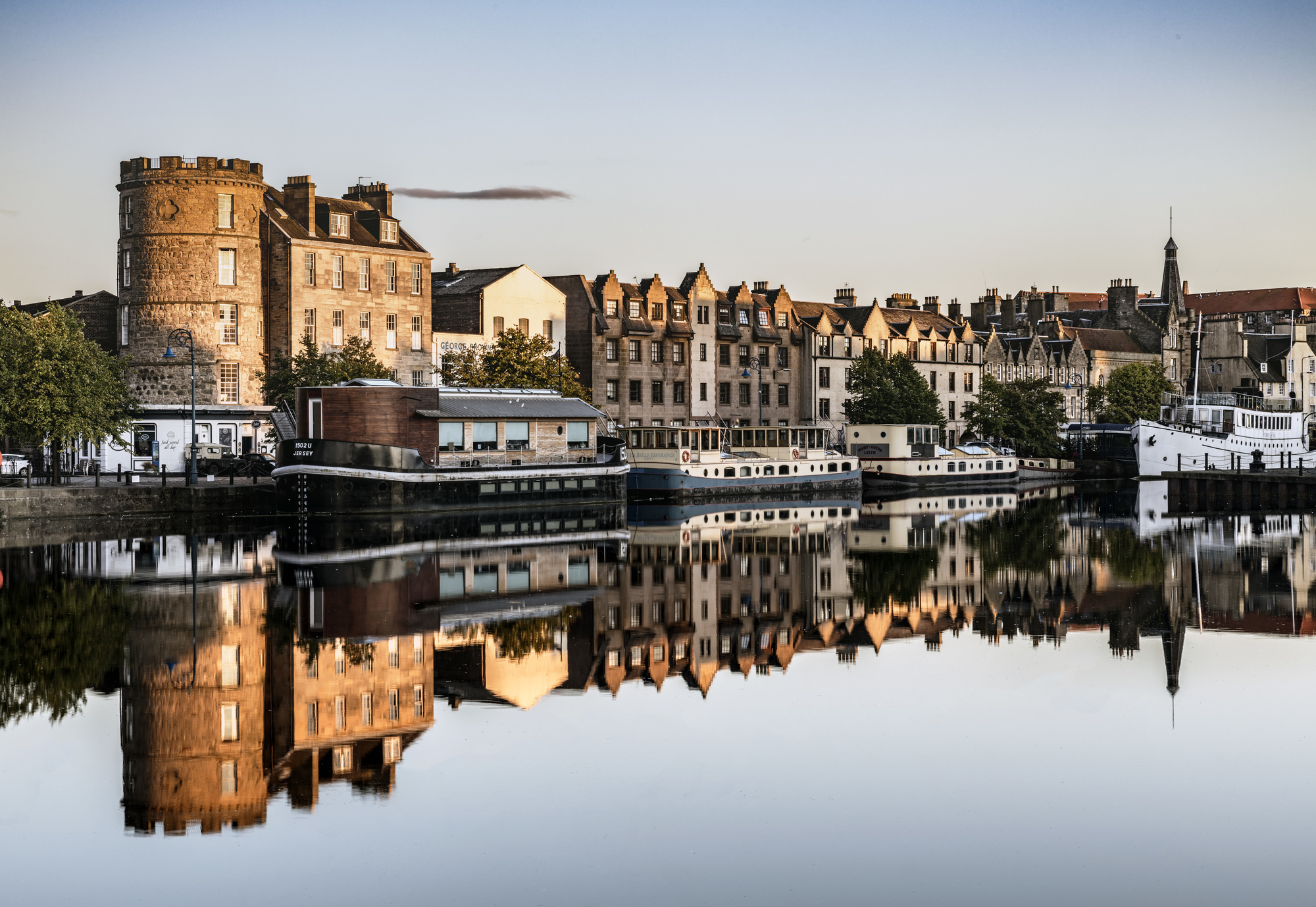
The Shore, Edinburgh
Reflections on The Shore, Edinburgh
The Shore, Edinburgh
Sep 10, 2017 at 10:59 AM
p.6 #20Official Nikon D850 image & resource hub thread ( images picture )
Nisa wrote:
D850 with 58 1,4
https://photos.smugmug.com/Portfolio/Children/i-BvS45hF/0/f645e209/X2/_D8S0116-X2.jpg
Love the soft light. Nicely done
Harsha
D850 with 58 1,4
https://photos.smugmug.com/Portfolio/Children/i-BvS45hF/0/f645e209/X2/_D8S0116-X2.jpg
Love the soft light. Nicely done
Harsha
Sep 10, 2017 at 12:27 PM