envydd wrote:
Nice one. I like the bench against the horizon!
Where is this?
Thank you envydd, much appreciated.
Those are the Sangre de Cristo Mountains near Santa Fe, NM,
as seen from White Rock Overlook Park.
The Rio Grande canyon is in the foreground.
You can look into it from the bench.
In the Sangre de Cristos you can see from left to right:
Truchas Peak, Santa Fe Baldy, and Santa Fe Ski Area.
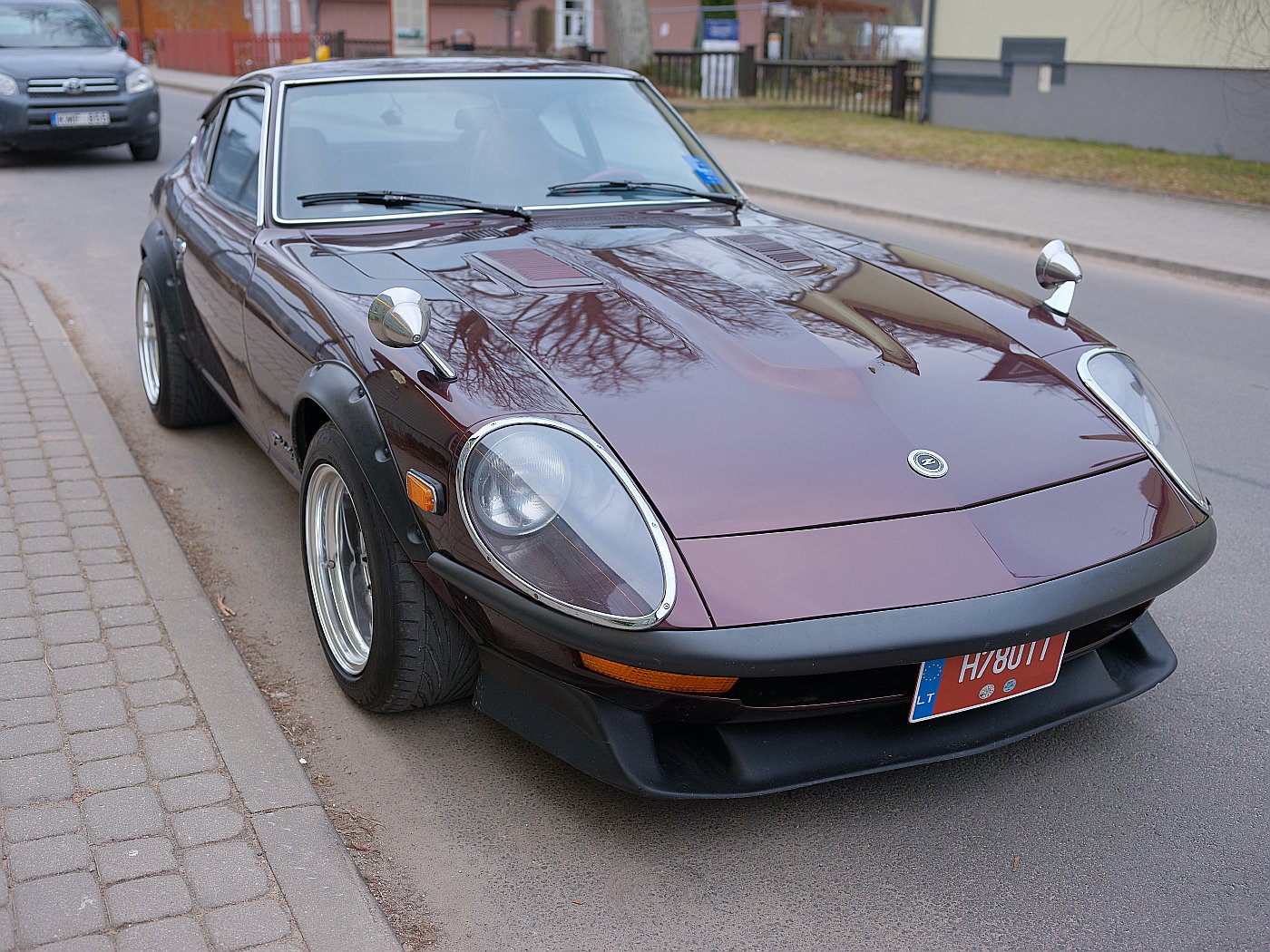
Lovely photo, and that Z definitely has place in my dream car garage!
A technical question for you – would you mind sharing the color/image settings you used for this shot? I've been working to refine the settings on my 50R to achieve a similarly natural looking profile straight out of camera, and this photo is a great example of what I'm trying to achieve.
extraordinary wrote:
Lovely photo, and that Z definitely has place in my dream car garage!
A technical question for you – would you mind sharing the color/image settings you used for this shot? I've been working to refine the settings on my 50R to achieve a similarly natural looking profile straight out of camera, and this photo is a great example of what I'm trying to achieve.
Thanks in advance!
,STANDART" film simulation, AUTO White Balance
, 200% Dynamic Range, TONE CURVE: Highlights -2, Shadows -1, COLOR +1, SHARPNESS +1, HIGH ISO NR 0,resized only on photoshop ,p.s.This shot hand-held as Fine JPG, no tripods,RAW files were used or needed
leonasj wrote:
,STANDART" film simulation, AUTO White Balance
, 200% Dynamic Range, TONE CURVE: Highlights -2, Shadows -1, COLOR +1, SHARPNESS +1, HIGH ISO NR 0,resized only on photoshop ,p.s.This shot hand-held as Fine JPG, no tripods,RAW files were used or needed
Wonderful, I really appreciate the info! Do you happen to use any WB Shift settings as well, or just standard AUTO?
extraordinary wrote:
Wonderful, I really appreciate the info! Do you happen to use any WB Shift settings as well, or just standard AUTO?
Thanks again!
always set auto and it works , but in diference situations use wb shift or set new custom wb,this easy set for natural color that see your eyes.
leonasj, if you can accommodate a small processing delay between photos on your 50R try Fuji's in-camera proprietary Color Chrome Red setting on strong. It does a very nice job handling that color for Jpegs, even better than dedicated Raw processors in my opinion.
leonasj wrote:
does color chrome simmulation a bit sharper jpeg from camera?
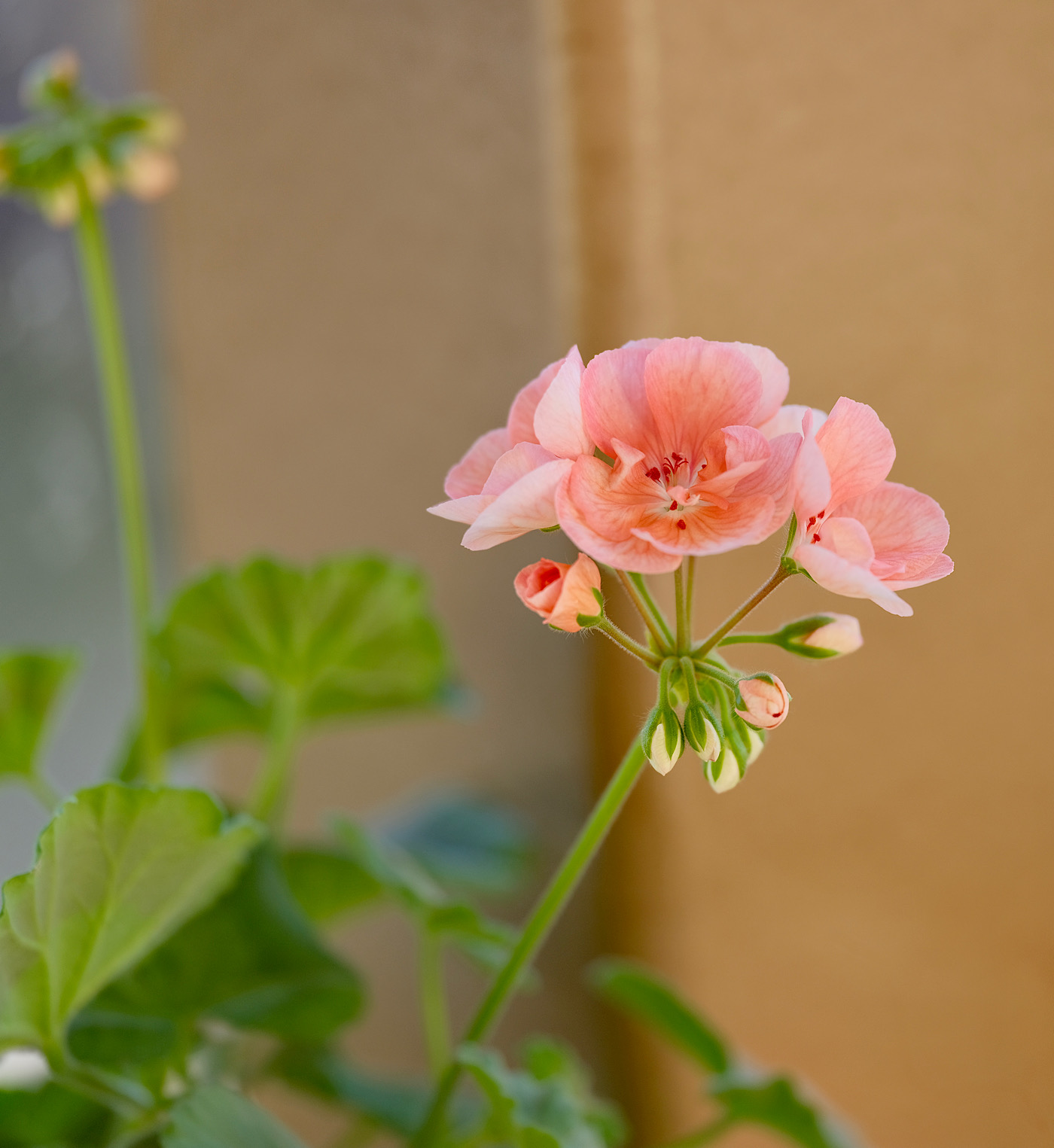
For your 50R Color Chrome allows for the better handling of the reds providing more degrees of tone without over saturation/blown color. It does a excellent job on flowers, cars, etc. Sometimes reds give me trouble with my Adobe Camera Raw even using the different profiles, color mixer, and grading sliders. That is why I also ways shoot Jpeg Provia with Color Chrome as a reference standard and Raw.
goodbokeh wrote:
For your 50R Color Chrome allows for the better handling of the reds providing more degrees of tone without over saturation/blown color. It does a excellent job on flowers, cars, etc. Sometimes reds give me trouble with my Adobe Camera Raw even using the different profiles, color mixer, and grading sliders. That is why I also ways shoot Jpeg Provia with Color Chrome as a reference standard and Raw.




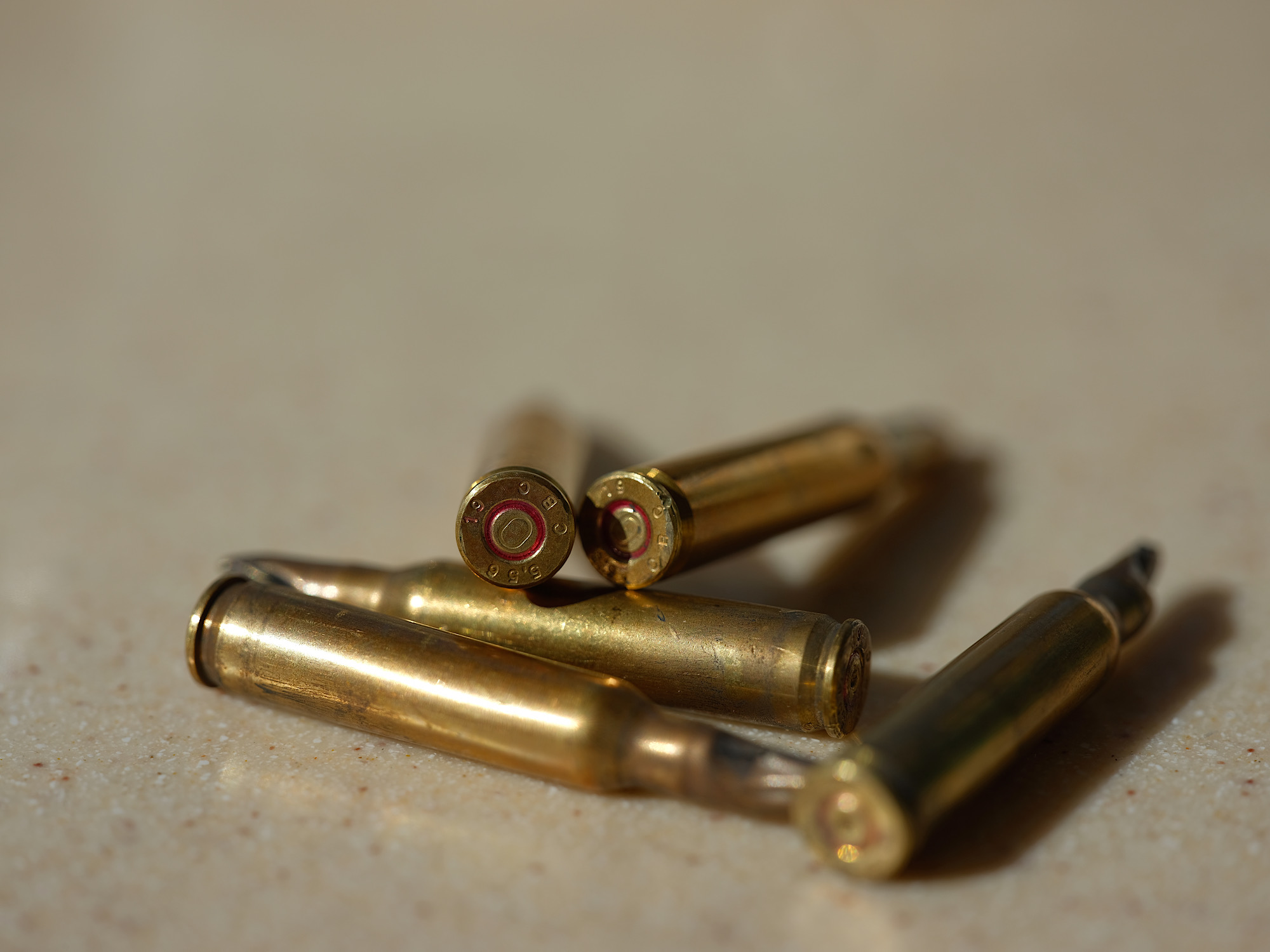
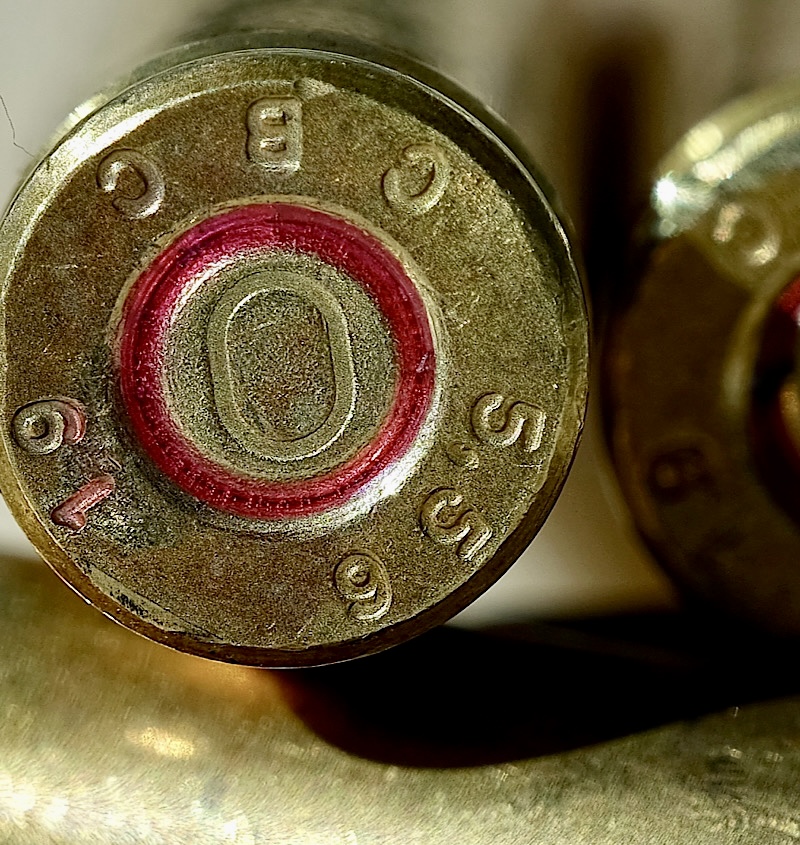
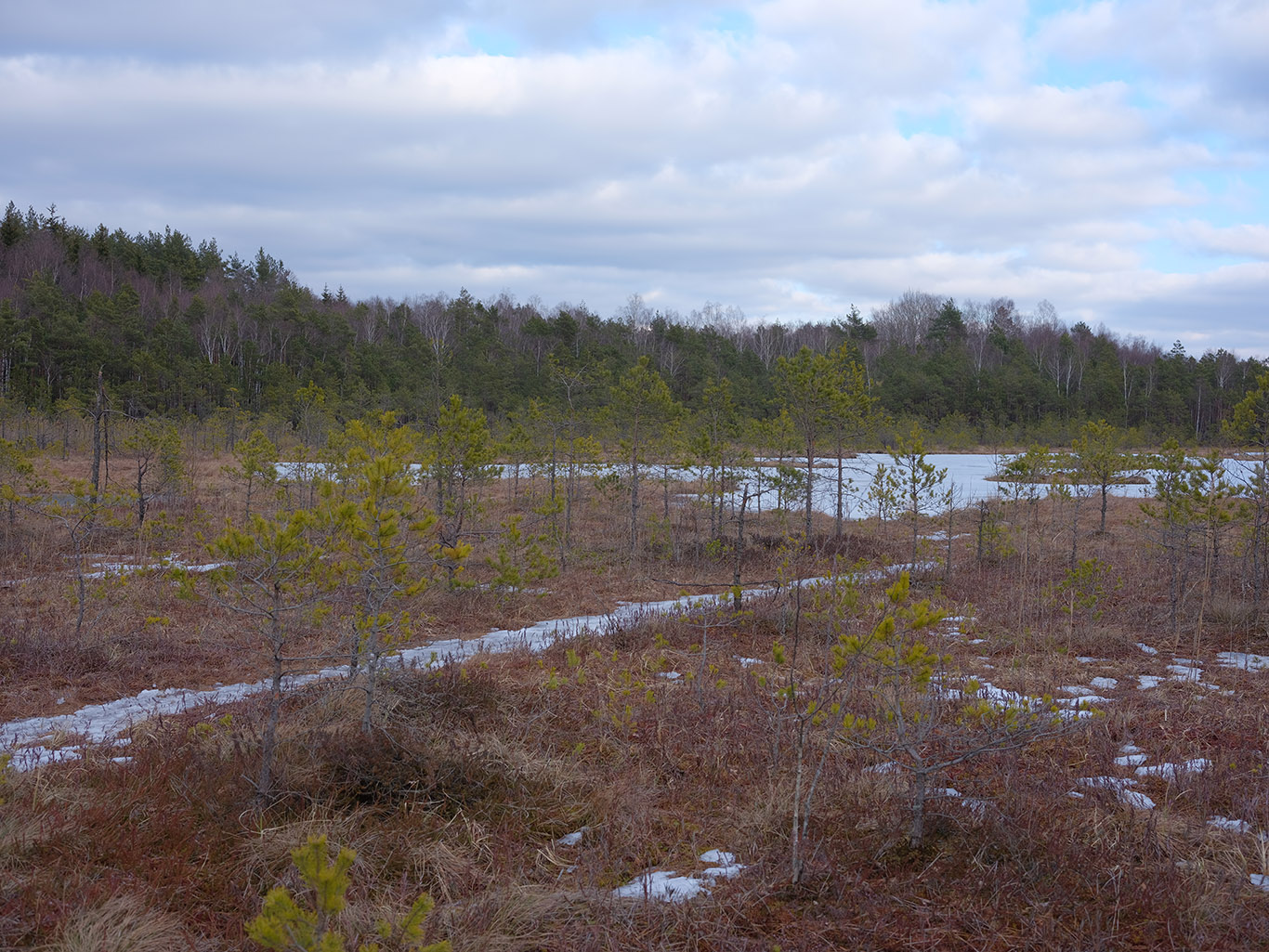

 But if the 50S and 100 didn't have it, no one would miss it.