BrandonSi wrote:
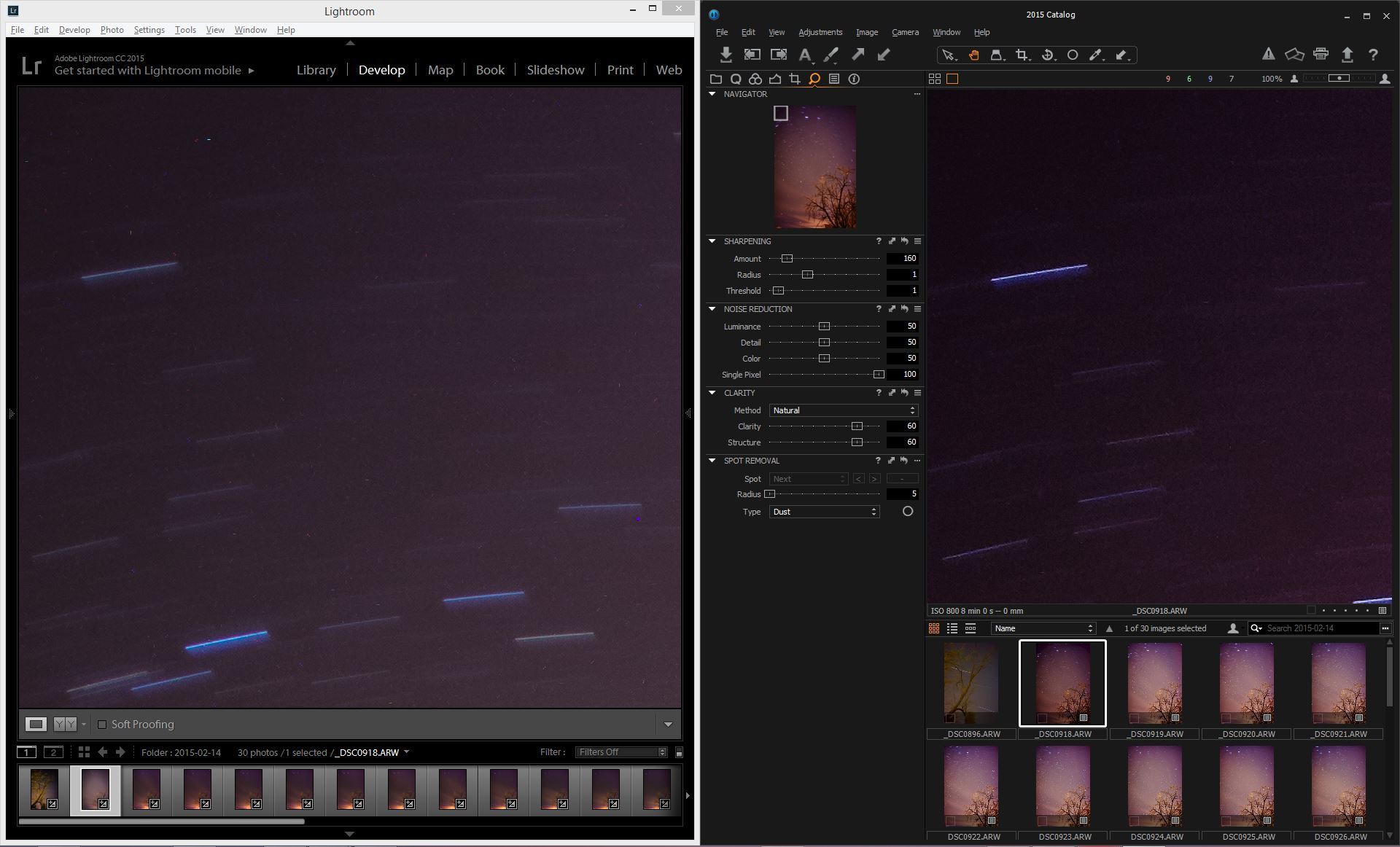
FWIW, Capture One has a slider for this in the noise reduction tool, called 'single-pixel'. It identifies single pixel variation from the surrounding neighbor color values and cancels them out. Might be worth a shot if you run into this frequently.
Ugh, had this problem with both the A7R and the a99. This is not a Sony shortcoming. Sony only updates the hot pixel map every calendar month by the internal clock. This is basically a good thing. Set your clock one month and one day forward and take another picture. Then reset the camera. It will take a dark frame when you turn it off, that's how you know it's working. Take another shot, the hot pixels should be gone. Set the clock back to the original time.
No LENR needed, this is just cloning out the few off range pixels. They occur on every camera and yes Sony doesn't remove them until a calendar month has passed according to the internal clock.
I have a 78 second shot without LE NR and I'll process it later but I use C1 and single pixel slider should knock it out. I can see the noise on the LCD. I'm going to post the raw as well
Fred Miranda wrote:
That's a great tip. The question is, at what point after pixel remapping, hot pixels would start appearing on the images again? Probably not during the same shooting session?
Any new pixels from the same session would likely be from a higher ambient temp. I'm surprised by how many long-exposure pixels it removed for the A7rII sample posted on dpreview. My experience shows that it doesn't remove any long-exposure pixels on my A7s - and I'm thinking that's the way it should be because I would only want pixels stuck at normal exposures to be removed. Perhaps Sony changed the threshold for the algorithm on the A7rII.
snapsy wrote:
Any new pixels from the same session would likely be from a higher ambient temp. I'm surprised by how many long-exposure pixels it removed for the A7rII sample posted on dpreview. My experience shows that it doesn't remove any long-exposure pixels on my A7s - and I'm thinking that's the way it should be because I would only want pixels stuck at normal exposures to be removed. Perhaps Sony changed the threshold for the algorithm on the A7rII.
To be clear, remapping should take care of "stuck" pixels but should not affect "hot" pixels from long exposure.
poses wrote:
Has everyone had luck using Snapsy's technique? I tried re-mapping twice and got exact same level of hot pixels showing up /:
I don't think it cures hot pixels from what I understood. I may try this tonight.
If you don't want to use LENR in camera (and avoid 12-bits files), there are only 2 options: Take another capture using the same exposure time covering the lens to subtract it later in software. Or use hot pixel reduction options in software.
Yea, it was that post that led me to try it. Hmm curious. But then there are also those who say they don't get hot pixels under the same conditions at all. Those posts make me think maybe there are a crop of affected copies. At the end of the day, i'm not entirely sure what the case is! Just don't want to sit on a something that's potentially defective. I'd rather be out using the damn thing than sitting here worrying!
poses wrote:
Yea, it was that post that led me to try it. Hmm curious. But then there are also those who say they don't get hot pixels under the same conditions at all. Those posts make me think maybe there are a crop of affected copies. At the end of the day, i'm not entirely sure what the case is! Just don't want to sit on a something that's potentially defective. I'd rather be out using the damn thing than sitting here worrying!
I think it really depends on the exposure settings. (ISO and Exposure Time)
snapsy wrote:
Did you try the hot-pixel remapping technique I described earlier in the thread? Did it make a difference? There's a poster on dpreview that showed a before/after sample (link).
I did remapping by changing the month, but haven't had an opportunity to try it out yet.
I'm going to go to camera shop tomorrow and try shooting the exact same way with their copy and comparing the two (lens cap on, LE no NR). Call me petty, but I must know!
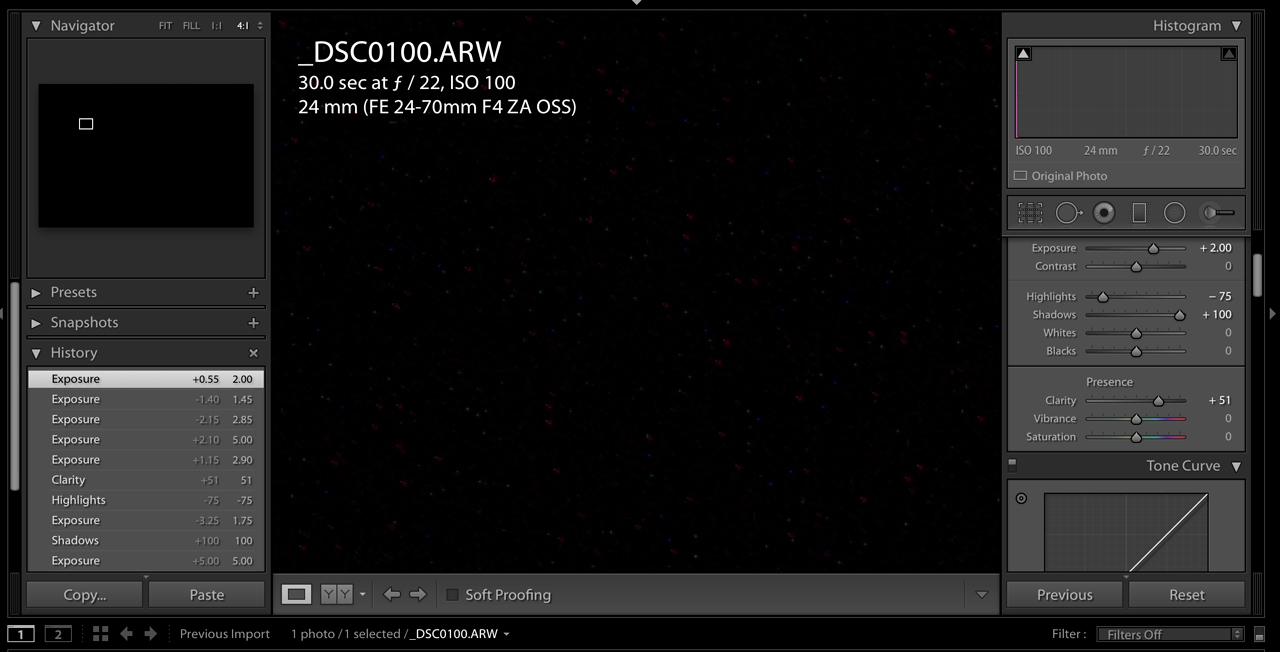
So, after doing the pixel remapping per Snapsy's instruction, this is what I get. Lens cap on, ISO 100, f/22, 30 sec exposure. First image is pushing 2 stops and shadows +100. As one can see, still with hot pixels.
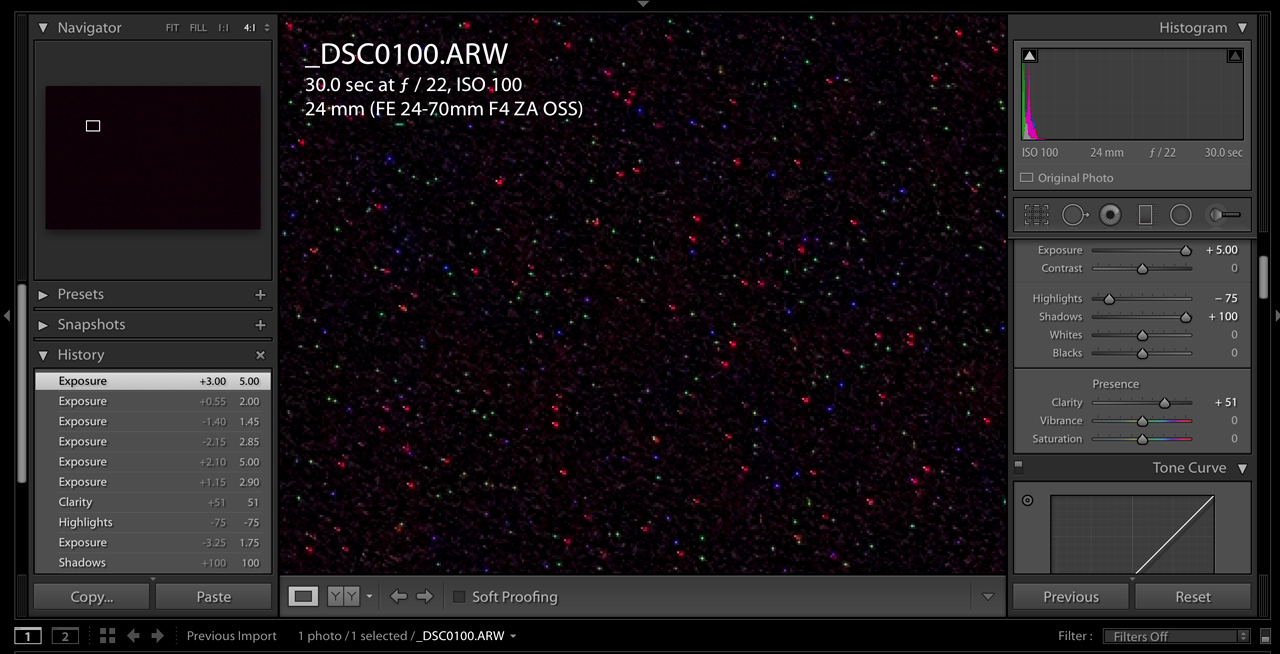
Second image is pushing 5 stops to exaggerate and show all the hot pixels. Kind of looks like Christmas to me.