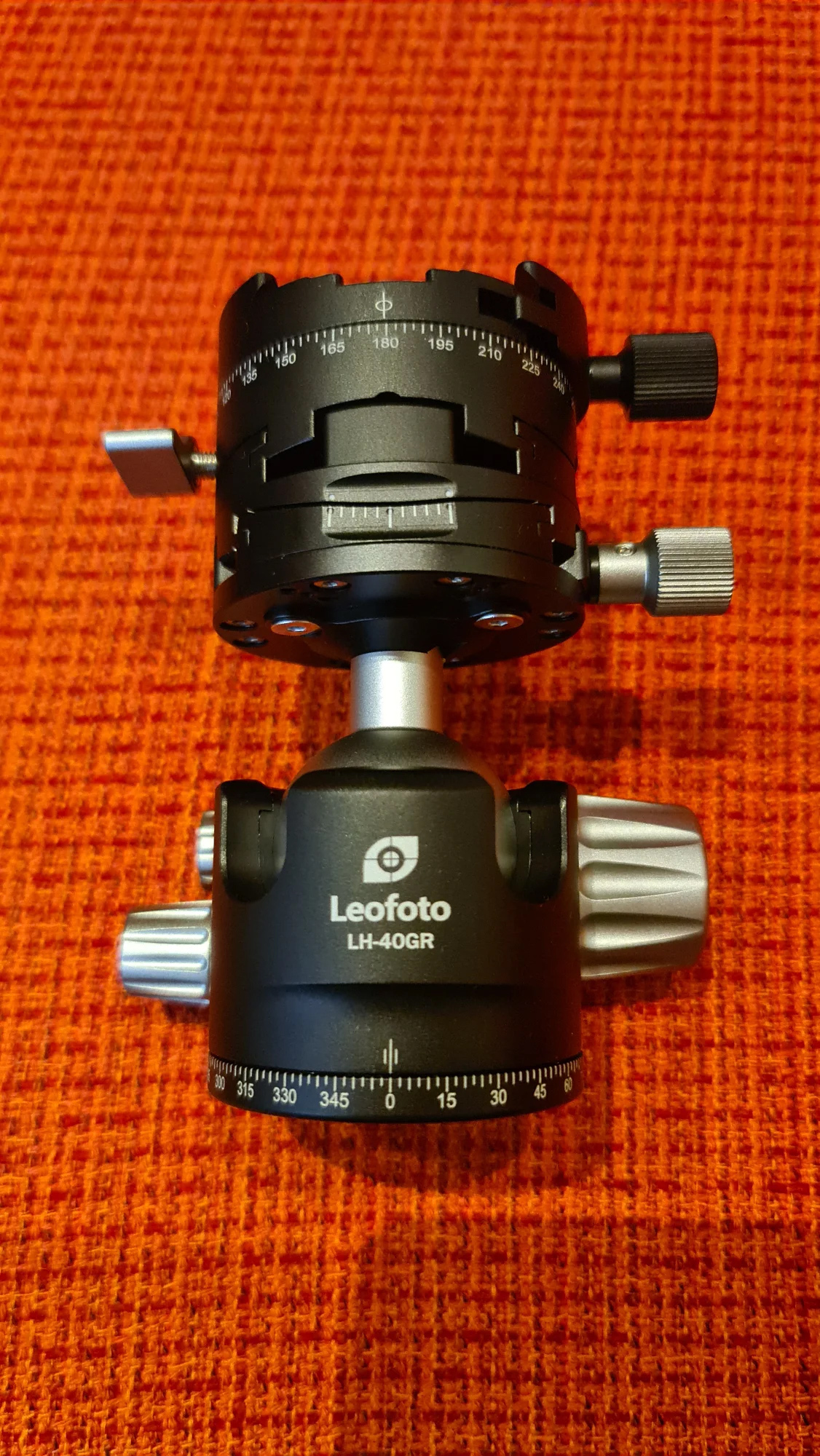
p.8 #7 · Posting from Flickr -- short and simple version
I'm sorry I fail all the time.
I got message max 800pix - So took the better BB code
Then I posted, deleted the initial string, but now it sais: expected EXIF.
So I replaced the Flicks phot with one WITH the EXIF.
Still FM insists no EXIF is there.
YeeHaw.
--> Now why did that not work before (I am so stubborn to try to post in the weekly assigment...) The following verbatim shows here but not in the weekly section. Fred/or someone. Howcome
Now I get: Posting for assignment: Could not download the image "https://flic.kr/p/2rEyfzE]"
p.8 #10 · Posting from Flickr -- short and simple version
My problem is: YES – I CAN !
But: not all the time. Here yes, but not in weekly assignments that I tried my hand on. Or is that only for those who have a paid subs. to FM?
p.8 #15 · Posting from Flickr -- short and simple version
What I don't like if using the BBC code the generated image strips the EXIF information
Interesting observation. I took the liberty of downloading this JPG from FM, and one of the reduced size JPGs and the original JPG from Flickr. I viewed them in Adobe Bridge to see the metadata. What I found was that Flickr does not store the metadata in the reduced size image JPGs. It does retain it in the original. So BBC code does not strip EXIF data itself...that appears to be done by Flickr when generating smaller size version.
Suggestion if you really want the camera EXIF data in your Flickr post... a bit inconvenient but not difficult:
Select and Copy the camera level EXIF data from Flickr and paste it into the FM reply. In your case, this would have looked like:
Fujifilm GFX50S II
NIKKOR135
ƒ/undef 135.0 mm 1/1700 200 Flash (off, did not fire)


 The following verbatim shows here but not in the weekly section. Fred/or someone. Howcome