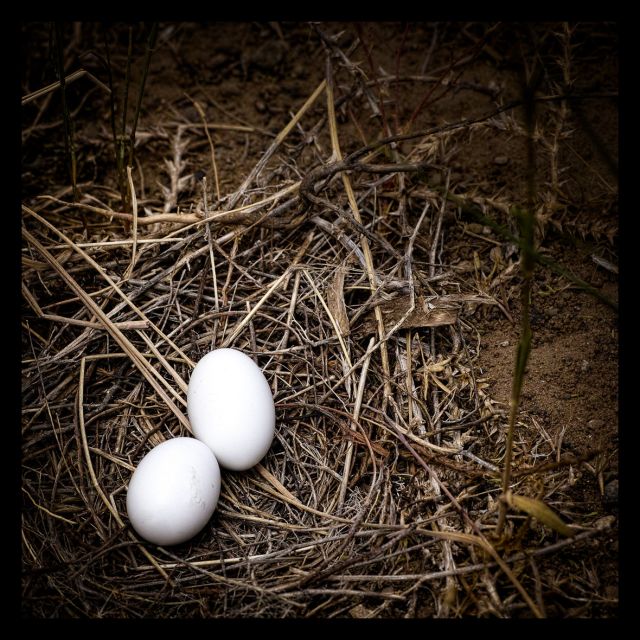
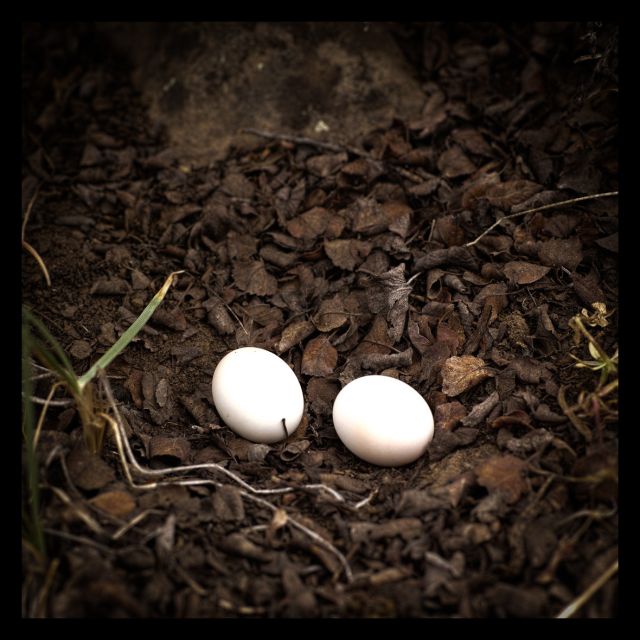
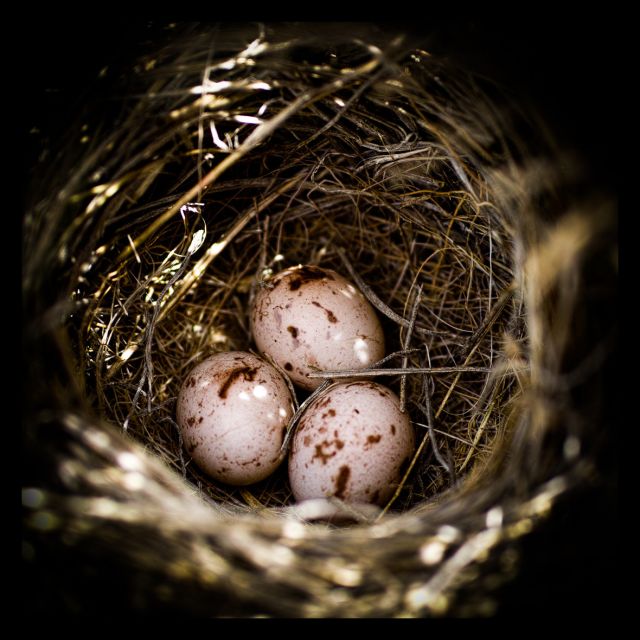
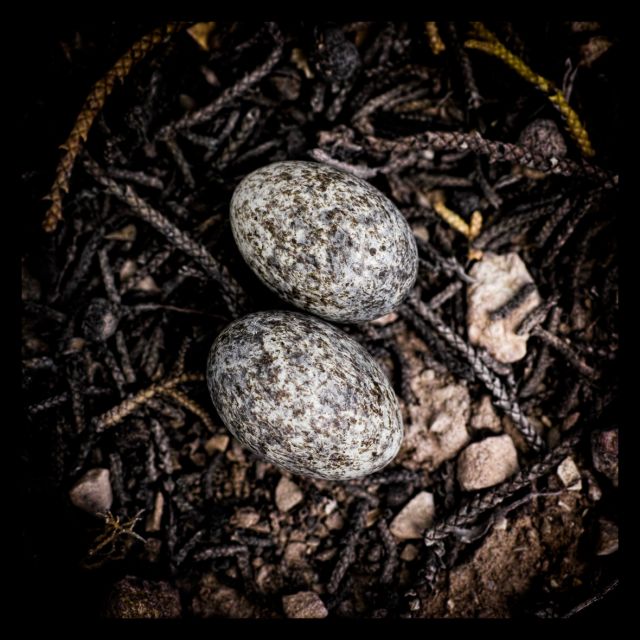
The detail in these files is just incredible. I need to find the best way to implement it with Sigma's very slow software and Apple's Aperture plugins.
AaronNegro wrote:
The detail in these files is just incredible. I need to find the best way to implement it with Sigma's very slow software and Apple's Aperture plugins.
Guys, keep it up.
Aoron SPP is quick on my pc so no complaints there, yet am aware for some as yet unknown reason it can be slow on many Pc' and Mac's. The above I used LR 6.0.1 on the exported 16bit Tiff's,No sharpening is needed but make sure the noise reduction & chroma reduction are set to zero in SPP for the most detail. Sometimes there can be a little too much micro contrast so a little noise reduction helps . As does giving some negative fill light. But of course you maybe familiar with all this?
I was turning chroma, luminance and banding noise off completely, but that seemed to give noticeable patterning in skies (at 100%), so I am back to 1 step for chroma and luminance and 2 for banding noise.
I turn noise reduction to -1 and do tonal adjustments to give a decent histogram without too much clipping, and white balance/colour adjustment to give me something that I recall as 'accurate'. I also turn on the lens profile for chromatic aberration correction, although if it makes any difference it's pretty slight.
I then export in 16-bit TIFF and do the rest in Lightroom, which usually consists of an overall tone curve adjustment and some localised 'burning' and 'dodging' with the adjustment brush. I usually apply a tiny amount of vignetting at the end to give more of an enlarger print feel, and then print to file from Lightroom.
But I'm learning and I'm not that good, so I may not be following the optimal workflow ...
Patrick59 wrote:
I was turning chroma, luminance and banding noise off completely, but that seemed to give noticeable patterning in skies (at 100%), so I am back to 1 step for chroma and luminance and 2 for banding noise.
I turn noise reduction to -2 and do tonal adjustments to give a decent histogram without too much clipping, and white balance/colour adjustment to give me something that I recall as 'accurate'. I also turn on the lens profile for chromatic aberration correction, although if it makes any difference it's pretty slight.
I then export in 16-bit TIFF and do the rest in Lightroom, which usually consists of an overall tone curve adjustment and some localised 'burning' and 'dodging' with the adjustment brush. I usually apply a tiny amount of vignetting at the end to give more of an enlarger print feel.
But I'm learning and I'm not that good, so I may not be following the optimal workflow ......Show more →
Yes Patrick I am certainly still learning also. I am not bothered by noise though, prefer it by far to smooth plastic look. I dont know about the histogram in SPP and what it's point of reference is. In camera it is a guestimate as it is showing the potential Jpeg's histogram as I believe and not for the Raw, or Tiff . I did put on lens profile yet again finding a few exported Tiffs, where they have chroma adjustment and all it really does is desaturate and can leave obvious desaturated areas. So tend to do that on the tiff in LR or ACR where there is I feel a bit more control.
There is no one way , there are a few absolutes of how SPP responds and attempts in corrections, but sometimes my cameras have say three shots, taken simultaneously of the same subject and each has a completely different white balance result, so each needs to be fiddled with differently.
The great thing is we all do it differently and get different results.
juju1958 wrote:
Ray loving the ominous richness and wonderful band of the cloud. Excellent I hera you are having some dramatic weather at the moment?
Thank you for the kind words Julian, and yes we seem to have been hammered by storms on the East coast lately but unfortunately out west they have had precious little rain, but then that is the nature of this land