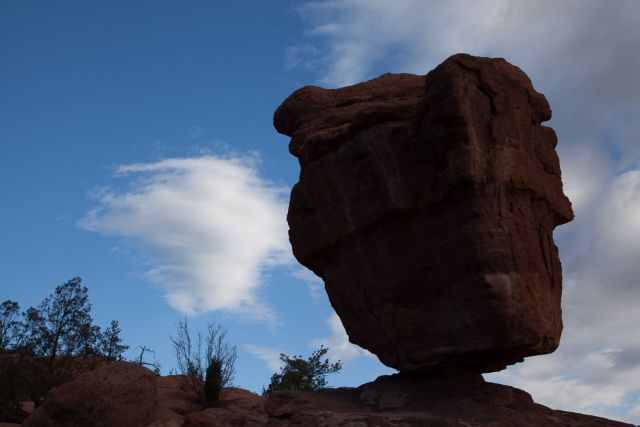
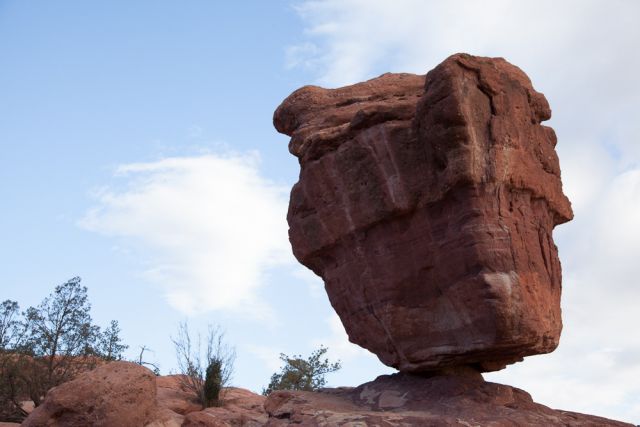
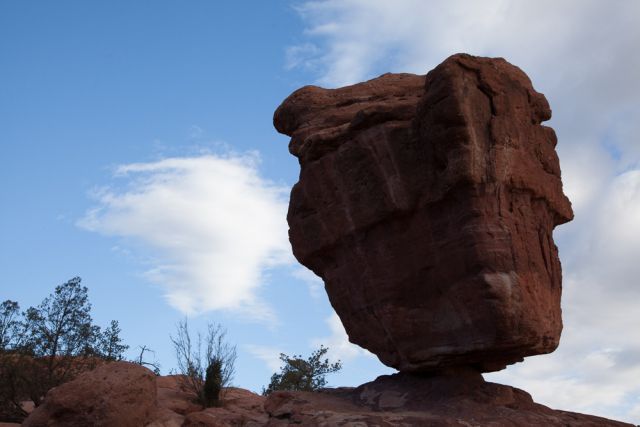
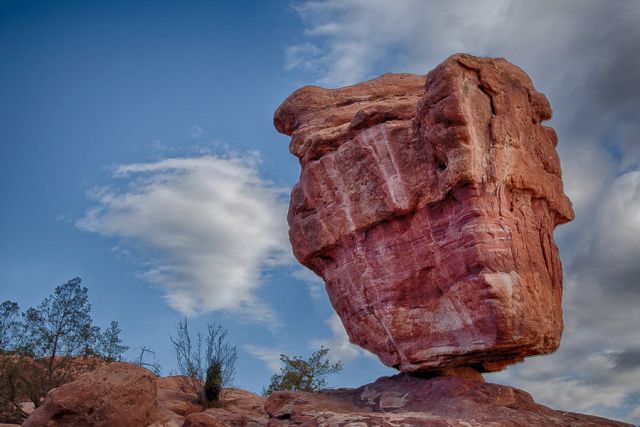
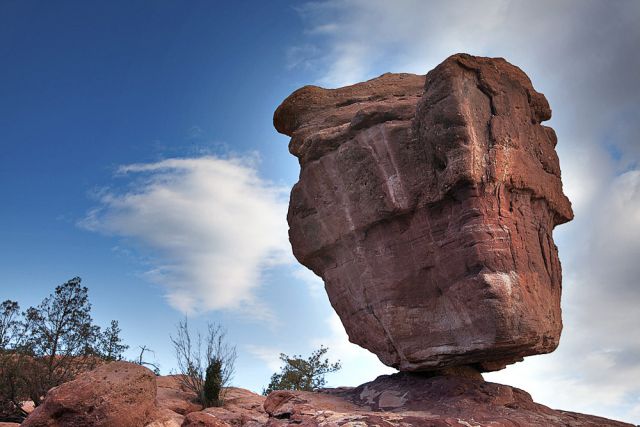
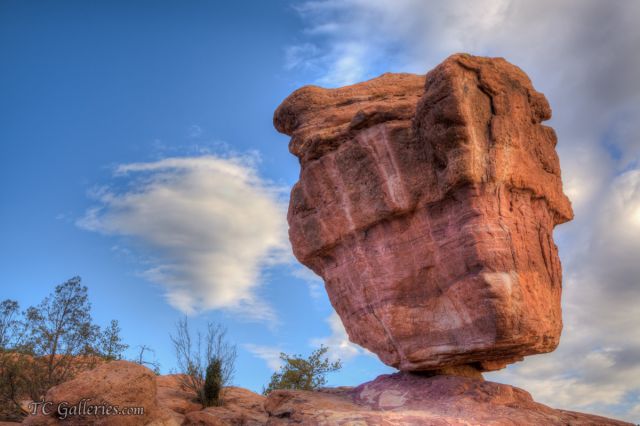
I've noticed a repetition of haloing effects in many of my HDR merges (3 images in this one), especially when trees are involved. Can anyone tell me where the cure might lie? What can I do to avoid this situation?
I've cleaned this one up a bit, but the trees on lower left are blemished still.
Terry
Balancing Rock - Garden of the Gods Park - Colorado Springs, CO
I've not dabbled in HDR much, and then usually with a single image.
Here is my first experience with a series and Nik's (HDR Efex Pro 2). If you like it all credit to the software, I merely pushed sliders around. As with all Nik products, there are about 2 dozen presets for all sorts of styles/looks as jumping-off points.
Have not sharpened or done anything other then run through HDR EP2.
Well, change 1 - had to run through CS6 to convert to jpeg, applied some sharpening in ACR too. No science, just eye-balled it. Ramping up the radius did spawn jaggies in the tree...
I've located the quirk, though I'd still like to find a workaround. If I process the series with the "realistic" effect, then I get the same results that you are showing Bob. Occasionally I like to use the "painterly" effect in Photomatix, and that is when I get the haloing, primarily in trees.
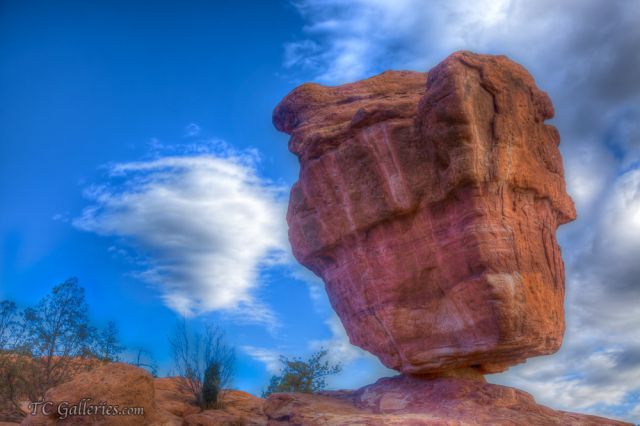
Thanks for your input Barbara, your re-work looks good. I'll check into Tony's software. Post processing, (along with everything else), is my weakest link.... but time and experience will assist me much. I believe I chose the "painterly" effect due to the way it enhances the clouds. This is my version using the "realistic" mode in Photomatix.
Terry
Balancing Rock - 30 ft. tall, weighs 140,000 lbs. Garden of the Gods Park - Colorado Springs, CO


 .
.