I've noticed that the JPEG quality of images shown in these forums vary greatly, and I suspect much of that has to do with the export settings from LR4 or Photoshop. Are there "tried and true" settings or at least a general rule of thumb? Width, PPI, color depth, etc.?
8-bit, sRGB is the colour standard for the web.
I go a step further and include the colour profile just in case the viewer has the interest to have a calibrated and profiled monitor and also a profile-aware web browser. Of course, this also implies that your own screen is calibrated and profiled. This is especially important if you post images for feedback because you want to do your best to ensure that the viewers see what you saw.
Typical screens these days offer 100-110ppi screens but a few high-res screens offer 200-300ppi (Apple retina screens, MS Surface Pro, etc.). I don't think you'll find a screen that offers 72ppi these days so don't use that, but catering for retina screens is probably bad form except on your own web site or one dedicated to high-res screens.
Width is often determined for you by the site to which you send the images (e.g. here at FM it is something like 800 pixels but that is often too small). Don't forget that you can post cropped versions as separate images to show important details that are not visible in the full shot at low res. If it is your own site then the main limitation is the expected download/upload costs and how long it takes.
In terms of sharpening there are two schools of thought: For general viewing sharpen to suit the viewers' output devices - i.e. as if it will be viewed on their monitors in a web browser. For technical comparisons do not sharpen at all - let the viewer download the images and apply their own sharpening so that their evaluations are not spoiled by what you have already done to the images.
important: Make sure that you include all relevant EXIF info with each image. It helps others determine what you used and how that could have been improved, for both your benefit and theirs.
PPI settings are relevant for print, are ignored for images viewed online, which display at the resolution of whatever monitor the viewer is using. No need to be concerned about PPI for images destined for online.
Jon Erickson wrote:
PPI settings are relevant for print, are ignored for images viewed online, which display at the resolution of whatever monitor the viewer is using. No need to be concerned about PPI for images destined for online.
Jon Erickson wrote:
PPI settings are relevant for print, are ignored for images viewed online, which display at the resolution of whatever monitor the viewer is using. No need to be concerned about PPI for images destined for online.
It isn't even relevant for print, unless paired with a physical width and height. The parameter is really there for scans, where it does matter.
miccullen wrote:
Most people have a size in mind when they print.
For sure, but the ppi setting stored in the metadata still has no affect. In Photoshop, for example, you can print at '100%' scaling, which does then use the setting. But in most programs, like Lightroom for example, the ppi parameter is totally ignored.
I have problems with downsizing routines, which resulted in some sharp photos looking very soft on the screen. There are a lot of forum members, particularly in the Alt Forum, who have great routines they've shared but implementation on my side was less than seamless. So I gave Fred's Web Presenter Pro PS plugin a try and have been completely pleased with the results. It's a nice $9.90 shortcut and is very simple to use. I'll post some Adobe vs. WPP samples when I get back to my home computer.
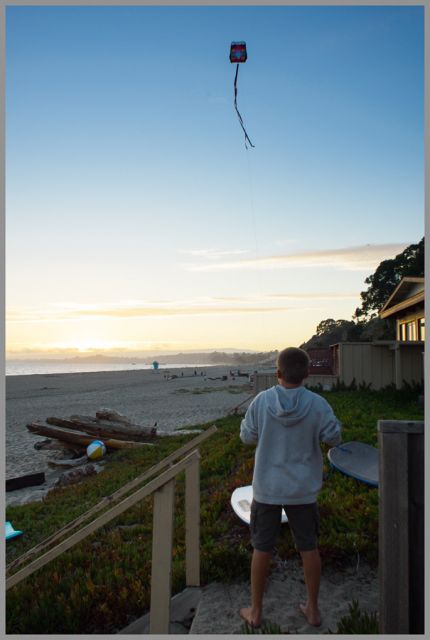
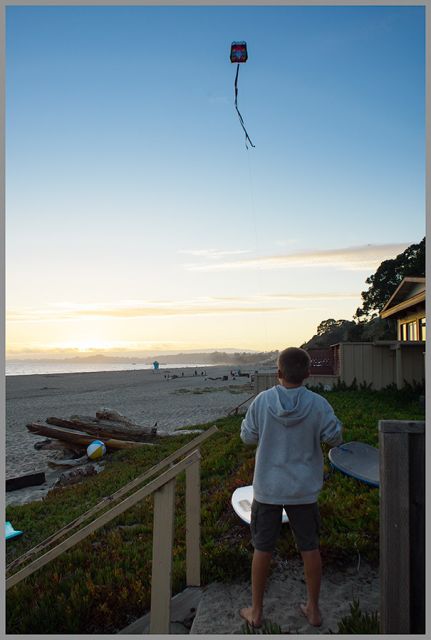
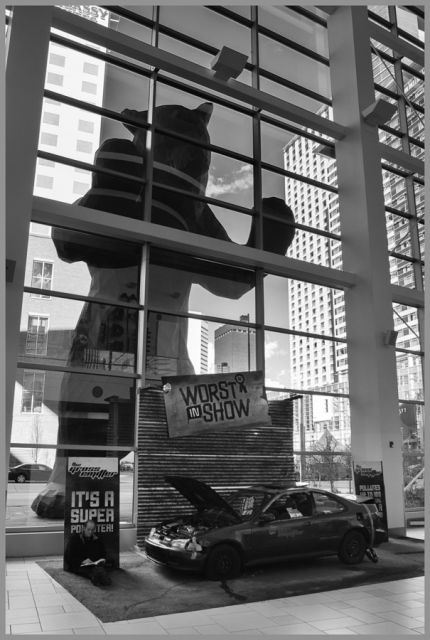
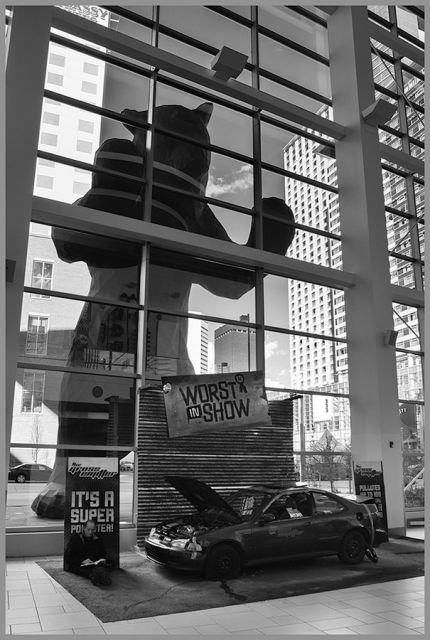
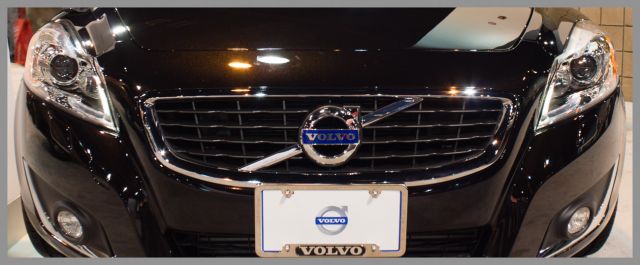
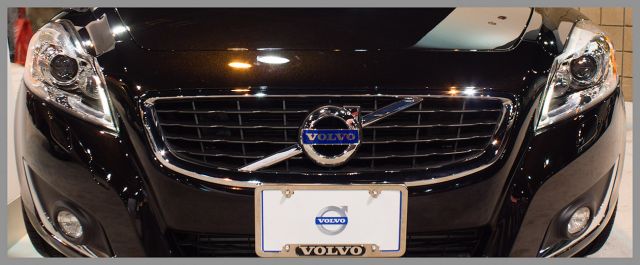
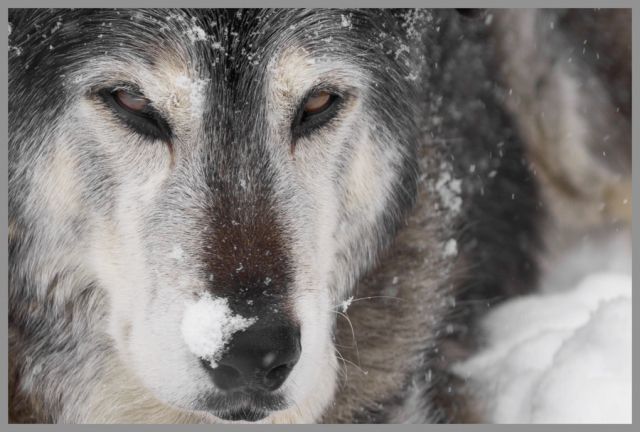
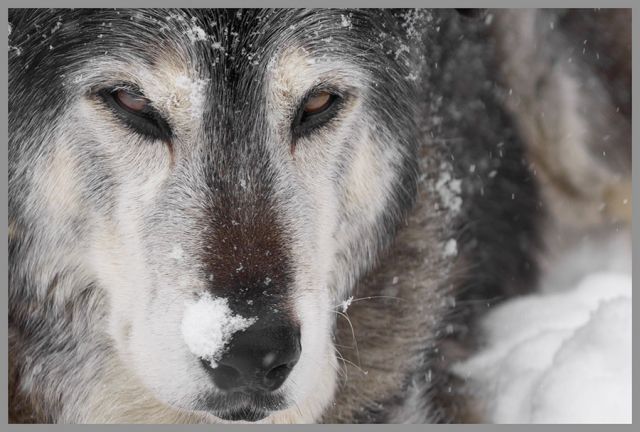
First is Adobe LR set for JPEG, file size not to go over 300k. Second is WPP resize and then output via PS adjusting the JPEG quality not to go over 300k.
I used WPP frequently until I upgrade to CS5 and it stopped working. Do you know if WPP has been revised to work with Photoshop versions CS5 and higher on Windows? If not, does anyone have experience with this functionality in the Photozoom plugin?
I seem to remember Alex Nail posted up some export resize and sharpen actions a few years back on the landscape forums. They also did a really nice job.
Nowadays i just shuffle the pics out from LR with a border (using LRMogrify) and either standard or high sharpening.