p.26 #4 · Dot-Tune: Autofocus Fine Tuning in under 5 minutes
snapsy wrote:
It's free, it's fast, and it's much more accurate than any other method I've seen so far. What makes it faster and more accurate is that it doesn't rely on actual phase-detect focusing to derive the AF tune value. Because PDAF has shot-to-shot variability, all existing AF tune techniques require multiple images taken at each tune value to eliminate that variability from the equation. And it's the need for multiple shots that make those techniques more prone to AF tune measurement error. The concept is based on a recent discovery about the true nature of AF tuning - you can read about that here (I'm "horshack" on dpreview).
I developed and tested this method first on a Nikon D800, and it has been confirmed by several other owners so far (Nikon thread here). I've also tried it on my 5DM3 with a Sigma 35mm and it appears to work. I'm looking for feedback from other Canon owners to confirm it on their bodies+lenses.
Canon version of technique
1. With the camera mounted on a tripod, enter Live View and establish critical focus on a high-contrast subject over the center point. Exit Live View.
2. Set the lens to MF (Manual Focusing). Be careful not to jostle the focus ring when you move the switch - you don't want to alter the focus you established in step #1.
3. Set AF tune to 0.
4. Look through the viewfinder to see if the camera thinks the subject is in focus by checking if the green focus confirmation dot is lit. You'll need to half-press the shutter (or AF-ON) while doing this to keep the metering/rangefinder from going to sleep. Assuming you get confirmation, increase the AF tune value and recheck the viewfinder, leaving the lens set to the original focus you established in step #1 - do not refocus the lens. You want to keep increasing the AF tune value until you no longer get a green confirmation dot. As you reach the edge of the range the green dot will either fail to light up or it may flicker...you may need to cycle the half-press of the shutter several times to confirm that the confirmation you get is consistent. You're done when you find the highest positive AF tune value that gives you a consistent green-dot confirmation - that value represents the positive end of the AF tune range.
5. Return AF tune to 0 and repeat the procedure in step 4, but this time decreasing the value of AF tune (going negative). When done you've established the negative end of the AF tune range
6. Calculate your final AF tune value, which is the midpoint of the range you established in steps 4 and 5. For example if your range was -2 to +8 then the midpoint is +3. If your range was 0 to +12 then the midpoint is +6. Set your AF tune value to your calculated midpoint. You're done.
Notes
* If you don't get a green confirmation dot at an AF tune of 0 then increase or decrease the AF tune value until you do. Your goal is to find the range of AF tune values that show focus confirmation - that range may be all positive or all negative, instead of the -/+ range described in the steps above.
* If either end of the AF tune range (-20 or +20) still gives you focus confirmation, this means the range of AF tune values is wider than the camera's supported +/-20 AF tune range. Marianne Oelund came up with a clever workaround for this here.
Edit 2/10/13: Decided to call this technique "DotTune", to have a quick and searchable moniker when referring to it. It's a bit more identifiable than just "new AF tune technique"
p.26 #6 · Dot-Tune: Autofocus Fine Tuning in under 5 minutes
My 400/5.6 on the 7d is giving me -20 and +20 confirmation, I can't think of a workaround for this since it means the range is 40++, but I am doing this at a shorter distance than the recommended 10m (20m) distance, is this why?
p.26 #9 · Dot-Tune: Autofocus Fine Tuning in under 5 minutes
The little triangles underneath the focus confirmation circle on the Canon cameras, wth do they mean? I referenced the manual and they are just called "AF Status Indicator."
When I do a dot tune, do I need to worry about them, or only the dot?
p.26 #10 · Dot-Tune: Autofocus Fine Tuning in under 5 minutes
So here's my results after a dot-tune with a 1DX + 300mm f2.8 + 1.4 v2 converter
Dot_tune Midpoint is +15
AF adjustments set to +15 on my 1DX
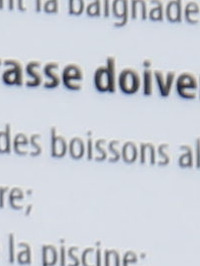
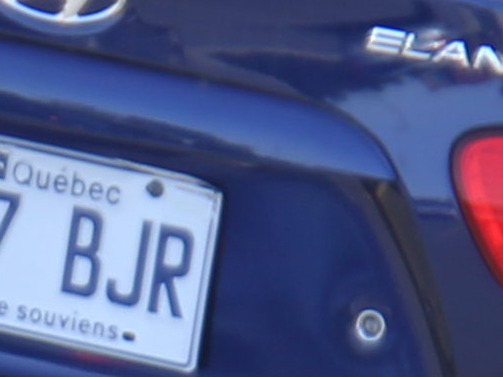
photo 01; text; horrible...it was even worse before the adjustment
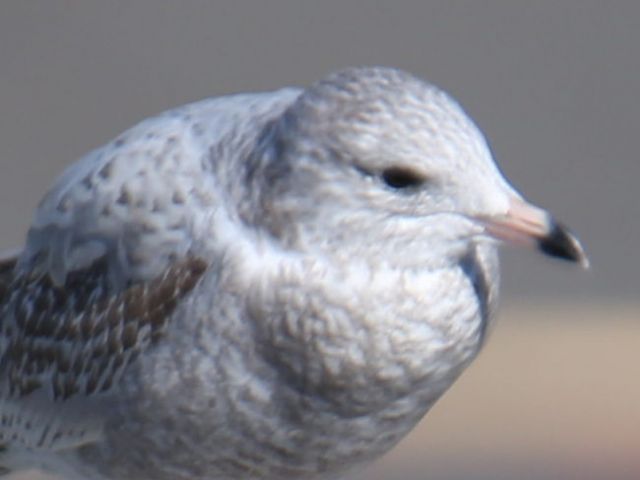
photo 02; image of bird; kinda of blurry but not as much as before the adjustment
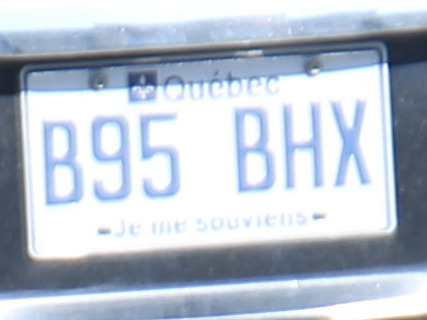
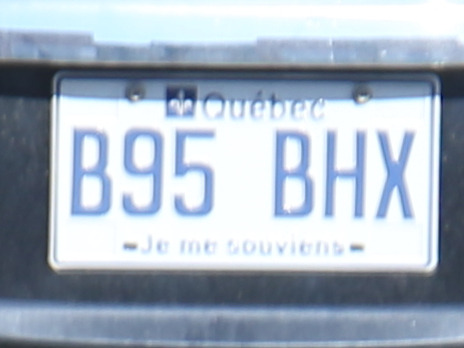
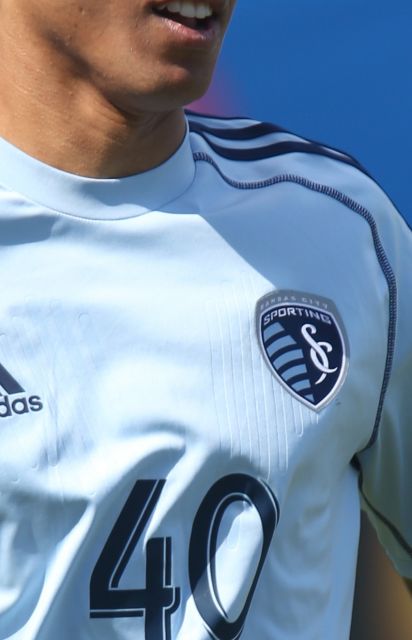
photos 03 and 04;
photo 03 is before the adjustment
photo 04 is after the adjustment
the blue color on the numbers seems to have been washed away
I shoot that paltes cause its something similar to numbers on soccer white jerseys;
there was kind of washed away colors or blurry image on jerseys...
photo 05; blurry again but not as much as before the adjustment
the blue color on the numbers is the "good color"
but this one was shoot while the registration plate was in the shade
p.26 #12 · Dot-Tune: Autofocus Fine Tuning in under 5 minutes
Have you tried taking images from say 0 through +10 (or -10) and just looking at the results and comparing those to a manually focused image in live view?
I first started with the Dot Tune method. Then I downloaded snapsy's new chart and just took individual images within a given adjustment range of 0 through +7.
I went from +4 to +3 with my 7D and 70-200 f2.8 II +1.4 TC.
A minor change but I can see that the results are better.
Not discounting the Dot Tune method. Really like the new chart.
After I made my adjustment, I then took sample images from all focal ranges and distances and was happy with those also.
Joshua J. Ahern wrote:
So here's my results after a dot-tune with a 1DX + 300mm f2.8 + 1.4 v2 converter
Dot_tune Midpoint is +15
AF adjustments set to +15 on my 1DX
photo 01; text; horrible...it was even worse before the adjustment
photo 02; image of bird; kinda of blurry but not as much as before the adjustment
photos 03 and 04;
photo 03 is before the adjustment
photo 04 is after the adjustment
the blue color on the numbers seems to have been washed away
I shoot that paltes cause its something similar to numbers on soccer white jerseys;
there was kind of washed away colors or blurry image on jerseys...
photo 05; blurry again but not as much as before the adjustment
the blue color on the numbers is the "good color"
but this one was shoot while the registration plate was in the shade
p.26 #13 · Dot-Tune: Autofocus Fine Tuning in under 5 minutes
ahender
yes I tried all the negatives values; no confirmation dot in this area.
Maybe I made a mistake; I reviewed the exif of my photos (those I inclosed here), and they were set to AI servo AF
I remember switching it to One Shot before starting the dot-tune. weird..
Coulld it be the problem? that the AI servo AF was on?
p.26 #14 · Dot-Tune: Autofocus Fine Tuning in under 5 minutes
Joshua J. Ahern wrote:
ahender
yes I tried all the negatives values; no confirmation dot in this area.
Maybe I made a mistake; I reviewed the exif of my photos (those I inclosed here), and they were set to AI servo AF
I remember switching it to One Shot before starting the dot-tune. weird..
Coulld it be the problem? that the AI servo AF was on?
Use one shot, single focus point, tripod, shutter release cable or timer. 50 times focal range. That should be 68 feet for 300+1.4 TC.
I just mounted snapsy's "new" chart on a clip board and found something to hang it from, then taped it to keep it from moving.
After each adjustment and shutter release, make a new adjustment, de-focus the image, then retake the image.
I would look at each image by zooming in to see where the quality started degrading or getting better.
Leave the setup as is, take the memory card inside and look at 100% in Photoshop or similar program.
I did this twice to see if the results were repeatable.
Just select the value you think is the sharpest.
If nothing is close to what you get from manually focusing, then you probably need to send the camera and lens in to have them calibrated.
p.26 #15 · Dot-Tune: Autofocus Fine Tuning in under 5 minutes
I had another 1DX last year.
The combo 1DX + 300mm 2.8 and 1.4 vII converter was perfect!!!
The images were very sharp.
I didn't have to make any AF adjustment.
Now I have a new 1DX. Seems that the combo doesn't work as good as the last one.
p.26 #16 · Dot-Tune: Autofocus Fine Tuning in under 5 minutes
Joshua J. Ahern wrote:
I had another 1DX last year.
The combo 1DX + 300mm 2.8 and 1.4 vII converter was perfect!!!
The images were very sharp.
I didn't have to make any AF adjustment.
Now I have a new 1DX. Seems that the combo doesn't work as good as the last one.
You think Canon CPS can fix that?
If you are not happy and micro adjustment does not fix the problem, then send it in. Is the lens combination new also?
p.26 #20 · Dot-Tune: Autofocus Fine Tuning in under 5 minutes
Just found this discussion because I shot some images with my D810 using the Nikon 500/f4 with a 1.4X and they aren't as sharp as I'd like. Since I was photographing water birds I can see that the water in FRONT of the subject is very sharp and by the time it gets to the bird it wasn't quite sharp... I don't see this on my D300, but the 810 is absolutely brutal for sharpness... I was going to put a very small piece of an image in, but it appears that I can't.
SO, I printed a chart, figured out I need about 115 feet for the 500 with a 1.4, got myself all excited, and went outside with a long tape measure to set up and give it a try.................. AND IT'S RAINING!!!!!!!!