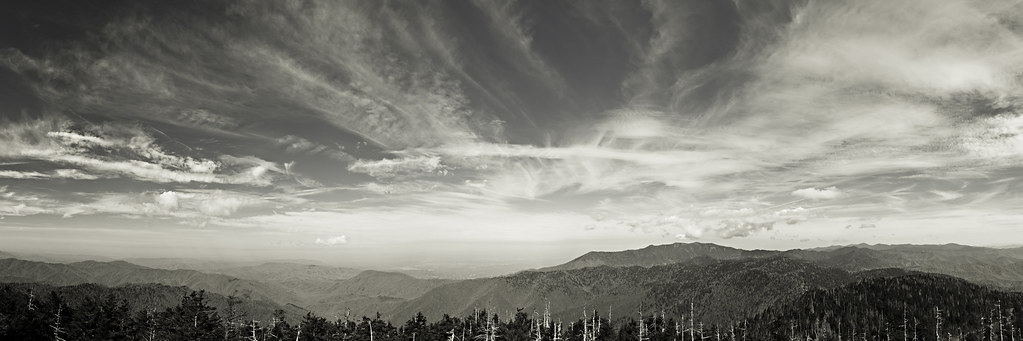
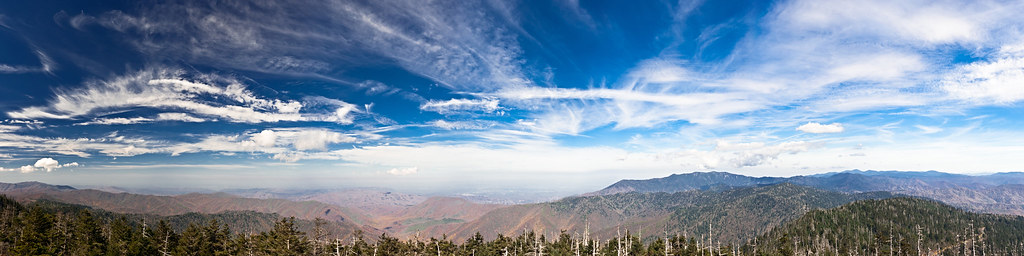
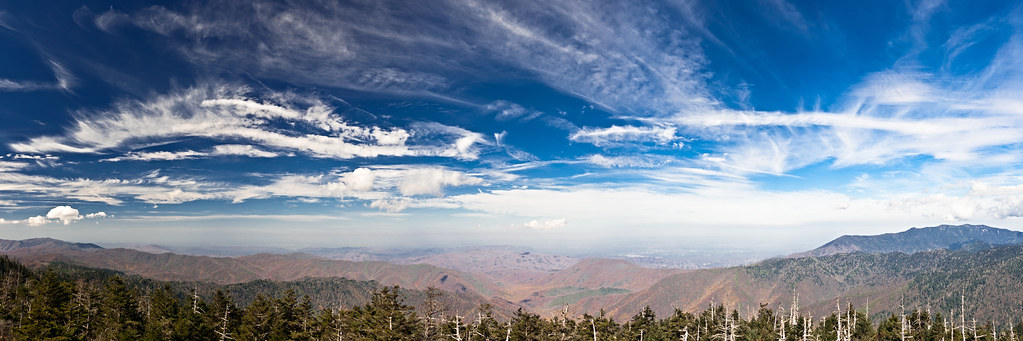
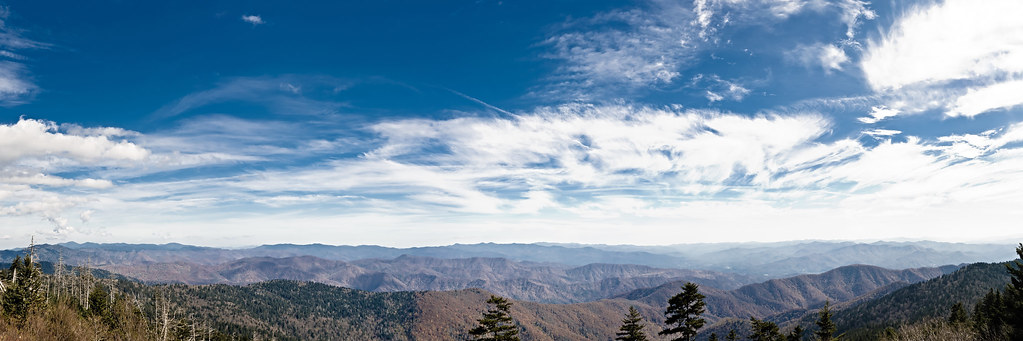
Below are some of the panos I took on a recent trip to the Smoky Mountains. All but one are handheld, forgot my Panosaurus 2.0 pano head at the town house when we went to Clingman's Dome :ugh: oh well.
Hand held pano's are so much easier today with the better stitching software. You got some nice views. You got some pretty crazy clouds in the sky too. #1 to 3 are the best, but they feel a bit cut off on the bottom. I think having a complete layer of trees on the bottom would have anchored those really well.
We have a limit of 4 photo's in our threads here. I left the last 3 in your thread though because they all have a common issue, actually #4 thru 7 do, and that is they are over exposed and you have some blown highlights. In #4,5 and 6 the clouds are blown out, hopefully you have an exposure where the clouds are exposed for properly. It's important with landscapes to always be checking for blown highlights on the histogram. I keep my default screen the highlight screen so that any blown areas will blink at me. #7 doesn't really have a sky, but it feels too bright. You have lost some water detail, and some of the rocks feel too hot. Perhaps you pushed it too much when processing?
Thanks for the suggestions and sorry for posting too many images, I will keep that in mind for the next time.
I agree with many of the things you pointed out as well. As I was stitching them together I had the same feeling that if I have more of the trees at the bottom that they would have looked better. I will see what I can do to bring back some of the blown highlights in the sky on 4-6. And I agree about #7 feeling too bright, I think it might have been my processing, I'll try it again and see if I can improve it.
JimFox wrote:
We have a limit of 4 photo's in our threads here. I left the last 3 in your thread though because they all have a common issue, actually #4 thru 7 do, and that is they are over exposed and you have some blown highlights. Jim