p.92 #2 · Sigma DP2 Merrill: Have any of you tried it?
Hello gents, I was wondering if you could give me some advice on how to edit my Sigma DP3 Merrill photos in SPP and Light Room. I just got the camera today and want to learn how to make the images look great.
I have been doing a lot of reading and this is what I have learned so far but I want do learn more about what to do with the images once it's in Light Room.
Open file in SPP ----> Red channel (clipping) → turn down contrast a bit in SPP
SPP – Neutral Color Mode
Set sharpening to -1, -1.5 (apply later in Light Room)
Set sharpening to - 0.7 or - 0.8 for landscapes
Turn down color saturation 1 or 2 notches
Set noise reduction to lowest point for photos with ISO 100 or 200
Leave it on for photos over 200 ISO
-use a little X3 fill light +2/3 but beware of the HDR look
export to TIFF
Open file in Light Room.
But then what?
Are you guys using VSCO or some custom Presets? Or just playing around with the exposure, contrast, highlights, shadows, whites and blacks sliders?
I've had LR for a couple of years but never used it. I have a Nikon D700 that I use for family and my kid and 99% of those are in JPEG. I also own a Ricoh GR and I use the in camera RAW editor to either make B&W photos or use the positive film JPEGs.
p.92 #3 · Sigma DP2 Merrill: Have any of you tried it?
hulk2006 wrote:
Hello gents, I was wondering if you could give me some advice on how to edit my Sigma DP3 Merrill photos in SPP and Light Room. I just got the camera today and want to learn how to make the images look great.
I have been doing a lot of reading and this is what I have learned so far but I want do learn more about what to do with the images once it's in Light Room.
Open file in SPP ----> Red channel (clipping) → turn down contrast a bit in SPP
SPP – Neutral Color Mode
Set sharpening to -1, -1.5 (apply later in Light Room)
Set sharpening to - 0.7 or - 0.8 for landscapes
Turn down color saturation 1 or 2 notches
Set noise reduction to lowest point for photos with ISO 100 or 200
Leave it on for photos over 200 ISO
-use a little X3 fill light +2/3 but beware of the HDR look
export to TIFF
Open file in Light Room.
But then what?
Are you guys using VSCO or some custom Presets? Or just playing around with the exposure, contrast, highlights, shadows, whites and blacks sliders?
I've had LR for a couple of years but never used it. I have a Nikon D700 that I use for family and my kid and 99% of those are in JPEG. I also own a Ricoh GR and I use the in camera RAW editor to either make B&W photos or use the positive film JPEGs....Show more →
Your process basically sounds OK.
The main objective is to get the best TIFF file out of SPP as possible, and then run it through whatever else you like, processed to taste.
There is a fairly active Sigma camera users group over at DPReview.
p.92 #4 · Sigma DP2 Merrill: Have any of you tried it?
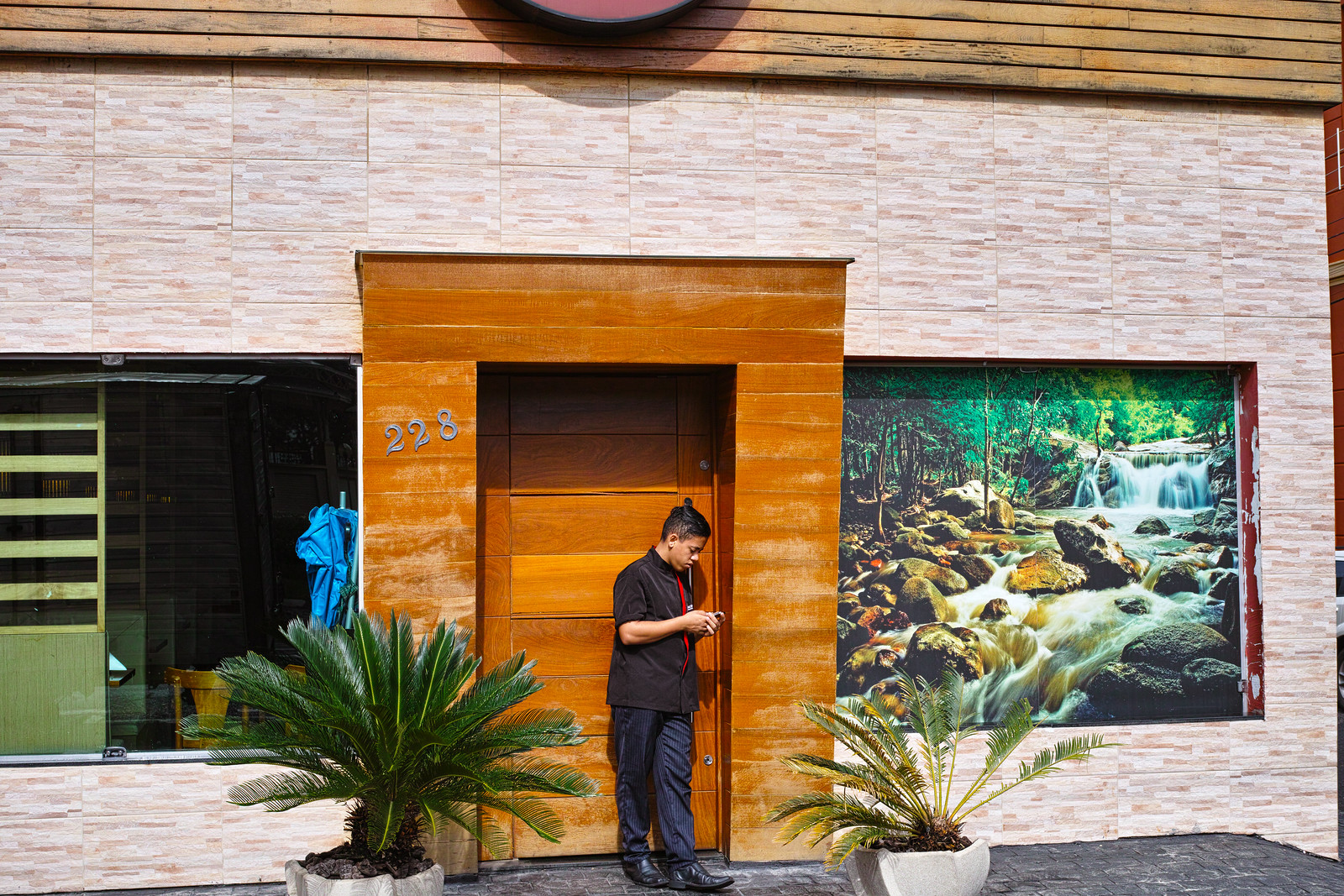
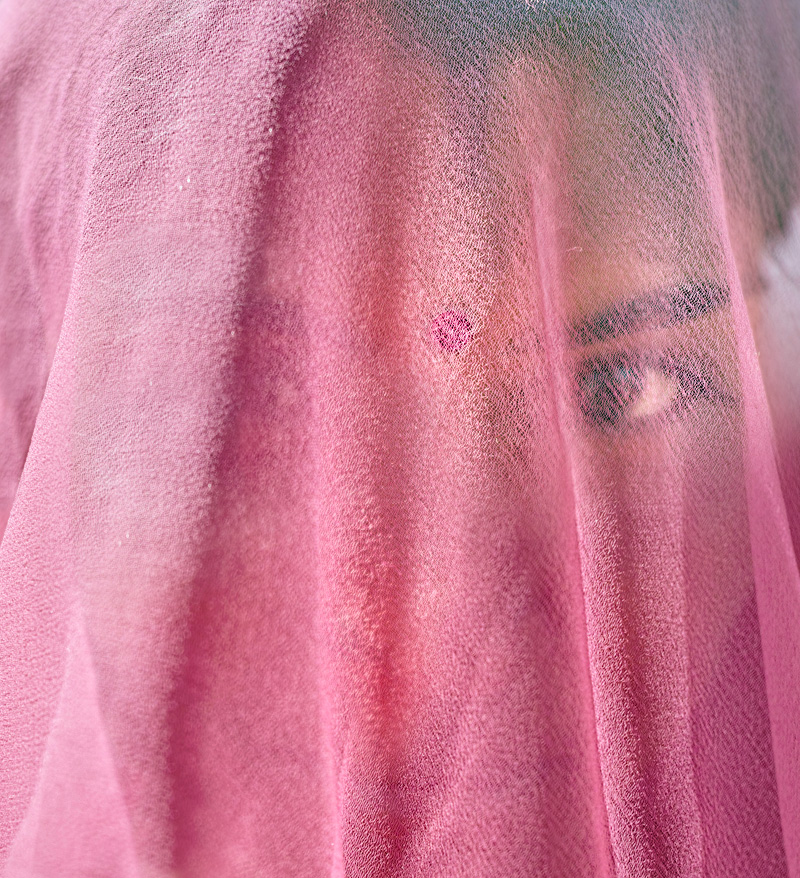
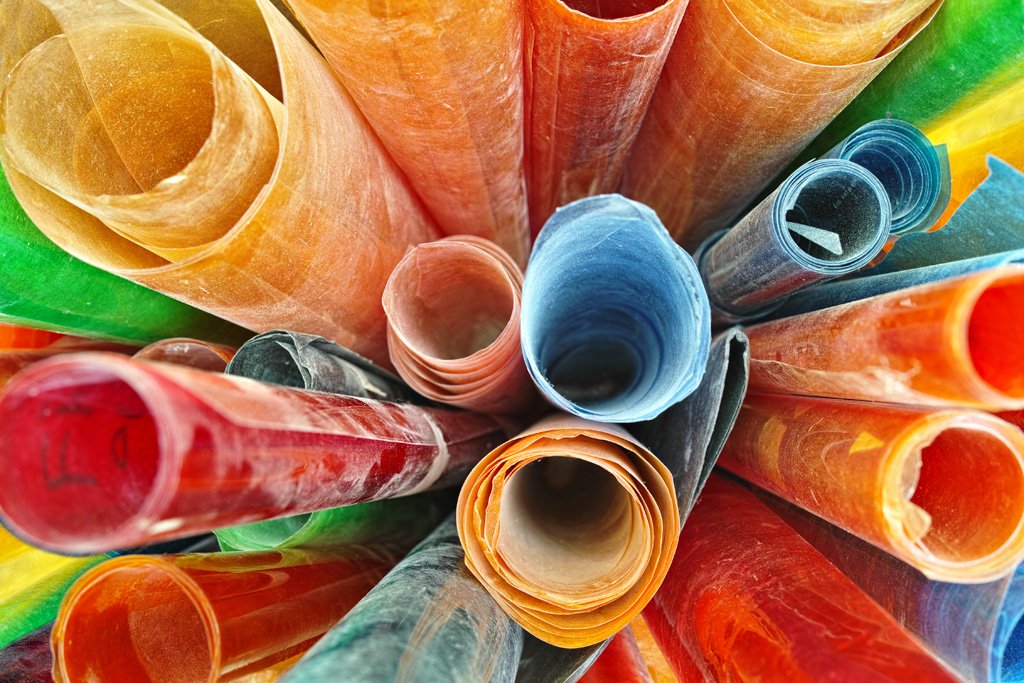
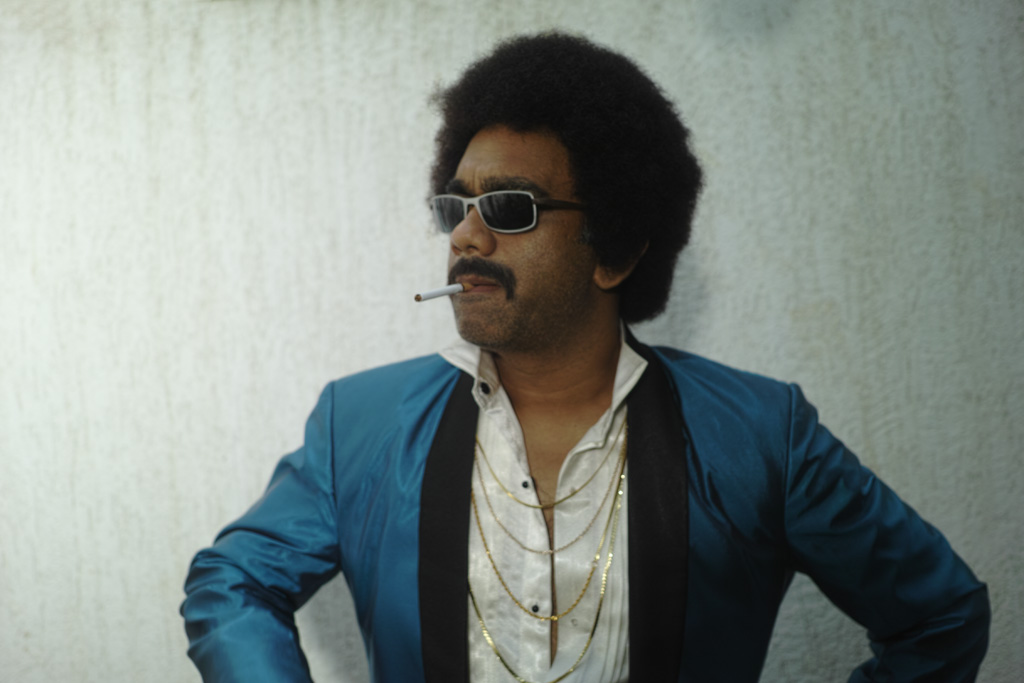
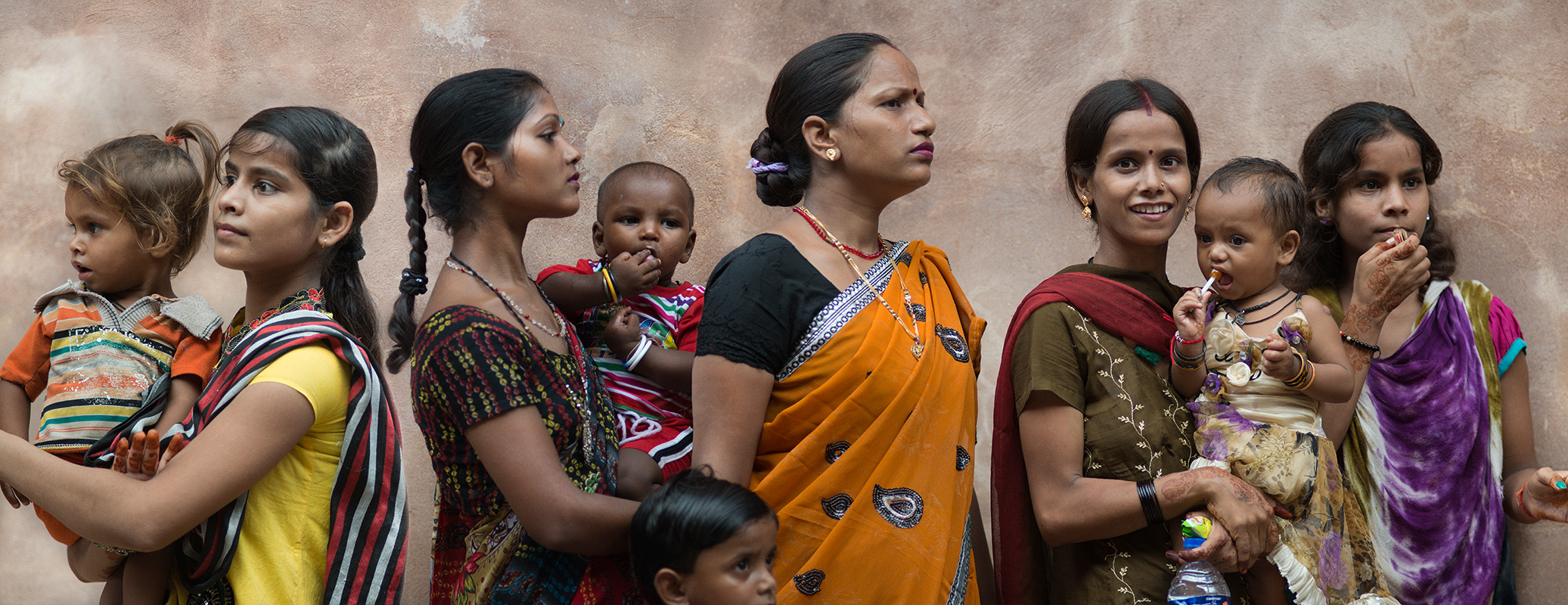
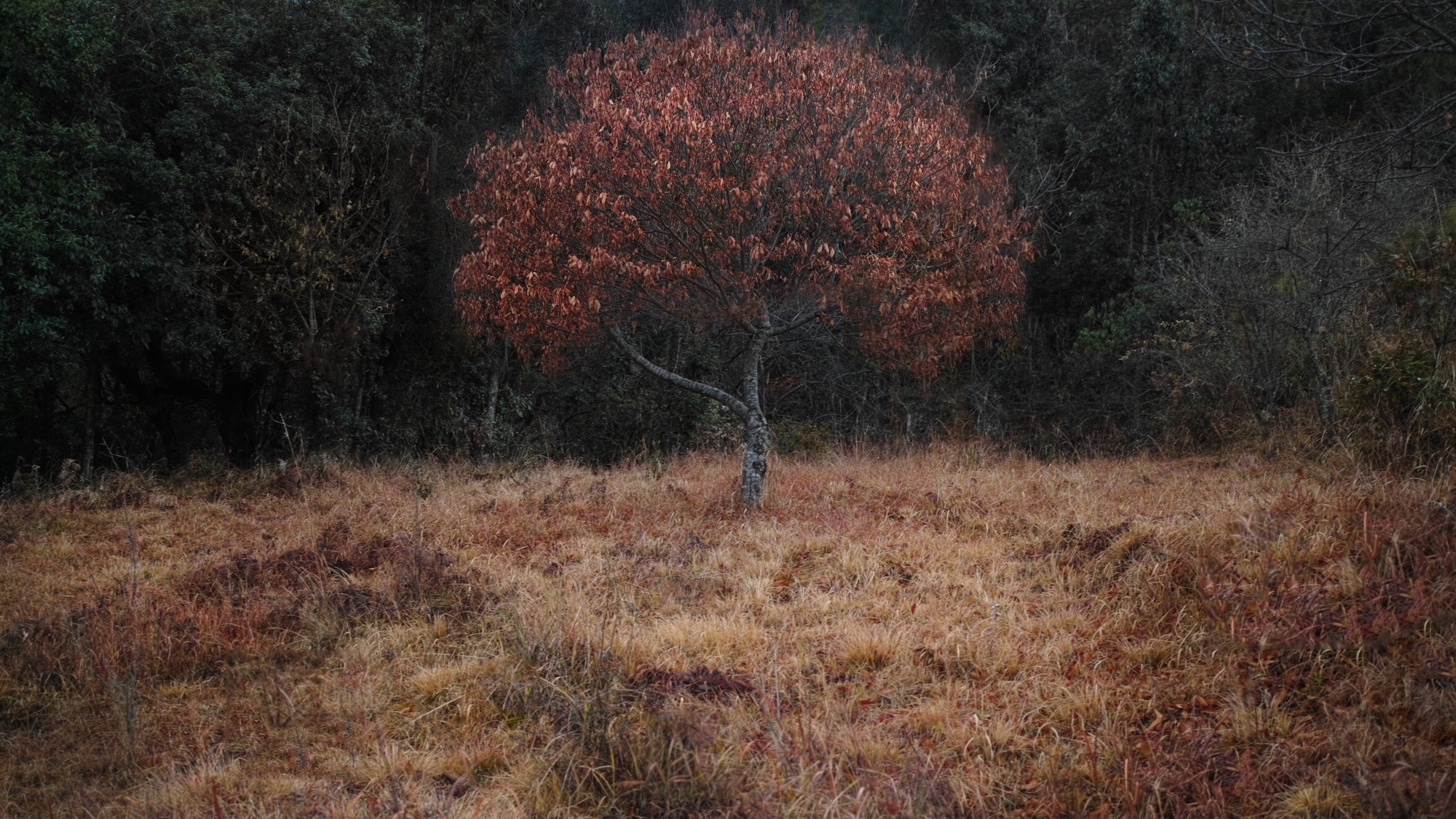
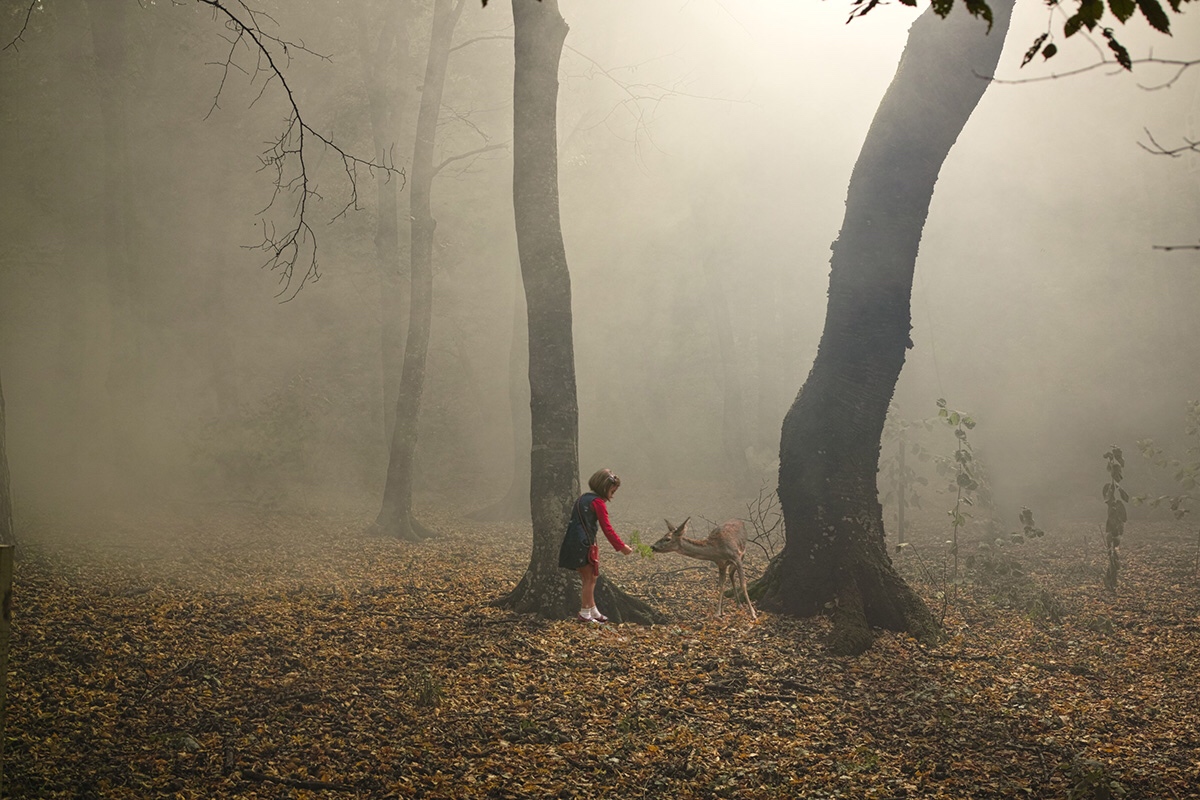
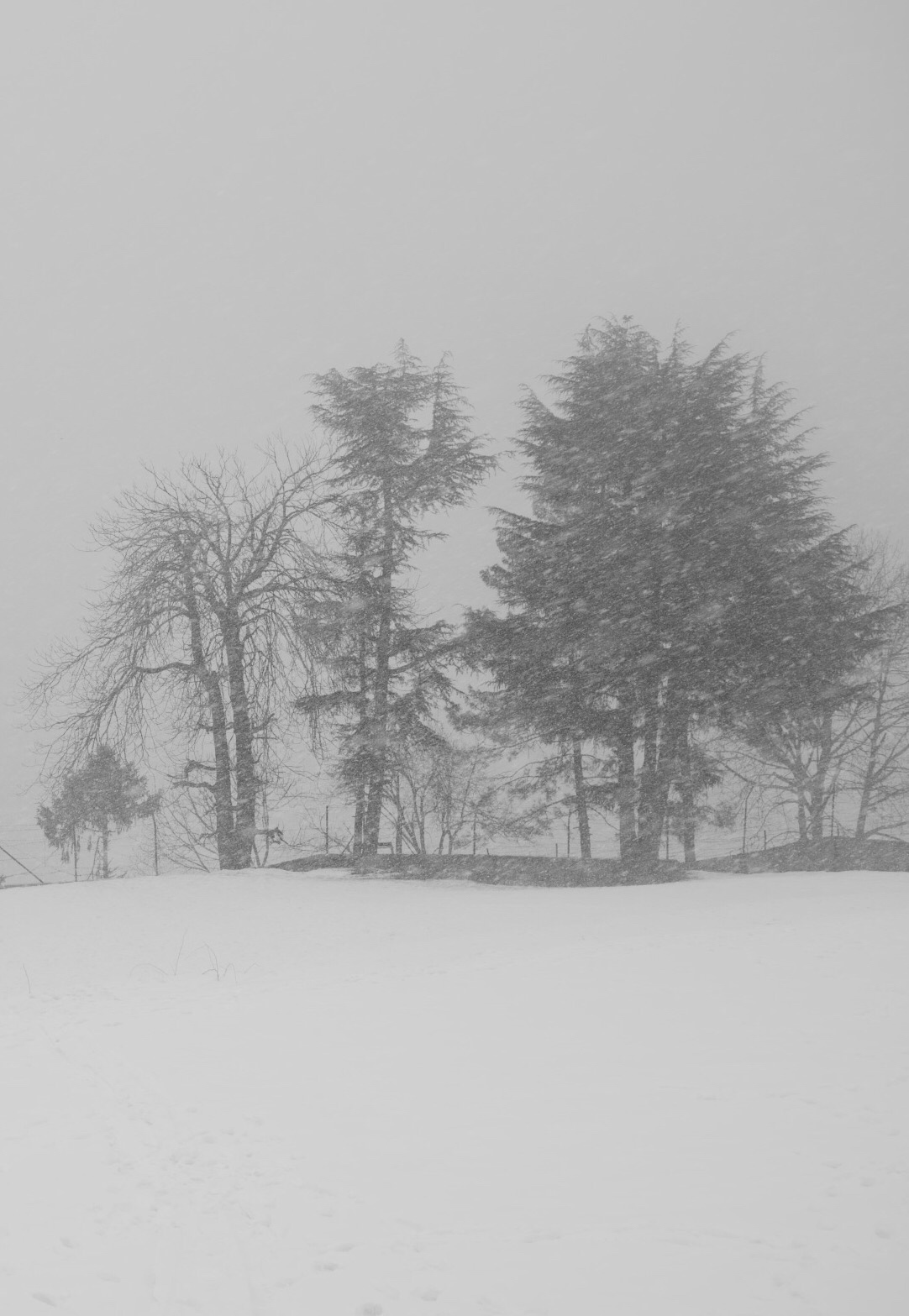
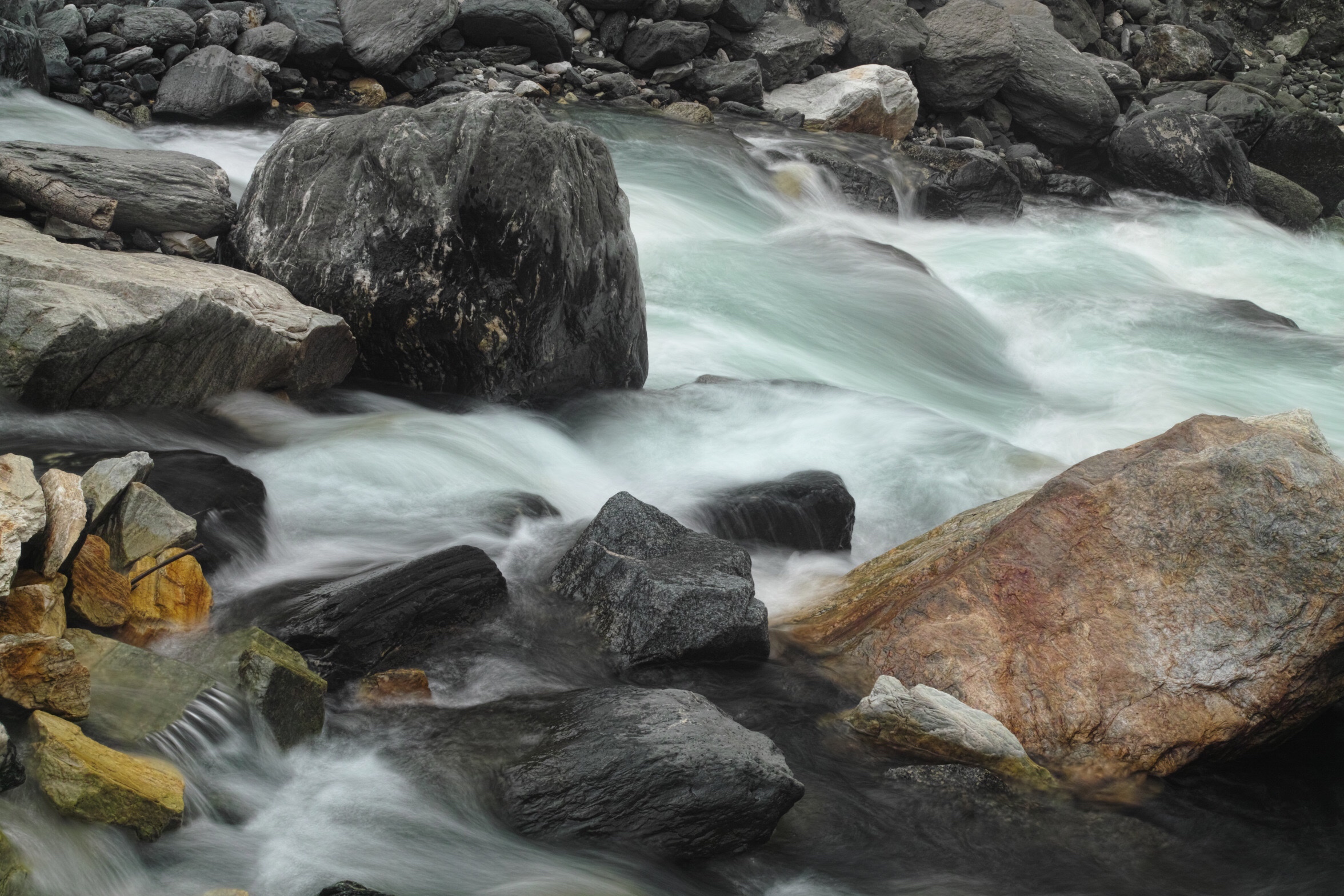
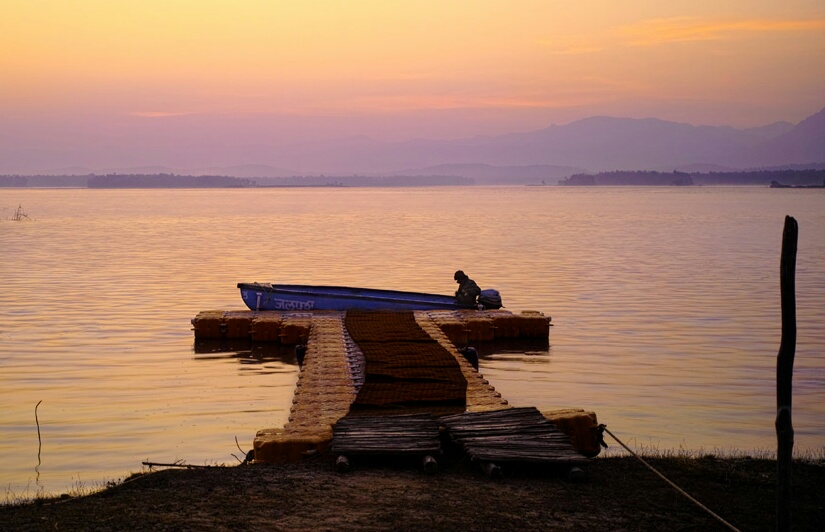
Hey, i started this thread in 2012. I am still shooting with this camera. Just became a paying member here so as well post few pictures. Pls do comment if you like them.
p.92 #5 · Sigma DP2 Merrill: Have any of you tried it?
nandadevieast wrote:
Hey, i started this thread in 2012. I am still shooting with this camera. Just became a paying member here so as well post few pictures. Pls do comment if you like them.
p.92 #11 · Sigma DP2 Merrill: Have any of you tried it?
I just rebought Sigma DP2 Merrill. Now I have DP0Q and DP2M. My question is, what is your workflow to process X3F files taken in auto bracketing? With DP0Q and SFD mode, processing 7-bracketed shots (X3I files) can be directly done using SPP. But how should I process X3F auto bracketed files? What I can only think is export the files into TIFF and then process them using Adobe Photoshop or Lightroom, but it is cumbersome.