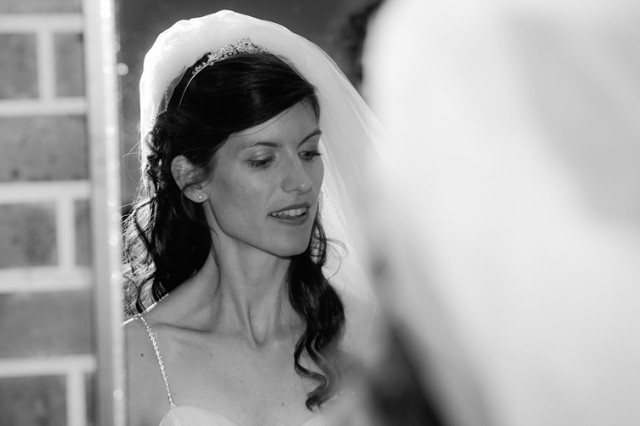
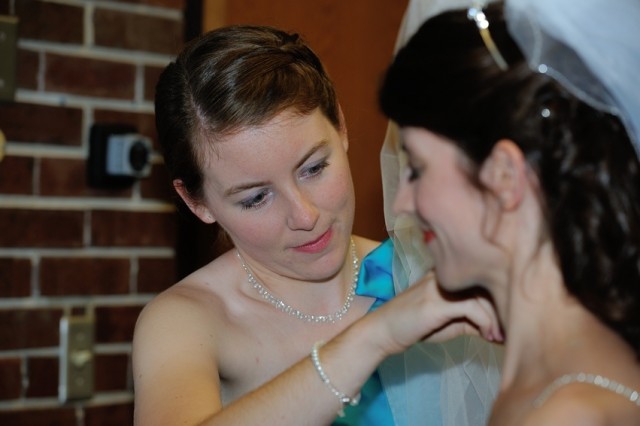
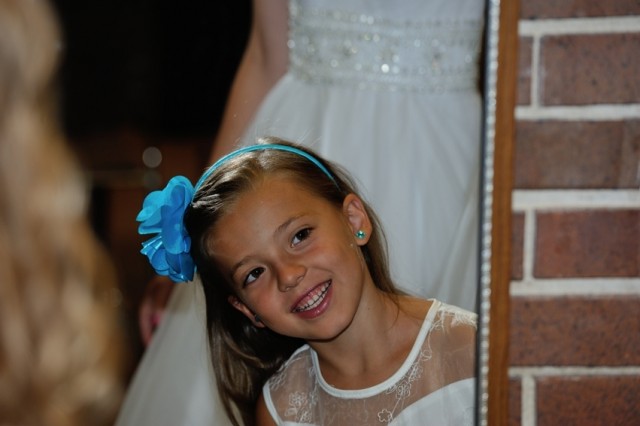
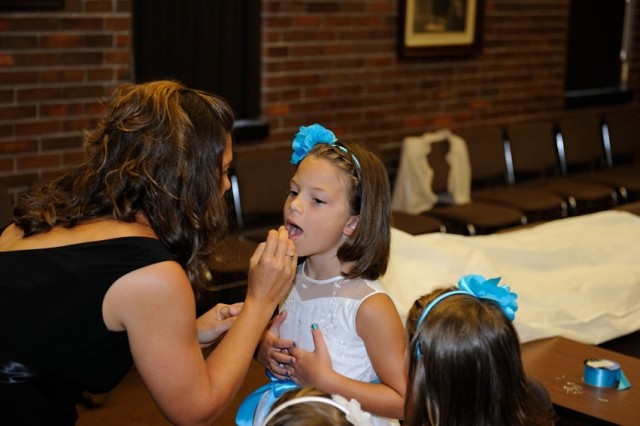
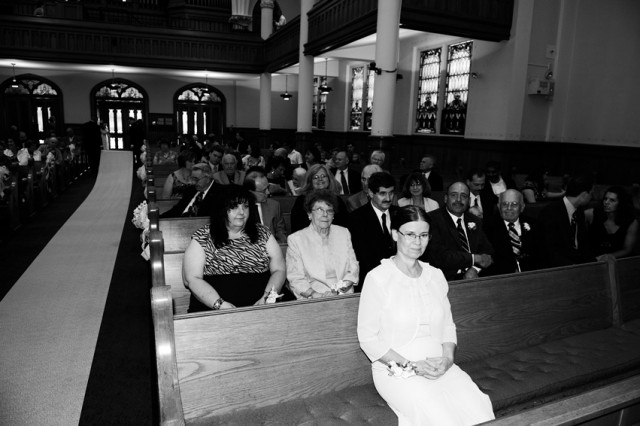
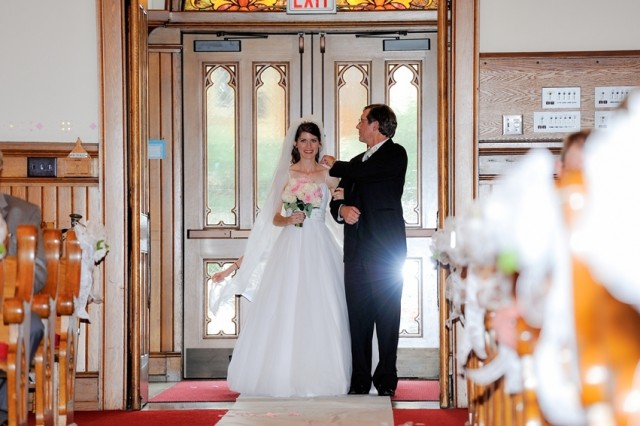
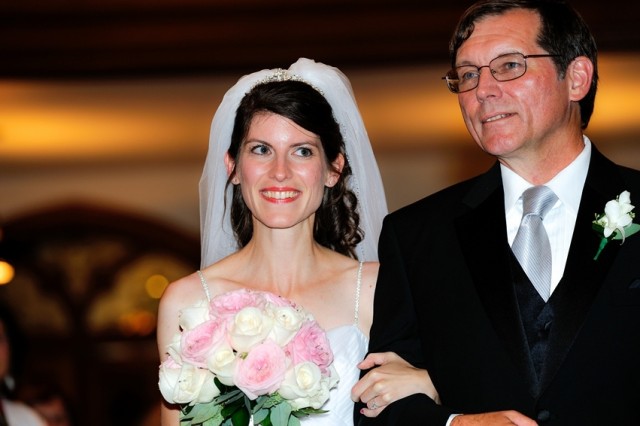
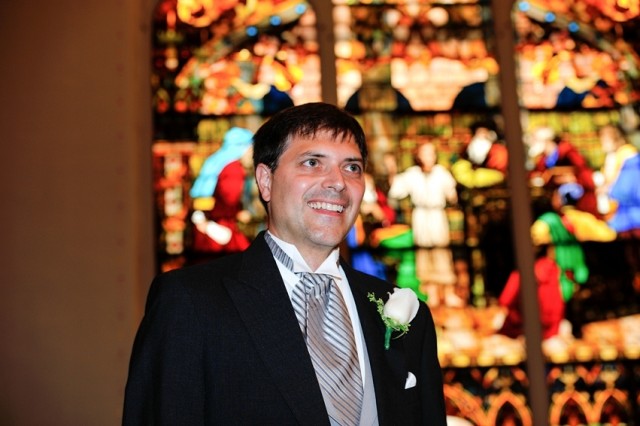
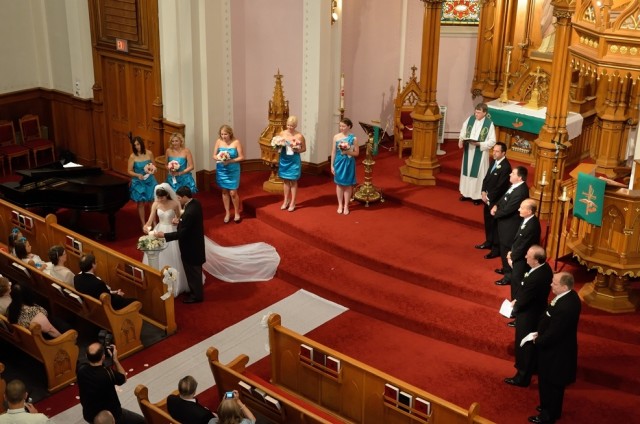
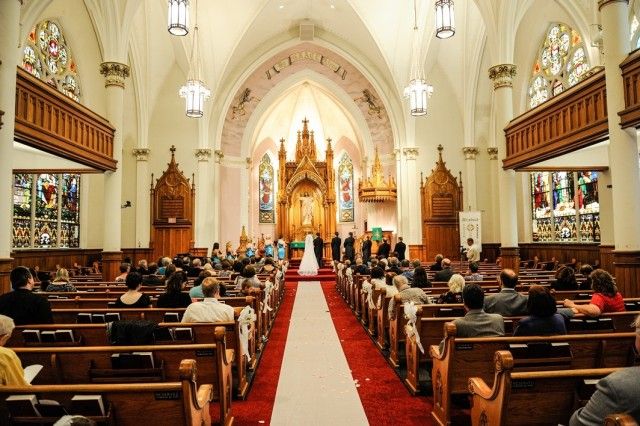
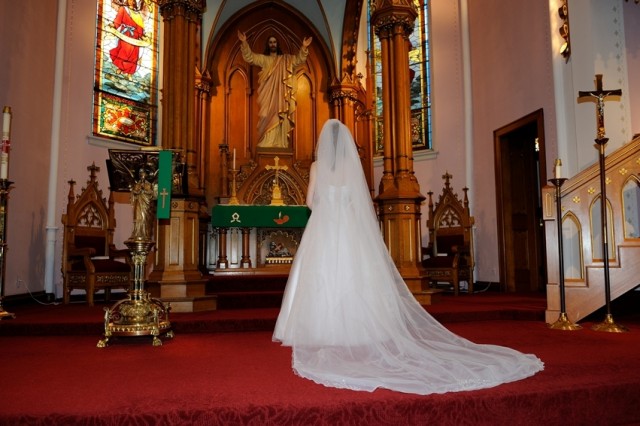
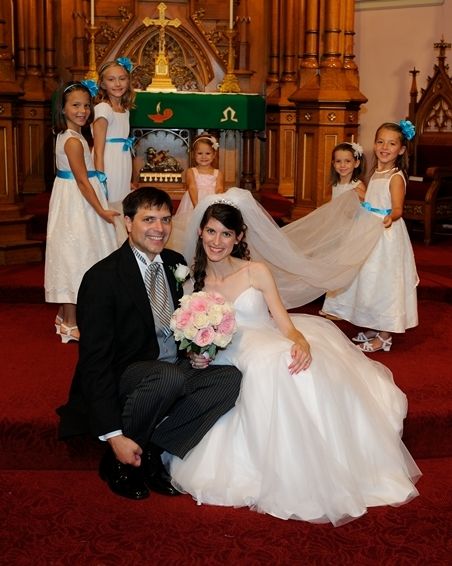
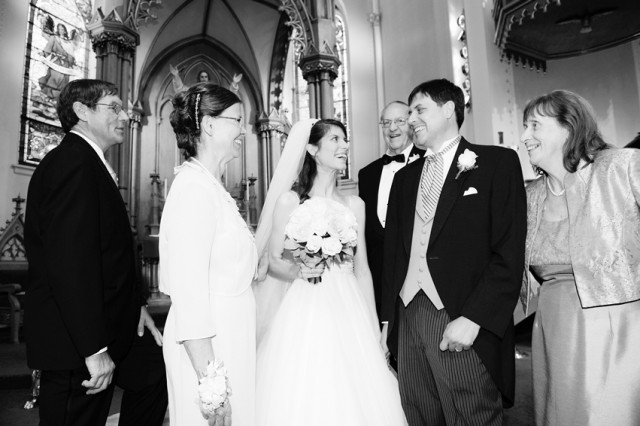
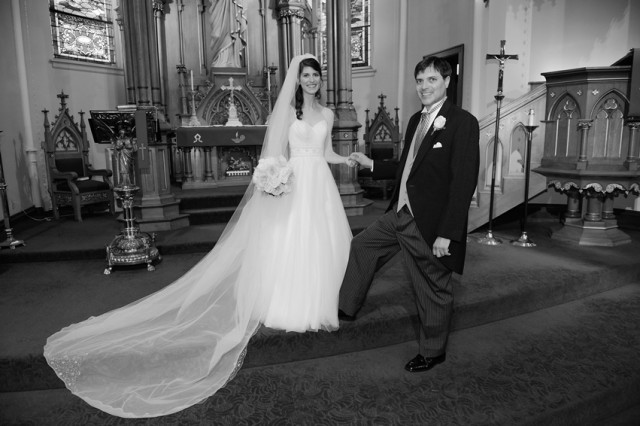
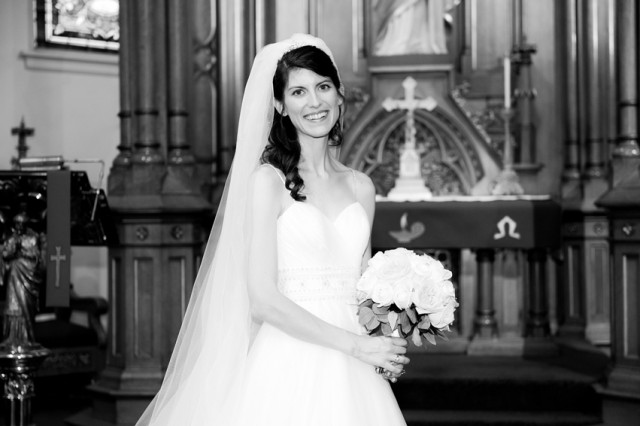
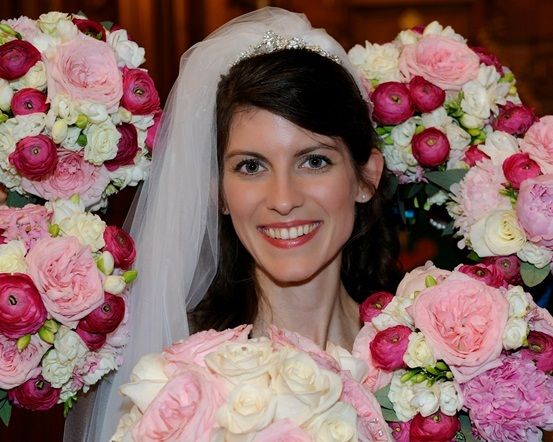
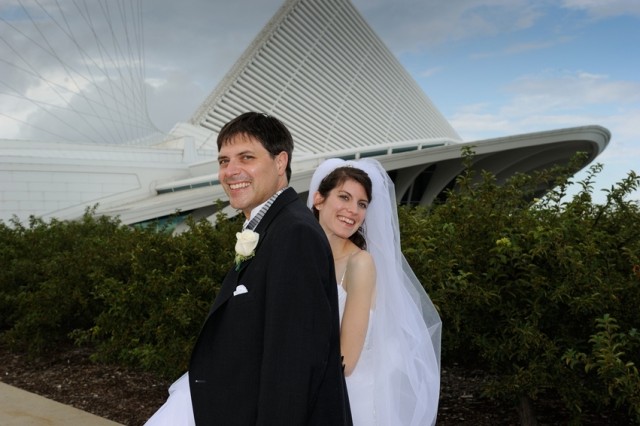
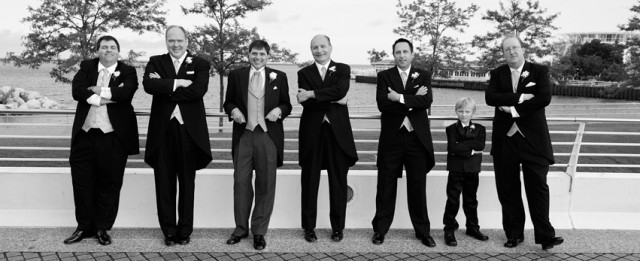
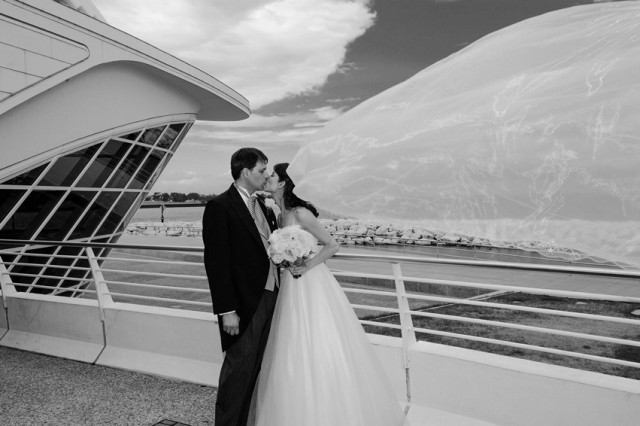
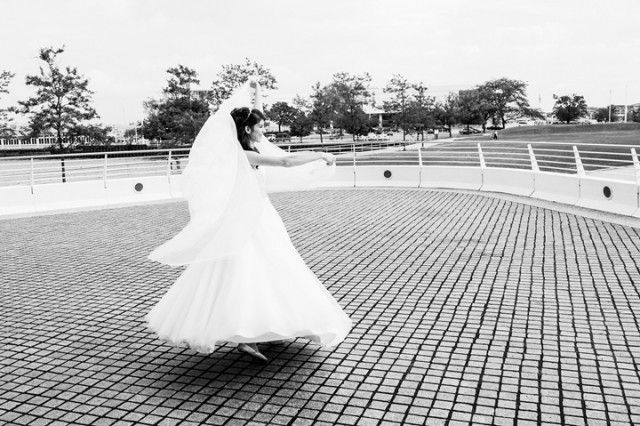
Exposure and white balance are all over the place.
Flash is too strong/direct.
Red channel needs desaturating.
Outer focus points (on a D3s!) are there to be used for framing purposes.
Backgrounds are too cluttered.
PS/LR both have crop tools / cloning stamps, to be used generously here.
Vignettes can be added to soften things up a bit.
I second what monkeys said on exposure/WB. The most egregious thing for me though is the direct flash, and the awful look it gives an image.
You're shooting with a camera (D3s) that can practically see in the dark. You don't need direct flash. You need to meter correctly, and make the AE lock button your friend. Spot metering would have helped tremendously on many of these images.
Also, if you want specific critique on certain images, please number them. I'm fairly lazy online, and probably won't take the time to count out what image I'm referring to.
use of flash really hurts these. As has been said, you didn't need it with a d3. Hell, I use ancient 5d classics and can't remember ever using a flash during a ceremony, even in dimly-lit churches. Even using 2.8 zooms on the d3s should have been no problem without flash.
Images look flat, WB issues. Busy backgrounds like in 17& 18. Shallower DOF would help on some of these. Pretty much what's been said is all good advice. It may seem harsh but wedding photogs should be held to pretty high standards I think.
Jamesbjenkins wrote:
I second what monkeys said on exposure/WB. The most egregious thing for me though is the direct flash, and the awful look it gives an image.
You're shooting with a camera (D3s) that can practically see in the dark. You don't need direct flash. You need to meter correctly, and make the AE lock button your friend. Spot metering would have helped tremendously on many of these images.
So #10 looks to be just ambient and the EXIF shows: 1/125 f/4 at ISO 2800 with the D3S and 24-70 2.8. Open the aperture up to 2.8 and you're basically at ISO1600 which is nothing for a D3S.
Checking the EXIF on a few others, lots of photos in aperture priority with f/2.8 lenses at apertures smaller than f/4 where a large DOF wasn't required. Open up the aperture, drop the ISO, and lose the flash.
#6 should be deleted.
Sorry if my comments come off as harsh but the manner is which you're using a flash is not helping your images. When I imagine what quite of few of your photos might look like with just ambient light at f2.8, a number of them would be very decent.
I'm going to take your addition of numbers in the edit to mean you'd like some specific advice. It's harsh but the rum's starting to go to my head and if you can afford a D3, you can also afford a few photography workshops for something this important.
First of all, pick a format such as 2:3. Then stick to it.
1) Quite nice actually. Would be nice if you could crop her over to the side a bit more but I don't think you have the space to do it. Maybe go a bit easier on the sharpening too. She has fairly defined features as it is.
2) You should have been standing to the left. Salvage? Drop the clarity right down, add a heavy vignette and get cloning out those light/electrical fittings.
3) Nice moment. Crop top and left to move her off-centre.
4) Could probably be ok with work. Crop top and right to lose picture and tape. And drop clarity right down again.
5) Bad expressions. This wasn't the moment to take the photo. Get cropping, ideally between the old guy on the right and the box on the wall.
6) Crop into portrait mode. You have the mp to do it. Light/door fittings everywhere. Then reduce the exposure. Take into account the light in the other photos and aim for a little consistency. Maybe warm up a little too.
7) Get retouching. Try and reduce the brightness of the skin. And don't ever use a flash again in situations like this. In the space of two photos you've gone from a bright afternoon to a nighttime ceremony. Desaturate reds a little.
8) See above. Crop top and left
9) Horrible. Angle all wrong. Crop top and right a little and see if you can do something about the lighting.
10) Lower the white balance. Desaturate oranges. Correct the wonky horizon.
11) Increase exposure slightly. Try and crop somehow. Lose cables coming out of wall.
12) See first comment about format. How's she going to print any of these if you keep changing? Reduce saturation/WB/contrast.
13) Drop brightness. Use recovery. Add a slight vignette maybe. Drop clarity too.
14) Increase exposure, lose wall cable.
15) She looks nice here. Pity she's right down the centre of the photo. Probably drop the clarity here too.
16) Format. Looks a bit flat.
17) Stop using that bloody centre-point autofocus. I think this is beyond redemption.
18) Contrived and horrible. You've also got the skyline cutting their heads off.
19) Underexposed, centred. Skyline through necks.
20) Ooh! The sun suddenly came out. Overexposed, railings going through neck. You have knees. Bend them.
The compositions are rather weak, but besides that, the flash is one of the biggest killers here. It has that direct, pop-up flash look. Did you use pop up flash? If so, use a speedlite, and bounce that sucker off the ceiling. I don't ever use direct flash, unless I'm trying to create a little bit of fill for harsh overhead light outside, and even then I still usually don't. The lighting aspect would be much better if you simply bounced a speedlite off the ceiling and cranked the ISO up to get some more ambient light. You have a D3s, don't be afraid to crank that sucker to 3200 or even 6400 ISO. Hell, I crank a D700 to ISO 3200 with bounced flash all the time.
People tend to be afraid of high ISO and equate using flash with being able to use a lower ISO, when in reality in dark situations using a bounced speedlite and cranking up the ISO isn't so much about getting "cleaner" images, as it is about increasing the quality of the light.
nick53097 wrote:
Thank you for good critique, that's the best way to grow
Kudos to you for this line.
I'm quite new around here, but don't remember people being so in-your-face with critique. It's tough to hear but it is the best way to grow. And they are right: if you are shooting with killer equipment (and you are), it should show in your images. Dump that flash, shoot raw, learn Lightroom, CaptureOne or whatever RAW converter you like and take the first quantum leap