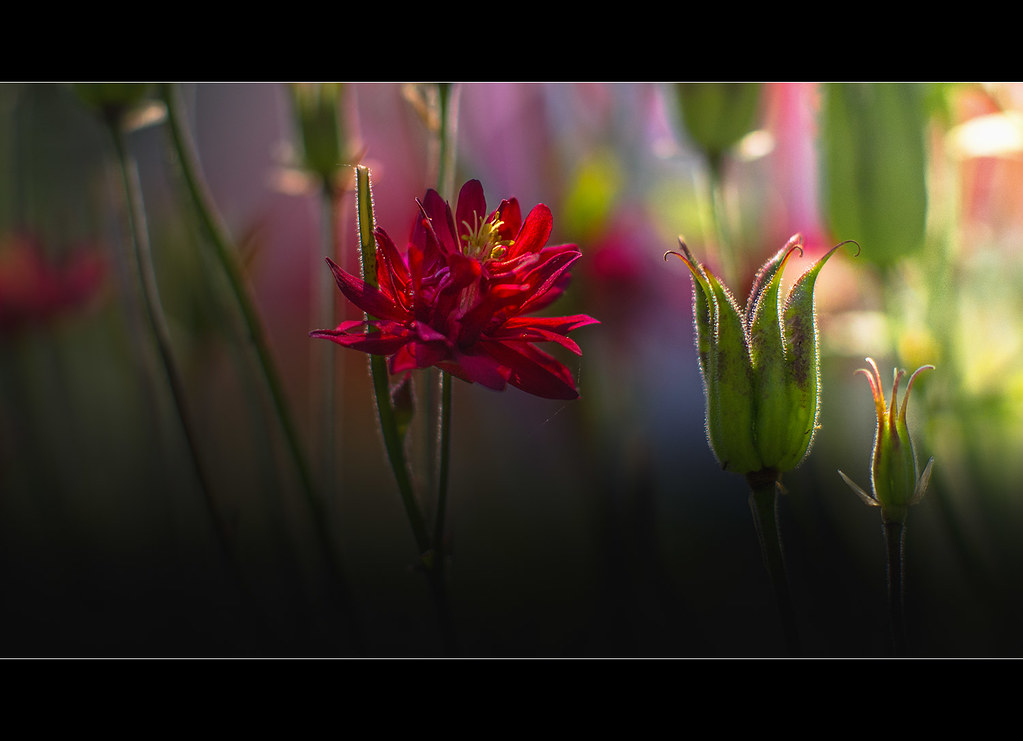
Interesting Bobby and thanks for the observation. The reds were troubling in this one, although the same flower in another had much better reds and closer to the real. These are slightly off but very close.
Some beautiful work here. Duke-great B&W...and I agree about the 3rd image above from you Julian.
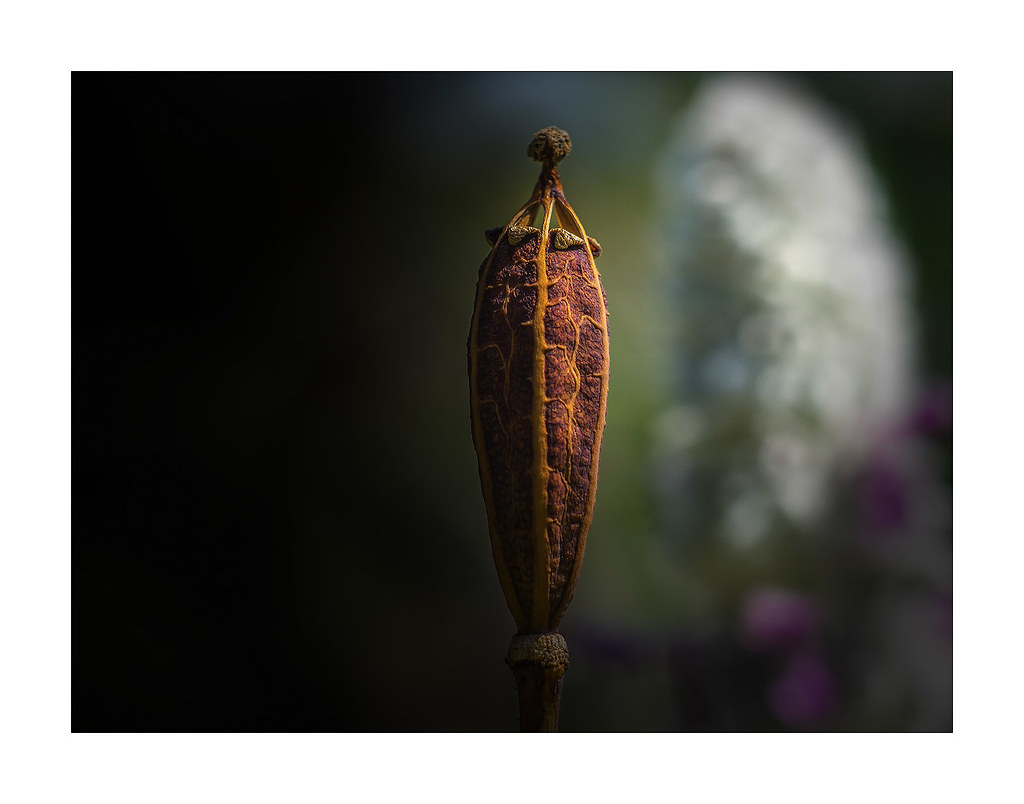
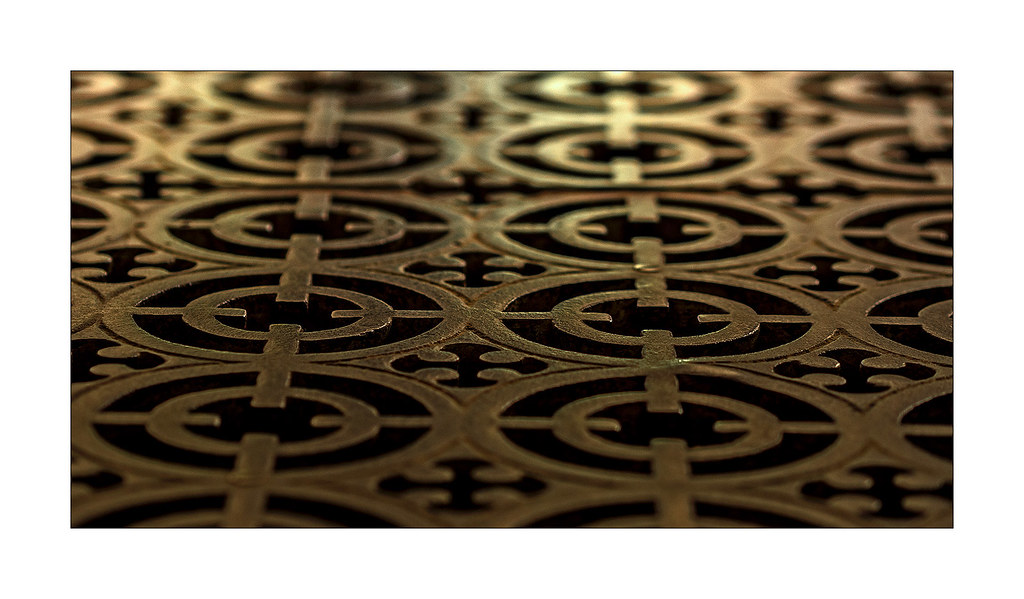
Here are a few quick snaps...nothing special. First two with the 75-300 (which can be surprisingly sharp at 300mm, but you really need to watch shutter speed and technique), last with the 9-18.
That 9-18 looks like a very convenient lens. I am a bit of a fool, I do have this dislike of lenses that protrude when they zoom. Other wise I know I would enjoy it lot, very useful.
When I use art filters, shooting JPG+RAW, LR only shows me the untouched RAW. How can I import the JPG as well, in one step?
Thank you!
It aught to import them as default. Import as usual then
Go to top left menus of LR and click - Library > then enable library filters.
You'l then have a new menu above the displayed images. You want metadata highlighted.
From there Click any of the top menu suggestions, such as Date, camera etc , it gives the option to filter
FILE TYPE. you'll then have the option to choose to show each file type. Jpeg, dng, orf, etc.
EDIT: You need to be in library mode and showing the multiple images rather than single image mode.
Thanks, Julian, but I guess it's not yet the answer; filters work over already imported images; the problem is that when there is the same file in both JPG + RAW, LR chooses from default to import only the RAW; so I still don't see in my import preview the JPG's. I have probably to go with PS...
Tried again, but when I set JPG in "file type", all art filters JPG's are missing; the only exceptions are those shot in "option 12" in art filter menu, where all filters are applied from the camera, changing the filenames, so that LR cant go wrong on that.
All I can say is, I only once a few days ago used the art filter out of interest. I imported all the files through import - Add, rather than move, so they stay in the same location. I use Bridge as my browser. I cannot for some reason then in the library see the JPEGs/art filter shots. But when I use the library filter , which give the options on what format files to show, it gives me the jpeg option and they show up.
I checked this by viewing the number of files in the libary, it shows that the jpegs must be included, or at least the number of ORF & jpeg tally to the correct number in that location in total?
Maybe if the Art filter is only embedded sometimes so it need to be opened in Olympus viewer to get them? That is a guess.
Wish you luck.
Jman13 wrote:
There is a checkbox on the import dialog that says something along the lines of "treat raw+jpeg as separate files". Click that and it'll import both.
Jman13 wrote:
There is a checkbox on the import dialog that says something along the lines of "treat raw+jpeg as separate files". Click that and it'll import both.
That is so, I have that checked. It is in preferences on the general tab.