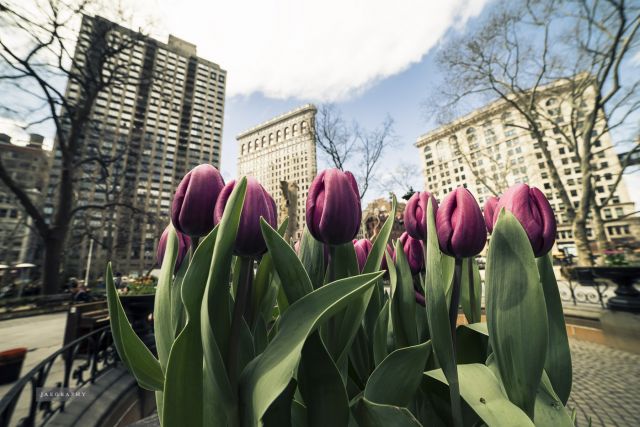
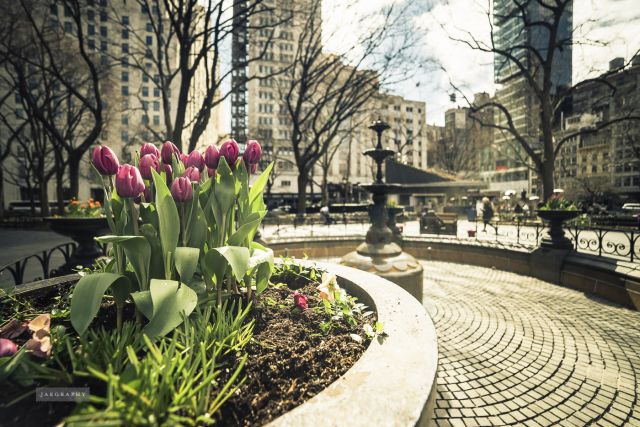
MagicNikon wrote:
John those two are amazing. Some tips on processing would be appreciated.
kwoodard wrote:
Very interesting processing John, care to share? I like the look a lot and the images are very nice as well.
Thanks. I get asked that quite a bit, and the answer is not a simple filter to tutorial or a step by step guide. Most of my friends want a quick "right-brained" answer, and it is not that simple. Each processing is specific to the image taken, and I kind of look at that image, ask myself what I want to do or say with it, and visual problem solve it to obtain the look I want in my head. I could actually write a few pages on this and it would not cover everything. In other words, there are times I kind of invent along-the-way of how I process just for that specific pic. Feel free to look at my flickr stream, and maybe you can get an idea of what i mean.
I can give you guys a few tips, though. Obviously, I shoot in RAW. All the images are processed in Lightroom.
I have a background and BFA in art - specifically painting and drawing. So when I process a RAW, I treat it like a painting. When processing - I am mostly dealing the the issues of color - specifically HUE SATURATION and VALUE (HSV). Things like composition, shapes, forms, and light direction etc are already locked in the shot already, and one generally cannot change those aspects in Lightroom.
If you break down all those sliders in Lightroom under the develop module (which I live 99% of the time), they can pretty much be categorized under these HSV components. I believe lightroom calls value LUMINANCE, and they are synonymous.
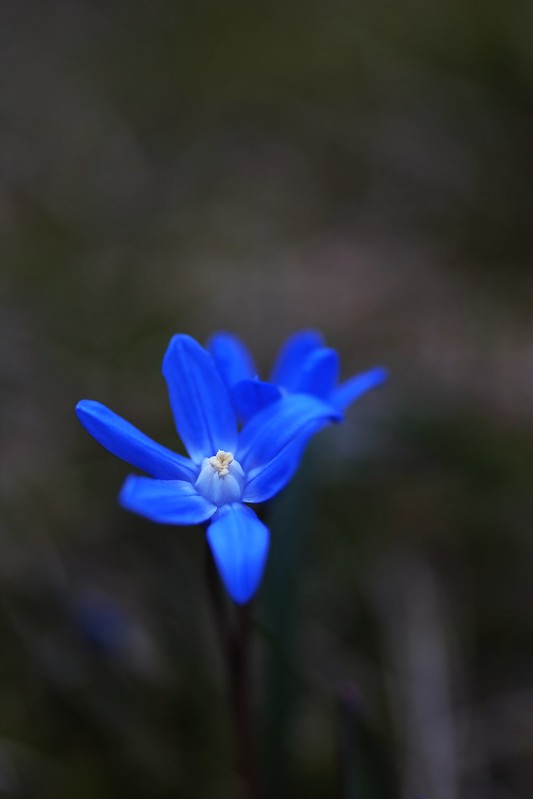
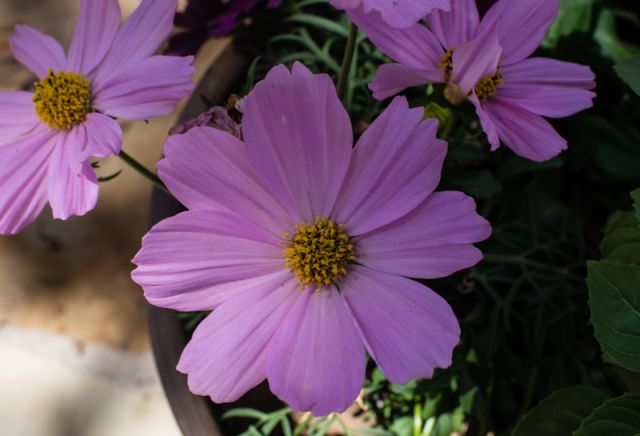
So basically, I think in terms of HSV (like a painter) and process the RAW with those color components in mind. I make very heavy use of brushes. If you just use the sliders you are GLOBALLY adjusting HSV and you will not get far. Almost all of my images have at least 10 brushes, and in the case of these flowers I think it is about 30-40. It gets to the point where I can actually bring my PC to its knees while stacking that many brushes (and i have an overclocked quad core @ 5ghz with an intel 510 SSD with 32gb of RAM)
Depending on the quality of the RAW, you can actually "break" it by making it posterize with too many brushes. I am seeing this a lot with the Sony A7r and not with the Nikon D800E.
I highly highly recommend taking a course in color theory and understanding color. Color is relative (meaning you can make colors warmer or color or make them appear different by using adjacent colors).
Anyway, hope this helps. Like I said, it is not a simple step by step tutorial per se. There is a lot more than can be said here. The whole process is very organic.
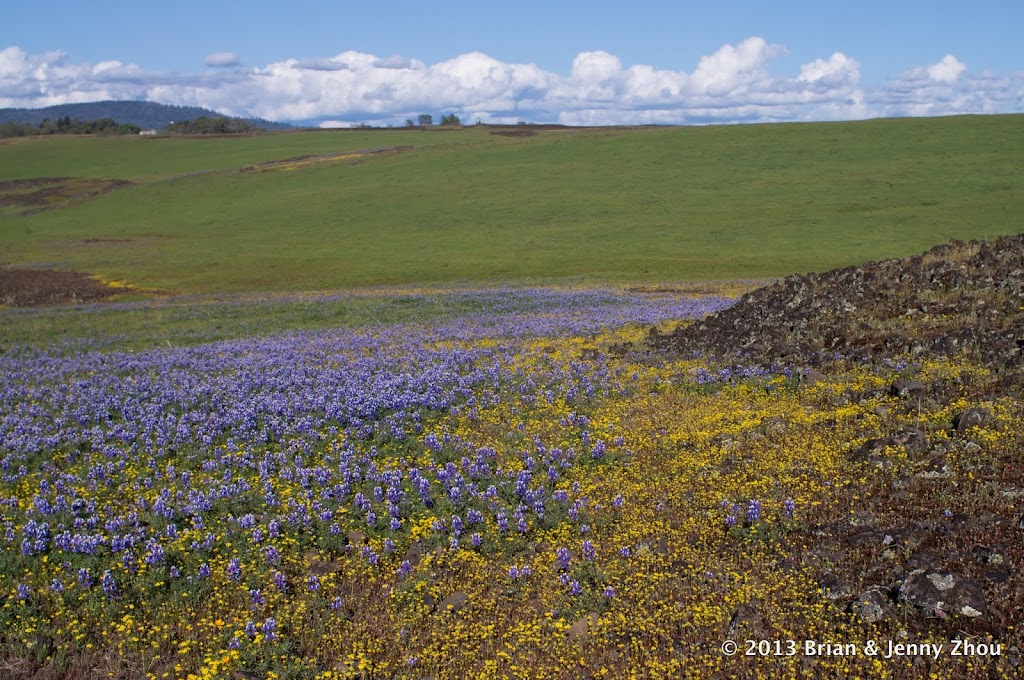
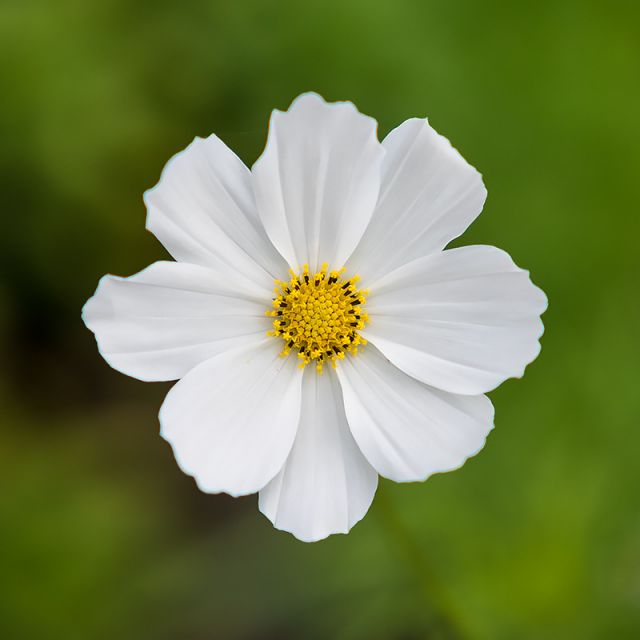
One more tip - think opposing colors. I almost always make use of complimentary colors in all my shots. They don't have to be direct compliments. If you look at these two, they are yellow and blue for the first image and purple and green for the second.