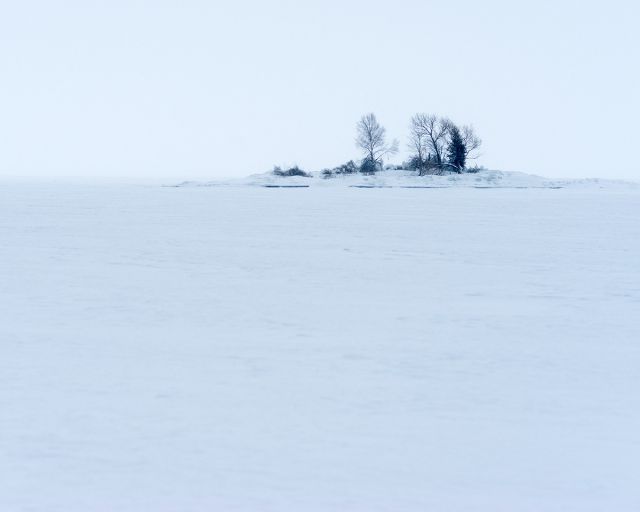
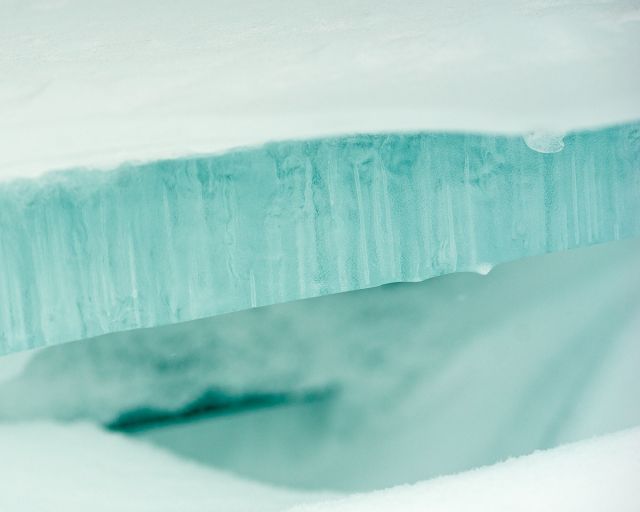
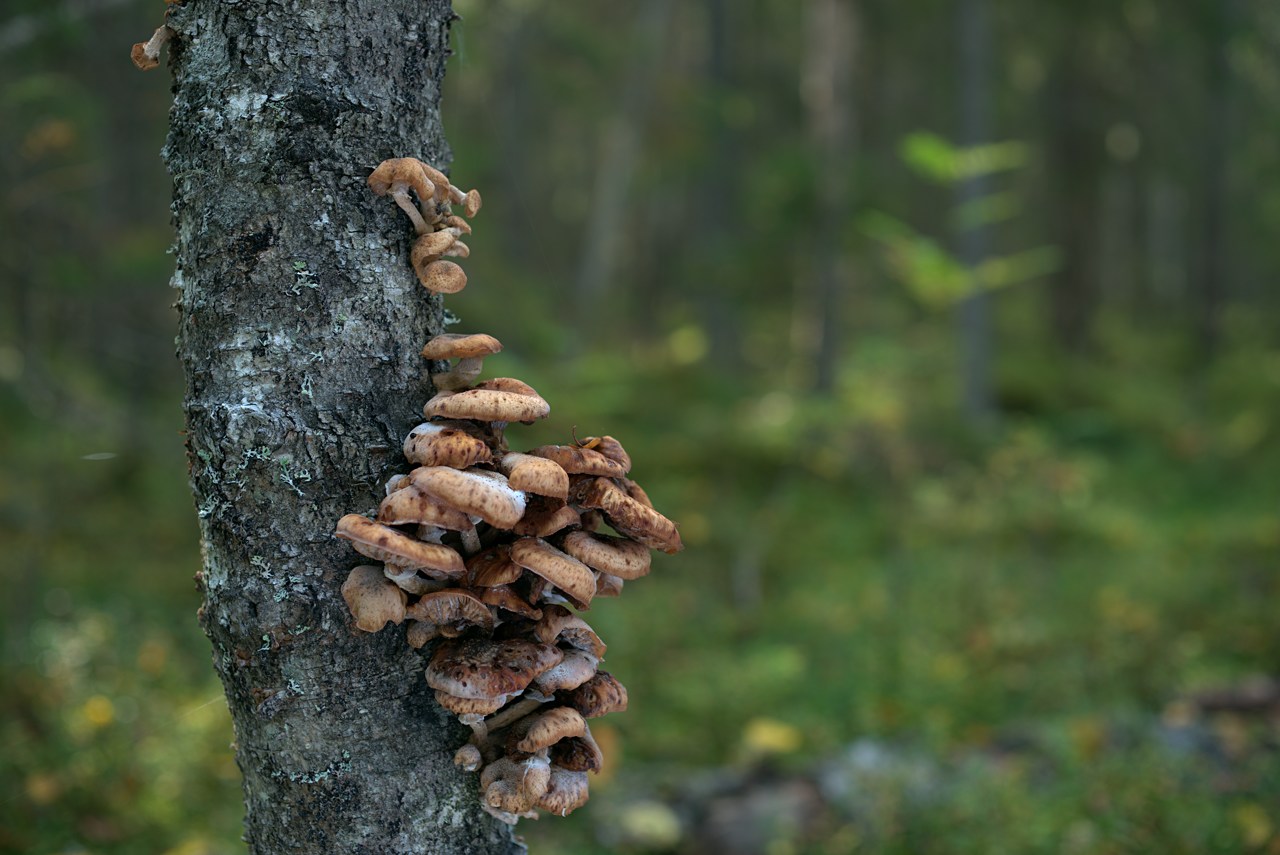
I notice some structures in the blur that look like double contours. That would make it nisen-bokeh. I don't know a shorter and more human friendly term.
Distagon T* 2/25 ZE @ f/5.6, 0.3s, ISO 100, Zeiss Circ-Pol
I did quite a lot work to figure out good colors from Lightroom. As end results I'm ditching it and start processing my photos with free software on Linux. I don't know what the modern software tries to do with Sony colors, but for me it's much easier to get neutral/natural colors just using dcraw.c than tweaking the sliders infinite time in Lightroom. Or at least saves my nerves from infinite frustration... Some practice is needed, but for me this seems to be step to correct direction.
Bad thing is that crappy overcast light looks like crappy overcast light - example in above photo...
If you're finding that the photos are consistently needing to be tweaked, you can create and apply a preset to everything that gets imported into lightroom
m.sommers00 wrote:
If you're finding that the photos are consistently needing to be tweaked, you can create and apply a preset to everything that gets imported into lightroom
Yes I know the possibilities there are for automation in Adobe LR (or Apple Aperture, Capture One, Iridient Developer etc.) to the extend that I have used the SDK to code automation (however in LightRoom the API is pretty limited and won't help on slider tweaking stuff). Problem is that the infinite slider tweaking is rarely the same for any two photos.
No matter how I tweak the sliders, I can't get natural/neutral greens from Sony cameras with any slider tweaking software I have tried compared to various Canons (5DmII, 1Ds, 1DmkIII...) & Apple Aperture. Not even when I carry the color target to forest and calibrate for the scene and light at the time of shooting the photo. If there would be infinite amount of beer and whisky (+time to "enjoy" hangover on following days) I maybe could tease my nerves with the slider tweaking - however I don't have to, as there are better working alternatives for me.
So, as usual; "Horses for courses" - nothing to worry if you enjoy tweaking sliders, just keep doing it...I just absolute hate tweaking sliders, and I'm not equipped with long enough nerves for it. I'm sure that for majority of people slider tweaking is better option than tweaking with command line tools.
Image thread, have to find image.... Planar T* 1.4/85 ZE @ f/2.5, 1/25s, ISO 100, Hoya Circ-Pol
Jim Servies wrote:
Samuli - Are you setting the camera calibration to "Camera Standard" and checking your Profile in the Lens Correction module first thing?
No, I set first the calibration to file generated from the color target (x-rite ColorChecker) shoot at the location on same light as actual photo (or use other profile taken in similar environment). Lens corrections of my lenses don't exist or just adjust the distortion, mostly not using them - problems I have with rendering tens of different green tones correctly isn't lens specific issue.
Earlier I have also used Kodak Q60 based workflows (ICC-profiles generated and applied at import phase), but Lightroom only supports the Camera Calibration method, so they cannot be used with Lightroom very easily.
Samuli,
have you tried Capture One? If not, I push you to do so.
I'm very satisfied with the raw engine and colors out of the box (without sophisticated color calibration and icc-creating stuff). I'm shooting ZE 25/2 and ZE 135/2 APO on A7R most of time.
Maybe less is more?
And:
I don't have to teach you how important white balance is, you are a very good photographer from what I've seen so far...
I have learned that my A7R has very crappy 'AUTO' white balance. I always put white balance to 'DAYLIGHT', and adjust it later in Capture One. This way you learn to use a consistent histogram, not influenced by changing white balance settings in 'AUTO' mode.
Give it a try, I needed a few days to get comfortable with it, in the end I deleted Lightroom from my disk.
Today is announced sigma 24 art, precursor to Otus 24.
Playing with the aliasing, few layers all sharpened differently. Custom filter with different settings - directions. Changed opacity to create aliasing pattern (crosshatch). Another layer with inverted high pass with painted mask for opacity to add subtle blur fallof.
Please check your Mozilla/Browser scale (to reset ctrl+0)
Zeiss Distagon T* 1.4/35 ZE @ f/10, 0.6s, ISO 100, Sony A7, Hoya Circ-Pol, 120cm/50" white reflector for fill light
tccin3d wrote:
Today is announced sigma 24 art, precursor to Otus 24.
Noooooo, please let it be 28 not 24
Your image is nice test material for television picture quality "improvement" circuits, even my laptop displays pixel to pixel @ 1080P to the TV all your effort to make the photo is wasted (look ok on my photo processing display).
PEKA62 wrote:
have you tried Capture One? If not, I push you to do so.
I'm very satisfied with the raw engine and colors out of the box (without sophisticated color calibration and icc-creating stuff). I'm shooting ZE 25/2 and ZE 135/2 APO on A7R most of time.
Tried Capture One for a month. Same slider tweaking as other slider tweaking software has, and similar issues with greens as I have with Lightroom.
I have hated photo processing since I did my first wedding shoot with digital. Year after year I hate it more. However now as I gave up slider tweaking I have actually enjoyed photo processing for first time in many years in few past evenings. Command line approach takes more time for each photo, but the "the journey" is 10000x more pleasant for me, and seems that gives solution to some of the issues I have had with greens.
So people liking slider tweaking software, please continue doing that - if I don't like slider tweaking it doesn't mean there is anything bad about it (self obvious but in internet everybody is so damn sensitive...).
PEKA62 wrote:
Maybe less is more?
Usually, if basic things work and extra stuff is not needed to fix the broken basic things...
PEKA62 wrote:
I have learned that my A7R has very crappy 'AUTO' white balance. I always put white balance to 'DAYLIGHT', and adjust it later in Capture One. This way you learn to use a consistent histogram, not influenced by changing white balance settings in 'AUTO' mode.
I haven't used auto-WB maybe never with SLR - I did use it with Panasonic LX-3, but not for RAWs, only for JPG. Can't comment how bad Sony auto-WB is, as I come from Canon 5DmkII/1DmkII background and I haven't never had useful auto-WB. I shoot some weddings with loaned Nikon as 2nd/3rd camera and it had considerably better auto-WB.
My preferred method is similar as usually used in studio: I shoot a reference shot with gray card and/or take camera WB from the gray card. Then it usually needs to be tweaked a little (or a lot, sometimes real WB from the photo of gray card differs with Sony's custom wb "opinion" over 1000K). The white balanced used during shooting only affects how camera displays historgrams and shows photo in LCD(s) = only a tool to get preview and understanding of the exposure in my opinion.
Samuli Vahonen wrote:
Noooooo, please let it be 28 not 24
Your image is nice test material for television picture quality "improvement" circuits, even my laptop displays pixel to pixel @ 1080P to the TV all your effort to make the photo is wasted (look ok on my photo processing display).
Tried Capture One for a month. Same slider tweaking as other slider tweaking software has, and similar issues with greens as I have with Lightroom.
I have hated photo processing since I did my first wedding shoot with digital. Year after year I hate it more. However now as I gave up slider tweaking I have actually enjoyed photo processing for first time in many years in few past evenings. Command line approach takes more time for each photo, but the "the journey" is 10000x more pleasant for me, and seems that gives solution to some of the issues I have had with greens.
So people liking slider tweaking software, please continue doing that - if I don't like slider tweaking it doesn't mean there is anything bad about it (self obvious but in internet everybody is so damn sensitive...).
Usually, if basic things work and extra stuff is not needed to fix the broken basic things...
I haven't used auto-WB maybe never with SLR - I did use it with Panasonic LX-3, but not for RAWs, only for JPG. Can't comment how bad Sony auto-WB is, as I come from Canon 5DmkII/1DmkII background and I haven't never had useful auto-WB. I shoot some weddings with loaned Nikon as 2nd/3rd camera and it had considerably better auto-WB.
My preferred method is similar as usually used in studio: I shoot a reference shot with gray card and/or take camera WB from the gray card. Then it usually needs to be tweaked a little (or a lot, sometimes real WB from the photo of gray card differs with Sony's custom wb "opinion" over 1000K). The white balanced used during shooting only affects how camera displays historgrams and shows photo in LCD(s) = only a tool to get preview and understanding of the exposure in my opinion.
All you need to do is pay color scientist or someone to make you a special profile, here I applied a profile on your pic and adjusted exposure. it is a profile created for motion pictures, some companies use special profiles during whole post production. Obviously I converted to srgb at the end, to keep it private. I think it was based on Kodak... dont know exactly and I am not a color scientist. This is hard topic and very expensive/profitable if you know how to do it. I mean working on color pipeline etc.
The rays of light pouring in and settling upon the mossy log are just sublime!
I took my new Zeiss 21 ZE out for a spin today, hoping I'd find an early emerging snake or two here in Southeast Texas. Looks like it'll be a couple weeks more still for the bigger ones, it's only little brown jobs right now.
Here's a little rodent pup that I ended up finding under one of my snake boards:
Nice colors,
(21mm is very very nice, it has better blur than 25, but 25 is smaller.. as you can see I am contemplating 25 for long time. : ) I would settle for 28 Otus and 90 or 120 APO Makro (Since 100 is taken).. and nothing else..
Feb 11, 2015 at 12:28 AM
Steve Spencer Offline • • • • • • • Upload & Sell: Off
tccin3d wrote:
Nice colors,
(21mm is very very nice, it has better blur than 25, but 25 is smaller.. as you can see I am contemplating 25 for long time. : ) I would settle for 28 Otus and 90 or 120 APO Makro (Since 100 is taken).. and nothing else..
I've recently become a big fan of the ZF 25/2.8. I got rid of the ZE 21/2.8 a few years ago, partly as you said -- it was too big and I was always too cautious with it (too precious). The 25 is small and relatively light, and I can shoot it carefree. I love the look it produces and the used price.
Makro-Planar T* 2/50 ZE @ f/3.5, 1/10s, ISO 100, CZ Circ-Pol, 120cm/50" white reflector
tccin3d wrote:
I hope you dont mind for this test, I know artists/photographers are sensitive persons
I don't mind the test, afterall I put the image to internet... Whatever you did to image turned it hues so that it looks like taken in October 20th, not September 20th assuming it's one of these years when it's hard to get snow for even Christmas...
tccin3d wrote:
Nice colors,
(21mm is very very nice, it has better blur than 25, but 25 is smaller.. as you can see I am contemplating 25 for long time. : ) I would settle for 28 Otus and 90 or 120 APO Makro (Since 100 is taken).. and nothing else..
I'm too great fan of 21 boke, for such sharp lens the boke is really good.
What comes to great combo to shoot with; I tried last summer few times Leica combo 28mm f/2.8 & 90mm f/2.8 and it was very enjoyable (field of views match nicely, for stuff which I usually shoot). Back in 2008 I started my ZF/ZE shooting with 2/35 and 2/100, which was OK at the time, but now I would definitely prefer to shoot either with 28 & 85/90 or 3 lens combo 28, 50/55 & 135 - and some locations with 21,35 & 85/90.