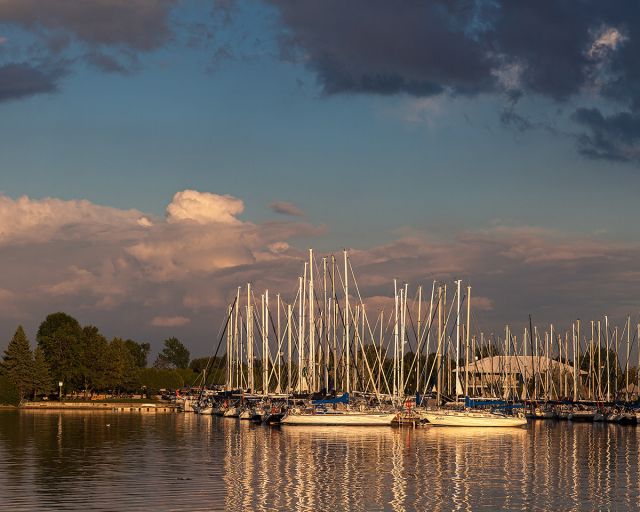
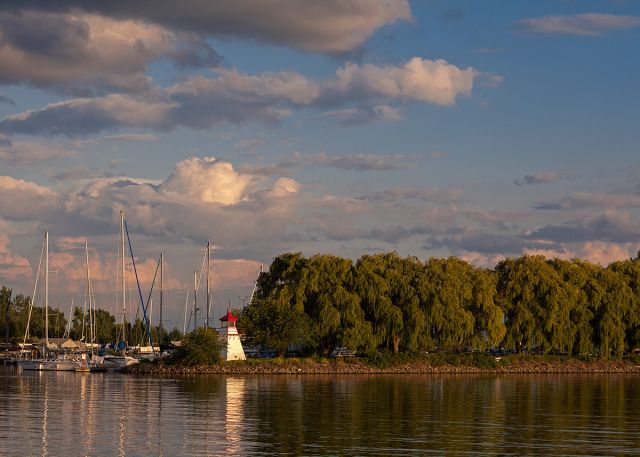
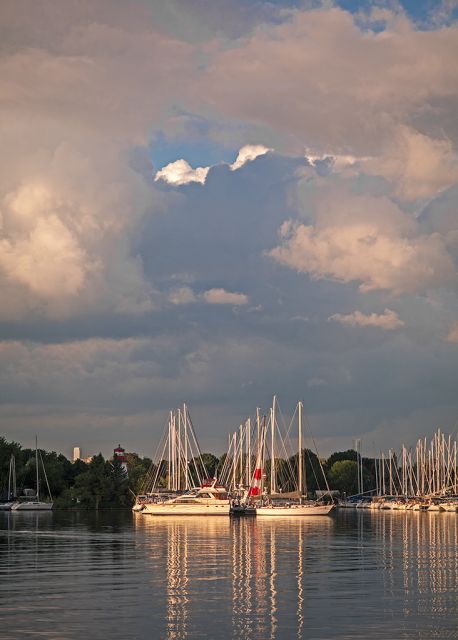
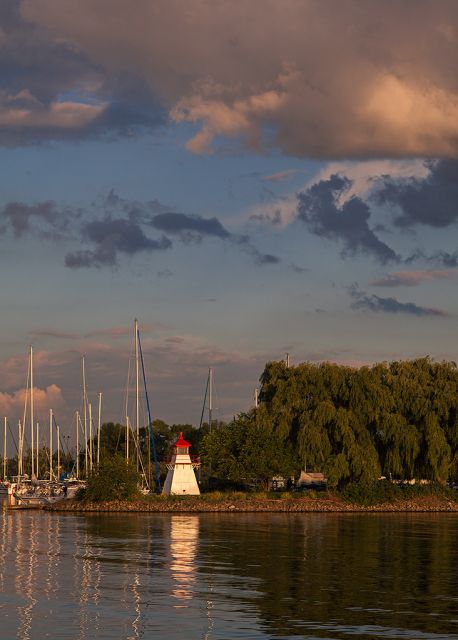
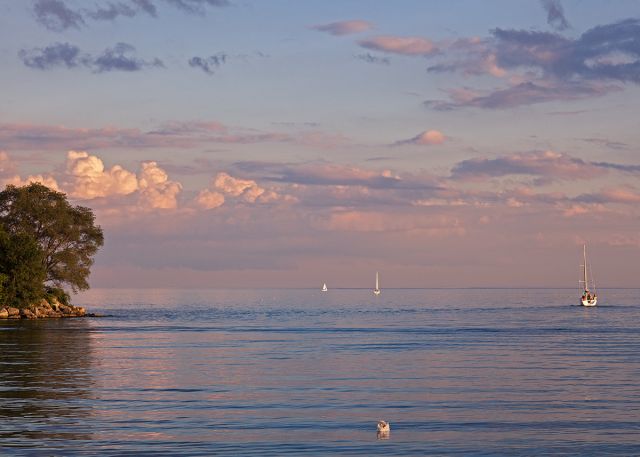
Converted to gray and then to RGB, asigned "Fujifilm 3521xd", then converted to "sRGB". New layer (duplicate) with high pass applied, inverted and set to somewhere around 50% opacity with overlay mode for the 'sfumato glow' effect.
tccin3d wrote:
Converted to gray and then to RGB, asigned "Fujifilm 3521xd", then converted to "sRGB". New layer (duplicate) with high pass applied, inverted and set to somewhere around 50% opacity with overlay mode for the 'sfumato glow' effect.
Why? It's a photo of two backs and a very distracting and partially blown out background. The huge added boarder doesn't frame the photo as it merges with the blown out bits and the colour used is not pleasing to my eye or serves to enhance the experience of the content. I'm sure it would be a fine(-r) photo not worked over so hard. Could you post that for a comparison?
And what what lens did you use (always interesting in a gear oriented thread)?
Rodluvan wrote:
Why? It's a photo of two backs and a very distracting and partially blown out background. The huge added boarder doesn't frame the photo as it merges with the blown out bits and the colour used is not pleasing to my eye or serves to enhance the experience of the content. I'm sure it would be a fine(-r) photo not worked over so hard. Could you post that for a comparison?
And what what lens did you use (always interesting in a gear oriented thread)?
Testing, .. the more you do, the more you learn. Thanks for the critics, the original is below, as you see it has too many elements, colors are also distracting. Yellow came from the profile itself.
I am testing this microblur technique (the opposite of microcontrast), since too much sharpening can destroy the feeling of something soft. So at the end I smart sharpen images for web, but then add another layer of inverted high pass, to bring back some softness that was there before resize. Especially noticeable with fur, it can look harsh. Also this can help with distracting bokeh, and to enhance spatiality.
There is a thread for postprocessing, but it is way old, why does no one post there anything? Or am I missing something?
Here's original:
I have exif data incorporated. (right click>view image exif data, with mozilla addon).
It is 100MP ZE (sometimes image itself is named with lens details, since I hate generic "322jfbgeei3.jpg" type of names)
Samuli Vahonen wrote:
It depends; 1 2/3 if dynamic range is big - 1 1/3 if dynamic range doesn't need 1 2/3 stop bracketing. During the past years I have learned that software doesn't like 1 stop bracketing, results comes out very bland. Also if you need 2 stop bracketing that starts to be too much for the software, and also if you have 4 stop difference between dark and bright image it starts to be really difficult to map all that dynamic range to single image in tone mapping process.
In order to achieve this I sometimes need to use recover highlights and adjust the highlights slider a little bit as well. Also my standard for exporting panorama or HDR is to set the black point so that the blacks are not clipping. All images need to have same settings applied, otherwise Photomatix confuses and doesn't work in very predictable way: http://www.vahonen.com/1/jpg.php4?id=353&filename=ApertureSettings.jpg
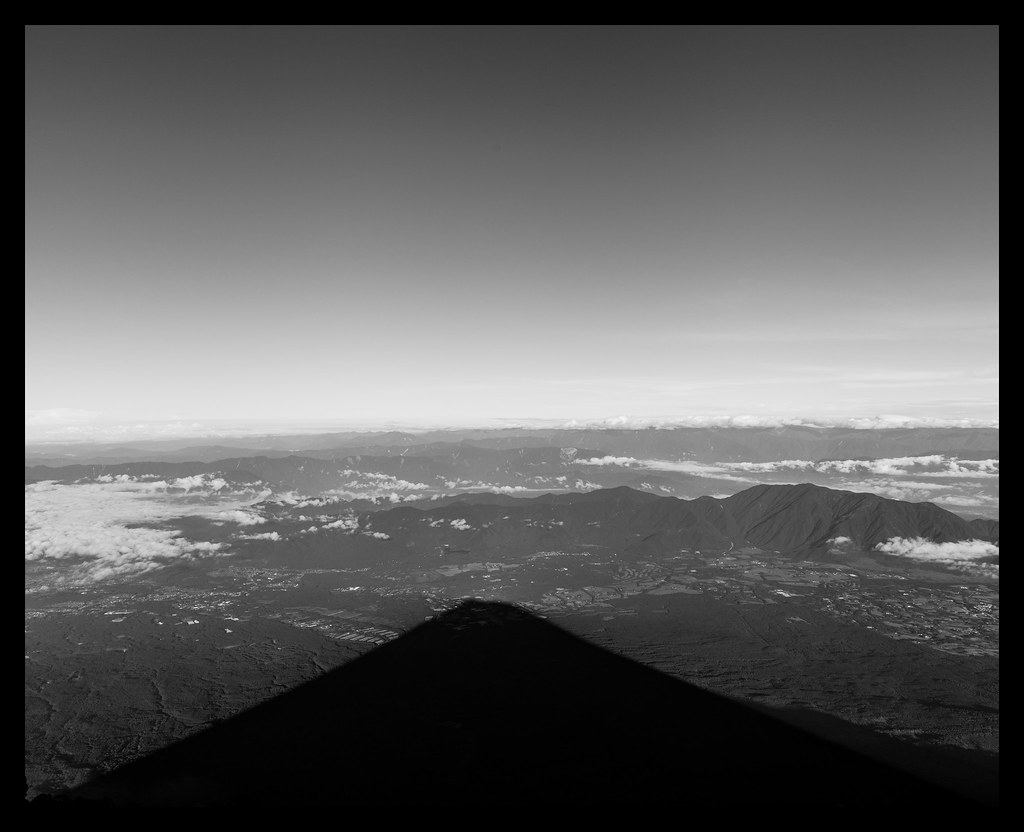
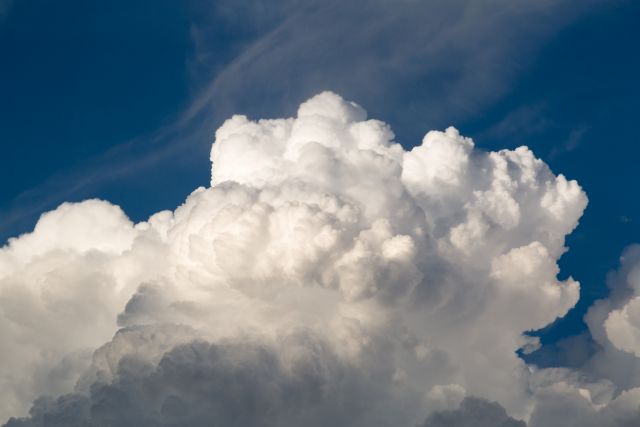
Here's one from last night...just thinking about clouds relative to the last post. My photo has no composition or foreground just something I took real quick when I was finishing another project.
Canon 5D MK3 with Zeiss 135mm F2 APO Sonnar at 5.6 if I remember correctly. No polarizer, minimal editing, hand held.
Aide note: can anyone tell me conventional sizes to upload so I don't cause problems. I'm just starting at full res.