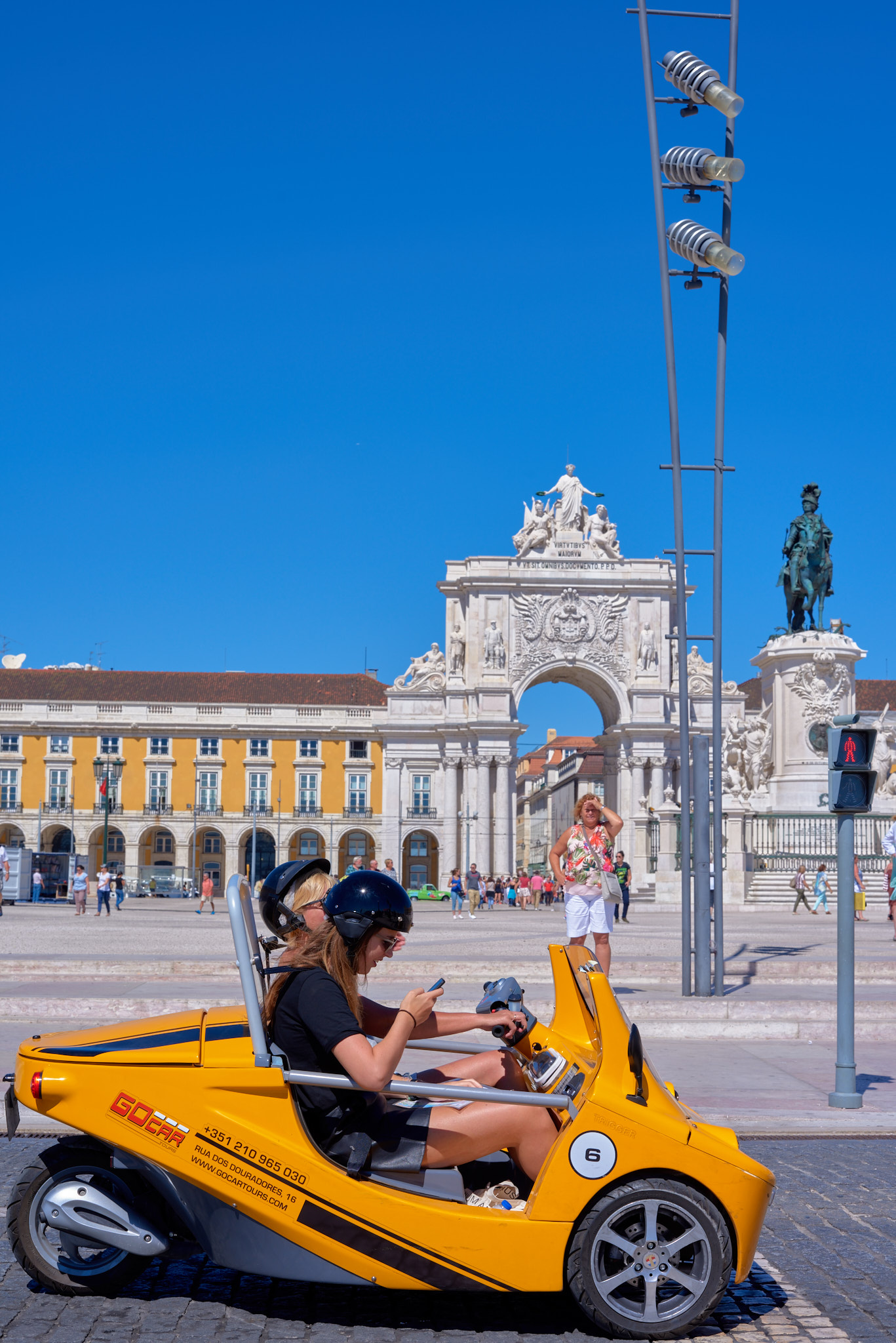
Ripolini wrote:
Old threads about Zeiss ZF/ZE lenses have links to images that do not work anymore (see https://www.fredmiranda.com/forum/topic/1001754). Moreover, being these lenses "ancient", most of comments refer to lower res DSLR cameras, dating back to 10+ years ago.
It would be interesting to share opinions on the rendition of Zeiss lenses on today more demanding sensors of modern MILCs, which allow much more accurate MF than DSLR.
According to my experience (limited to 21/2.8, 35/2, 100/2 and 135/2), these "ancient" lenses are top performers even today. Their only drawbacks are size and weight when compared to today similar lenses, in particular WAs, designed for MILCs (e.g., compare 21/2.8 ZF/ZE to Loxia 21/2.8). The need of a "thick" adapter to adapt them to MILCs, adds more size and weight. ...Show more →
I can help you with that:
The overall image quality is uniformly better on the new cameras - as can be expected.
That said the higher resolution sensors don't change the intrinsic rendering that these lenses provide.
To my eyes the images from my 5D and A7R4 are virtually indistinguishable unless viewed at 100%.
(ignoring differences in "color science" of course)
Others might disagree but that's my assessment.
MF is much easier with MILC; no comparison.
I have the entire collection and I use them regularly. (with the Sigma adapter) They remain among my favorites.
I use the term "ancient" to indicate that they have been around for a very long time; not that they were enjoyed by the Caesars...
For those interested there are thousands of images on Flickr that utilized this series in conjunction with more modern sensors.
Additionally a good number in this thread (and the aforementioned) were shot on Sony bodies.
bjhurley wrote:
I'm using Zeiss ZF.2 35/1.4 on a Sony A7iii; it's certainly an excellent performer. From what I've read, the older C/Y Distagon 35/1.4 had slightly better microcontrast than the ZF/ZF.2 models. It is indeed a large and heavy lens, and I don't use it much for that reason, but it gets pulled out for environmental portraits.
Nice!! Did you focus-stack, or is it a single f/8 image?
Ripolini wrote:
Agree with you.
BTW, your Zeiss lenses on R6 make wonders.
Well thanks! Actually I'm quite "jealous" of many other photo's here that in my head produce more micro contrast or 3D pop than mine.
Maybe it has something to do with always seeing it in other people's work but less in my own
I always try to find that crispy clean (but natural) editing, but it seems that I don't yet know where to look for it in Lightroom or Photoshop. (I know microcontrast/3D pop is not something you can add in postprocessing).
I took some pictures that in my opinion show either micro-contrast or 3D-pop. Please click on the links below each photo to see it bigger, because with Zeiss glass, bigger is always better
This last shot was severely underexposed So there is some noise unfortunately (I don't do noise reduction...I haven't found a good tool to remove noise while not smearing details).
Deathchant wrote:
I took some pictures that in my opinion show either micro-contrast or 3D-pop. Please click on the links below each photo to see it bigger, because with Zeiss glass, bigger is always better
Love the clarity in all the shots.
Deathchant wrote:
This last shot was severely underexposed So there is some noise unfortunately (I don't do noise reduction...I haven't found a good tool to remove noise while not smearing details).
I suggest to reduce the noise only in selected areas (the sky in the last shot). For example, in Photoshop the most effective way to reduce digital noise is to act selectively, by using masks. At present, my preferred raw converter is Capture One Pro 22: I create levels and then apply noise reduction to them.
@Ripolini, thanks for the tips about noise. For now I've set the Luminance Noise to +20 in Lightroom, but at the cost of details.
The photoshop-way, I still need to learn....By the way, nice photo of the tombstone. You can "feel" the texture of the letters
Ripolini wrote:
Love the clarity in all the shots.
I suggest to reduce the noise only in selected areas (the sky in the last shot). For example, in Photoshop the most effective way to reduce digital noise is to act selectively, by using masks. At present, my preferred raw converter is Capture One Pro 22: I create levels and then apply noise reduction to them.
And fantastic pictures, as usual, Ronny.
Thanks !
Zeiss 100 MP
Different lights
sony-a7r-ii--zeiss-makro-planar by Ronny Olsson, on Flickr
sony-a7r-ii--zeiss-makro-planar by Ronny Olsson, on Flickr


 So there is some noise unfortunately (I don't do noise reduction...I haven't found a good tool to remove noise while not smearing details).