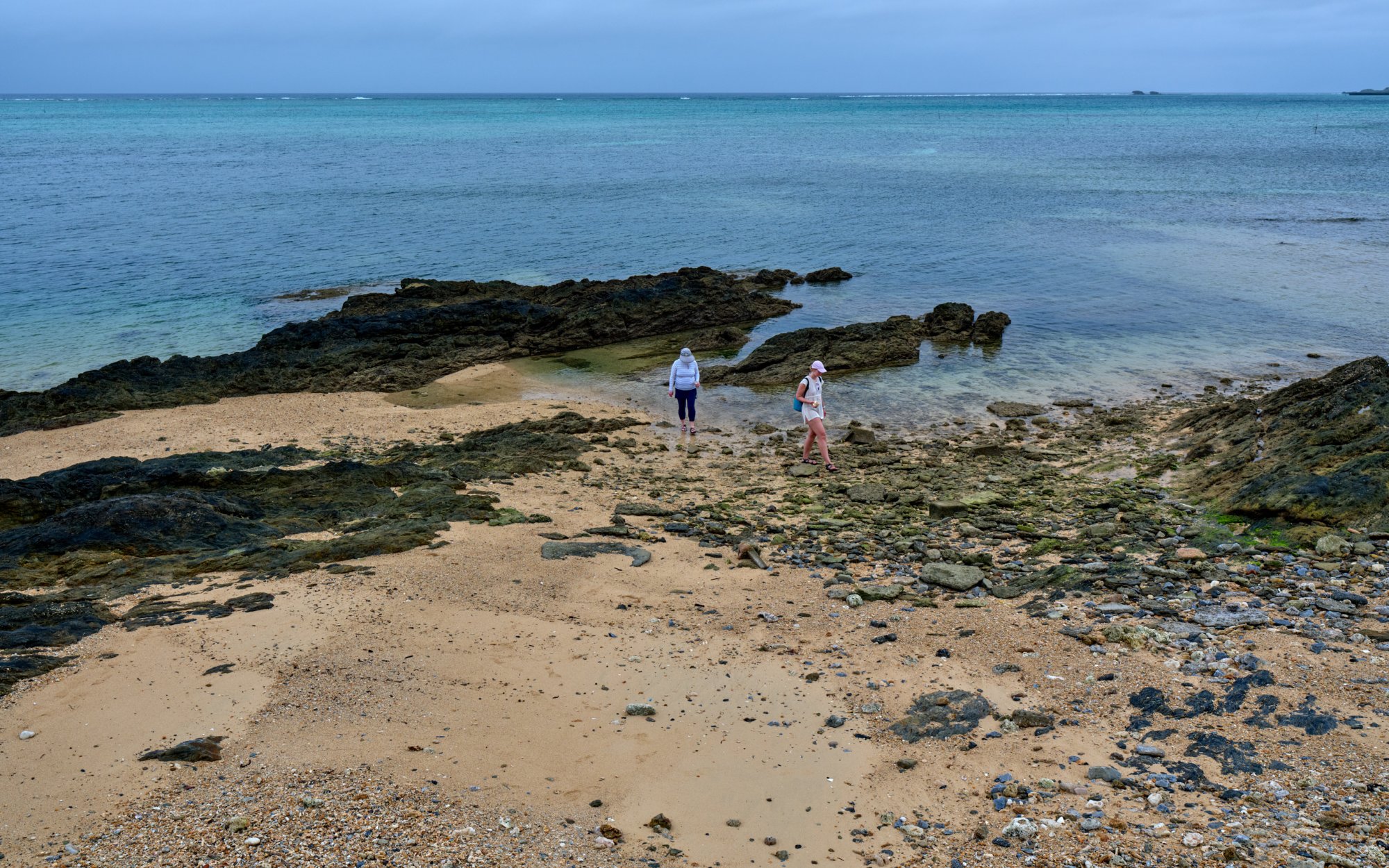
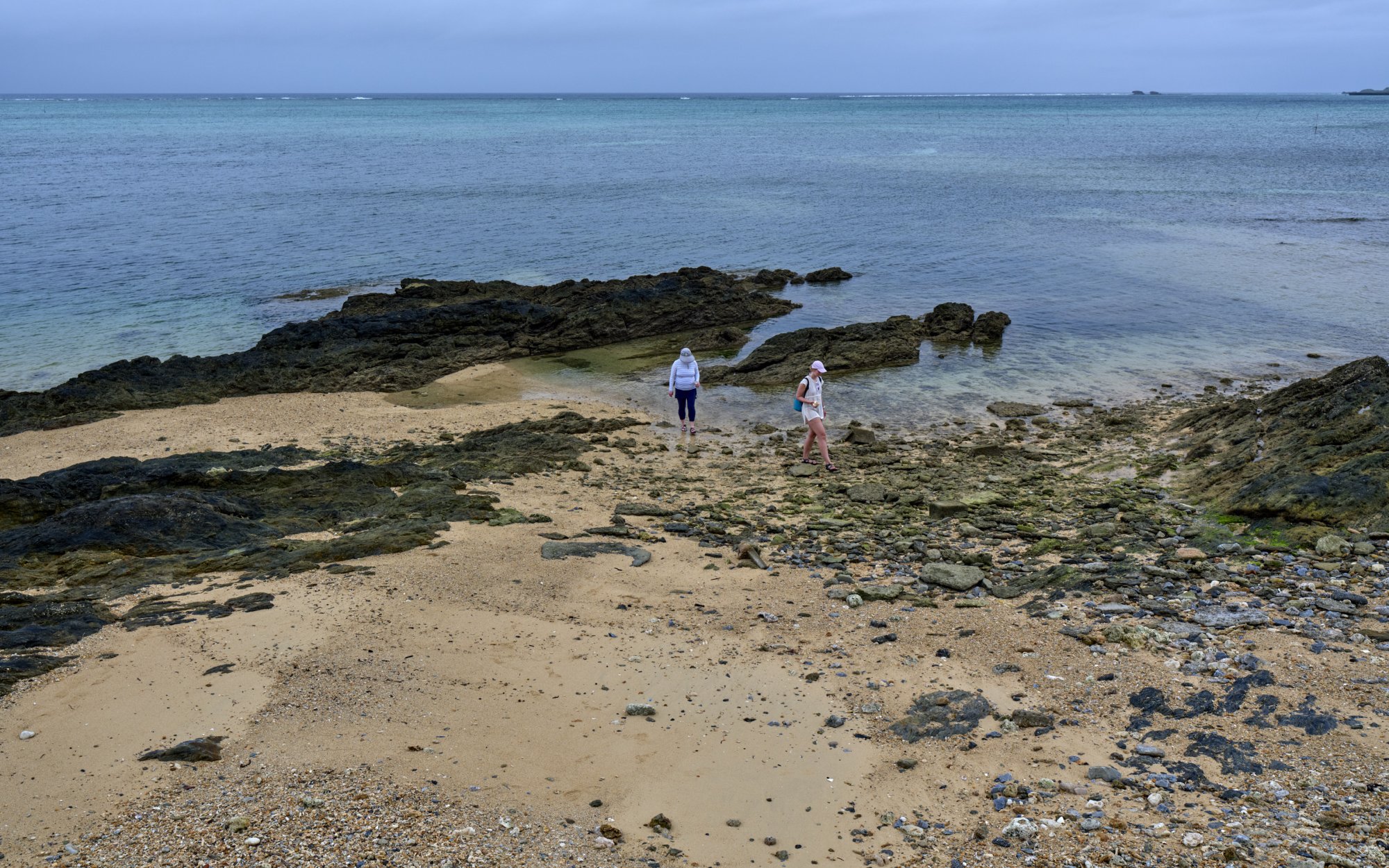
I have been uploading jpgs on FM without issues, yet now I seem to have a problem.
Here is an example. The following are jpegs from the same raw file, exported (1st) with the sRGB profile and (2nd) with the Adobe RGB profile, from Capture One.
The 1st jpg has 7.2MP and the 2nd has 8.1MP.
Among the FM Upload options, I select (check) "Show Exif".
Problem 1: When the upload is finished, the jpgs appear on FM without EXIF
Problem 2: The colors of the 2nd jpg, with Adobe RGB, are wrong
Problem 3: When "saved as" from FM, the saved jpgs on my laptop are reduced to 2.5MP and have no EXIF.
I am travelling with a light Windows laptop, and the browser is Opera (at home, I normally use a Mac and Safari browser).
I don't know if the problems I am experiencing are caused by some differences in the computers I am using.
I also wonder if there might have been a change on FM, affecting the uploaded images, e.g, auto-resizing to 2.5MP.
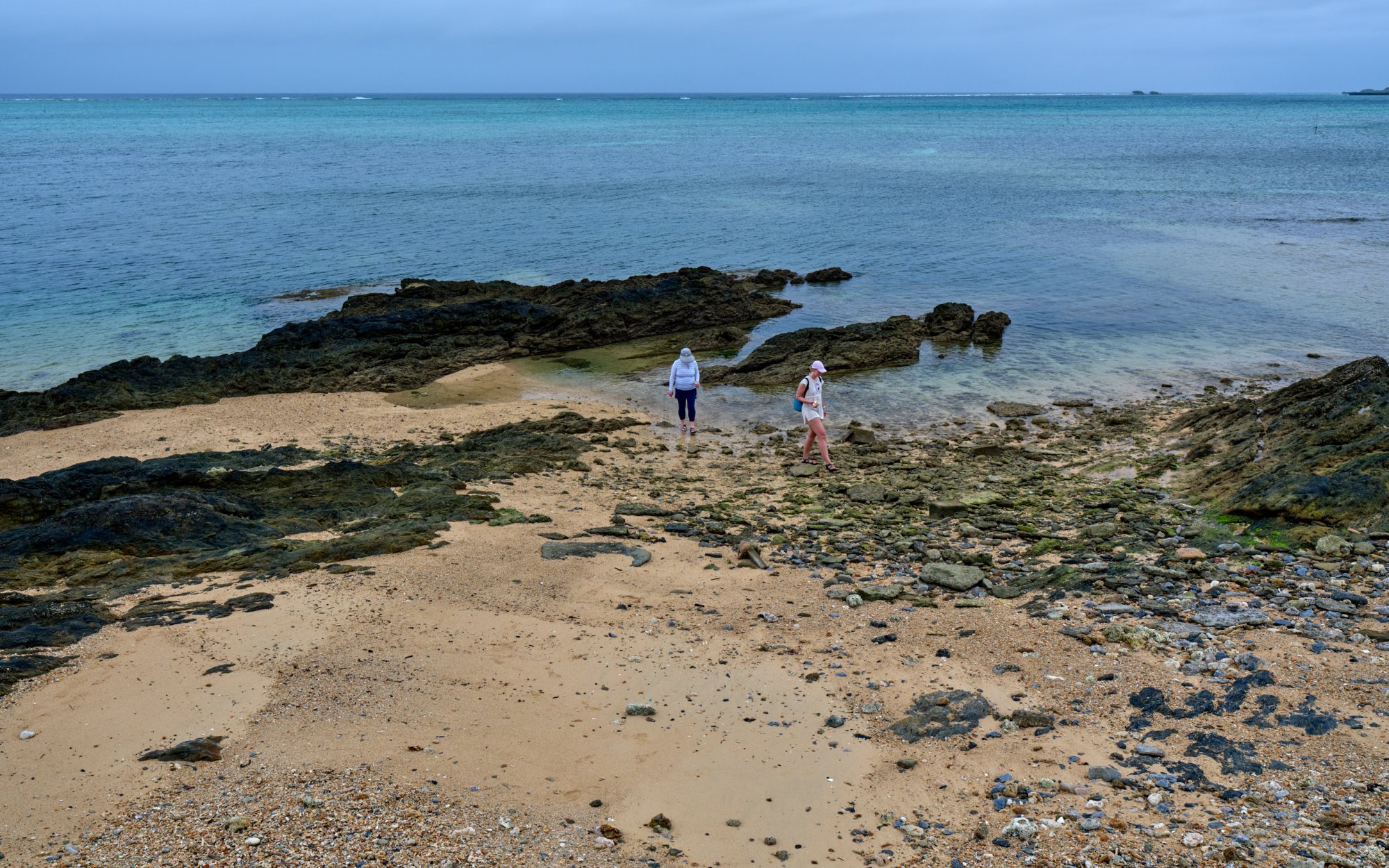
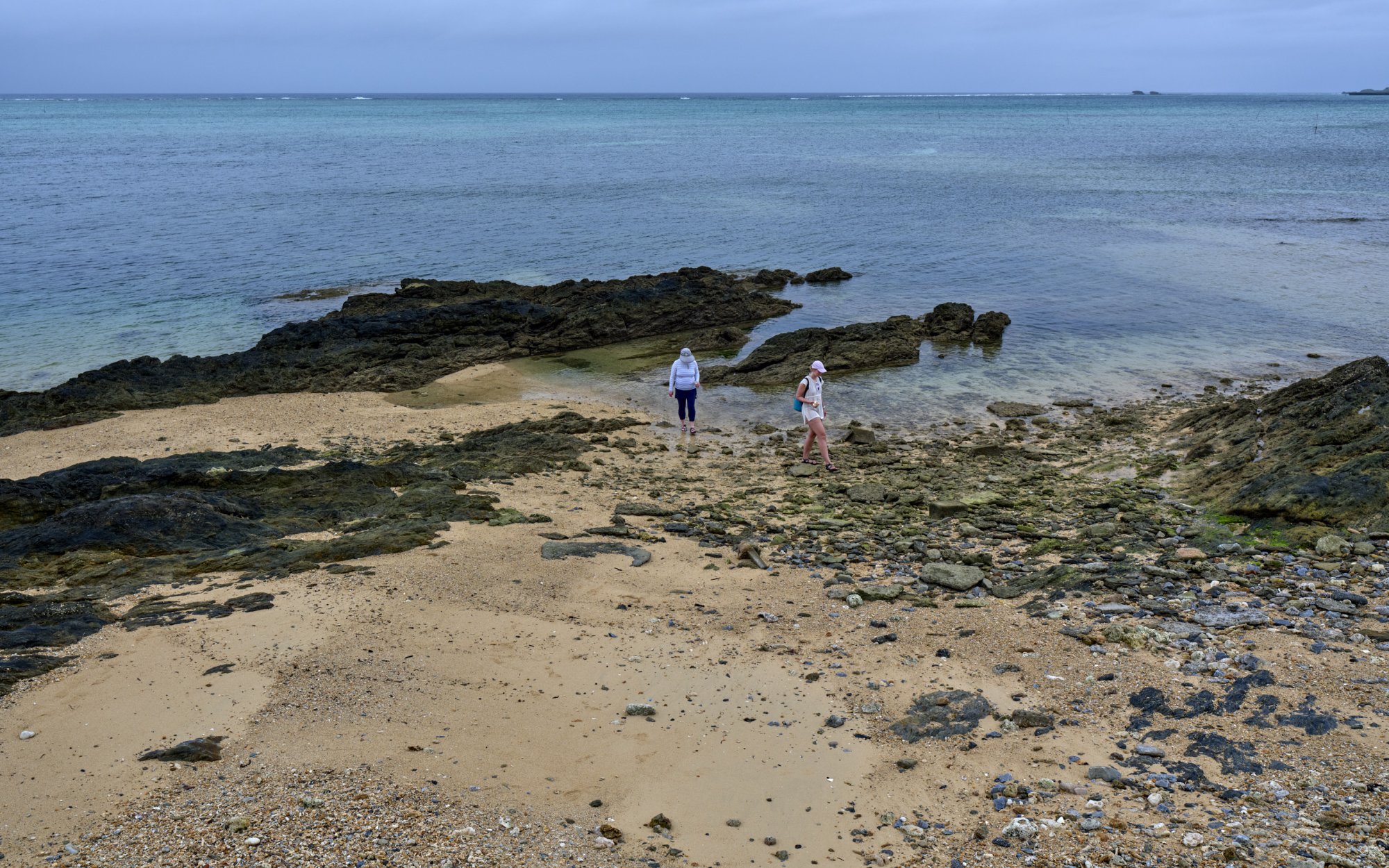
I ran exiftool on all 4 files. The two from Dropbox do have profiles embedded, one sRGB and the other (ending in _1) Adobe RGB 1998. As you found, the two images in your post don’t have embedded profiles.
I brought all 4 images into Affinity Photo 2, and, as expected, the second one from your post displayed incorrectly until I assigned it the Adobe RGB profiles, after which the colours in all 3 matched.
All of this on Safari/Mac with a pair of colour-managed wide-gamut monitors.
melcat wrote:
I ran exiftool on all 4 files. The two from Dropbox do have profiles embedded, one sRGB and the other (ending in _1) Adobe RGB 1998. As you found, the two images in your post don’t have embedded profiles.
I brought all 4 images into Affinity Photo 2, and, as expected, the second one from your post displayed incorrectly until I assigned it the Adobe RGB profiles, after which the colours in all 3 matched.
All of this on Safari/Mac with a pair of colour-managed wide-gamut monitors.
Thank you!
This leaves me guessing as to what is the root of the problems that I am having with the image upload on FM.
I would like to eliminate the possibility that these problems have something to do with me, my laptop, the browser, or the operating system (Windows) on this laptop.
I can think of only one way to achieve this, while I am away from home, is by asking a paying member of FM to download one or both jpegs from my Dropbox, and upload these here in this thread. If the result should be the same (that is, the loss of EXIF and image being resized to 2.5MP), then it would point at some problem with the FM.
I would greatly appreciate it if a paying member on this forum would upload one or both of my images in this thread.
Thank you! - this seems to confirm that there has been a recent change on FM.
Whatever happened here works to (1) resize uploaded images to 2.5MP, and (2) strip the EXIF.
As a consequence, clicking on (checking) "Show Exif" among the upload options has no effect.
This behavior is new, in my experience.
As a data point for those not using Apple products, I'm not seeing EXIF in Windows or on Androids FF. The images look quite different as if there is no color space.
In general it's best to prepare images so that the host doesn't mess with them. Perhaps Fred can explain what they are doing differently.