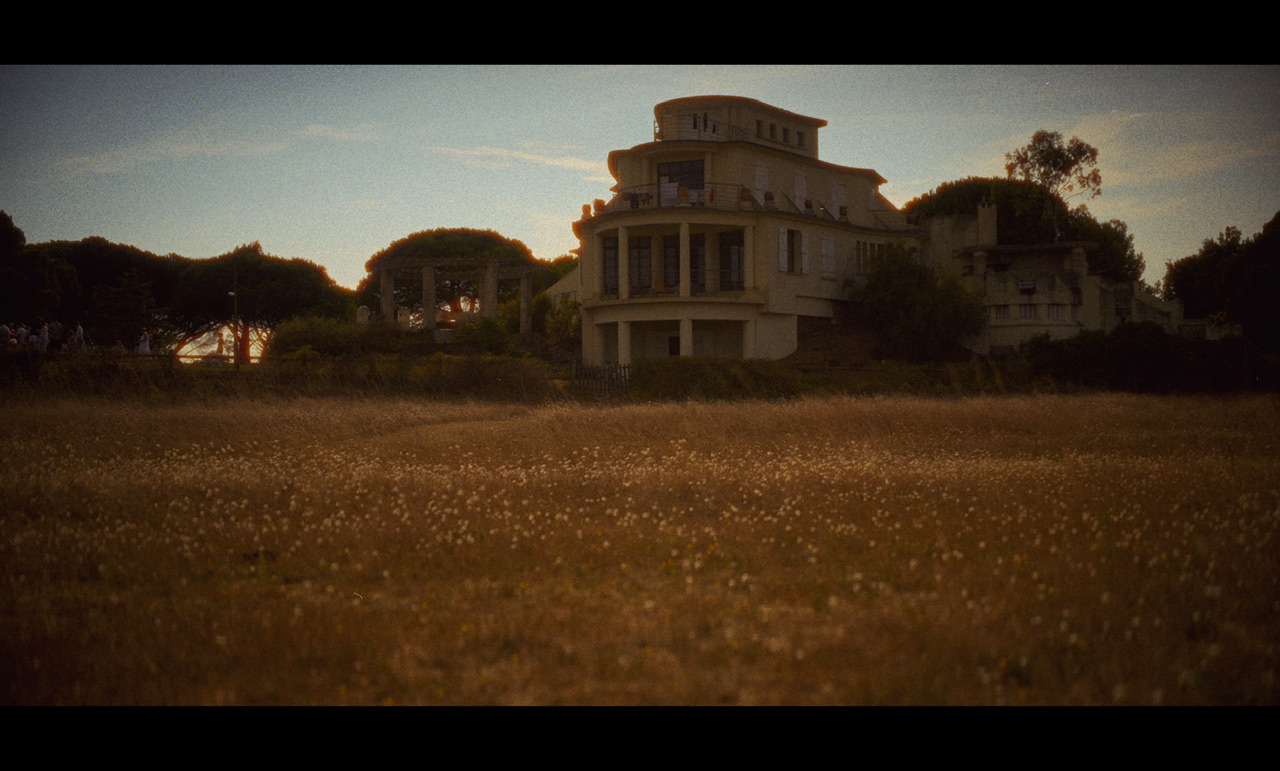
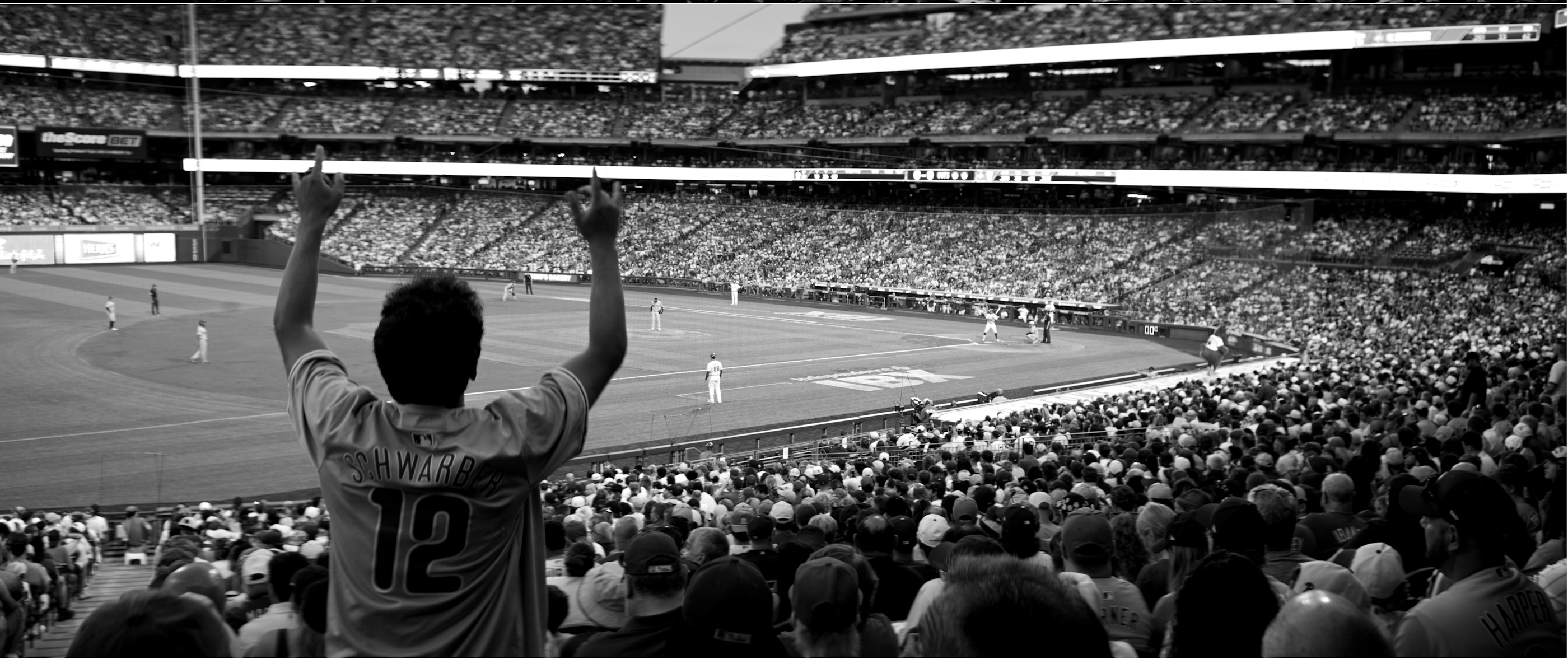
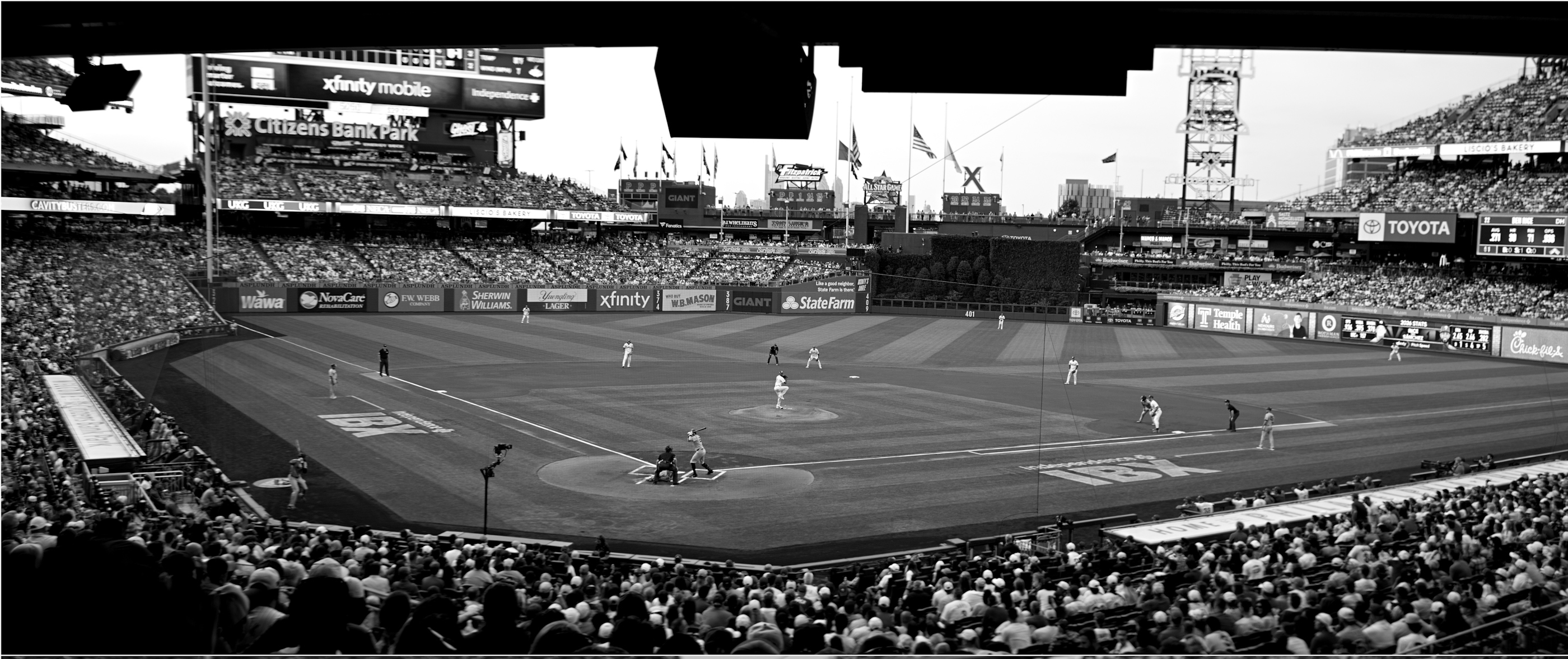
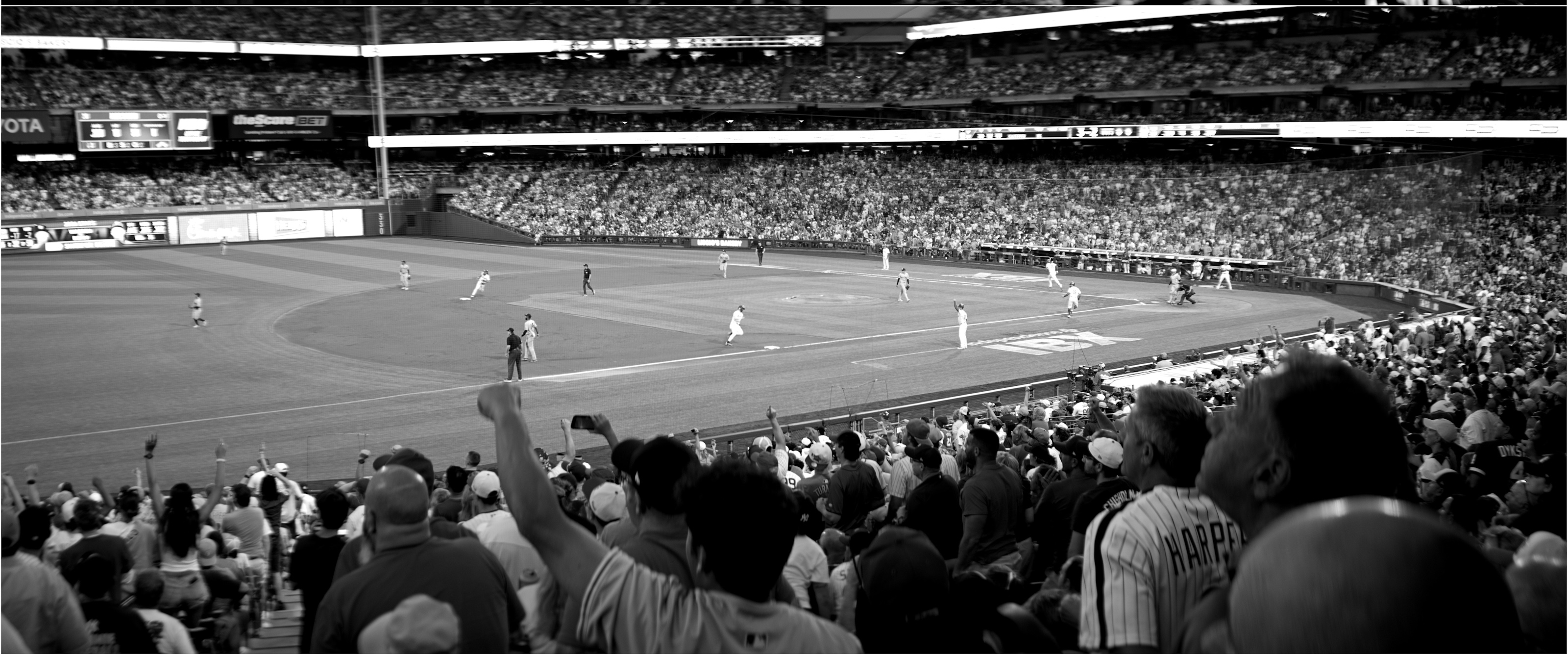
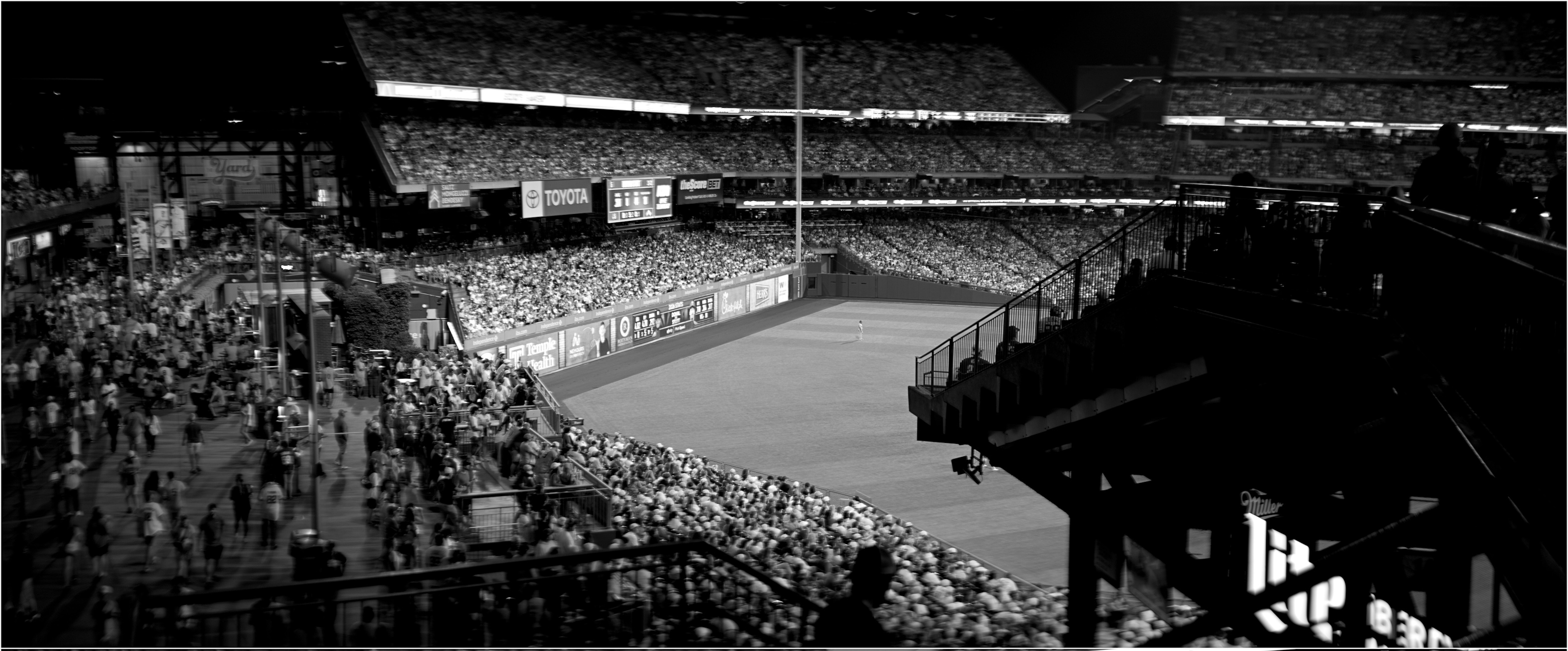
It is just another way to shoot wider aspect ratio photos. Which isn't anything new.
The advantage to anamorphic is you use the full sensor and don't loose sensor resolution. The disadvantage is the need for a specialized lens, or adapter, and the de-squeeze part of the workflow. The de-squeeze can be handled easily but it is another step. The process also gives a bit different of a look in the oof regions compared to cropping.
I've tended to use my anamorphic lens more for video but have used it some for stills. Shooting 65:24 crop in my S1R is easier/quicker though and lets me use any of my lenses.
sfogg wrote:
It is just another way to shoot wider aspect ratio photos. Which isn't anything new.
The advantage to anamorphic is you use the full sensor and don't loose sensor resolution. The disadvantage is the need for a specialized lens, or adapter, and the de-squeeze part of the workflow. The de-squeeze can be handled easily but it is another step. The process also gives a bit different of a look in the oof regions compared to cropping.
I've tended to use my anamorphic lens more for video but have used it some for stills. Shooting 65:24 crop in my S1R is easier/quicker though and lets me use any of my lenses. ...Show more →
Oh, I’m sure it has legitimate uses, especially in video. I just don’t think it’s a bandwagon I should join.
When you import into LR have it convert the files to DNG. It has to be a DNG for this to work.
I then use the Lightroom Lens Tagger plug in to updated the data for the imported pictures to set the Lens Name, focal length and so on. I created a profile for the Sirui anamorphic lens and then just edit the command to include -DefaultScale="1.6 1" along with all the other commands. Once it finishes running on the files Lightroom de-squeezes the files automatically. You can do the same thing with Adobe DNG converter and exiftools. Not every editing program respects the defaultscale tag but LR does.
Use Adobe DNG Converter to take your raw anamorphic files and convert to DNG. If your camera shoots DNG directly you should be able to skip this step. Will test that with my fp L.
In the folder the DNGs are stored run:
exiftool -DefaultScale="1.6 1" *.dng
After that is complete if you import the DNGs into Lightroom it will automatically apply a 1.6:1 desqueeze. A 3:2 sensor image will have a 2.4:1 aspect ratio. If your anamorphic lens has a different stretch ratio just change the command to match your stretch. Not all editors will respect the DefaultScale exif. Iridient Developer does but DXO PhotoLab 6, Affinity and Photos do not. Haven't tried it with others.
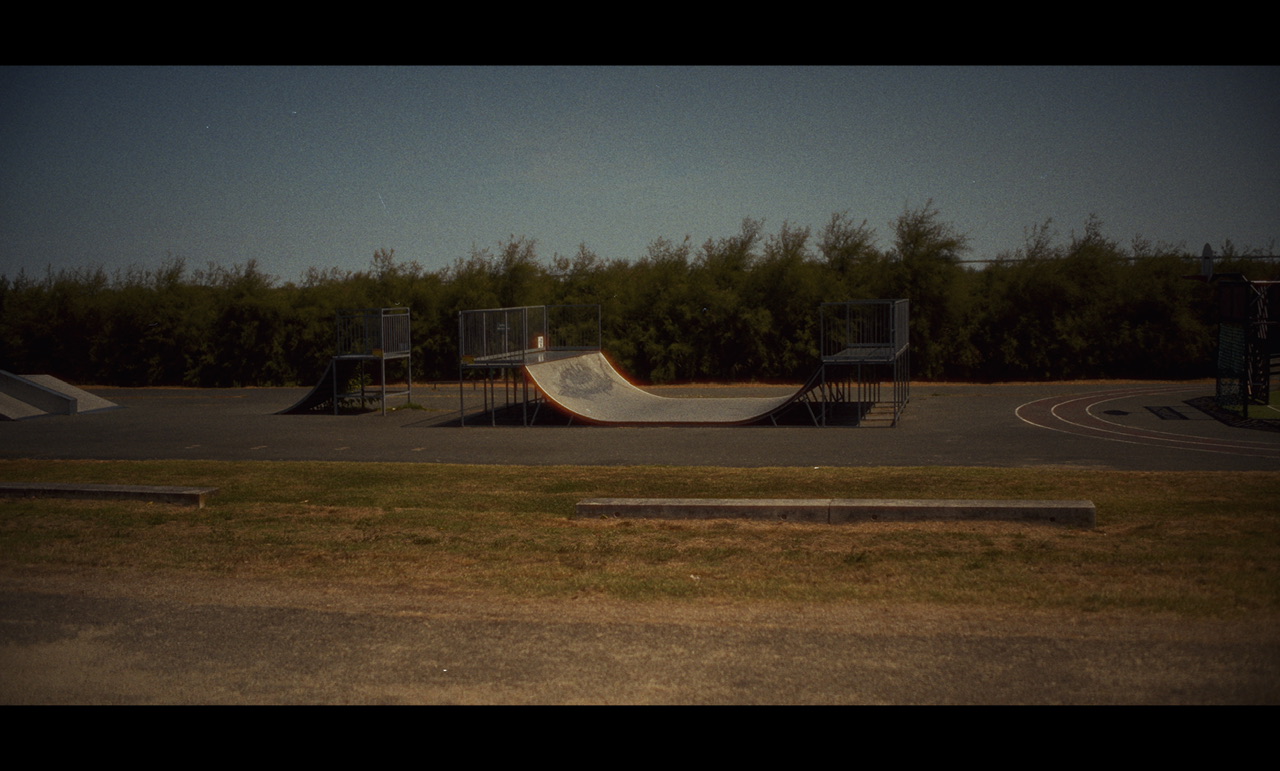
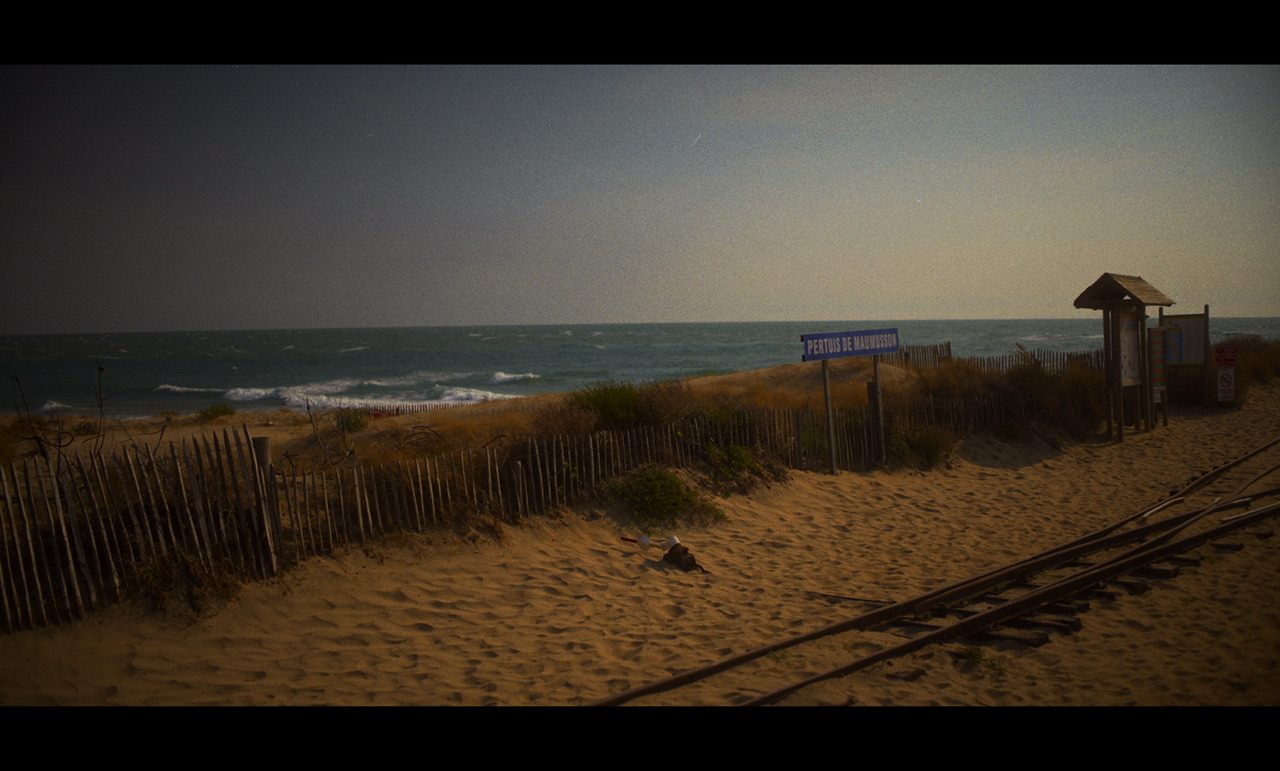
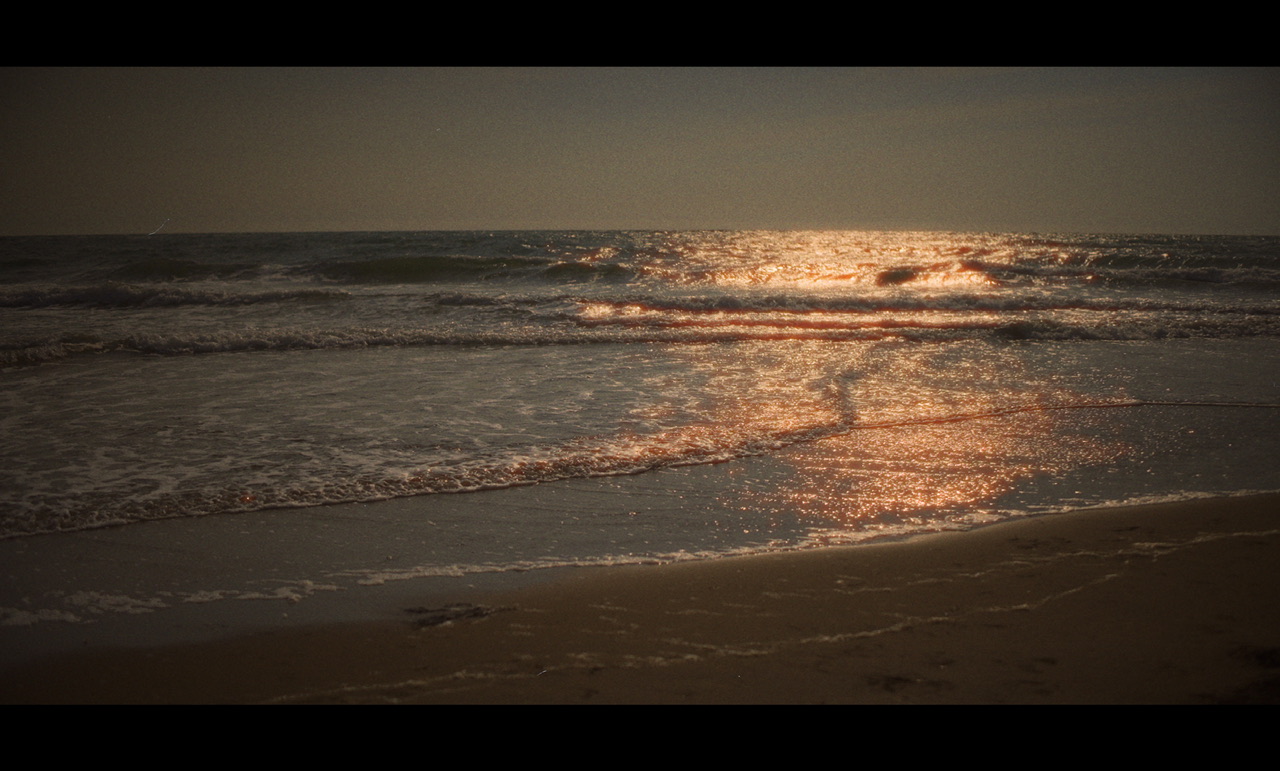
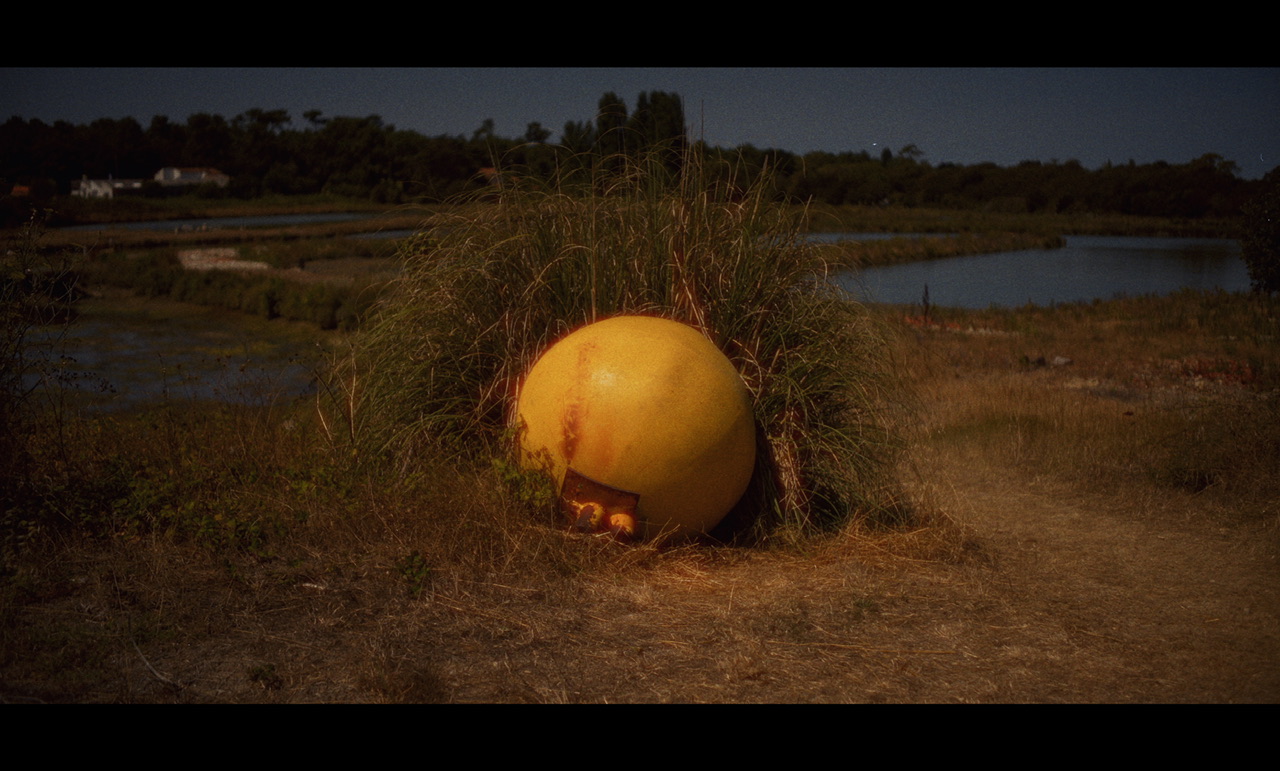
Sort of a test shot. Did color adjustment in Sigma Photo Pro and saved as a TIFF, then de-squeezed (resized) in IrfanView (GIMP does not like the Sigma TIFF tags) and then sent over to Lightroom. Will have to explore other options. A little soft in the background despite not being wide open.
Would have been a little challenging to do this as a panorama, or I would have to use a wider focal length and crop out a good part of the image.
Sirui is sending me a 75 Astra for an anamorphic stills project...now that Nikon Z cameras have the Parallax Monitor app available, we can desqueeze preview right on our phones wirelessly, which I think is going to open up some fun possibilities. Looking forward to messing around and reporting my findings.
I'd also like to try the Blazar Talon 35 or 50 as those have a lot more character than the Siruis from the look of it and are still AF.
Here's how I've got my rig set up for now, though I'll probably use the Z9 for most of this project.
1) SmallRig cold shoe magsafe bracket
2) iPhone attached to magsafe
3) 6" USB-C to USB-C cable from phone to camera
4) Parallax Monitor on iOS to see the desqueezed preview
This is a rather seamless workflow, and I can control just about anything I'd need in my iMenu on the camera straight from the app!
So I'm finding with repeated tests of known shapes that these Astra photos desqueeze best to my eye at 1.25x, not 1.33x. This is contrary to everything that has been written about these lenses, but you can't fool me overlaying perfect circles in PS onto photographed perfect circles.
On the contrary, I've read that Blazar's desqueeze best at 1.6x instead of their listed 1.5x, so I can see why some poo-poo the Siruis as not being usefully anamorphic.
So I'm finding with repeated tests of known shapes that these Astra photos desqueeze best to my eye at 1.25x, not 1.33x. This is contrary to everything that has been written about these lenses, but you can't fool me when I'm overlaying perfect circles in PS onto photographed perfect circles.
On the contrary, I've read that Blazars desqueeze best at 1.6x instead of their listed 1.5x, so I can see why some poo-poo the Siruis as not being usefully anamorphic.
That is not uncommon for the stated squeeze to be off, or at least off for closer focus distances. Most 1.33x lenses barely have any anamorphic character, so it's not surprising that you aren't seeing anything remarkable.
Sirui does offer several series of lenses (Saturn, Venus) that have legitimate 1.6x squeeze, so those would be a better choice within their catalog. Blazar lenses are usually a bit less corrected (more character) and they offer both 1.5x and 2x squeeze lens lineups, so there are many options.
What if you shot a 1.33x in portrait orientation but set the camera to 1:1, thereby allowing you to get roughly 4:3 final images after the desqueeze? You're telling me Nikon supports 4:3 natively now?!
In testing, the "shoot in 1:1 and desqueeze to get 3:4 portrait" doesn't yield a different FOV than simply using a normal lens of the same focal length and cropping to 3:4.
However...in landscape...a few examples showing what you gain in terms of field of view when compared to a normal lens, to help folks visualize why one might want to use an anamorph for stills.
limited time to play so far (managed to promptly get sick after getting it!) but i like it so far? it’s both more and less solid than i was thinking it would be?! i’m not sure that i had my rf aligned quite right for the game day, so don’t pre judge anything sharpness wise from my handheld snapshots.
i’ll follow up eventually with some better test shots later on