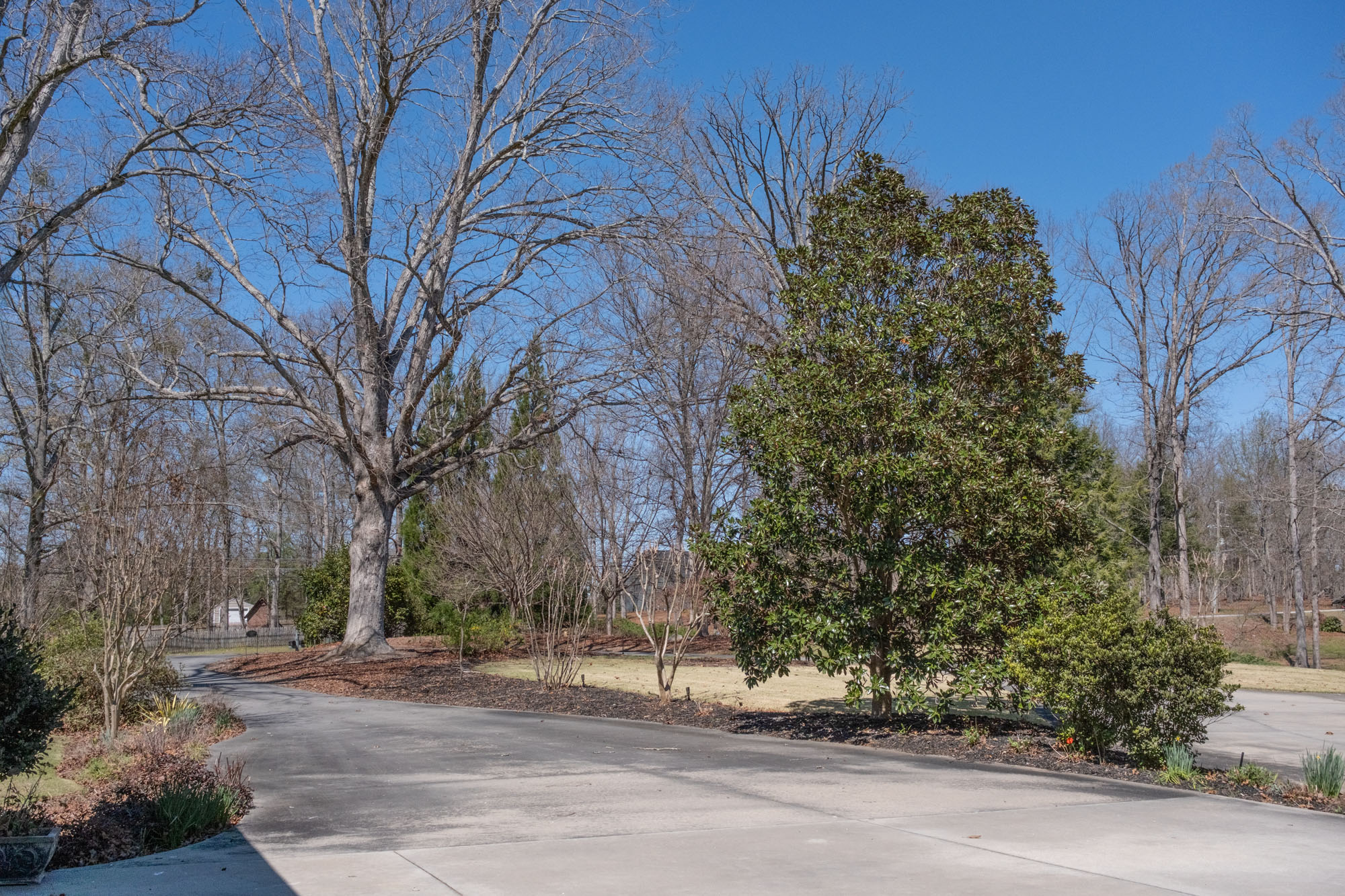
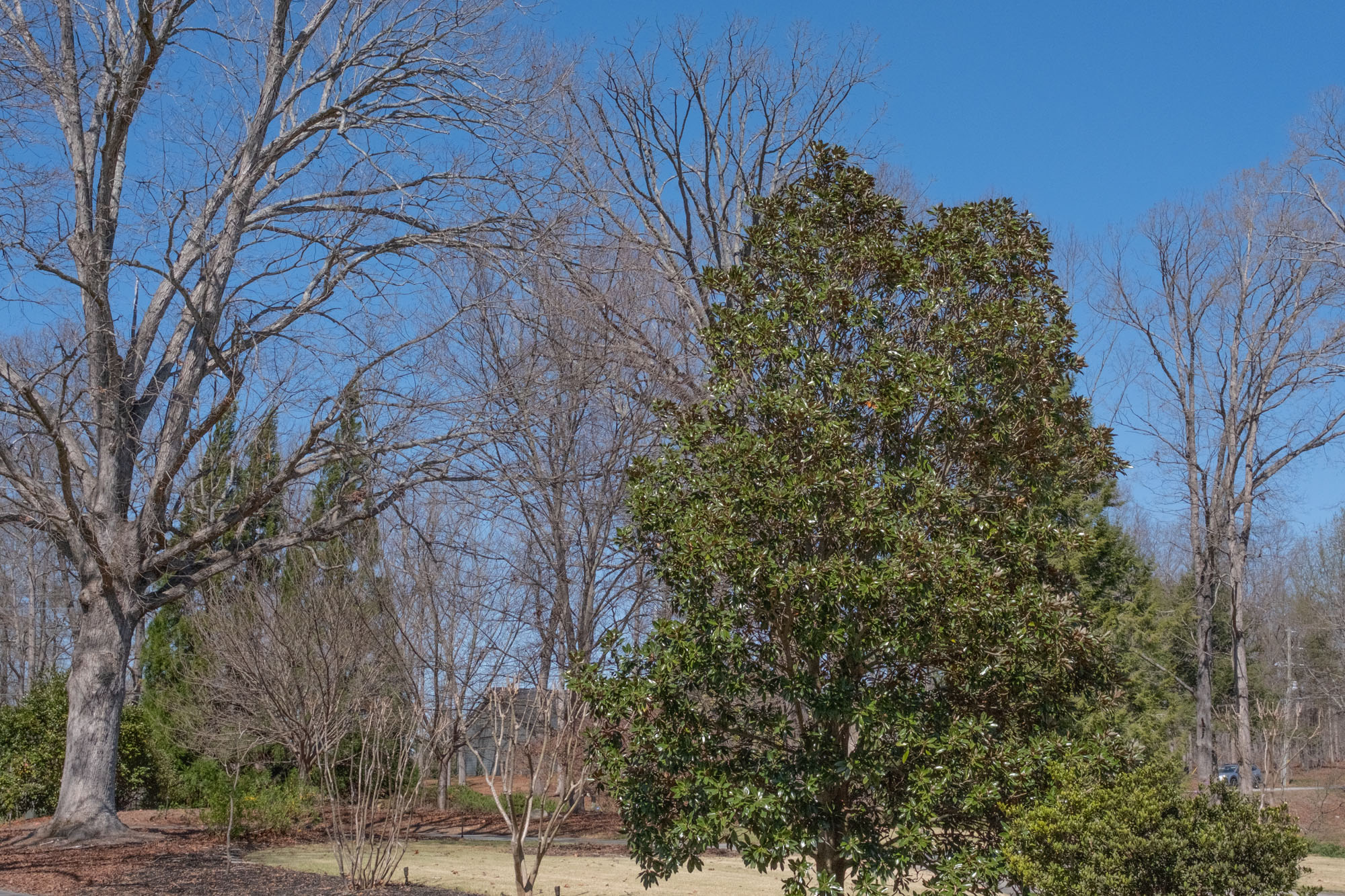
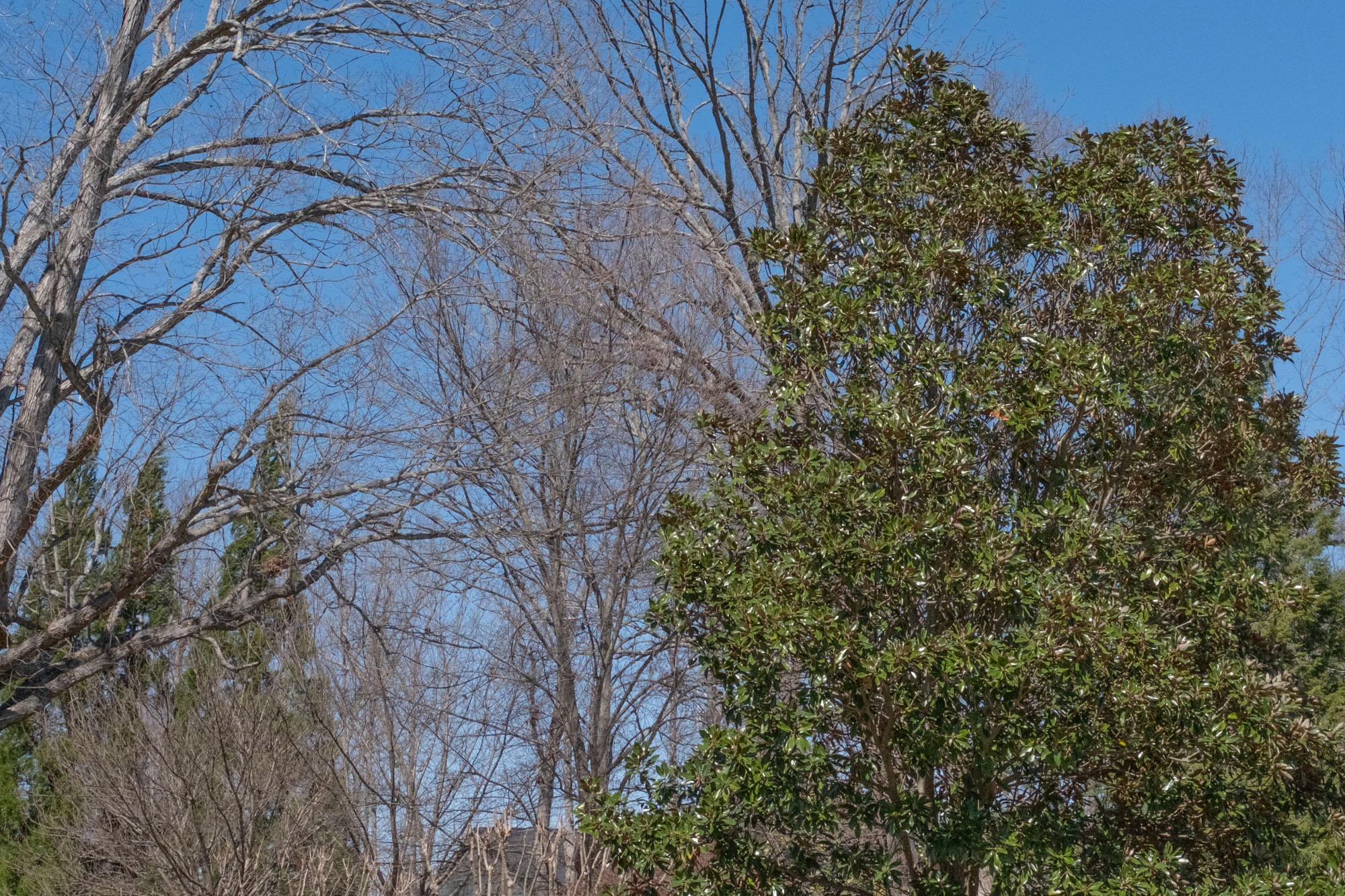
One of the things I'm enjoying is the in-camera crop feature in my X-E5. I have the 23/2.8 pancake lens mounted and for 99% of my shooting that is what I use. However, it is nice to have a "zoom effect" by using the E5 in-camera crop feature. I can shoot an image "without crop" to get the 35mm equivalent shooting experience. But I can also, without moving the camera position, toggle to a one step "zoom effect" or toggle to a second stop "zoom effect". In researching the function I see that the camera is cropping in on the sensor so the resulting "cropped" images do not have the full 40 resolution of the original image. However, with a 40 MP sensor even the "cropped" images have good high resolution. This function only works on jpeg images.
What are the thought of forum members on this feature? Do you use it often? Are you pleased with the resulting images you are getting.
The Crop function works with RAW files as well. LR Classic shows a cropped image after import (the RAW file is still at full size). But the JPEG export will be cropped by 1.4 or 2 times in size. That still leaves a close to 4K image at 2x crop, which is plenty enough for most uses cases.
Nielk Mike wrote:
The Crop function works with RAW files as well. LR Classic shows a cropped image after import (the RAW file is still at full size). But the JPEG export will be cropped by 1.4 or 2 times in size. That still leaves a close to 4K image at 2x crop, which is plenty enough for most uses cases.
gaopa wrote:
Thanks... I thought it was with the jpeg only...
It depends how you look at it.
The raw file has the original uncropped raw data but also includes the crop parameters as metadata.
When you import a cropped raw file into Lightroom it shows you the cropped version of the image - but you can reset it to the full image or change the crop area in the develop module.
Strangely Lightroom does not show the cropped image for X100VI raw files even though they have exactly the same metadata.
AZ Photo wrote:
....
It depends how you look at it.
The raw file has the original uncropped raw data but also includes the crop parameters as metadata.
When you import a cropped raw file into Lightroom it shows you the cropped version of the image - but you can reset it to the full image or change the crop area in the develop module.
Strangely Lightroom does not show the cropped image for X100VI raw files even though they have exactly the same metadata.
I remember it keeping the crop metadata in raws and showing that way when I had an X100VI. I disliked that it wasn't that way with the X100V that I had before it. I don't remember needing any special settings in Lightroom on the X100VI for that. I sold the X100VI last October so I could be remembering wrong.
I do use the crop on my X-E5 at times. It's nice having the flexibility when shooting primes to compose with the crop and then change it in Lightroom. It was a favorite ability when shooting a Leica Q2.
TENOG wrote:
How many MP are the 1.4x and 2x crops? What are the equivalent focal lengths? Thanks.
The 1.4x crop is 20mp, the 2x crop is 10mp. The raw file still has the 40mp just shows the cropped amount in Lightroom and you can crop as wanted.
To get the equivalent focal lengths take the native lens focal length x 1.5 crop factor of the sensor then multiply that times 1.4 or 2.0. So a 23mm lens is equivalent to 35mm, 49mm (1.4), and 70mm (2.0) in full frame terms.
TENOG wrote:
How many MP are the 1.4x and 2x crops? What are the equivalent focal lengths? Thanks.
Equivalent focal lengths are the native focal length of the lens used multiplied by 1.4 or 2. So the 50f2 can be cropped to a 70mm and 100mm field of view (from 75mm FF equivalent to 105mm and 150mm). The resulting resolution is the native resolution of 7728x5152 divided by 1.4 or 2, respectively. In MP terms: X-E5 40.2 megapixels, 1.4x crop = 20.5 megapixels,
2x crop = 10.05 megapixels.
There is data interpolation that happens to the resulting JPEG when you do this in-body crop vs doing it in post, just FYI. You're best off comparing an in-body crop to a post process crop and seeing which one you like better.
AZ Photo wrote:
Strangely Lightroom does not show the cropped image for X100VI raw files even though they have exactly the same metadata.
I don't think LR Classic shows the cropped RAW for my X-T5 either that I've ever noticed? I haven't really used the crop feature in camera in a while, but thought that was a new thing with the 100RF since my XT5 never did it haha
RoamingScott wrote:
There is data interpolation that happens to the resulting JPEG when you do this in-body crop vs doing it in post, just FYI. You're best off comparing an in-body crop to a post process crop and seeing which one you like better.
You may be thinking X100V - the more recent cameras work differently
TENOG wrote:
How many MP are the 1.4x and 2x crops? What are the equivalent focal lengths? Thanks.
I just took some shots on my E5 shooting jpeg fine and RAW. The non-cropped image was 20.4 jpeg and 39.7 RAW. The 1.4 image was 9.5 jpeg and 45.5 RAW. The 2x was 4.9 and 39 RAW.
I'm not sure the equivalent focal length.
I really think the in-camera crop function of the E5 is very handy.
gaopa wrote:
I just took some shots on my E5 shooting jpeg fine and RAW. The non-cropped image was 20.4 jpeg and 39.7 RAW. The 1.4 image was 9.5 jpeg and 45.5 RAW. The 2x was 4.9 and 39 RAW.
I'm not sure the equivalent focal length.
I really think the in-camera crop function of the E5 is very handy.
The raw file is always 7728x5152 pixels = 39.8 MP. And so is the JPEG file, which is up-scaled in-camera. You are confusing file size with resolution, it seems.
The focal length is (FF equivalent) 35mm x1.4 and 35x2.
When your camera is in raw mode, the camera generates the full raw file (color image, full size) no matter what in-camera processing settings you have enabled. Some post-processing software recognizes the flags in the file that indicate what settings were used and initially display the file in your raw app — and you might initially see it cropped, in monochrome, or something else. (There was recently a related discussion in a thread about the DR100, DR200, and DR400 settings on Fujifilm cameras.)
(I just was reminded of another related discussion here.)
When you work in the camera’s jpg mode the in-camera settings are (unless there are exceptions I don’t know about) “hard-wired” into the file jpg file that you get from the camera. Bit depth decreases, cropping and color and sharpening and luminosity changes are a permanent part of the file and cannot be “turned off.”
Most probably know this, but it is probably worth pointing out that this is not unique to Fujifilm. For example, my other system is from Canon. I essentially always use raw mode on that system, but I also prefer a different crop than the native 3:2 ratio. When I import files into Adobe Bridge and open them in ACR they initially show the 4:3 aspect ratio area that I set in camera, but the full 3:2 files is there and easy to access.
TENOG wrote:
Another question: Is there any advantage to using the in-camera crop over just cropping the image to the same dimensions during post processing?
Yes, the advantage is that you can already see the final result in the EVF. Makes it easier to compose.
Another advantage is that the crop shows in LR so one doesn't have to guess about which image was cropped. Comes in handy when you take a lot of images. Downside can be that the in-camera crop may perform not as good as a crop and up-scale in PS. But since I don't use JPEG, it is not important for me.
TENOG wrote:
Another question: Is there any advantage to using the in-camera crop over just cropping the image to the same dimensions during post processing?
It depends. If you can “see” the crop without the assistance of the camera, then no. Or if you usualy prefer the “normal” (for the camera) 3:2 aspect ratio and only occasionally crop, or if your approach is to capture a larger area than what you think you’ll end up using, then probably no. (That latter approach is very common among photographers, who prefer to reserve final, thoughtful decisions about cropping for the post-processing stage.)
It seems to me that if you are typically using a wide variety of crops from shot to shot that switching cropping mode every time could end up adding a disruptive step, unless you perhaps always work very slowly.
If you always prefer a non-3:2 aspect ratio it makes sense to set your preferred ratio as our default in many cases. (I do that with one of my cameras, the one I use for landscape photography. My default preference there is a 4:3 aspect ratio. But I also make landscape images with other ratios, such as 16:9… and I don’t bother to change the display aspect ratio when I do since I can easily visualize it.)
Photographers have long managed to adapt a single aspect ratio camera to the possibility of post-processing crops without needing the camera to show the crops at the time of exposure.