Ulysseita
Offline
• •
Upload & Sell: On
|
 p.8 #3 · New Cobalt Kodachrome 25 and 64 film profiles p.8 #3 · New Cobalt Kodachrome 25 and 64 film profiles | |
Thank you for posting the examples.
I think it is useful to separate a few different points here.
First, Kodachrome — including Kodachrome 64 — was never a gentle or universally flattering film for skin tones. Memory can make these things softer than they really were, but having recently worked again from physical Kodachrome material, I can only confirm that its rendering of skin can be quite strong and sometimes unforgiving.
We did not build this pack by trying to reproduce a vague digital memory of “Kodachrome-like” colour. That market is already full of generic Kodachrome-inspired looks. The point of this project was to measure, analyse and follow the original material as carefully as possible, and then translate that behaviour into a digital profile system.
So, from our side, the main question is not whether Kodachrome should be turned into a smoother or more flattering portrait rendering. That would be a different product.
The real question here is more specific: what is causing the banding / yellow-grey transition you are seeing? Is it white balance? Is it the display pipeline? Is it the specific Cobalt base profile for that camera? Or is there something in the way that particular file interacts with the Kodachrome emulation?
On gradients: with the newer calculation tools we use, when I see this kind of posterisation or abnormal transition, one of the first things I would check is the monitor/display pipeline. Windows colour management, monitor profiling, hardware calibration, and the actual display colour space can all interact in ways that are not always obvious.
I mention this because it happened to me recently. Windows 11 had silently changed one level of colour management back to a standard sRGB behaviour while my hardware-calibrated ViewSonic profile was still active. The result was immediate: I started seeing posterisation and gradient issues that were not actually in the profiles. It took quite a bit of checking before I found the problem.
So I would definitely suggest checking the display pipeline first, especially if what you are seeing looks like banding rather than a smooth colour shift.
On white balance: this is also critical. It is not enough to find something white in the image and click on it. If that white object is in direct sun, shade, reflected light, or influenced by grass, flowers, curtains or other coloured surroundings, the WB picker can easily introduce a very strong bias.
With Adobe or Cobalt Base profiles, which still share the Adobe WB engine, I would always start from the actual light in the scene. For example, if the subject is in warm late-day sun, I would not normally expect 4900K or 5000K to be the right final interpretation. I would more likely start around 5800–6200K and then refine tint from there.
That said, I am not dismissing what you are seeing.
It is possible, although uncommon, that there is an interaction with the specific base profile for that camera. If so, that should be investigated from the RAW file, not from forum screenshots.
If you are willing to share one of the RAW files privately, I would be happy to inspect it properly and understand whether this is mainly WB, display pipeline, scene light, the character of Kodachrome itself, or something that needs correction in the base/profile combination.
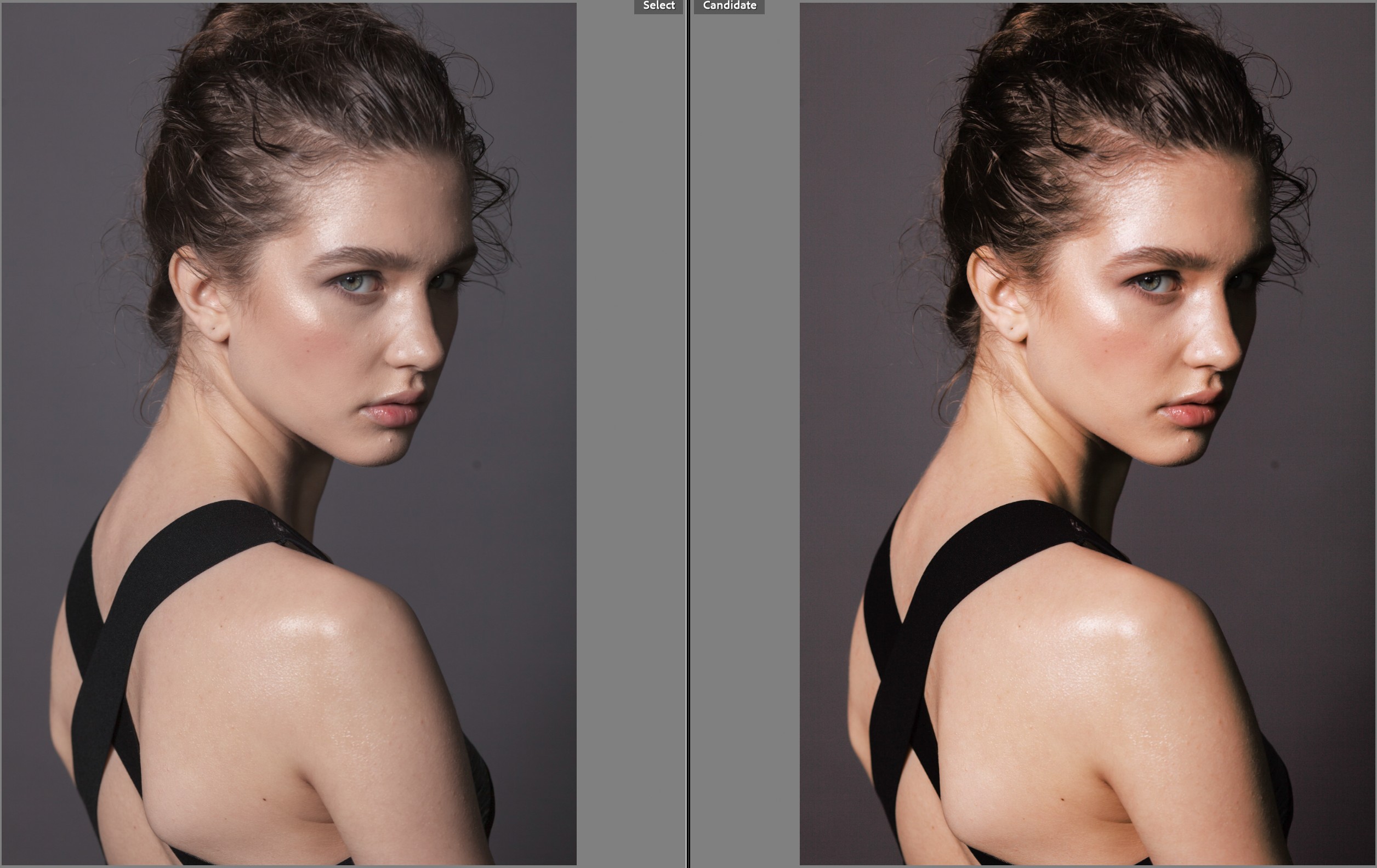
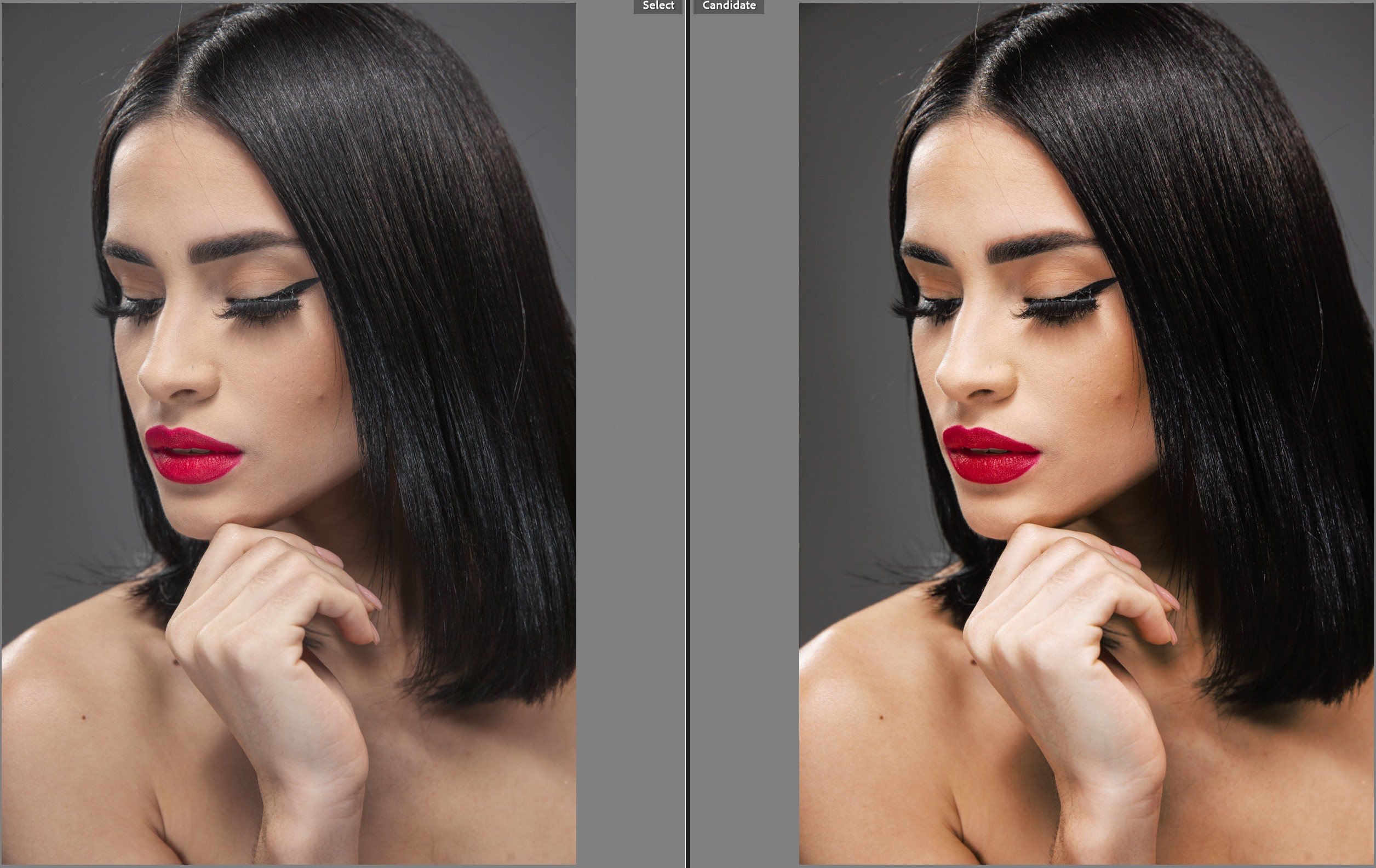
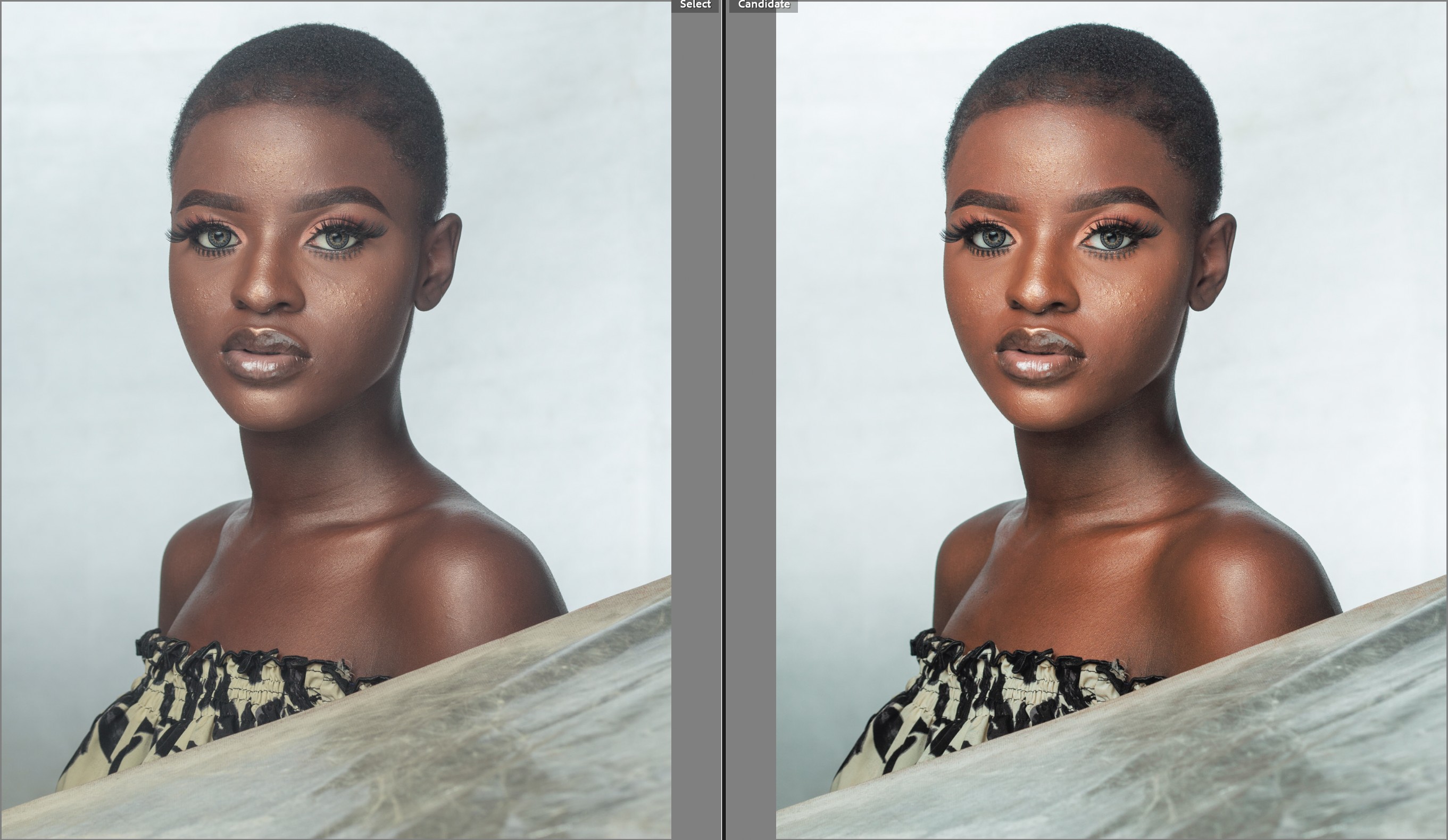
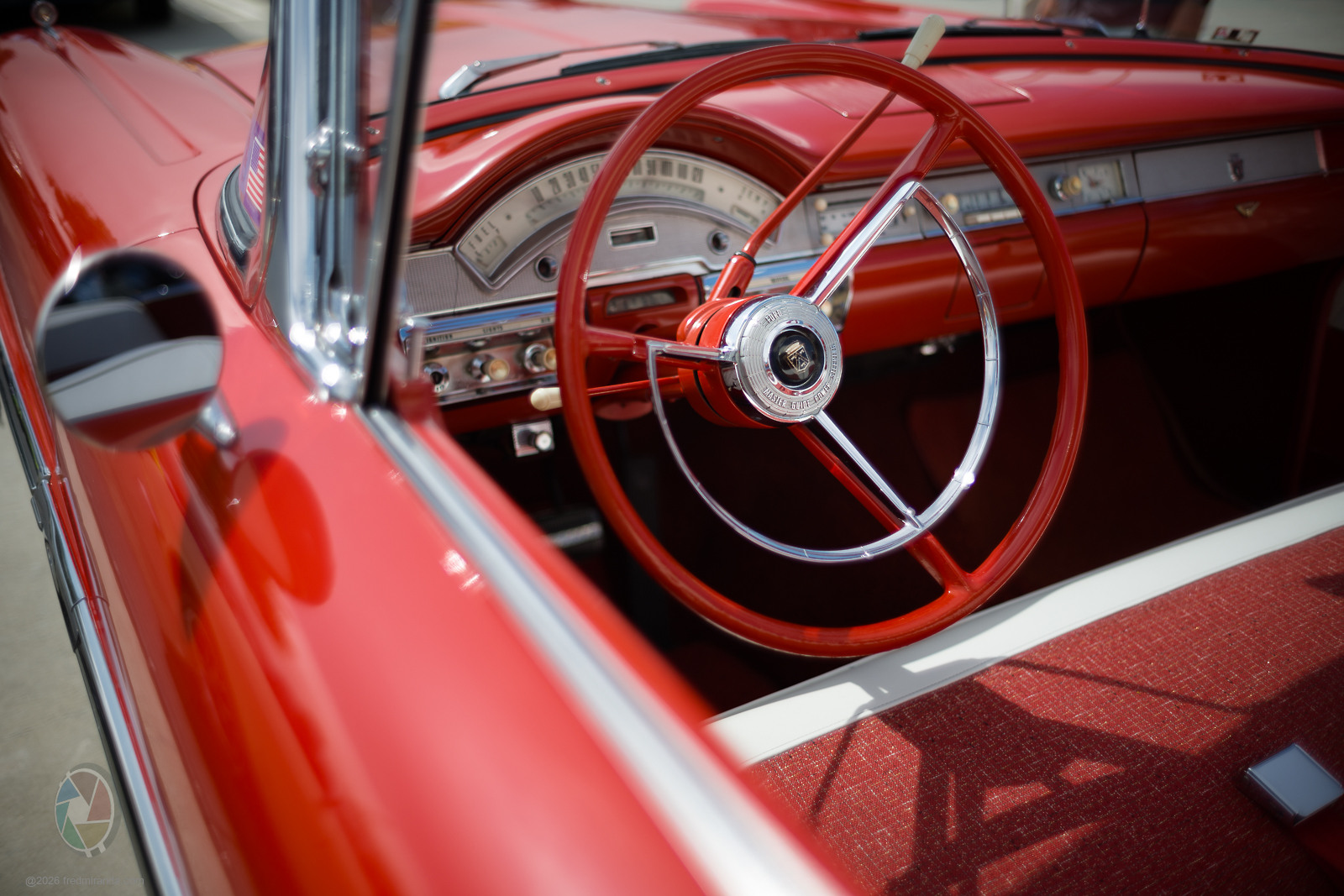
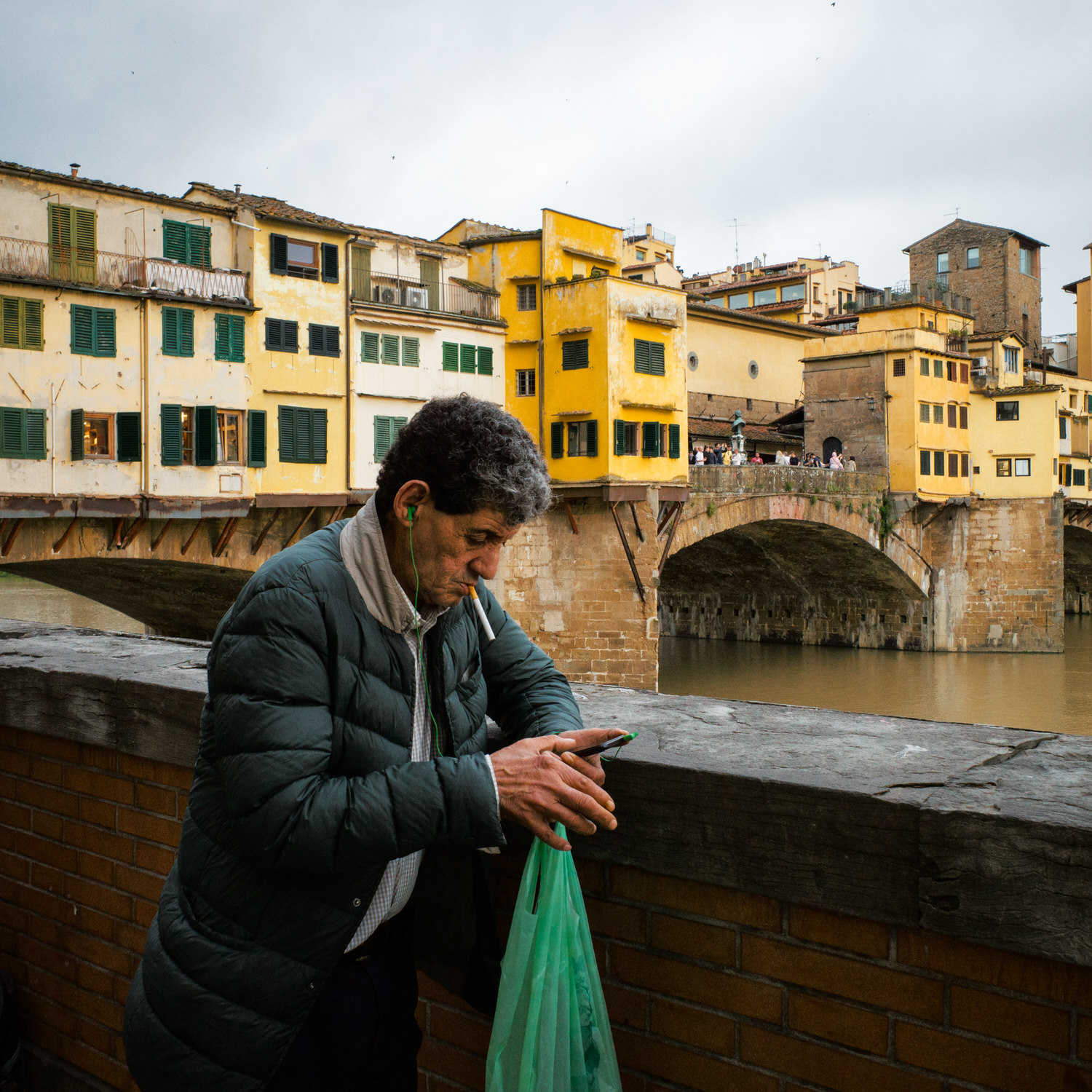
Below some samples Cobalt Neutral vs K64 2009 B, screenshots from my Srgb calibrated screen.
These examples are not meant to dismiss your files, but to show the behaviour I am seeing here when the only change is the profile. If the issue appears strongly on your RAWs, I would genuinely like to inspect them and understand where it is coming from.
|














 How easy do you think that is to do from scratch?