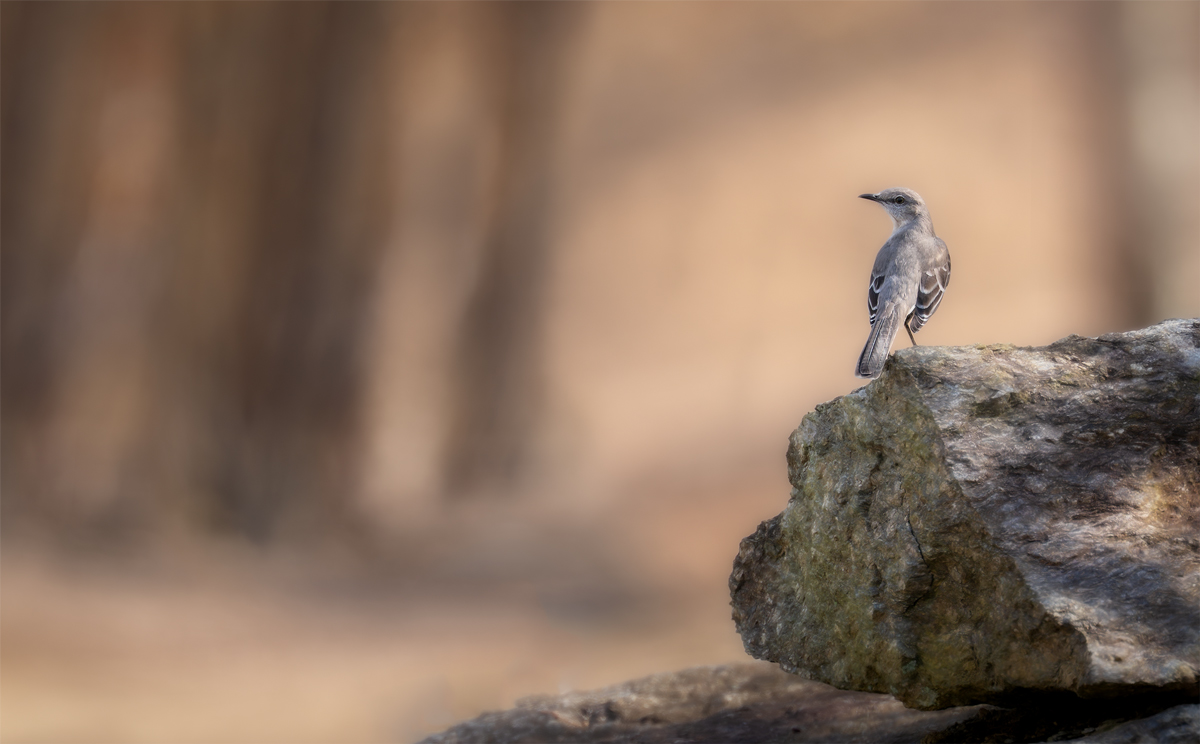
I know this is not wildlife focused , but posting a wildlife shot . You guys know what I shoot , and what I do so, would appreciate some advise on replacing my computer. I have posted this over on the processing forum as well.
My iMac is dying , so I need to replace it .
The 2020 iMac has these specs: 8 Core Intel i7, AMD Radon Pro 500 XT 8GB, 64 GB Ram. All the photo editing programs are struggling now with all the AI stuff in them. Machine is shutting down randomly and getting hardware errors and the dreaded spinning wheel. I only do photo editing with Lightroom , Photoshop and a couple of plugins. My camera the Sony A7R5 has 61GB files. I don't do much if any video or 3D rendering or gaming. I store my photos on a external SSD drive.
Cost is a consideration . I am looking at the following :
I am a novice with computer hardware, but the below seems a big improvement over what I have been using.
Mac mini
M4 Pro Chip
14 Core CPU
20 Core GPU
64 GB Ram
1 TB Storage
Will this take into the future for a few years I looked at the MacStudio, but not sure I need all it offers. I may be wrong
Also, as to monitor, are there alternatives to the Mac monitors ?
Thanks so much for any suggestions and help. This is a sizable investment and I need some experienced input .
Computer problems are frustrating so I hope you can get a replacement quickly. I'm not a Mac expert, rather a PC expert yet from what I've seen this system sounds up to your workflow. Hopefully a Mac user can chimb in.
As for your monitor, if you have a 4K monitor that's working fine, there is no need to upgrade. If you do need a monitor, I have this one which is wonderful:
ASUS ProArt Display 32” (31.5" viewable) Professional Monitor (PA329CRV) - IPS, 4K UHD (3840 x 2160), 98% DCI-P3, Color Accuracy ΔE < 2, Calman Verified, USB-C PD 96W, Daisy-Chain, VESA DisplayHDR400
I've had a Mac Studio (M2 Max) for a couple of years and it rips processing photos in Bridge, LR, and PS, and with Topaz and DxO. The setup you suggest would probably be as fast or faster for a lot less money. I'd go for 2TB, but that's me. I have the Apple Display and love it, but I can't believe I spent that much on a monitor. I can't advise you about alternatives.
I upgraded from a M1 Max Mac Studio to an m4 max studio last fall, and the difference was noticeable. I run all the usual stuff - lrc, topaz, dxo, ps. As always, as I'm sure you know, RAM is probably the single best upgrade you can make, regardless of the machine. I have 128gb, and it screams on lrc, and moves on dxo. Besides RAM, I'd recommend getting at least 1TB internal, so you can put your catalog on the internal for better performance.
As for monitor, I went for the Studio Display b/c I wanted the better speakers and camera. But there are a host of 4k and 5k monitors that will work just as well, for less money.
Tough call trying to future proof, especially as high demand AI apps and app components proliferate.
Good luck!
Steve
I think you're on the right track in the individual items you've outlined. I don't use a MAC so can't be of much help on that front, but can tell you that the CPU cores and the cores of the GPU are important when using PS and or LR.
Birdie, I have virtually the same set up as Blueridger and use it with a 4K NEC monitor I already had. I use CaptureOne 16.7.31, DxO PhotoLab 9, and Affinity Photo 2. I run my own speakers attached. I am very happy with the Mac Mini M4. I have a second Mac Mini M2 with an older NEC 4K monitor using the same setup. The M4 is more than adequate for my uses. I do run CO on a separate OWC 6TB drive which I can use with either computer or my MacBook Air M4 for travel or shooting tethered. This allows me to access the same files on all three computers as desired.


 . You guys know what I shoot , and what I do so, would appreciate some advise on replacing my computer. I have posted this over on the processing forum as well.