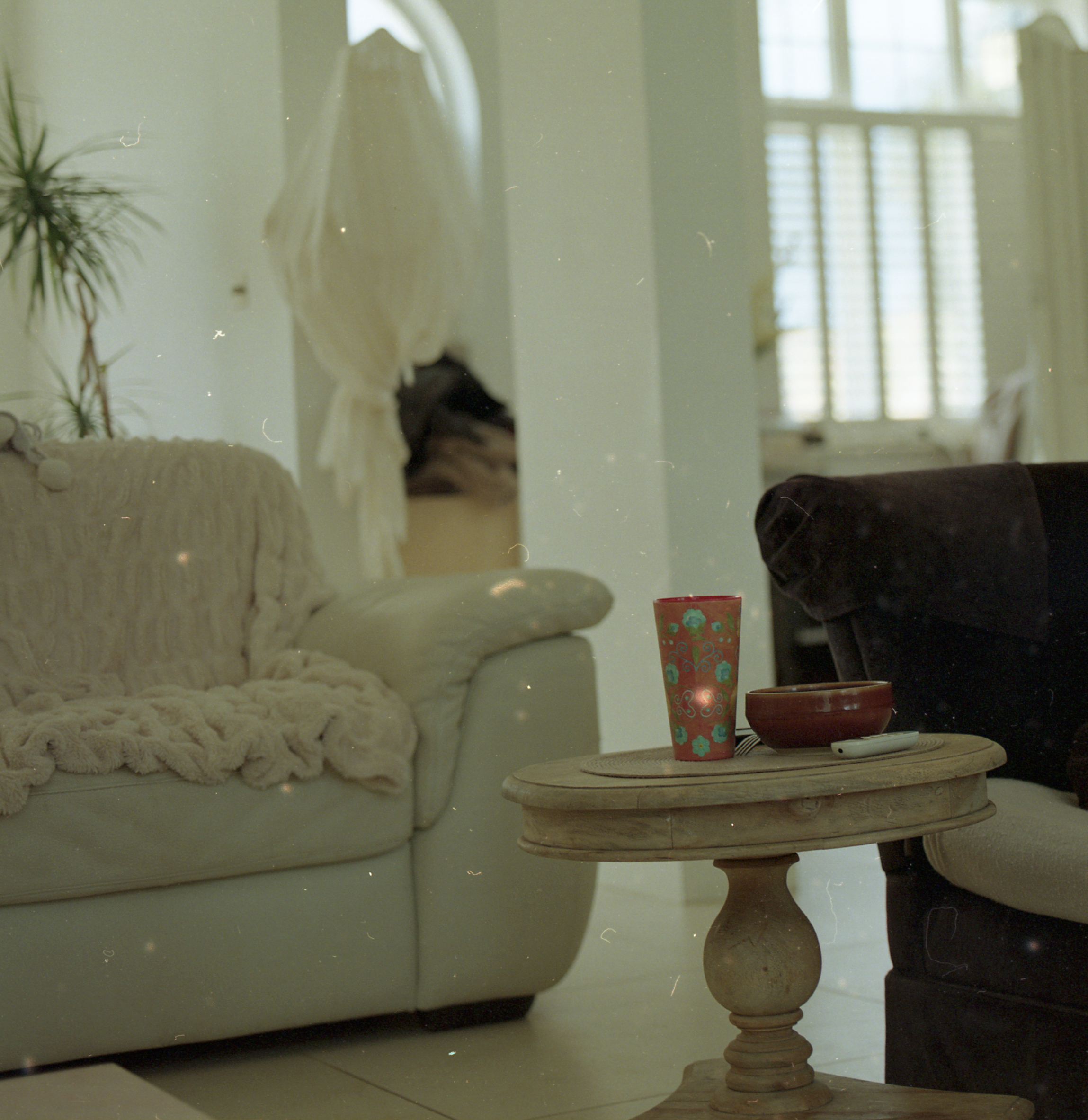
Hello. I've been quickly testing some recent purchases before the return window expires.
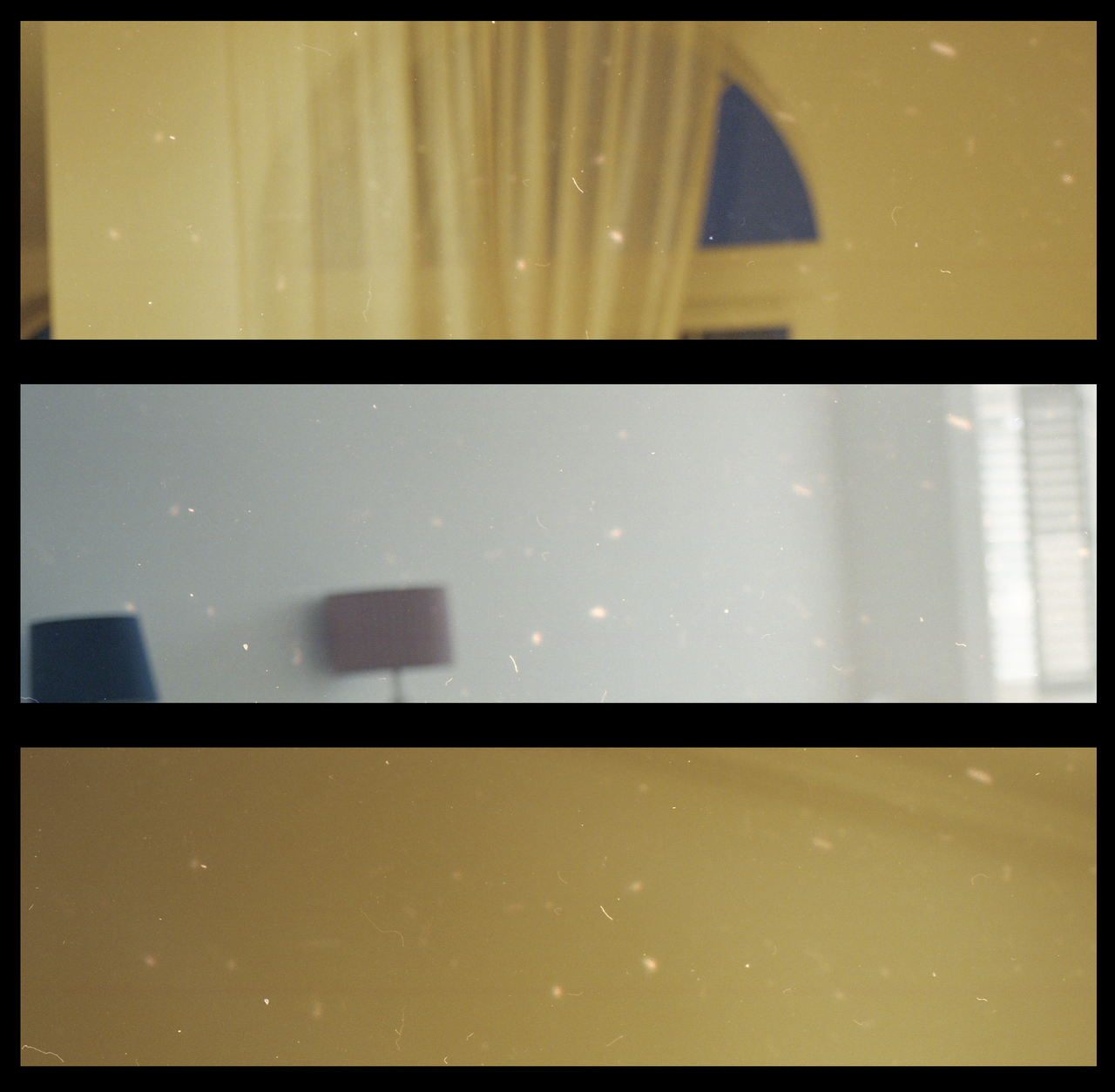
With the RB67 I noticed some weird marks that look like spots that glow, I've attached some crops below:
I noticed they look quite similar in three of the photos - and I know they scan them three at a time:
But in other photos of the same orientation, that area would be mostly fine, and the splotches would be somewhere else and look a bit different.
The 120 film negative was professionally developed and scanned....despite appearing incredibly dusty. Dissappointingly so. I took it straight out the back, closed it down carefully and put some small tape on the back to keep it sealed...handed it to them that same day.
I thought it might be something like a shutter holes. With the RB67, the shutter is in the lens, I tried looking through it and didn't see anything.
Any ideas on what it might be?
Perhaps splotches during development like hair/dirt causing some chemicals to stick to those spots rather than wash over?
But the fact that they appear almost identical in 3 images (but not all of them) makes me think it's to do with the scanner...
I also only got 8 scans back, including the first one with half the image blown out.
Try a different lab. For them to return scans to you that filthy does not bode well for whatever they are doing.
Those marks look like light leaks, but if could be from the lab, so the first thing I would do is try a different one, then if you still have issues you know it is not that.
Looks like dust etc on the negatives. Not anything from the camera. I’ve given up doing my own b&w because I don’t have a clean place to dry my film. And am too lazy to build a simple drying cabinet.
I agree with Des… find another lab.
Also I scan my film and Silverfast does a very good job of dust removal.