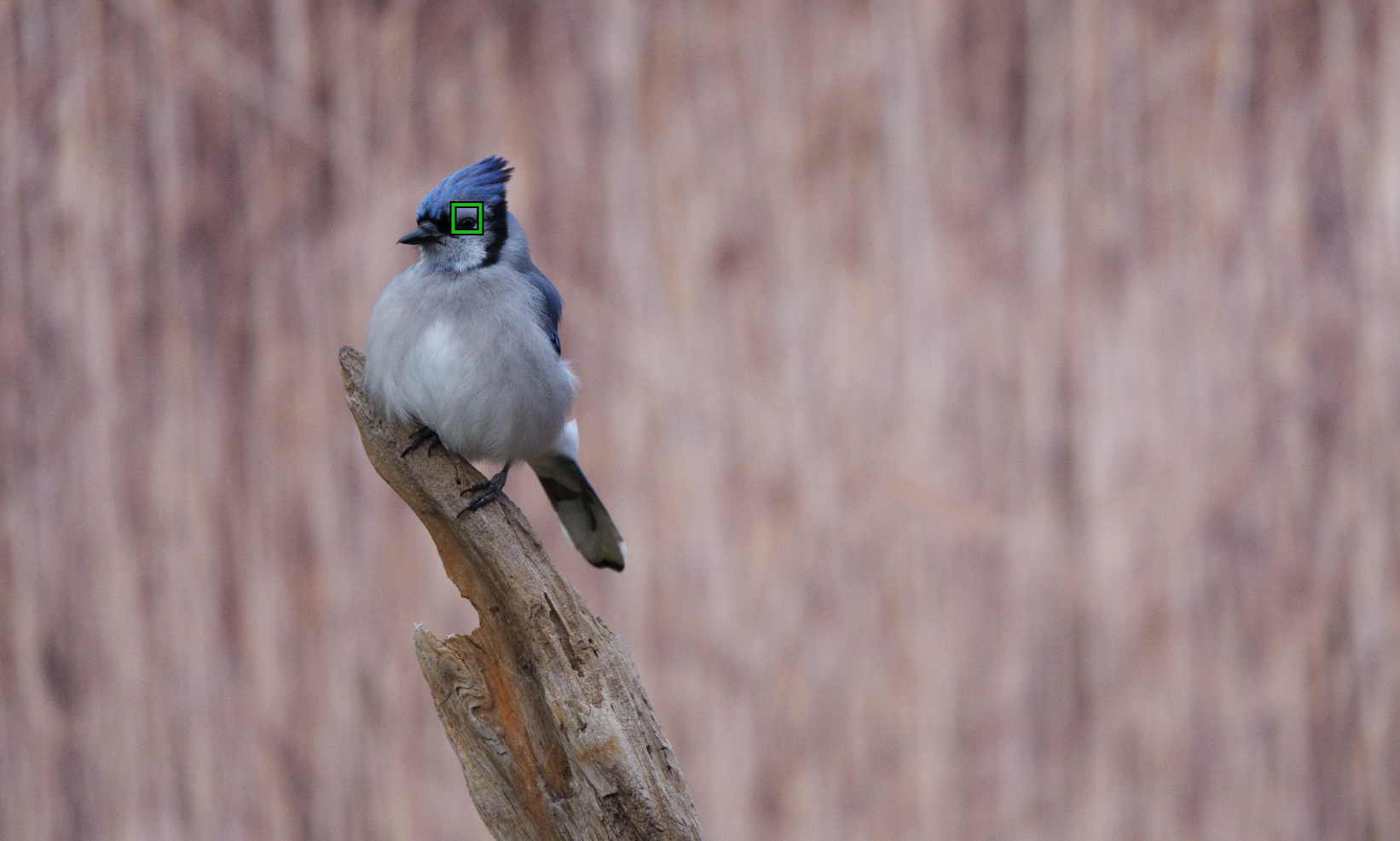
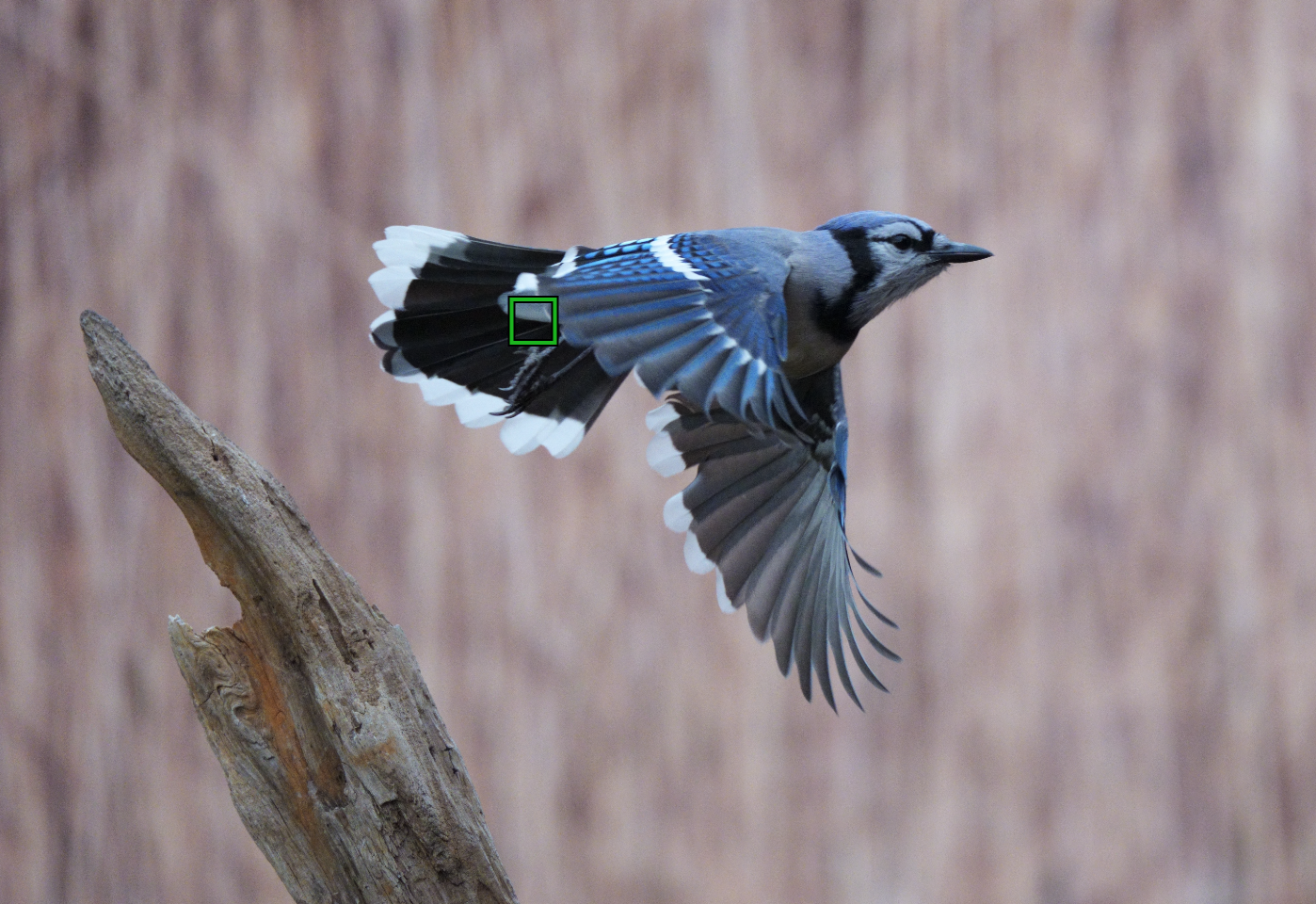
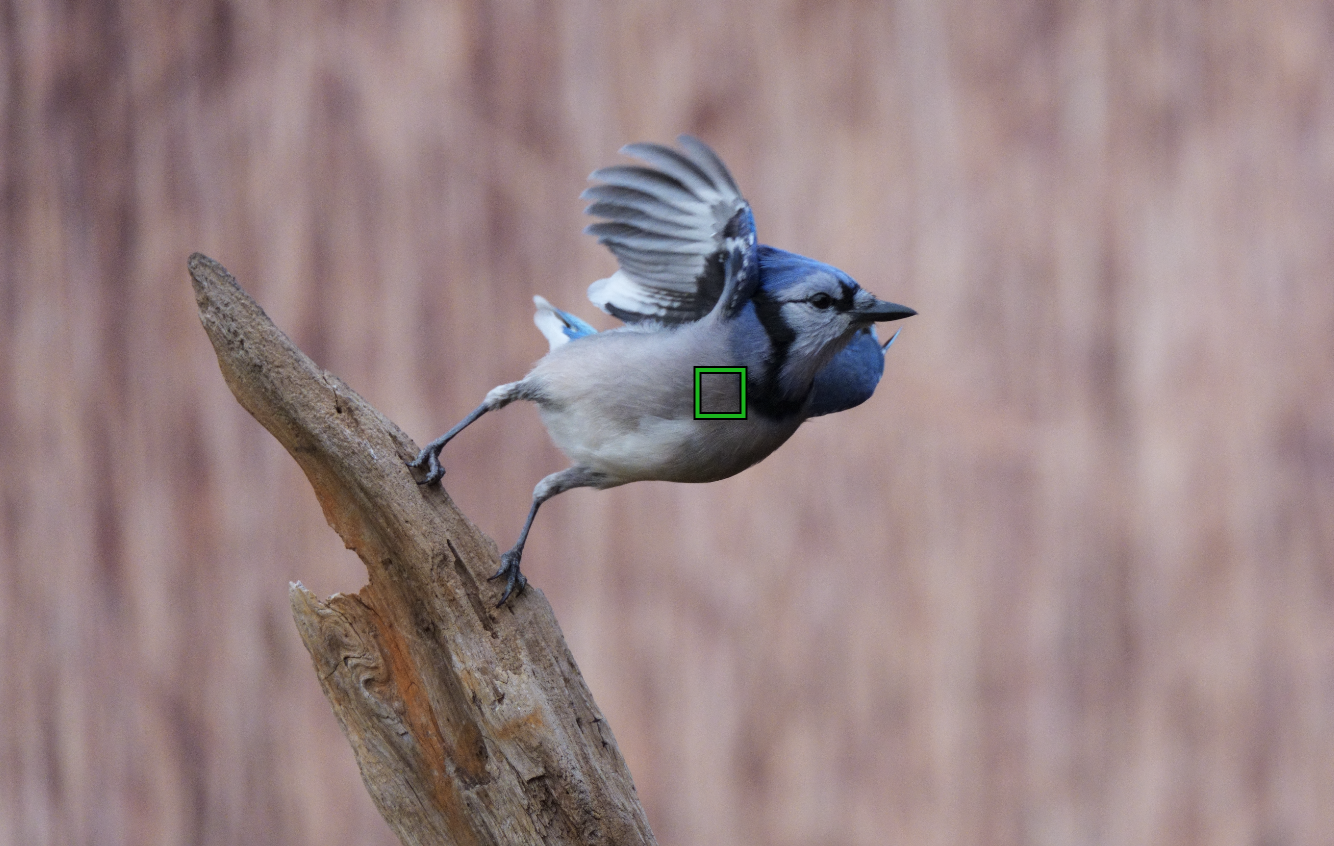
Chris, the green AF area is just an overlay and I wouldn't put too much attention to that. But yet, your images are not sharp... and I assume that is what you are trying to convey, right? Are those heavy crops? Something is not quite right though. And I know you are an accomplished wildlife photographer. And the camera is supposed to deliver. My assumption is, your setting is not quite effective for that particular situation.
A few points that you may want to check:
1. Your "Focus Area" is at that at the regular mode or in the "Tracking" mode? You get the dancing small green squares in that mode. I noticed that the regular mode seems to be more effective for following smaller birds. But the difference seems to be less if the bird is largish.
2. I came across an article, an interview actually of the engineer that designed the AF system for the A1/A1 II. I should have kept the link but I didn't. According to him, if you recognize that the camera is having a tough time tracking a subject using the Subject Recognition mode, it is actually better to turn that off completely. I know that it sounds counterintuitive. I even mapped that "On/Off" into one of the custom buttons. This is the trick where the AF of the A1 II works as well as the A9 IIII according to him. The AF of the A9 III was designed by a different engineer. For larger birds though the Subject recognition setting doesn't matter much, if any. Your sample though falls definitely on the small bird category and it looks like they are cropped, too.
This is good information.
I have questioned the AF on the A1 variations of firmware on the first model and now with the A1 ii I can see how it may not be nailing focus. Having shot now with it for a couple of months I cant definitively tell.
I am going to do some testing with the Shutter actuation set to Focus priority to see what that does when used in conjunction with Pre-capture.
It may cause a hit in the actual speed of the continuous bursts, but it may yield a higher hit rate on small birds in focus.
AGeoJO wrote:
Chris, the green AF area is just an overlay and I wouldn't put too much attention to that. But yet, your images are not sharp... and I assume that is what you are trying to convey, right? Are those heavy crops? Something is not quite right though. And I know you are an accomplished wildlife photographer. And the camera is supposed to deliver. My assumption is, your setting is not quite effective for that particular situation.
A few points that you may want to check:
1. Your "Focus Area" is at that at the regular mode or in the "Tracking" mode? You get the dancing small green squares in that mode. I noticed that the regular mode seems to be more effective for following smaller birds. But the difference seems to be less if the bird is largish.
2. I came across an article, an interview actually of the engineer that designed the AF system for the A1/A1 II. I should have kept the link but I didn't. According to him, if you recognize that the camera is having a tough time tracking a subject using the Subject Recognition mode, it is actually better to turn that off completely. I know that it sounds counterintuitive. I even mapped that "On/Off" into one of the custom buttons. This is the trick where the AF of the A1 II works as well as the A9 IIII according to him. The AF of the A9 III was designed by a different engineer. For larger birds though the Subject recognition setting doesn't matter much, if any. Your sample though falls definitely on the small bird category and it looks like they are cropped, too.
AGeoJO wrote:
Chris, the green AF area is just an overlay and I wouldn't put too much attention to that. But yet, your images are not sharp... and I assume that is what you are trying to convey, right? Are those heavy crops? Something is not quite right though. And I know you are an accomplished wildlife photographer. And the camera is supposed to deliver. My assumption is, your setting is not quite effective for that particular situation.
A few points that you may want to check:
1. Your "Focus Area" is at that at the regular mode or in the "Tracking" mode? You get the dancing small green squares in that mode. I noticed that the regular mode seems to be more effective for following smaller birds. But the difference seems to be less if the bird is largish.
2. I came across an article, an interview actually of the engineer that designed the AF system for the A1/A1 II. I should have kept the link but I didn't. According to him, if you recognize that the camera is having a tough time tracking a subject using the Subject Recognition mode, it is actually better to turn that off completely. I know that it sounds counterintuitive. I even mapped that "On/Off" into one of the custom buttons. This is the trick where the AF of the A1 II works as well as the A9 IIII according to him. The AF of the A9 III was designed by a different engineer. For larger birds though the Subject recognition setting doesn't matter much, if any. Your sample though falls definitely on the small bird category and it looks like they are cropped, too.
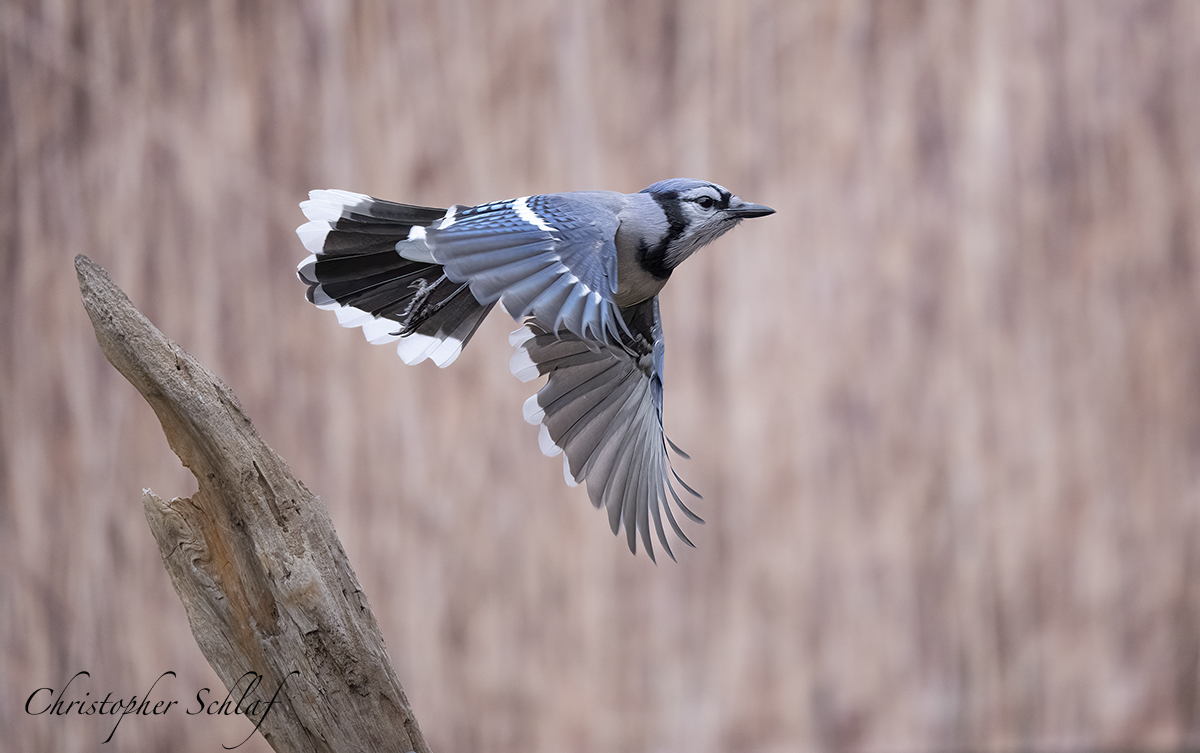
Today is looking like a good day weather wise to work on your points, the main reason for this question was wondering why the focus point is not always on the birds eye... Those shots were just screen grabs :-)
If you want the whole bird in focus just use dancing af points its always going to be more accurate. its why my a7iv is more consistant than my a6700 with the so called better ai chip. and after your experience that proves the point KISS
Today is looking like a good day weather wise to work on your points, the main reason for this question was wondering why the focus point is not always on the birds eye... Those shots were just screen grabs :-)
Chris
Ah, okay, Chris, good to know. Obviously I jumped the gun too fast 😎...