CharleyL
Offline
• • •
Upload & Sell: On
|
Dan,
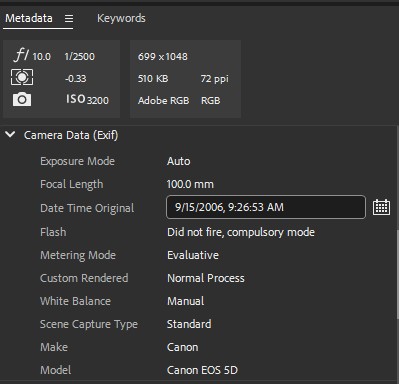
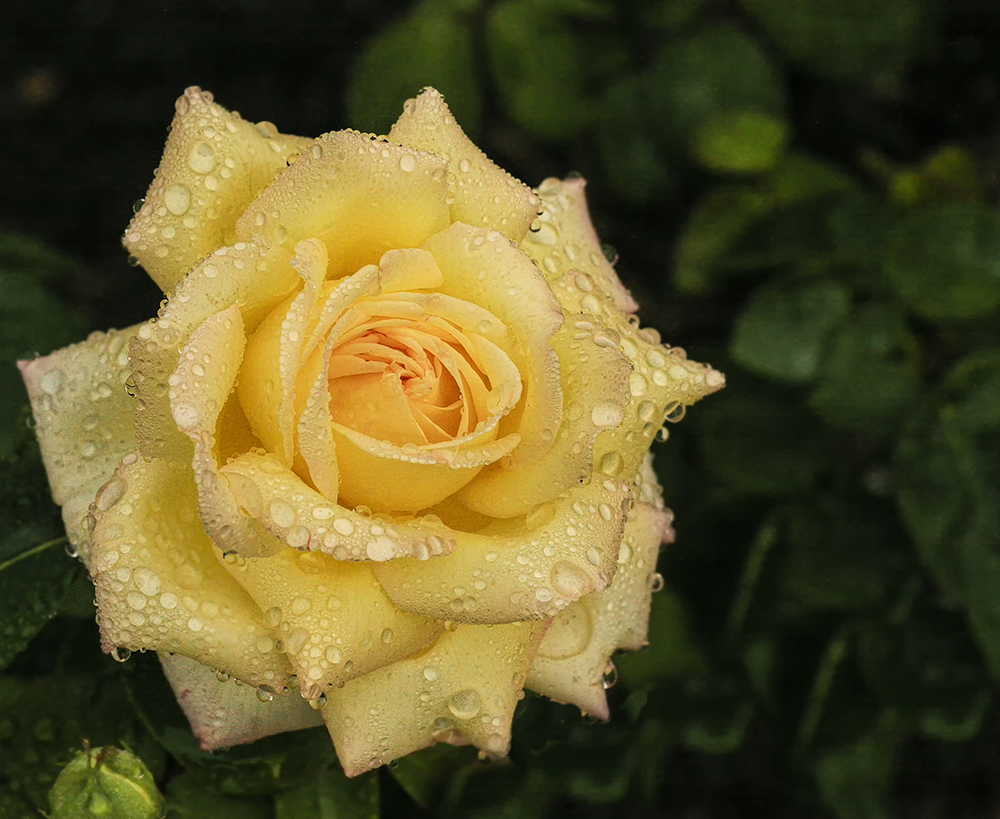
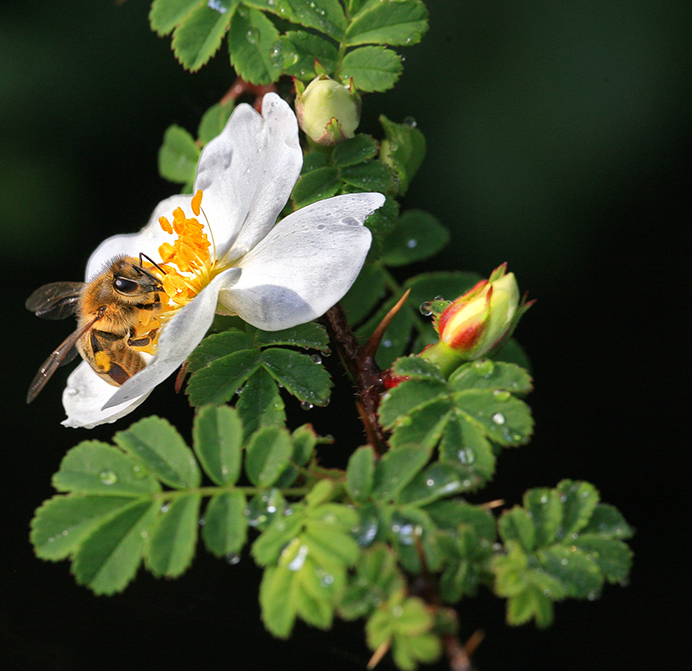
I didn't use a background at all. I just made use of the inverse square law of light, as there was much of my lighting gear in the background of my flower shots that didn't show in the photos at all. Behind the photo gear there may have been a black or grey background (I don't remember), but if light had reached the photo gear at a sufficient level, at least some of the gear would have been in the shots. There was about 5' distance between the back edge of the 38" square table top and the gear, so this helped too. I always start with an F-8, mostly to create a light threshold high enough to block out my room light from the ceiling work light. If that setting in my first shot shows a black screen with no flash, then I turn on the flash and start the shoot. If I don't want to raise the FStop any higher, because I'm seeing light spots in the dark shot, I can use a black background or turn off the room light briefly while taking the shots and then turn it back on. I have a wireless switch on each of my camera stands that allows me to turn the room light on and off, so I don't need to move around in the dark, but I prefer leaving the room light on if I can. the F-Stop setting sets the depth of field, but also acts as a low light threshold too. If I can't get the depth of field at the F-Stop setting that blocks the room light from the shot, I'll set it wherever needed for that shot and turn the room light off for the shot, then back on.
Not needing to move around in the dark is a safety feature that I wanted badly. I finally found the remote control that I needed and installed it in the electric box just above the light. The wireless switches look like normal wall light switches, but are only about 3/8" thick and I attached one with Velcro to the under side of the small tray that's on the camera arm of each light stand, plus one to take the place of the original light switch at the door to the room. Each of these has a small battery that seems to last over a year, so not much of a problem, and replacement is easy. Once the receiver has been installed in the box above the light I can have as many wireless switches as I want to control that light. I have since added one at my computer desk and another on the wheeled toolbox where I frequently place my camera when making changes during a shoot, if I am hand holding the camera for the shoot, but one of the camera stands is either in use or it is near me, so I have that switch for the room light too.
I have the room photo lights all set up with wireless power control modules too, so I can turn on / off the power for each kind of lights in the studio. Remotes for this power control are also on each camera stand, the tool box, and at my computer. There are 5 button pairs on these wireless remotes. The first button pair lets me turn on / off the power for all of my studio strobes. The second button pair lets me turn on / off the power for all of my 8 LED panels that are hung from my DIY ceiling lighting support grid for video and constant light shoots, so I don't need to climb a ladder to turn them on / off. The third and fourth button pairs let me turn on and off each of two 500 watt halogen focusing spot lights, one button pair for each light. These are also hung from my DIY ceiling lighting support grid. And the fifth button pair let me turn on / off 6 UV LED light panels that are also on the ceiling lighting support grid. These were put up for Halloween photo shoots and I have the special makeup and paint to get maximum use of these. I may get to use these this coming Halloween. I put them up last year, but wasn't quite ready when Halloween arrived. Maybe this year I can use them. All of the lights on this DIY ceiling lighting support grid are high enough that I can leave them all in place while I do strobe shooting below them without needing to move or remove them. There is a Wiremold power outlet strip next to each side of the DIY ceiling grid, so power is available wherever within 5' of anywhere on the grid, and I usually plug the lights that are on light stands below up to these power outlets too.
With very few lights on light stands, and power coming from above, only a few light stand legs might be trip hazards. There are no power cables and few light stands ever on my studio floor. Only the tether cable is a possible trip hazard, but it too runs from my computer up to the ceiling grid and across it to about the center of the half of the studio where I usually move the camera around, and then down to the camera with enough enough slack for free movement. If it touches the floor, very little touches it, so not much of a trip hazard. And with all of this, the studio converts quickly and easily from still, to video, and back with a very minimum of effort and time.
I have selectable power by group for all of my lighting. Even lights on light stands can have one of these power control modules, and with it programmed to work with the button pair that will control the group / type of lights that I will be using. They can be on any power circuit and still be controlled by group from the chosen button pair on the remote at either camera stand, the tool box, and also at my computer with no climbing of ladders that would be required to power on / off any of my photo or video lights without these remote control systems.
I can hang my light stands upside down from the DIY ceiling grid with one of my studio strobes on it, so I have the ability to raise and lower the lights easily. I use electricians beam clamps, a small C-Clamp that fits onto the ceiling lighting grid wherever needed, and it has 1/4-20 or 3/8-16 threaded holes in it for easy attachment of photo gear. I modified my light stands to add a 1/4-20 hanger bolt to the bottom end of the center column of the stand. These bolts have machine thread on one half, and wood lag screw type thread on the other. I inserted a 1 1/2" long dowel that fit fit in the bottom of the light stand and epoxied it into the stand. These dowels were center drilled to fit the lag screw, so when the epoxy had dried, I threaded the lag screw end into the hole in the dowel to the point where I had about 1/2" of the machine threaded end sticking out of the dowel. I then drilled the plastic cap and placed it back on the end of the center column around the hanger bolt. I attach the beam clamp to this hanger bolt to hang the tripod from the ceiling grid. A put a small chain loop around the ceiling light grid and a structural part of each light that I hang from the grid. I'm not worried about my structural piece, but I do worry about the spigots there the lights attach, since this joint depends on one bolt and the narrow dimension of the spigots. If that bold or any part of this assembly should come loose, the safety chain will prevent damage to anyone or anything below.
I can't imagine working between light stands for my LED light panels on 2' centers and trying to make videos between them, let alone all of the power cables for them running around on the studio floor to trip over. This is why I designed the DIY ceiling lighting support grid. It gets rid of most of the light stands on the floor, and all of the power cabling, since all power now comes from above. Maybe someone beside me can make use of this idea when they build or redesign their own studio. I will provide information and sources for how to make this and where to find the pieces that are needed.
Charley
|