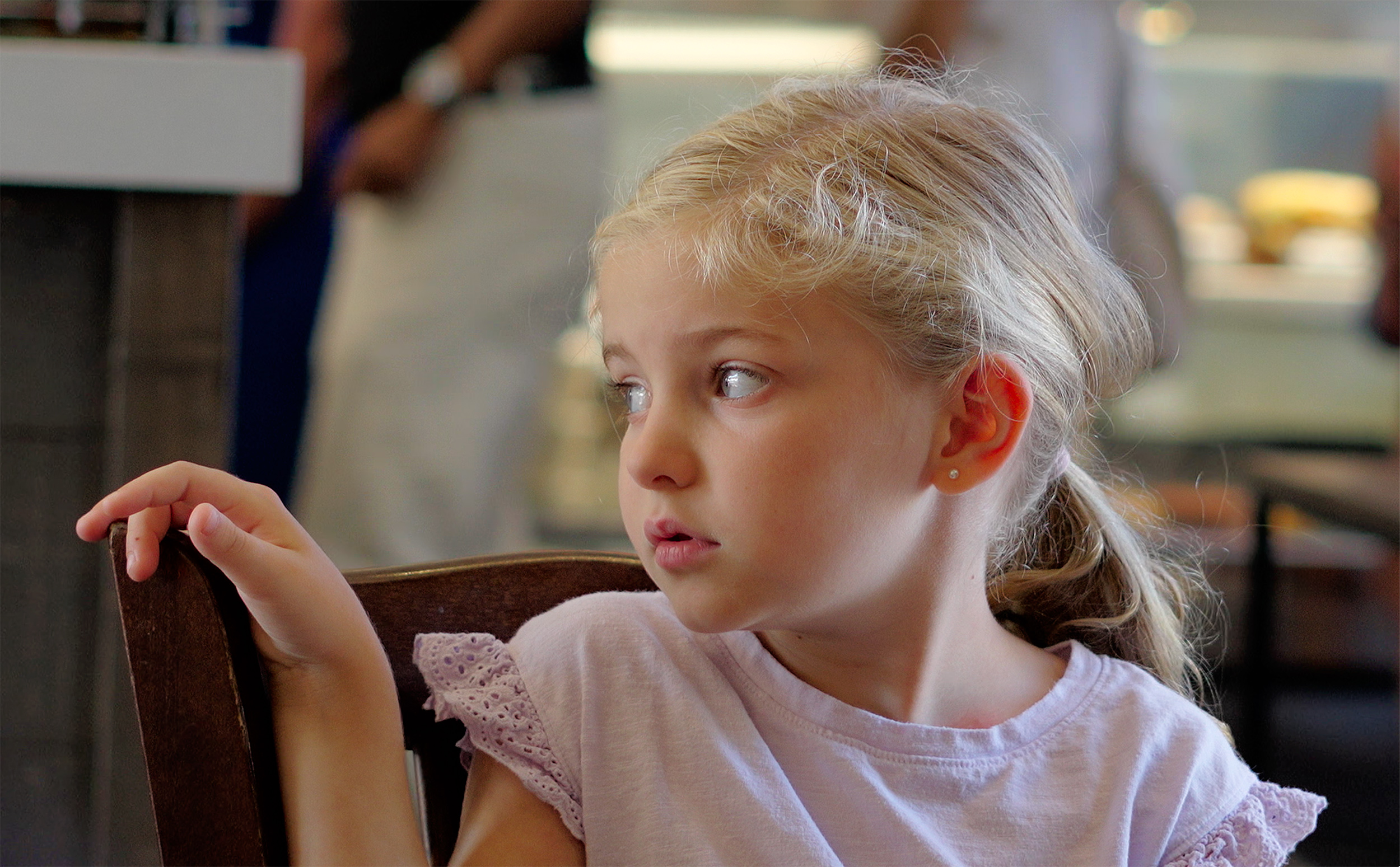
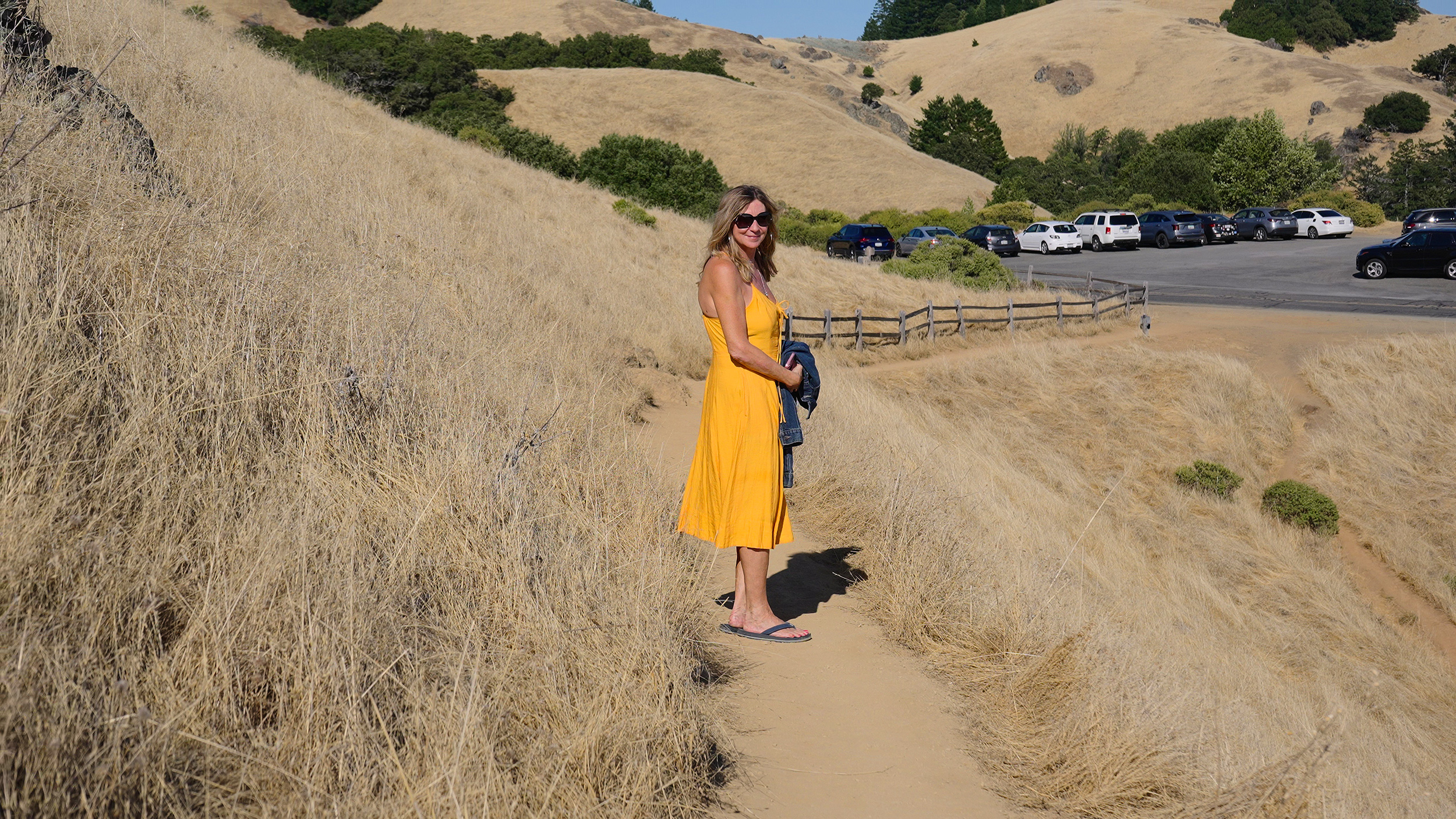
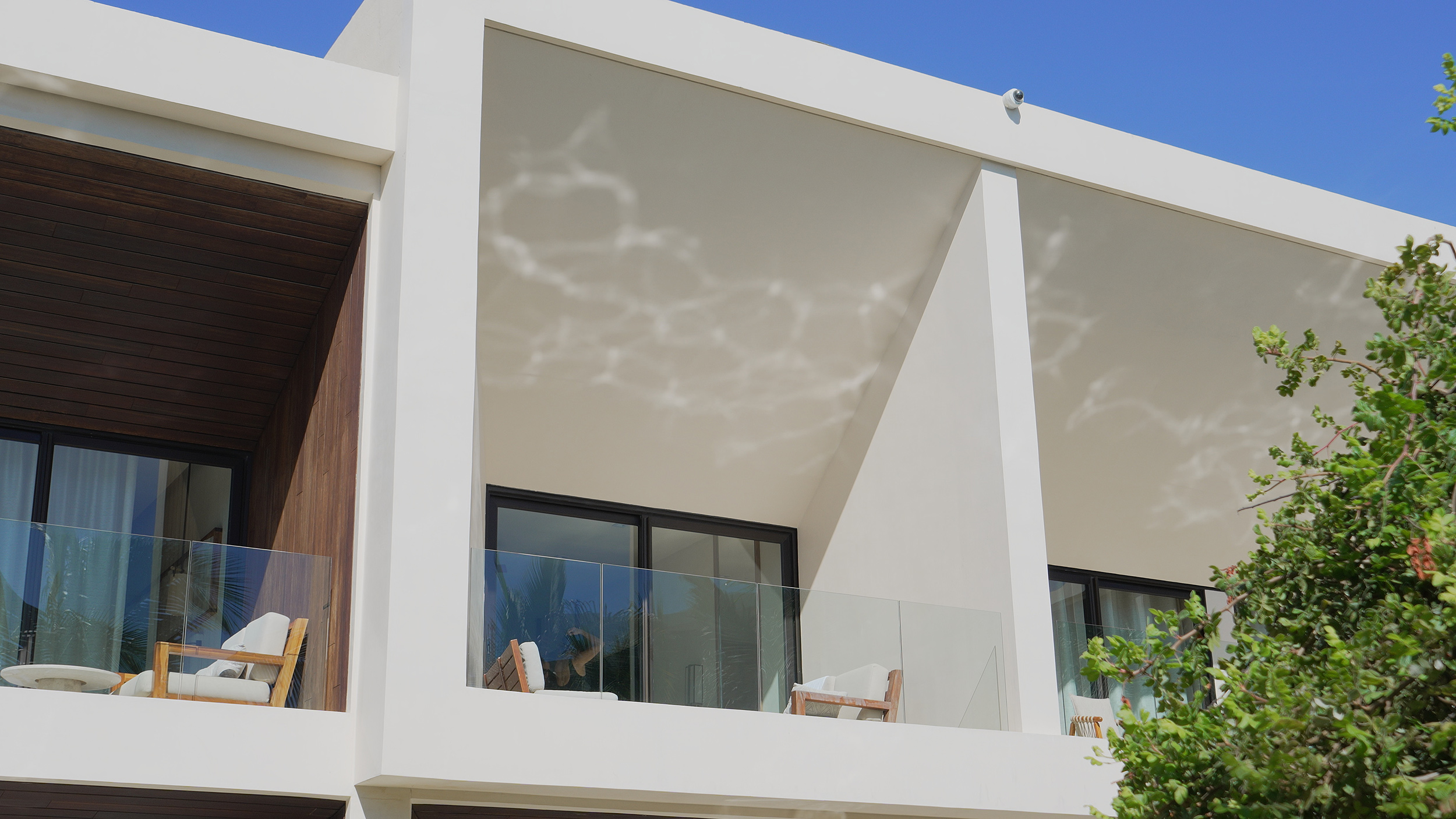
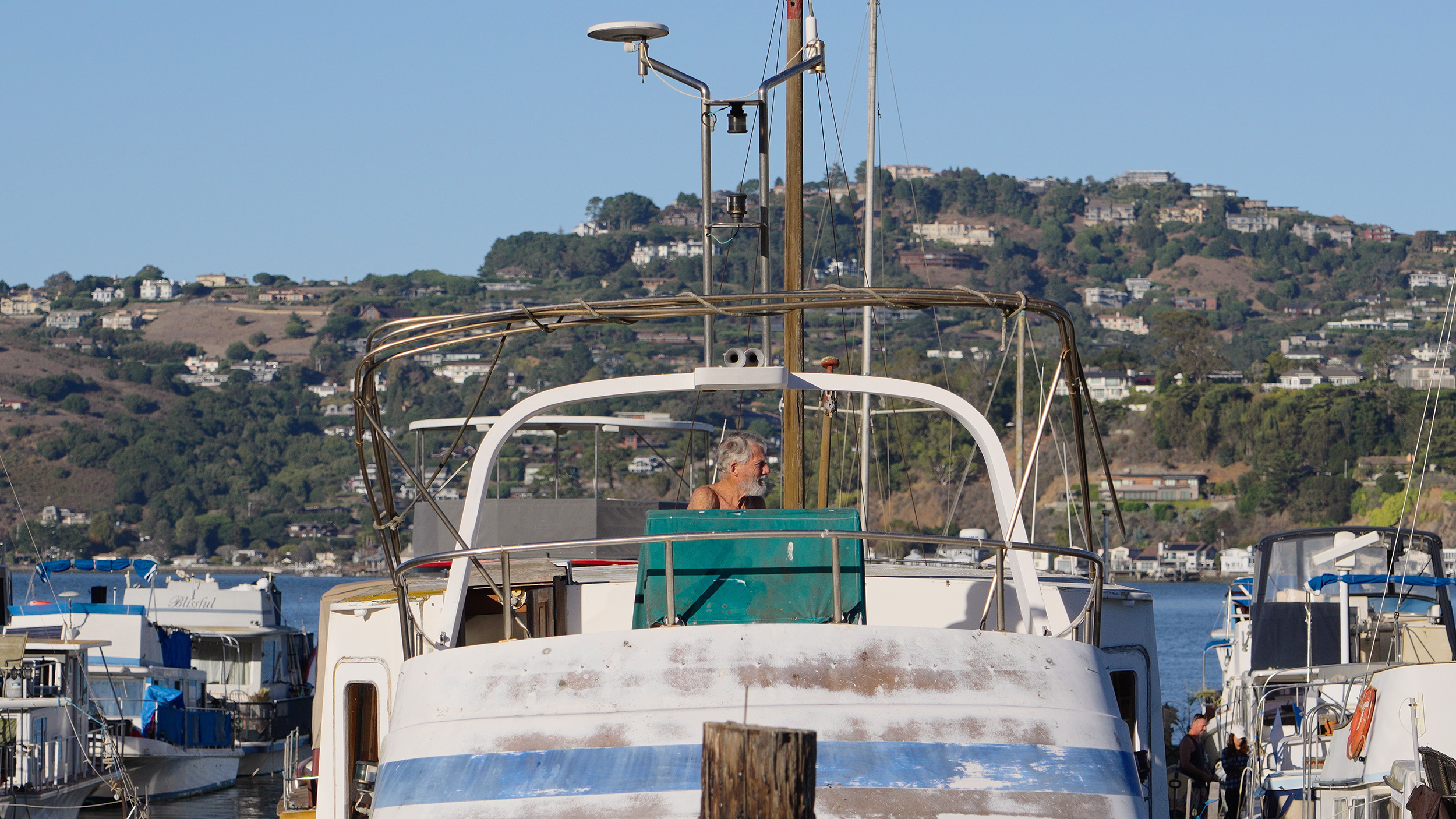
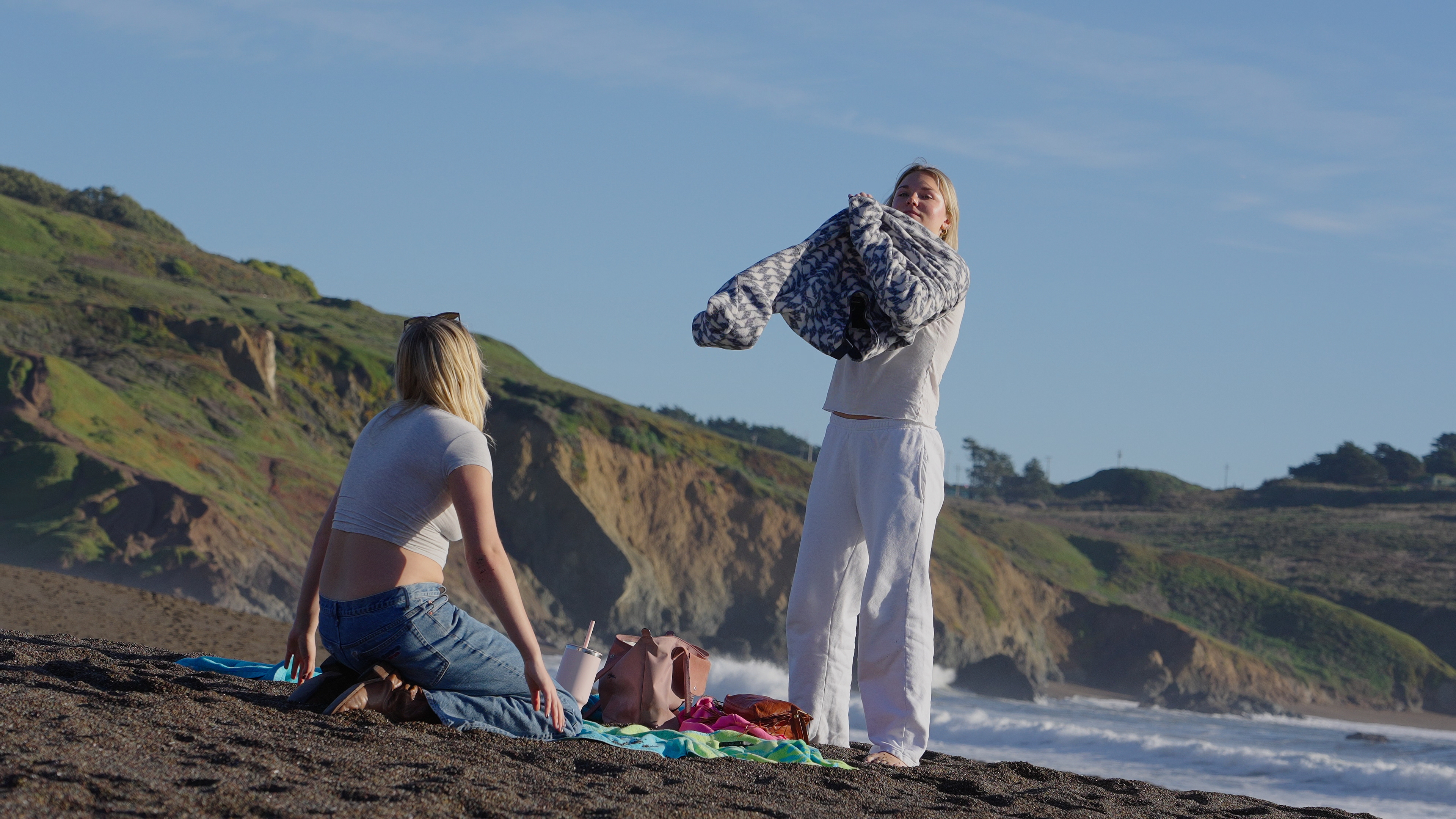
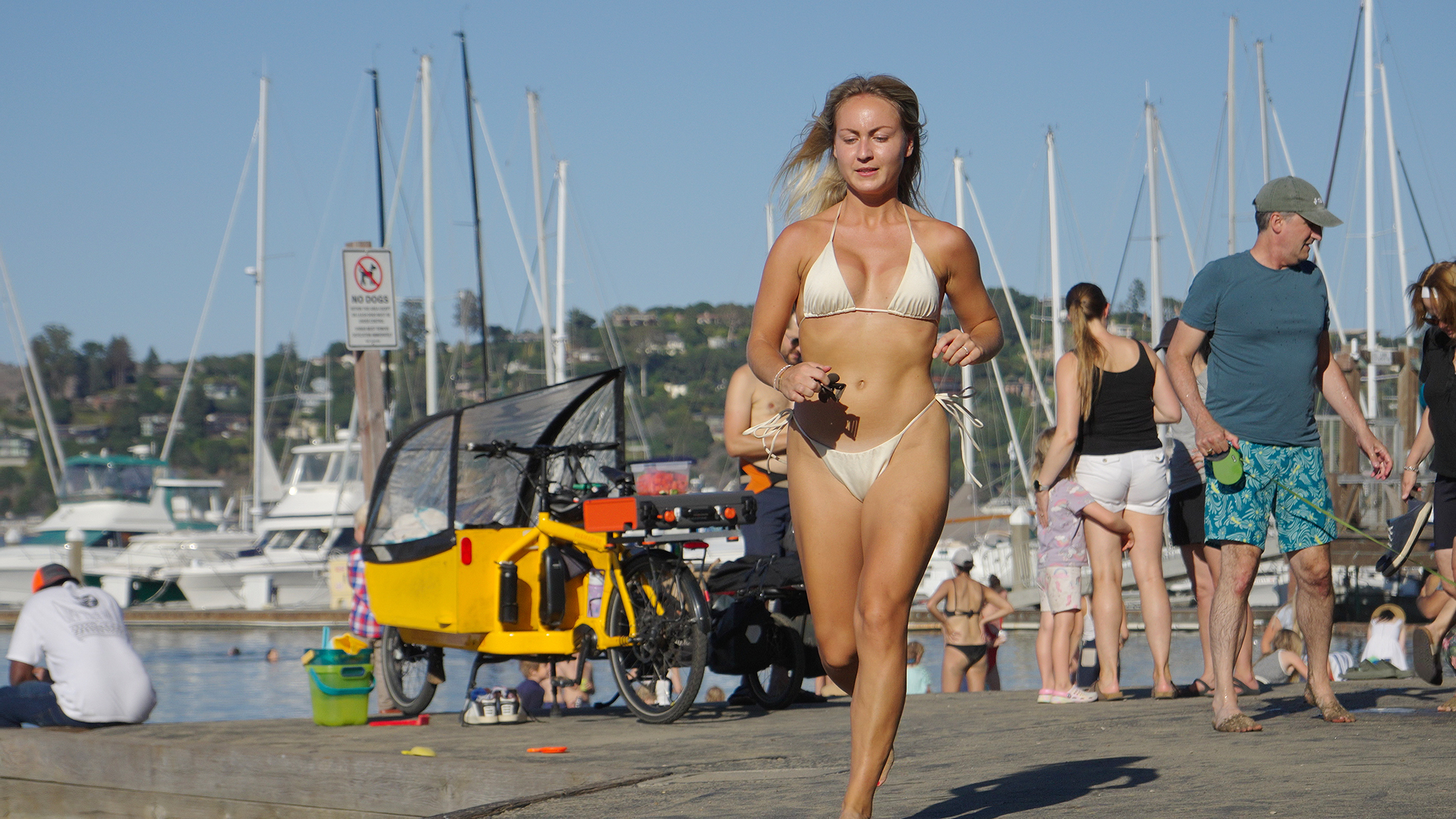
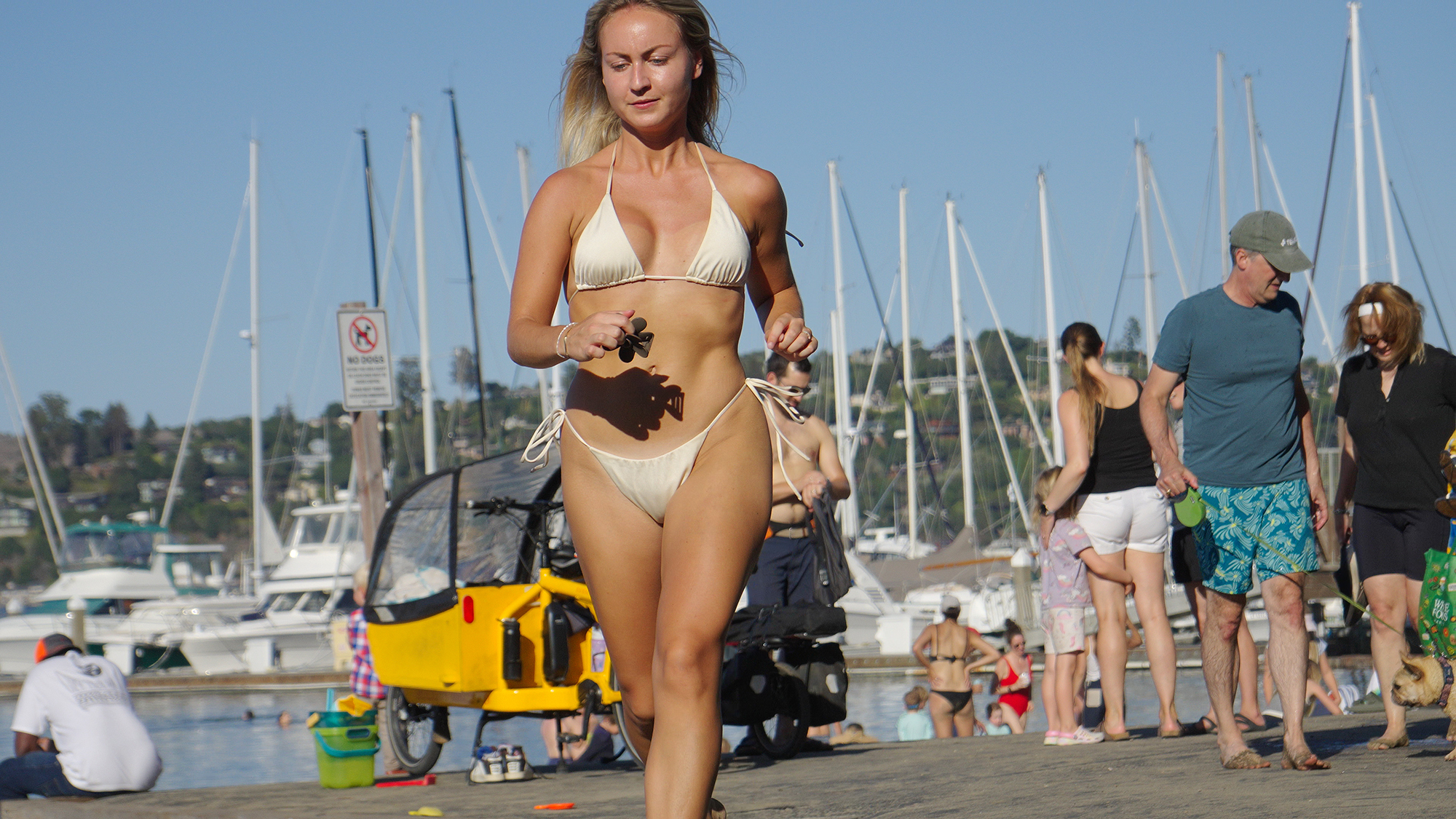
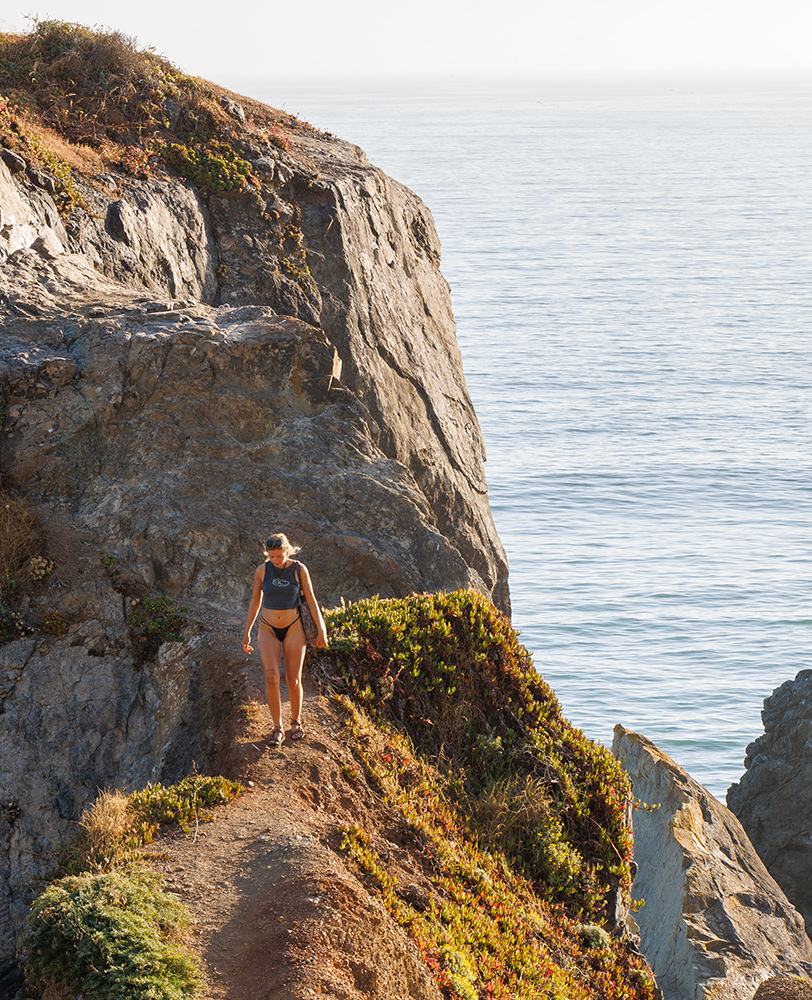
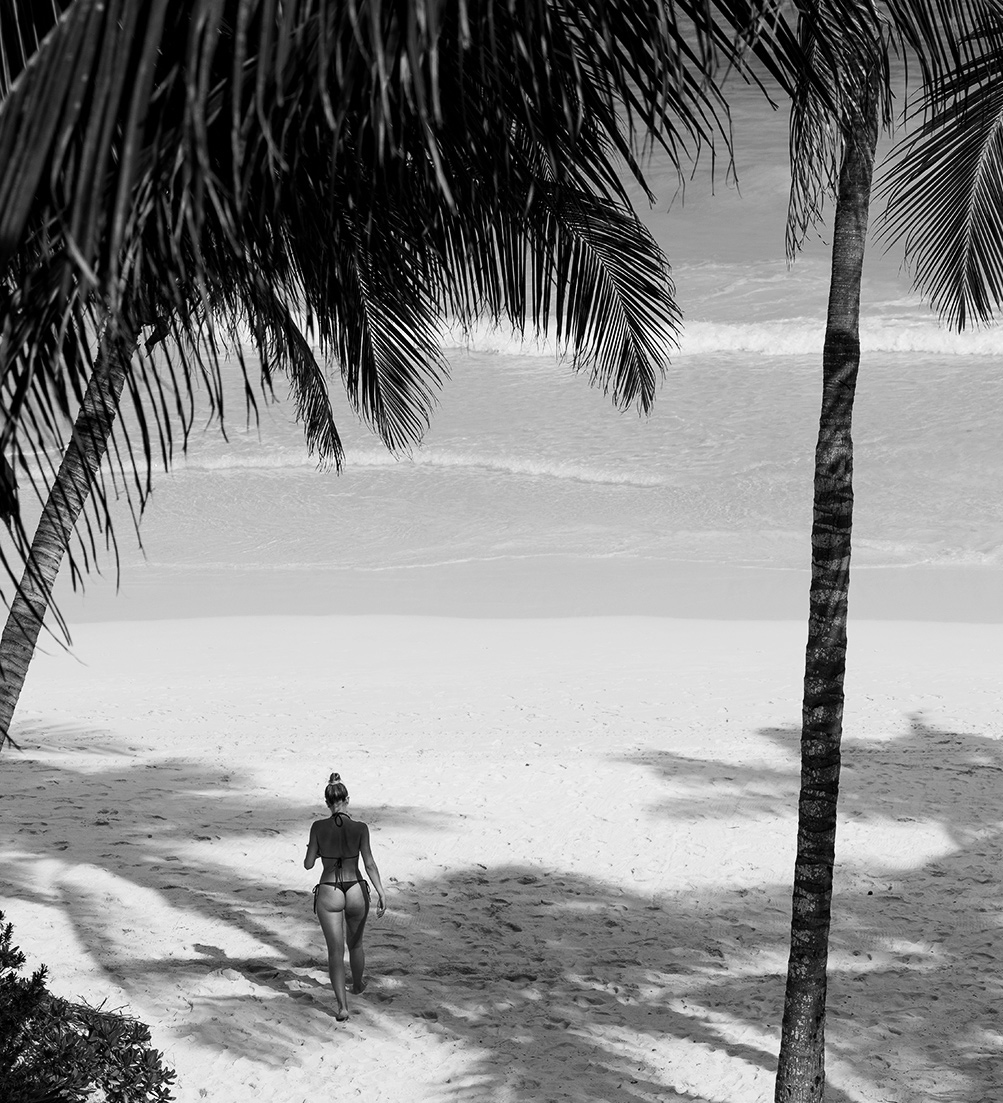
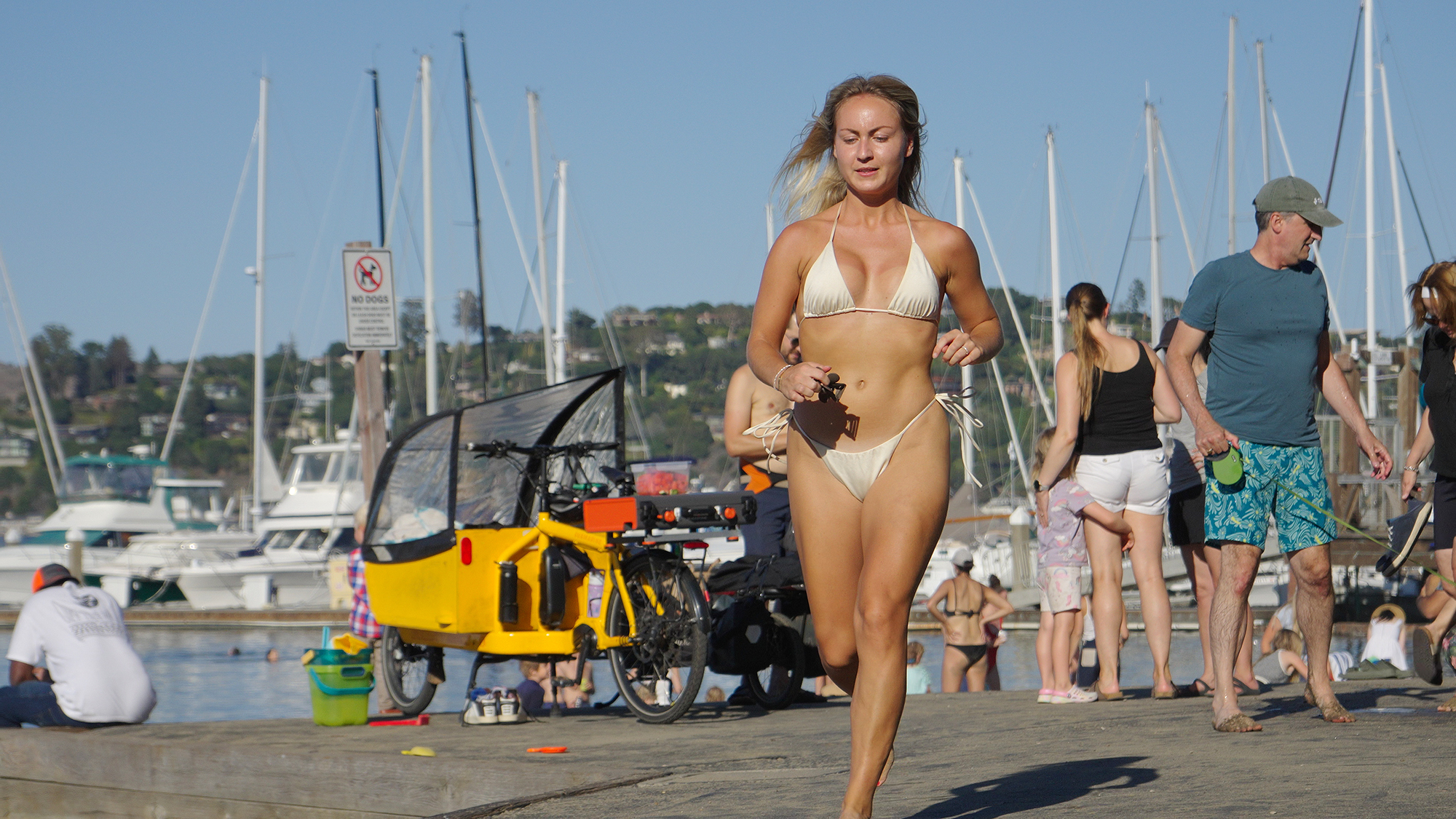
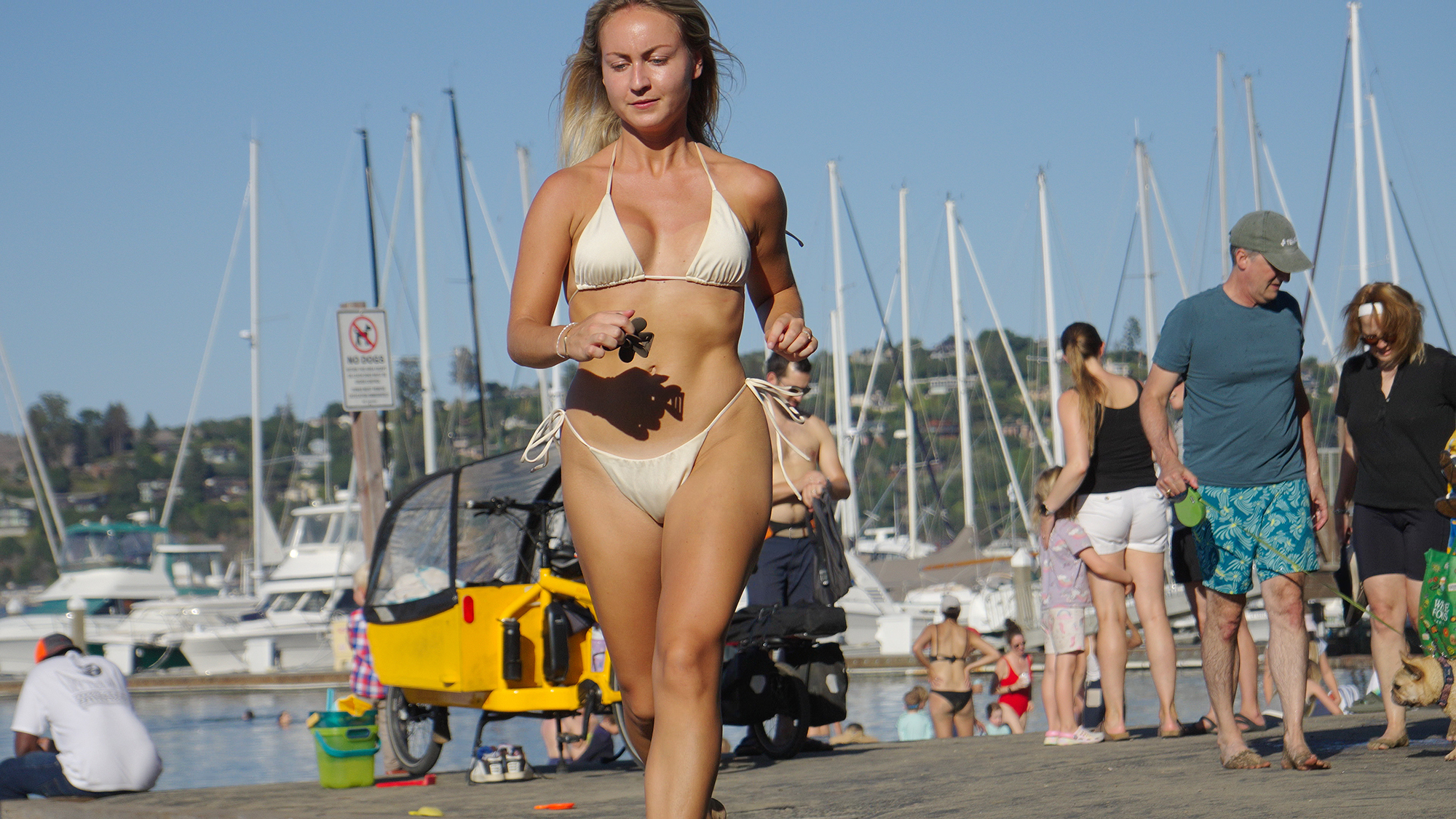
Does anyone else remember that they can use frame grabs from video clips?
As I shoot more video, I am now and then either using screen grabs or exporting frames from Resolve…
It's pretty nice, and 4800 pixels across is plenty good for most purposes.
Also, with 60 frames per second to choose from, it can be a decent alternative to switching from stills to video and back and forth.
(A1, LOG, 60p, AWB, )
Edit: added a couple more, not in the dark...
=====================
Test yesterday with a junk 28-70mm kit lens on the camera.
f/5.6, 1/3472 sec. according to Sony Catalyst Browse.
Jogging past, no blur issue.
Going to shoot some people this week at 8K and see how it goes.
They do this during parallel captures at fashion runways and other events with the 8k/12k 60-120fps video raws more and more now as well. I heavily prefer grading with Resolve over any stills software, so I've also been using this technique more when absolute resolution isn't necessary.
The biggest issue is slow shutter speeds, almost always slower than you'd use for stills in the same situation/light, meaning your video-pulled-stills will almost always look softer than you want.
Possibly.
I don’t shoot fast things often, none of the above random frame grabs are softer than I’d like for this purpose.
RoamingScott wrote:
The biggest issue is slow shutter speeds, almost always slower than you'd use for stills in the same situation/light, meaning your video-pulled-stills will almost always look softer than you want.
ronno wrote:
Does anyone else remember that they can use frame grabs from video clips?
As I shoot more video, I am now and then either using screen grabs or exporting frames from Resolve…
It's pretty nice, and 4800 pixels across is plenty good for most purposes.
Also, with 60 frames per second to choose from, it can be a decent alternative to switching from stills to video and back and forth.
(A1, LOG, 60p, AWB, )
[...]
For the few clips i take I use Resolve. Camera settings however is a mystery to me. Or maybe not, but grading in Resolve is. I have a lot to learn there.
Your images look very good. I love the first one of your little girl, the light is beutiful.
Do you mind elaborate a little about your camera settings. A1, 60P, AWB is the same as I have and do. But "LOG"? The other profile settings, do they matter?
For 4K images do you shoot Super 35 or FF?
When exporting images from resolve, do you run them through Photoshop as well just to fix anything, for example color space?
Lots of questions. I'll keep trying and looking for data on the Net, but if you have the time maybe I can save some time...?!
The first image would have looked the same whether shooting in S Cinetone or LOG or HLG.
Log is used when high DR is needed, or loads of post production & grading is anticipated.
For that cafe shot not demanding in terms of DR - and of the above would have done fine.
(shooting in LOG is it's own can of worms - loads of YouTube videos go into detail about it.)
I use it because I shoot outside in bright sunlight / high contrast scenarios. It helps not to blow highlights etc.
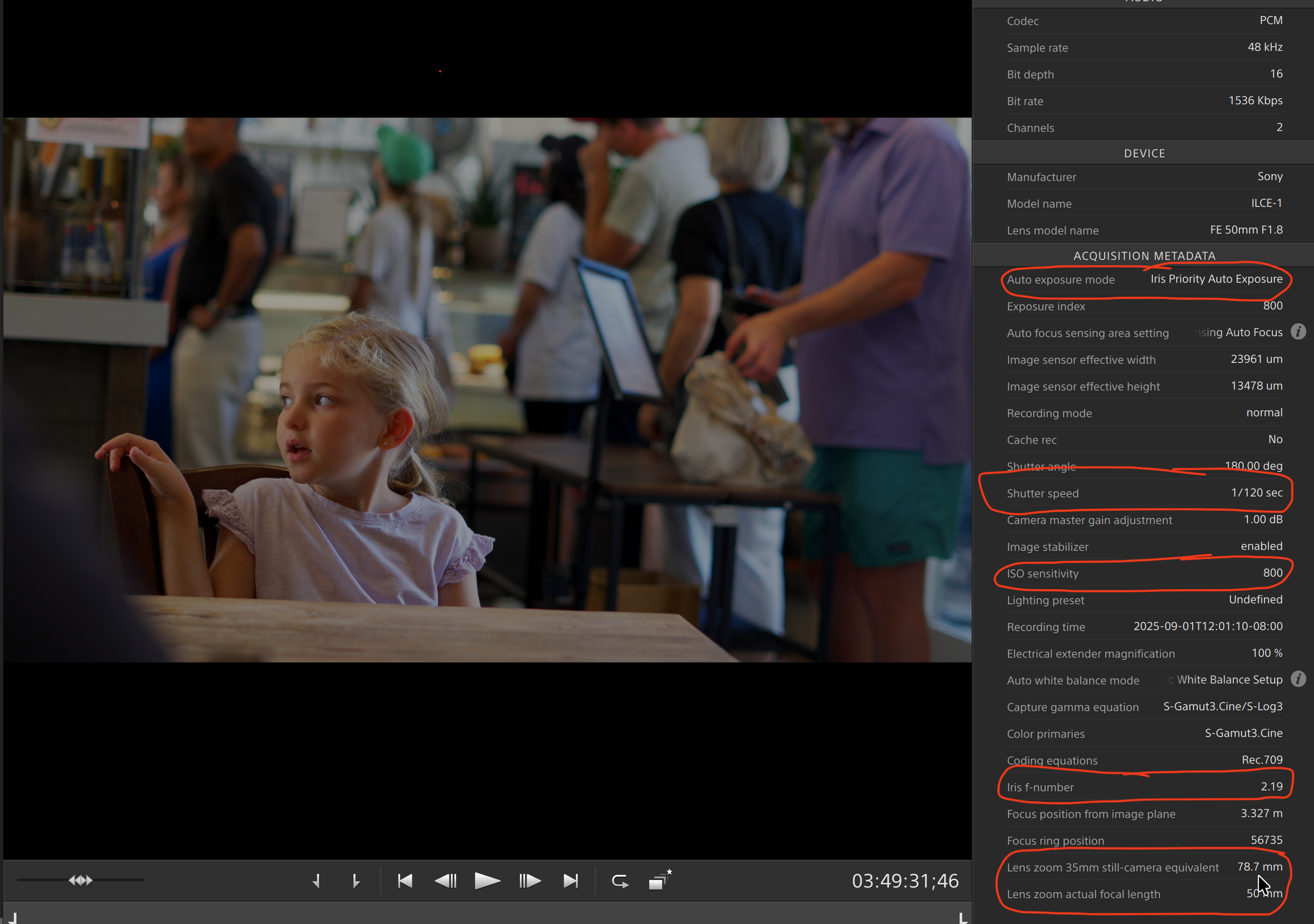
Sony's Catalyst Browse in a free application which you can use to view the metadata on your clips, stabilize footage, and MANY other things. I mostly use it for metadata - and that's how I know the shutter speed of these clips.
After resolve, I may just take a screen shot, or export File>Export>Current Frame as Still.
Then maybe into photoshop to sharpen or whatnot. But I get it the way I want it when editing the video in Resolve, so basic export is often all I need.
Below is a screen cap of the original clip in Catalyst, showing the Metadata in the panel on the side - as can be seen here, the 50mm lens was in crop mode.
The image I posted is cropped in to maybe 1/5 of the frame.
ronno wrote:
The first image would have looked the same whether shooting in S Cinetone or LOG or HLG.
Log is used when high DR is needed, or loads of post production & grading is anticipated.[...]
So, the girl... shot in S35 and then cropped. We get a lot of pixels these days to work/play with!
Thank you for the further explanations! As I said, I have a lot to watch, do and learn.
Jonas B wrote:
So, the girl... shot in S35 and then cropped. We get a lot of pixels these days to work/play with!
Thank you for the further explanations! As I said, I have a lot to watch, do and learn.
Yes, S35 crop mode, but it's still 4K at that setting.
I am obviously no expert on this, just sharing what I am discovering.
If you want expertise, you had better look elsewhere ;-)
ronno wrote:
Yes, S35 crop mode, but it's still 4K at that setting.
I am obviously no expert on this, just sharing what I am discovering.
If you want expertise, you had better look elsewhere ;-)
Well, I'm not exactly looking for expertise. I liked the colors in your pictures and started wondering, in detail, what your settings were. That's the kind of thing you wonder about when you're a beginner.
I like to explore on my own, but it's also good to get tips.
Next up is to check out how much I can film in 8K and how to get a good starting point for post-production. I recall one of the Peta Pixel guys had something to say about video and A1.
Jonas B wrote:
...
Your images look very good. I love the first one of your little girl, the light is beutiful.
Do you mind elaborate a little about your camera settings. A1, 60P, AWB is the same as I have and do. But "LOG"? The other profile settings, do they matter?
Thx. Someone here complained about the IQ, but that little girl test is cropped to about 1/6 of the frame, and shot with the cheap 50 1.8 almost wide open.
None of my clients would complain about a print from that. Especially if shot without the need for deep cropping as I did.