p.1 #1 · Canon R3 custom dial mode 2 switches between shutter and iso and aperture
I somehow setup my R3 so that the custom dial mode 2 (the dial with mode on the top) switches between ss, av, and iso. I then have to switch these by moving the front dial (when the ss, av, or iso is selected). this happens in my custom 3 and 2 mode but not my custom 1 or manual mode.
i want to change it so that it only changes aperture. When I go to change the dial function and put av as the option for this dial, it still only switches between ss, av, and iso. I could just copy c1 settings to c3, however i've just been setting up c3 with a lot of different customization so I don't want to do that. Hopefully there's an easier way?
i know there must be a way to switch this back, but i can't find it.
p.1 #2 · Canon R3 custom dial mode 2 switches between shutter and iso and aperture
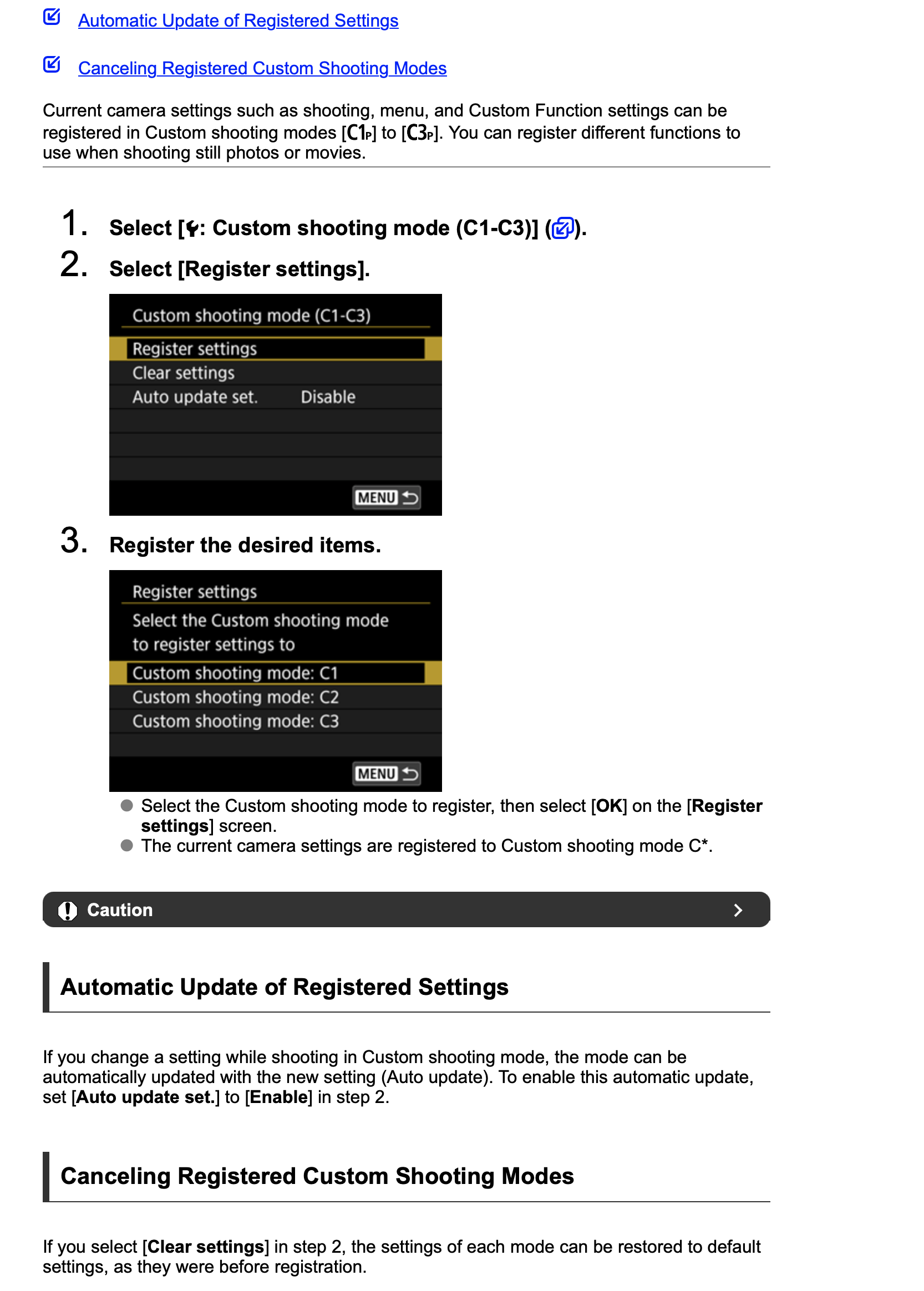
Not sure if you did this but set it to enable changes that you make in the custom modes, if not when you change modes it will just revert back to what you had previous regardless of changes. It is the Auto update set to enable.
p.1 #3 · Canon R3 custom dial mode 2 switches between shutter and iso and aperture
Thanks Rob for the post but unfortunately that's not my issue here. In fact I don't want it to auto update but your information is still really good to know nonetheless.
I'll provide a bit more detail on what's happening. When you're shooting in manual mode, you'll see the SS, AV, and ISO along the bottom of the screen. Because of the setting I don't want, there's a little icon right next to one of those that looks like 1/2 of a dial (in yellow). When I rotate the custom mode dial 2, it simply moves that little yellow dial icon from SS to AV and then to ISO.
It appears to be set so you change any of those three item by turning the custom mode dial 2 until the little yellow dial icon is next to what you want to change, and then you use the top dial to change it.
p.1 #4 · Canon R3 custom dial mode 2 switches between shutter and iso and aperture
This is a puzzler. I am looking at my R3's menus and cannot find the option you describe.
Under Custom Settings > Page 4 > Customize Dials > the quick Control Dial 2 has the following options:
* ISO
* TV (Shutter Speed in Manual Mode)
* AV (Aperture setting in Manual Mode)
* Exposure Compensation
* Direct AF point selection
* Select AF area
* Picture Style
* WB
* Select color temp
* Off
There is the Dial Function Settings Option where you can pick up to 5 functions to scroll through. It almost seems like that's be activated.
More on this here: www.youtube.com/watch?v=R-sg7zvydCo
p.1 #7 · Canon R3 custom dial mode 2 switches between shutter and iso and aperture
Thanks so much for the help here especially @vbnut !
The unfortunate part is that is the only setting that I cannot directly alter within the custom mode so I will have to start from scratch. But regardless, again, this information is great to know.
p.1 #8 · Canon R3 custom dial mode 2 switches between shutter and iso and aperture
pulper11 wrote:
Thanks so much for the help here especially @vbnut@ !
The unfortunate part is that is the only setting that I cannot directly alter within the custom mode so I will have to start from scratch. But regardless, again, this information is great to know.
Yes, the C mode assumes you want to keep the mode you start with. Its one of the only things you can't change. So start in M instead, and your dials will all control the SS, AV, ISO as you prefer.