RustyBug
Offline
• • • • • • •
Upload & Sell: On
|
 p.2 #1 · White Balance - Is it ever perfect? p.2 #1 · White Balance - Is it ever perfect? | |
GraStear wrote:
Yeah, perfect was not the best choice of words.
I meant more of an actual representation of what the light really is. If that makes sense.
Kind of a baseline, I guess. A starting point that represents the actual light color (?).
White light is 6500K.
If you REALLY want to know the color of the light that is in the scene, then set your camera to 6500K and leave it there.
Folks will chime in that daylight is a different color temp ... and it is. But, that's because the sunlight is distributed radially, and not 100% of all sunlight goes in the same direction. Hence, the direct sun, daylight temp is one color, open sky another temp, shadow temp is another color, etc. More on that, but I'll skip for now.
The question that you have to ask yourself is predominantly two fold (with a sub-variant).
1) Do I want the image to display the color of the lighting, or
2) Do I want the image to display the color of the objects reflecting the light "as if" it were being illuminated by full spectrum, white light (i.e. 6500K), in order to reflect the fullness of the inherent object color.
#2 is the essence of White Balance ... you are (re) balancing the color temperature adjustment to the "as if", based on trying to match the actual color of the illumination source light color, to emulate the full spectrum relationship.
Case in point, the golden hour yields warm light onto the subject and if shot at 6500K, there will be a warm cast on everything. But, that is actually the color of the light that is illuminating the objects ... so, if you want to showcase the warmth of the golden hour light, you don't (or only partial) fully correct, or not at all.
Otoh, if you are shooting something during golden hour and the (same) warm lighting is illuminating your subject, and you want to render the objects colors as close to their inherent color, (as if) it had been illuminated by full spectrum, white light ... then, you are to (re) balance the color temp.
Herein, lies the option to render to a level of "accuracy" vs. a level of "aesthetic preference". In that regard, the choice(s) reside in YOUR INTENT for how you want to render the image, and or relative to the expectation that others (client, etc.) may have, regarding accuracy vs. aesthetic.
The sub-variant is the fact, that as an ambient, natural light shooter ... you may often encounter "mixed" lighting of different color temps. THEN, you have the additional decision to make with regard to WHICH of the different color temps might you decide (re) balance toward a neutral position, or to "split the diff" between the differing source light temps.
IF ... you really want to get a better understanding of this, I recommend you set your camera to 6500K. Take a few walkabouts, at different times of day, and shoot in different lighting conditions (e.g. direct sun, overcast, shadow, open sky, slot canyon, etc.). Pay attention to just how much the time of day, and direction / orientation reveals the ever-changing lighting temp as the earth rotates your position, relative to the sunlight passing through the atmosphere.
If you like, you could get even more "comparative", by shooting the same scene at 6500K and then repeat with your camera set to AWB, to aid your study. Then, you'll not only see the comps of the actual color of your source illumination, but compared to (camera's automated attempt) the (re) balanced temp. Over time, you'll come to realize that there are pro's / con's to having a (closer to) neutral (re)balance of the temp vs. capture the true color of the source illumination. In that regard, you'll then come to answer the question for yourself. 
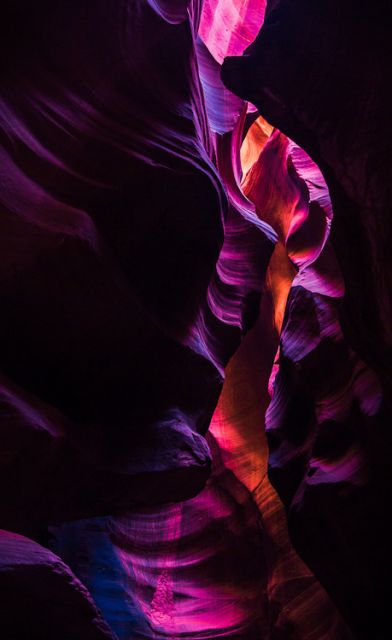
Case in point, when I shot Antelope Canyon ... I shot it at the latest hour available. The color of the light passing through the slot differs as you have different angles of light passing through the slot. Those oranges / purples, etc. ... I wanted those to reveal themselves in the canyon walls. If I wanted to see the canyon walls represented as their inherent sand color, then I'd want to (re) balance the temp to the light so everything looked like tannish colored sand.
So, which is "correct" ... tan colored sand vs. orange / purple colored canyon walls? Well, that depends if you want to depict the sand for the "as if" it had been illuminated by neutral, full spectrum, white light ... or, do you want to depict the capture of the light color passing through the slot?
Another scenario is stage / band lighting. Do you try to "correct" for the multi-colored lights so that things look "as if" they had been shot with white light. Or, do you let the multi-colored rainbow showcase the color of the light itself?
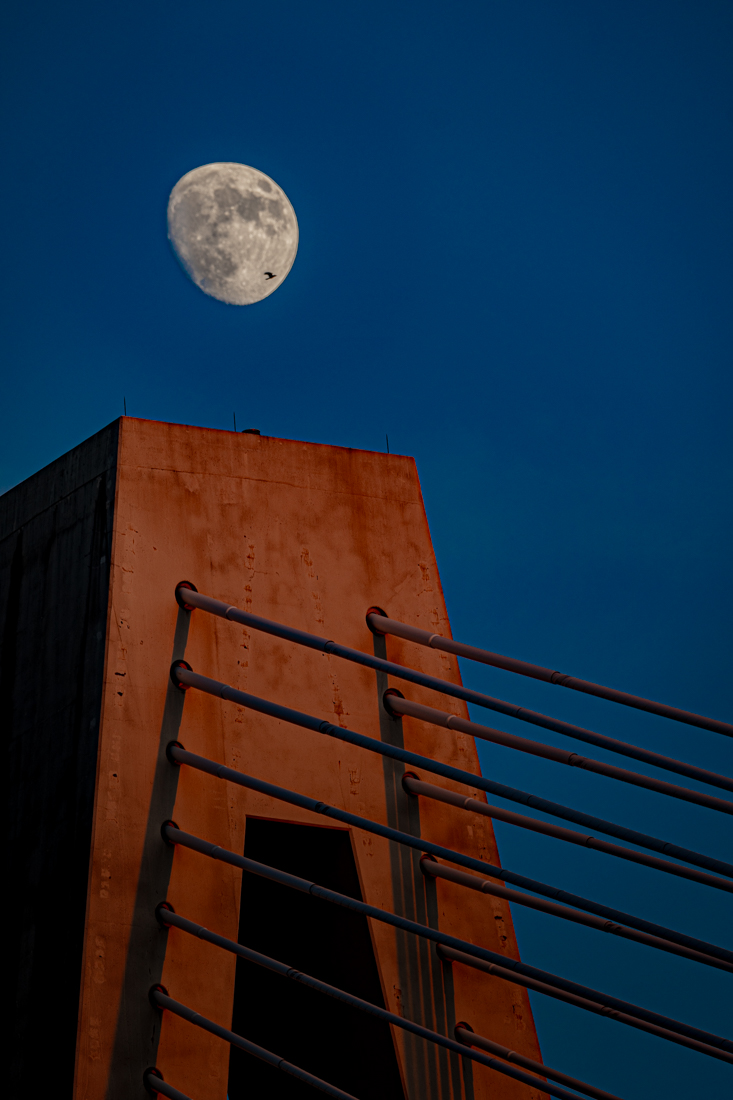
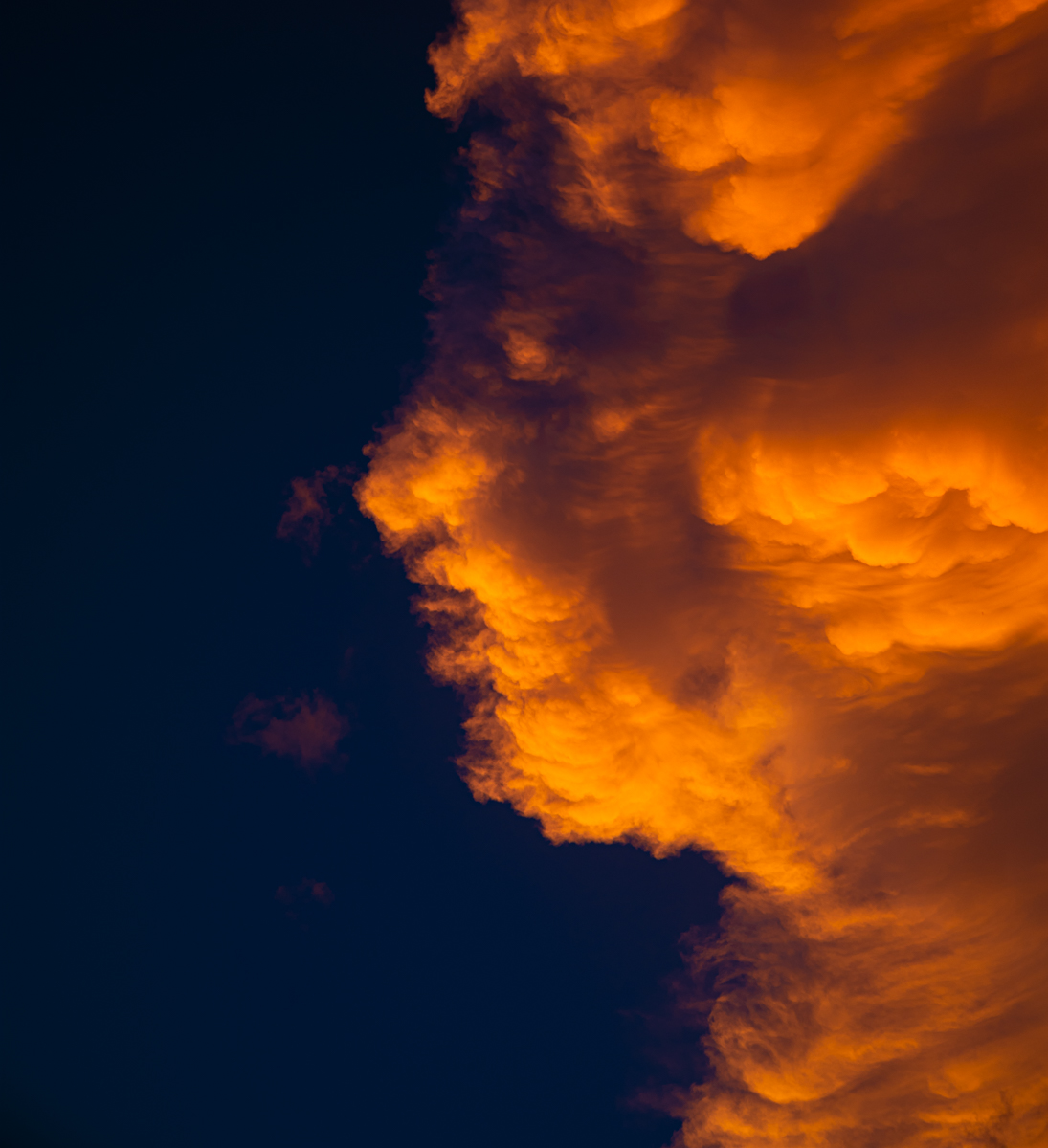
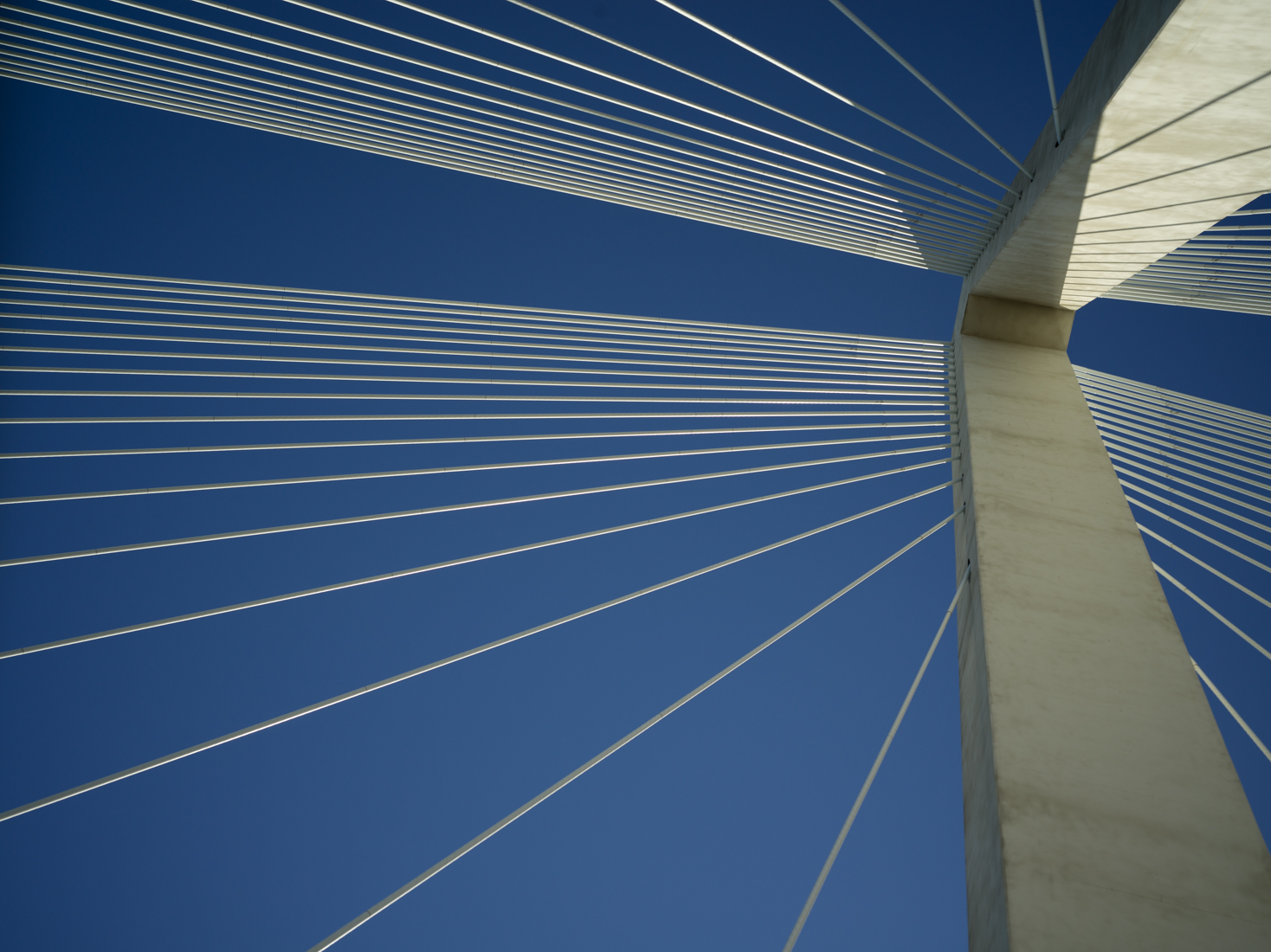
The image below is of a "white" bridge" shot during "red" lighting. Do I adjust the WB temp to correct the bridge color to neutral, or do I allow the source light temp to reveal itself. Note also, the color of the sky / moon. If I make a global adjustment for the bridge, then I'll render the sky / moon differently. Where I decide to land it is my call ... (re) balance the light, or reveal the color of the light that is present. Same goes for the cloud image, which was basically a "fluffy white" to the naked, visual eye (human eye / brain accommodation). I could adjust the temp to make the cloud "white".
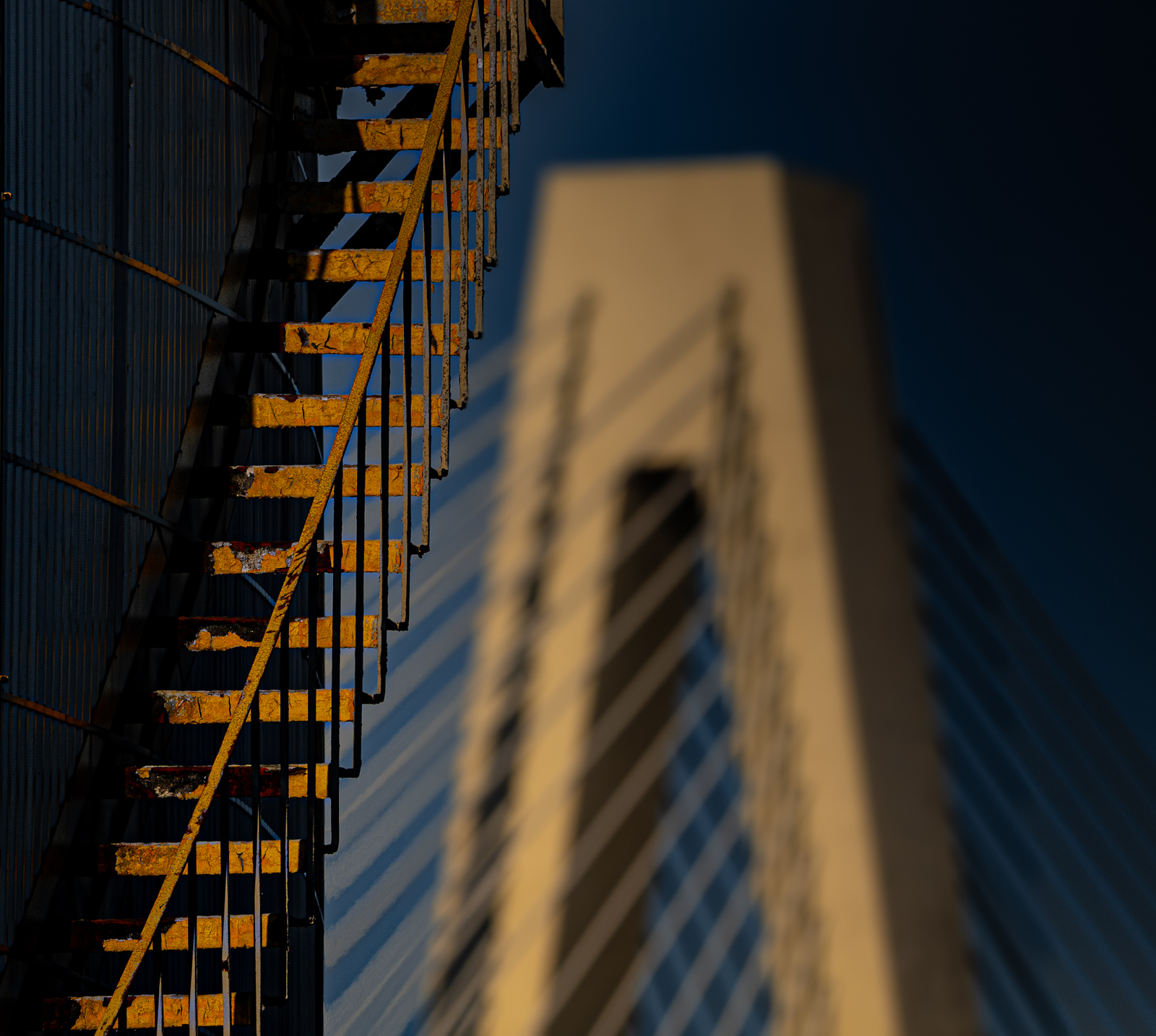
The last two images ... same bridge, different light / temp balance ... closer to neutral (re) balance).
Your pic, your choice ... reveal / showcase the light color vs. (re) balance the light color to "as if" neutral.
HTH

P.S. As to the matter of "HOW" to (re) balance to achieve the "as if" ... different question, but it is predicated on understanding what in your scene is being illuminated by your key light (vs. fill vs. multi-source).
|


 I normally choose a color temperature instead, and adjust it or do spot color pickers during RAW conversion.