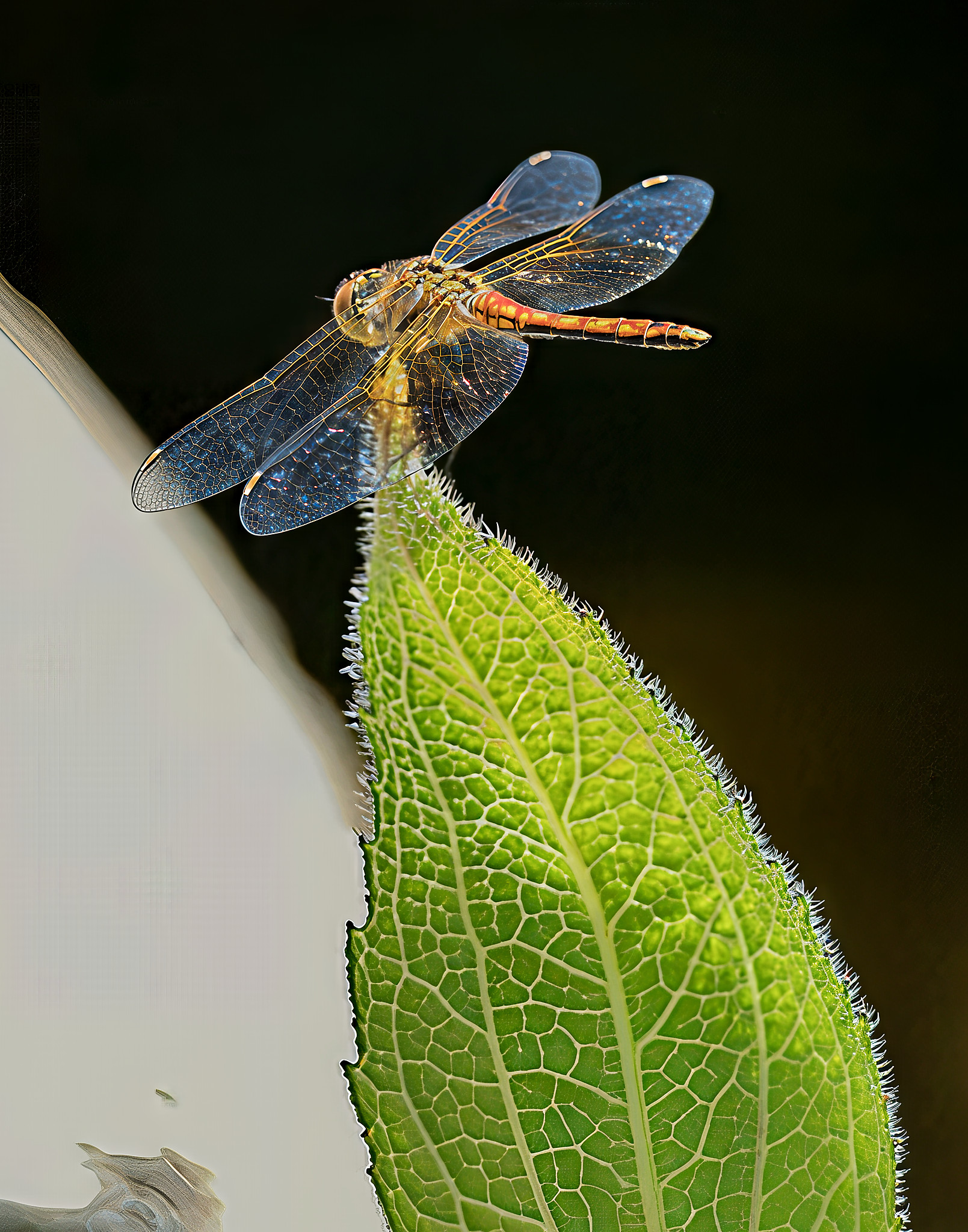
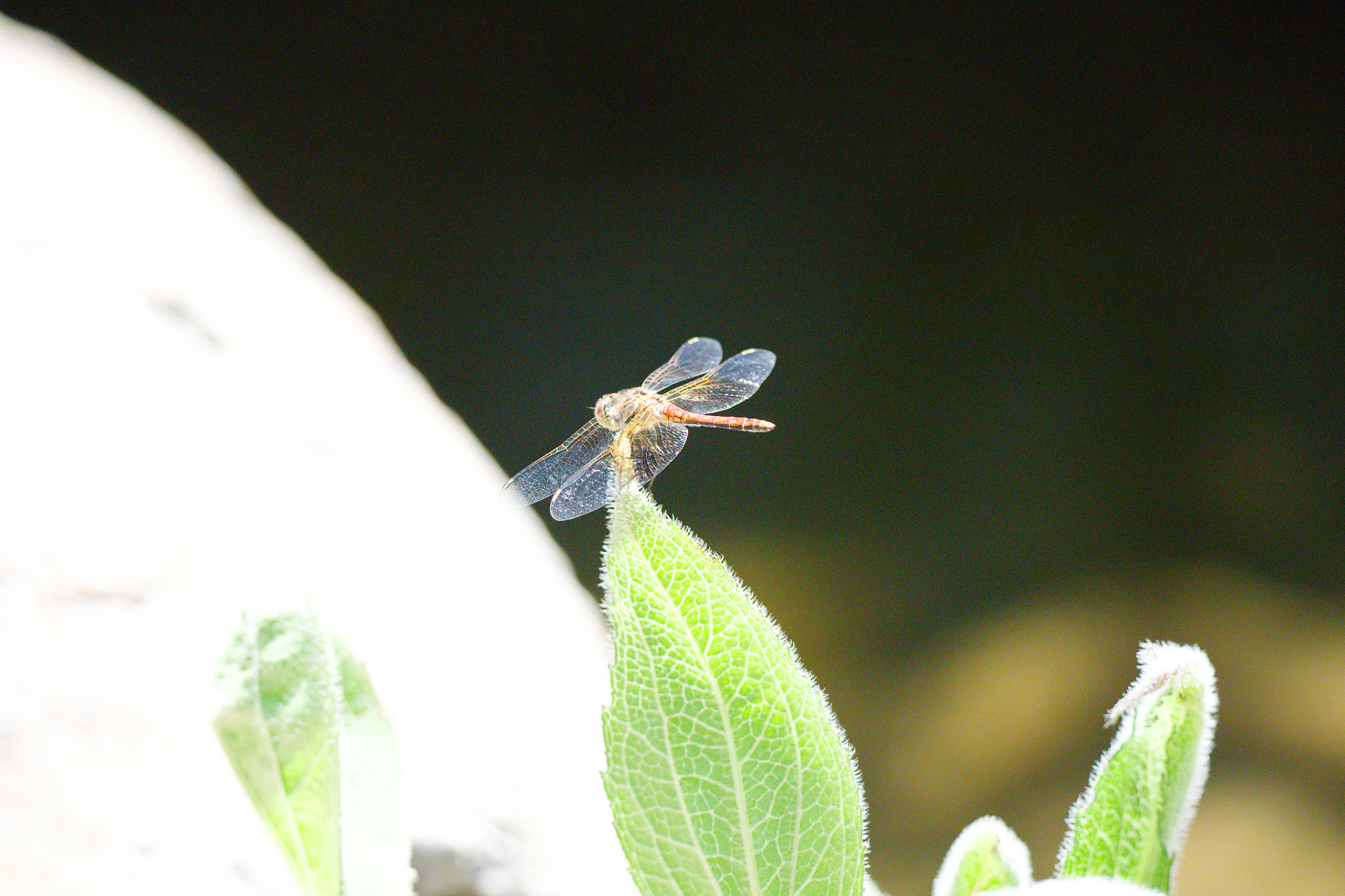
I bought a new computer because AI, especially in Topaz was really taxing the old one. I don't know if I appreciate AI (not an expert in rendering) because it borders on cartoonish results. At the same time, it does stand out from the crowd. Small dragonfly taken with the huge 400/800.
ILCE-1FE 400-800mm F6.3-8 G OSS lens615mmf/8.01/2500s12800 ISO+3.0 EV
You have a lot of money invested into a world class kit, just to ruin your processing with a subpar program. The unfortunate truth many here need to hear.
mogul wrote:
I bought a new computer because AI, especially in Topaz was really taxing the old one. I don't know if I appreciate AI (not an expert in rendering) because it borders on cartoonish results. At the same time, it does stand out from the crowd. Small dragonfly taken with the huge 400/800.
If you look at the EXIF, you will realize that I started with a ruined shot. Topaz was successful in saving the shot, but at the expense of looking a bit digital.
I have the Denoise and it makes a huge difference with my low light wedding photos. Even dance photos when the flash misfires can be saved and sharpened. Mental.
mogul wrote:
I suppose I should post the original ruined shot.
It is not ruined, it is just noisy (mostly). Run this through DxO DeepPRIME XD2 denoising. This should give you a more natural looking result compared to Topaz Denoise that tends to oversharpen.
(alternatively, share the raw file, and I shall process this for you)
I think Topaz seems to have issues with higher resolution images. I used to get great results with 24mp but the 50mp photos from my a1 seem over-processed. Maybe I just need to tweak the default settings.
I love topaz video AI but won't touch photo AI - results are always disappointing to me. Integrated LR/PS denoise seems to work best for me though I've seen people using dxo well.
RoamingScott wrote:
I don't know if you use LR at all Steve, but their denoise has gotten better than Topaz IMO...Topaz has a nasty habit of making bokeh very splotchy.
I agree with both of these comments.
I have Topaz Photo AI but rarely use it - too crispy. For sharpening I prefer the older Topaz Sharpen AI - seems like it's easier to control
I just played with this file. The Topaz Denoise AI did a much better job for this particular file, IMHO. The one at the bottom was edited with LR denoise at "65" already, look at the patches of noise in the background.
I feel like this photo is a bit of an extreme case. The original photo was fairly noisy and had limited dynamic range. Then the edit was a major crop and a high contrast push. I would have probably given up on the image. Your ability to make a salvageable image out of it AI or not, is fairly impressive in this case. If you know how to use PS I would go into PS and darken the high contrast edge on the left side of the green leaf, which is the most glaring artifact I see in this image.
While Topaz makes some great SW, my experience is that the higher the quality input you have, the better the end result, and you need to be careful not to over push the sliders. I keep trying Photo AI, but I really wish they would bring back denoise AI, I felt I got better results with less work than with Photo AI.
Douglas L wrote:
I just played with this file. The Topaz Denoise AI did a much better job for this particular file, IMHO. The one at the bottom was edited with LR denoise at "65" already, look at the patches of noise in the background.
I have never once seen circular patches of noise like that file, FWIW, in similar bokeh type situations. That'd odd. Here's an ISO5000 example of the original and with LR denoise.
RoamingScott wrote:
I have never once seen circular patches of noise like that file, FWIW, in similar bokeh type situations. That'd odd. Here's an ISO5000 example of the original and with LR denoise.
I was playing with Topaz and not really paying attention to what I was doing, just playing. I then moved the Tiff file to DXO to shrink it down for FM.
Is the DxO noise reduction a standalone or inside a larger program? I have always been intrigued but not enough to investigate since I have been happy with Topaz DeNoise.
Edit: I downloaded the trial of DxO. Does it work as a plugin with Photoshop?