To check shutter actuations, I use Dire Studio’s Shutter Count, but it measures in increments of 1000, so a camera with 10 clicks could read <1000. If there’s a more detailed app for this, I’d love to know. Perhaps the seller can get the invoice info from whom they purchased it from. If it was originally shipped to an authorized Canon dealer, Canon should have this info from the serial # and the dealer should have this too. Is there a menu item that allows you to map hot pixels? look under the wrench icon and scroll through.
I’m thinking that the laser theory is extremely unlikely since the problem pixels all seem to be in the same physical column on the image. Aligning a laser that perfectly during a performance, especially while hand-holding the camera is not impossible, but it is about as close to impossible as you can get and not be there.
I think this also makes physical damage (for example by something striking the sensor surface) equally unlikely.
My bet is that this is a sensor issue, though that could include some kind of issue with the connections to the sensor in the camera. It is weird that it skips over pixels though — when I’ve seen stuff like that it is usually a whole row or half of a whole row.
Also, when I’ve seen issues caused by bad cards (or bad connections to cards) they have looked a whole lot different than this — often multiple horizontal lines (not vertical) and with odd patterns.
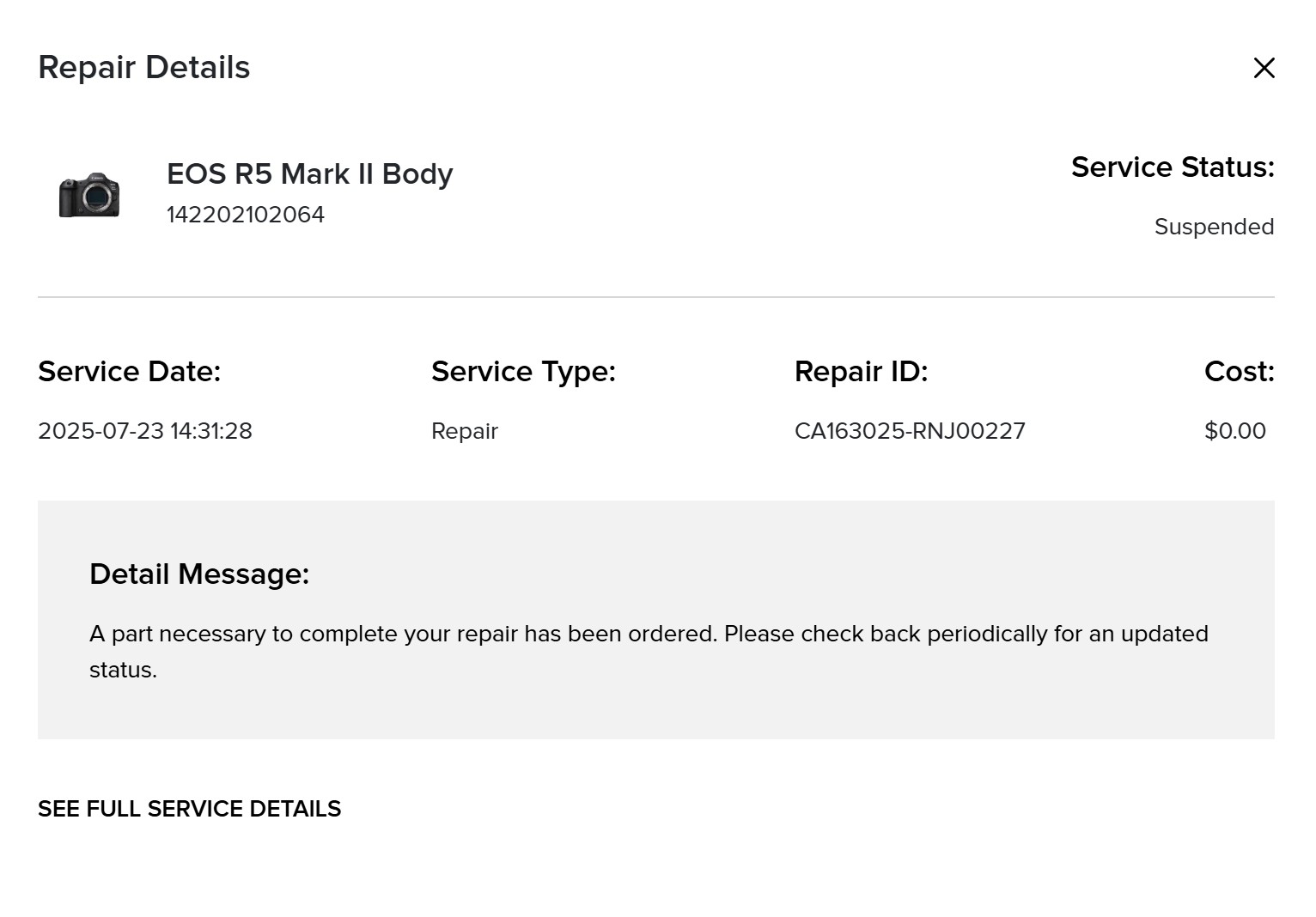
In any case, that camera is either going back to the seller (assuming that it arrived with this issue) or to Canon for warranty service. I would at least contact the seller and have a conversation about it — though if you have had the camera for a while without noticing it (even if because you did not use the camera much) it may be too late to say/do much about it.
This is a bad pixel list I created for a Canon EOS R that had sustained multiple laser hits. One of the hits created a dead column. https://pastebin.com/nLzxBNEH
rscheffler wrote:
It appears to be 16 rows until the defect repeats again. I'd guess 16 rows are read out with each 'sweep' of the sensor and there is a defect with a specific component in the readout cycle that causes the repeated pattern.
Any idea for the one very hot pixel (or small area of pixels)?
Yep, it repeats every 8 rows on the G2 channel, which is every 16 rows bayered. Are you referring to the two hot pixels vertically stacked on G2 in every 8 rows?
Since the original owner can't locate the camera's receipt, I'd ask him if he remembers uploading it to the Canon website when he registered the camera. (Canon offers you the option to do so when registering a new product.) If he uploaded the receipt, then he can log into his Canon account and download or print the receipt for you. Sadly, I think it's unlikely Canon will do a warranty repair on a camera that was released less than 1 year ago without a receipt because Canon requires proof it was purchased from an authorized Canon dealer.
Sage11 wrote:
Since the original owner can't locate the camera's receipt, I'd ask him if he remembers uploading it to the Canon website when he registered the camera. (Canon offers you the option to do so when registering a new product.) If he uploaded the receipt, then he can log into his Canon account and download or print the receipt for you. Sadly, I think it's unlikely Canon will do a warranty repair on a camera that was released less than 1 year ago without a receipt because Canon requires proof it was purchased from an authorized Canon dealer.
The OP has already reported that Canon is performing the repair under warranty. Also, Canon USA's warranty agreement has no requirement that the camera be purchased from an authorized Canon dealer.
Instead of the receipt I included a printout of the side of the box that had the Fort Worth Camera sticker on it. I labeled it proof of purchase and put in the envelope with their supplied required packing slip. I don't know if that made any difference though.