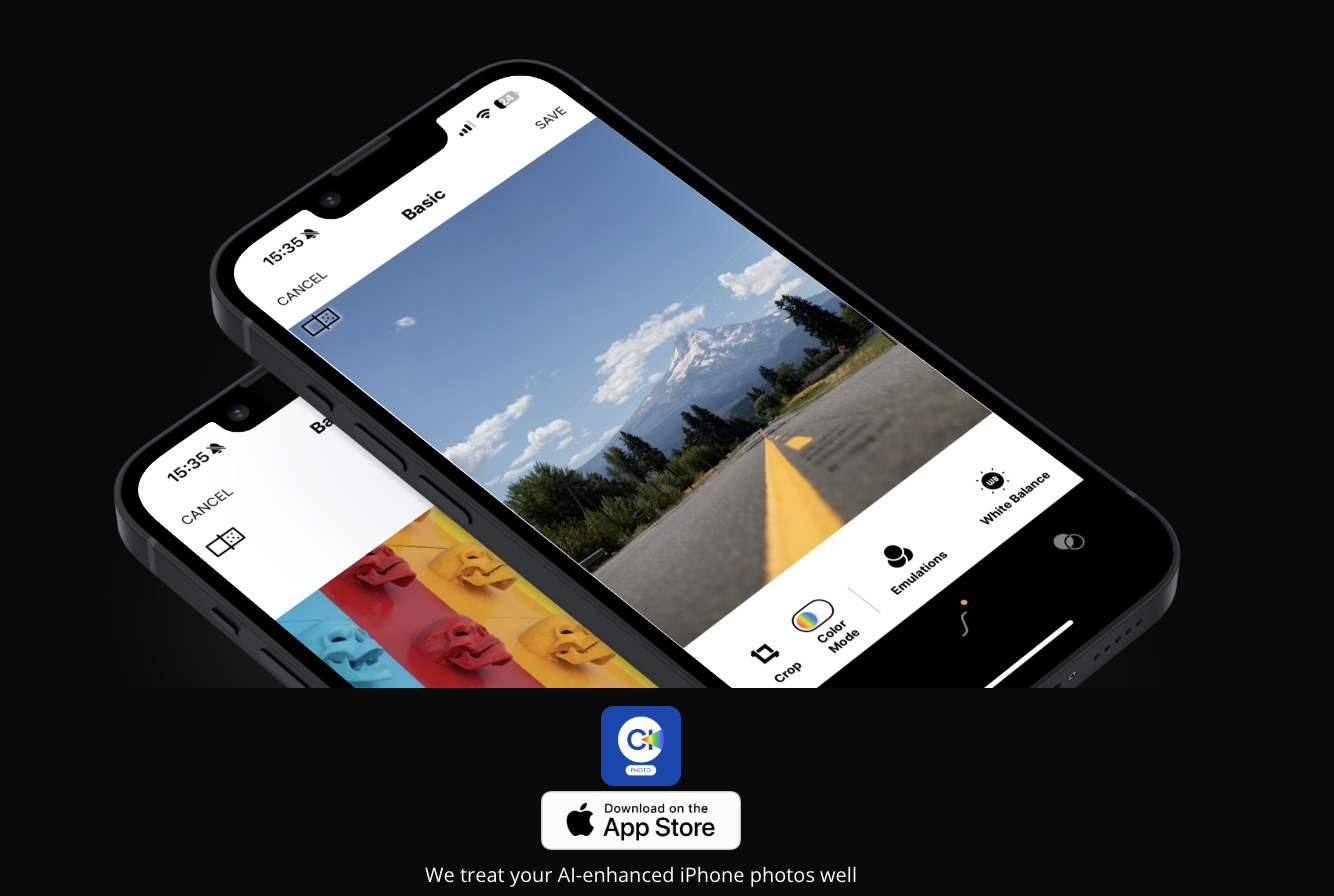
I recently stumbled upon a new Cobalt app designed specifically for smartphones, and it's quite intriguing. Unlike Lightroom or other editors that focus on RAW files, this app focuses on enhancing iPhone JPEG or HEIF files.
It offers a range of advanced tools for editing these phone formats, including calibrated color correction and Luma curve adjustments. What's particularly exciting is that it also incorporates all the beloved Cobalt film simulations typically used with RAW files.
After testing out the free trial for a couple of days, I must say I'm impressed with the results, particularly the film simulations. Operating on a subscription model, the app offers access to all editing tools and film simulations. Though I haven't subscribed yet due to my limited phone usage, it appears to be an excellent option for those who heavily depend on their phone's photo output.
This looks cool. I almost never use my phone's native camera app as I rarely like the results, and mostly use third-party apps such as Hipstamatic or RNI Flashback. RNI is nice for applying basic film simulations to photos you took with your phone (or even photos you took with a regular camera and upload to your phone); it generates random film simulations and you can cycle through them until you get one you like, then save it to your camera roll or export it.
Thanks for the heads up. I have used Cobalt’s RAW and film processing with my Sony and Canon mirrorless cameras with great success in Lightroom so I will take a look but they were relatively expensive. They allowed me to match the different Sony and Canon model specific RAW files to just one which I found helpful when using more than one body to do a photo shoot or trip.
In fact, we thought that no one is fully utilizing what the new iPhones offer in terms of the JPG/HEIC files generated by Apple's AI. Simulated bokeh, HDR exposure, or long exposures have now become a Swiss Army knife for efficiency and consistent results.
We believe they deserve more attention, and by supporting RAW files with our packages from our website, we also offer a large selection of our meticulously crafted emulations for HEIC files (for which we fear no comparison). These emulations are tailor-made. Additionally, I would highlight our innovation derived from development in CIECAM 16, which makes HEIC files solid and editable almost like RAW files (no software from Photoshop downwards on the desktop offers the editing freedom we provide in the app for JPG or HEIC files).
Feel free to try them for 7 days for free and without any commitment. Despite being a super nerd when it comes to cameras, using Leica and Sony, I often find myself on the go, adding a touch of originality to dozens of photos taken with an iPhone and simulated bokeh with just two clicks using copy and paste. The iPhone, with its AI that consistently corrects exposure, assists in editing multiple photos in batch