p.2 #1 · iPad Pro for Trips : Photo dumping and basic editing.
I would personally never dump to an all in one integrated device like an ipad/phone/surface/etc as my ONLY dump. Recovering data on integrated hard drives is a nightmare compared to a standalone external disk. Just my 2 cents having been in this industry for a LONG time.
Doing to two devices in the field is a great idea if you have the ability to do so.
p.2 #2 · iPad Pro for Trips : Photo dumping and basic editing.
Frogfish wrote:
Thanks BP. I won't be doing much editing on it, mainly just browsing and dumping to an SSD.
I ditched my MBP for a Mac Mini - works better for my uses and I can easily unplug it and take it with me. Worth a thought if you don't actually need a laptop.
Funny you mention that- my current debate is between an M2 14” MBP or an M2 mini attached to the studio display - obviously a large price difference which is why I’m taking my time and figuring out my living setup first
p.2 #3 · iPad Pro for Trips : Photo dumping and basic editing.
BPsmith511 wrote:
Funny you mention that- my current debate is between an M2 14” MBP or an M2 mini attached to the studio display - obviously a large price difference which is why I’m taking my time and figuring out my living setup first
I did a pretty deep dive on this recently, as my PC has aged out and I want to replace with a mac (my MBP is technically my work's but I do some LR/PS on it because it's so powerful).
The main problem with the Mini chassis is the lack of I/O ports. I thought for sure that cooling would be an issue with the M2 Mini but they have some pretty liberal temperature tolerances on that CPU and the fan actually rarely kicks in, and when it does, it usually doesn't exceed about 60% speed. Also by time you upgrade the Mini to get the faster SSD drive/more RAM/etc it's basically the price of a more powerful/capable Studio.
The main reason to not go Mini is video editing, where the MBP and Studio still win out. It sounds like a perfectly capable photo editing box.
I'd love the studio display as well, but I'd want the matte screen and adjustable height stand, which makes it over $2000 with tax...a simply stunningly stupid price.
Long term best option is probably picking up the M1 studio when the M2 version drops in a year or so.
p.2 #4 · iPad Pro for Trips : Photo dumping and basic editing.
This thread got me curious and I did some tests on backing up with my M1 iPad Pro
I have a $20 Amazon USB C to multiport adapter that has SD card, USB ports, HDMI, etc. Using Two SD card plugged into this adapter (one in the SD port, another in a USB reader plugged into a USB port), I am able to back up images from 1 card to another card at about 2GB/min. I can back images up to iPad at about 4-5GB/min. This is with Sandisk Extreme cards, it could be slower with cheaper cards. I presume backing up to a flash drive would work as well. This is just copy/paste folders using the Files app.
Given that you need external power to run a real hard drive, I think this is a good solution. SD cards are dirt cheap now, as are flash drives, and are much lighter to pack. Using Files app in iPad, I can back up at reasonable speeds from one cheap card to another without any external power. I will have to remember this when traveling in the future.
FWIW, you could also do this with the latest iPad Mini 6th gen. That would save you even more weight and size (and money). It's under 300g.
p.2 #5 · iPad Pro for Trips : Photo dumping and basic editing.
Take as small laptop as possible. I just came back from 7 weeks multi islands trip. I took with me M1 MacBook Pro ( is way too big and heavy for travel and it was my big mistake to bring it with me)
I should just take my small Windows laptop I bought last year specific for trips, but somehow I decided to bring heavy MB Pro.
Go ultra lite and small
p.2 #6 · iPad Pro for Trips : Photo dumping and basic editing.
BPsmith511 wrote:
Funny you mention that- my current debate is between an M2 14” MBP or an M2 mini attached to the studio display - obviously a large price difference which is why I’m taking my time and figuring out my living setup first
If it's for editing, you might consider a different monitor to pair with your Mini. There is no way to properly calibrate the Studio display, and while the 5K resolution might sound good, it can make pixel-level adjustments difficult to evaluate (such as sharpening) while you're editing. Same goes for 4K monitors, at least at typical monitor sizes. There is also no matte option on the Studio display, and the stand is comically overpriced at $1000. Just something to think about anyway, but to some extent it's still personal preference. For the same money you can get a proper Eizo display or similar which is going to be better if you're using it for editing or color critical work. The sweet spot for most people (this is not a rule) is 27" 1440P, and something that can be hardware calibrated with a proper LUT.
p.2 #7 · iPad Pro for Trips : Photo dumping and basic editing.
CanadaMark wrote:
If it's for editing, you might consider a different monitor to pair with your Mini. There is no way to properly calibrate the Studio display, and while the 5K resolution might sound good, it can make pixel-level adjustments difficult to evaluate (such as sharpening) while you're editing. Same goes for 4K monitors, at least at typical monitor sizes. There is also no matte option on the Studio display, and the stand is comically overpriced at $1000. Just something to think about anyway, but to some extent it's still personal preference. For the same money you can get a proper Eizo display or similar which is going to be better if you're using it for editing or color critical work. The sweet spot for most people (this is not a rule) is 27" 1440P, and something that can be hardware calibrated with a proper LUT....Show more →
Nano-texture is their Apple-y name for what most would call Matte, simply in terms of reflectivity. I suspect that both options have less "grit" to their surface than a traditional matte screen from a traditional monitor manufacturer.
p.2 #8 · iPad Pro for Trips : Photo dumping and basic editing.
I’ll admit for me the studio display or something similar is more of a list after item, I’d be more suited to a nice but less intense display (even Eizo etc is beyond me). In reality a MBP is more than enough - my editing is for personal use only, and not needing to be super accurate. It’s more of a choosing between a desktop vs laptop - I’ve done both and I find when I have a laptop I want a desktop, and the other way around when I’m editing on a desktop.
Feb 10, 2023 at 01:09 PM
AmbientMike Offline • • • • • • [X]
p.2 #9 · iPad Pro for Trips : Photo dumping and basic editing.
If you really need light, 2TB of slower inexpensive cards aren't too terribly expensive anymore. If your camera has 2 card slots you've got a backup.
512gb is probably cheapest these days, $50, 128 & 256gb not far behind if you prefer more cards. Inexpensive SanDisk micro SD might slow things down a bit, but they're OK imo. Much faster than older cards.
Four 512gb micro SD or 8 256gb are going to be really light. Even double that for 2 card slots much lighter than any laptop or device
p.2 #10 · iPad Pro for Trips : Photo dumping and basic editing.
For two months I photographed a project in the Faroe Islands and did it in the colder season. I had to really consider what I brought and by far the top priority was the right gear all around. There was no way I was going to bring my 16" MBP so I opted for a 11" M1 iPad Pro w/2TB of storage and cell service. I also brought two 2TB OWC Envoy SSD drives to backup on.
In terms of editing, I never cull while on the road, just select images as per deadlines and clients needs then do the correct archive once I get home. I also don't do much in post on the images I do send out, am a get it right in camera kind of guy.
The iPad Pro was awesome for everything I did and that includes running my business, my duties as photo editor for a magazine, planning my trip, and yes, dealing with photos. It does have the usual workflow and organizational warts to deal with, but in my experience, that is well worth the overall value of the utility I get from it in such a small package. And it is fast, from processing 50MP Hasselblad raw files to putting together 16,000 pixel stitched images from as many as 25 individual files from my Mavic 3 Cine.
So I have adapted to it, used the heck out of it in Iceland last Fall, will take it on a paid job to NYC next week and leave the brand new 16" M2Max MacBook Pro at home. It's a good way to go in my opinion.
p.2 #11 · iPad Pro for Trips : Photo dumping and basic editing.
Ai_Print wrote:
For two months I photographed a project in the Faroe Islands and did it in the colder season. I had to really consider what I brought and by far the top priority was the right gear all around. There was no way I was going to bring my 16" MBP so I opted for a 11" M1 iPad Pro w/2TB of storage and cell service. I also brought two 2TB OWC Envoy SSD drives to backup on.
In terms of editing, I ever cull while on the road, just select images as per deadlines and clients needs then do the correct archive once I get home. I also don't do much in post on the images I do send out, am a get it right in camera kind of guy.
The iPad Pro was awesome for everything I did and that includes running my business, my duties as photo editor for a magazine, planning my trip, and yes, dealing with photos. It does have the usual workflow and organizational warts to deal with, but in my experience, that is well worth the overall value of the utility I get from it in such a small package. And it is fast, from processing 50MP Hasselblad raw files to putting together 16,000 pixel stitched images from as many as 25 individual files from my Mavic 3 Cine.
So I have adapted to it, used the heck out of it in Iceland last Fall, will take it on a paid job to NYC next week and leave the brand new 16" M2Max MacBook Pro at home. It's a good way to go in my opinion.
p.2 #12 · iPad Pro for Trips : Photo dumping and basic editing.
Currently I have a 14” M1max MBP that’s pretty much fully loaded (64GB ram and 4 TB HDD). I *just* (like yesterday) moved from the original M1 max 12.9 iPad Pro to an 11” M2 iPad Pro. I have travelled extensively with the old iPad Pro and somewhat with the MBP. At home the MBP is hooked up to a Wacom Cintiq via a SanDisk Card Reader Pro Dock. I also use a 32” ASUS Pro Art display for my print work, which has made Eizo a no go for me. I think the Pro Art is a better display and half the money.
I use Lightroom as my DAM and basic processor as it’s the only software that reads files from all my systems. I also use DXO and Phocus (Hasselblad) for better raw conversions for special files, sent from LR. Phocus is on the iPad. LR for iPad is shit but I’m stuck with it. I despise that I can’t export a catalogue. Absolutely despise it.
I used Windows for years (still do) and REALLY miss the fact that Mac won’t put a pen/touch display in a MBP for a money grab. Nor is the iPad OS unleashing the full power of the hardware. It pisses me off that i need to use the hobbled version of Lightroom and upload/download thousands of files just to sync to my *classic* database. You can’t calibrate either of the screens with any currently available commercial colorimeter under about 10K. But there’s simply no denying the power to battery ratio these things have and the screens are *OK* if not spectacular. I wish for a Surface Studio Laptop with the power/battery of the MBP but I’ll be dead before it arrives.
The 12.9” iPad Pro was generally my go to but it’s so big once you add a keyboard etc that you may as well take a MBP or an Air. The 11” is MUCH smaller and I have them sitting side by side I do wonder why I went the larger one last time. I did get the 1TB version this time and I’m already questioning that…. Yes it’s not worth the money for the 2TB but I still should have done that. I suppose the 12.9” would be smaller than a 16” MBP but I’d never travel with a 16” MBP. Way too heavy for me to even consider. The 14” is already borderline. So my choice is now between a 14” MBP or a 11” iPad Pro.
What I take while travelling really depends what the trip is like. If I need to push out files or I have time to process properly I take the 14” MBP. I have a trip to Italy in May that I’ll take the Mac Book on. If I just want to check the files or make a few quick edits then I’ll take the iPad. In September I’m going to Mongolia. I’ll take the 11” iPad Pro for that one. No matter what I take I also have 2x 2TB portable SSD’s and enough cards to cover the trip.
Since you like your mini for *serious* editing, I’d probably go an 11” iPad Pro with as much storage as you can afford. A MacBook would seem, to me, to be like a replacement of your mini rather than a companion.
p.2 #13 · iPad Pro for Trips : Photo dumping and basic editing.
I bought a used Samsung tablet S7+ 128GB in mint condition on eBay for $290 on Cyber Monday, they normally go for about $375-$400. This was ideal for me. It dumps about 80GB of data in about 4-5 min. I cant also transfer from the Tablet to a Samsung T7 1TB SSD about 35% faster as well.
For Trips this works very well with a 12.4" screen 2800 res Super Amoled screen and saves well over $2000 on an M1 Mac Book Pro.
Edit: Correction I was able to transfer from my 128GB card (102GB of data) with the ProMedia Gear reader to the Tab S7+ in just under 5 min so my memory was a little off. Going from the Tab S7+ to the Samsung T7 SSD was almost 3.5 minutes
p.2 #14 · iPad Pro for Trips : Photo dumping and basic editing.
If you need one, so be it, but I don't believe that the op mentioned needing a laptop or device for work, and I believe said isn't planning on editing much.
4x512gb micro SD + 1 SD card adapter should be the about lightest available for 2TB. Even 2 TB of 128gb cards isn't much more, and you shouldn't need an adapter on every one of them.
I wouldn't recommend only emptying cards to a single drive, regardless of the device.
p.2 #15 · iPad Pro for Trips : Photo dumping and basic editing.
BPsmith511 wrote:
As someone who uses an iPad pro for editing, I have to echo Scott here. I moved to it for the Apple Pencil, which I don’t use much anymore, and because my older MacBook overheats just by looking at it (a year or two prior to the M1 chip). The display is nice and LR mobile has come a long way, but cataloguing and organizing files is still very poor and my usb c dock doesn’t always work.
Basically the only reason I haven’t upgraded is I’m debating between a laptop or desktop setup in a few years time (after a home purchase)...Show more →
p.2 #16 · iPad Pro for Trips : Photo dumping and basic editing.
BPsmith511 wrote:
I’ll admit for me the studio display or something similar is more of a list after item, I’d be more suited to a nice but less intense display (even Eizo etc is beyond me). In reality a MBP is more than enough - my editing is for personal use only, and not needing to be super accurate. It’s more of a choosing between a desktop vs laptop - I’ve done both and I find when I have a laptop I want a desktop, and the other way around when I’m editing on a desktop.
Keep one thing in mine when it comes to laptops. graphic intensive tasks like high end games and video/photo editing eats laptops and laptops are known to have short lives in this regard. I am IT Admin for a top 4 bank in the US and I would only a laptop for data crunching, office apps, email, web surfing light games and streaming videos like YouTube.
For long term use for things like everyday photo editing and video editing I would certainly recommend a Desktop. Use a laptop for the off times your traveling and want to edit when away from home.
p.2 #17 · iPad Pro for Trips : Photo dumping and basic editing.
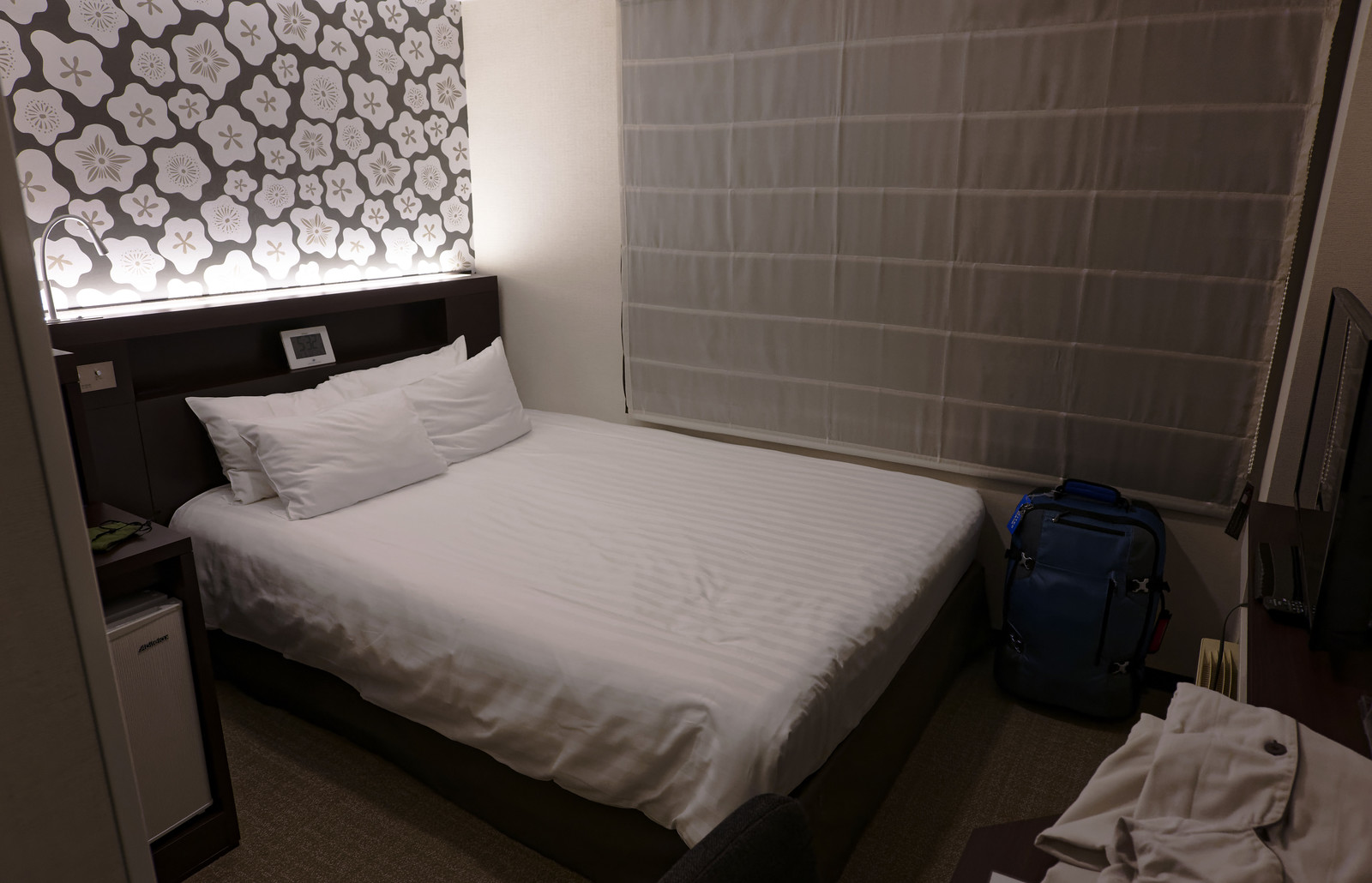
one of my super secret editing suites in the Shinagawa area. a good transport hub area.
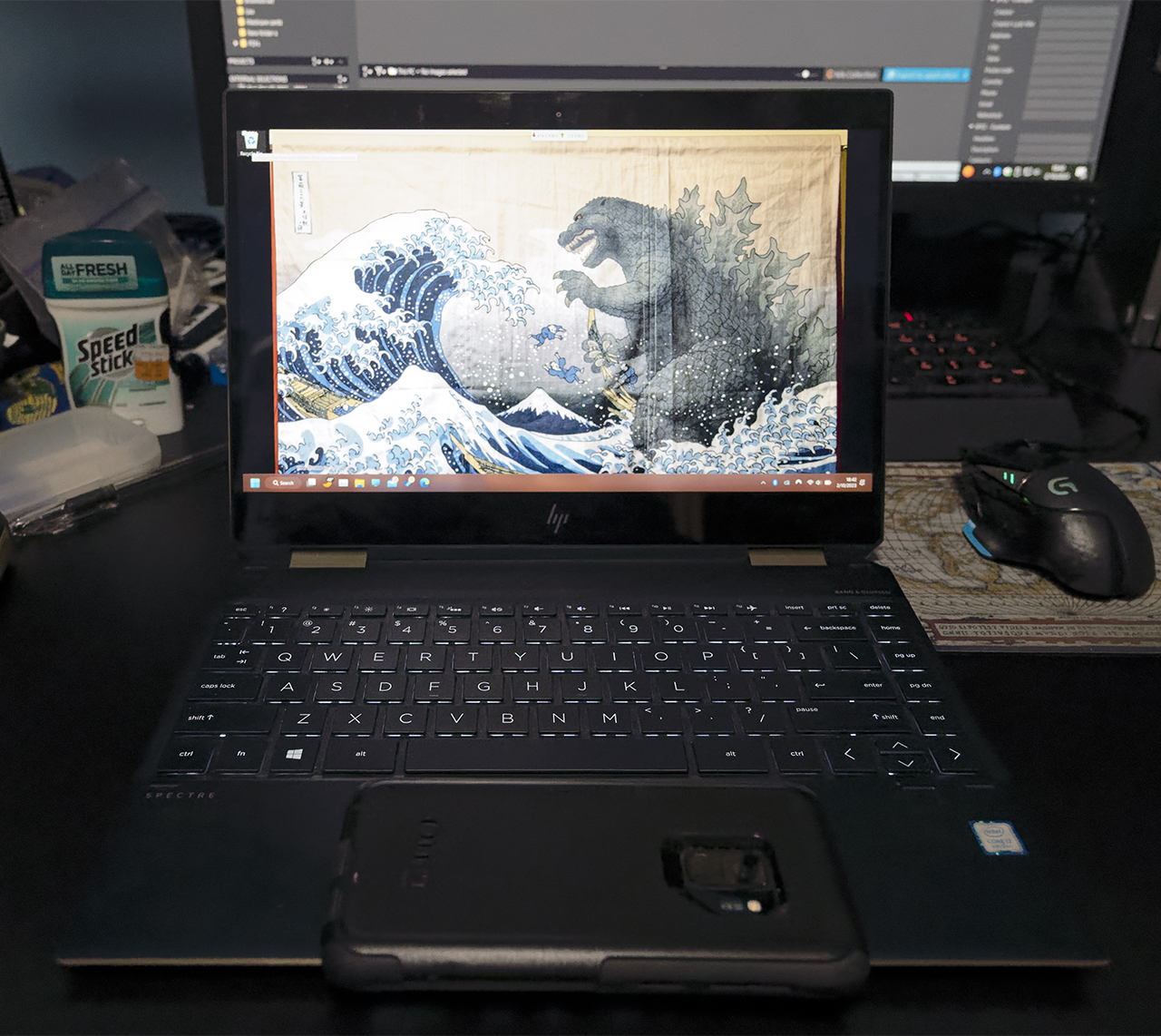
with my 13" HP Spectre i can get about 4-5 hours on battery power with all 3 related editing modules in use linearly. i'm not mass editing as thats not what i need to do on the road. i choose a few favs off and then the requests come back. i'm not backpacking with this stuff in the traditional manner. i also have access to power in most transport.
i've been running like this for a few years now.
NIKON Z 9NIKKOR Z 24-120mm f/4 S lens24mm1/100s3200 ISO
NIKON Z 6NIKKOR Z 24-70mm f/4 S lens24mmf/5.61/400s25600 ISO0.0 EV
p.2 #19 · iPad Pro for Trips : Photo dumping and basic editing.
CanadaMark wrote:
Strictly for a photo dump it's fine (that's what I use mine for, but for drone footage), but any kind of volume editing or mass culling of photos on an iPad is a nightmare. You also cannot use plugins, good RAW converters, or anything like that and you cannot calibrate the screen/brightness for color critical work. If you just want to fix up a couple images to send to family or whatever, it's totally fine, but that's about all I can tolerate on it personally. YMMV.
I also wouldn't buy an iPad Pro at this point in time, the M2 variants were a bit of a flop (nothing really added from prior gen except price) and rumor is that the 2023 versions will be getting major upgrades as well as a real OS (better time to get one or upgrade). If you have no other choice, you can at least save some money on a M1 refurb and not feel like you're missing out on anything.
Keep in mind also that some devices (like external drives) attached to the iPad Pro need external power to run. You can also use wireless drives such as the WD My Passport Wireless or equivalent....Show more →
Thank you Mark ! Disappointing to hear of the mass culling issue as that would be one major function of the dump. I'm also not sure how Affinity handles RAW, as it's looking more and more likely that'll be the app I'll use on the road, something to look into.
I've heard of the brightness issue of the iPads before (but the Pro handles it differently I've read so maybe not an issue). I'm surprised as I thought it would use the same management as iPhones and those can be adjusted by switching to manual brightness adjustment only (which is how I use mine).
Nice tip on the M1 ! I'll look into refurbs, sounds perfect for me as I don't use the iPad that much (except for Books) when I'm not traveling.
p.2 #20 · iPad Pro for Trips : Photo dumping and basic editing.
RoamingScott wrote:
I would personally never dump to an all in one integrated device like an ipad/phone/surface/etc as my ONLY dump. Recovering data on integrated hard drives is a nightmare compared to a standalone external disk. Just my 2 cents having been in this industry for a LONG time.
Doing to two devices in the field is a great idea if you have the ability to do so.
True. Over many years I've always kept two copies of everything (3 if I had any decent upload speed). However I'm happy with 2 copies (SD cards and on the SSD - though of course I could also keep a 3rd copy on the iPad until it fills up).