Uzay wrote:
Can you guys please give me some tips for LR sharpness, clarity etc.. amounts? I2m not sure if i'm doing right
Thanks
There is a million different ways to answer that. Probably not a single "right" answer.
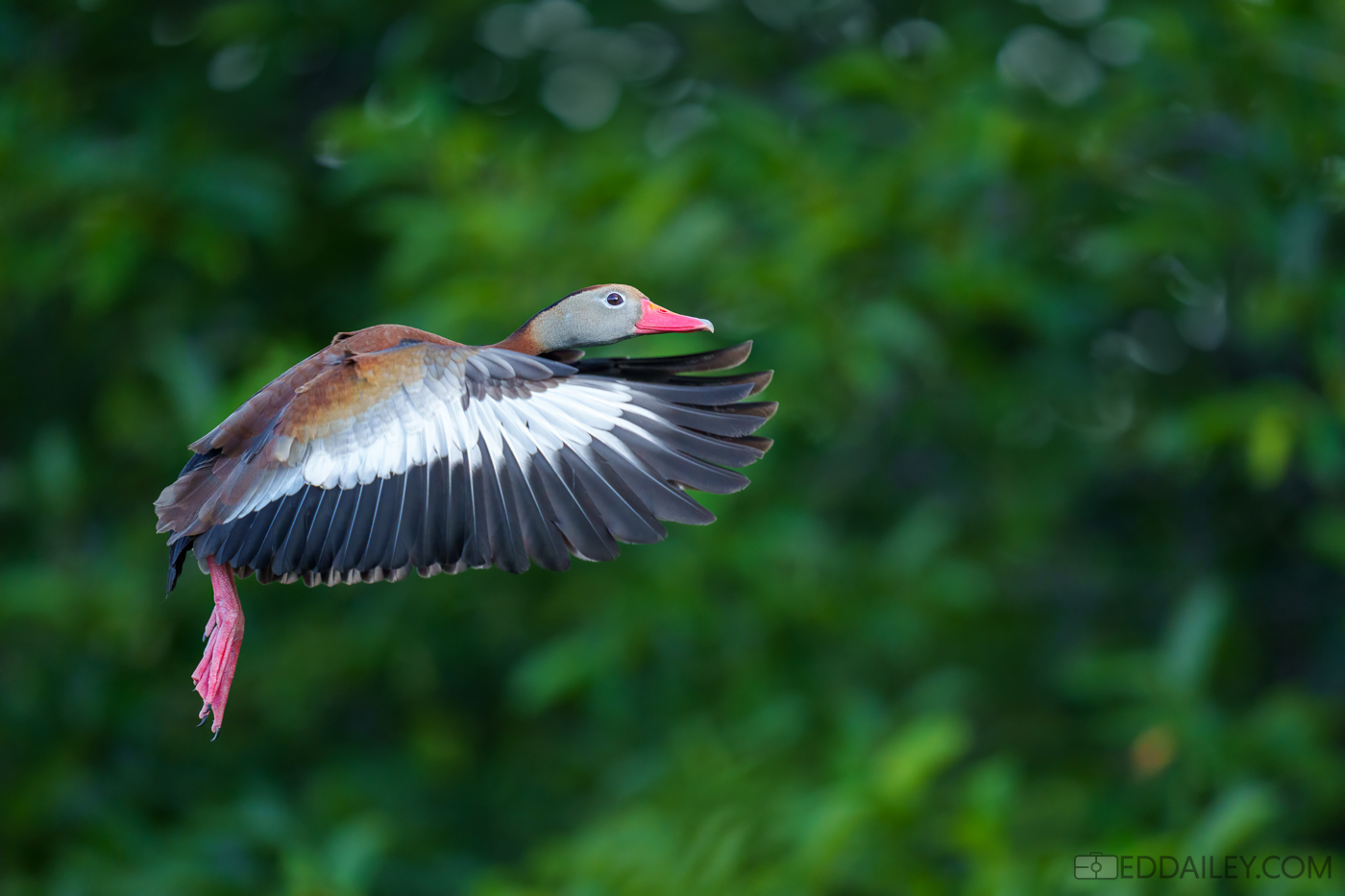
For wildlife and bird shots: I personally crop and turn off sharpening in LR. Then transfer the image to DeNoise AI. After DeNoise, which also sharpens, I bring it back to LR. I usually just use the basics tab and "Tone" section. I usually don't touch "Presence" sliders. Occasionally I make an exception and use a mask to add texture to the subject or negative clarity to the background.
Note: I am using an older version of DeNoise AI and LR due to computer limitations.
Uzay wrote:
Can you guys please give me some tips for LR sharpness, clarity etc.. amounts? I2m not sure if i'm doing right
Thanks
As mentioned, no right answer to this. The photo below had no sharpening applied at all after Topaz Denoise as it would have been overdone. I will use the new Lightroom Denoise feature on some photos and it also will bring out detail by removing noise but it is slow so I only use it on a limited basis. I use an unsharp mask in Photoshop if I want to apply sharpness but the amounts vary and it is something you would have to experiment with.
Uzay wrote:
Thanks for the replies so it would be better first denoise in Topaz and then make adjustments in LR, right?
I'm a bit different I suppose as I use both LR and PS when processing. Very basic in LR and it helps control my file system. Photoshop is where I run Denoise even when running the LR version on some photos. I use custom presets in LR and actions in PS. I use syncing in LR for like photos and batch photos through actions in PS. Makes processing faster for me.
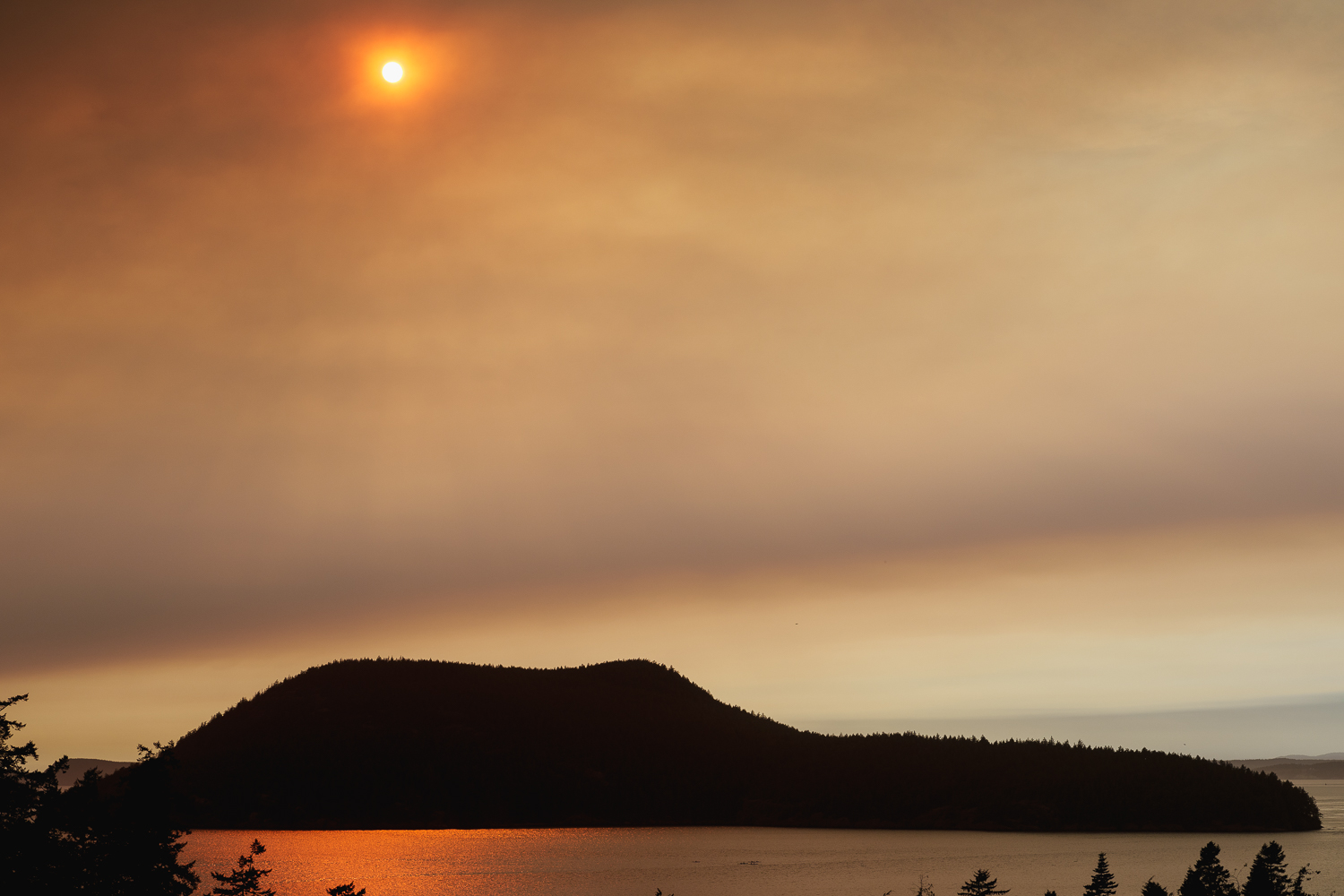
This evening the wind brought a plume of smoke from fires on the Olympic Peninsula straight up Puget Sound (toward Bellingham and Vancouver, BC). I would say it's making an interesting sunset, but it is still quite early for that. Just have interesting color coming from the reflections on the sound.