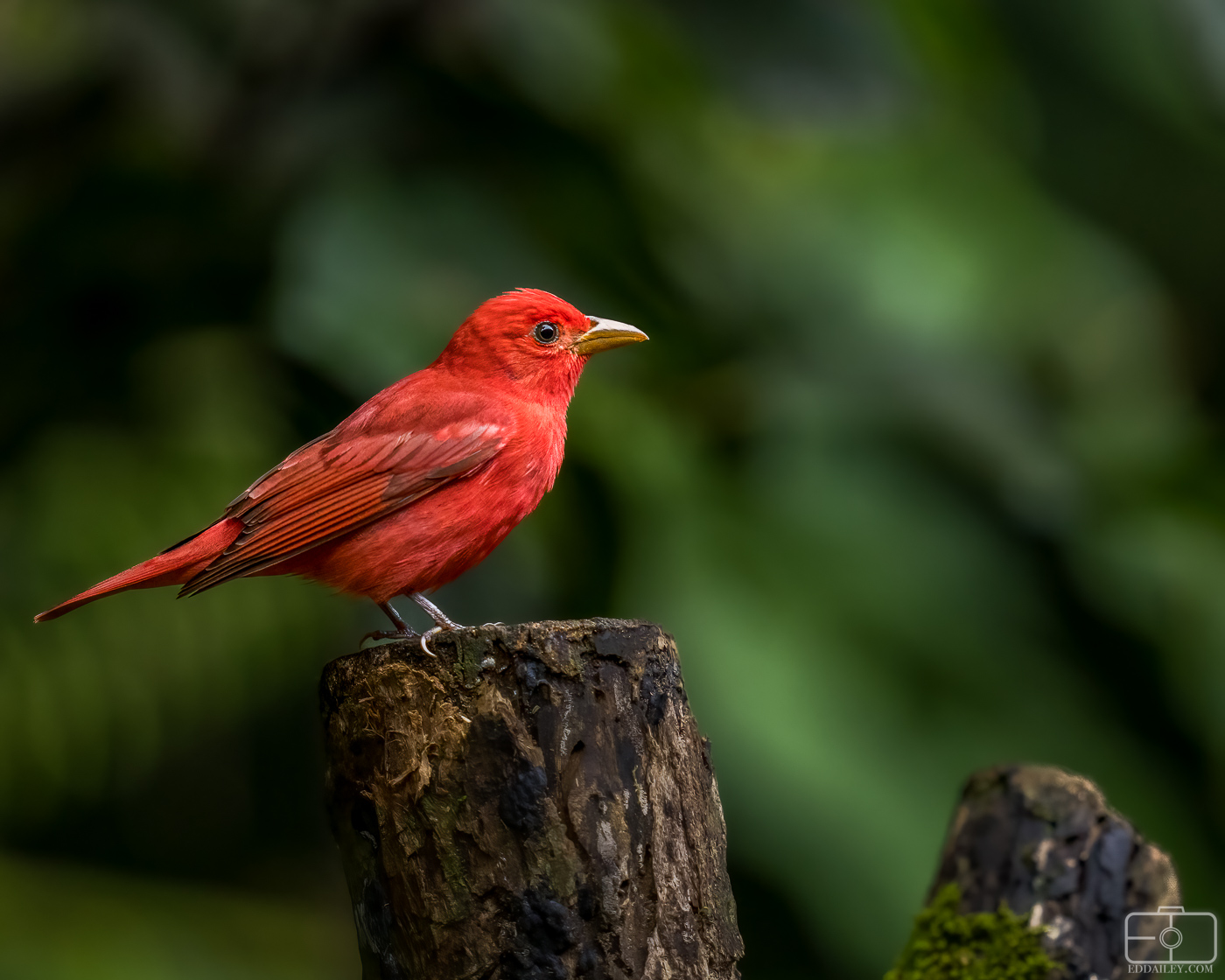
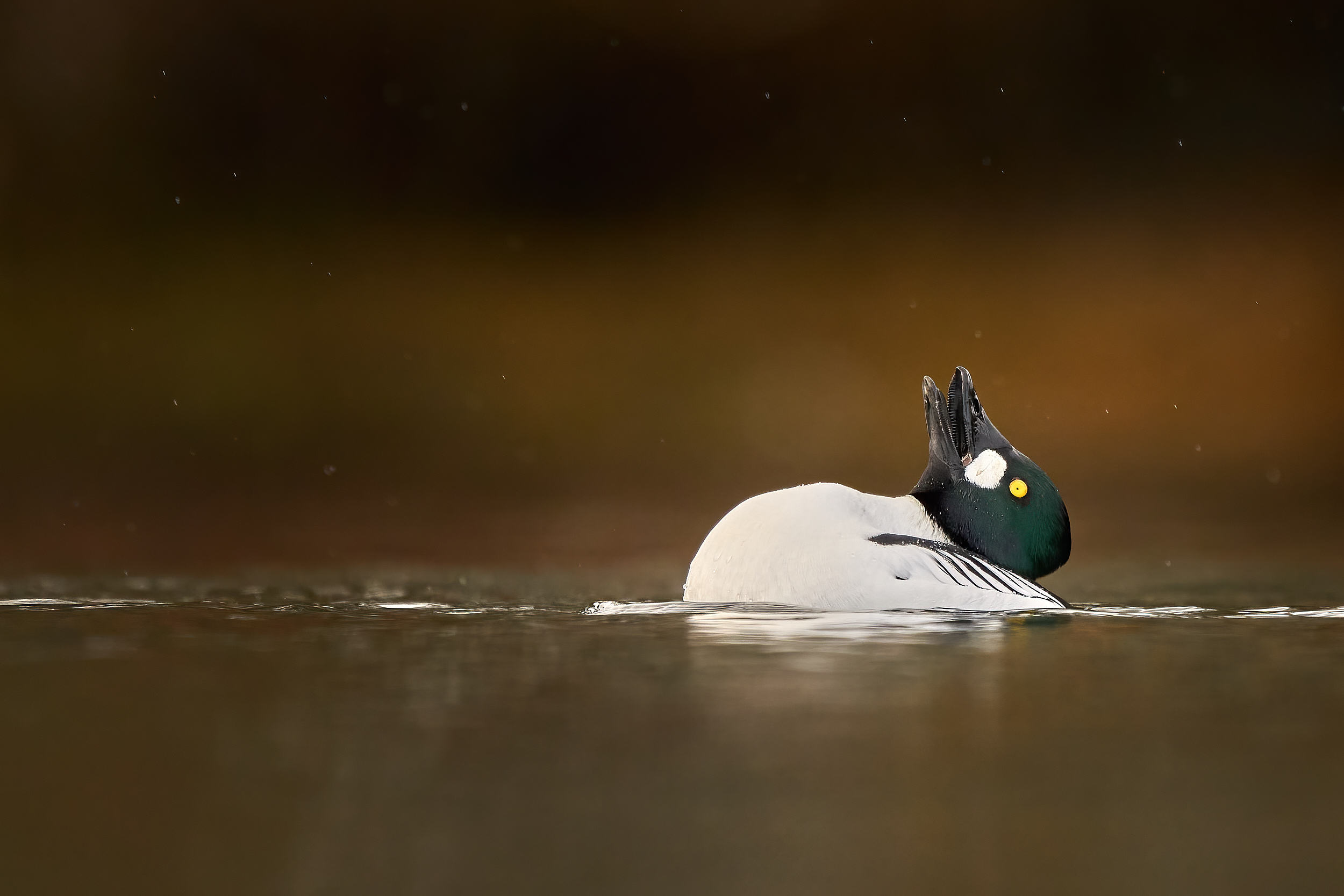
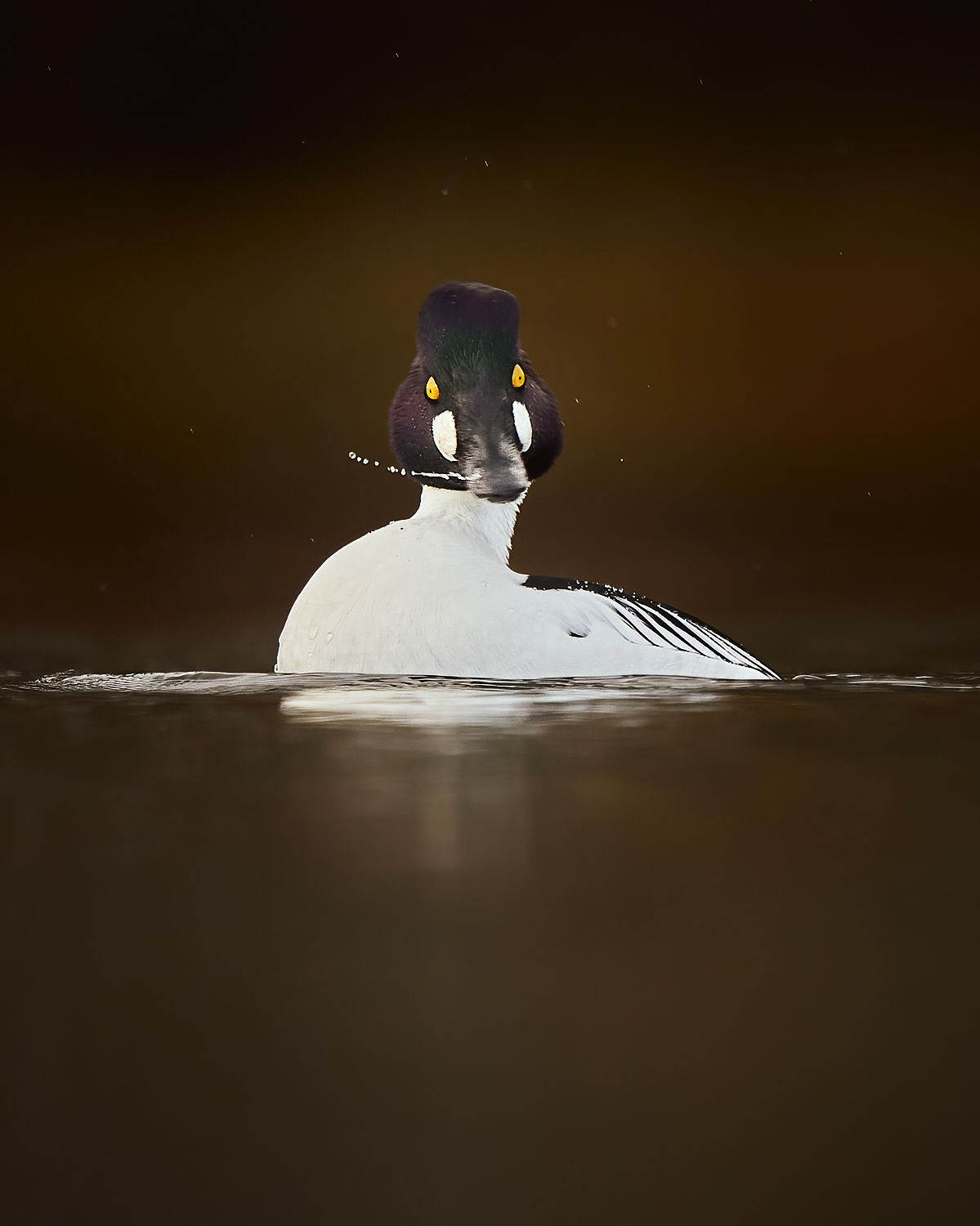
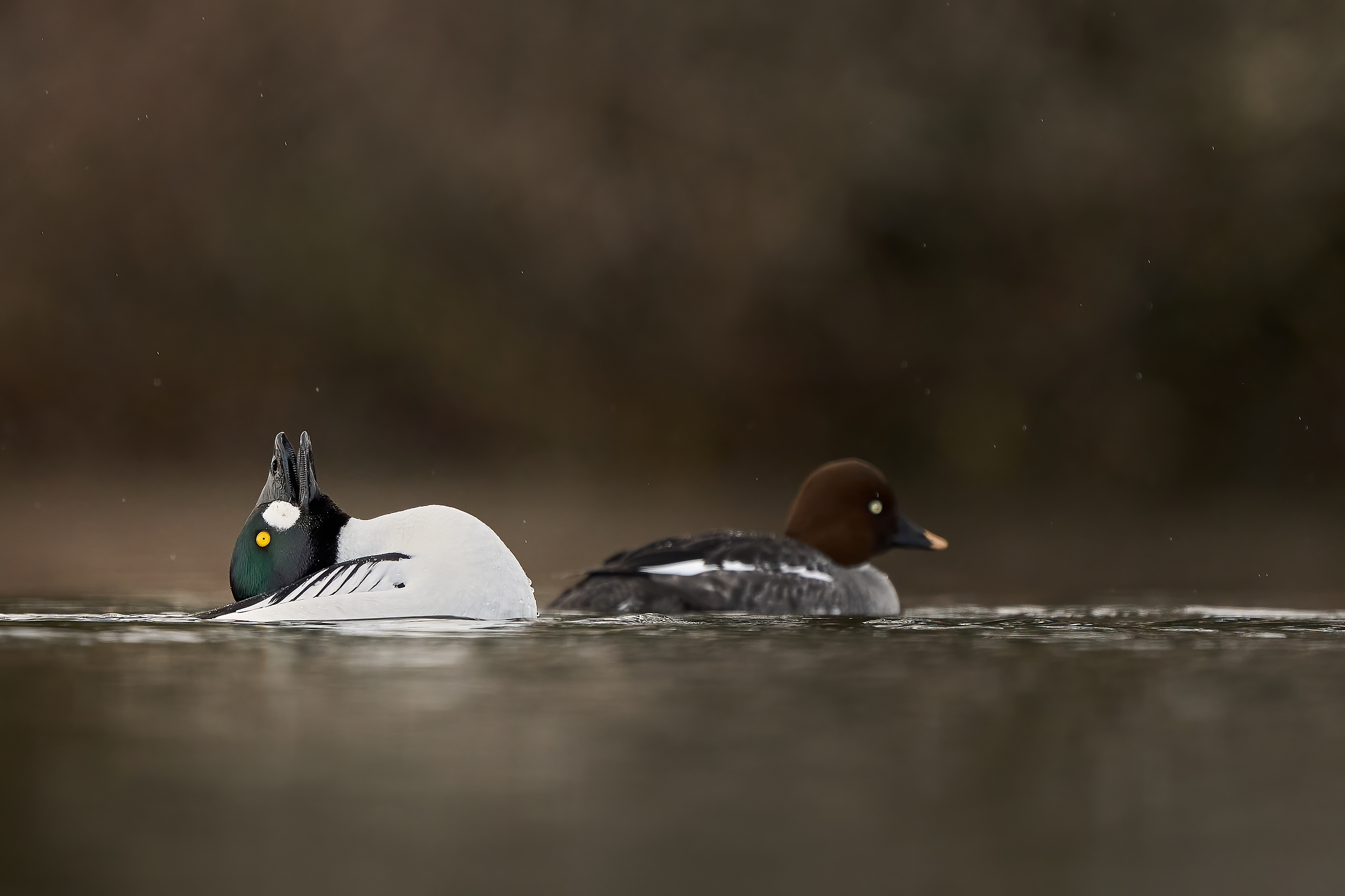
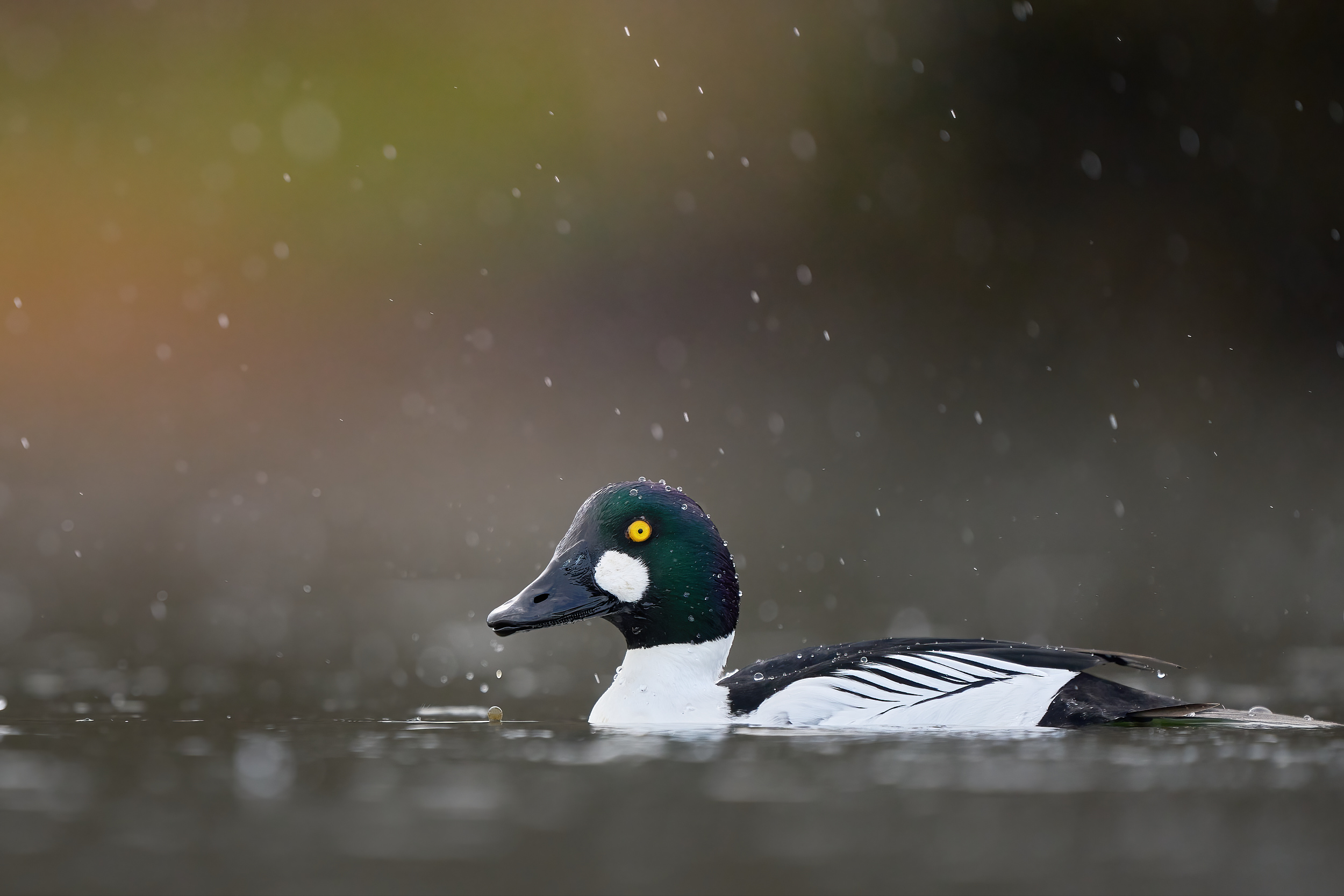
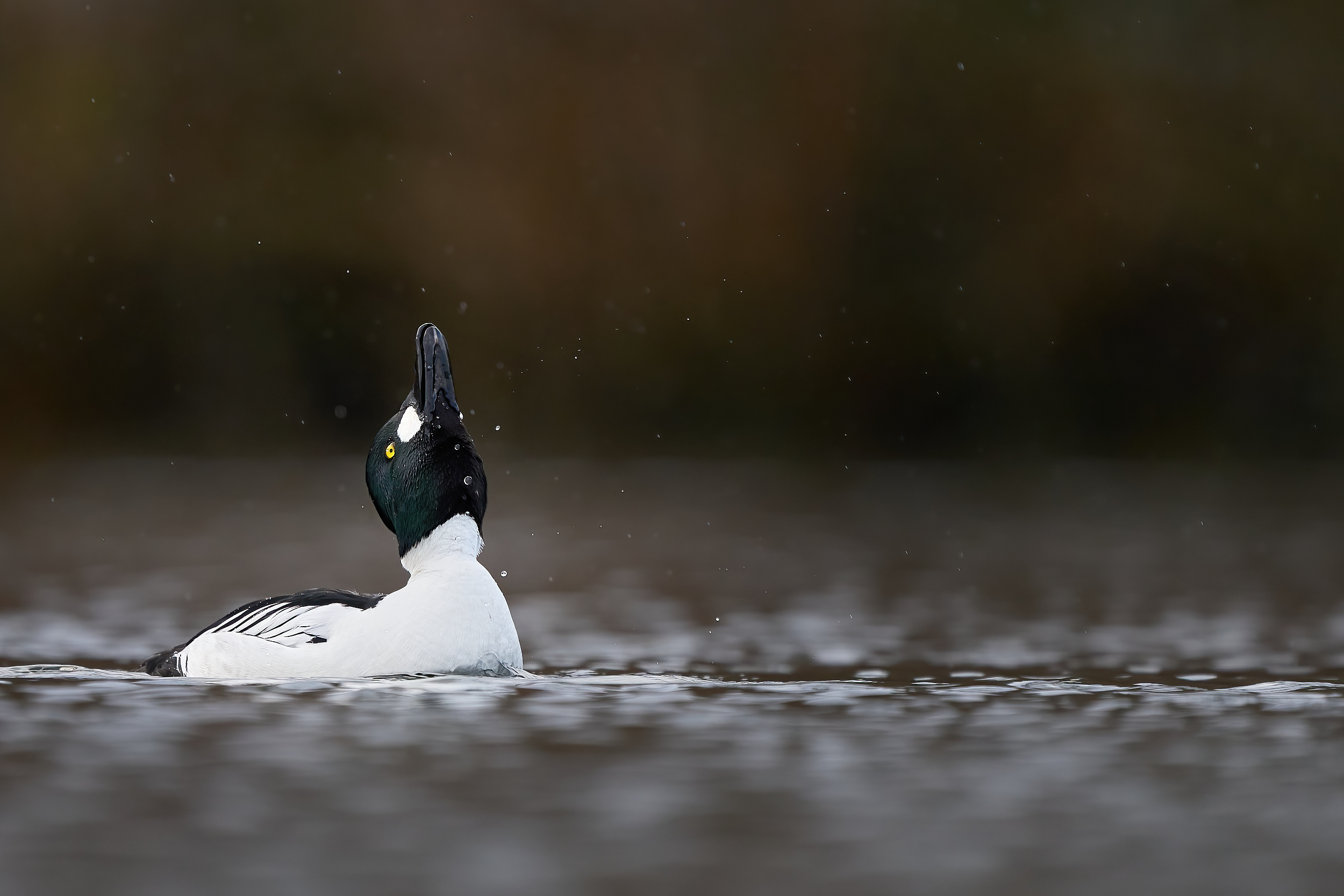
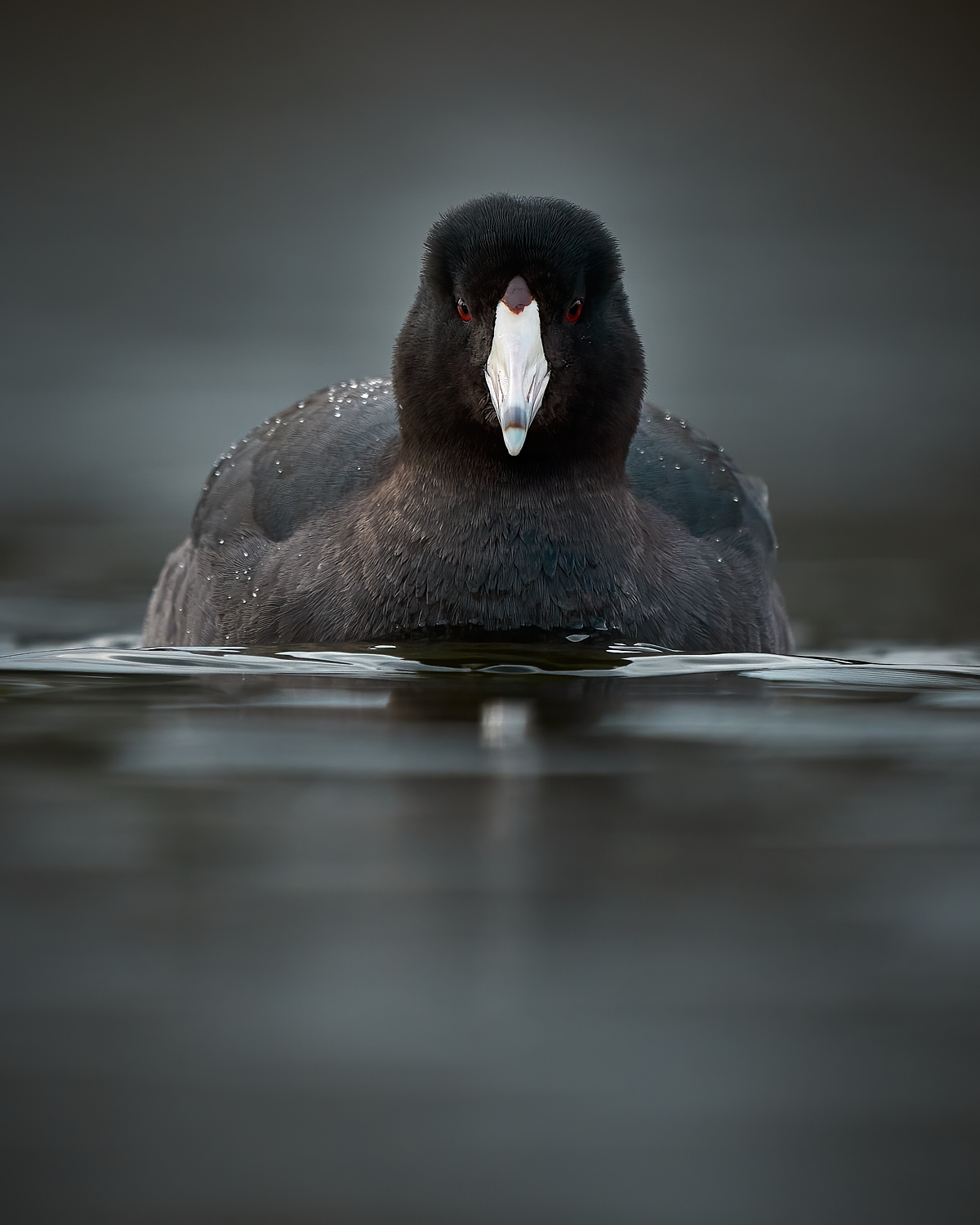
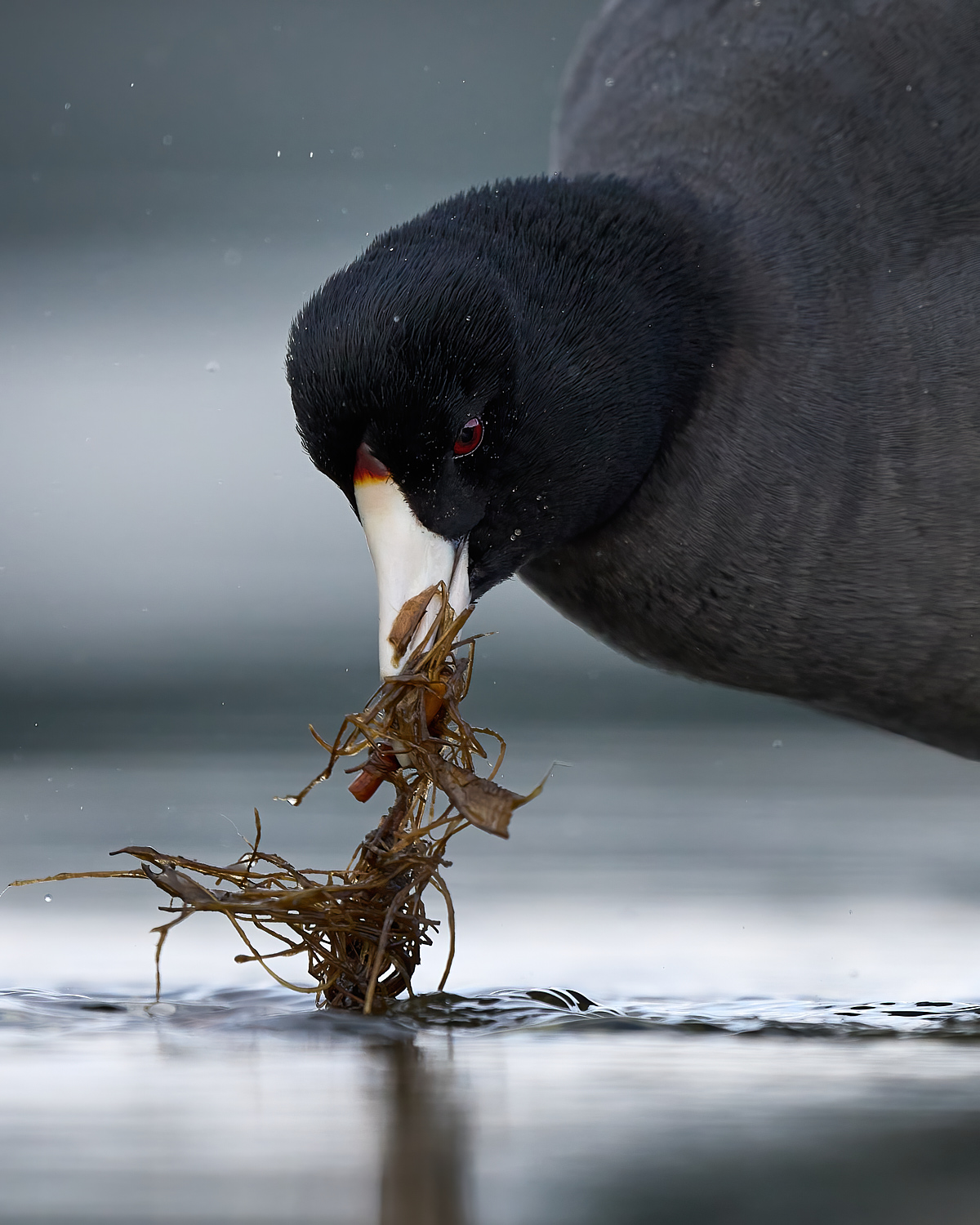
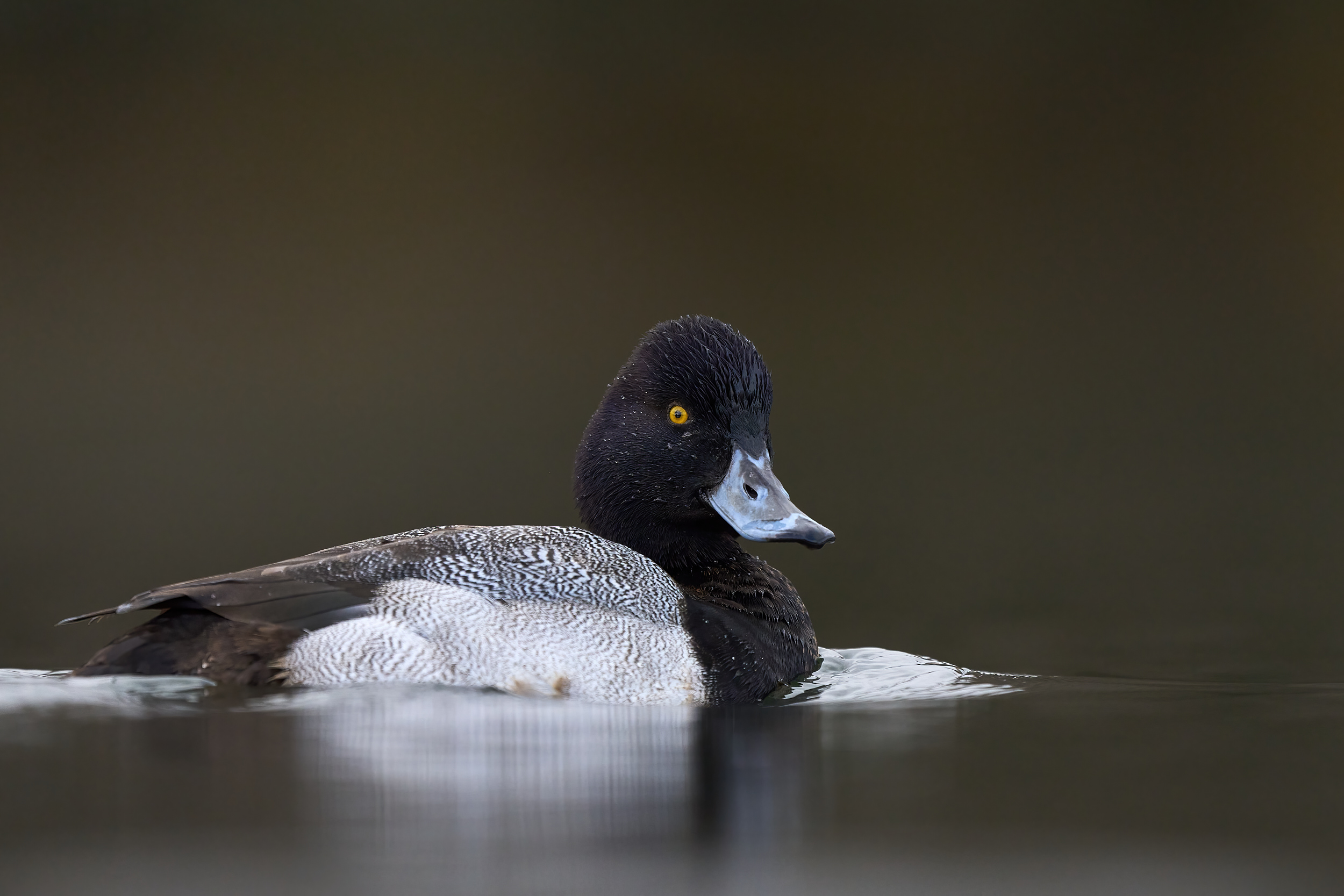
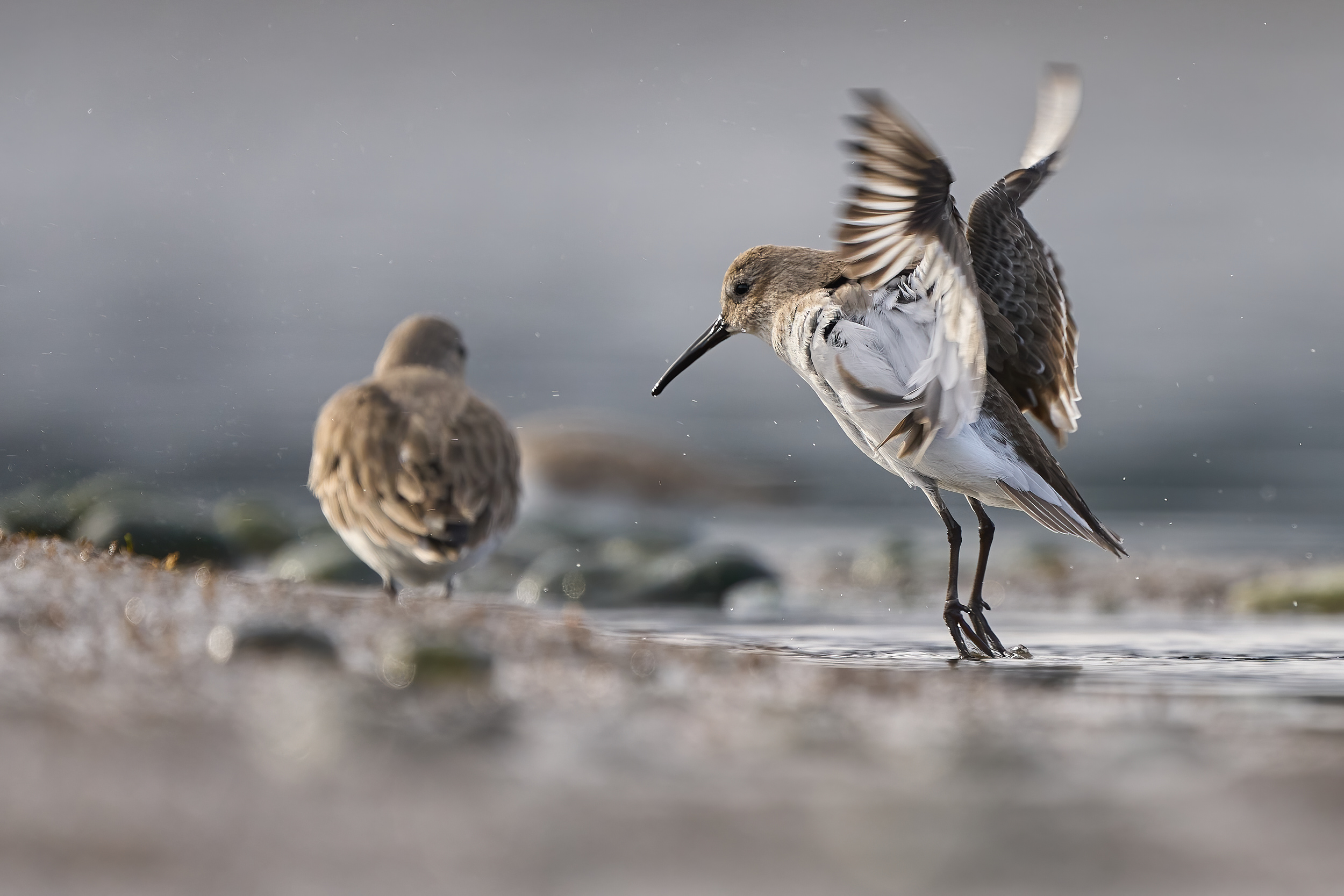
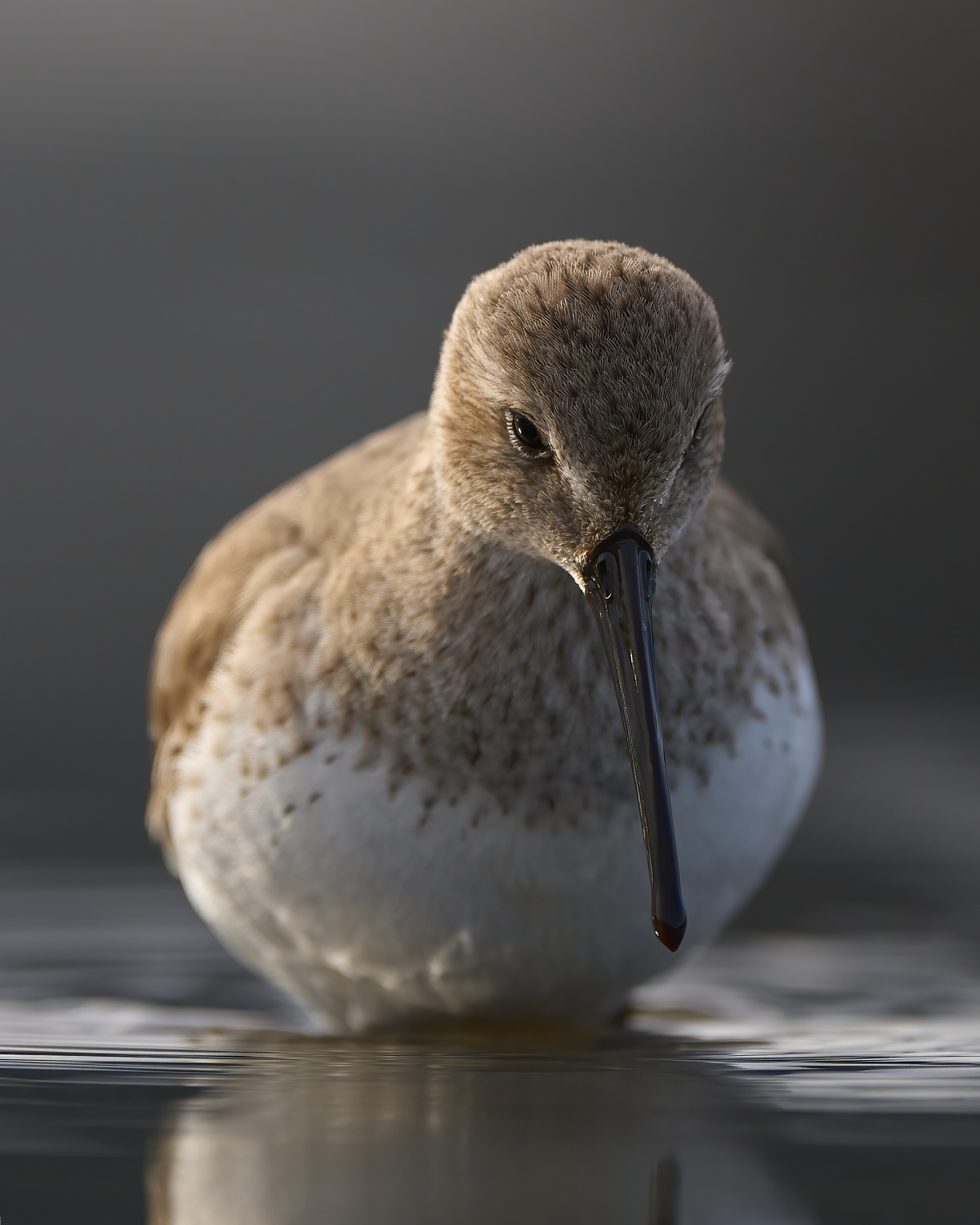
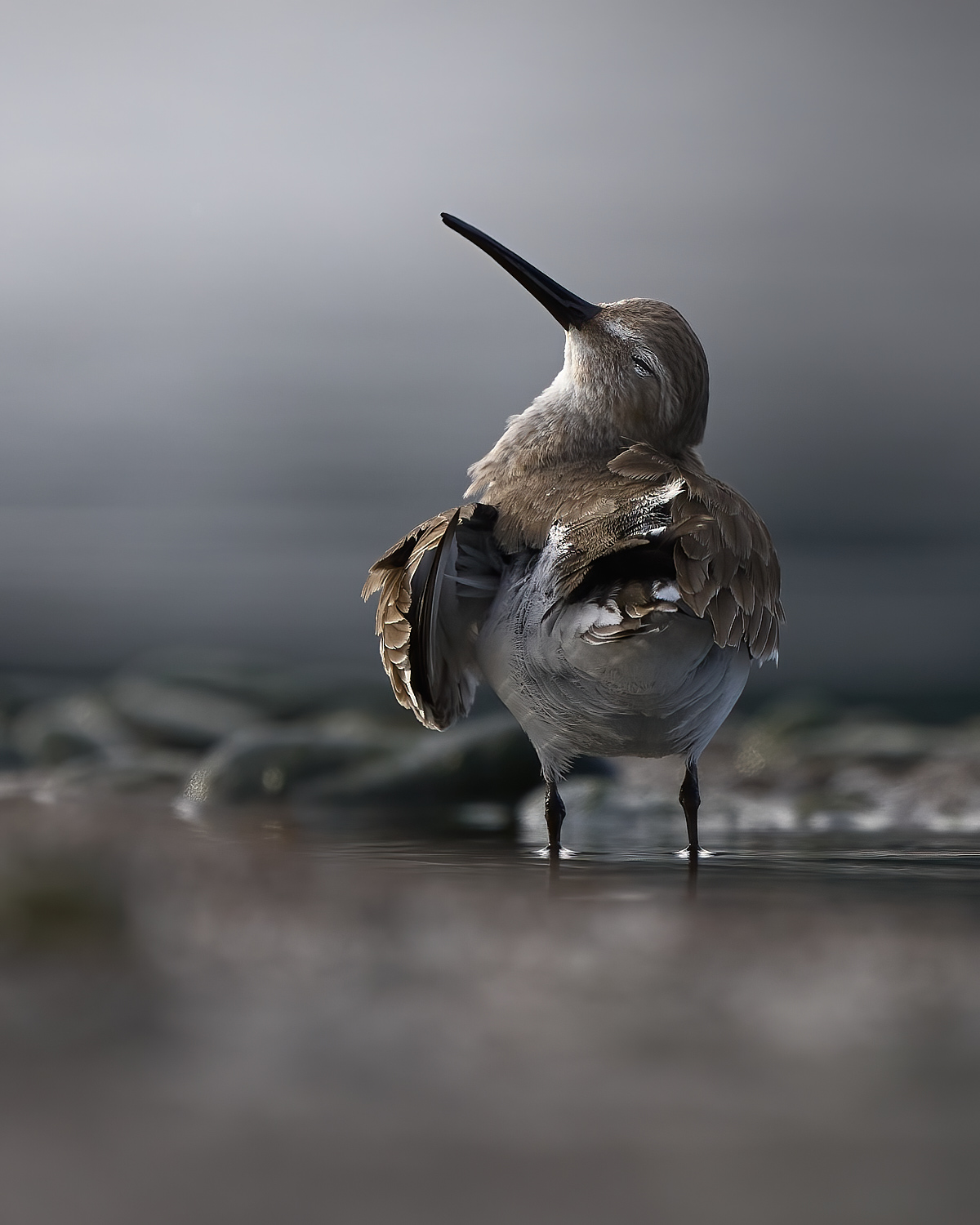
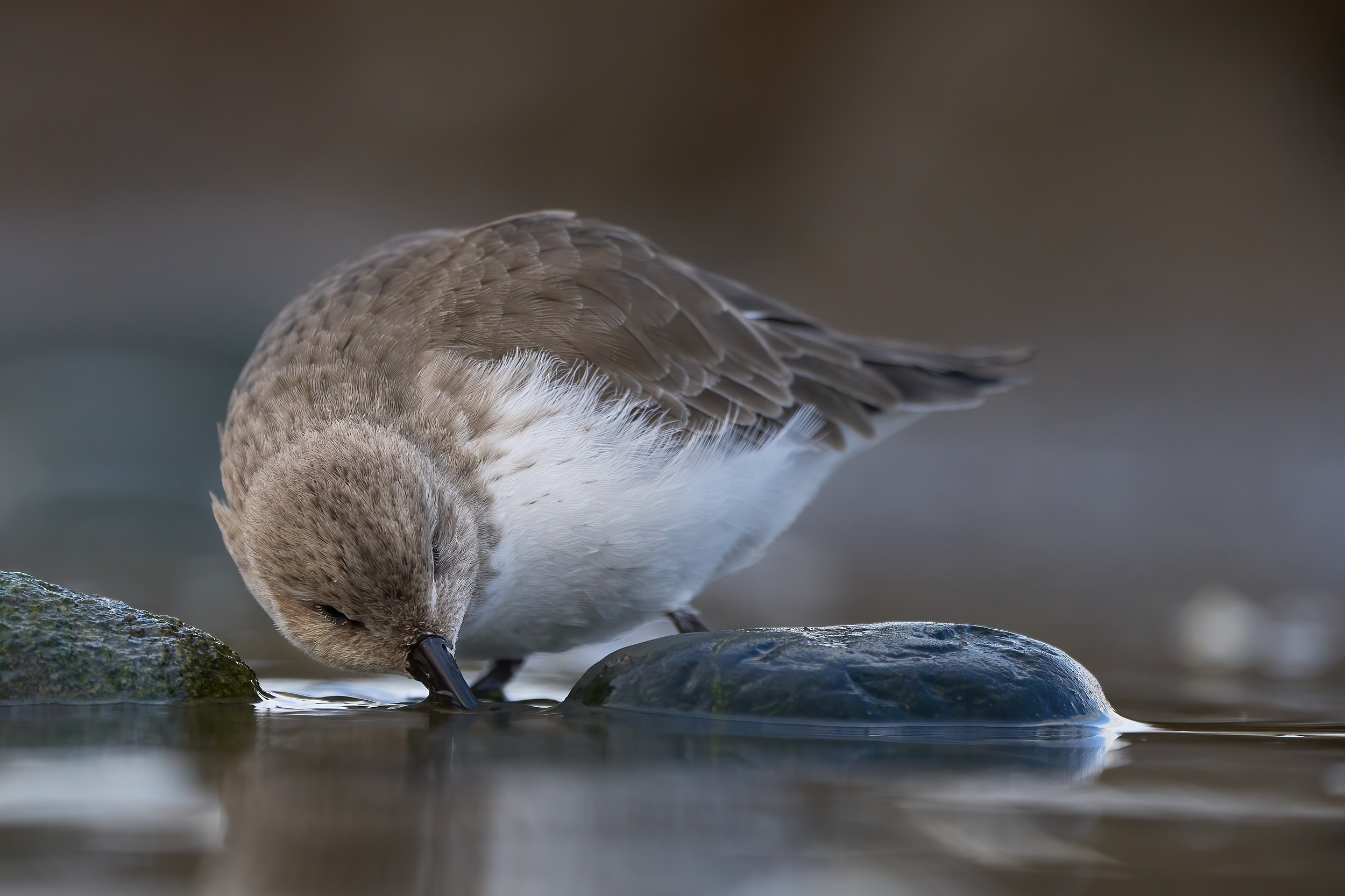
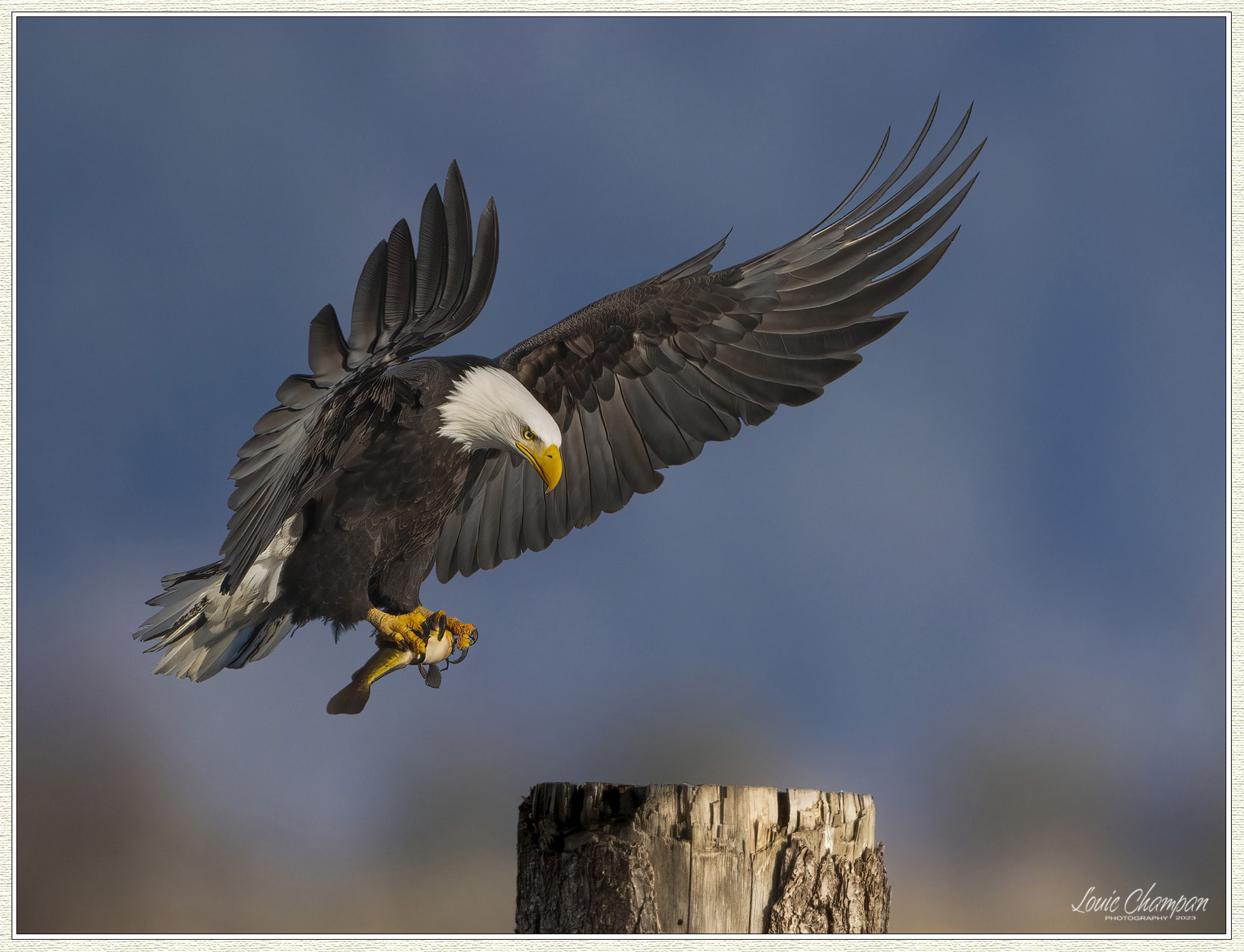
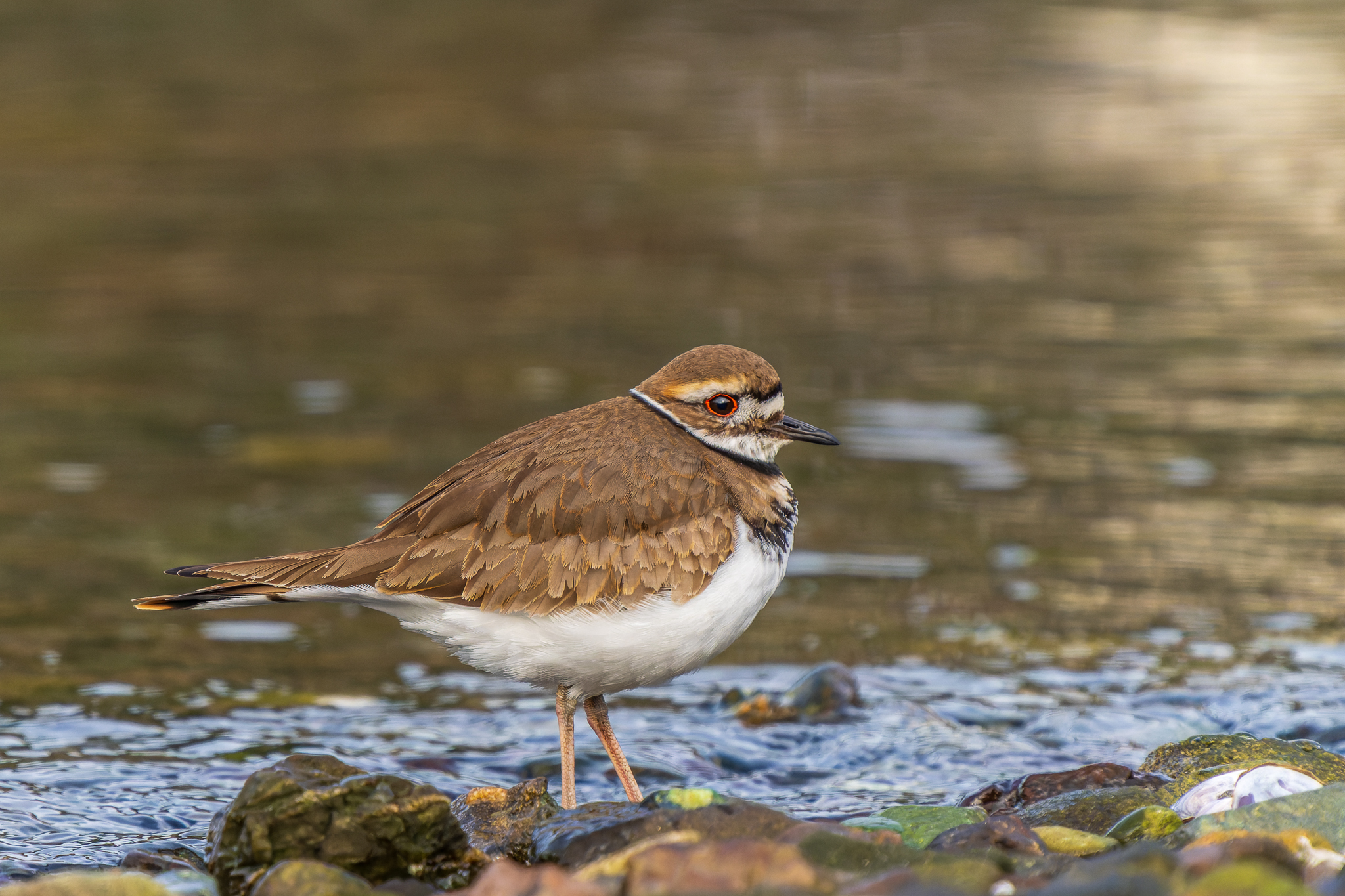
I was there this morning Douglas and don't think you missed much. The light at your park looks more interesting.
I'm going to try again tomorrow.
Douglas L wrote:
Amazing capture, Ed!
This morning I left my house at 4:30 to go to Middle Creek in Pa to photograph the snow geese at sunrise, after 80 miles, I stopped by a MacDonald's to get breakfast, then I realized I forgot to bring the wallet with me, I didn't have enough gas to drive another 30 miles to the destination and go home from there. I didn't want to beg people to give me gas money to go home so I turned around and drove home. After I got home I realized I could have used Apple Pay to buy gas but I have never used it before even though it's in my phone. I am way behind the tech curve. .
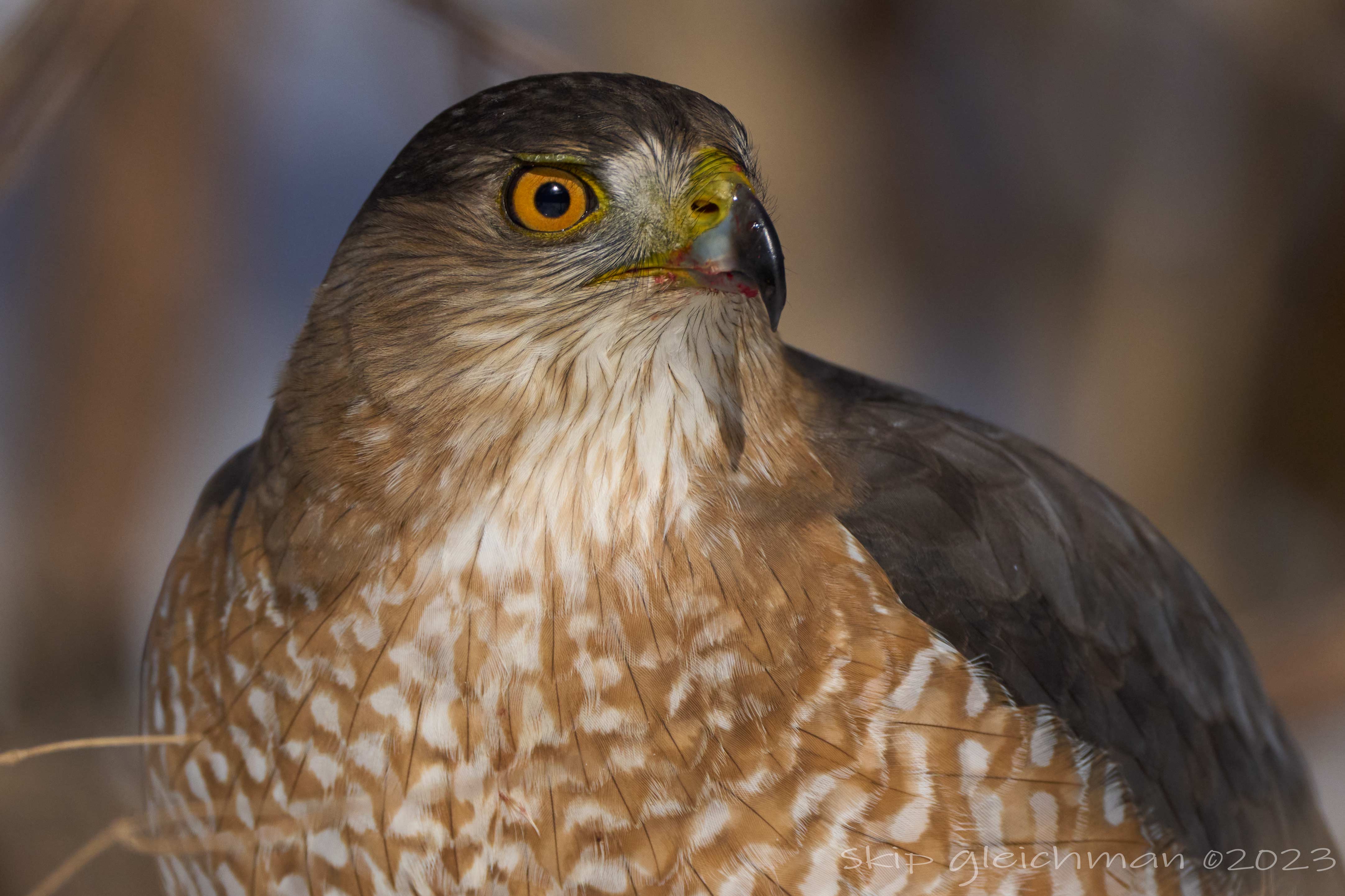
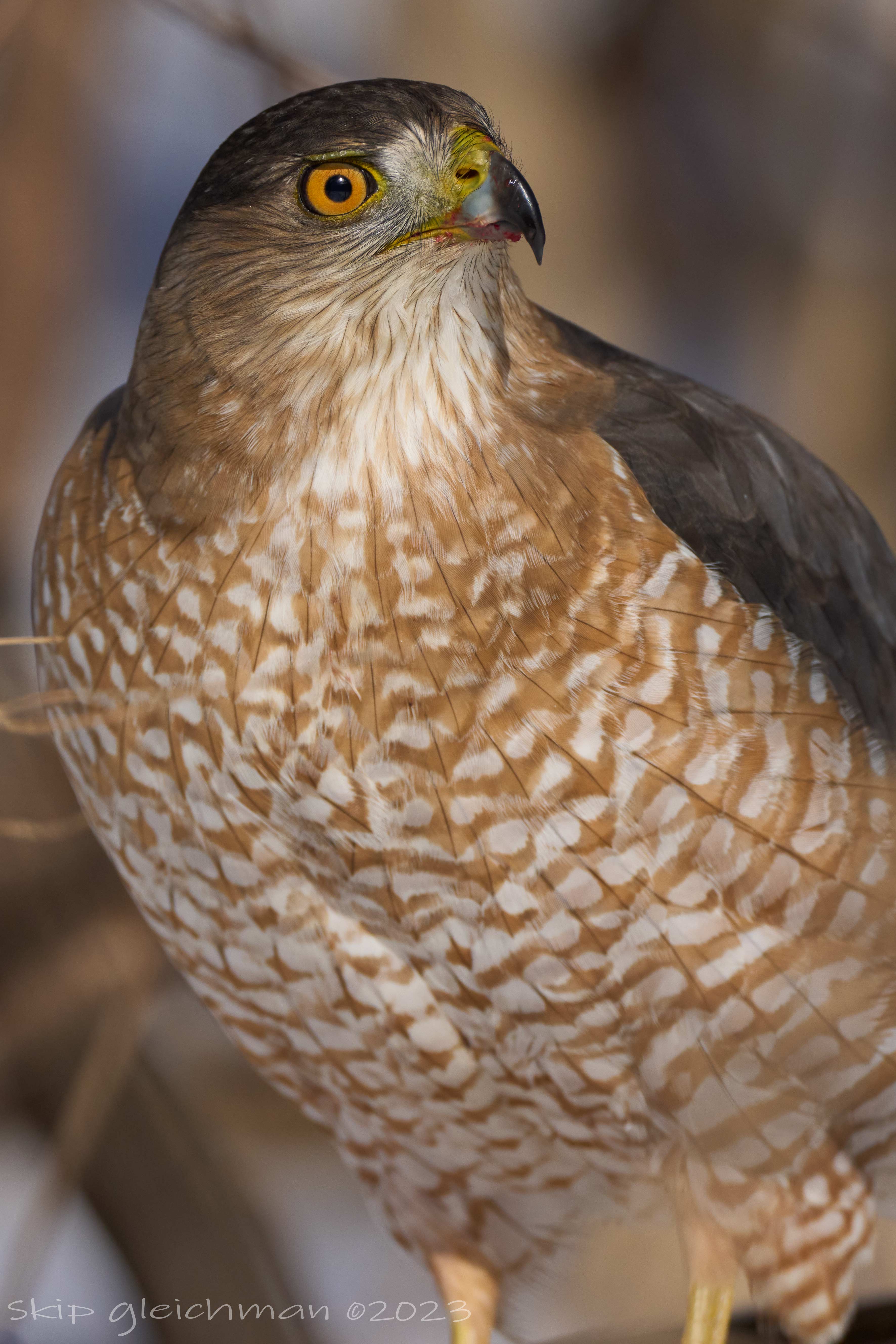
So, instead of ten of thousands of snow geese, I got these at a local park this morning....Show more →
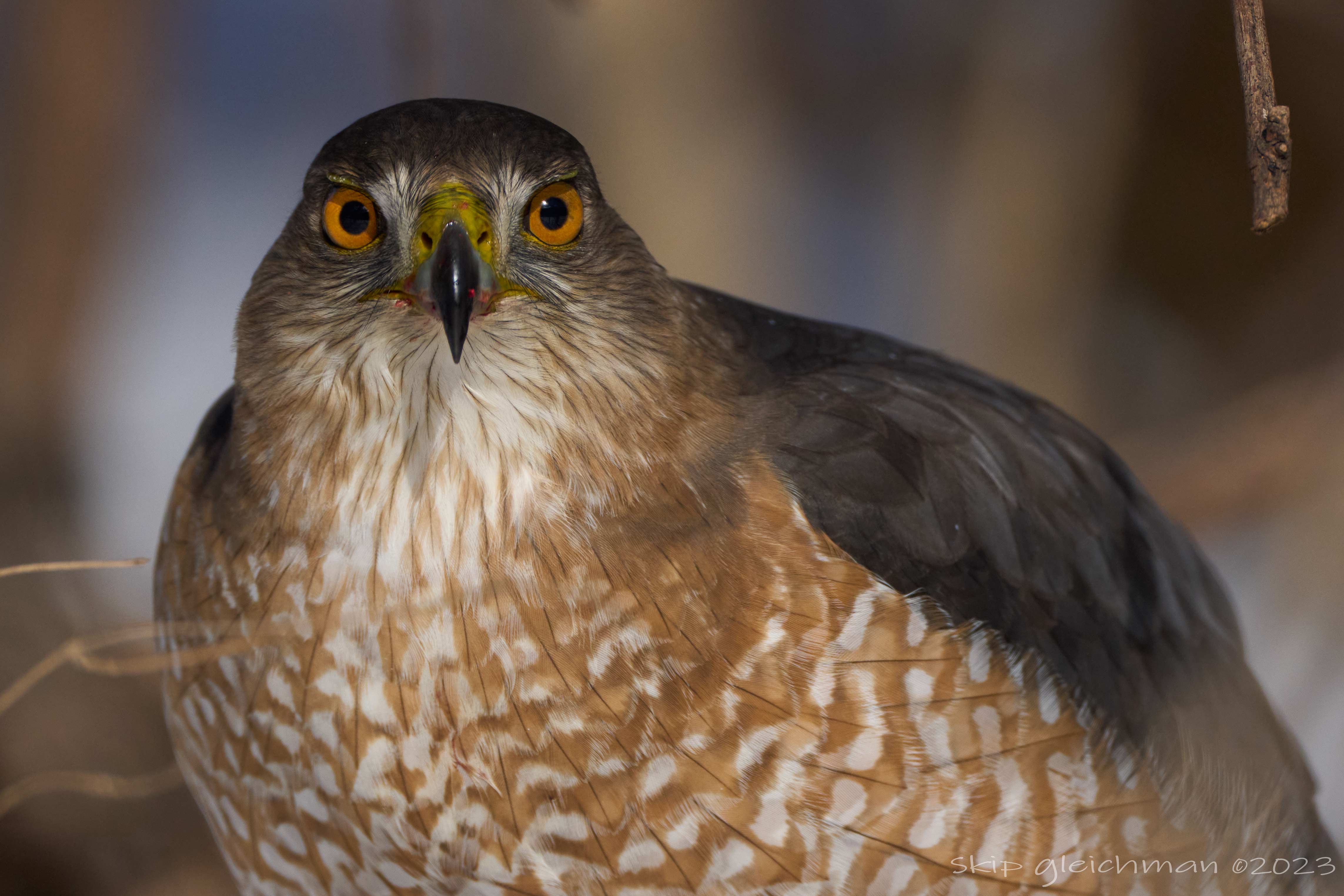
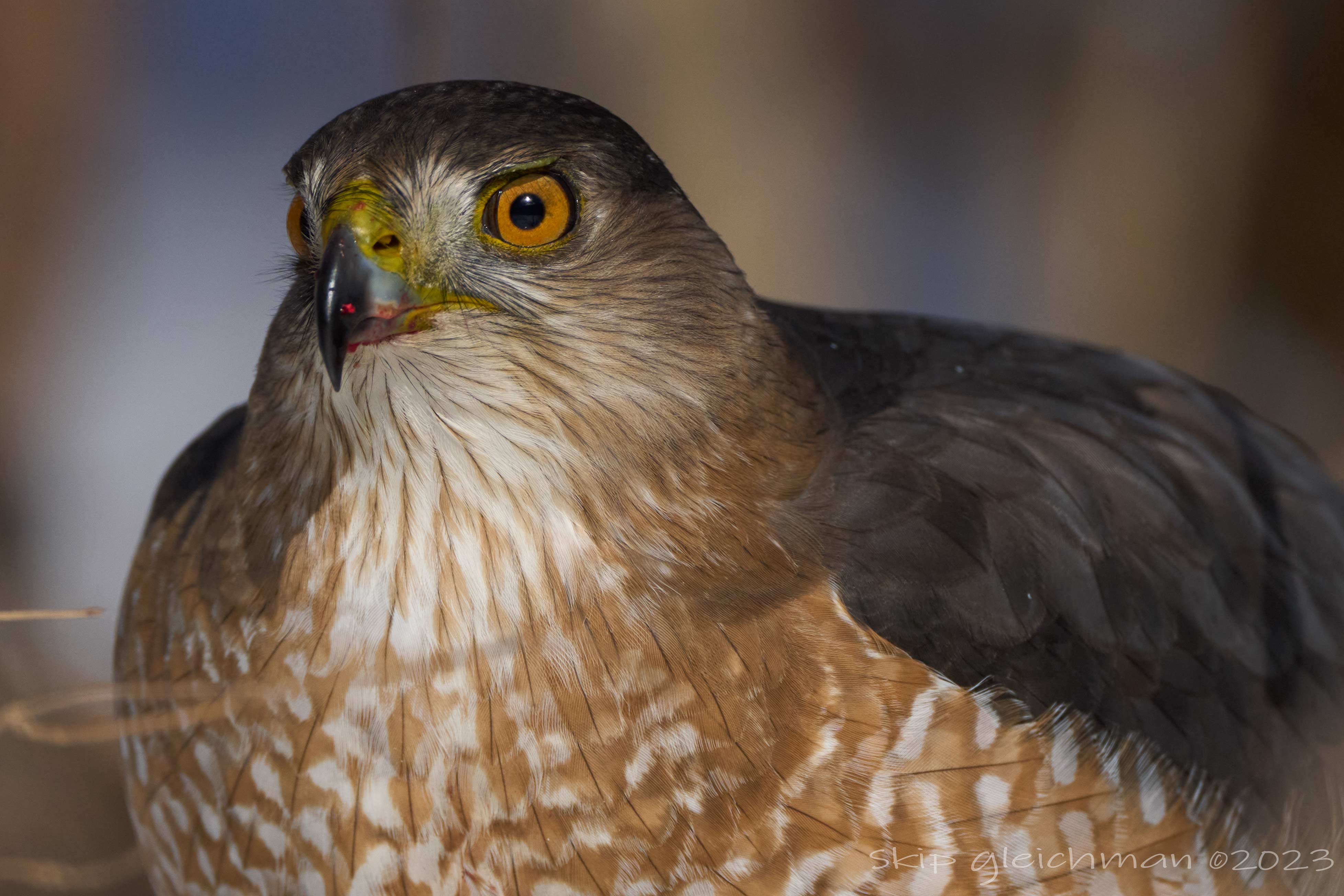
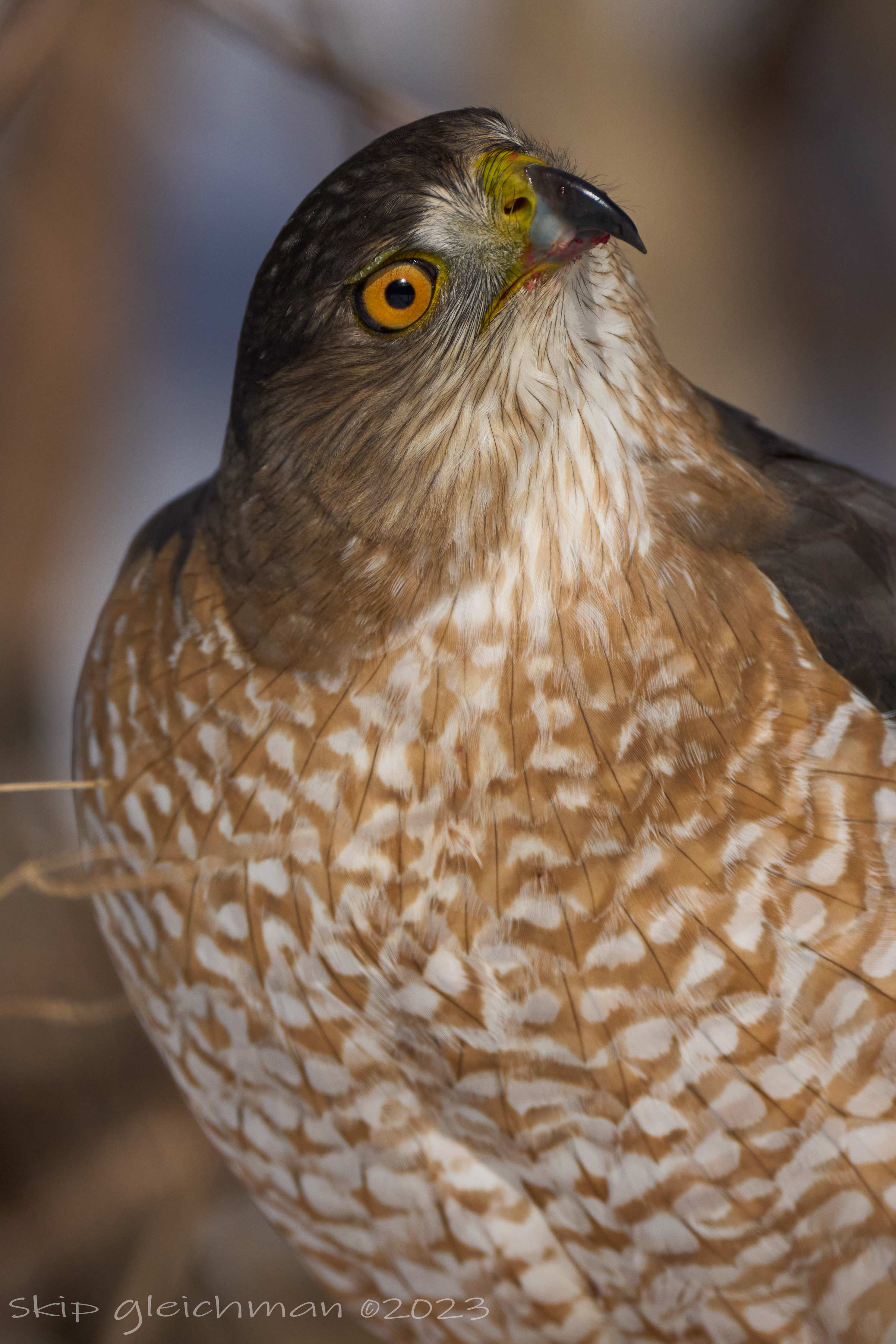
I walked up on a Coopers Hawk who was behind our building having lunch while on the ground. Ge was maybe 15 feet into some trees and these shots must have been very close to minimum focus distance. I went to my car, grabbed my camera and was too close with my TC attached to get any full body shots. I have never been that close to a hawk... I saw the eyes first.
Hi all. I have picked up an A1 and 200-600 to augment my Z9. (coming up 12 months since ordering the lens I want and still no sign).
It is going to take me a while to get my head around this thing. For BIF and general wildlife, is there an equivalent mode to Nikon's auto area with subject detection? I find that mode works for 90% of what I shoot and for the 10% I can then mess about with reducing the focus area, use 3d or turn off subject detection.
I will eventually work my through some 500 page guide or other so please don't tell me to RTFM. But I need to get some hands-on so I can understand what all the guides are talking about. Also, what setting do folks use for the VF quality settings that give a good battery/quality compromise? Thanks!
Edit: Also, how can the actual ISO be shown when using auto iso.
Alistair1 wrote:
Hi all. I have picked up an A1 and 200-600 to augment my Z9. (coming up 12 months since ordering the lens I want and still no sign).
It is going to take me a while to get my head around this thing. For BIF and general wildlife, is there an equivalent mode to Nikon's auto area with subject detection? I find that mode works for 90% of what I shoot and for the 10% I can then mess about with reducing the focus area, use 3d or turn off subject detection.
I will eventually work my through some 500 page guide or other so please don't tell me to RTFM. But I need to get some hands-on so I can understand what all the guides are talking about. Also, what setting do folks use for the VF quality settings that give a good battery/quality compromise? Thanks!
Edit: Also, how can the actual ISO be shown when using auto iso....Show more →
I have not used Nikon, so no help there.
My recommendations in general are to shoot AF-C, non tracking. Then use wide or zone for the focus area. I keep subject detection on but you have to pick the right one between bird/animal/human. This covers 90% of the usage for me.
I have the center button on the back setup to rotate between bird/animal/human detection. I have the the down button setup to toggle subject detect off if it ever is an issue, I almost never turn it off. I have a custom button to rotate between three focus modes modes: wide, zone, zone with tracking. I have a recall custom hold on the AEL button to change to small flex spot with tracking for the focus mode and keep the rest of the settings the same.
To see the ISO when in auto ISO you need to half press the shutter. If you use back button focus, no idea. I see no need for back button focus personally.
I have the EVF set to the highest refresh rate of the three. I believe this lowers the size and quality. For fast action the higher refresh rates makes a difference to me.
Instead of RTFM, lookup Mark Galer and Mark Smith for A1 youtube setup guides. I learned from both videos but use my own customizations.
A couple images from the weekend...
I dusted off the 200-600 since I was shooting hummingbirds. Lit subject, shaded background.
Sony ILCE-1
FE 200-600mm F5.6-6.3 G OSS
ƒ/6.3 600.0 mm 1/1600 500
Sony ILCE-1
FE 200-600mm F5.6-6.3 G OSS
ƒ/6.3 489.0 mm 1/1000 500
I really wanted a sunset backlit shot. Instead I got car bokeh
Sony ILCE-1
FE 200-600mm F5.6-6.3 G OSS
ƒ/6.3 481.0 mm 1/800 500
Edit, swapped out this image for a different one from the same burst but without the plant obscuring the lower part of the bird.
Sony ILCE-1
FE 200-600mm F5.6-6.3 G OSS
ƒ/6.3 481.0 mm 1/800 500
TGPhotography wrote:
I have not used Nikon, so no help there.
My recommendations in general are to shoot AF-C, non tracking. Then use wide or zone for the focus area. I keep subject detection on but you have to pick the right one between bird/animal/human. This covers 90% of the usage for me.
I have the center button on the back setup to rotate between bird/animal/human detection. I have the the down button setup to toggle subject detect off if it ever is an issue, I almost never turn it off. I have a custom button to rotate between three focus modes modes: wide, zone, zone with tracking. I have a recall custom hold on the AEL button to change to small flex spot with tracking for the focus mode and keep the rest of the settings the same.
To see the ISO when in auto ISO you need to half press the shutter. If you use back button focus, no idea. I see no need for back button focus personally.
I have the EVF set to the highest refresh rate of the three. I believe this lowers the size and quality. For fast action the higher refresh rates makes a difference to me.
Instead of RTFM, lookup Mark Galer and Mark Smith for A1 youtube setup guides. I learned from both videos but use my own customizations.
Alistair1 wrote:
Hi all. I have picked up an A1 and 200-600 to augment my Z9. (coming up 12 months since ordering the lens I want and still no sign).
It is going to take me a while to get my head around this thing. For BIF and general wildlife, is there an equivalent mode to Nikon's auto area with subject detection? I find that mode works for 90% of what I shoot and for the 10% I can then mess about with reducing the focus area, use 3d or turn off subject detection.
I will eventually work my through some 500 page guide or other so please don't tell me to RTFM. But I need to get some hands-on so I can understand what all the guides are talking about. Also, what setting do folks use for the VF quality settings that give a good battery/quality compromise? Thanks!
Edit: Also, how can the actual ISO be shown when using auto iso....Show more →
Tyler offered some very good suggestions above. The ISO value and a bunch of other values can be shown real time in the EVF, you can set up what are to be shown in the EVF. For focus area I limit my to "wide", "zone", "spot M", and "tracking L", programed C1 button to change them very quickly as needed. I highly recommend Steve Perry's A1 setup guide on Youtube.
TGPhotography wrote:
I have not used Nikon, so no help there.
My recommendations in general are to shoot AF-C, non tracking. Then use wide or zone for the focus area. I keep subject detection on but you have to pick the right one between bird/animal/human. This covers 90% of the usage for me.
I have the center button on the back setup to rotate between bird/animal/human detection. I have the the down button setup to toggle subject detect off if it ever is an issue, I almost never turn it off. I have a custom button to rotate between three focus modes modes: wide, zone, zone with tracking. I have a recall custom hold on the AEL button to change to small flex spot with tracking for the focus mode and keep the rest of the settings the same.
To see the ISO when in auto ISO you need to half press the shutter. If you use back button focus, no idea. I see no need for back button focus personally.
I have the EVF set to the highest refresh rate of the three. I believe this lowers the size and quality. For fast action the higher refresh rates makes a difference to me.
Instead of RTFM, lookup Mark Galer and Mark Smith for A1 youtube setup guides. I learned from both videos but use my own customizations.
Douglas L wrote:
Tyler offered some very good suggestions above. The ISO value and a bunch of other values can be shown real time in the EVF, you can set up what are to be shown in the EVF. For focus area I limit my to "wide", "zone", "spot M", and "tracking L", programed C1 button to change them very quickly as needed. I highly recommend Steve Perry's A1 setup guide on Youtube.
Thanks so much Douglas for your suggestions. Took a look at Steve's video, yes it is very helpful.
k-h.a.w wrote:
Thank you TGPhotography, terrific images.
I like the composition, light, and colors.
Considering the shutter speeds you used, amazingly sharp.
K-H.
Thanks. I think it is a myth you need a fast shutter for hummingbirds in flight on flowers. When they hover on a flower their head stays remarkably still and a shutter of 1/320 is often sharp on the eye assuming the camera is steady, if you don't mind some wing blur.
---------------------------------------------
Alistair1 wrote:
Amazing, thanks so much for your help!
Feel free to ask away. People in this thread are friendly unlike some other threads
I always forget about the Steve Perry video Douglas mentioned. It is also very useful but came out after I got mine setup so I forget about it. I setup the A1 to my preferences after referencing various youtube videos. I still haven't RTFM myself
I have tweaked my setup after heavy use based on what was causing me missed shots. I would not recommend blindly copying someone else's settings without understanding how and why it works for them.
One thing I have noticed, the A1 white balance can be all over the place in some situations. Some shots in a burst ranged from an auto white balances of 3000 to 4500. I think the super saturated colors in evening light really mess with it.
More from the weekend including something other than hummingbirds...
Sony ILCE-1
FE 200-600mm F5.6-6.3 G OSS
ƒ/6.3 600.0 mm 1/500 1000
Sony ILCE-1
FE 200-600mm F5.6-6.3 G OSS
ƒ/6.3 485.0 mm 1/1000 500
Sony ILCE-1
FE 200-600mm F5.6-6.3 G OSS
ƒ/6.3 547.0 mm 1/1250 500
Not the sharpest shot or best IQ, but I like the pose and perch.
Sony ILCE-1
FE 200-600mm F5.6-6.3 G OSS
ƒ/6.3 600.0 mm 1/500 800
Stop and smell the flowers. I forgot I was using the zoom and a couple aren't at 600mm.
Sony ILCE-1
FE 200-600mm F5.6-6.3 G OSS
ƒ/6.3 524.0 mm 1/500 250
Sony ILCE-1
FE 200-600mm F5.6-6.3 G OSS
ƒ/6.3 576.0 mm 1/500 100
Sony ILCE-1
FE 200-600mm F5.6-6.3 G OSS
ƒ/6.3 600.0 mm 1/2500 500
I can't get enough of the green and orange color contrast
Sony ILCE-1
FE 200-600mm F5.6-6.3 G OSS
ƒ/6.3 600.0 mm 1/500 125
Sony ILCE-1
FE 200-600mm F5.6-6.3 G OSS
ƒ/6.3 600.0 mm 1/1000 500
The light rendered the bird almost grey instead of green/yellow.
Sony ILCE-1
FE 600mm F4 GM OSS
ƒ/4.0 600.0 mm 1/500 800
Heavy crop posted at 1:1 showing how much detail you can get out of a flight shot.
Sony ILCE-1
FE 200-600mm F5.6-6.3 G OSS
ƒ/6.3 485.0 mm 1/1000 500
I spent an afternoon at one of our state parks with this returning pair of Great Horned Owls. One of the two chicks fell out of its nest earlier in the day, a park ranger had placed it back in their nest. When I arrived, there was a fresh meal placed by one of the parents in the nest, later in the evening, the mother flew back to the nest to feed her chicks
Sony A1, 200-600, 1.4x TC
Feb 2023


 .
.