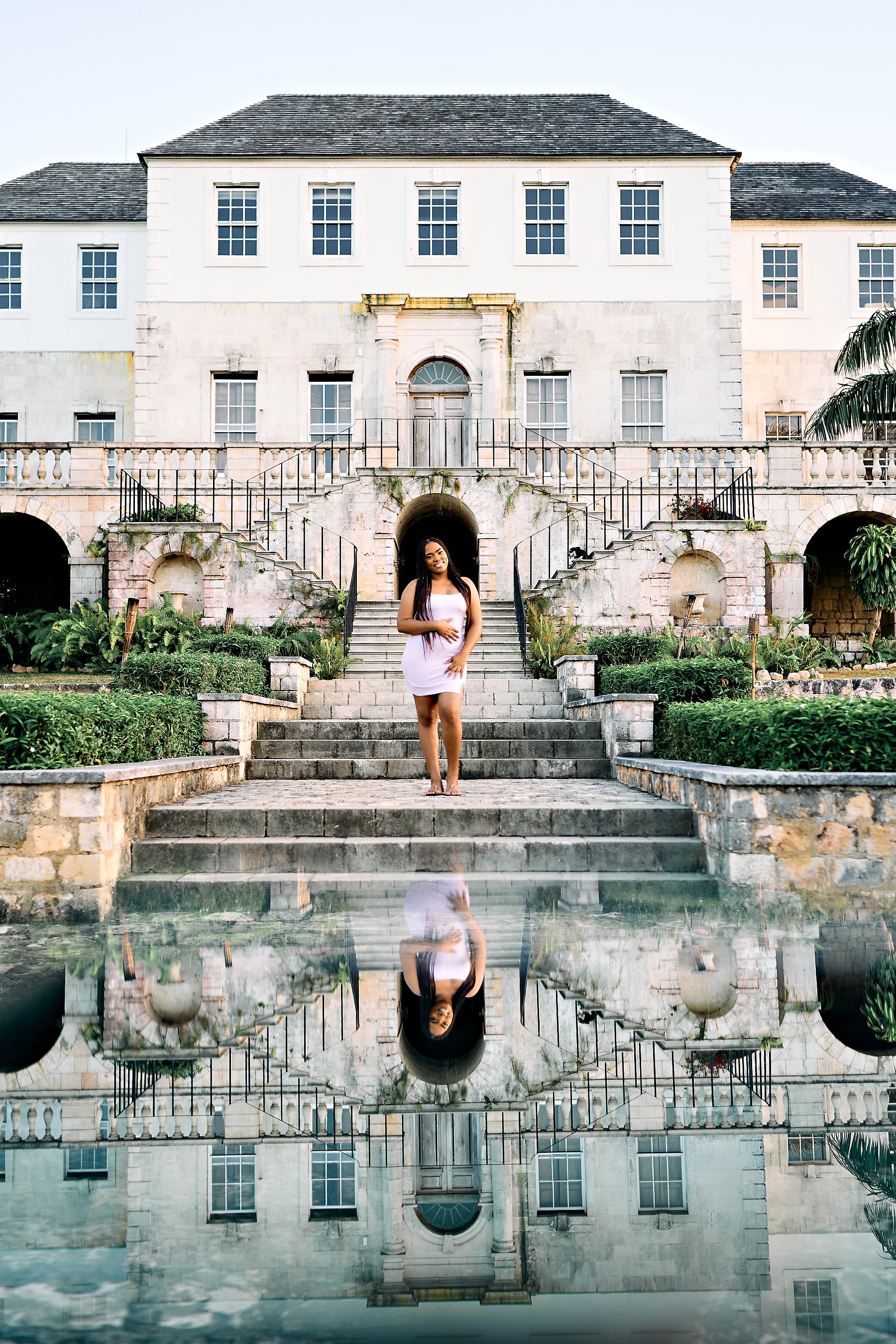
p.63 #1 · Portrait and People Image Thread using Sony
KE_Photo wrote:
You're most welcome - the liquify trick is also helpful - and you can use the freeze tool to determine borders so you don't touch areas that need to remain as is.
You don't have to be good to draw in hair with a micro clone brush - it's quick lines and for some hair not even straight- they can be wild. It takes hundreds of strokes to do - sometimes even more - I go so fast occasionally PS can't keep up. :-)
A tablet is the most important tool in retouching IMO. I couldn't live without it.
Loved the Speed Portraits - fantastic models and locations. Not sure how one even "finds" such an event, but well done!
Re: speed portraits, it was simply a friend who wanted to make an interesting YouTube video and asked me to join. The video is not complete due to some technical issues but in the meantime we are sharing the photos.
I wish I could use the Intuous Pro I have without throwing the pen across the room. Keeping it for now and holding out hope that a new computer will improve performance sometime in the future.
p.63 #2 · Portrait and People Image Thread using Sony
Most forums seem to consist of 90% gear discussions. Personally, I would so much rather discuss techniques, problem solving, lighting, editing, model directing, etc. than scrutinize 100% crops of similar looking bokeh. I'm not aware of any forums with active user bases that are not primarily gear-centric. This thread is about as close as I've found, but I also post in the rather slow moving lighting and studio forum on DPR from time to time.
Adam, you might want to try increasing the "smoothing" brush parameter in PS to 10% if you are getting a lot of lag. If you are getting system-wide lag just navigating around the OS, there's probably something more nefarious going on.
I just have the small regular Intuos ($80) and I think it's the perfect size for me in PS. I can keep my left hand on the keyboard as I normally do with a mouse, but now I have pressure sensitivity and the ability to restrict the movement of the pen to a small crop of the image rather than the entire screen with the push of a button (precision mode, mapped to the primary button). I have right click mapped to the secondary button and I am not using any of the shortcut keys. The one thing I am having to get used to is actually using the zoom tool for zooming rather than just holding option and using the mouse scroll wheel. After some more mucking around today, I think I have settled on using the pressure sensitivity for opacity and adjusting flow and brush size manually as necessary. It's still very early going but I am starting to like it for dodging and burning, which is the main thing I wanted to use it for. At the moment, I have my "tip feel" set to one click firmer than the default, my brush opacity set to 100% and brush flow around generally around 1-4% at the moment.
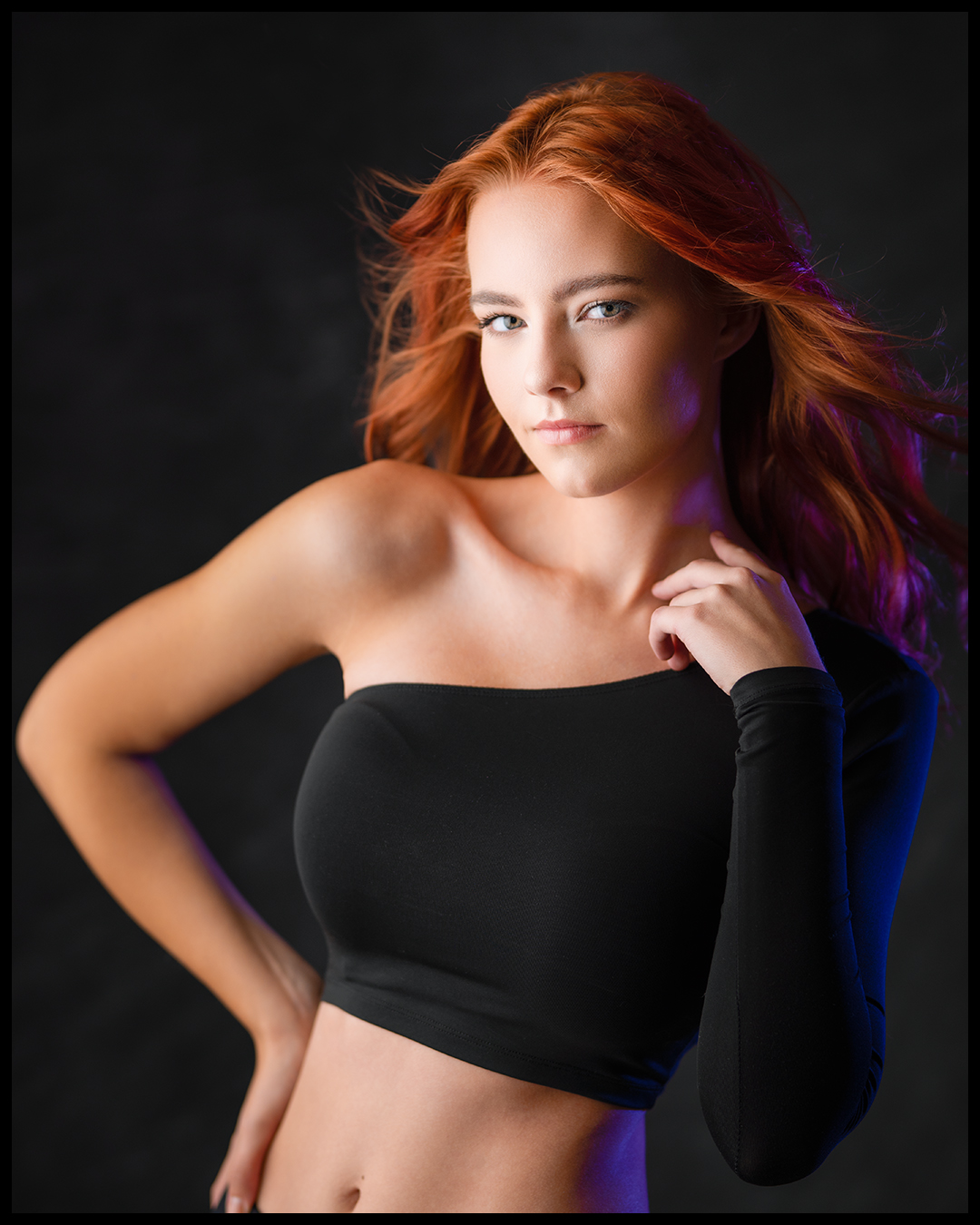
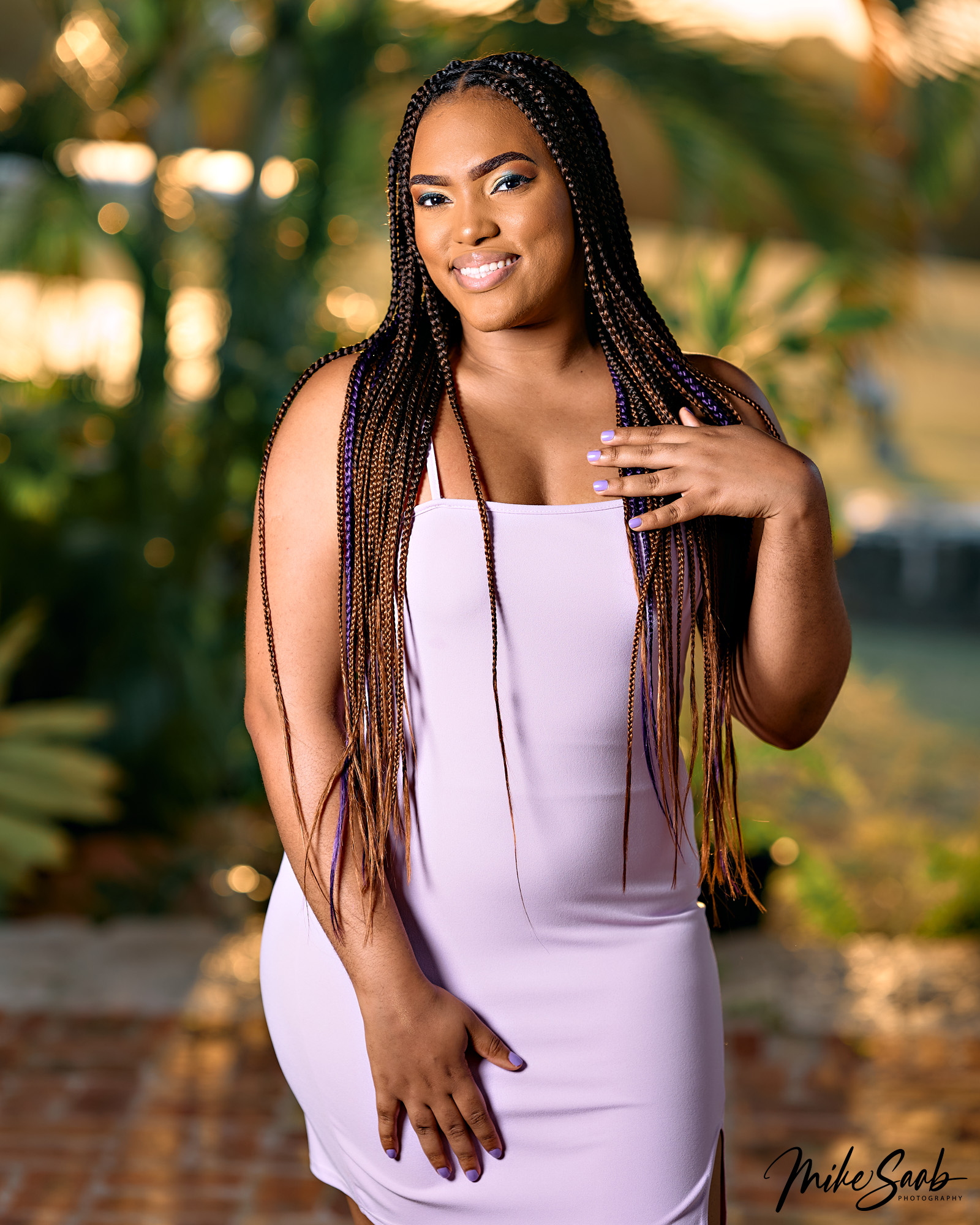
Alright anyway, here are some recent portraits of my wife Jess. We tried to get into this relatively secluded industrial looking location in LA's Arts District that I have shot at before, but we couldn't get in due to some new Covid restrictions. So, we pulled over on the way home and took a few snaps in natural light before the sun went down. I edited these four in about the time it normally takes me to do one and a half-ish shots, so they are a bit sloppier than usual.
p.63 #4 · Portrait and People Image Thread using Sony
GabrielPhoto wrote:
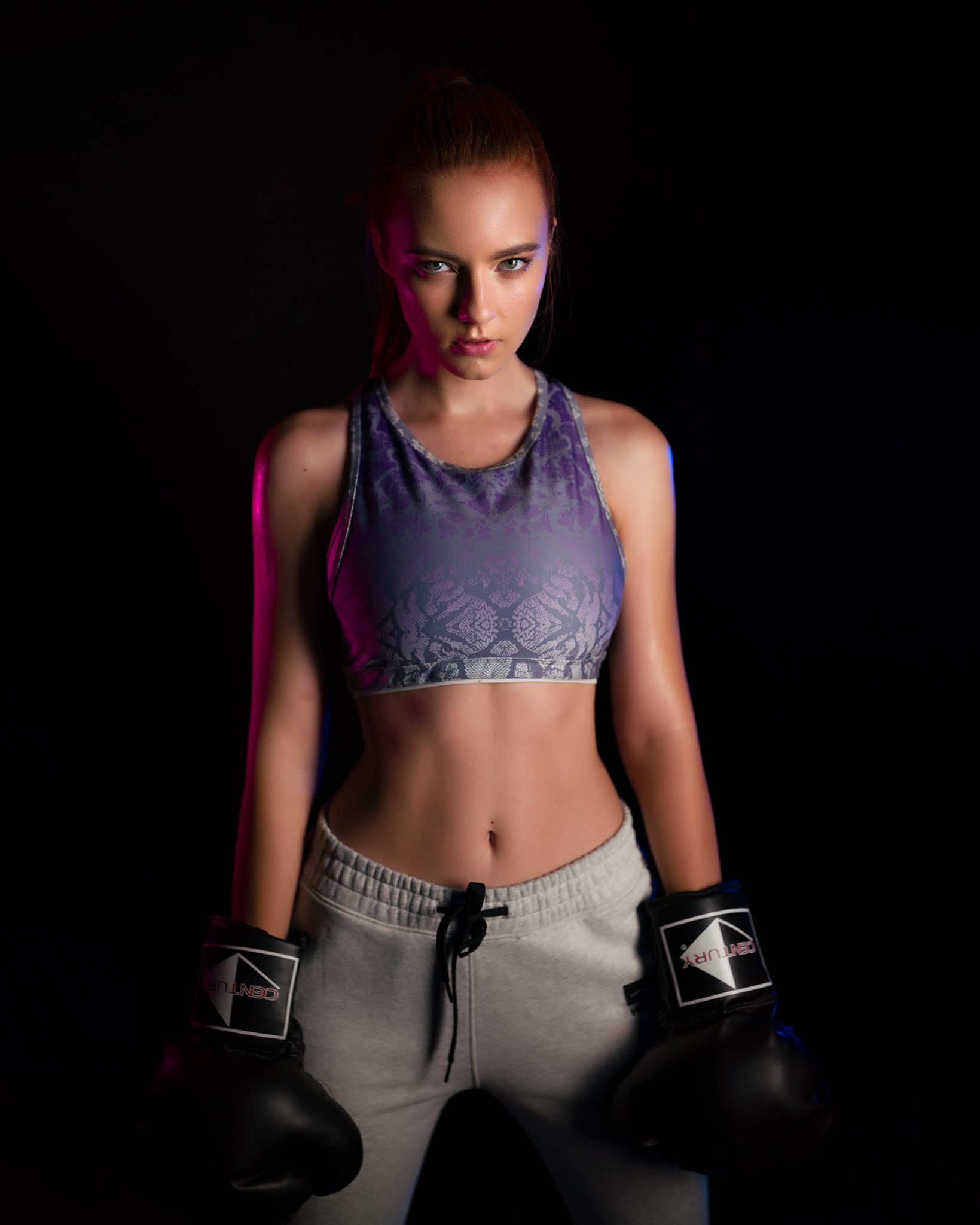
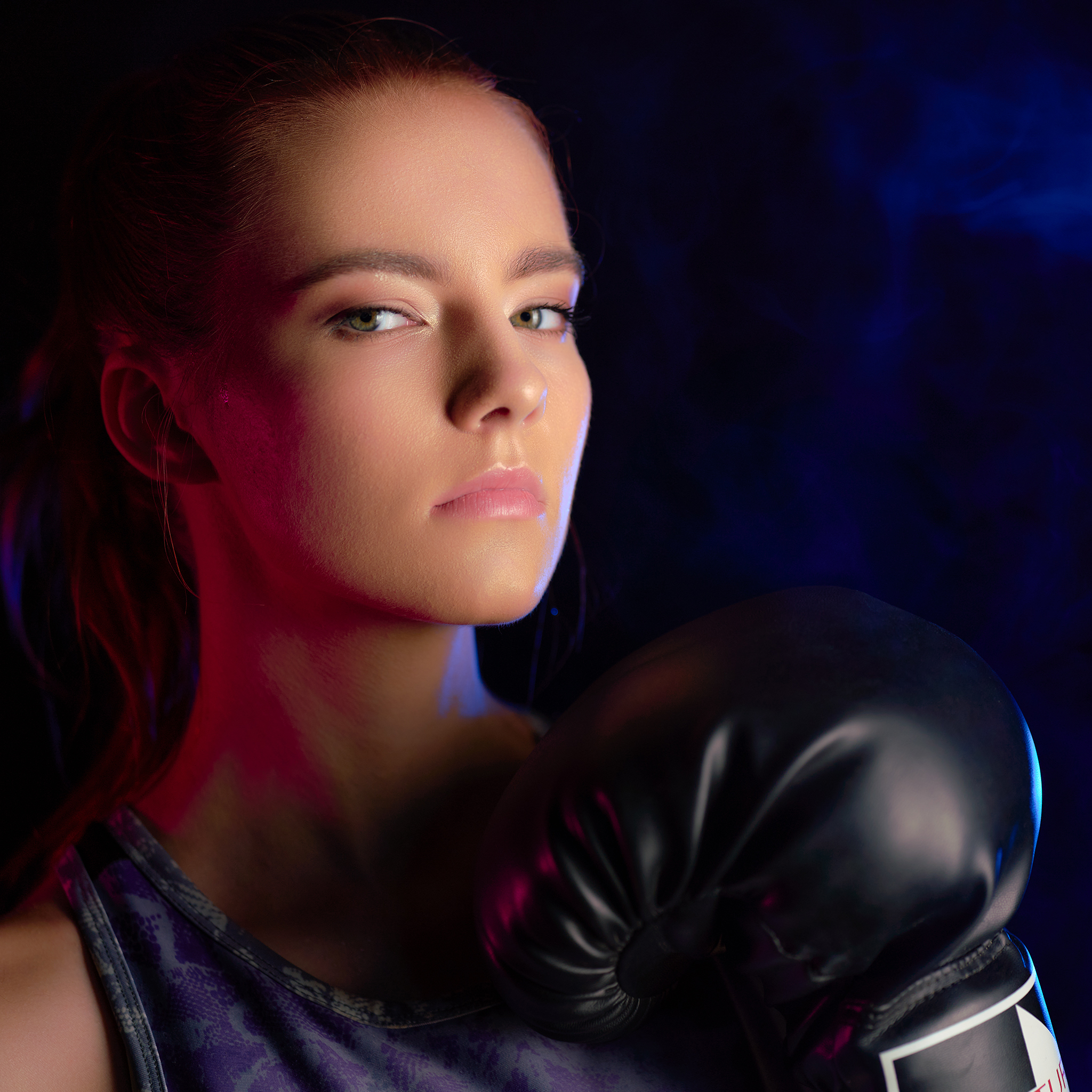
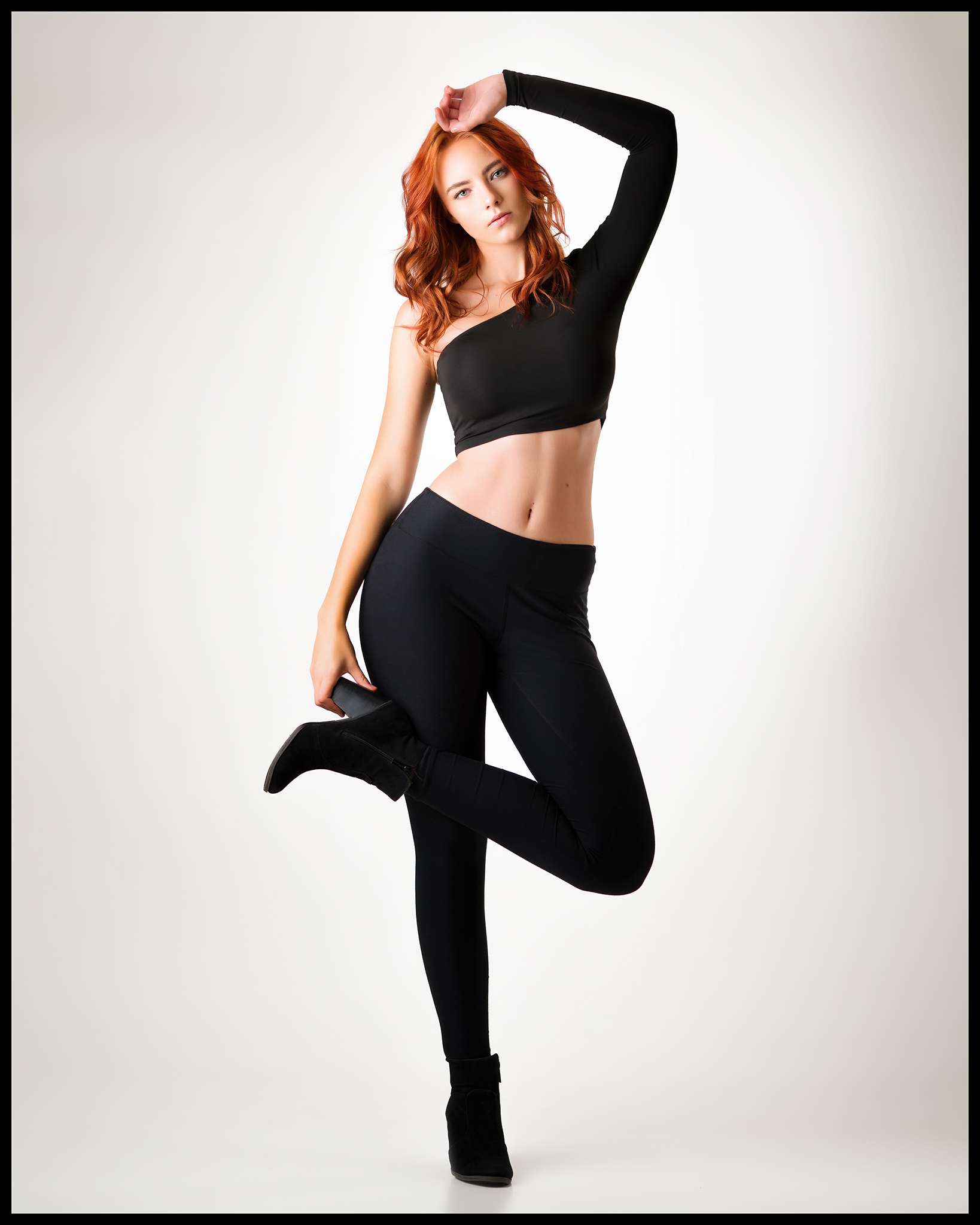
A couple more.
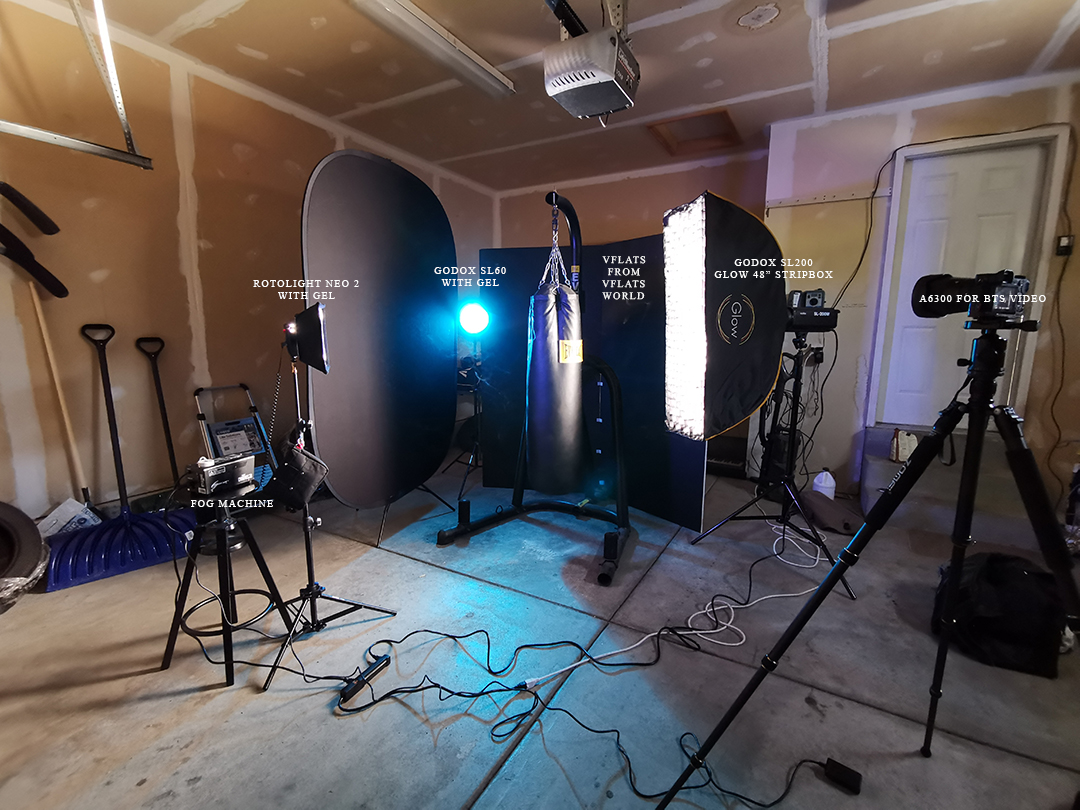
Super nice man! The little Neo can keep up with the SL monos alright? Those things look really cool and versatile but I keep getting turned off by the fact that you need an expensive Elinchrom trigger to use them as flashes. I kinda have continuous light GAS right now, but I’m trying to keep it at bay lol.
p.63 #5 · Portrait and People Image Thread using Sony
fuzzykeys wrote:
Super nice man! The little Neo can keep up with the SL monos alright? Those things look really cool and versatile but I keep getting turned off by the fact that you need an expensive Elinchrom trigger to use them as flashes. I kinda have continuous light GAS right now, but I’m trying to keep it at bay lol.
They worked nice for that purpose although I would probably just get Godox SL or FV units and gel them if I were buying today since I don't use them outdoors. But if you want to use outdoors then the portability of the NEO comes in handy plus it has very cool effects for video work (even if the back interface looks like something from the 80s lol).
p.63 #6 · Portrait and People Image Thread using Sony
fuzzykeys wrote:
Most forums seem to consist of 90% gear discussions. Personally, I would so much rather discuss techniques, problem solving, lighting, editing, model directing, etc. than scrutinize 100% crops of similar looking bokeh. I'm not aware of any forums with active user bases that are not primarily gear-centric. This thread is about as close as I've found, but I also post in the rather slow moving lighting and studio forum on DPR from time to time.
Agreed. I've been on DPR for 16 years now - in the pre-YouTube days it was a great place to learn things and populated by a lot of really talented people sharing skills in retouching and lighting. The amount of online resources has increased exponentially since then....so the forum tide shifted away from that sharing community - but all good!
Anyway to keep this on topic I'm sharing a small before after sample from this week. This retouch was a big job - starting with reflections from glasses. Big lights+big lenses = reflections. Right? I couldn't really shoot around it - and these glasses are a part of who she is - so I gathered plenty of with and without images with similar angles - and then took a copy of the glasses from one - and dropped it onto a non-glasses photo. This required pixel level (tablet!) painting on the mask to cut them out cleanly - but also had to copy and feather in the shadows to make it realistic. Then of course she wanted the full beauty/age reversal treatment. I did some hair painting in here - but not too much to be obvious as we never really know if an unsolicited retouch can trigger someone into being offended. I just give them what they ask for. :-)
p.63 #7 · Portrait and People Image Thread using Sony
KE_Photo wrote:
Agreed. I've been on DPR for 16 years now - in the pre-YouTube days it was a great place to learn things and populated by a lot of really talented people sharing skills in retouching and lighting. The amount of online resources has increased exponentially since then....so the forum tide shifted away from that sharing community - but all good!
Anyway to keep this on topic I'm sharing a small before after sample from this week. This retouch was a big job - starting with reflections from glasses. Big lights+big lenses = reflections. Right? I couldn't really shoot around it - and these glasses are a part of who she is - so I gathered plenty of with and without images with similar angles - and then took a copy of the glasses from one - and dropped it onto a non-glasses photo. This required pixel level (tablet!) painting on the mask to cut them out cleanly - but also had to copy and feather in the shadows to make it realistic. Then of course she wanted the full beauty/age reversal treatment. I did some hair painting in here - but not too much to be obvious as we never really know if an unsolicited retouch can trigger someone into being offended. I just give them what they ask for. :-)
Looks clean Karen! I wonder if it would actually be a bit easier to do this kind of composite “in reverse” and mask the clean plate over the glasses shot with the reflections? At least that way you wouldn’t have to worry about how the glasses are interacting with hair, burning in artificial shadows to match the directionality of the lighting. I confess to never having actually tried this before so there may be a good reason not to do it that way that I didn’t think of.
p.63 #8 · Portrait and People Image Thread using Sony
^^ NIce tip. I am lazy and not good in pp. For straight on shot, never had issues with lights and glasses. Only on angle, when you get to see some part of the eye through the glasses and some without and those parts not aligning.
BTW - How about before and after thread where we can discuss more about these kind of tips?
p.63 #9 · Portrait and People Image Thread using Sony
Looks clean Karen! I wonder if it would actually be a bit easier to do this kind of composite “in reverse” and mask the clean plate over the glasses shot with the reflections? At least that way you wouldn’t have to worry about how the glasses are interacting with hair, burning in artificial shadows to match the directionality of the lighting. I confess to never having actually tried this before so there may be a good reason not to do it that way that I didn’t think of.
Thanks - when I was shooting it I was thinking about the retouch approach and originally thought I would just take eyes from one, and add them to inside the glasses frame. But I do both global and local skin processes, so to match better I kept the eyes and face together, adding the glasses later seemed to make more sense. There are no artificial shadows - they are also copied over from the same images as the "with glasses" one, and just feathered into the skin using opacity in brushes on the layer mask. The part where the glasses meet the hair was also copied and feathered in. (super easy w/hair BTW)
I was shooting handheld, tethering wireless - so we saw it was an issue and created a plan. Because no two images were exactly the same angle + distance, I also had to deal with slight rotation and resizing. In addition to reflections from huge modifiers, another issue from lens (glasses) distortion arises - which reduces the eye's size and pinches the head inside the lens. It's not something we visually process in person, but the camera sees it.
p.63 #11 · Portrait and People Image Thread using Sony
bobby350z wrote:
BTW - How about before and after thread where we can discuss more about these kind of tips?
I am definitely down for this! I have two kind of ridiculous over the top before/afters with compositing that I did for editing contests at the beginning of lockdown back on page 42, but I am doing things a bit differently now.
---------------------------------------------
KE_Photo wrote:
Thanks - when I was shooting it I was thinking about the retouch approach and originally thought I would just take eyes from one, and add them to inside the glasses frame. But I do both global and local skin processes, so to match better I kept the eyes and face together, adding the glasses later seemed to make more sense. There are no artificial shadows - they are also copied over from the same images as the "with glasses" one, and just feathered into the skin using opacity in brushes on the layer mask. The part where the glasses meet the hair was also copied and feathered in. (super easy w/hair BTW)
I was shooting handheld, tethering wireless - so we saw it was an issue and created a plan. Because no two images were exactly the same angle + distance, I also had to deal with slight rotation and resizing. In addition to reflections from huge modifiers, another issue from lens (glasses) distortion arises - which reduces the eye's size and pinches the head inside the lens. It's not something we visually process in person, but the camera sees it. ...Show more →
p.63 #14 · Portrait and People Image Thread using Sony
fuzzykeys wrote:
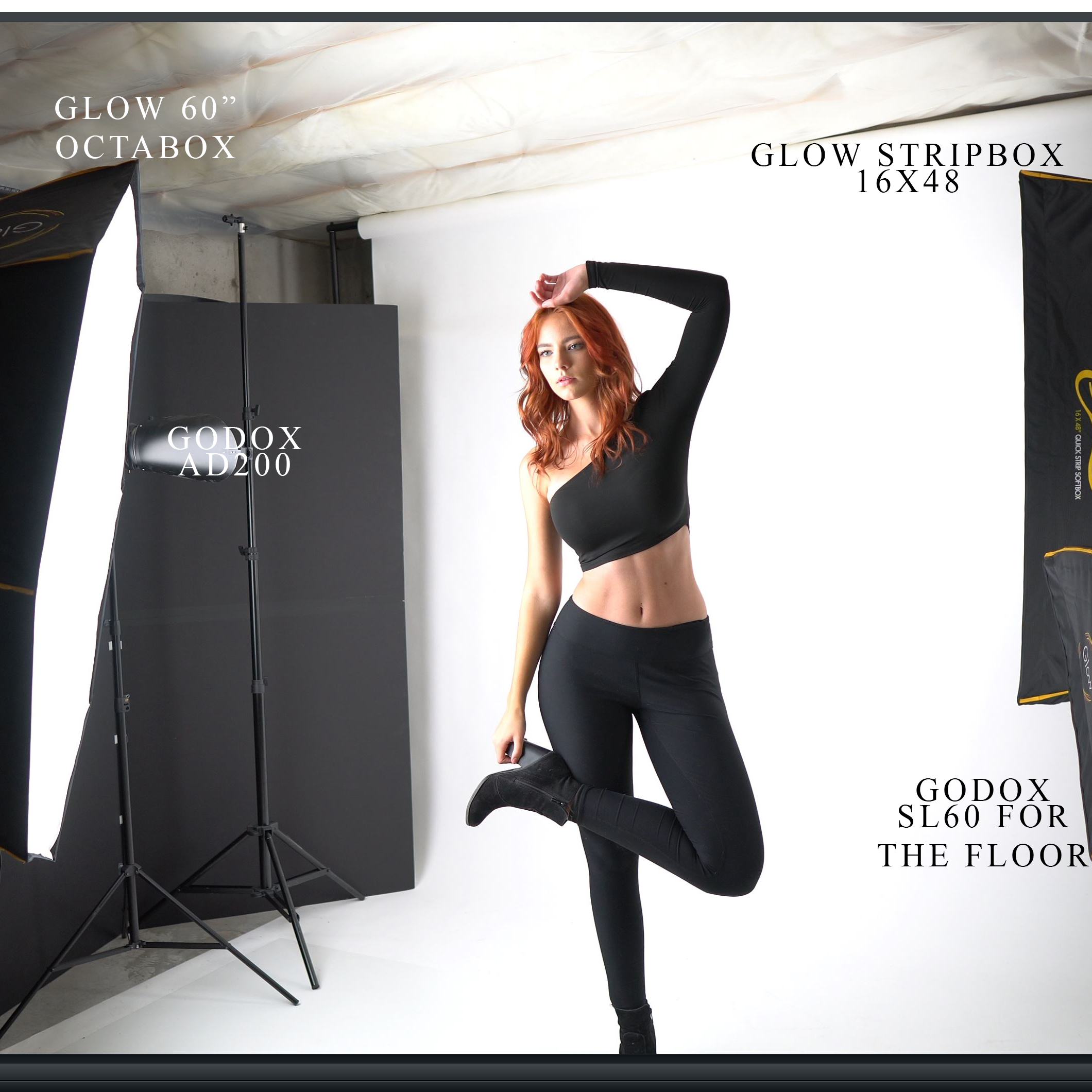
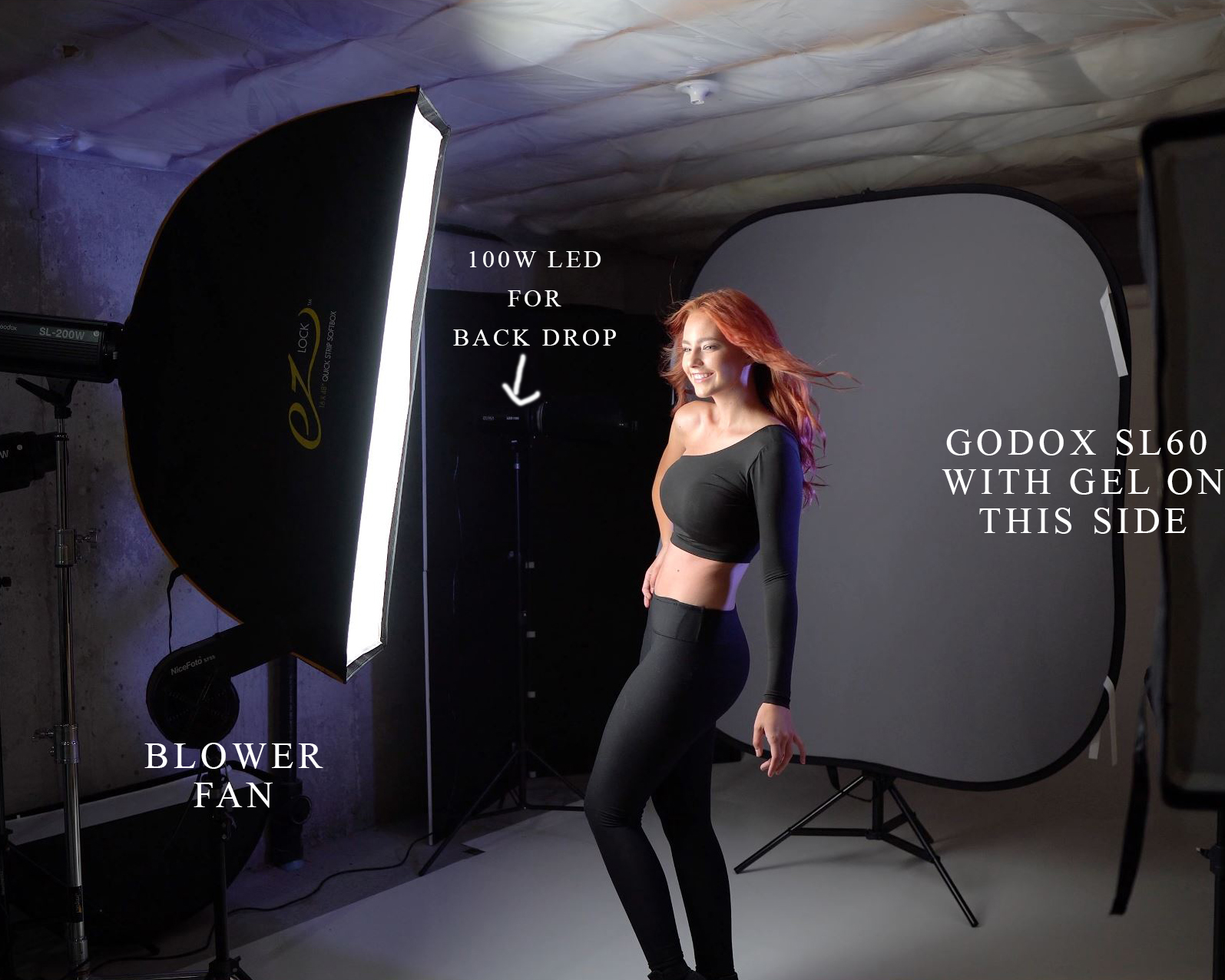
@GabrielPhoto@ I have a question for ya. Have you tried using gels on your SL LED lights with softboxes and if so, how are you attaching them?
I actually have not done that yet. I normally just use them on the bare strobe. Although I technically should be using it more often like for color correction gels.
Time to play with that.
p.63 #19 · Portrait and People Image Thread using Sony
GabrielPhoto wrote:
Very nice use of the "3d" pop.
Thanks Luis! I always have kind of a love/hate relationship with the Sammy 35. It’s probably my least favorite among my 35/50/85 trio but 35 is possibly my favorite focal length. My wife and I couldn’t come up with any good ideas the other day and I was getting kind of bummed out about it, but we decided to go out and shoot some random stuff to just stay sharp and we got some decent shots lol.
This was also the first edit that I did with the small Wacom Intuos! I’m still getting my bearings with this thing but it is already fantastic for dodging and burning, which along with color grading is kind of the fun and artistic part of the edit for me after clean up. I love being able to scratch at it lightly to add just a kiss more light to a collar bone to make it pop 10% more or dig in harder to dodge up a wrinkle without getting rid of it entirely during cleanup. It’s definitely a more fluid process and my hand isn’t getting tired from mousing. I have a before and after of the edit on my Instagram (@mattyfein) if anyone is interested. I’m definitely going to stick with it through the growing pains but I am not planning on tossing my mouse anytime soon. I think I will be using them both together!
p.63 #20 · Portrait and People Image Thread using Sony
I got a bunch of super cheap gel sheets on ebay, a few miscellaneous colors and some utility Lee CTO, CTB, etc. gels. I can stick a whole sheet in front of the inner diffuser on my 25” and 16x48” Glow boxes but can’t quite get full coverage on the 48” octa. Meanwhile, I have seen some folks that are straight up attaching gels to their Xplor/Godox flash tubes and Flashgels makes custom cut gels for those lights that appear to have holes cut out to match the vents on the tubes. Those “proprietary” gels do not look all that difficult to reverse engineer. The conventional wisdom seems to be to NOT do this, though seemingly largely due to the amount of heat that traditional non-LED modeling lights emit. I’m thinking about trying it...How hot do the SL LED lights get?
Also, tonight I finally got a chance to head-to-head test two optical snoots with third party gobos! I tried the Godox SA-P with SA-17 adapter vs the Fotoconic optical snoot from Amazon. Long story short, I am keeping the Fotoconic despite the $300 price tag. The Godox is great with the stock gobos but the gobo holder leaks a ton of light around the edges with all Rosco gobos while the Fotoconic is pristine. The Godox also has an amazingly close minimum focus distance with its 85mm projector lens, while the Fotoconic uses a regular EF mount lens (comes with a 50mm f1.7), so the projection is wider and it doesn’t focus as close. The lenses could not be more different. The Godox lens focuses by adjusting the magnification of the projection. The Fotoconic focuses like a prime camera lens in that you adjust the size of the projection with the distance to the target and then focus using the focus ring. There are pros and cons to each method. The Godox is “zoomable” in a sense if you want to eg throw up a window shadow pattern and the sharpness of the shadows is not critically relevant. It’s a chunk of change to upgrade from my DIY analog SLR optical snoot but I 100% think it’s worth it. FYI neither of them are large enough to accommodate an AD600 Pro but they will both fit an AD400 Pro or smaller flash tube. I’m going to shoot some stuff with the Fotoconic soon and will share it here!
GabrielPhoto wrote:
I actually have not done that yet. I normally just use them on the bare strobe. Although I technically should be using it more often like for color correction gels.
Time to play with that.