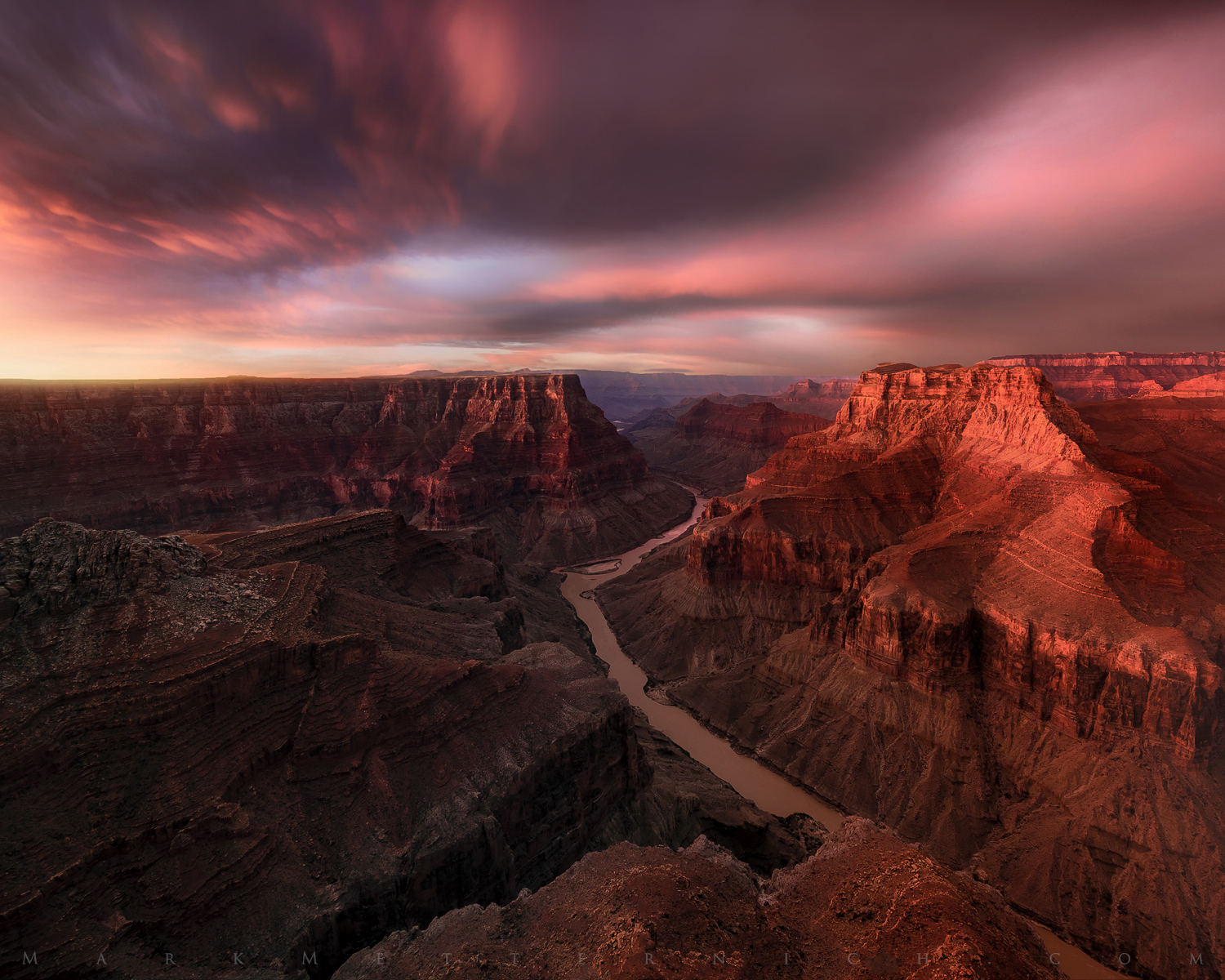
Some grand morning light at a more remote location on the Grand Canyon. The morning of this shoot, we had a thunderstorm full of "spider lightning" shooting all the way across the entire scene in the far distance (moving from left to right) then a rainbow appeared and if that was not enough, a ginormous color show too! If I did not have 8 witnesses including my lovely assistant and fiance, I know some could think this to be a Photoshop experiment gone awry.
Sony A7R2
Canon 11-24@11mm
5 seconds
100 ISO
f/8
Single shot (not a composite)
The "Technicals for the Techie minded" are BELOW the images as the first comment.
"Grand Glory"
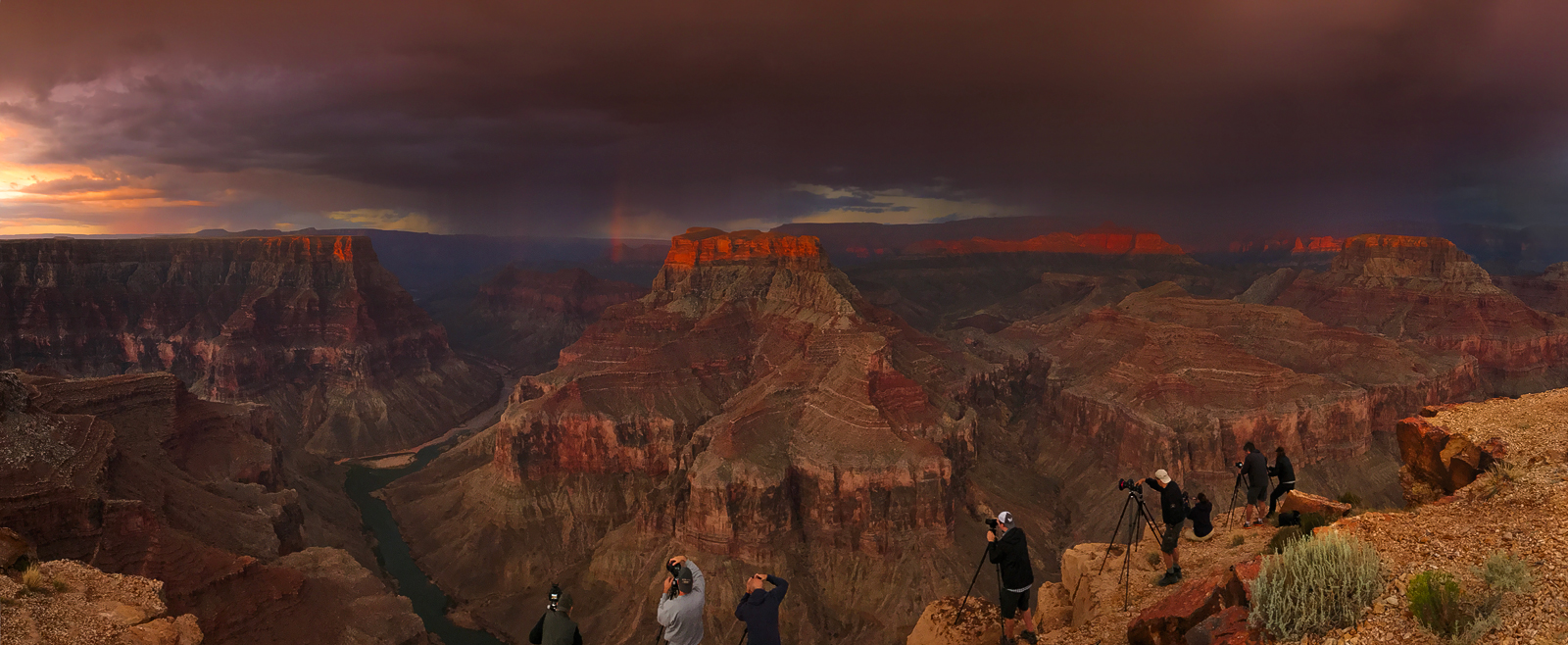
An iPhone panorama shot (cropped) of some Light Chasers getting it on.
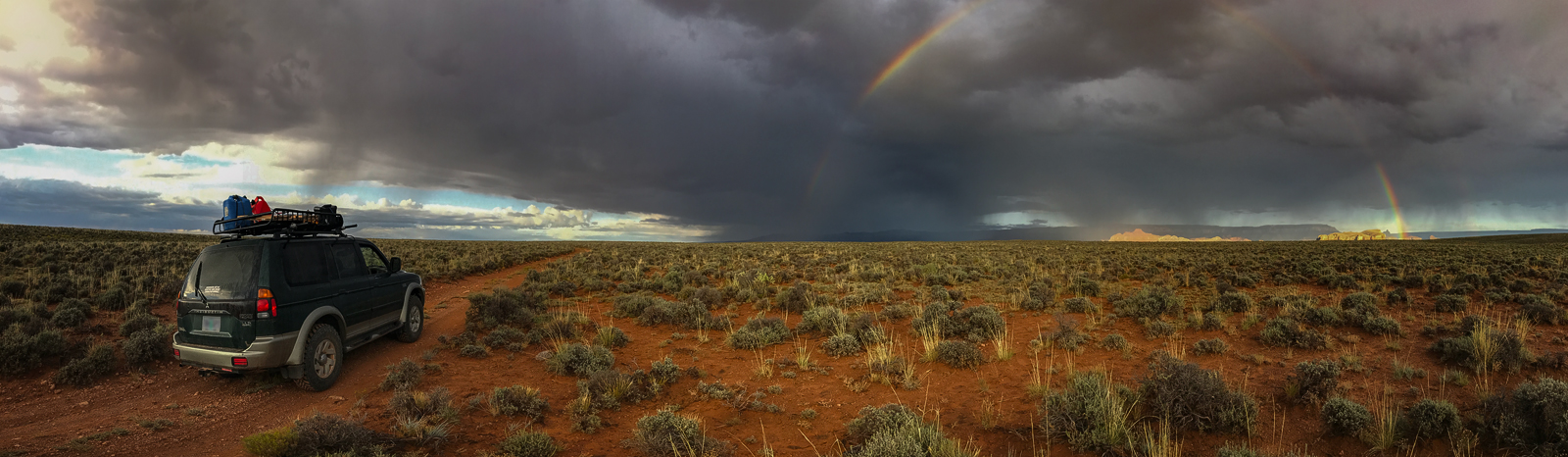
Amazing light while driving out of the area.
An ugly hitchhiker on the road, under Mammatus clouds as we left the area
The second image is just a quick iPhone panorama of the group in action. I think it gives a little bit of perspective on how incredible it can be shooting here.
As mentioned above, before the first image (Grand Light) was taken, at dawn we had a violent lightning storm cross the scene in the distance. I explained to the fellow Light Chasers the risks, but nothing was stopping them from getting the shots! I also told them if the wind shifted toward us (it was going away and to the right) we needed to get to our vehicles as fast as possible and hightail it out of there! Everyone ended up getting rainbows, lighting and a display of herculean color! Everyone was amazed, but the wind did end up shifting (and it started to sprinkle) and we all got out of the area just in the nick of time! Oh, and all the while wild horses ran right besides us!
See Wild Horses here:
Constant, extremely intensive weather study and preparation goes into catching light like this on these trips. A linear itinerary, some guides follow, never produces the kind of odds we substantially increase by both intensively studying the weather and the flexibility we built into our adventures. People have been calling me the “rainbow man” and "lucky" a lot this year on various social media sites, but the truth is that "luck" very much favors the prepared.
Post Processing Techie stuff:
The first image was processed, as always, mostly in Lightroom/Camera Raw and once I got it as correct as I could, I brought it into Photoshop as a Raw “Smart Object” to make use of many CRITICAL Photoshop fine tuning, ultra finesse tools (but still remain in lossless 32-bit Raw most of my workflow) for much better overall master file quality. Layers, Custom Luminosity Masks, the Layer Style “Blend If” sliders...
I am surprised at the noticeable decrease of people using Photoshop these days, thinking that the Raw Converter is good enough to get their image optimized. If seeing our precious image quality brought to its fullest potential, we still need Photoshop! There is nothing like it. There is still a good 20-40% increase in the quality of an image that one can obtain after exhausting the tools in the Raw Converter! This is true whether one is a purist/literalist or creative in ones post processing style. And generally the 3rd party tools or plug-ins many are using to try to shortcut or bipass learning Photoshop fundamentals are quite damaging to images. Many are 8-bit and cause a slew of various artifacts in the image that you can not get out later. We see these problems daily in fine art printing circles.
TIP:
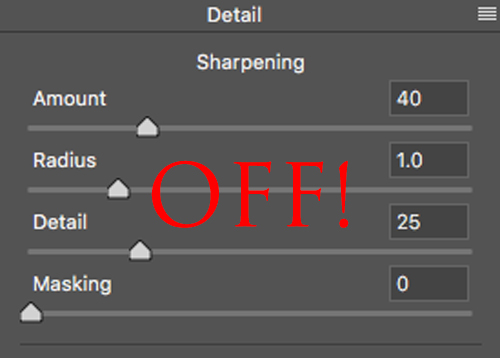
Lastly, if you ever intend on making a quality fine art enlargement, it is a great idea to turn OFF your Raw Sharpening Default Settings in Lightroom / Camera Raw! You might want to re-read that statement. I am currently writing an article for a popular online photography magazine about the most popular problems we see in photography files when people try to make fine art enlargements. This is certainly near the top of the list!
The aforementioned settings are a pretty hideous preset that literally damages images permanently (unless you use Photoshop Raw Smart Objects and can turn it off later). The Detail tab “Sharpening” was not intended for general sharpening purposes. It was really designed to undo (deconvolute) some of the inherent softness of Raw files including lens blur. Mastering Capture Sharpening is one of the best things to do if a person wants lossless immaculate detail in their enlargements, but it is best to not damage (add artifacting) to your master file.
So what should we do? Here is a free YouTube video with the full explanation:
What is now recommended by many world class printers and digital imaging specialists is to do it in Photoshop as a Layer using the Camera Raw Filter / Detail tab. This is the exact same algorithm, but can be applied to a copy of your original uncompressed master file (Tiff, PSD, PSB…) with the same results as in Raw. This better approach allows you to brush in various types and amounts (opacities) into the various types of detail with much more precision and allowing the capture sharpening to stay out of soft or noisy areas. This is a very important, yet delicate skill that needs to be done just right, but can not be done with the necessary precision on a 4K or 5K monitor. But when done right (on a lower resolution monitor) it can add upwards to 5-10% more quality to the detail in your fine art enlargement!
girvincn wrote:
Simply amazing. As a lover of the southwest living on the east coast, this makes my heart hurt a little. Thanks for sharing!
Thank you very much for the compliment! Tell me about it! I met a wonderful woman and now live in Florida. But I still fly or drive to the south west during monsoon season to continue my workshops and shooting. Also to the northwest like Oregon and Washington. And other places… But there’s nothing like living right in the middle of it all! I was so spoiled. During interviews I often get asked why I became a photographer? The answer is very simply that I was born around all of this beauty. So how could I not photograph?! :-)
All the best to you and great light to you. I hope you get your chance to get out there more.





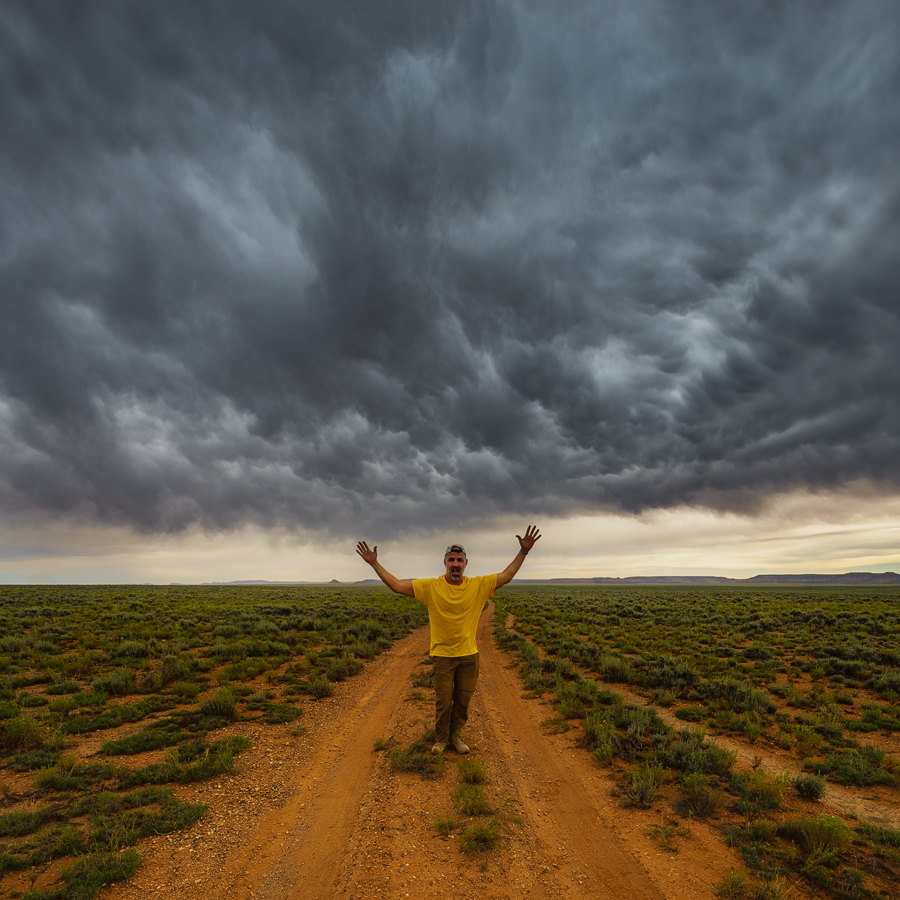
 Everyone ended up getting rainbows, lighting and a display of herculean color! Everyone was amazed, but the wind did end up shifting (and it started to sprinkle) and we all got out of the area just in the nick of time!