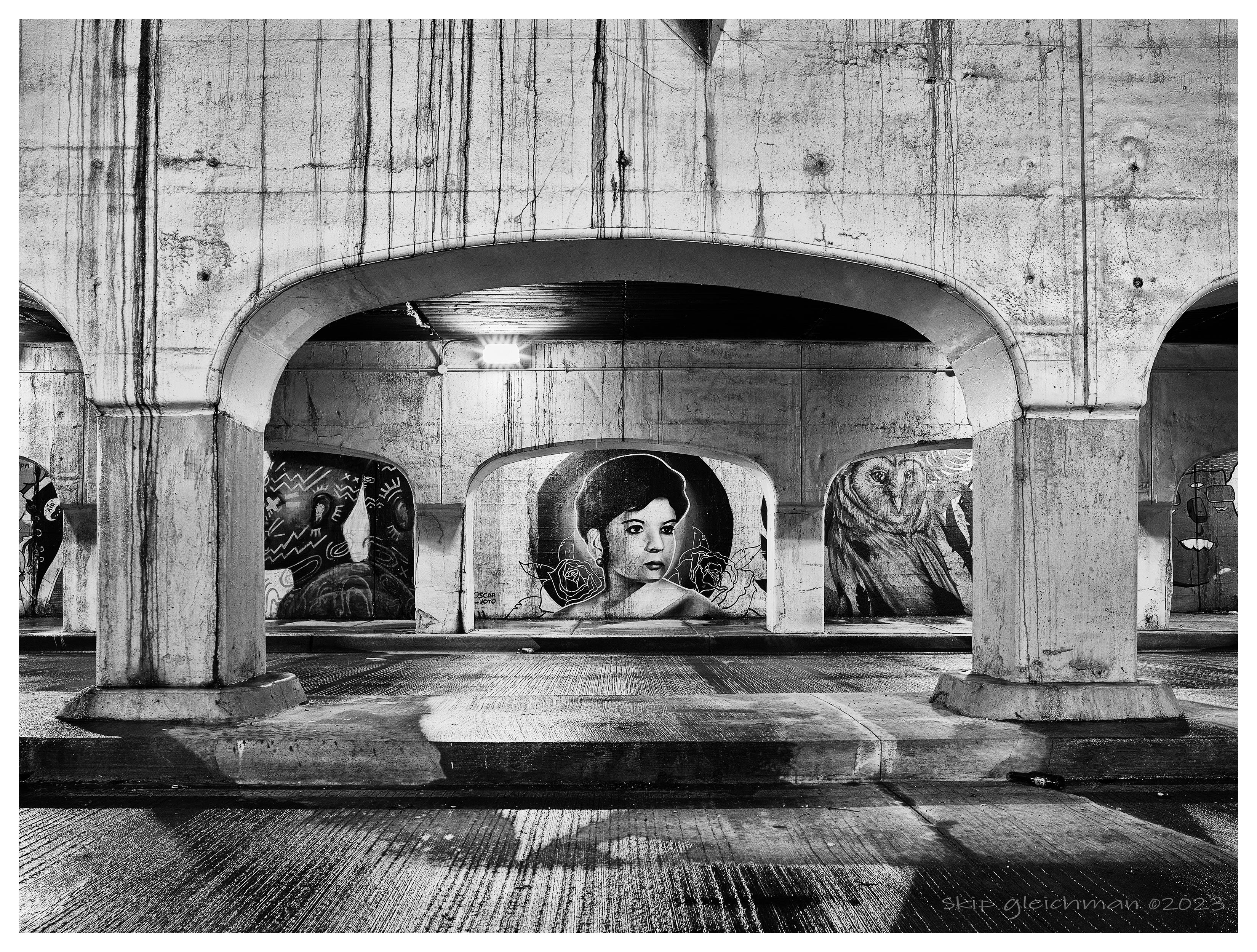
Perhaps it's just on my end, but is anyone else finding it difficult to view this thread with the Flickr users linking to full / large sized images? It seems like the FM hosted images are sized appropriately, but for Flickr, even at 4k resolution on my monitor some of these are going off of the screen for me.
I do use Firefox though, so could be an issue on my end.. just curious if others see this as well.
BrandonSi wrote:
Perhaps it's just on my end, but is anyone else finding it difficult to view this thread with the Flickr users linking to full / large sized images? It seems like the FM hosted images are sized appropriately, but for Flickr, even at 4k resolution on my monitor some of these are going off of the screen for me.
I do use Firefox though, so could be an issue on my end.. just curious if others see this as well.
Yes.
FM's rules about image sizes aren't easy to find, nor are they always enforced, so there may be nothing to do about it. (There is no sizE limit listed for this Fujifilm forum. The landscape forum rules include: ""Suggested" photo size for posting is 1200px longest side.")
When I view on my laptop, these large images spill off the page on all sides — there is actually no good way to see the entire image.
My desktop setup uses a part of 27" monitors. If I explained the browser window to fill one of the monitors, many of the larger images just barely fit horizontally but do not fit vertically, while portrait-orientation images never fit and instead spill off the top and bottom. Some of the panoramic images scroll off the side of the screen.
My preference would be for folks to post images at sizes that will at least be fully visible on a regular size laptop screen, since lots of people use laptops AND to perhaps add a text link to a larger version posted elsewhere for those who really want to see it.
(Yes, you can increase/decrease the image sizes with the +/- commands on many computers, but this also changes the text size, and reducing image sizes this way makes the text so tiny that it is hard for many of us to read it.)
To those who post huge images: We (nearly) all like to see our photographs large, but most people aren't using browsers expanded to fill 27" screens! In the end, we aren't actually seeing your full photographs when you post this big, since many/most of us are not going to readjust our screens, browser windows, or magnifications just to look at your photos. I just scroll past such images without looking at them.
Personally I like bigger image sizes. For FM, I post in 1600x1200. I don't check every image in this thread but I don't see an issue using chrome on a Mac. Yes some images I have to scroll a bit, but it is quite easy to do so. I would hate if people started posting things at 1200 or under.
bobby350z wrote:
Personally I like bigger image sizes. For FM, I post in 1600x1200. I don't check every image in this thread but I don't see an issue using chrome on a Mac. Yes some images I have to scroll a bit, but it is quite easy to do so. I would hate if people started posting things at 1200 or under.
For sure, 1200.. 1600.. all reasonable.
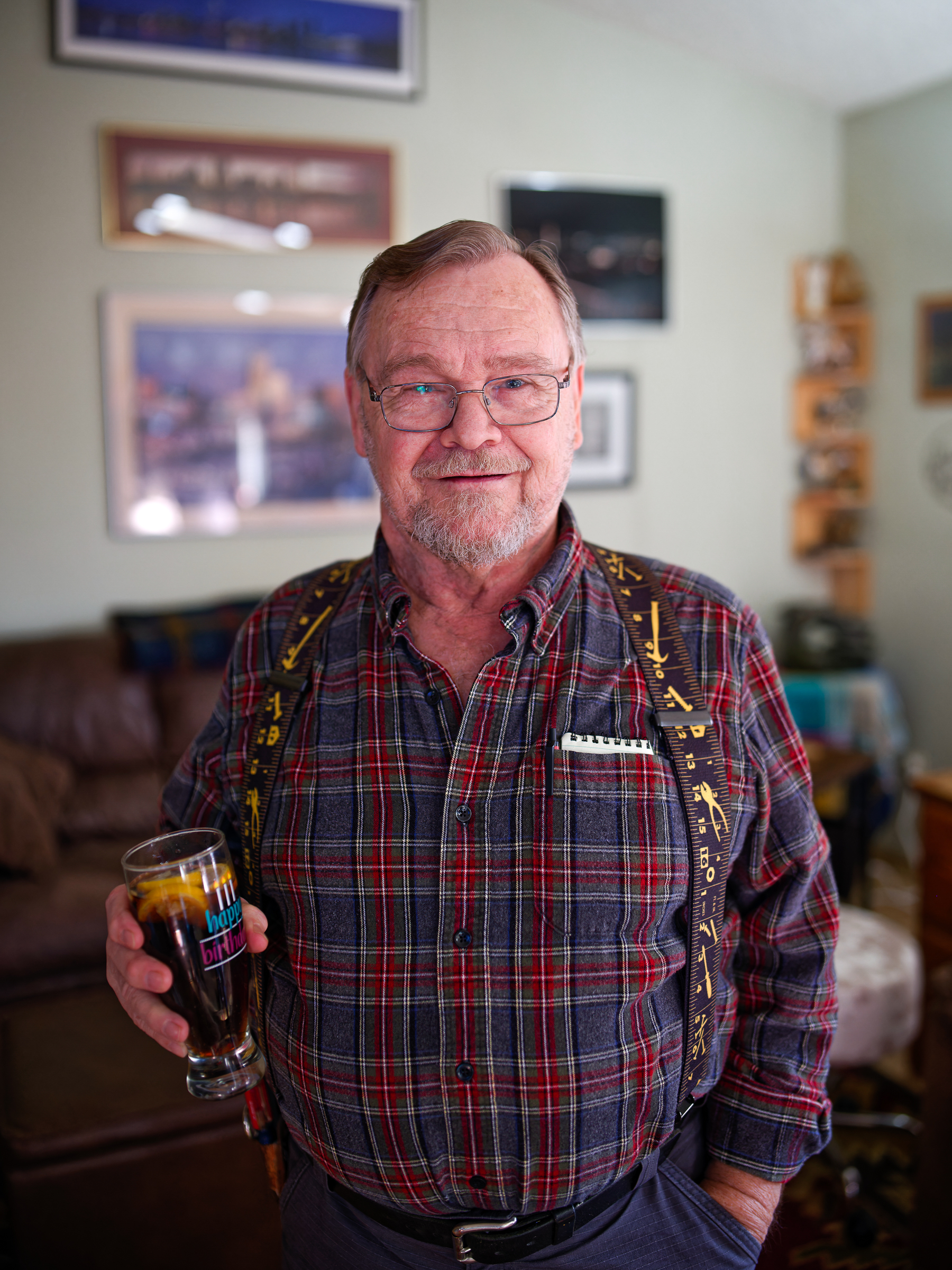
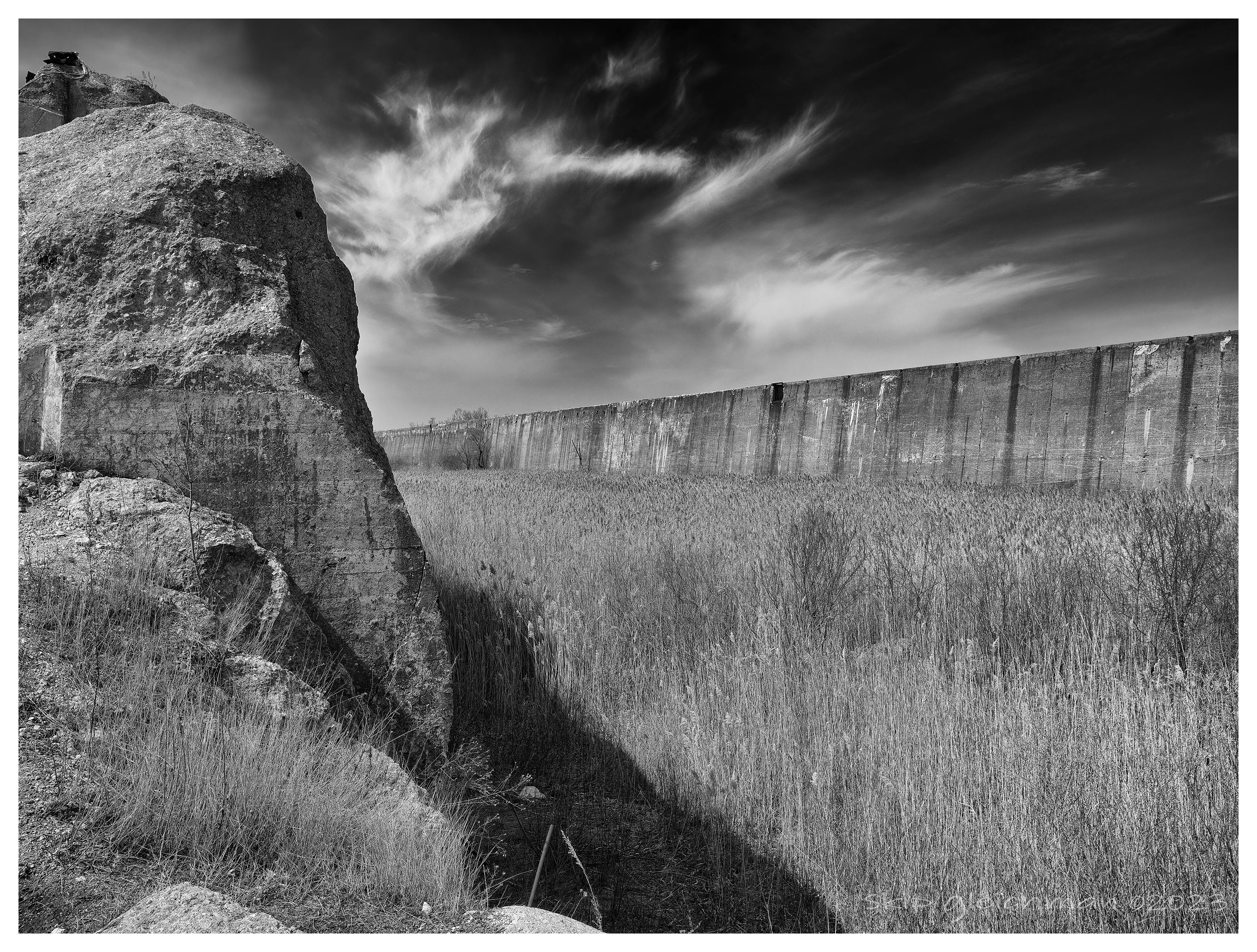
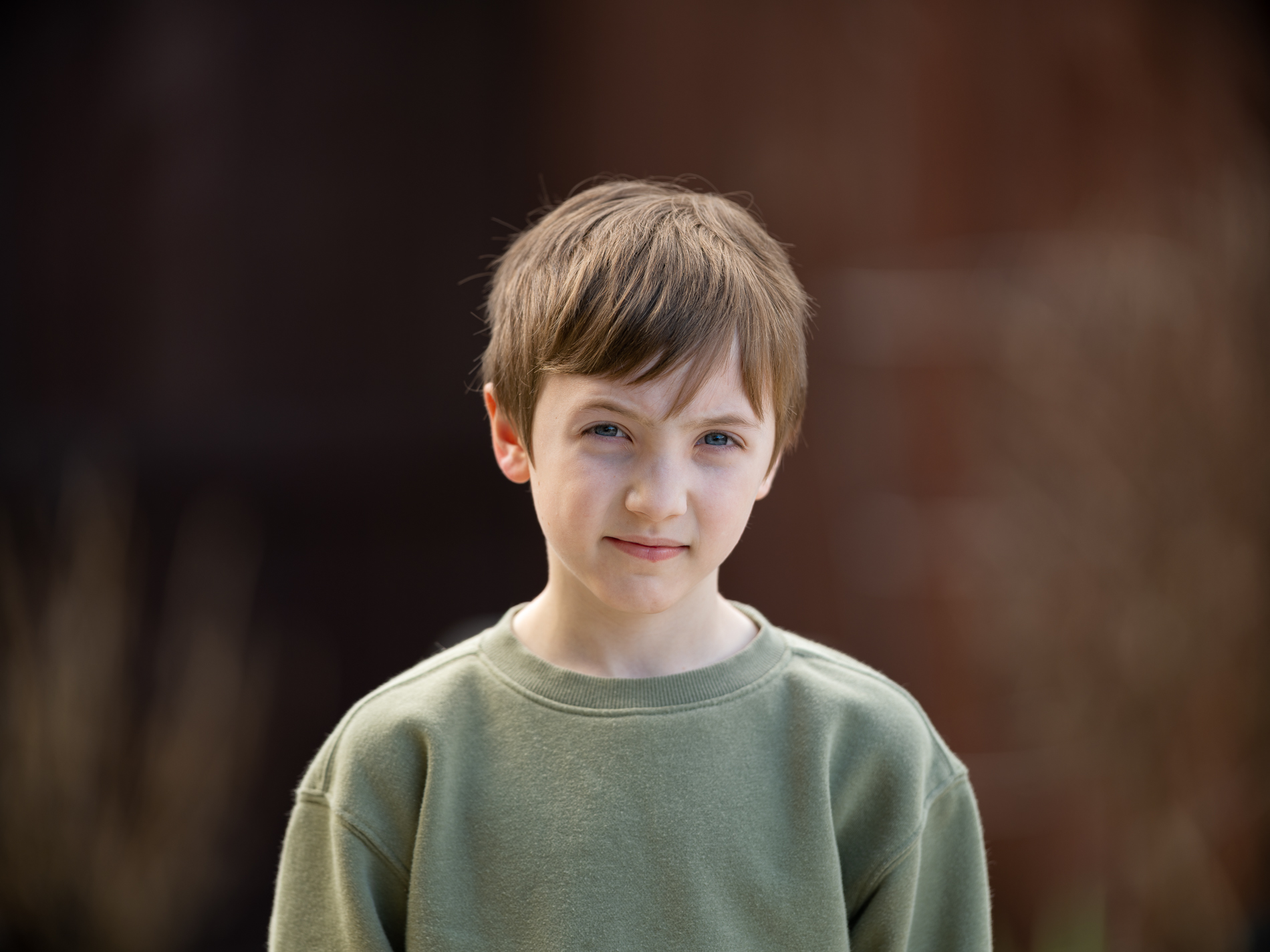
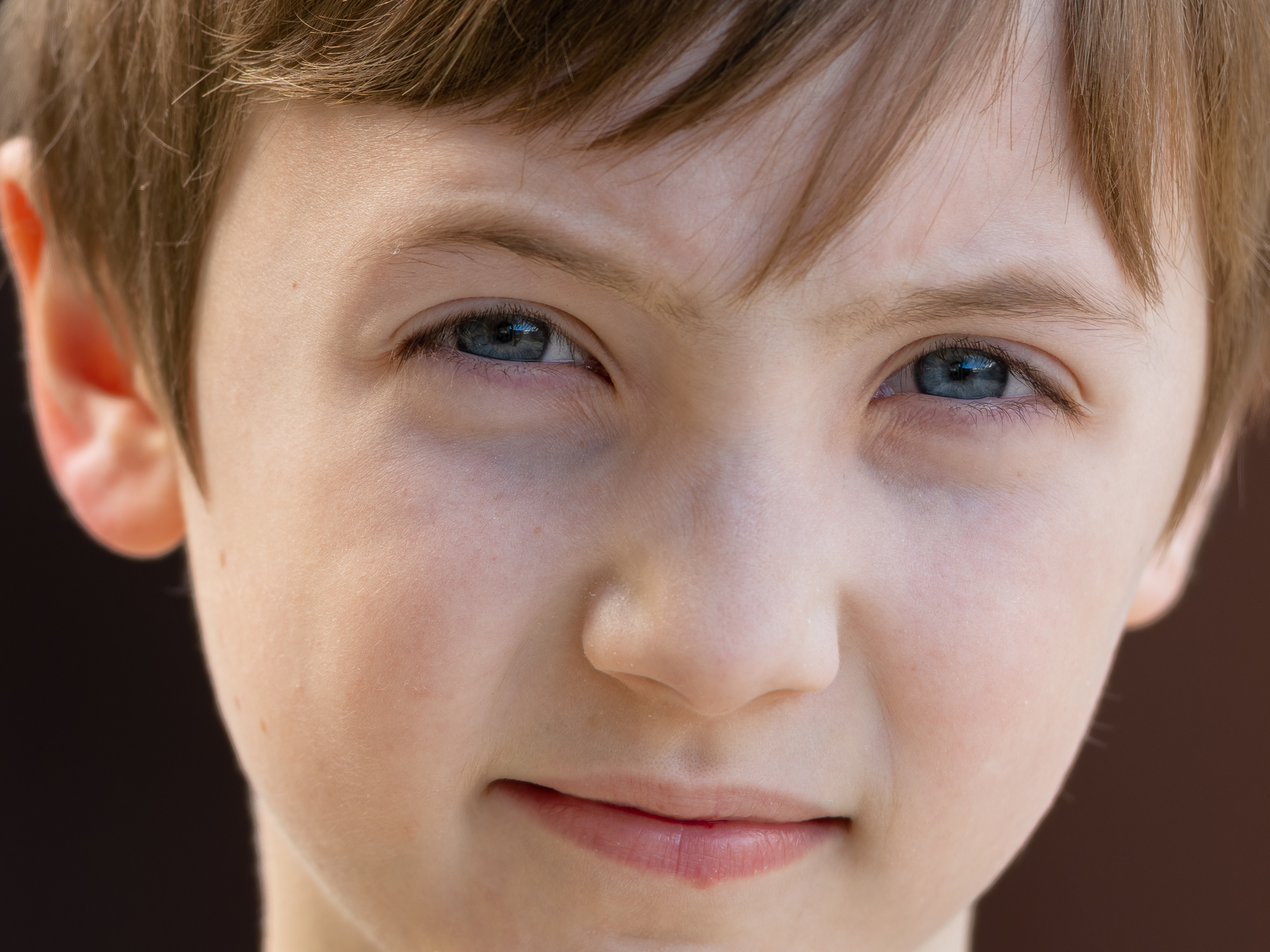
Referring more to posts like this, which I'm sure is unintentional by the author, but each image is 4200px on the long side for multiple images.. it's just a mess.
Again, not trying to police the forum here, I'm under no impression that we'll solve this, but just wanted to make sure I hadn't inadvertently created an issue on my end and that others were seeing what I was seeing.
BrandonSi wrote:
For sure, 1200.. 1600.. all reasonable.
Referring more to posts like this, which I'm sure is unintentional by the author, but each image is 4200px on the long side for multiple images.. it's just a mess.
Again, not trying to police the forum here, I'm under no impression that we'll solve this, but just wanted to make sure I hadn't inadvertently created an issue on my end and that others were seeing what I was seeing.
gdanmitchell wrote:
When I view on my laptop, these large images spill off the page on all sides — there is actually no good way to see the entire image.
In case people were not aware, simply clicking on the image will open it in a lightbox view which will shrink it to fit the width of the browser window. You can view the entire image easily, just by clicking it.
Creative Edge wrote:
Don't Squeeze the Bottle!
I had some down time in the studio.. this happens when I'm bored..lol
GFX100s with Fringer Pro and Canon EF 100mm 2.8 L
Thanks! Love the water bottle. I just got the 100 L as well.
Whenever I have some down time in the studio I pick an object and try to come up with a shot. I first envision the final shot in my mind's eye and from there I work backwards to make the shot come to life.
100s with Canon EF 100mm 2.8 Macro