mjm6
Offline
• • •
Upload & Sell: Off
|
OK, I have done some tests, and the OM Auto Macro Tube (once modified) seems to work pretty well. I have to make a final adjustment to it possibly, as you'll be able to see in the images.
Basically, I gutted the insides and got rid of all the mechanisms that made it an "Auto" tube, and then reconfigured the inner black barrel that has flocking on it to keep the light cone from bouncing around in the middle and causing fogging on the images.
I then had to add a small block of metal to activate the stop down lever on the lenses, since that was part of the internal mechanism.
Lastly, I had to coat all internal surfaces with matte black paint. I'm going to go a little farther and buy some flocking paper for the one part to help reduce flare and contrast loss.
Anyway, here are a few samples with a subject that we should all be familiar with... All are at the maximum extension of the Auto Tube using the respective Olympus OM macro lenses (which are all made to only be used on a bellows or on tubes)
The first is with the 135mm macro lens at maximum extension. Note that there is a little loss of contrast. I shot that and then went and added back in the internal barrel after seeing the contrast loss, but i didn't re-shoot it. I thought it would be instructive to see the loss of contrast from the internals without the flocking. The contrast loss gets worse as the aperture closes down. This is with the aperture wide open, so it isn't too bad.
The second is with the 80mm macro lens. This one also was before the baffle was put back in. Again, a little contrast loss. The system preforms much better now.
The third is with the 38mm macro. With the baffle in place. There are three images, at full aperture, middle aperture (f8) and at the smallest aperture. Notice at the very corners of the image in the last two, you can see a little vignetting. I have to figure out if that is from the internal barrel (could be, but I don't think so), the OM mount (most likely), or the OM to GF adapter (not likely). Once I figure that out, I can decide if it is worth trying to solve or not. To be honest, the extension is producing some pretty extreme macro shots which are no good in the field, so I feel like I probably won't concern myself with it if it vignettes a slight bit. I'll just crop it out.
The last set is with the 20mm macro. These are amazingly high magnifications for normal macro/micro photography without a lab/studio setup, so I don't know what I was expecting to get, but they seem like they are viable, but not really in the field. I think these come in at 9X magnification on the sensor.
Again, wide open and minimum aperture. Diffraction is getting ugly at f16, so you would never use that, but I wanted you to see the vignetting in the corners. Lastly, there was a piece of fiber above the penny that is out of focus, but you can see it in these two images, but much more in the second one where the DOF was much wider. It is visible in the 80mm shot as well if you look carefully.
Lastly, there is an image that should be a full-resolution non-resized crop of the second-to-last image above, the wide-open f2.8 shot of a portion of the D in the image. This is using 'normal' LR sharpening and noise reduction for the GFX. All of these use the same. I need to figure out how to assign these settings when you have no lens linked in the file. I have settings assigned for ASA/ISO settings, and the GFX camera lenses have their own settings, but not for an 'unassigned' lens like this.
Anyway, I think there is some great potential here for macro shooters. I can see using the 80mm and possibly 38mm lenses in the field. The 135mm and 20mm maybe not...
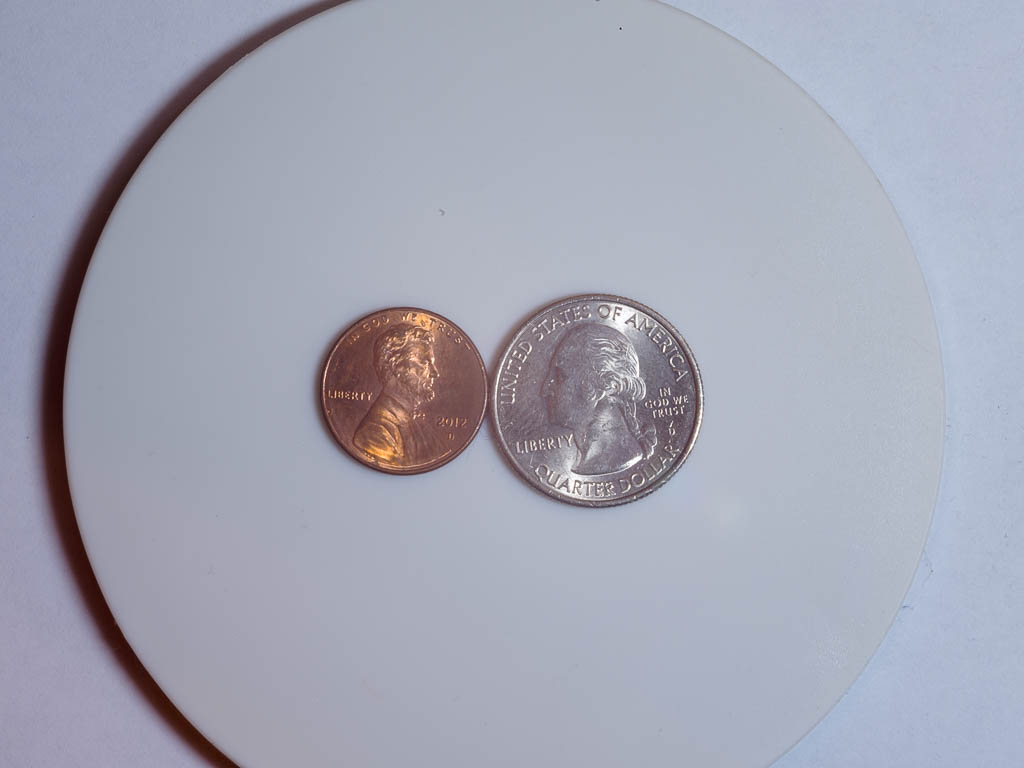
135mm macro. Note the contrast is a little low...
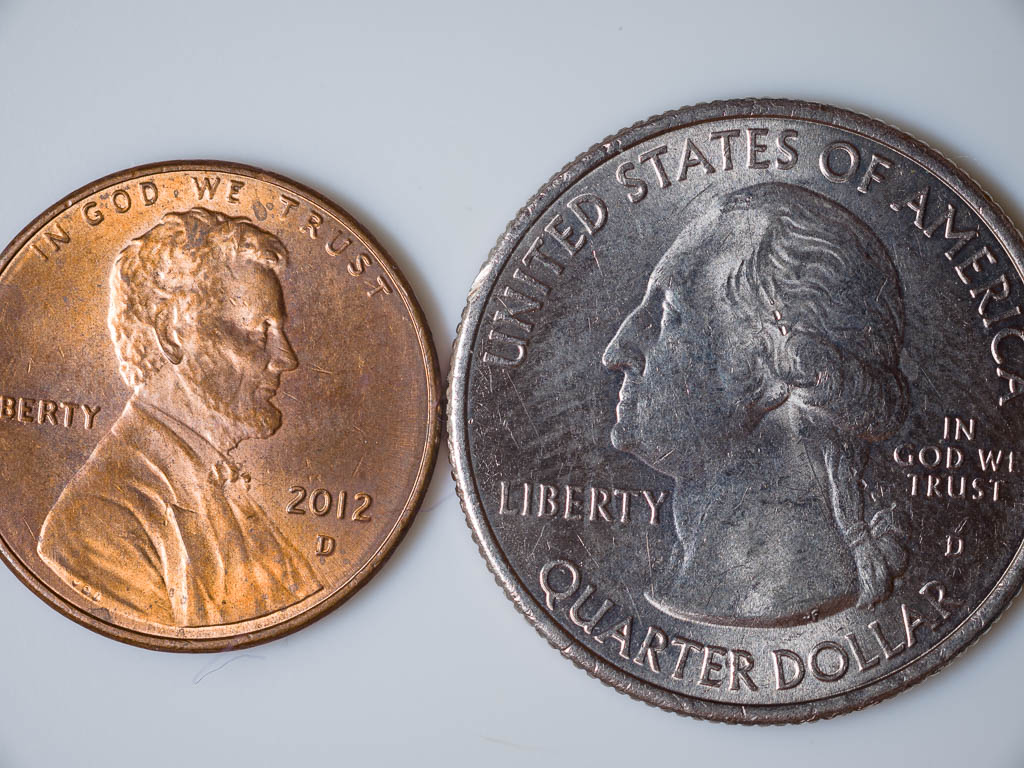
80mm macro.
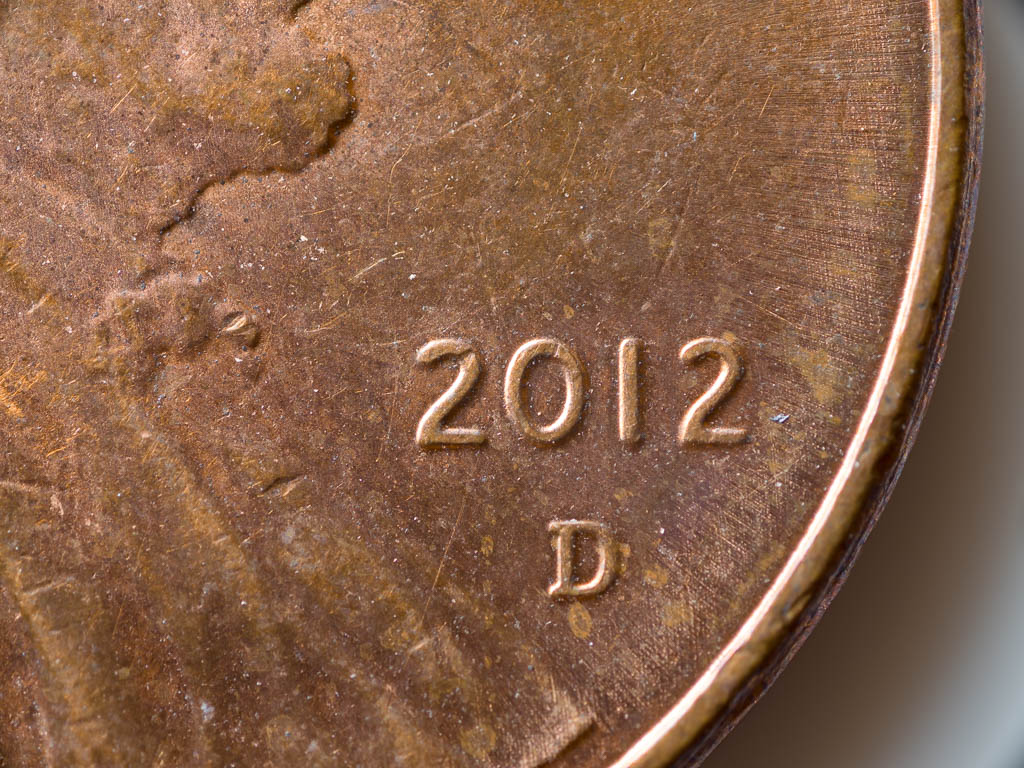
38mm macro, wide open aperture.
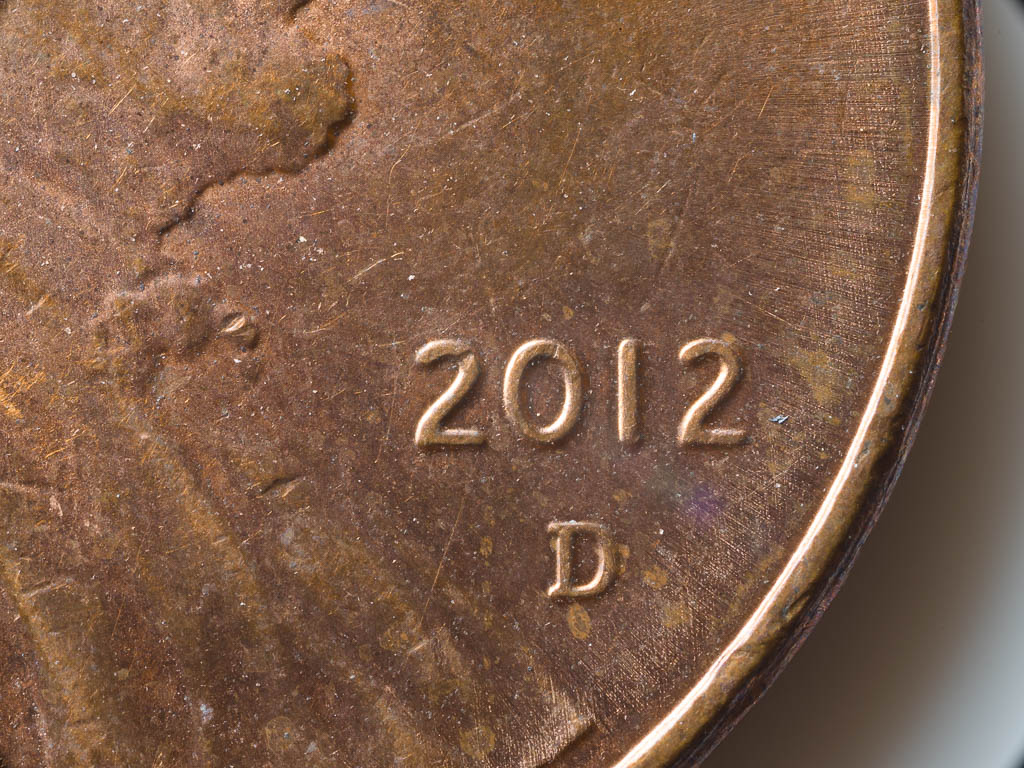
38mm macro, middle aperture (f8).
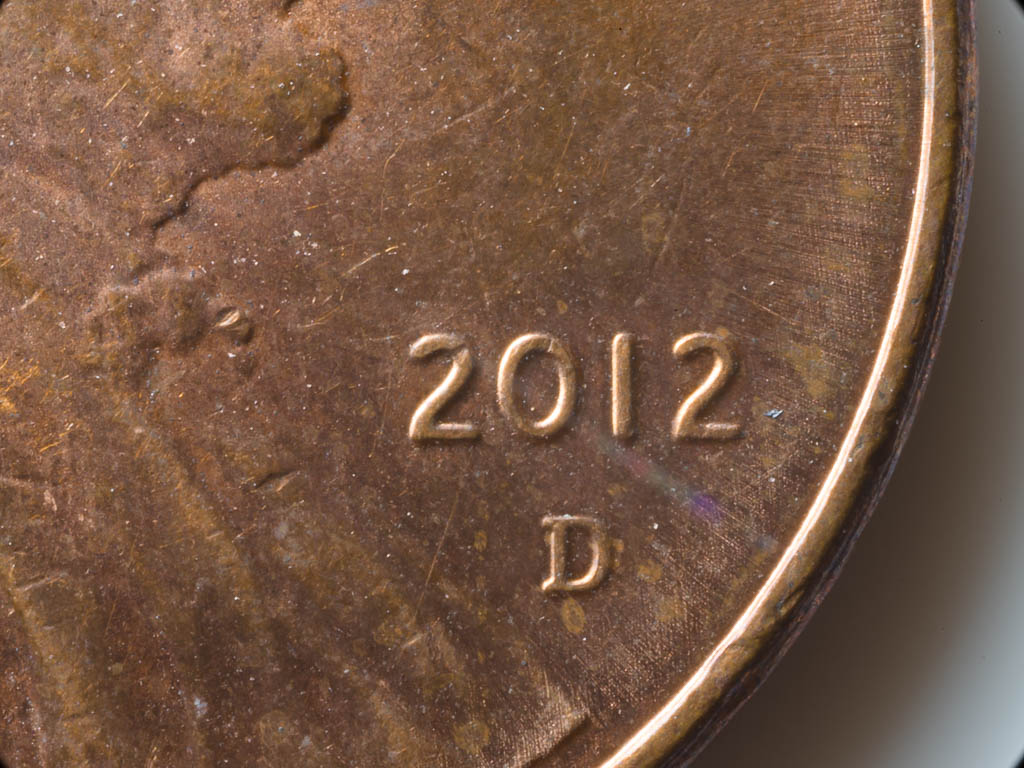
38mm macro, smallest aperture (f22).
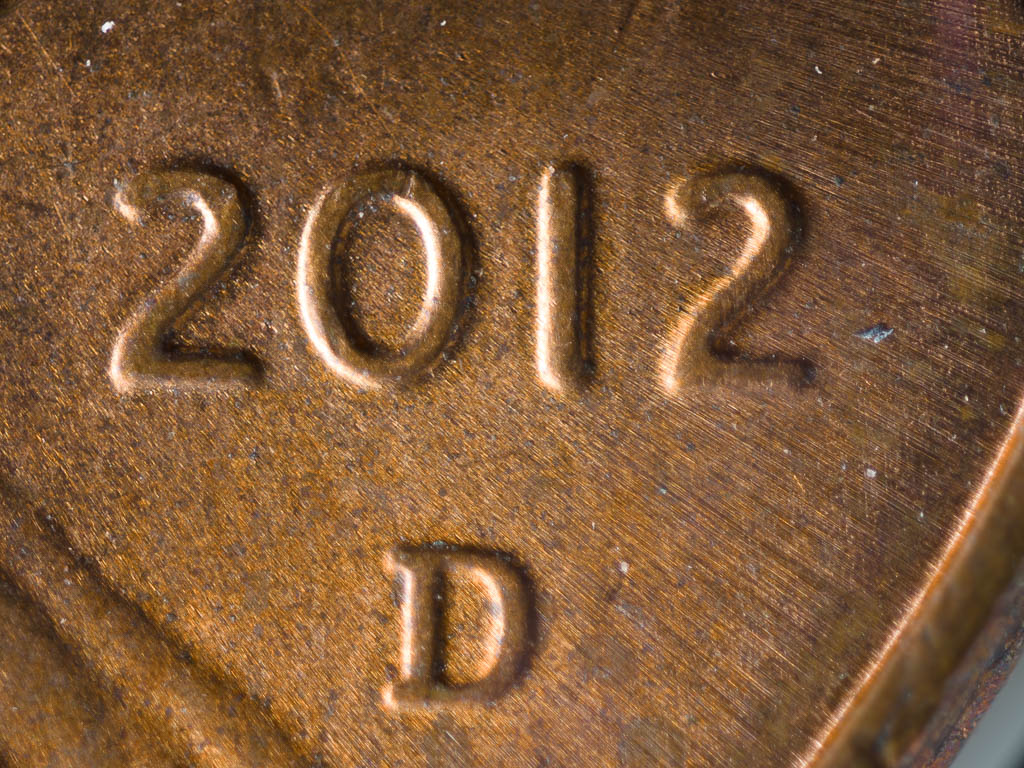
20mm macro, full aperture (f2.8).
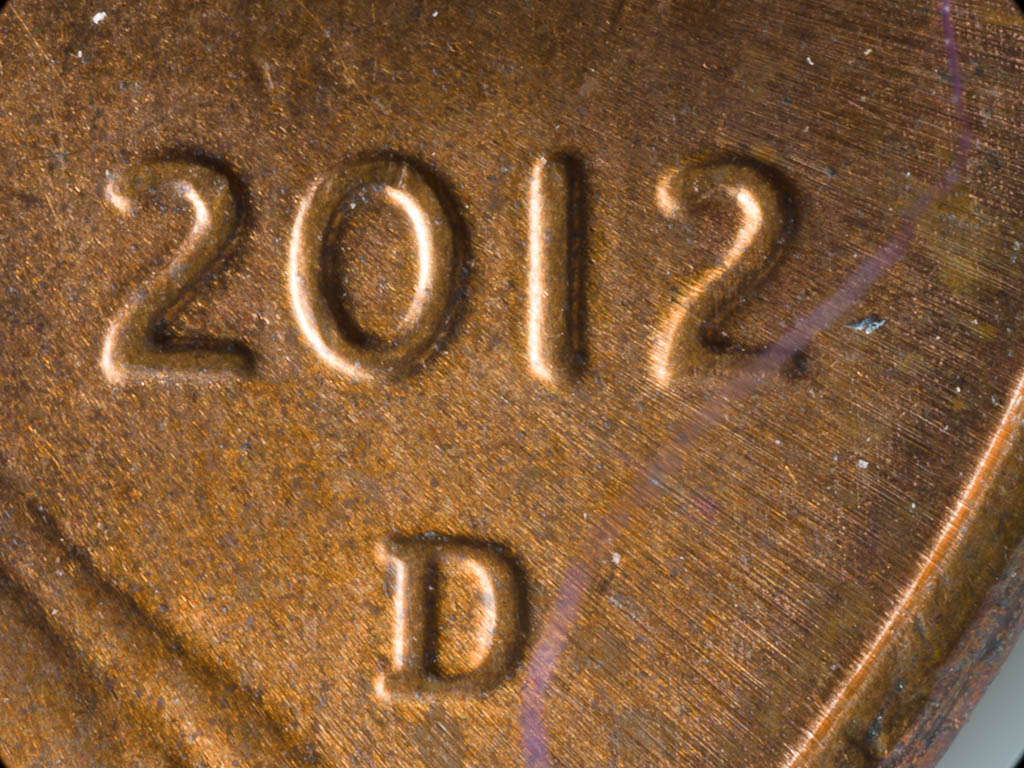
20mm macro, smallest aperture (f16). Note that diffraction is rearing its' ugly head significantly...
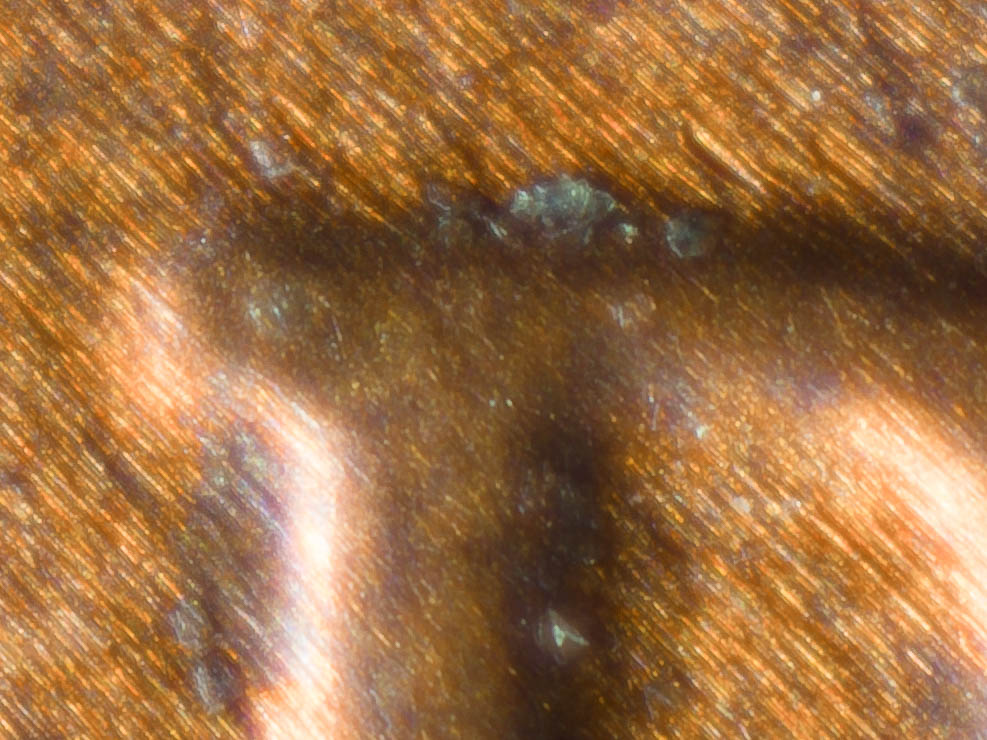
Full pixel crop.
|