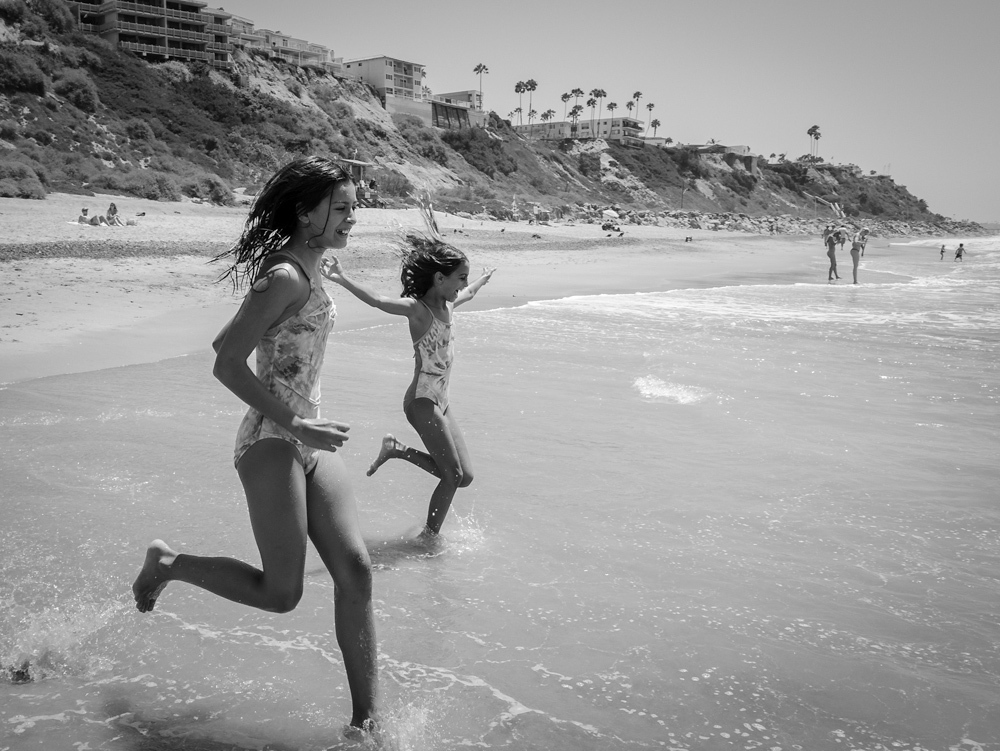
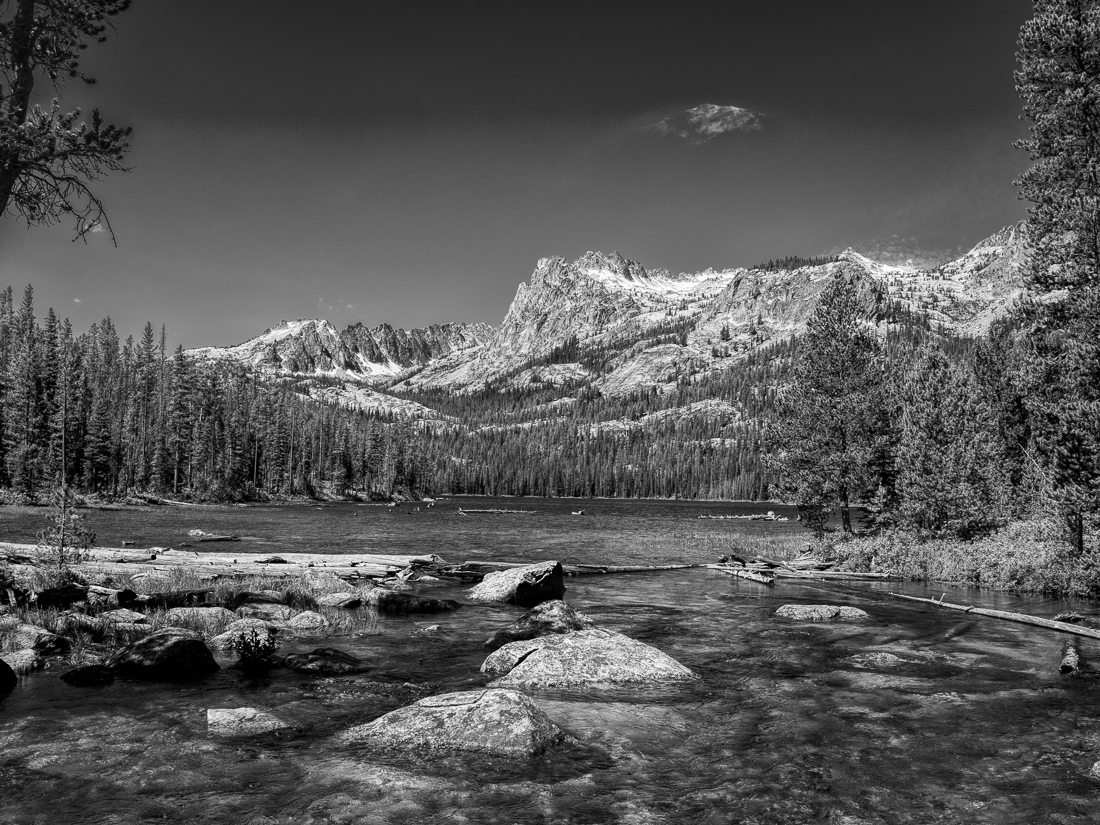
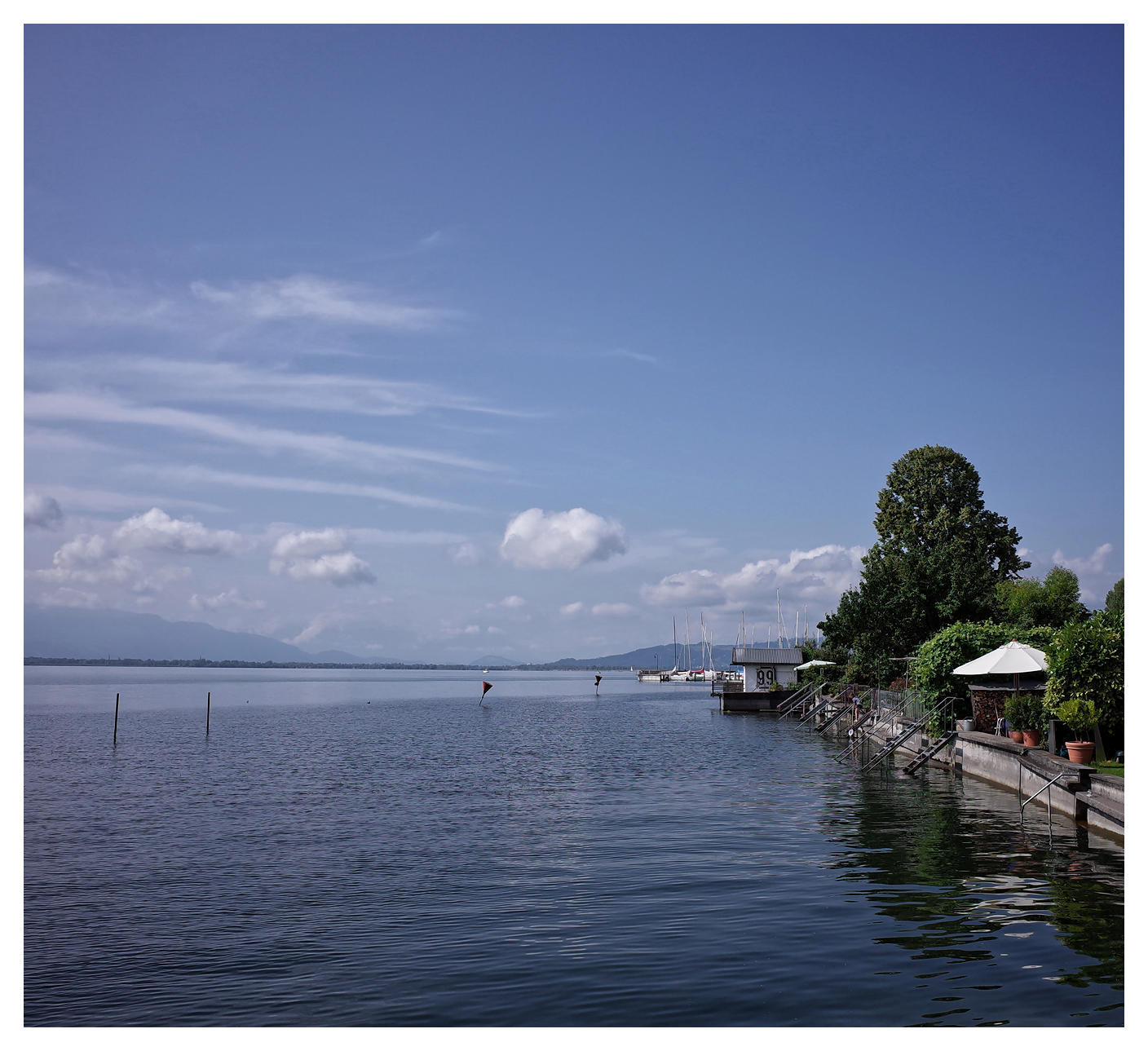
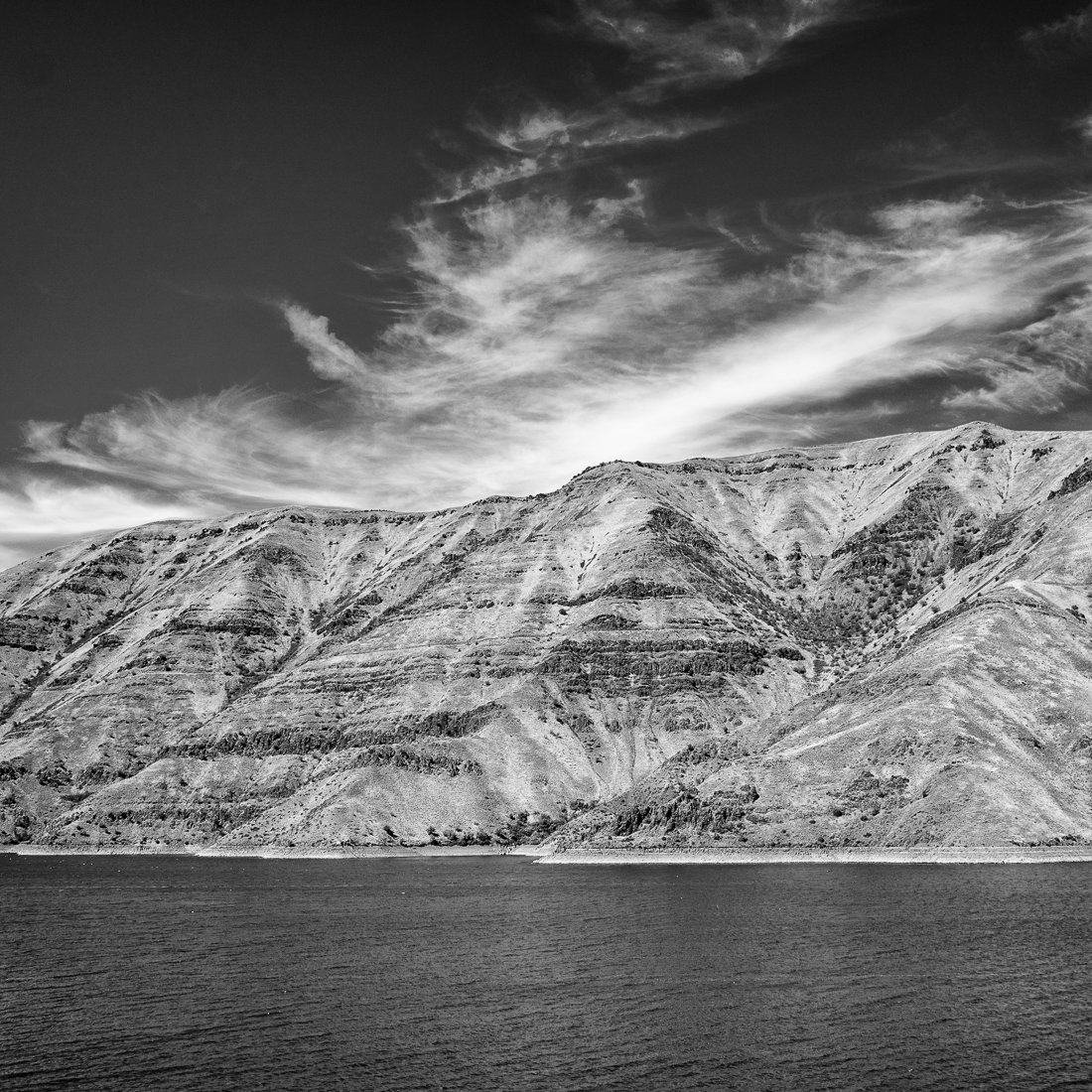
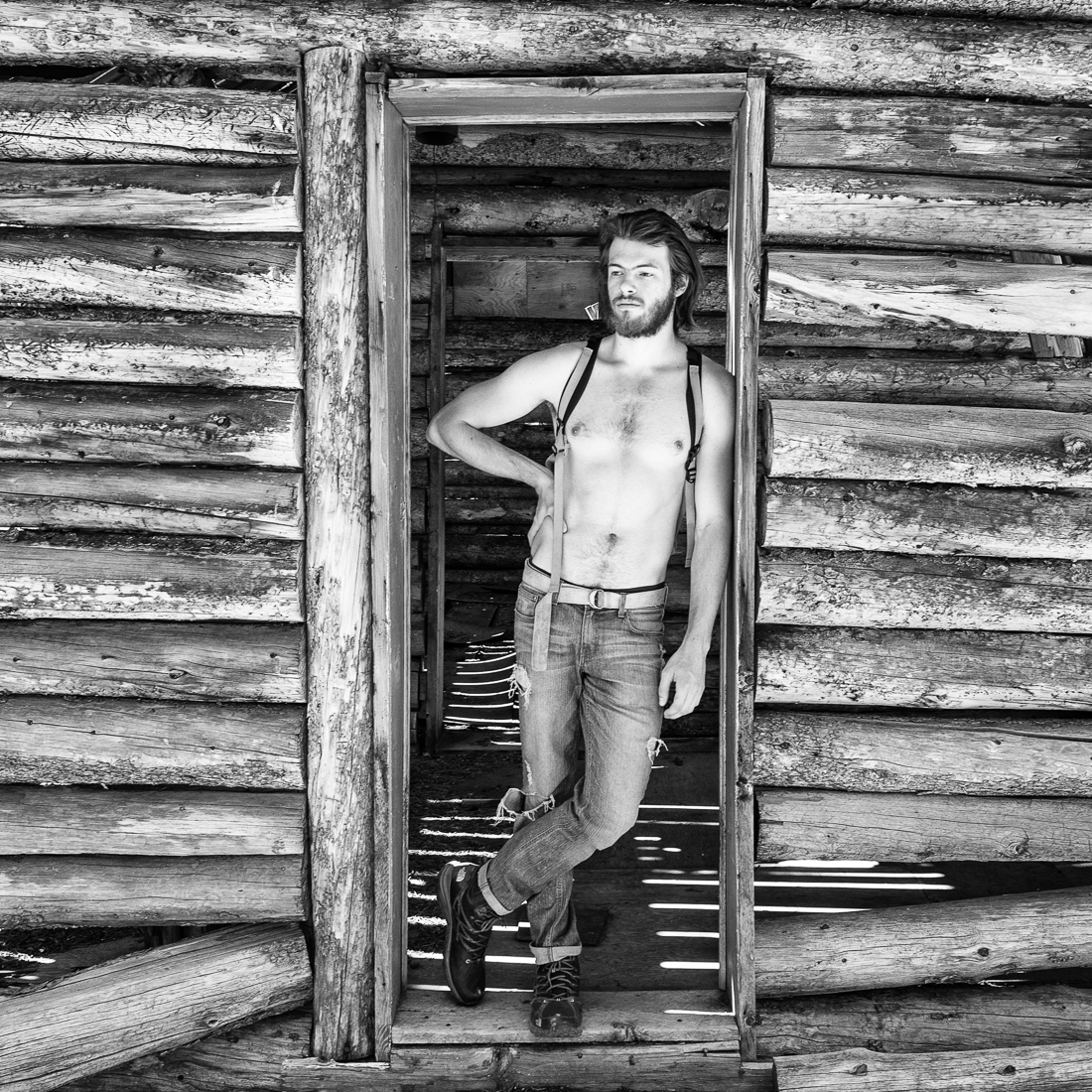
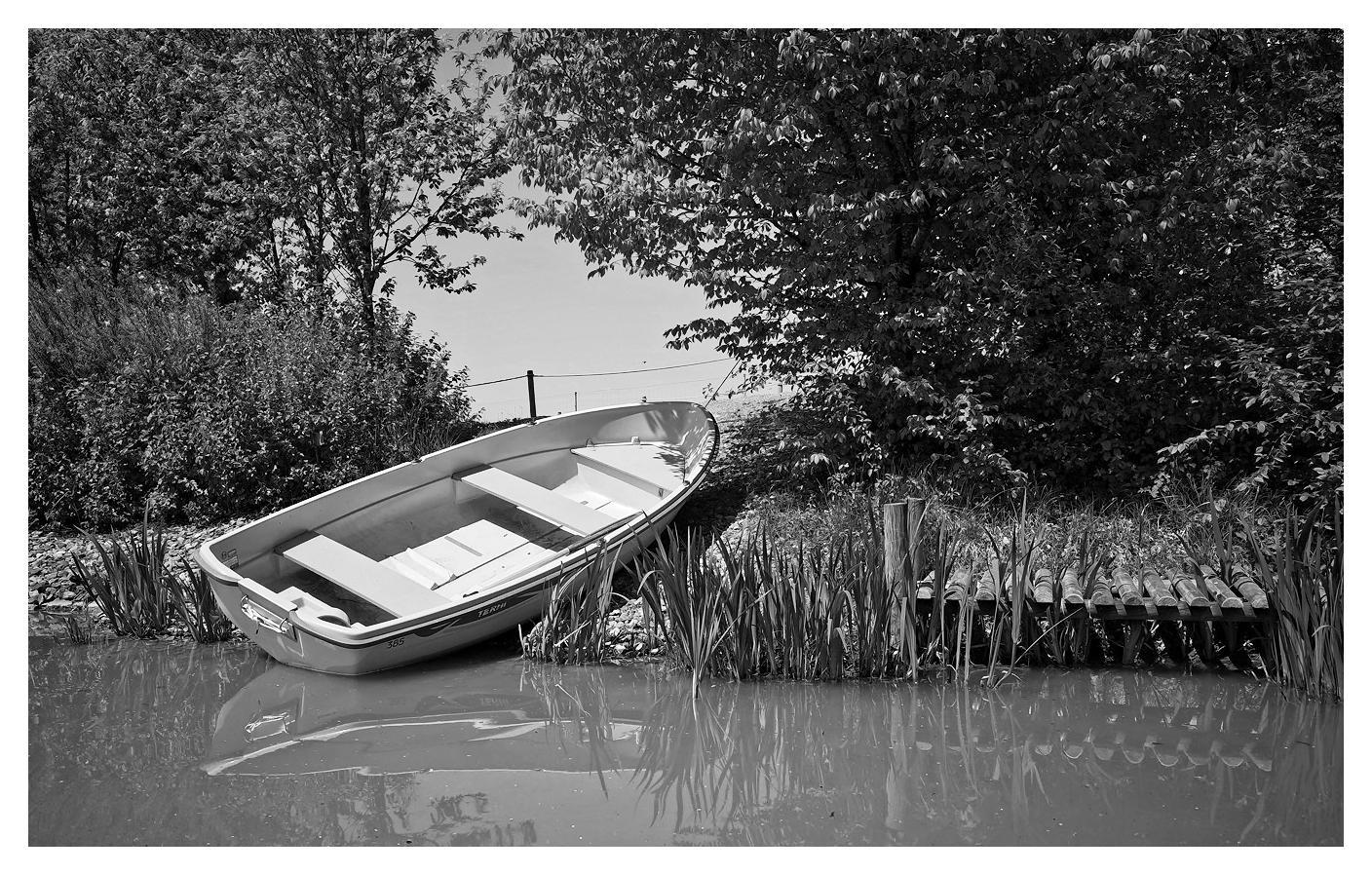
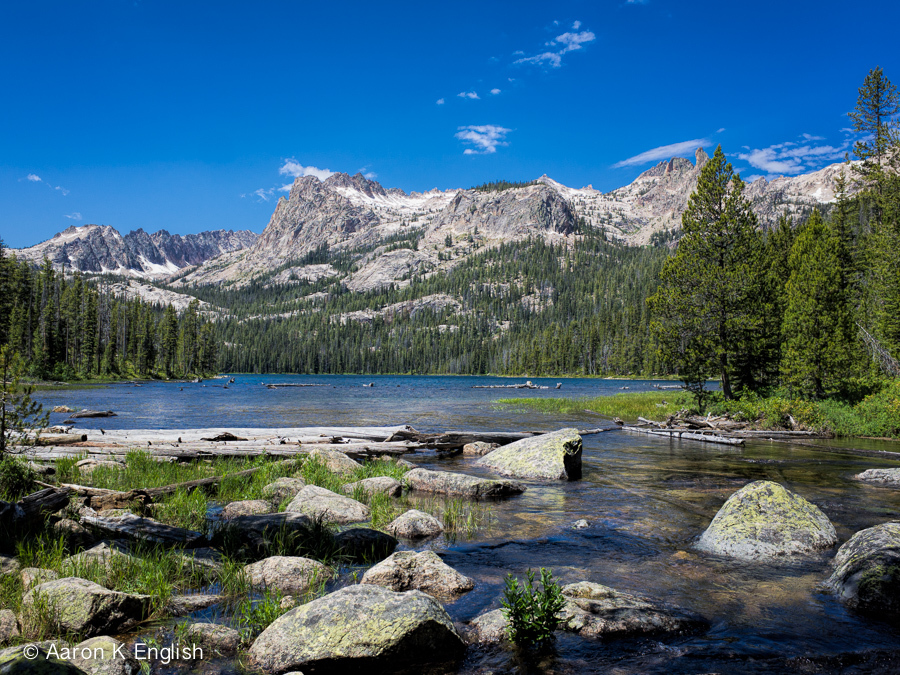
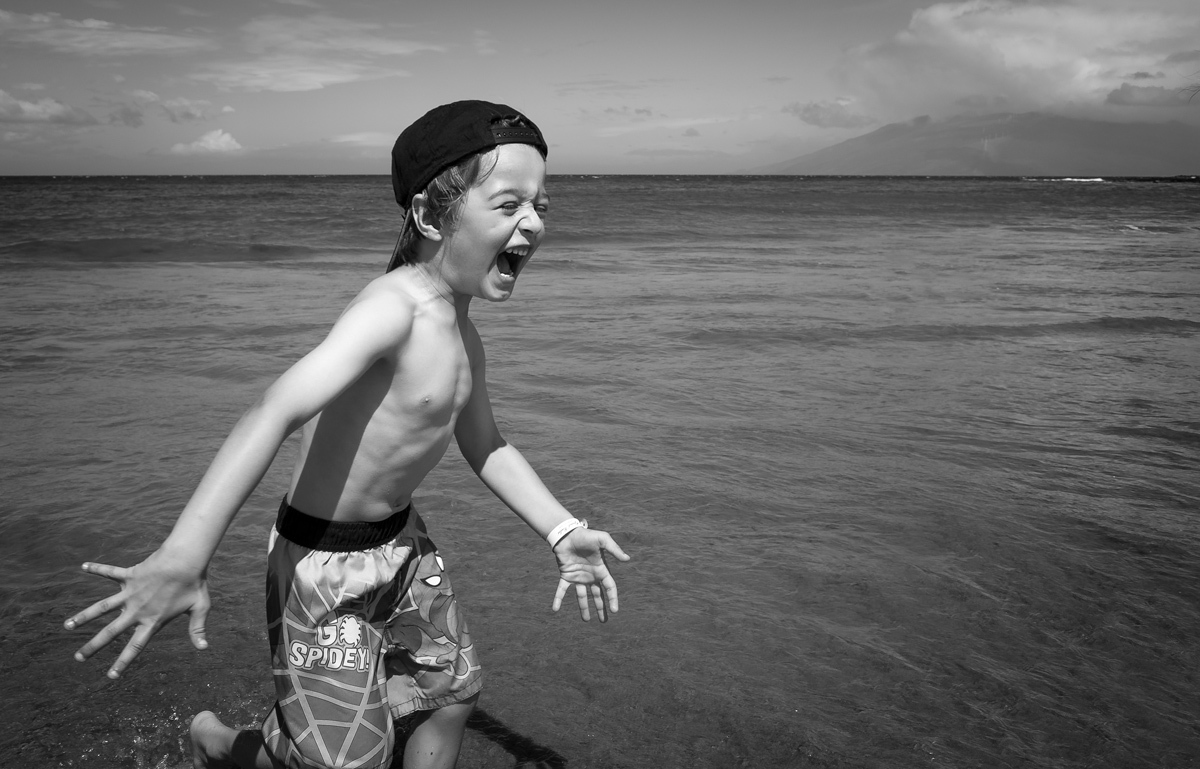
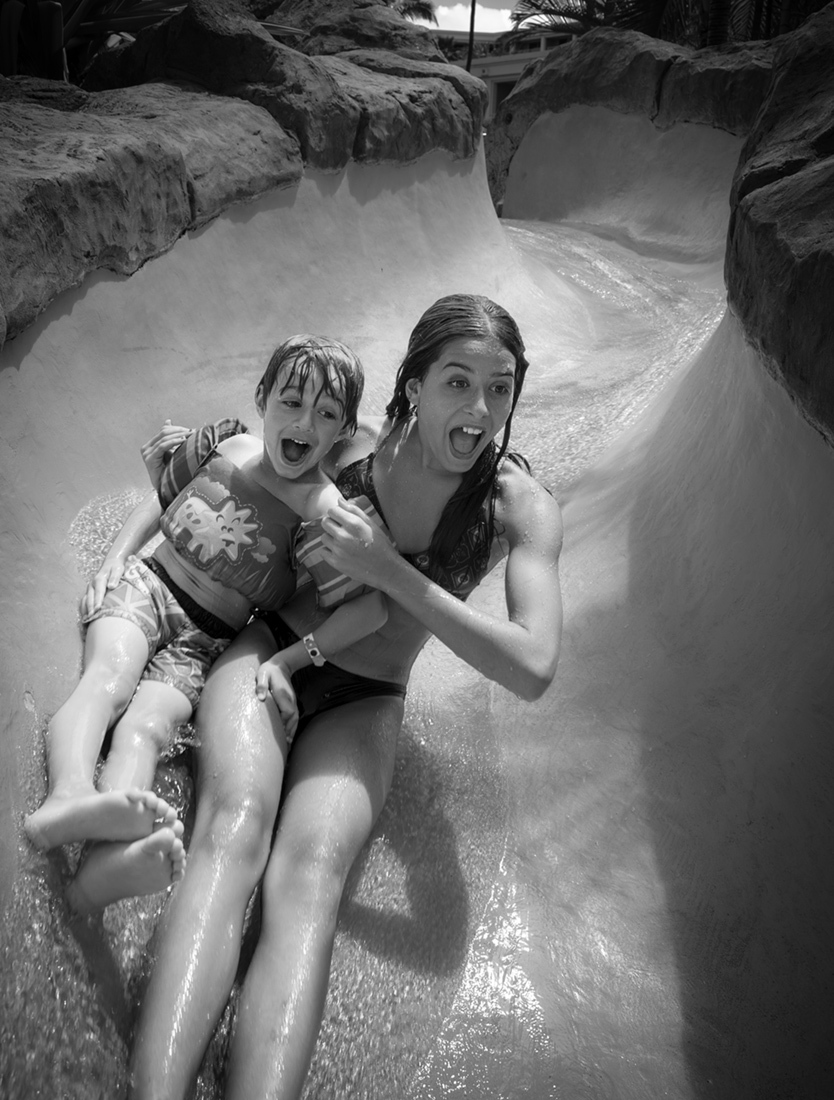
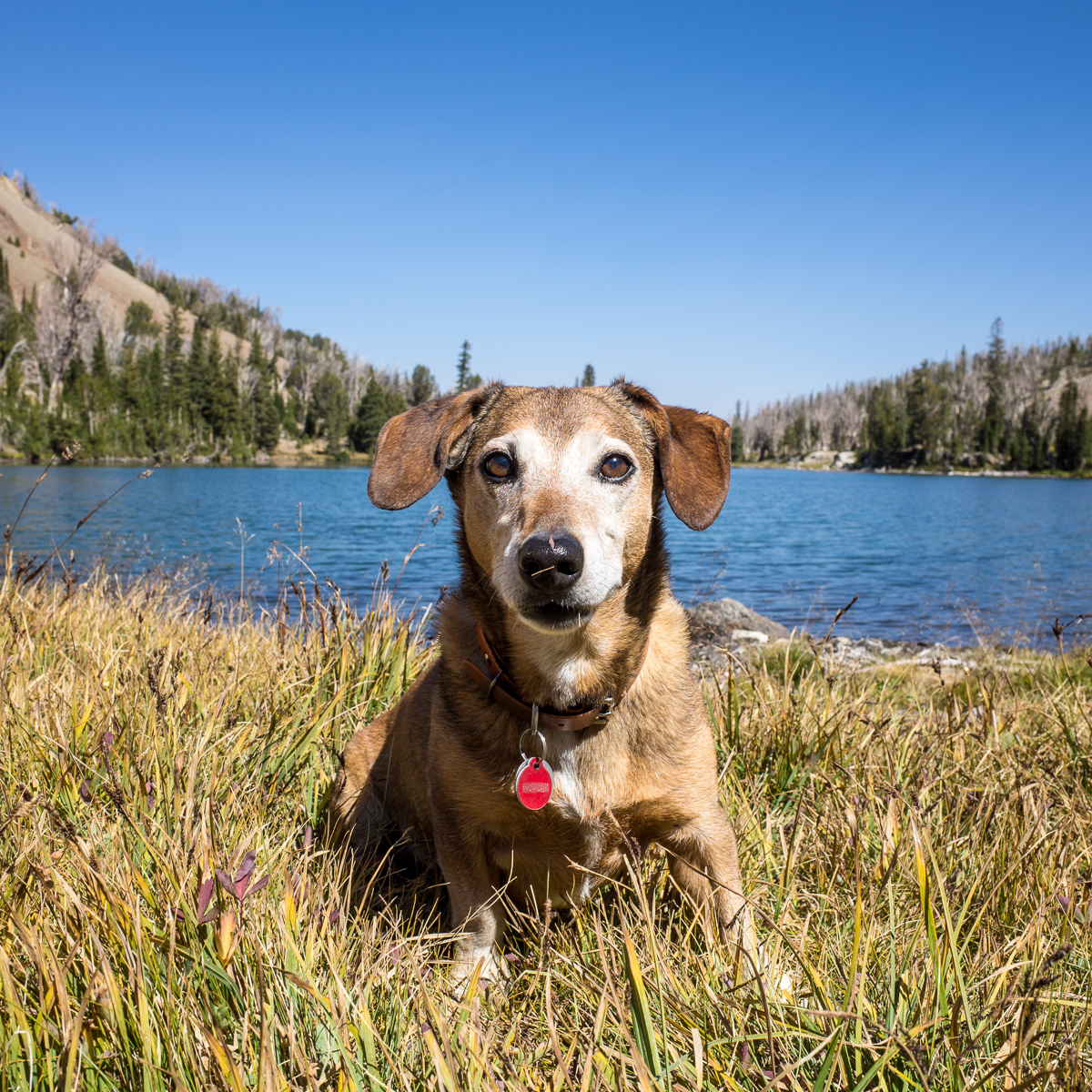
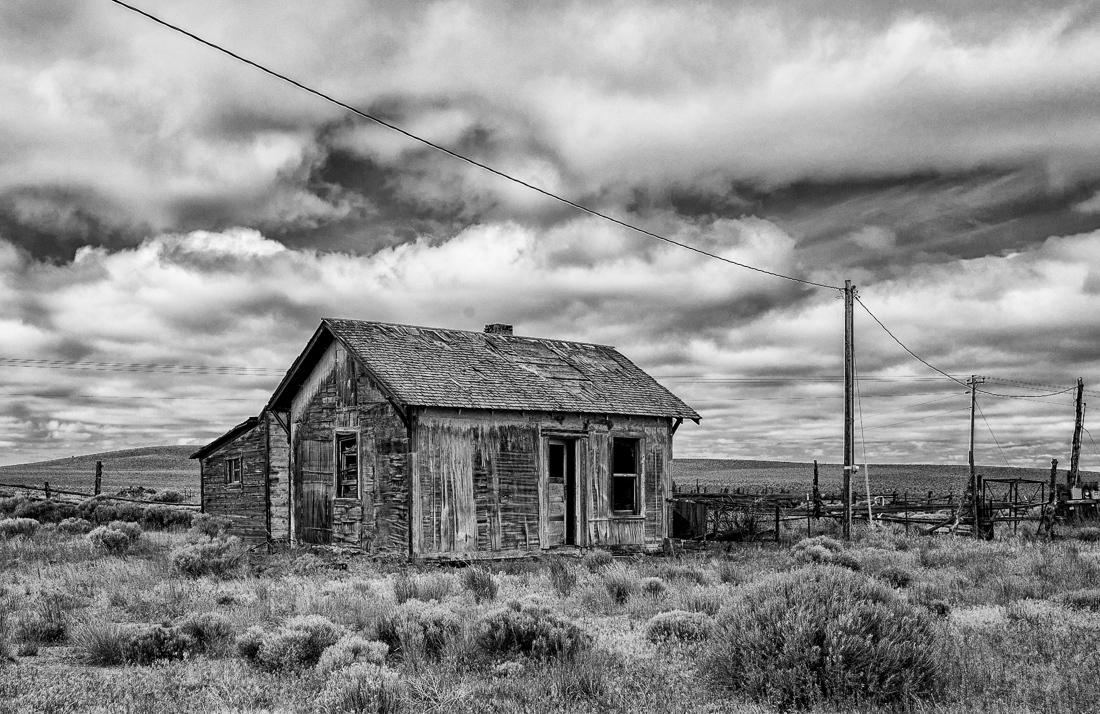
Great B&W shots! Can you share what you do in post processing to get them to look so sharp? I'm struggling to find a good workflow for my GR in LR. I even purchased Capture One Pro in the hopes that may help. I also noticed you use + 0.3 exposure compensation. Is that a pretty standard outdoor setting for you on the GR?
Can anyone recommend a good post processing/sharpening technique for the GR?
Carl Gruber wrote:
Can anyone recommend a good post processing/sharpening technique for the GR?
Actually, I often find the DNG files a bit too sharp for my purpose, and I dial down the amount and radius settings from my GR Lightroom Develop template. I leave Detail always at 100%.
I do shoot +0.3 to make sure that I expose to the right. I don't automatically correct for that in LR, because I often play around with the curves and histogram anyway.
Sometimes I do a quick hand-held bracketing if the contrast of the scene is high - my "M3" camera preset has a +2,0,+2 bracket. I can then generate a tonemapped ("HDR") type image in LR, in Photoshop or in other software and have the largest latitude.
The resulting HDR image is visibly more acute which increases sharpness, see for example the images below, bracketed at ISO 1600. This may help you create that ultimately sharp image.